


7 Best AI Workflow Automation Tools in 2025
Every week, hours slip away on manual data entry, file updates, and routine follow-ups. Maybe your team has tried traditional automation tools to cut the workload. But is it enough? Or do you still feel stuck as your business processes grow more demanding?
With the rise of AI workflow automation tools, you finally have options that go further. These new tools can manage complex workflows, reduce mistakes, and give you back 10+ hours each week.
That extra time means your team can focus on closing deals, supporting customers, or hitting the next milestone.
In this guide, you’ll see seven workflow automation software compared side by side.
How AI Workflow Automation Tools Transform Your Business Processes
Traditional marketing automation tools only cover basic shortcuts, but AI workflow automation goes further. These platforms can automate tasks or streamline business processes within a workflow and improve results over time.
Artificial intelligence removes routine tasks like scheduling, reporting, and updating. That time goes back to your team so they can tackle more complex tasks that drive growth.
AI tools use predictive analytics to spot risks early and suggest the best action. With natural language processing (NLP) for understanding human inputs, your staff can use plain commands instead of code.
Growth is no longer tied to headcount. By adopting AI technologies, you rise faster without adding the same number of people. AI agents are a new type of workflow automation built to adapt as your processes shift.
You can already see the results:
- Banks shorten compliance work from weeks to days
- Retailers process thousands of seasonal orders without extra staff
- Manufacturers use predictive maintenance to stop downtime before it starts
According to McKinsey, current generative AI and similar technologies could automate up to 70% of employees’ time.
Top 7 AI Workflow Automation Tools That Free Your Team’s Time
The following are seven AI workflow automation tools that improve how your business operates day to day.
1. Activepieces
With basic automation platforms, you’re forced into extremes: either stripped-down features that can’t scale or developer-heavy setups that slow everyone else down.
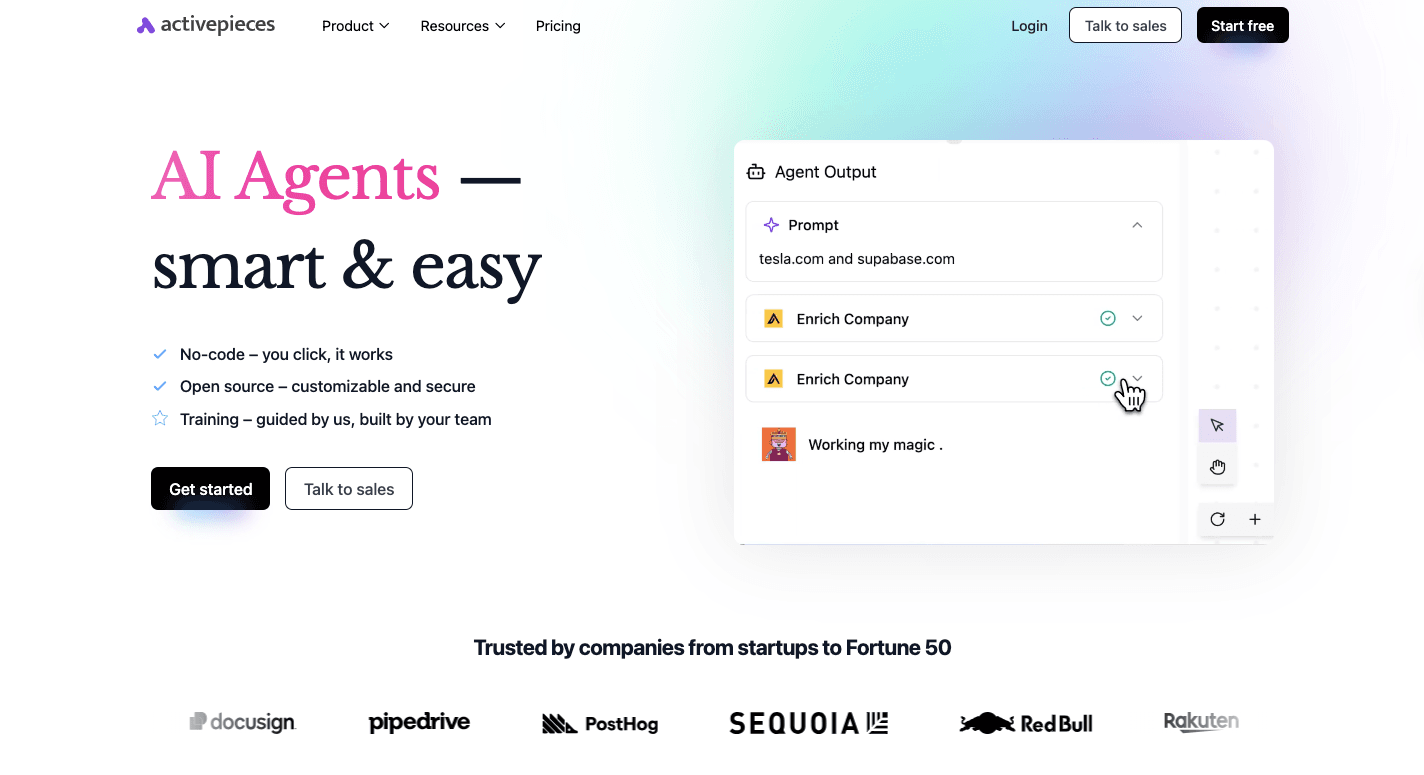
Activepieces is different. It gives your team a friendlier way to run intelligent automation workflows while still packing the depth that big companies demand. For non-technical users, a no-code builder is available, while developers can push further with TypeScript pieces.
Security and control are baked in. Activepieces provides:
- Self-hosting
- Enterprise-grade security with flexible deployment options for highly regulated industries
- Strict access controls
With over 492 pre-built integrations and the ability to build custom AI agents based on your unique business needs, Activepieces offers unmatched flexibility and limitless scalability, far surpassing traditional automation tools that quickly reach their limits.
The outcome is clear: less manual work, higher customer satisfaction, and automation that keeps pace with your goals.
Key Capabilities
Activepieces provides the features you expect and a lot you didn’t know you needed:
No Code Builder That Anyone Can Use
Activepieces gives you a visual builder where you drag steps into place and set the logic in plain terms. You don’t need a dev to start. Pick a trigger, add actions, and test the flow right away.
For non-technical users, that means you can build AI workflow automation tools for daily work without waiting on IT teams. For devs, the same builder stays open and flexible, so you don’t hit a wall later.
TypeScript Pieces for Deep Control
When you need a step that doesn’t exist yet, you can write your own piece in TypeScript. Activepieces treats each piece like a small app. You can edit, test, and ship it fast. That setup keeps workflows clean while still letting you handle complex workflows and edge cases.
AI SDK and AI Agents Built In
Activepieces includes an AI SDK, so you can create custom AI agents for your own rules and data. These agents can read inputs, reason through them, and then act across apps.
Copilot and AI Assistants Inside the Builder
AI Copilot works like a guide while you build. Tell it what you want the flow to do in natural language, and it suggests steps and logic.
If a flow breaks, Copilot helps you spot the issue. These AI assistants speed up setup for both simple and more complex tasks.
Human Review When You Need It
Some workflows need a human review before they move on. Activepieces lets you pause a run, ask for approval, or wait for user input through built-in chat and form steps.
Pre-Built Integrations and Open Ecosystem
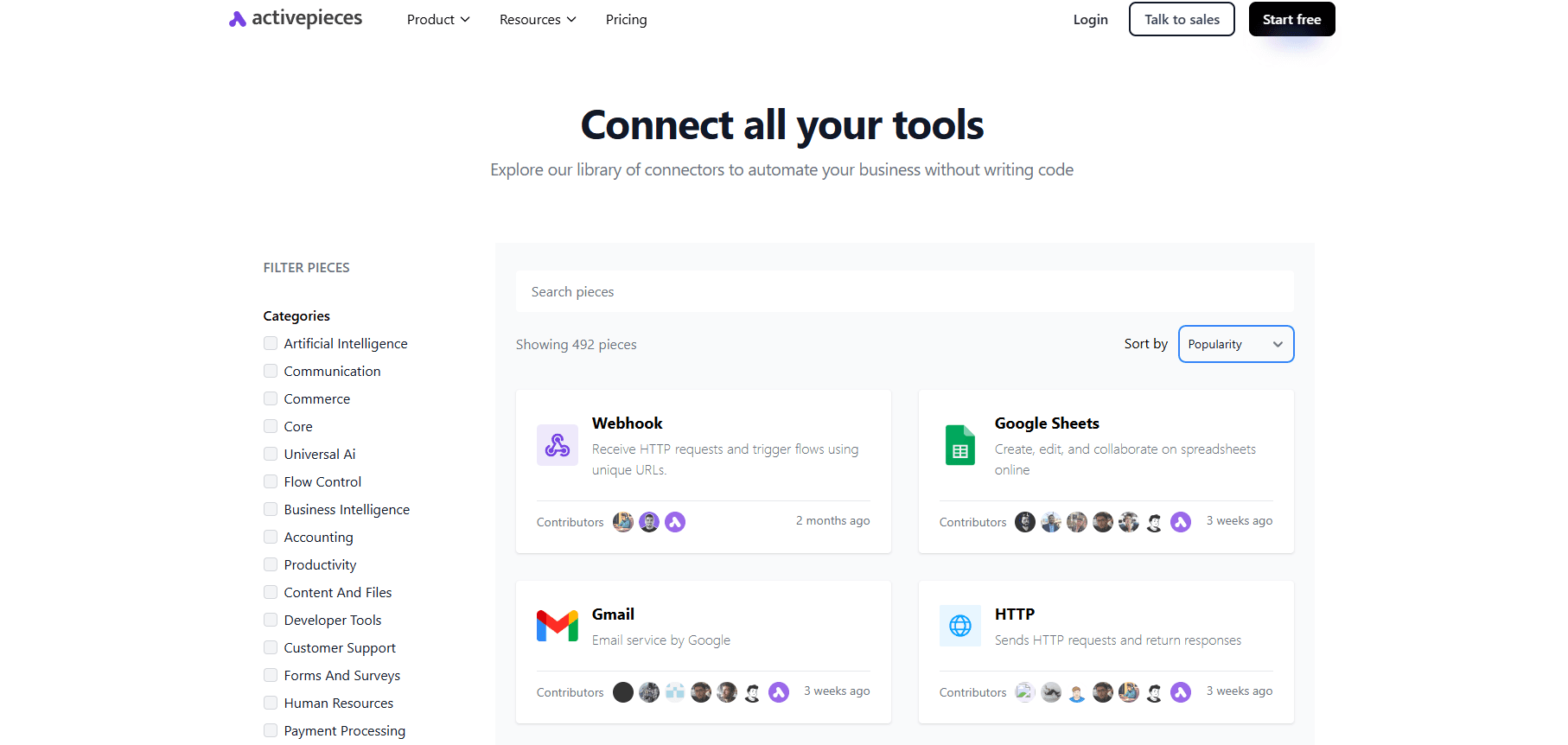
As of today, Activepieces offers about 492 pre-built data integrations called pieces. The library grows fast, and your team can add new pieces without waiting on a vendor.
Model Context Protocol Servers
Model context protocol (MCP) servers let AI agents call tools with the right context. Your flows can pull the right data, choose the right path, and act in the right app without extra glue work.
Cloud or Self-Hosted Deployment
Run Activepieces in the cloud for speed, or self-host if you need full control of data and access controls. That option matters for teams in highly regulated industries.
Pricing
Activepieces uses three main options.

The Standard plan starts free, then costs $5 per active flow per month. It includes:
- 10 free active flows
- Unlimited runs
- AI agents
- Unlimited MCP servers
- Unlimited tables
- Email support
On the other hand, the Ultimate plan runs on an annual contract through sales and adds:
- Security and governance
- Piece access controls
- Custom RBAC
- Audit logs
- Centralized AI billing
- Private pieces
- Enterprise deployment
- Dedicated support
Activepieces Embed is also annual, starting at $30,000. The open-source edition stays free and self-hosted.
2. IBM Robotic Process Automation
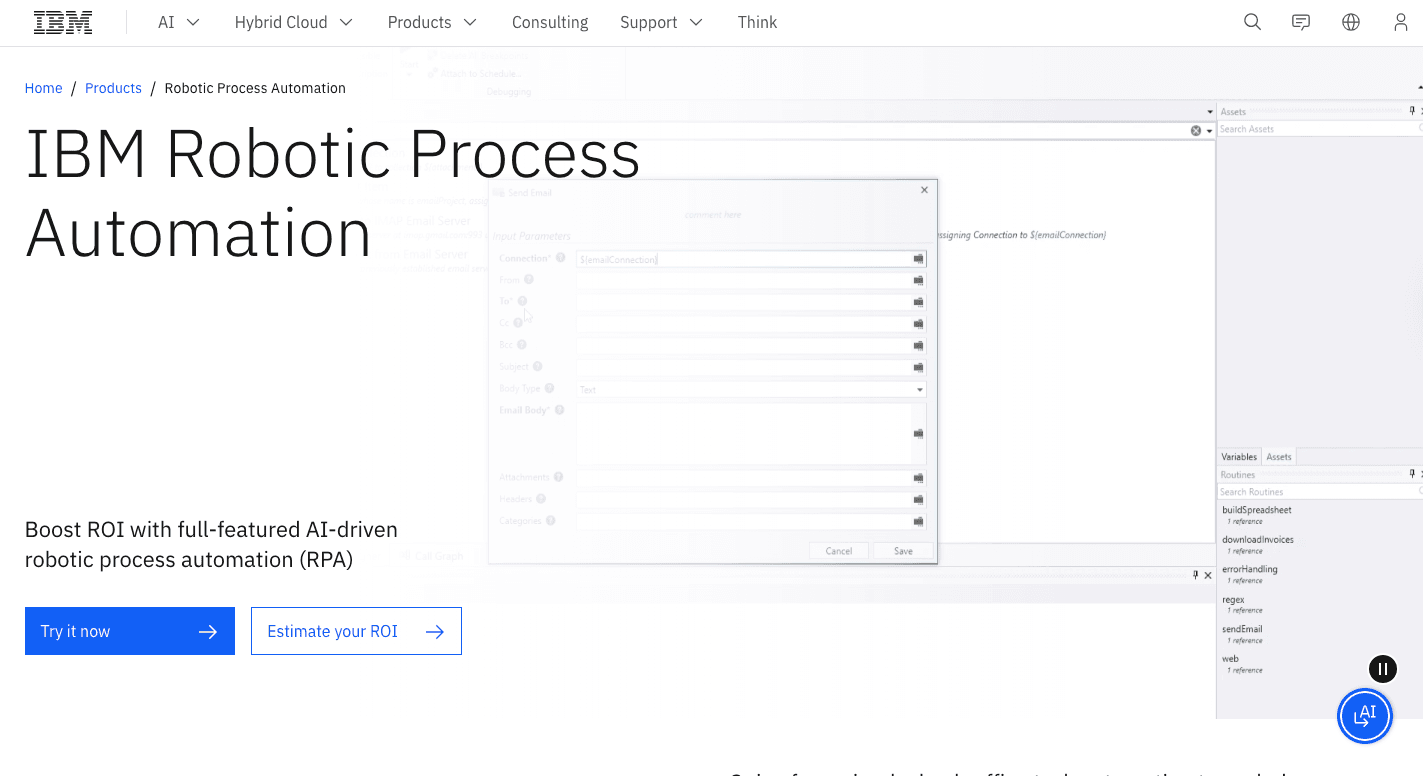
IBM Robotic Process Automation (RPA) automates manual tasks and streamlines your processes, enabling them to run much faster. It blends bots with AI and works in cloud, on-premises, or container setups.
The platform’s purpose is simple: streamline workflows, so your staff spends less time on repetitive tasks.
Some banks use IBM RPA for compliance checks and high-volume transactions. In retail, the system manages stock levels, order processing, and chatbot-driven customer support.
Healthcare providers rely on it too for prescription refills and insurance claims. Even in general office work, it speeds up reporting, email handling, and document processing.
IBM positions RPA as more than a bot builder. The platform includes AI and OCR tools to handle documents and chat interactions. It also processes mining that lets you see where time is lost and target the right workflows for automation.
Key Features
- Low-code studio – Build bots quickly with drag-and-drop tools or scripts.
- Workflow recording – Capture user actions and turn them into automation scripts.
- Pre-built templates – Use a library of commands and templates for common tasks.
- Attended and unattended bots – Support your staff in real time or run jobs independently.
- AI and OCR – Add chatbots, text recognition, and document handling.
- Concurrent execution – Run multiple bots at once for higher output.
- Hybrid deployment – Roll out on cloud, local servers, or containers.
Pros
- AI integration includes OCR and chat capabilities
- Low-code tools let your non-technical staff build automated workflows quickly
- Compliance and accuracy help in finance and healthcare
Cons
- Setup and training take more time and resources
- Bots can break when underlying applications change
- OCR still struggles with multiple languages
Pricing
IBM RPA has a 30-day free trial. After that, pricing starts at $981 per month for on-premises and SaaS solutions.
3. Microsoft Power Automate
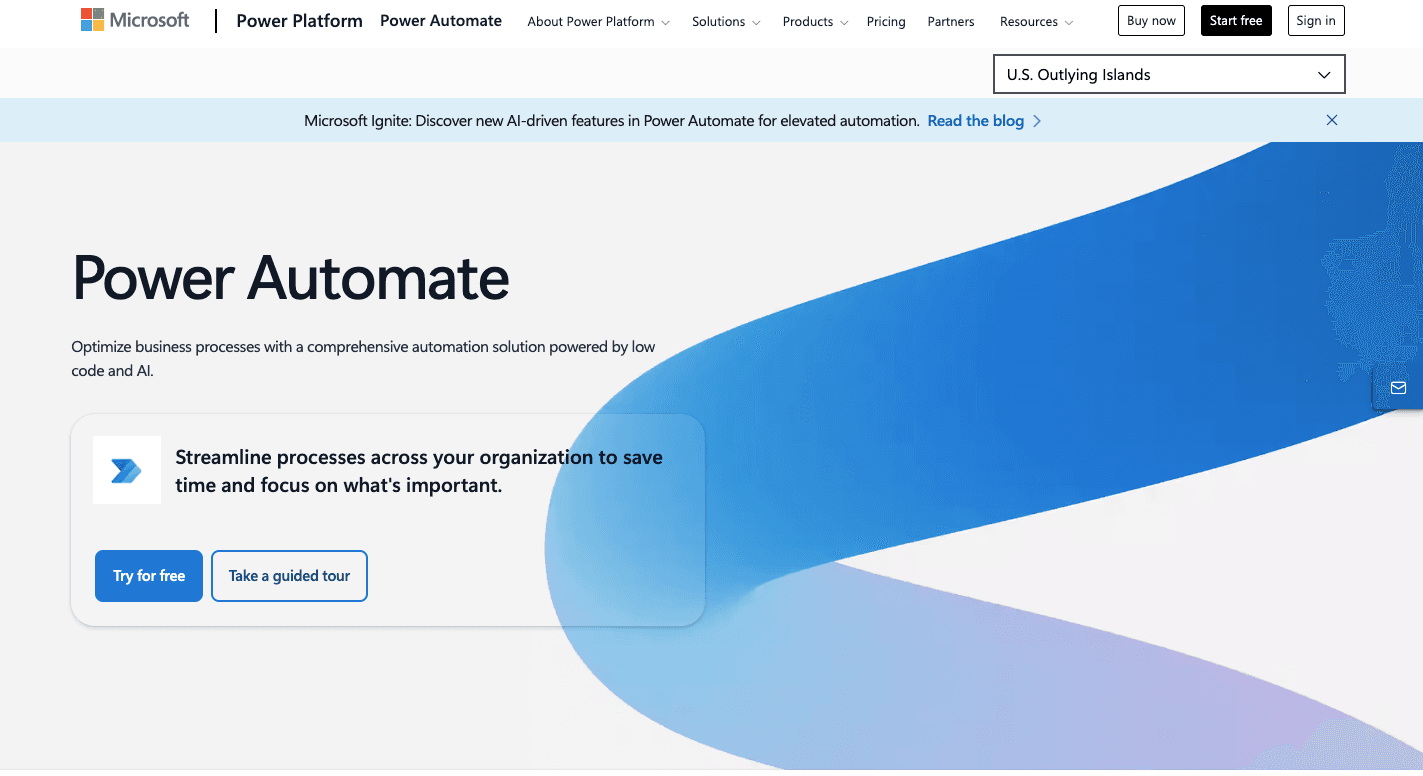
Microsoft Power Automate, previously known as Microsoft Flow, is a cloud service that streamlines tasks, works with real-time data, and connects processes across apps. It sits inside the Microsoft Power Platform with Power Apps, Power BI, and Copilot Studio.
The system works through flows, which are triggered by events such as a new email, a button click, or a schedule. These flows then carry out actions like moving files, updating spreadsheets, or sending alerts.
Desktop flows bring in robotic process automation that runs jobs even on older legacy systems that lack APIs. The AI builder adds intelligence with text recognition, image processing, and even Copilot prompts to guide setup.
Using Power Automate, finance teams speed up invoice handling, HR automates onboarding, and sales departments keep customer data and workflows in sync between CRMs and email tools.
Key Features
- Cloud flows – Automations triggered by events, schedules, or manual clicks.
- Desktop flows – Robotic process automation that mimics user actions on desktops or websites.
- Business process flows – Guided steps that ensure consistency across multi-stage processes.
- Work queues – Prioritize and distribute high-volume tasks effectively.
- Connectors – Over a thousand pre-built connections, plus custom options for any API-based service.
- Centralized management – Dashboards for permissions, monitoring, and analytics.
- Data protection – Features like data loss prevention (DLP) policies keep information secure.
Pros
- Deep integration with Microsoft 365
- Large library of connectors for outside services
- Low-code interface that works for both IT and non-technical users
Cons
- Advanced flows require more technical skill to manage
- Licensing for advanced features can get expensive
- The interface may feel confusing for new users
Pricing
Microsoft Power Automate has several pricing tiers. A limited version comes bundled with Microsoft 365, but it only covers basic flows. The Premium plan at $15 per user per month unlocks unlimited flows, premium connectors, and attended RPA.
For larger automation needs, the Process plan at $150 per bot per month supports shared cloud flows and unattended RPA. The Hosted Process plan at $215 per bot per month adds a managed Azure VM for running automations.
All plans are available through an annual subscription only.
4. UiPath
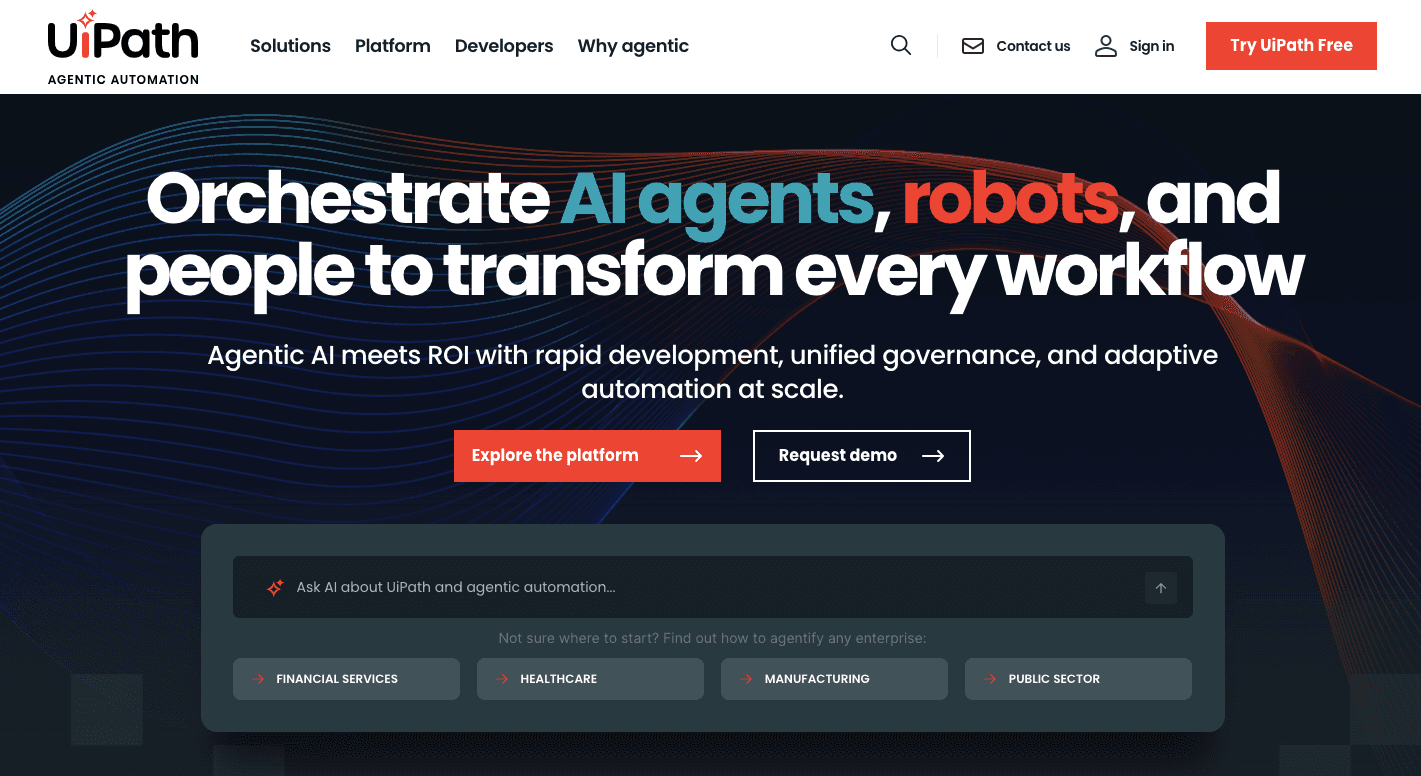
UiPath covers both simple workflows and enterprise-wide automation projects. Unlike lighter tools, it merges traditional RPA with AI features like document understanding, computer vision, and conversational AI.
There are three building blocks inside UiPath. First is the Studio, a design space where users create automation flows using drag-and-drop tools.
Meanwhile, Robots are the digital workers that carry out the instructions, either alongside you (attended) or fully on their own (unattended). Orchestrator is the control hub that manages schedules, performance, and governance across the entire bot fleet.
Different organizations use UiPath to automate invoices, HR onboarding, IT helpdesk tickets, and even legacy desktop systems. Additionally, the platform offers advanced analytics and seamless integrations with popular applications such as SAP, Salesforce, and Microsoft Office.
Key Features
- Task mining – Analyzes employee activity to highlight new automation opportunities.
- Autopilot – Uses conversational AI to generate code, workflows, or app interfaces from prompts.
- AI center – Deploy and manage machine learning inside your workflows.
- Document processing – Extracts unstructured data from forms, invoices, and contracts.
- Apps – Build custom web-based apps to connect humans and bots.
- Computer vision – Interact with on-screen elements, even in virtualized apps.
- Cross-platform support – Works across desktop, web, and virtualized environments.
- Insights – Provides detailed dashboards to track performance, ROI, and productivity gains.
Pros
- Large community and free learning resources
- Deployment options are available in cloud, hybrid, or on-premises setups
- Wide range of integrations with business apps and platforms
Cons
- Advanced workflows require technical expertise
- Bots may fail after software or UI changes, which leads to extra fixes
- Debugging and testing can slow down development cycles
Pricing
UiPath offers the Basic plan, which starts at $25 per month. The pricing for the Standard and Enterprise plans isn’t publicly listed.
5. Adobe Sensei
Adobe Sensei is an AI and machine learning platform that automates tasks and reduces manual effort across creative and business workflows. However, it’s not a standalone product but an intelligence inside Adobe’s Creative Cloud, Document Cloud, and Experience Cloud.
In practice, Sensei supports creators with editing tools that remove objects, colorize photos, or resize videos for different channels. For businesses, it drives analytics, personalization, and content delivery.
Marketers use it to predict customer behavior and segment audiences, while analysts use anomaly detection to catch patterns in data before they cause problems. Document workflows also benefit from features like text recognition and form detection, which speed up reviews and cut errors.
The scope goes beyond creative work. Enterprises use Sensei inside Experience Cloud to recommend products, optimize campaigns, and forecast performance.
Pairing it with other Adobe tools helps with content delivery, project management, and decision-making.
Key Features
- Content-aware fill – Removes unwanted objects from photos and video.
- Neural filters – Apply effects like facial edits or photo colorization in seconds.
- Auto reframe – Resizes and adjusts video for different platforms automatically.
- Firefly – Add, replace, or recolor elements with text prompts.
- Optical character recognition – Converts scanned documents into editable files.
- Form detection – Automatically identifies fields in forms for faster setup.
- Audience segmentation – Groups customer data for targeted campaigns.
- Anomaly detection – Flags unusual patterns in analytics for quicker response.
- Predictive analytics – Forecasts campaign performance and customer behavior.
Pros
- Saves time by automating edits and document tasks
- Makes advanced effects easy, even for beginners
- Provides insights for marketing teams using customer data
Cons
- Advanced tools come with a learning curve
- Limited integration with third-party apps outside Adobe
- Resource-heavy, which can slow down older systems
Pricing
Adobe Sensei doesn’t come as a separate product. Instead, it’s included in Adobe’s product lines: Creative Cloud, Document Cloud, and Experience Cloud.
6. Workato
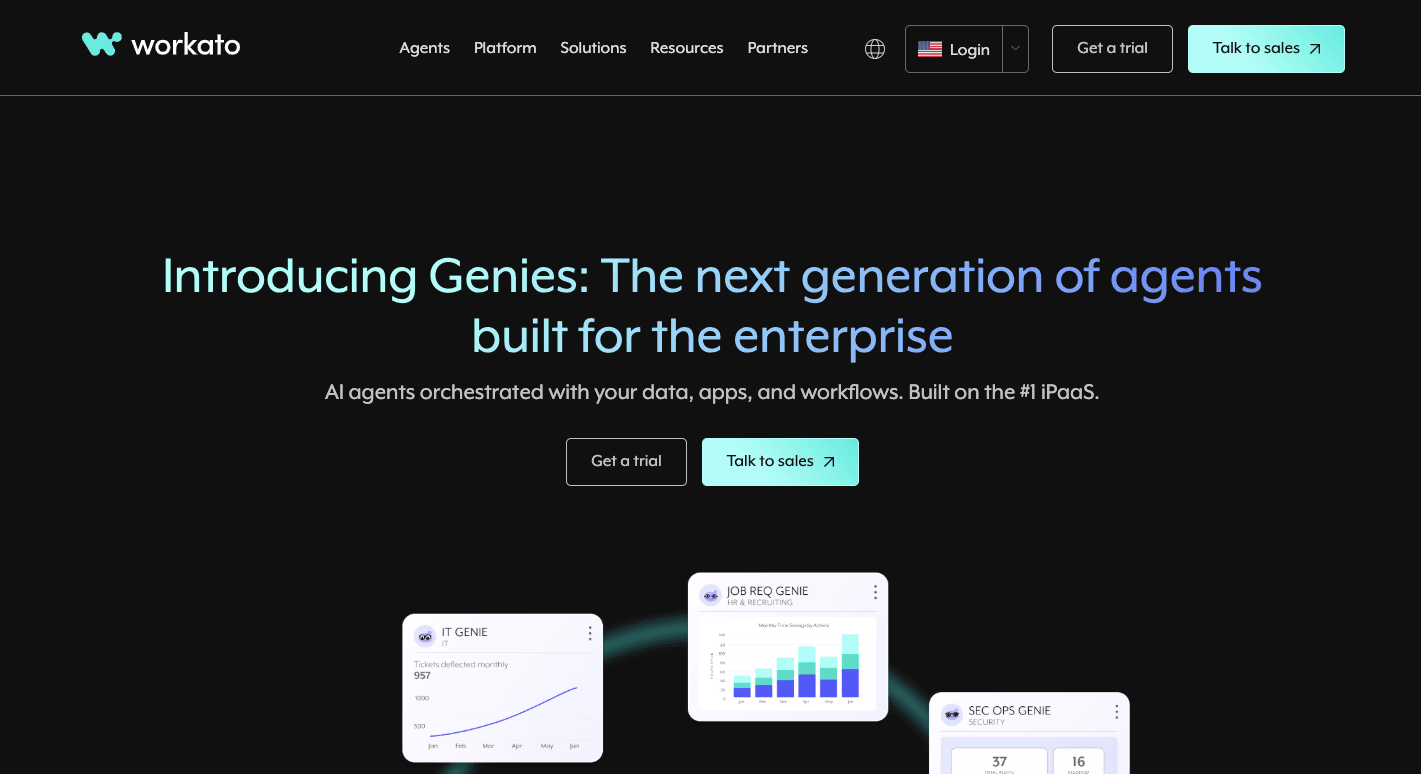
Workato often comes up when teams need AI workflow tools that deal with high volumes and strict rules. Many groups use it to manage workflows across sales, finance, HR, and support from a single place.
It supports business process automation at a scale that smaller tools often can’t match. Its recipes follow a clear trigger-and-action path, which helps you create complex workflows.
Workato handles data updates, alerts, and tasks across many tools at once, and it does well in spots where data must stay clean. It brings AI capabilities that help you shape flows with fewer steps.
Some teams use it for workflow orchestration because the tool can route data between apps without delay.
Companies that handle contracts, finance checks, or approvals often use Workato, since it can act on rules, watch for errors, and support multi-step AI agents that react to changes in real time.
Key Features
- Recipes – Visual flows that link triggers and actions across apps.
- Low-code builder – Drag and drop steps for simple flows, with space for custom code when needed.
- Connectors – A large group of pre-built links for both cloud apps and private systems.
- Data tools – Cleans, formats, and moves data between apps.
- ETL and ELT support – Moves data across stages in the order your team needs.
- Real-time sync – Updates records across apps the moment a change happens.
- AI suggestions – Tools that guide users toward faster setups and cleaner flows.
- On-prem agent – Connects private systems without opening firewalls.
- Error controls – Retries failed actions and flags problems fast.
- Audit logs – Show every change and action across all flows.
Pros
- Supports both simple and complex flows
- Large connector library for cloud and on-prem systems
- Helpful AI assistants that guide flow setup
Cons
- High cost that can block smaller teams
- Takes time to learn advanced features
- Debugging can feel slow
Pricing
Workato’s pricing isn’t publicly listed.
7. Boomi
Boomi connects cloud apps and on-prem tools through a single system and supports large-scale data management. It uses AI algorithms to accelerate operational processes and reduce errors.
Some groups choose it when they need strong support for data extraction across many sources. Others use it to support automation work in finance, HR, or sales since the tool keeps records steady across systems.
Many companies that depend on fast updates use Boomi because it can sync changes across apps without delay. Teams also choose it when they want to boost productivity through one setup.
Key Features
- Visual builder – Drag and drop steps to shape integrations.
- Hybrid setup – Patented Atom tech supports cloud and on-prem links.
- AI helpers – Tools that suggest mappings and fix common data issues.
- Central control – One dashboard to watch and manage all flows.
- Integration tools – Connect apps and automate flows across teams.
- Master Data Hub – A central place for key records across the company.
- B2B and EDI – Handle partner data without manual effort.
- Event streams – Move real-time updates across apps.
- Security controls – Protect data in motion and at rest.
- Logs – Track actions for review and audits.
Pros
- Strong integrations with many apps
- Fits teams that need broad tools for large setups
- Helps with fast updates across many systems
Cons
- Costs rise fast as needs grow
- Harder to manage very large flows
- Debug work can take time
Pricing
Boomi uses a flexible plan that shifts based on company size, number of connections, and the amount of data moved each month. There’s also a pay-as-you-go plan that starts at $99 per month with added usage fees.
Move Faster Than Your Competitors With Activepieces Automation
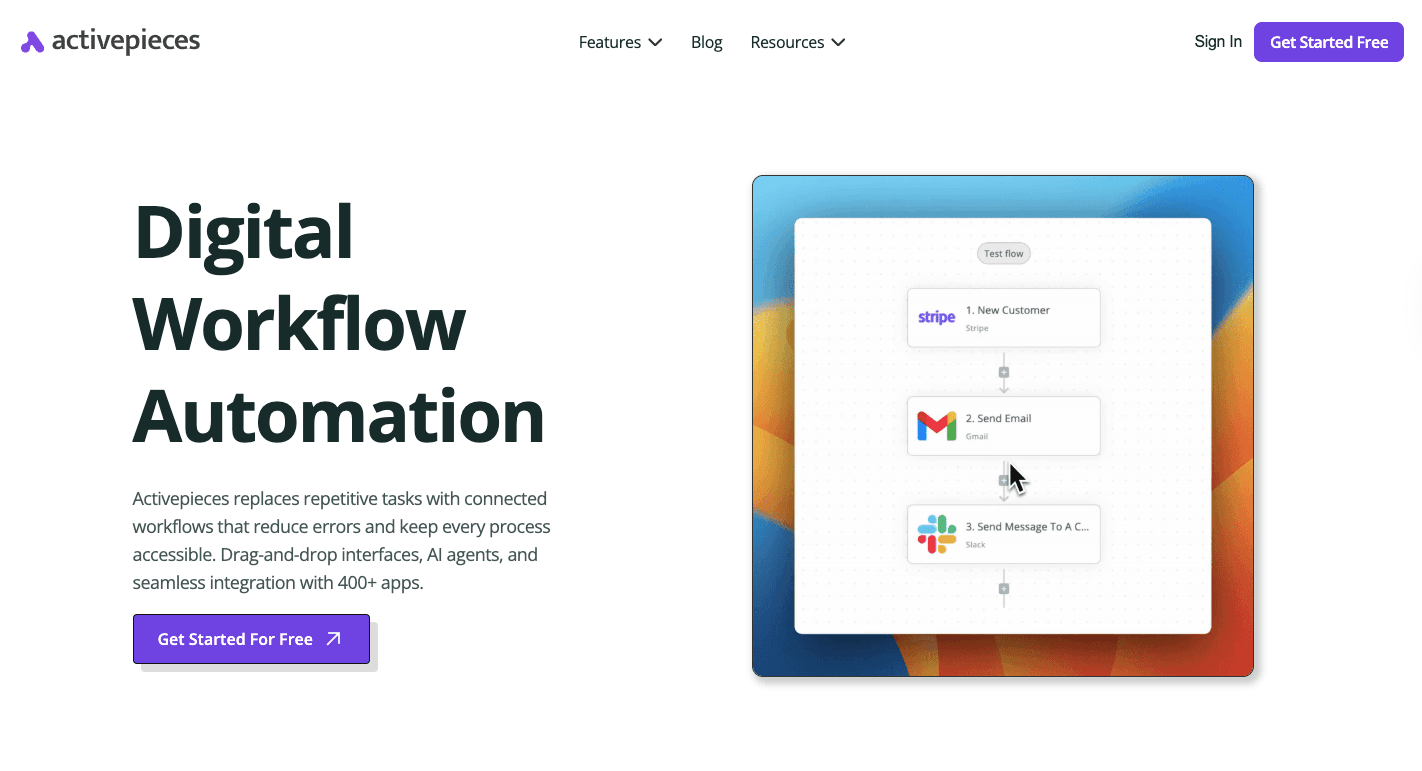
AI workflow automation tools only pay off when they help you act faster than everyone else. That’s why you should choose Activepieces. You stop waiting on people to copy data, chase updates, or babysit handoffs.
Activepieces gives you AI-powered workflows that don’t freeze when a process gets messy. Non-technical users can build a flow in minutes. Devs, on the other hand, can add custom pieces later without rebuilding anything.
Many tools claim they offer advanced technologies, yet they lock key parts behind limits. Activepieces keeps speed and control in one place, so it feels like the right automation tool as your stack grows. You get better operational efficiency across the entire process.
FAQs About AI Workflow Automation Tools
What is the best AI workflow automation tool?
The best tool integrates seamlessly with your existing systems, handles complex processes, and connects different apps while maintaining strong data quality.
Activepieces combines the ease of no-code platforms with advanced AI models, which helps operations managers boost service delivery and ease the IT team’s workload.
Can AI be used for workflow automation?
Yes. By adding AI, you can run smarter data analysis, use AI models for specific tasks, and cut hours of manual work.
Which AI is best for automation?
Activepieces is the best choice for automation if you want to integrate AI into real workflows, get fast results from modern automation technologies, automate repetitive tasks, and see clear cost savings as your volume grows.
What is an AI automation tool?
An AI automation tool combines automation with artificial intelligence to go beyond legacy systems or traditional tools. These platforms use AI to process information, adapt flows, and deliver intelligent workflows that support long-term success.