The team can reallocate that saved $11.66 per ticket toward complex troubleshooting that requires a human brain, effectively shifting resources to the high-value tasks that automation cannot handle, which means the company is maximizing its most expensive asset. ### Why 'by chat' requires faster processing than email routing Chat support demands a response cadence that traditional email routing cannot sustain. Customers equate a chat window with a live conversation. In an email workflow, the user often does not see a thirty-minute delay in routing. In a chat, that same delay results in a closed window and a lost lead. To handle this, teams use [Activepieces](https://www.activepieces.com) to bridge the gap between their chat interface and their internal communication tools, leveraging an MIT-licensed core to maintain full control over their support data. The following workflow demonstrates how a webhook trigger can immediately capture a chat event, verify the user’s connection status, and ping the assigned agent in Slack. By seeing the specific Slack step configuration, a lead can verify exactly which agent receives the alert before the customer even finishes typing their second message. This immediate handoff prevents the "is anyone seeing this?" pings that clutter internal channels during peak hours. 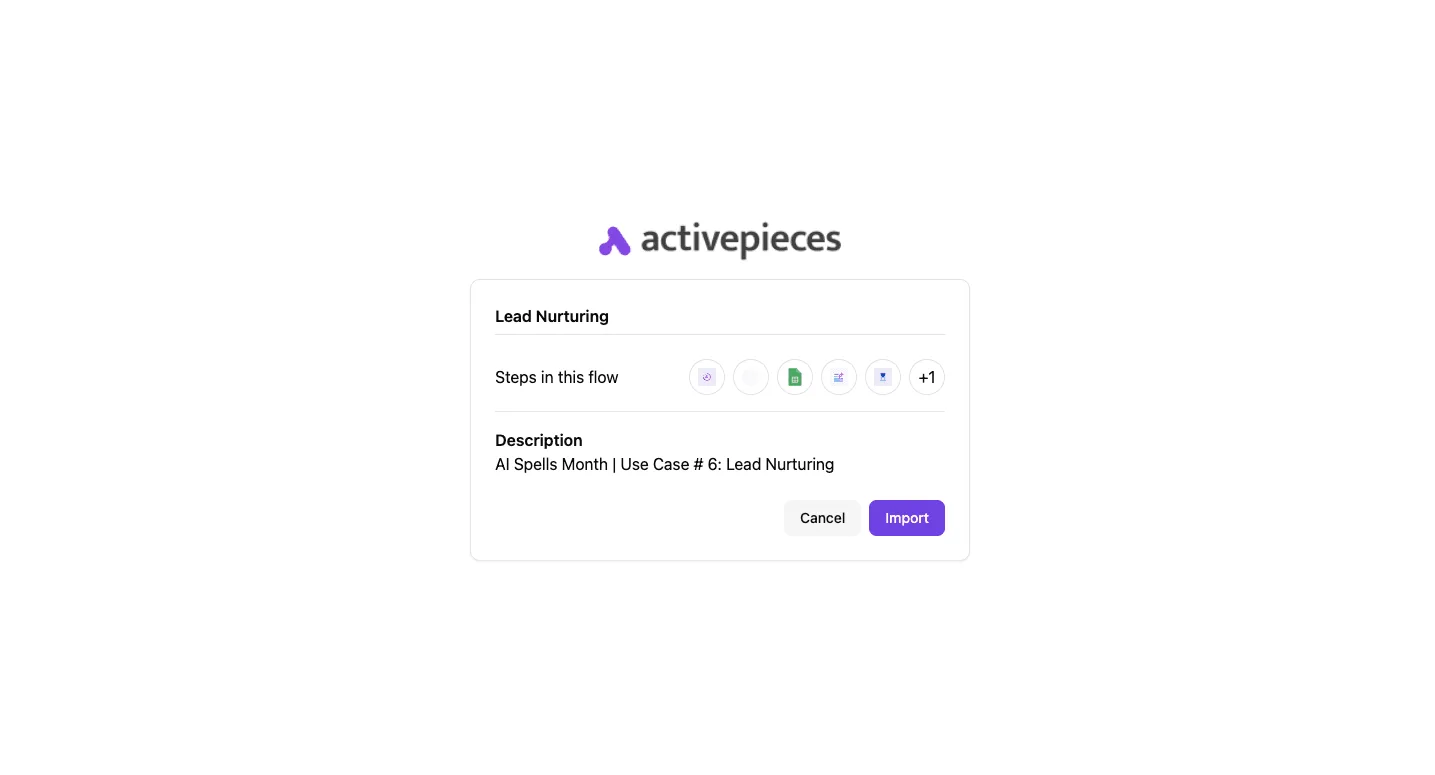 ### The difference between basic triggers and advanced automation Basic triggers in a helpdesk use "if-this-then-that" statements based on static fields, whereas advanced automation incorporates external data to make routing decisions. Basic triggers use internal tags like "Subject contains: Refund" to move a ticket to the Billing folder. Advanced automation queries a production database to see if the user is on a legacy plan before deciding whether to route them to the specialized migration team. AI-enhanced routing analyzes the tone of a chat message to escalate frustrated users to a senior lead regardless of their subscription tier. ## The economic case for automated chat classification ### Calculating the cost of manual triage Because it requires a human to perform non-resolving labor before the actual work begins, manual triage creates a hidden tax on every support interaction. When a lead agent spends their morning scanning the general queue to move "Billing" tickets to the finance folder, they are acting as a manual switchboard. The department is paying a premium salary for data entry rather than for technical expertise. Every minute spent identifying what a ticket is about is a minute the customer spends waiting in silence.Every minute a lead spends manually moving a ticket is a direct drain on the department’s operational budget.
### How automation scales without increasing headcount Automated classification allows a support team to handle sudden spikes in conversation volume without the immediate need to post new job listings or hire seasonal contractors. Because an AI-driven router identifies intent instantly, the queue stays organized regardless of whether there are ten or ten thousand incoming messages. The existing team can focus on solving problems rather than drowning in the administrative noise of a bloated inbox. ### Reducing the 'cost per contact' through instant routing Instant routing lowers the total cost per contact by cutting out the idle time that accumulates when a ticket sits in the wrong queue or waits for a manual transfer. When the system directs a query to the correct specialist on the first attempt, the total handle time drops. This prevents the expensive "double-handling" that occurs when an agent has to read, realize they aren't equipped for the task, and pass it off to someone else. ## Prepare Zendesk for external routing logic ### Create a custom routing category field in Zendesk A custom ticket field is the permanent record for how the system handled a specific conversation. Downstream reporting then reflects the intent of the customer rather than just the final resolution. Without this field, your analytics team cannot differentiate between a billing dispute and a technical bug because the data relies on the subjective memory of the agent who closed the ticket.  By establishing a drop-down field specifically for routing, you create a standardized data point that external logic can write to. ### Map Zendesk agent groups to department IDs Mapping your internal team structure to unique ID strings ensures an automated script sends a high-priority "Payment Failure" ticket to the Billing team instead of the general support bucket. If these IDs are not documented in a central map, the automation will fail silently because the API cannot resolve a name like "Tier 2 Support" into a functional destination. You must gather these unique identifiers from the Zendesk Group settings. The routing logic then has a specific, immutable target for every possible customer issue. ### Setting up the Webhook target in Zendesk Admin Center The Webhook target functions as the outgoing door for your ticket data, sending the contents of a new chat to your external logic engine the moment a customer hits "send." Setting this up correctly prevents the delay inherent in manual triage, where a ticket sits unread until a human lead happens to refresh their dashboard. The setup sequence for external routing follows a strict order to ensure the data has a place to land: 1. Create custom ticket fields 2. Define routing tags 3. Configure the API Target 4. Enable the Webhook trigger  ## Stage 2: Building the automated routing workflow with Activepieces Building the automated routing flow in Activepieces replaces the manual task of clicking through individual tickets, utilizing **735 integrations** to ensure every support tool is reachable. Activepieces is an open-source, MIT-licensed AI automation platform that connects business apps through visual blocks. When a support lead builds this, they are effectively codifying their own mental shortcuts into a system that runs without them. While most platforms limit you to a fixed list of templates, Activepieces allows you to describe a custom routing requirement to its built-in AI chat to generate a runnable flow instantly. For example, you can ask the AI chat to build a flow where a Stripe payment failure creates a HubSpot task and messages the account owner on Slack, and it will construct that specific logic without needing a pre-existing template. This ensures that unique routing requirements never wait for a vendor's roadmap. ### Connecting the Zendesk 'New Ticket' trigger The flow begins by monitoring Zendesk, the customer service software where user inquiries arrive, for any new ticket creation events. This trigger acts as the listener for the entire operation. Once the connection is established, Activepieces pulls in the ticket subject and description, drawing from a library where roughly 60% of integrations are community-contributed. This data serves as the raw material for the routing logic that follows. 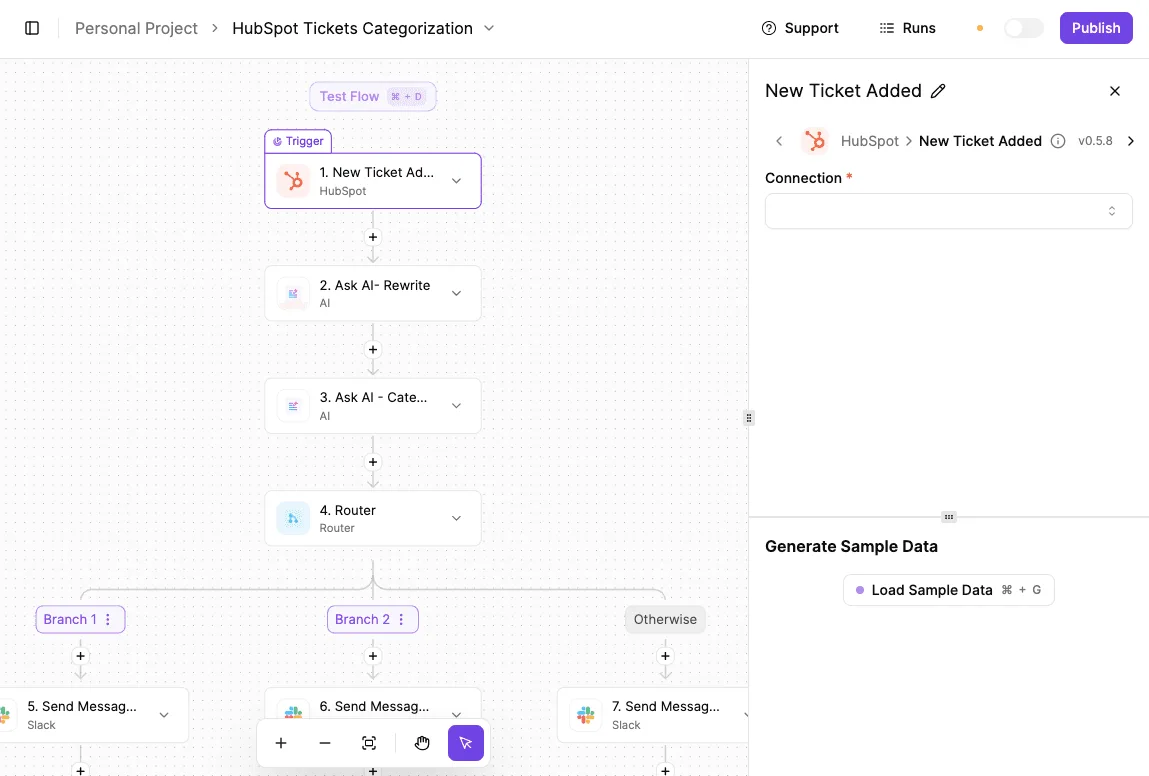 ### Use a router step to route by department A Router step allows the system to branch off into different paths based on specific criteria. This prevents a billing question from landing in the queue of a technical engineer. Judgment and rules run on the same engine here, rather than bridging two products with a webhook. By combining an AI Agent step with deterministic automation steps in a single flow, you can inspect one unified run trace to see exactly how a ticket was handled from the initial chat to the final assignment.  This unified engine is why teams like MoneyGram and FundingSocieties run Activepieces in production to manage their complex automation environments. ### Using AI to classify chat intent for higher accuracy Replacing rigid rules with an AI classification step allows the system to understand the nuance of a customer's request rather than just searching for specific words. | Routing Method | Accuracy | Setup Time | Ambiguity Handling | | :--- | :--- | :--- | :--- | | Keyword Matching | Low | Fast | None | | Regex | Moderate | Slow | Poor | | AI Classification | High | Fast | Excellent | By choosing AI classification, a team leader ensures that a ticket saying "I can't access my invoice" is correctly identified as a billing issue even if the word "payment" is never used.  ### Updating the ticket with the assigned group ID The final step uses the Zendesk "Update Ticket" action to write the result of the classification back into the system's metadata. By populating the Group ID field automatically, the ticket immediately appears in the correct agent's view. This eliminates the "triage lag" where a ticket sits in a general pool for hours before a human moves it to the right place. ## Validate routing paths with test chats Testing ensures that the logic intended to save time doesn't actually create a black hole for customer queries. We verify these paths by running live samples through the engine to confirm that the intent classifier correctly identifies the underlying need and maps it to the appropriate team. ### Simulating a customer chat session We begin by feeding the system the exact messy, fragmented sentences our users actually type into the chat widget. It is not enough to test with "I have a billing issue." We must use the specific, frustrated phrasing like "Why was I charged twice on Tuesday?" to see if the classifier recognizes the 'Billing' intent. By visualizing the path, we can see exactly where a message might get stuck or mislabeled before a single real customer is affected. ### Check the Zendesk audit log for field updates The audit log is the definitive record, showing whether the system actually stamped the ticket with the correct metadata. We check this log to ensure the "Priority" or "Department" fields in our helpdesk software were updated. If the log shows the classification happened but the field update failed, we know the friction lies in the API connection to our helpdesk rather than the AI's understanding. ### Setting a fallback route for unclassified requests Every workflow requires a "Catch-All" branch to prevent unconventional queries from vanishing. This fallback route acts as a safety net for messages that the classifier cannot confidently place, directing them to a senior lead's inbox for manual review. ## Optimizing your chat routing on Monday morning Routine maintenance ensures that the automated logic you built on Friday actually survives the reality of a new work week. > Review top 10 misrouted tickets. Check agent capacity vs. incoming volume. Update tags for new product features. Audit API rate limit usage. Completing these checks prevents the "automation drift" that occurs when a product update or a marketing blast changes the vocabulary customers use. ### Reviewing the 'Misclassified' ticket bucket Identifying where the AI failed to categorize a request reveals exactly which keywords or intents need to be added to your routing instructions. When a customer asks about "seat management" but ends up in the Billing queue instead of Workspace Admin, it means the logic lacks the specific context of your recent UI changes. ### Adjusting routing weights for peak chat hours Shifting the volume of incoming chats based on who is actually at their desk prevents the "stale ticket" problem. If your Tier 2 technical team is in a department-wide meeting, you must temporarily adjust the weights in your routing tool to prioritize a broader pool of generalists who can at least triage the issue. ### Training the team on the new automated handoff Documenting how the AI hands off a ticket ensures that agents know exactly which metadata has already been collected so they do not ask the customer to repeat themselves. If the routing logic now pulls a "Subscription ID" from your database and attaches it to the chat, the agent needs to know that information is already in the sidebar. ## Frequently asked questions ### Can I route chats based on customer subscription tier? You can route chats by mapping the metadata from your billing platform, such as Stripe, directly to your chat routing logic. This connection ensures that a customer on a "Premier" plan is immediately identified and moved to the front of the queue. Your highest-value users never sit in a general triage pool while their issues escalate. If this data lives in a custom field within Zendesk, the automation reads that attribute to determine if the ticket requires a specialist or an immediate response. This prevents the frustration of a VIP waiting on a generic "we'll get back to you" message. ### What happens if the automation tool goes offline? If the automation tool experiences an outage, the system defaults to your standard Zendesk triggers. No customer message is ever permanently lost. This failover mechanism means the chat simply appears in the unassigned queue as a manual ticket. While you might lose the instant categorization for a few minutes, the conversation remains active for a human to claim. It treats the automation as an enhancement rather than a single point of failure, which protects your team from the catastrophic "black hole" where messages disappear into a broken API connection. ### Does this work with the Zendesk Sunshine Conversations API? This automation integrates with the Sunshine Conversations API to extend routing logic across every channel you have connected, including WhatsApp, Slack, and Facebook Messenger. By using the API as the central nervous system for your messaging, you can apply the same sophisticated triaging rules to a DM as you do to a web portal chat. This eliminates the need to build separate, redundant workflows for every social platform your customers happen to use. ## Related reading - [Ultimate Guide to Automating Zendesk Ticket Alerts on Slack](https://www.activepieces.com/blog/automating-zendesk-ticket-alerts-on-slack) - [Get Ntfy Notifications About New Zendesk Ticket (Step by Step)](https://www.activepieces.com/blog/ntfy-notifications-about-new-zendesk-tickets) - [Ultimate Guide to Automating Asana Tasks from Zendesk Tickets](https://www.activepieces.com/blog/ultimate-guide-automating-asana-tasks-from-zendesk-tickets) ## References - [Botpress](https://botpress.com/blog/helpdesk-automation)The department is paying a premium salary for data entry rather than for technical expertise.