# Captions MCP Server for AI Agents and Assistants
By Wendell Achterberg · 2026-11-22 · Source: https://www.activepieces.com/blog/captions-mcp-server-for-ai-agents-and-assistants
---
Search the phrase and it can point to the Captions video app or to any subtitle or transcription server.
Either way, a captions MCP is a Model Context Protocol server, the same kind of standard connector that [Activepieces](https://www.activepieces.com) and other automation tools can also expose, that exposes captioning or transcription tools to an AI assistant.

## Captions MCP defined: what the search phrase means
### Types of captions MCP server compared
Start with the first meaning: the server belonging to the Captions video app, a consumer and creator product. The second is a generic server for subtitles or speech-to-text, which has two common sources.
The list below sorts all three by operator, since each has a different owner, billing relationship and vendor-register entry.
- The Captions video app's own server, run by the company that makes the app, under that company's account terms.
- A speech-to-text vendor's MCP server, run by the vendor, under the same contract that governs its transcription service.
- A community open-source subtitle server, run by volunteer maintainers, with hosting left to whoever deploys it, which in practice means you.
Identify the operator before you compare features.
### What MCP itself is, in one paragraph
Put in one paragraph, the Model Context Protocol is an open standard that lets an AI assistant discover and call external tools through a common interface. That means each tool doesn't need a custom integration.
A server publishes a list of tools, such as "transcribe this file" or "export subtitles", and the assistant calls them on your behalf.
Nothing in the protocol says who hosts the server, whether that's the vendor or your own machine, and nothing says what it costs.
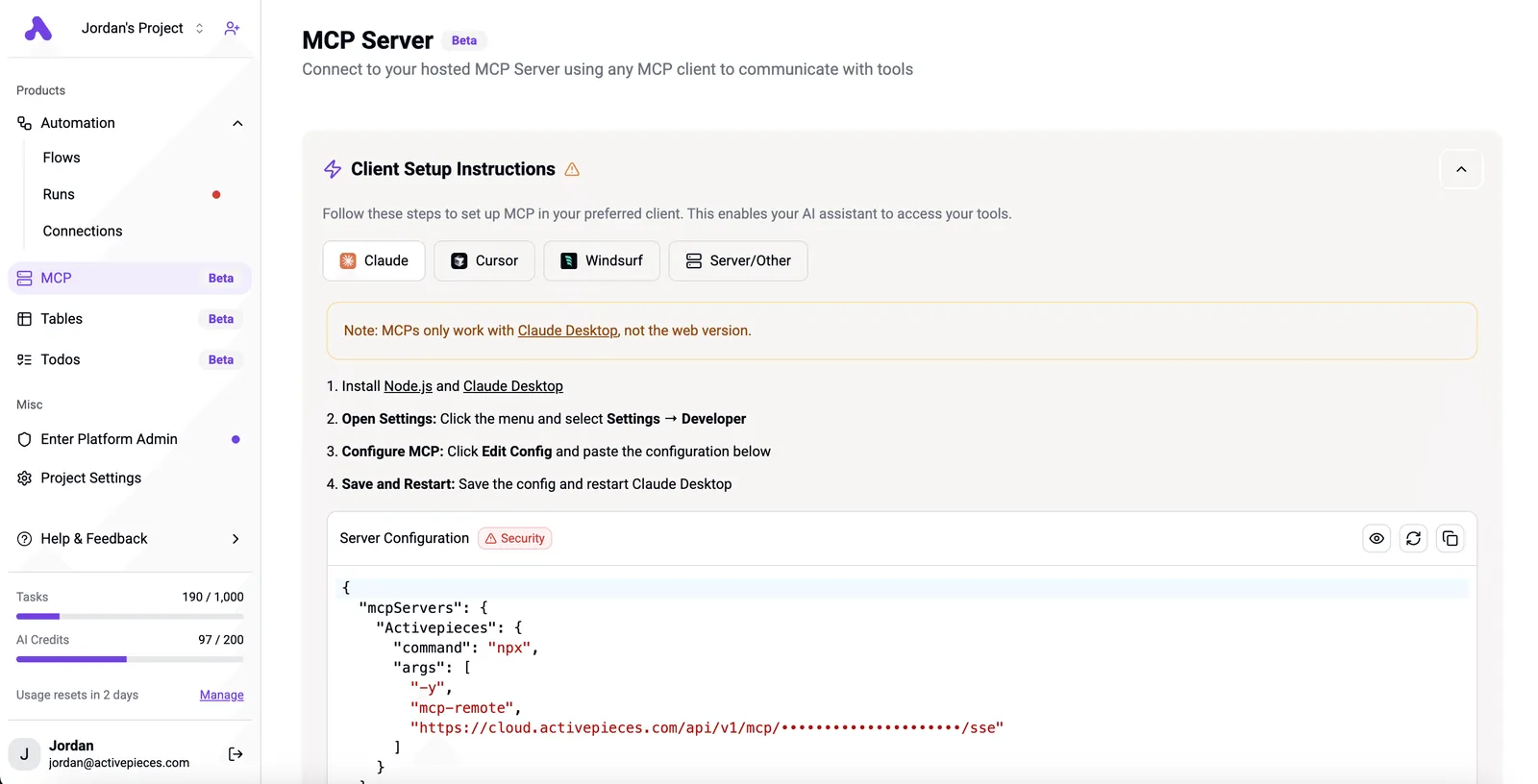
[Activepieces](https://www.activepieces.com) runs one server per project, and every connector is an agent tool: connect a integration once and the same action works as a step in a flow and as a tool on that project's MCP server, open to Claude, ChatGPT, Cursor or an agent you built.

The 750 integrations in the open source packages/integrations directory behave this way, so there is no second catalog to publish to and nothing to wire up twice. Those two questions are the ones the rest of this article asks you to settle.
## How captions MCP servers work end to end
When your assistant asks for a transcript in plain terms, the server turns that request into a call to one vendor's transcription API and hands back SRT, VTT or timestamped text. That makes it a translation layer.
Follow the diagram from left to right and you see the whole path. It shows the assistant host with its built-in MCP client, the server exposing its tools, and the vendor's transcription API returning the caption file.

Note where each link is labelled stdio or HTTP and where an API key or OAuth credential sits, because those are the points an approver will ask about.
### Host, client and server
What you talk to is the host: a chat assistant or a code editor. Inside it sits the MCP client, which discovers what a server offers and relays the model's requests.
The server is a separate program, and it's the only part that knows a vendor's API. The server decides which vendor is used and what it bills.
Servers differ, so check the tool list of the one you are evaluating rather than assume. Typical tools cover:
- submitting a media file or URL for transcription
- checking the status of a job
- retrieving the result as SRT, VTT or timestamped text
- listing languages or speaker options

Nobody has to approve the spend when an assistant retries or re-runs a long file, yet each submission is a billable call to the vendor. Confirm who owns that spend before you enable the tool.
### Local versus remote servers
Run a server locally and it sits on the user's machine, talking to the host over stdio. Media files can be read from disk, and the API key usually lives in a configuration file or environment variable on that machine.
That puts key custody on each user, which is an audit point.
Once the server is remote, it sits behind an HTTP address and commonly authenticates with OAuth, so you can grant and revoke access per person.
Your media then travels to the operator's infrastructure as well as the vendor's, so the data-handling terms of both parties apply.
## Where captions MCP servers are used in practice
Which server you install decides whose terms you accepted. The directories are too large to guess: the official registry lists [68,103 servers](https://glama.ai/mcp/servers) and Smithery, a separate directory, lists 25,079, so a search for "captions" returns many near-identical names from different publishers.

Read the table below for five options against six dimensions, and take from it that publisher, auth and billing differ for each, so none can be approved on the strength of another.
| Option | Official or community | Hosting | Formats | Languages | Auth | Pricing basis |
|---|---|---|---|---|---|---|
| Captions app | Treat as community until the vendor publishes one | Unconfirmed | Unconfirmed | Unconfirmed | Unconfirmed | Unconfirmed |
| ElevenLabs | Official | Typically local | Transcripts and audio | Per model list | API key | Plan credits |
| AssemblyAI | Official | Typically local | Transcripts, SRT and VTT | Per model list | API key | Per audio hour |
| Deepgram | Confirm publisher | Typically local | Transcripts | Per model list | API key | Usage-based |
| Open-source subtitle server | Community | Self-hosted | Depends on the project | Depends on the engine | Often none | Your own compute |
Where a cell says "unconfirmed", that is an approval question for the vendor before purchase, not a default to accept.
### Typical jobs: edit-by-chat, batch subtitling, accessibility checks
Ask the assistant to retime or correct lines in one file and you have edit-by-chat. Loop a folder of media through one tool and you have batch subtitling, where per-hour billing multiplies quickly.
Accessibility checks carry the audit weight. [Disability World](https://www.disabilityworld.org/articles/captioning-lawsuit-cluster/) counts 26 captioning matters in higher education, 14 in streaming video and 7 in live events.

If you publish in the first of those, a missing caption track is a documented exposure, so keep the generated files and the server's name in your records.
## What a captions MCP costs and requires
Keep a cost line in that same record. The server is usually free while the transcription it calls is billed per audio hour, and finance will ask which of the two it's approving.
### Server cost versus usage cost
Because the server is only a connector, the invoice comes from whichever speech API sits behind it. According to AssemblyAI, among the specialist vendors, AssemblyAI batch is $0.15 per hour.
[Deepgram](https://deepgram.com/pricing) Nova-3 batch is $0.258 and AssemblyAI streaming is $0.30., so live captions for recordings you could have processed afterwards is a budget decision.
Step up to the large cloud providers and the price rises, according to [Deepgram's comparison](https://deepgram.com/blog/deepgram-vs-openai-vs-google-stt-accuracy-latency-price-compared). It lists OpenAI at $0.36 per audio hour, Google Cloud at $0.96 and AWS Transcribe at $1.44.
viz type=stackrank title="What pre-recorded transcription costs per hour by API" unit="$ per audio hour" source="AssemblyAI, Deepgram and others - https://deepgram.com/blog/deepgram-vs-openai-vs-google-stt-accuracy-latency-price-compared".44 an hour costs four times OpenAI's $0.36, with Google Cloud at $0.96 between them."
OpenAI: 0.36
Google Cloud: 0.96
AWS Transcribe: 1.44
AWS therefore **costs about ten times AssemblyAI's batch rate**, which matters if the purchase order names only the server.
At 100 hours, AssemblyAI batch is $15 a month and Deepgram Nova-3 is $25.80. OpenAI is $36, Google Cloud $96 and AWS Transcribe $144. The spread is $129 a month, or $1,548 a year, which is enough to need a named budget holder.
Before approval, **confirm four things**:
1. An API key issued to the team, not to an individual's account.
2. A plan that includes API access, since some plans cover only the web interface.
3. An MCP client that can connect to the server.
4. A runtime for the server, plus the vendor's published file-size limit, checked against your longest recording.
## Mistakes people make with captions MCP servers
Four mistakes recur: assuming a vendor ships an official server, handing keys to code nobody reviewed, leaving paid calls unmetered, and **publishing machine captions unread**.
Search a vendor's name plus "MCP" and you will often get a third party's wrapper. Confirm that the vendor's own documentation lists the server before you write it into a request.
If it doesn't, you're approving someone else's software, and the approval record should say so.
Give a community server an API key and it acts with whatever that key allows. It can read every file you send for transcription and spend against your account.
Issue a key used for this purpose alone, record who reviewed the source, and rotate the key when that reviewer moves on.
### Controlling captions MCP usage costs and billing
An assistant told to process a folder will keep calling until the folder is empty, and most transcription vendors bill per use. **Set a spending alert or cap on the vendor account before connecting, because the assistant has no sense of your budget.**
Check file size and duration limits too, since an oversized upload wastes the run. Unattended batch work belongs in a scheduled job, not a chat window someone must keep open.
**Set a spending alert or cap on the vendor account before connecting, because the assistant has no sense of your budget.
### Publishing auto-captions without review
Do not skip review on the strength of a vendor's accuracy claim. [Inferencebench](https://inferencebench.io/blog/cohere-transcribe-03-2026-benchmark) reports that Cohere Transcribe (cohere-transcribe-03-2026) is claimed at 5.42% average word error rate, while independent measurement across four datasets found 13.65%, as the chart shows.
That's more than double the claimed error rate, **roughly one word in seven wrong**. A universities, streaming or live-events team that budgeted review time against the vendor's number has budgeted for the wrong workload.
Accessibility obligations differ by sector, but a named human check before publication is the control an auditor will ask to see.
## Fix unattended captioning with Activepieces
Leave captioning to an assistant and it may or may not be asked. Activepieces lets you put a human-in-the-loop approval step in a captioning workflow, and its audit logs and run history record what ran and what happened.
It's an automation platform that sits around a vendor's transcription engine. It doesn't replace that engine.
Because approval is a configured stage, the record of who held and released the captions belongs to the process, not to whoever happened to prompt a chat.
Workflows can also be exposed as MCP tools, so an assistant can start one on request while the approval gate stays inside it.
### When MCP is the wrong trigger
Use MCP when a person asks for a one-off job; use a trigger when the job recurs. A weekly batch of recordings shouldn't depend on someone remembering to ask an assistant, because the one week nobody asks is the week uncaptioned video goes live.
A file-arrival trigger removes that dependency, and the audit trail then shows a consistent process instead of a scatter of individual requests.
### Captions MCP workflow with human approval step
Look at where the human check sits relative to the machine steps in the sequence below. The point to take from it's that nothing reaches the public side until a named approver acts.
1. A new-file trigger fires when a recording is uploaded to the watched folder.
2. A transcription API step sends the file to your chosen vendor and returns text.
3. A human approval step holds the captions until a named reviewer accepts or rejects them.
4. A publish step posts the approved SRT or VTT file alongside the video.
What follows is procurement's part. Confirm which vendor's transcription API the second step calls and what it bills per run, because the workflow inherits that price and that engine's accuracy unchanged.
## What to do on Monday with captions MCP
Name the vendor, confirm on its own documentation that an MCP server or API exists, then run one short file under a usage cap before anyone approves wider use.
### Test a captions MCP server in five steps
Run the checks in the order below, because each step produces the evidence the next one needs.
1. Name the vendor and confirm the integration. Write down which company's captioning or transcription service the assistant will call, then find the MCP server or API on that company's documentation. A third-party listing isn't confirmation. If the docs don't mention it, you have a name, not a product.
2. Test one short file. Use a clip you already have a correct transcript for, with the speakers and accents your real material contains. A clean demo recording tells you nothing about your own audio.
3. Set a usage cap. Apply a spending or minute limit in the vendor's billing settings before the first call, so a looping assistant can't run up charges while the approval is still pending.
4. Review the output. Compare the result with your known transcript: names, numbers, speaker labels, timing. Keep the comparison with the invoice line for the run.
5. Choose interactive or automated. Interactive means a person reads each result. Automated means the assistant runs unattended, which needs the cap from step three and a named owner for exceptions.
## Frequently asked questions
Is there an official Captions app MCP server? I can't confirm one, so check before you assume it.
The Captions app is one vendor, and "captions MCP" can also mean a server from a different transcription or subtitling company. Find the server's publisher, confirm it matches the vendor whose billing you intend to use, and record that in your review.
### Is a captions MCP free to use?
Not as a rule. The connector itself may cost nothing, but each tool call usually draws on the vendor's metered account, so the bill follows the vendor's plan rather than the protocol.
Read the vendor's pricing page and ask who approves the spend. An assistant that calls a transcription tool in a loop consumes your allowance as readily as a person would.
Which AI assistants can connect to a captions MCP server? Any assistant or agent framework that supports MCP clients can connect in principle, but support differs by product and by plan.
Some hosts limit which servers you may add, or require an administrator to approve them. Check your assistant's connector settings and your organisation's approval chain before you promise a colleague that it will work.
Can a captions MCP translate subtitles into other languages? Only if the specific server exposes a translation tool. Many expose transcription and caption export alone.
Read the server's tool list, run a short test file through it, and have a fluent reader check the output before it goes to an audience. Translation may also be billed separately from transcription.
### Is it safe to give an MCP server my API key?
Safe enough only with controls, and the audit comes before the convenience. A key stored in a server's configuration can be read by anyone with access to that file, and by the server's code.
Use a key scoped to the least access the vendor allows, keep it out of shared documents and chat, and prefer a server whose source and publisher you can verify.
Set a spending limit on the account, and rotate the key when a contractor or tester leaves the project.
## Related reading
- [Resend MCP Server Safe Setup for AI Agents](https://www.activepieces.com/blog/resend-mcp-server-safe-setup-for-ai-agents)
- [Plaid MCP Server vs Plaid API for AI Agents](https://www.activepieces.com/blog/plaid-mcp-server-vs-plaid-api-for-ai-agents)
- [Outlook MCP Server Setup for AI Agents (2026)](https://www.activepieces.com/blog/outlook-mcp-server-setup-for-ai-agents-2026)
## References
- [AssemblyAI, Deepgram and others](https://deepgram.com/blog/deepgram-vs-openai-vs-google-stt-accuracy-latency-price-compared)
- [Glama, MCP Registry reports](https://glama.ai/mcp/servers)
- [Disability World](https://www.disabilityworld.org/articles/captioning-lawsuit-cluster/)