# Confluence API: Cloud REST v2 vs v1 (2026 Guide)

By Gustavo Peixoto · 2026-11-01 · Source: https://www.activepieces.com/blog/confluence-api-cloud-rest-v2-vs-v1-2026-guide

---
<aside class="tldr"><p class="tldr-label">Summary</p><p>Confluence Cloud REST API v2 is the default choice; use v1 only for CQL search, but expect cost-based rate limiting without published per-call pricing.</p><ul><li>v2 has 18 comment endpoints but lacks CQL search entirely.</li><li>Rate limiting uses cost-based points with no published per-call price.</li><li>Two rate limit pools: global hourly per-app and per-tenant varying by edition.</li></ul></aside>

**Start on v2**. Confluence Cloud exposes REST APIs, **v1 covers what v2 doesn't yet reach**, and you authenticate with an API token or OAuth 2.0, which also works if you wire calls into a workflow tool like [Activepieces](https://www.activepieces.com).

![Two labeled-free file folders side by side, a large one for v2 and a smaller one for v1 behind it, with an API token card…](https://ap-marketing-media.fra1.cdn.digitaloceanspaces.com/uploads/a8fad344-9625-46af-a58c-8240d0a4ea56/confluence-api-cloud-rest-v2-vs-v1-2026-guide-il-71c5ac1c.webp)

## Confluence REST API overview

### What the API lets you do

If your task isn't on the list below, check v1 before assuming the API can't do it. The list is the set of resources you'll touch, each with the operation a builder performs most.

- Pages: create a page, or update its body
- Spaces: list spaces and read their details
- Comments: add a footer or inline comment to a page
- Attachments: upload or fetch a file on a page
- Labels: tag a page so it can be found later
- Search: query content with CQL, Confluence Query Language

Decide early whether your workflow depends on CQL, because search is the one most likely to send you back to v1. Everything else maps cleanly onto v2 reference pages at [developer.atlassian.com](https://developer.atlassian.com/cloud/confluence/rest/v2/intro/).

![Where the Confluence Cloud v2 endpoints are concentrated](https://ap-marketing-media.fra1.cdn.digitaloceanspaces.com/uploads/9c21cbc0-ec32-46b7-b703-136a74ea8256/confluence-api-cloud-rest-v2-vs-v1-2026-guide-st-ae01e49b.svg "Source: Atlassian")

### Cloud versus Data Center APIs

Everything here's about Confluence Cloud. Data Center, the self-hosted edition, has its own REST API with its own documentation, so a snippet copied from a Data Center answer will often fail against a Cloud site with a plain 404 or an auth error.

The v1 reference lives at [developer.atlassian.com](https://developer.atlassian.com/cloud/confluence/rest/v1/intro/).

As of 2026-11-01, this reflects Atlassian's developer documentation. Atlassian moves endpoints between versions without much warning. Confirm any endpoint you depend on against the v2 and v1 references linked above before you ship.

## Get API access with tokens or OAuth

Use a personal API token for a script you run yourself, and an OAuth 2.0 (3LO) or Forge app once other people's Atlassian accounts are involved. Picking wrong shows up later as a 401 or 403 you can't fix with code.

### Personal API token with basic auth

You create the token in your Atlassian account's security settings, then send your email and the token as basic auth against your site's `/wiki/api/v2` base. Setup takes a few minutes.

Every call acts as you, with your permissions, so a script can read exactly what you can and nothing more. If you leave the company, the script stops working with you.

![A single API token card attached by a lanyard to one person's desk nameplate, with a small stack of Confluence pages beside…](https://ap-marketing-media.fra1.cdn.digitaloceanspaces.com/uploads/f1c85a1d-63f5-43c3-b80f-ff497cd4317c/confluence-api-cloud-rest-v2-vs-v1-2026-guide-il-a2c2dcfa.webp)

For an OAuth 2.0 (3LO) app, you register the app in the Atlassian developer console, set a callback URL, and declare scopes. Each user then consents, and you exchange the code for a token.

Calls go through `api.atlassian.com` using the site's cloud ID, and they act as the consenting user. Request the refresh scope, or sessions die when the access token expires.

If you build on Forge, the app runs on Atlassian's infrastructure and declares permissions in a manifest. It acts as the app or the invoking user, depending on how you call. Connect's the older framework, and Atlassian's been steering new work toward Forge.

The table compares the three methods.

| Method | Setup effort | Acting identity | Scopes | Best fit |
|---|---|---|---|---|
| API token | Minutes | The token's owner | Inherits that user's permissions | Script |
| OAuth 2.0 (3LO) app | Console registration, consent flow, token refresh | Each consenting user | Declared per app, granted by the user | Multi-user product |
| Forge app | Manifest, deploy, install | App or invoking user | Declared in the manifest | Multi-user product inside Atlassian |

Check your site's plan page before you build, because we didn't confirm which Confluence plans gate API access.

## Choose between Confluence API v2 and v1

Start on v2 and **drop to v1 only for CQL search** or any endpoint v2 lacks; that's the whole decision, and the rest is the evidence.

I judged each option on endpoint coverage, pagination style, content formats, deprecation status in Atlassian's changelog, and CQL search.

The table shows the split: v2's cursor-based and current, while v1's the only one of the three with a search endpoint you can feed CQL. Forge's a different delivery route, not a third API.

| | Endpoint coverage | Pagination | Content formats | Deprecation (Atlassian changelog) | CQL search |
|---|---|---|---|---|---|
| v2 | Resource-focused groups, not the full v1 surface | Cursor | Storage, Atlas document format | Current API | No |
| v1 | Broadest, includes search | Offset (start/limit) | Storage plus rendered views | Some endpoints deprecated, not the whole API | Yes |
| Forge-based access | Calls the same v1 and v2 endpoints | Same as the endpoint called | Same as the endpoint called | Follows the endpoint | Through v1 |

### Is Confluence REST API v2 better than v1?

Count them in [Atlassian](https://www.atlassian.com/en/software/confluence/pricing)'s [comment endpoint group](https://developer.atlassian.com/cloud/confluence/rest/v2/api-group-comment/): it lists 18 comment endpoints, against 8 for pages and 7 for blog posts.

So v2 isn't page-centric: if you only create and read pages, you touch a small surface, and comment-heavy workflows are where most of its endpoints sit.

Cursor pagination also means you follow the next link instead of computing offsets, so a page deleted mid-crawl doesn't shift your window.

Where v2 stops short, v1 still covers it, mainly CQL search. Its offset pagination is simpler to reason about but drifts if content changes during a crawl. Check the changelog before using any v1 content endpoint, because some are deprecated.

When a v2 endpoint you need doesn't exist, you're waiting on Atlassian's roadmap, not your own.

[Activepieces](https://www.activepieces.com) has 746 integrations counted straight from its MIT-licensed open source monorepo, roughly 60% of them contributed by the community, and if its Confluence integration lacks the action you want, you can generate one with AI and add it privately to your own instance without anyone releasing anything for you.

Use v2 with an API token. Call v1 only for CQL search or an endpoint you can't find in v2. Forge matters only if you're building an app that runs inside Atlassian's platform.

## Make your first Confluence API v2 request

If you're building anything outside Forge, you need an Atlassian account email, an API token, and two calls to `/wiki/api/v2/pages`. The sequence below reads a page to learn the space and version, then creates a new page in that same space.

![A laptop terminal showing two short curl command blocks, one arrow pointing to an existing page and another to a new page…](https://ap-marketing-media.fra1.cdn.digitaloceanspaces.com/uploads/bc76d8ef-3cfd-4e50-97f8-e61373d05691/confluence-api-cloud-rest-v2-vs-v1-2026-guide-il-7c3ea34d.webp)

1. Export your account email and an API token as environment variables.
2. `GET /wiki/api/v2/pages/{id}` with basic auth.
3. Read the `spaceId` and version from the response.
4. `POST /wiki/api/v2/pages` with `spaceId`, `title`, and a storage-format body.
5. Check the response.

**Run it against a test space first, because step four creates real content.**

### Fetch a Confluence page with curl

```bash
export CONF_EMAIL="you@example.com"
export CONF_TOKEN="your-api-token"
export CONF_SITE="your-domain.atlassian.net"

curl -u "$CONF_EMAIL:$CONF_TOKEN" \
 -H "Accept: application/json" \
 "https://$CONF_SITE/wiki/api/v2/pages/12345?body-format=storage"
```

Send the email and token as basic auth, not a bearer header. Without `body-format`, the page comes back without its body, so you'd be copying a page you can't see.

```bash
curl -u "$CONF_EMAIL:$CONF_TOKEN" \
 -H "Content-Type: application/json" \
 -X POST "https://$CONF_SITE/wiki/api/v2/pages" \
 -d '{
 "spaceId": "SPACE_ID_FROM_STEP_THREE",
 "status": "current",
 "title": "Created from curl",
 "body": {
 "representation": "storage",
 "value": "<p>Hello from the API.</p>"
 }
 }'
```

Copy the numeric ID from the fetch response into `spaceId`, not the space key you see in the URL. The body must be storage-format XHTML, so plain text without tags won't render as you expect.

When the create succeeds, it returns the new page's `id`, its `title`, the `spaceId`, and a `version` object. Take the `id` and fetch the page again to confirm the body stored as written.

## Confluence API rate limits, quotas and pricing

When it's overloaded, Confluence Cloud answers with `HTTP 429 Too Many Requests`, throttles by **cost-based points rather than a flat request count**, and Atlassian publishes no per-call price for API access.

### Confluence API rate limiting rules

Count on two layers of points budgets, as Atlassian's docs describe them. One's a global pool per app. The other's a per-tenant pool that varies by edition.

A cheap read and an expensive query don't cost the same, so a request count tells you little about how close you are.

The pool you exhaust depends on who else is calling, not only on your own loop.

| | Quota | Who shares it | Retry-After | Per-call price |
|---|---|---|---|---|
| Tier 1 Global Pool | Hourly points budget per app | Every tenant using your app | Honor it when the 429 carries it | Not published |
| Tier 2 Per-Tenant Pool | Varies by edition | Everything calling that one site | Honor it when the 429 carries it | Not published |
| 429 handling | Triggered when a pool is spent | Whoever exhausted the pool | Header tells you how long to wait | Not published |

Because the per-tenant pool's shared, one noisy integration on a customer's site can starve yours. Your code did nothing wrong, and it still gets the 429.

There's nothing to meter or forecast per request, because Atlassian doesn't publish a per-call price. **API access comes with the Confluence plan**.

When a 429 arrives, treat the `Retry-After` header as the authority when it's present. Without it, back off exponentially and add jitter so parallel workers don't retry in lockstep.

Cap your retries, and log the endpoint that tripped the limit. Expensive calls are what spend points fastest, so that log shows where to cut.

## Fix common Confluence API errors

When a call fails, nearly every cause traces to credentials, a permission that hides content, a malformed or stale write, or throttling, and each answers to a status code you can read.

Match the code, check the cause, and only then touch your retry logic.

| Status | Usual cause | Fix | Docs |
|---|---|---|---|
| 400 | Invalid storage-format body or wrong field | Validate the markup, set the representation to `storage` | [v2 intro](https://developer.atlassian.com/cloud/confluence/rest/v2/intro/) |
| 401 | Wrong email/token pair or malformed auth header | Regenerate the token, send email plus token as Basic auth | [v2 intro](https://developer.atlassian.com/cloud/confluence/rest/v2/intro/) |
| 403 | Account lacks the space or page permission | Grant access to the account that owns the token | [v2 intro](https://developer.atlassian.com/cloud/confluence/rest/v2/intro/) |
| 404 | Wrong ID, or permissions hiding a page that exists | Check the ID, then check the token's account can view it | [v2 intro](https://developer.atlassian.com/cloud/confluence/rest/v2/intro/) |
| 409 | Stale version number on update | Fetch the current version, resend with it incremented | [v2 intro](https://developer.atlassian.com/cloud/confluence/rest/v2/intro/) |
| 429 | Rate limit hit | Honor `Retry-After`, back off, reduce request cost | [Rate limiting](https://developer.atlassian.com/cloud/confluence/rate-limiting/) |
| Pagination cursors | Results cut off, or cursor rebuilt by hand | Follow the `next` link in `_links` | [v2 intro](https://developer.atlassian.com/cloud/confluence/rest/v2/intro/) |

If you get a 401, Confluence doesn't know who you are, so look at the email and token pairing. A 403 means it knows you and said no, so look at the account's permissions, not your code.

When a page you can see in the browser returns a 404, the token's account usually can't view it. A 400 on write usually means the storage-format body isn't valid markup.

**Someone edited between your read and your write**, so updates must carry the next version number: re-read, reapply, resend.

## Call the same Confluence endpoints with Activepieces

### Using a visual workflow instead of a cursor loop

Activepieces lets you build the same Confluence calls as a flow, with the credential held centrally as a connection instead of pasted into each script.

Its Confluence piece covers common actions, and its HTTP step can call any v2 or v1 endpoint the piece doesn't wrap, so the gaps you fall back to v1 for are still reachable.

### What the workflow looks like

In the screenshot below, a three-step flow starts with a Typeform trigger labeled "New Submission", passes through an AI Agent step labeled "Influencer Management", and ends on an Asana action labeled "Create Task".

![Activepieces workflow builder displaying a three-step automation flow with a Typeform trigger, AI Agent, and Asana task…](https://ap-marketing-media.fra1.cdn.digitaloceanspaces.com/uploads/df365517-52b7-49cd-9eba-d658ef024bb7/marketing-to-sales-handoff-2026-automation-guide-89b95638.webp)

Swap the last step for a Confluence page-creation call and you have the shape of the job.

Read the right panel closely, though: the Typeform trigger shows "Throws an error, reconnect or refresh the page" beside the required Connection and Form fields.

That's the failure you'll meet first, and it's a credential problem, not a logic problem. Fix the connection, then use "Test Trigger" or "Generate Sample Data" before you trust anything downstream.
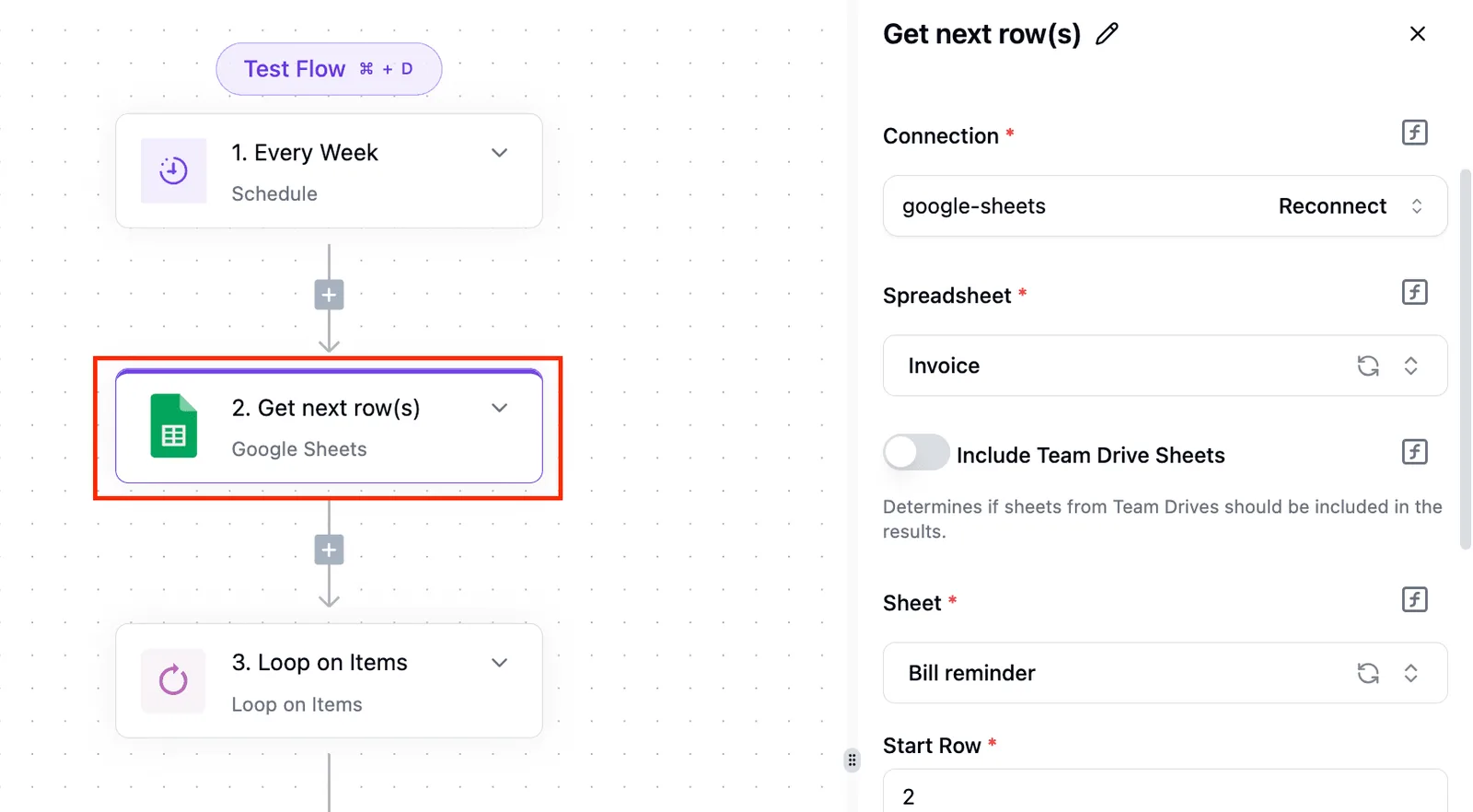
![A workflow with three steps: a weekly schedule trigger, a Google Sheets "Get next row(s)" step highlighted in red, and a…](https://ap-marketing-media.fra1.cdn.digitaloceanspaces.com/uploads/9c97a633-3fa9-4f11-b113-a673ce77431c/what-is-harness-engineering-building-reliable-ai-31a9d131.webp)

### Where this approach fits

That's the clean case: one trigger, one request, a body you can read at a glance, a form submission that becomes a Confluence page.

Put the token in a connection, not in the step body, so it's stored once and not pasted into every flow. Low volume, one space, and a stable page template are what this suits.
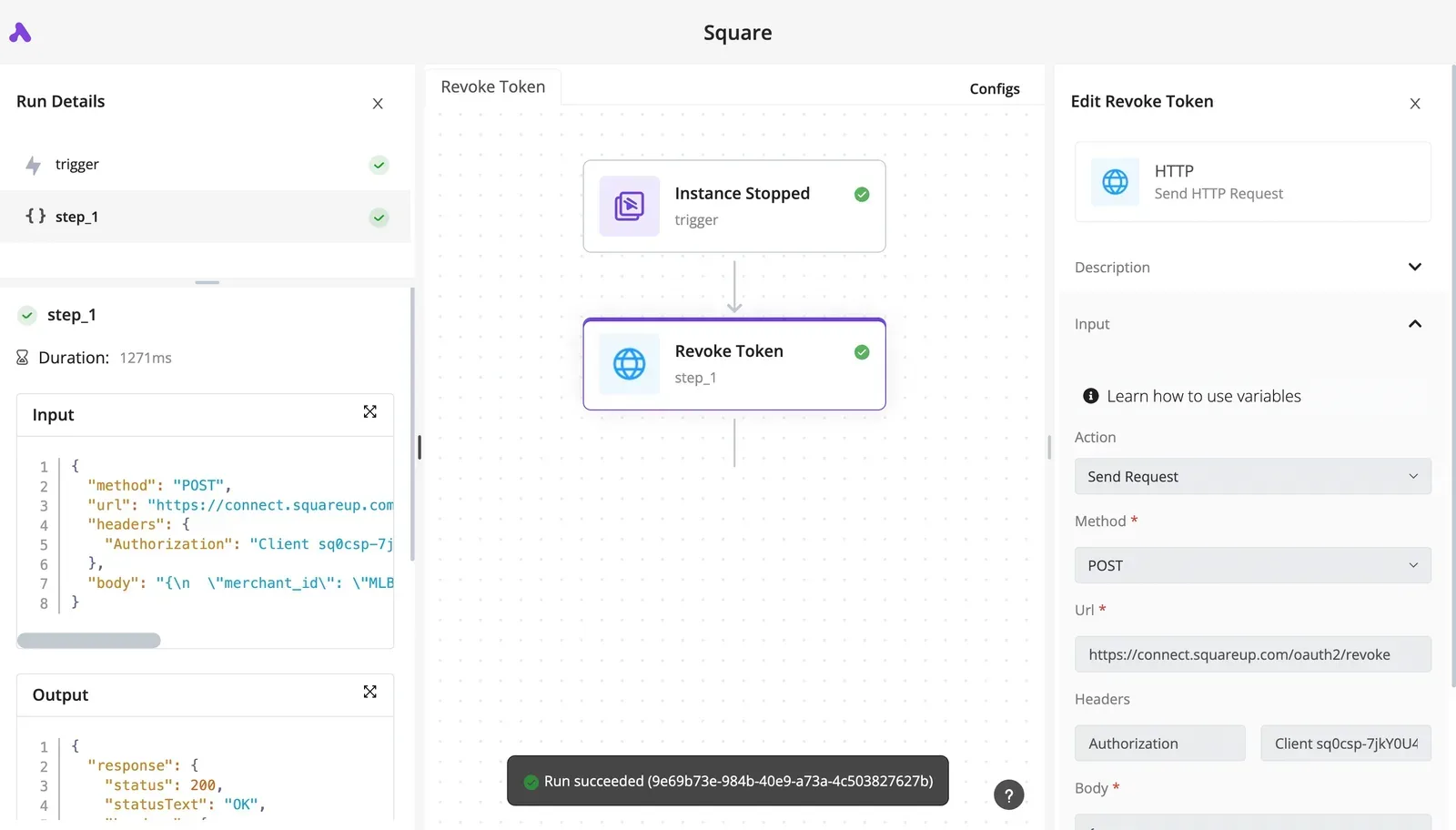
![A workflow canvas showing an Instance Stopped trigger connected to a Revoke Token HTTP request step, with the right panel…](https://ap-marketing-media.fra1.cdn.digitaloceanspaces.com/uploads/6562aaca-2f20-4c5f-929c-5a24b3c9a908/linkedin-api-access-limits-and-errors-in-2026-sc-d387a7d6.webp)

### When to call the Confluence API in code

Don't expect the visual builder to remove Confluence's cost-based rate limiting or its permission errors; it only hides where they surface.

A flow that returns a 403 because the token's user can't see the space fails exactly as your script would, with less room to inspect it.

Move to code when you need custom retry and backoff. Move to code too when you page through large result sets and must follow `next` links with state, or when volume's high enough that you need to control request cost yourself.

For teams who need to work with Confluence through a workflow tool, Activepieces is the better choice on the criterion of reach: its Confluence piece covers the common actions, and its HTTP step can call any v2 or v1 endpoint the piece doesn't wrap, so a missing built-in action is a starting point rather than a dead end.

![Activepieces workflow builder with HTTP request step selected and its settings panel open showing method, URL, headers, and…](https://ap-marketing-media.fra1.cdn.digitaloceanspaces.com/uploads/9e36e973-de4a-435f-8912-12e666216b2d/self-host-mistral-ai-enterprise-deployment-guide-3f7fe28d.webp)

The credential is held centrally as a connection instead of pasted into each script, and because the catalogue is open source and can be checked directly in the monorepo, a reader can verify what is covered rather than trust a marketing figure.

A team that prefers to write and maintain its own cursor-loop code may still value that control, but for anyone who wants the same Confluence calls without those gaps becoming ceilings, the visual flow is the stronger option.

## Frequently asked questions

You pay for the seats, not the requests. Atlassian doesn't list a separate charge for the Confluence Cloud REST API, and calls run as a user on your existing plan and count against the same [rate limits and permissions](https://developer.atlassian.com/cloud/confluence/rest/v2/intro/) as everything else.

On a free plan, Atlassian's REST API docs don't gate Cloud API access behind a paid tier.

On a Free site you can authenticate with an API token and call the endpoints. Treat the plan's own limits on users and features as the ceiling, and check them in [Atlassian's API token guide](https://support.atlassian.com/atlassian-account/docs/manage-api-tokens-for-your-atlassian-account/) before you build on it.

If you're on Data Center, this API doesn't work, at least not the one this article covers. The v2 API and the token flow described here are Cloud-only.

Data Center ships its own REST API with its own authentication, documented in [Atlassian's Data Center REST reference](https://developer.atlassian.com/server/confluence/confluence-server-rest-api/). A script written against a Cloud URL will fail against a Data Center host.

### Why does my API token stop working?

Usually one of four causes: the token expired, someone revoked it, the account behind it was deactivated, or that user lost access to the space you're calling.

Tokens carry an expiry set at creation, and they act as the user who made them, so they can never see more than that user can. Manage and re-issue them in [Atlassian's token docs](https://support.atlassian.com/atlassian-account/docs/manage-api-tokens-for-your-atlassian-account/).

A sudden `401` points at the token, while a `403` points at permissions.

Through v1, attachment uploads work. The v2 attachment endpoints cover reading and deleting, so uploads are one of the gaps where you fall back, using the [v1 attachments endpoints](https://developer.atlassian.com/cloud/confluence/rest/v1/api-group-content---attachments/).

Send a multipart request with the `X-Atlassian-Token: no-check` header, or Confluence rejects it as a possible cross-site request.

## Related reading

- [Confluence Pricing: Free and Paid Plans (2026 Guide)](https://www.activepieces.com/blog/confluence-pricing-free-and-paid-plans-2026-guide)
- [Best AI Agent Builders for Sales Teams, Ranked](https://www.activepieces.com/blog/best-ai-agent-builders-for-sales-teams-ranked)
- [Best AI Agent Builders in 2026: Ranked & Reviewed](https://www.activepieces.com/blog/best-ai-agent-builders)

## References

- [Atlassian](https://developer.atlassian.com/cloud/confluence/rest/v2/api-group-comment/)
