By keeping the math inside the sheet, you create a simple numerical threshold that an automation tool can easily recognize as a signal to send an alert. ### Testing the trigger with a dummy contract row Verify the logic using a test row containing your own email address. Set the renewal date so the "Days Remaining" column matches your target alert threshold. If the automation engine is set to watch for rows where that value equals 30, it should immediately fire a notification to your account. Successful delivery confirms that your data mapping is accurate. 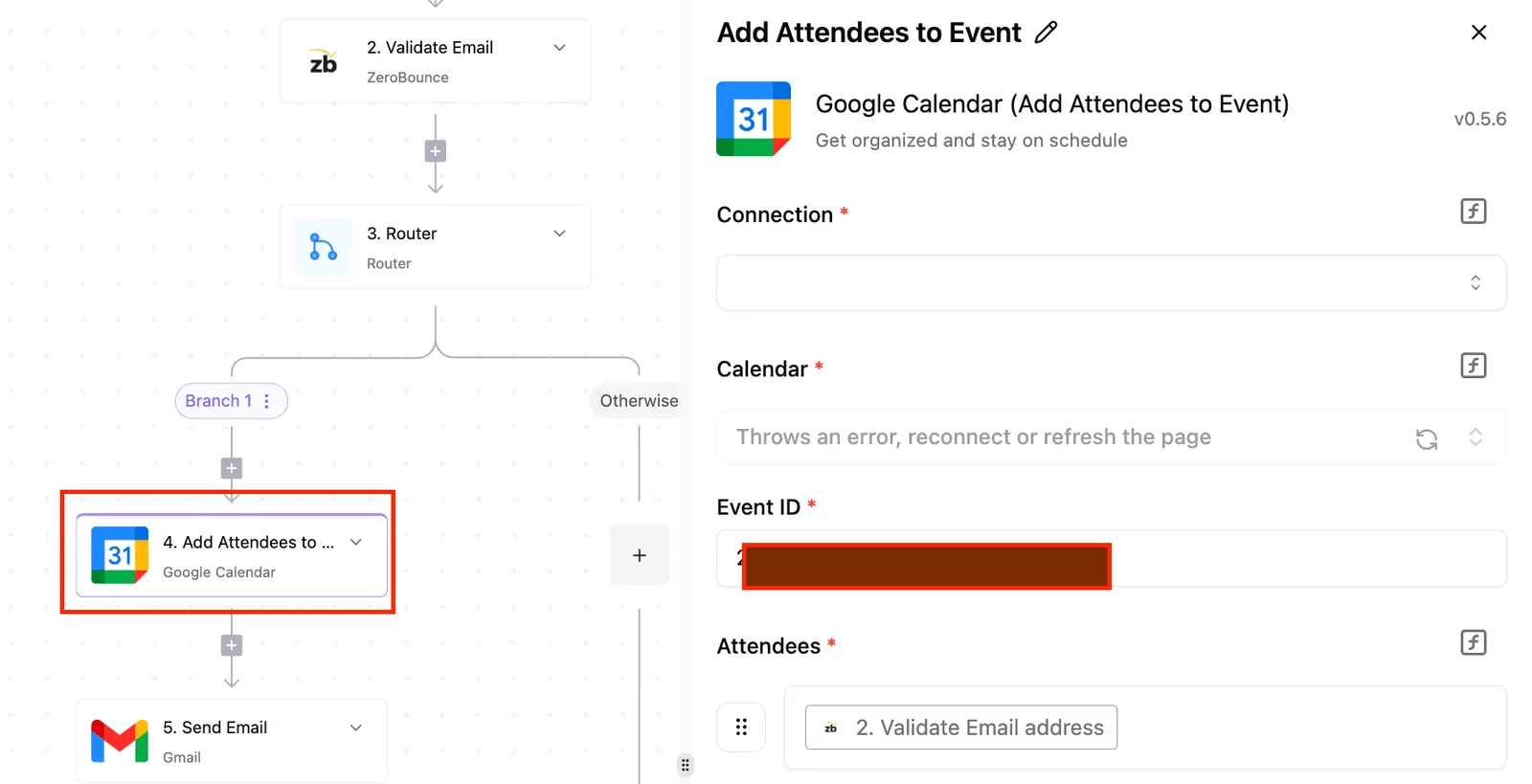 ## Step 2: Add conditional logic and multi-channel alerts You route renewal notifications through different channels based on contract value to ensure expensive accounts receive manual oversight while smaller ones follow a standard digital path. ### Routing high-value renewals to senior stakeholders Conditional routing ensures you apply limited human resources where the financial risk justifies the time. By inserting a decision branch, you create a fork in the road. The logic checks if the Contract Value is greater than $10,000, which triggers a mandatory secondary approval process, ensuring that high-stakes financial commitments receive the necessary oversight, which means that smaller agreements can proceed without the bottleneck of additional administrative review. If the data matches your "Yes" path, the automation triggers a high-priority notification. If it falls into "No", the system proceeds with a standard automated email. This distinction ensures a missing signature on a major account triggers a phone call, while a small subscription receives a polite follow-up. ### Configuring Slack notifications for immediate visibility Connecting your logic to Slack ensures that staff see urgent updates immediately rather than losing them in an overflowing inbox. By using a messaging integration, you can push "Renewal Due" alerts directly into a dedicated #legal-renewals channel.  The trigger is a date-based query identifying a contract expiring in 90 days, so the team has a three-month window to secure a renewal before the agreement lapses. The filter checks if the contract status is still "Active" and the "Renewal Processed" checkbox is false. The action is the system posting a formatted message including the client name, dollar value, and a direct link to the record. ### Setting up the 90, 60, and 30-day alert cadence A reliable renewal engine uses a staggered notification schedule to escalate urgency as the expiration date approaches. * 90 Days Out: Send an internal Slack alert to the account owner to initiate a discovery call, providing ample time to gauge client sentiment before formal negotiations begin, so the team is never caught off guard by unexpected churn. * 60 Days Out: Trigger an automated email to the client via Outlook attached to a fresh quote, prompting a decision while the existing service terms are still active, effectively creating a sense of urgency that encourages timely renewals, which means the client has two months to secure their budget before the current contract expires. * 30 Days Out: If the "Contract Signed" field is still empty, the system sends a high-priority alert to both Slack and the stakeholder’s email. If a step fails, the automation engine should generally be configured to stop the flow and ping your data admin immediately, unless a specific step defines its own fallback route. ## Building the automated renewal workflow in Activepieces Activepieces automates contract renewals by triggering a search through your existing spreadsheets and routing the results to your sales team through a logic-based canvas. A granular renewal flow often requires multiple steps (checking dates, looking up owners, and branching by contract value) which can become expensive on platforms that bill per task. Activepieces uses a per-run metering model where one credit covers a single flow run regardless of how many steps or loops are inside it. This allows teams to build highly detailed, multi-step renewal logic without the cost scaling with the complexity of the flow, as shown on the published pricing page: 1 credit per flow run, any number of steps, check it against Zapier's per-task billing and Make's per-module billing on their own pricing pages. ### Connecting your contract database to the workflow The flow begins with a Schedule trigger. You can set this to "Every Day" to ensure the system checks for upcoming deadlines. This trigger initiates a search in your database using the "Find Rows" action to isolate every contract where the "Expiry Date" matches your renewal window. ### Processing multiple contract expiries automatically A single daily check might uncover dozens of expiring contracts. The "Loop" integration is required to handle each record individually. This integration takes the list of rows found and repeats the subsequent actions for every single contract. 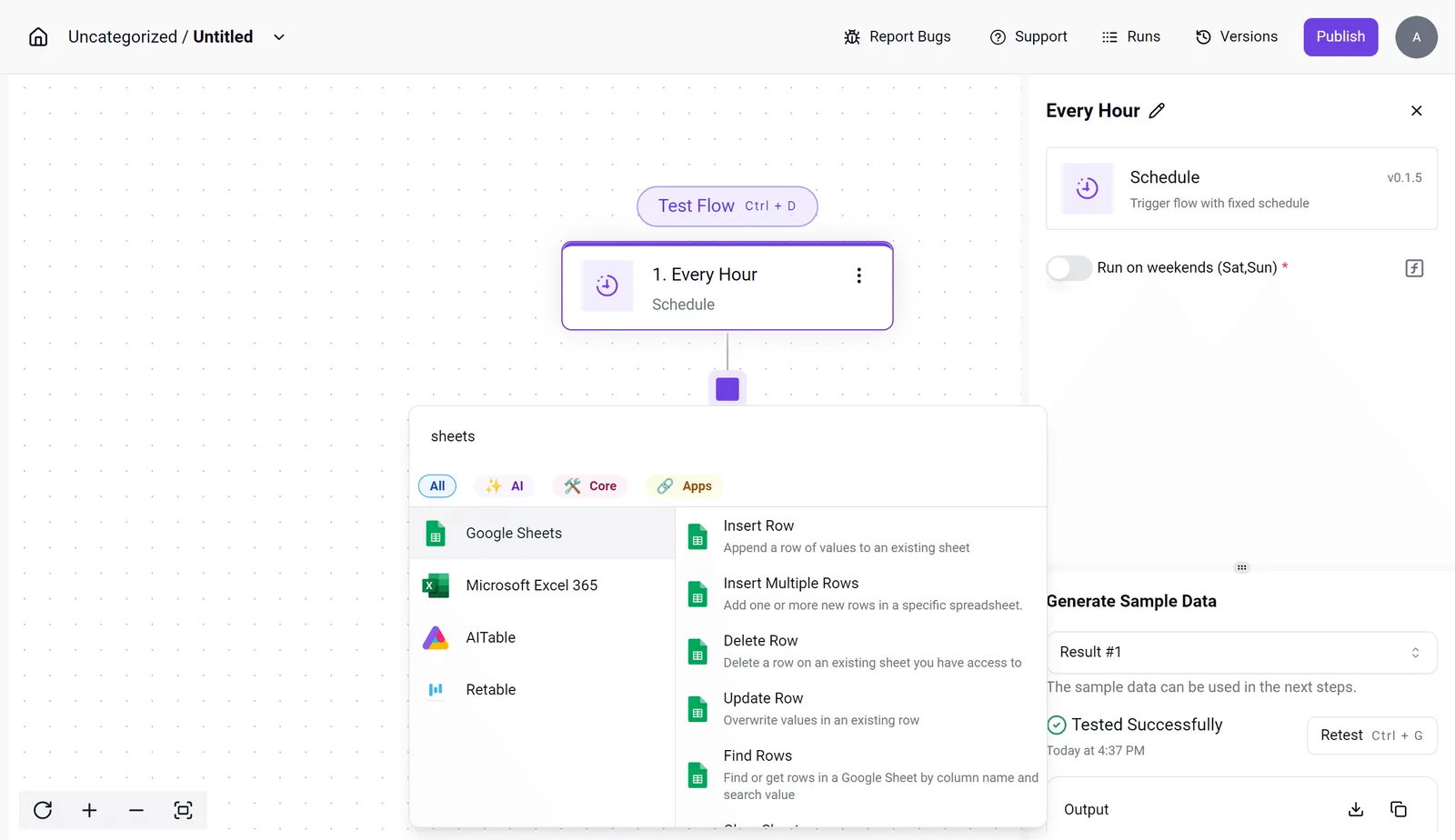 Without a loop, your automation would only process the first name on the list. ### Customizing the email template with dynamic data The final step uses the Gmail or Outlook integration to send a personalized message. It pulls dynamic values like "Client Name" and "Contract Value" directly from the spreadsheet row currently in the loop. 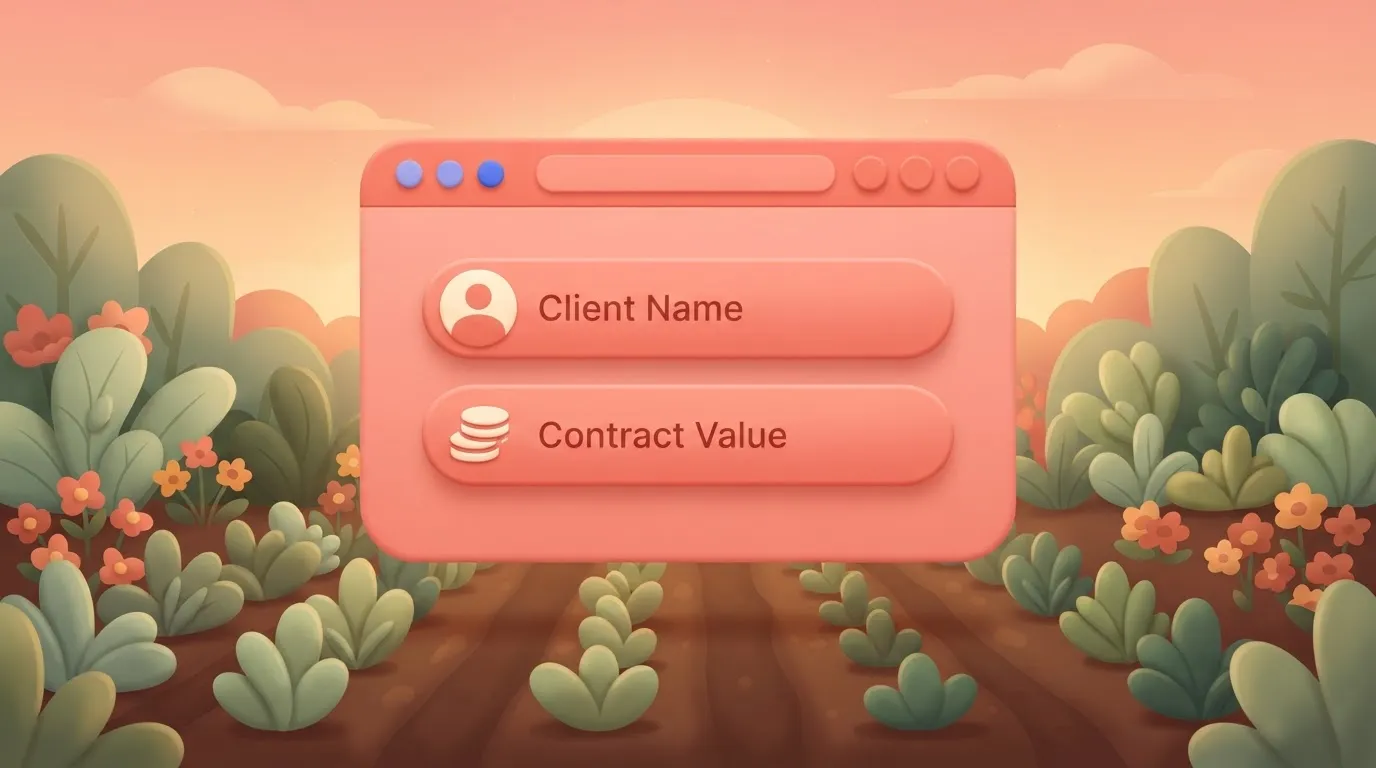 If the "Find Rows" step fails to return an email address, the engine can route a notification to a Slack channel instead, preventing the renewal from stalling. Zapier is best for teams who need the library of niche apps and a higher monthly cost per task. Make is best for complex data transformations where you need to map hundreds of variables across advanced functions. Activepieces is best for teams who want a clean, self-hosted, or cloud-based builder that prioritizes reliability and ease of use for standard business operations. To start building your own logic-based renewal engine, browse the available [integrations](https://www.activepieces.com/pieces) and [start for free](https://www.activepieces.com/pieces). ## Choosing the right automation engine for legal workflows Selecting an automation engine depends on whether you prioritize fast setup or the ability to process hundreds of dates simultaneously. Legal workflows require specific handling for "loops", the logic that allows a system to check every row and trigger individual actions. 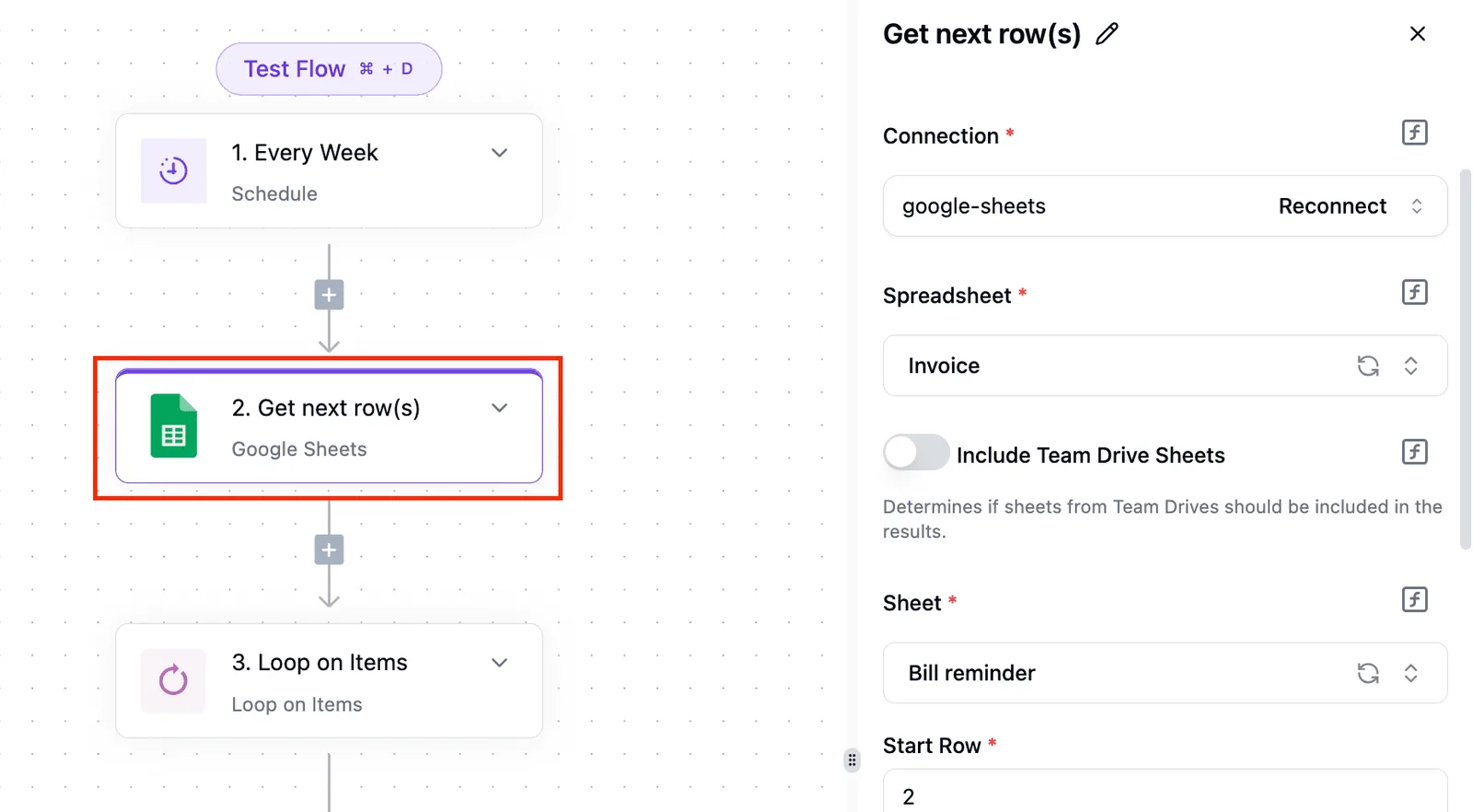 | Monthly Cost | Task Limit | Loop Handling | | :--- | :--- | :--- | | Zapier Starter ($29.99) | 750 Tasks | Limited to basic linear flows | | Make Core ($12.00) | 10,000 Tasks | Native "Iterators" for bulk processing | | Activepieces (Self-hosted/Pro) | Unlimited (Self-hosted) | Built-in "Loop" step for batch data | ### Zapier: The premium choice for simple triggers Zapier is the A tool for connecting a single event, such as a new signature in DocuSign, to a notification. With over 9,000 pre-built integrations, a non-technical user can stand up a "Zap" in minutes. However, running a daily check on 500 renewal dates can quickly exhaust a monthly task quota. ### Make: Powerful logic with a steeper learning curve Make offers granular control over data transformation, allowing you to build complex "scenarios" that filter metadata before it reaches your team. It uses a visual canvas where you can branch logic, but the interface requires a deeper understanding of data types. For a 500-contract portfolio, its high task limits make it economical for high-volume iteration. ### Keep contract data secure and private Activepieces runs renewal logic on your own infrastructure under an MIT-licensed core, ensuring sensitive contract data never leaves your controlled environment. By using Git Sync and Release Management, teams can promote versioned renewal flows from test to production as deliberate software updates rather than accidental UI clicks. It balances a user-friendly interface with the robust looping logic required to sweep through a database and identify every contract expiring within 90 days, thereby preventing any accounts from slipping through the cracks due to manual oversight, which means that no revenue opportunity is lost to human error. ## Frequently asked questions about renewal automation? Reliable renewal automation requires a logic engine that accounts for the messy reality of human-managed data, such as missing dates and duplicate entries. ### How do I handle contracts that auto-renew? Evergreen contracts are managed by adding a conditional branch. This branch identifies "Auto-Renew" status and calculates the next notice period immediately after the current one passes. This ensures your team never misses the window to renegotiate before the next locked-in period begins. ### Can I attach the original PDF to the reminder email? You can attach files by using a cloud storage connector like Google Drive. This fetches the specific file ID stored in your database and passes that data to your email provider. ### What happens if the spreadsheet has empty date rows? If a row is missing a renewal date, the engine will trigger an "Error Path". This path sends a direct Slack message to the contract owner instead of attempting to calculate a null value, ensuring the person responsible is notified to fix the data.  ### How do I prevent duplicate alerts for the same contract? To stop duplicate notifications, add a "Search" step at the start of your flow. This step checks for an existing "Reminder Sent" timestamp in your database before proceeding. This ensures that even if a workflow is triggered multiple times, the client lead only receives one clear instruction. ## Related reading - [How to Automate Invoice Reminders: A 2026 Guide](https://www.activepieces.com/blog/how-to-automate-invoice-reminders-a-2026-guide) - [Compare Taskade Pricing for Small Teams](https://www.activepieces.com/blog/compare-taskade-pricing-for-small-teams) - [DeepSeek Search API vs Exa Pricing for Small Teams (2026)](https://www.activepieces.com/blog/deepseek-search-api-vs-exa-pricing-for-small-teams-2026)A static date is a milestone, but a dynamic countdown is a trigger.