# DocuSign Salesforce Integration: Setup Guide (2026)
By Gustavo Peixoto · 2026-10-14 · Source: https://www.activepieces.com/blog/docusign-salesforce-integration-setup-guide-2026
---
Install DocuSign's Gen for [Salesforce](https://www.salesforce.com/products/integrations/docusign/) from AppExchange, connect your DocuSign account, map a template to your Salesforce fields, and add the button to a record page, and if you later want to chain follow-up steps after signing, a tool like [Activepieces](https://www.activepieces.com) can pick up from there.
That's the shortest route from a Salesforce record to a signed document. This guide reflects DocuSign's documentation as checked in October 2026.
## Set up DocuSign Salesforce integration
### What the integration does
You send a document for signature from a Salesforce record, watch its status on that record, and file the signed copy back against it. That is the DocuSign Salesforce integration, a managed package. It covers the core leg between those two systems.
When the integration breaks, the cause is nearly always a permission, an authentication step, or a template field that points at nothing.
| Step | Who does it | Where in Salesforce |
|---|---|---|
| Install Gen for Salesforce | Admin | AppExchange, then Setup's installed packages |
| Connect the DocuSign account | Admin | The package's configuration screens after install |
| Map a template to Salesforce fields | Admin | The Gen template setup inside the package |
| Add the button | Admin | Page layout or Lightning record page for the object |
If a button is missing or a send fails, look at what the admin configured or granted. The table shows why: setup is an admin job from start to finish, and users only press the button afterward.
Each step also depends on the previous one, so skip none of them.
### Gen for Salesforce versus the older package
Gen for Salesforce is DocuSign's newer package, built around generating documents from templates and sending them from the same flow. The older package centers on sending and tracking documents you already have.
If you see both in AppExchange or in a colleague's org, check which one the docs you are following describe, because menu names and setup screens differ.
Anything beyond these two systems, such as routing approvals through other tools, sits outside either package. [Activepieces](https://www.activepieces.com) picks up that work.
Before you start, have these ready:
- A DocuSign account that can authorize the connection
- A Salesforce admin who can install packages and edit layouts
- Permission sets assigned to anyone who will send
- A template whose merge fields match real Salesforce fields
## Check DocuSign Salesforce licences, editions and permissions
Confirm five things before installing: the DocuSign plan, the Salesforce edition, your admin rights, Lightning support and the org you're installing into.
Each one maps to a failure you'd otherwise meet halfway through setup. The table below lists what to check for each and where the answer lives.
Where I haven't verified a value against the vendor's current documentation, it says so, and you should treat that cell as a task, not an answer.
| Requirement | What to check | Source |
|---|---|---|
| DocuSign plan | Whether your plan includes the Salesforce integration and the API access it relies on | Confirm on the vendor page |
| Salesforce edition | Whether your edition allows installing managed packages and supports the features the package uses | Confirm on the vendor page |
| Admin rights | Whether you can install packages and assign permission sets | Salesforce setup and profile settings in your own org |
| Lightning | Whether the package's components are supported in Lightning Experience, not only Classic | Confirm on the vendor page |
| Sandbox vs production | Whether the DocuSign account you connect matches the type of Salesforce org | Confirm on the vendor page |
### DocuSign account and plan
When the plan doesn't include the feature, a DocuSign account can authenticate fine and still refuse to do what you ask. Check the plan before you touch Salesforce, and confirm the integration and API entitlements on DocuSign's pricing and plan pages.
Also confirm that you hold an administrator role in that account, since consent and connection steps need one.
If you see `INSUFFICIENT_ACCESS_OR_READONLY` after a clean install, the package is fine and the user isn't. Installing needs administrator rights, and day-to-day sending needs the package's permission sets assigned to each user.

Check the edition against Salesforce's package documentation, and confirm Lightning support on the vendor page before you plan page layouts around it.
Install in a sandbox, a copy of your Salesforce org used for testing, and connect it to a DocuSign demo account, not your live one. That way a broken template mapping sends nothing to a real customer.
Production gets the same steps afterward, so you're repeating a checklist you've already run once.
## Install and configure DocuSign Salesforce
Do the setup in seven steps, in a fixed order.
Most of the errors you'll hit later, such as "insufficient privileges" on the send button or an envelope that goes out and never updates the record, trace back to a step done out of sequence or skipped.
Run this checklist in the sandbox first and then repeat it in production; it shows the whole path from install to confirmed write-back.
1. Install the package from AppExchange.
2. Authorise the DocuSign account.
3. Assign permission sets to users.
4. Add the button or component to the page layout.
5. Map fields and recipients in a template.
6. Send a test envelope.
7. Confirm status writes back to the record.
Because some steps depend on each other more tightly than the numbering suggests, the subsections below take these in groups.
### Install the package and connect the account
#### Install and authorise DocuSign in Salesforce sandbox
Install the DocuSign package from AppExchange, choosing the sandbox as the target first. Then open the DocuSign app's setup and authorise the DocuSign account by signing in with an admin user on the DocuSign side.
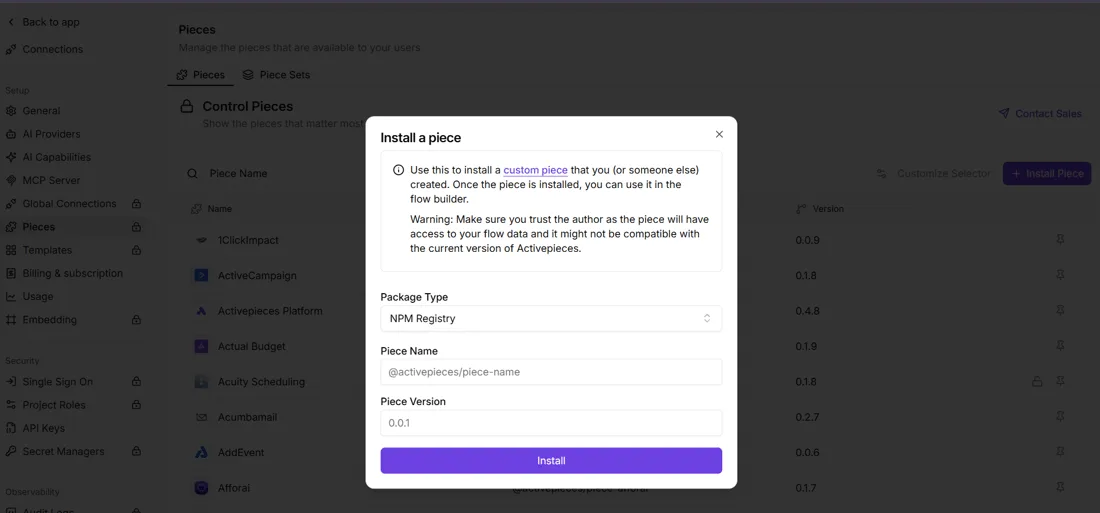
**Authenticate with a named service identity, not a person's login.** If the authorising user leaves or changes their password, the connection fails and every send fails with it.
#### Assign permission sets
**Installing the package gives nobody access.**
Assign the DocuSign permission sets to each user who will send, and give administrators the admin set. Check this before you debug anything else, because a user without the right set sees a missing button or an access error that looks like a template fault.
#### Add the button to page layouts
Add the sending button or component to the page layout of each object you'll send from, such as Opportunity or a custom contract object. Do it per layout and per record type.
A button on one layout doesn't appear on another, and "it works for me" usually means the testers are on a different layout.
#### Map the template
In the Gen template, map Salesforce fields to document merge fields, then define recipients by role, pulling names and emails from the record or its related contacts.
When a send is rejected, the usual reason is an empty email on the mapped contact, so the fix is in the data, not the template.
### Test DocuSign Salesforce envelope and status sync
Send a test envelope to an address you control, and sign it. Then go back to the Salesforce record and check that the status changed and the signed document is stored.
If the envelope completed in DocuSign but the record still shows sent, the write-back is broken. Recheck the authorisation and permission sets from the earlier steps before touching the template. Only when this passes cleanly in the sandbox do you repeat the steps in production.
## Limits of the native DocuSign Salesforce connector
Inside your org it sends, tracks and files documents for records; at the edge of Salesforce and DocuSign the native connector stops, and it can't run logic or reach systems outside those two.
### Supported objects and document generation
Standard and custom objects are both in scope, because Gen for Salesforce builds documents from templates mapped to Salesforce objects. The consequence is that a template is only as good as its field mapping.
When a merge field points at a related record several hops away, or at a field the sending user can't read, the result is a blank or a failure, not a warning.

Objects outside your org, such as a contract held in a billing system, aren't available as a source at all.
### Status and document write-back
On the Salesforce record, the connector writes envelope status and can attach the signed document, which covers the core send, track and store loop.
What it doesn't do is act on that status beyond the record. A "completed" envelope won't, by itself, update an invoice elsewhere or open a ticket. Whatever follows a signature has to be built in Salesforce automation or outside it.
Activepieces can trigger on a DocuSign envelope event and then update the billing tool, post to Slack or file the PDF in a contract repository.
**Its 740 integrations, called pieces,** are counted straight from the `packages/pieces/community` directory of the open-source monorepo on GitHub rather than taken from a marketing figure, roughly 60% of them were contributed by the community, and the core is MIT-licensed.
It doesn't replace Gen for sending from Salesforce records, and it doesn't fix a broken template mapping or an expired DocuSign connection.
Here's where the package ends, compared with a custom API build on the dimensions that decide it.
| Dimension | Native connector | Custom API build |
|---|---|---|
| Objects | Standard and custom objects through templates | Whatever objects you code |
| Write-back | Status and signed documents to the record | Whatever you code |
| Reach | Nothing outside Salesforce | Any system with an API |
| Multi-step logic | Unverified beyond basic routing | Unlimited, at your maintenance cost |
I couldn't confirm the native connector's multi-step logic against official documentation beyond basic routing, so treat that as unverified.
Custom code buys reach and costs ownership. You maintain authentication, retries and error handling yourself.
Custom code buys reach and costs ownership.
If a custom build calls out from Apex, Salesforce's own governor limits apply, and they shape how much it can do in one transaction.
I'm not quoting values here. Take them from Salesforce's official limits documentation for your edition, because they differ by edition and change between releases.
## Fix common DocuSign Salesforce errors
Six errors cover most Gen for Salesforce failures after install:
- consent
- a revoked connection
- a missing permission set
- blank merge fields
- status that never updates
- a sandbox-to-production break
Each traces to a setting you can check in minutes.
To match what you see on screen to the layer that broke, instead of reinstalling the package, use the map below, which sets each one out as symptom, cause and fix.
The four groups after it follow the same order and add the detail the map leaves out.
### Fix DocuSign Salesforce authorisation and consent errors
`consent_required` is the string to look for in the logs. It means the integration user never approved DocuSign acting on its behalf. Have that user sign in and accept the consent prompt, or have an admin grant it.
Sends fail on a link that worked yesterday. That is a revoked connection, and it looks different from a consent error.
The usual causes are a password reset, a deactivated user, or someone removing the authorised app on the DocuSign side. Reconnect with the integration user.
Use a dedicated account for this, so a colleague leaving doesn't silently cut the link.
### Missing permissions and field-level security
If the send action says "Insufficient privileges", the user has no DocuSign permission set. Assign it and retry.
The document renders empty even though the template is fine. These are blank merge fields, the sneakier error, because the running user can't read the field.
Field-level security hides it. Grant read access on that field through the profile or permission set, then regenerate. **Editing the template won't help.**
### Status not syncing back to the record
Completed in DocuSign, still sent in Salesforce: that is the symptom. The update is failing to reach or write to the record.
Check that the connection is live, then that the integration user has edit access to the status fields. Fix those, then resend. Hand-editing the status hides the fault, and the next envelope fails the same way.
Everything worked in the sandbox and nothing works in production. **Connections and templates don't carry over**, because they point at sandbox record IDs and a demo DocuSign account.
Reconnect to the production DocuSign account, re-point or rebuild the templates, and reassign permission sets. DocuSign's official troubleshooting pages cover each step, and none of them is optional.
## Extend the integration to other systems with Activepieces
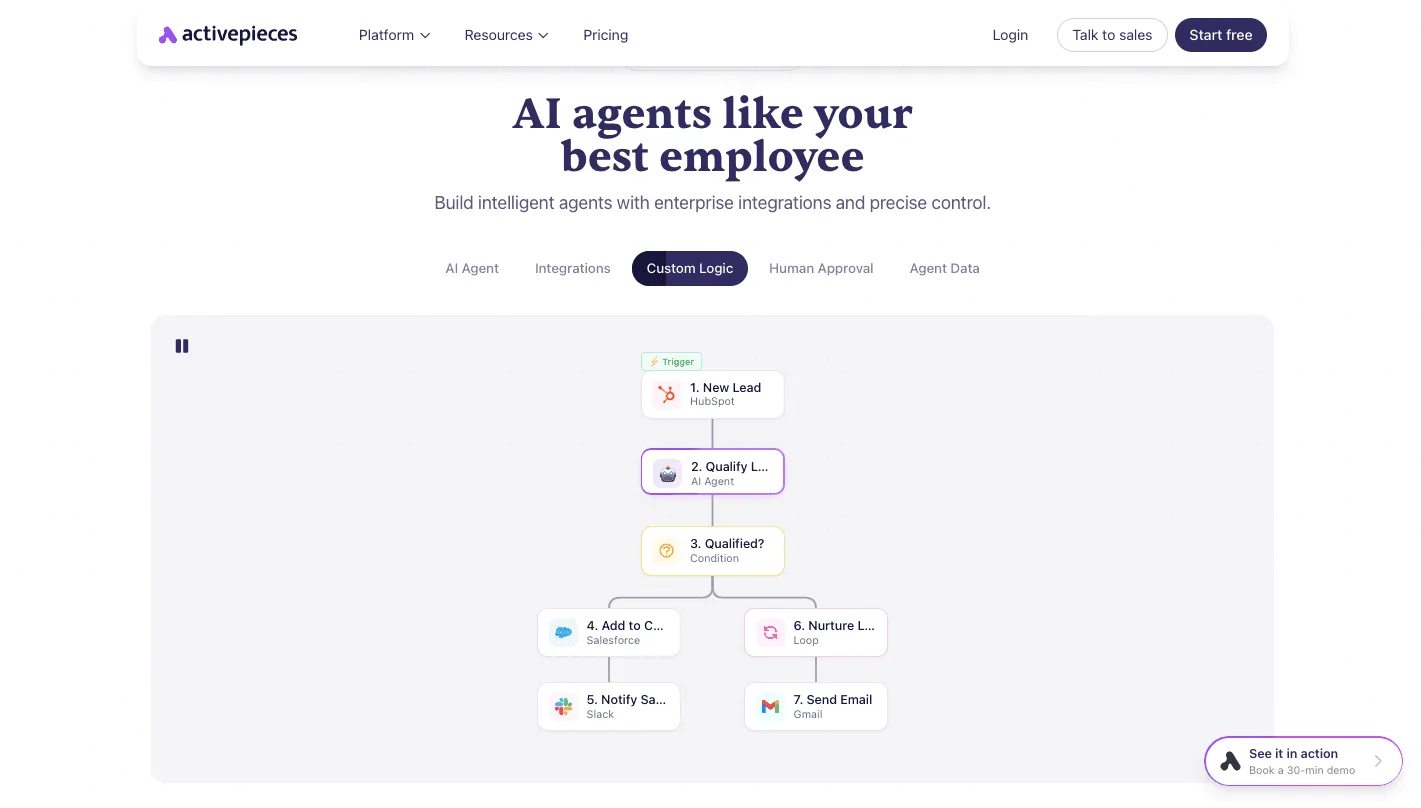
Once DocuSign reports the envelope signed, Activepieces, an open-source workflow automation tool, picks up. That's where the package stops and the other systems begin; the sending step stays with Gen for Salesforce.
### When the native DocuSign Salesforce connector is enough
If the job is "button on an Opportunity, envelope goes out, status comes back, signed PDF lands on the record," stay with Gen.
Because Gen already does that, rebuilding it in a third tool means you now own two sets of credentials and two places for a permissions error to hide. You'd be debugging the same failure with more moving parts.
When someone asks for the signature to cause something outside Salesforce, the package runs out. Post to a Slack channel. Create an invoice in your billing system. Copy the PDF into the document store legal actually audits.
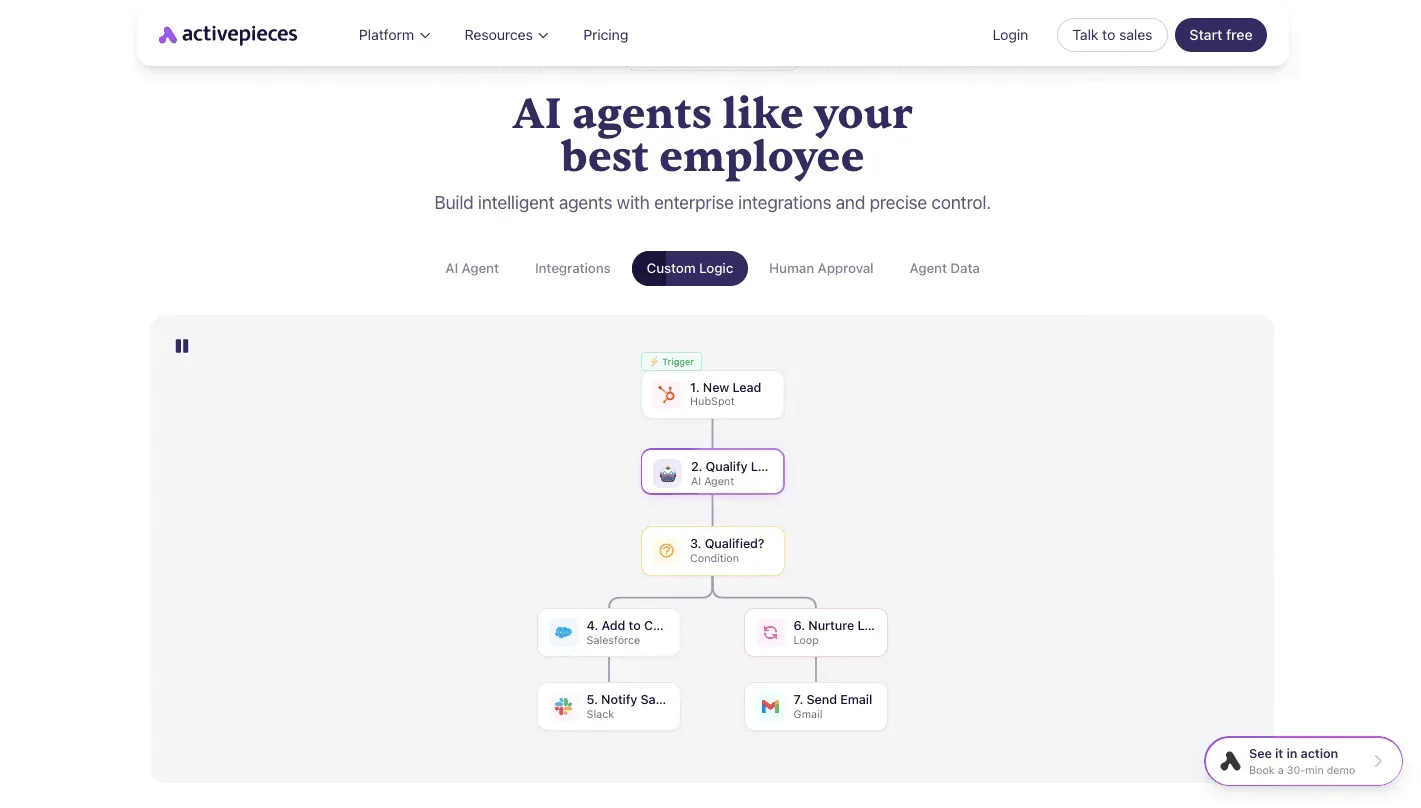
**Gen has no say in any of that.** Writing it as Apex callouts inside Salesforce makes your CRM the home of logic that has nothing to do with CRM data.
Before you design around the integrations, check Activepieces' integrations page for the exact DocuSign triggers and the actions available for Slack, your invoicing tool and your storage. A connector that lacks the action you need turns this into a custom HTTP step.
### An envelope-completed workflow example
Nothing on the Salesforce side knows the second half exists.
On the envelope-completed event, the flow starts and runs three branches. One posts the signer and document name to a Slack channel. One creates the invoice. One downloads the signed PDF and writes it to storage under a predictable path.
Because the branches are independent, a failed invoice step shouldn't stop the filing step, so set each to fail on its own and alert you.
The next thing to settle is who gets that alert, since a silent failure here looks exactly like a contract nobody signed.
## Frequently asked questions
Treat anything version-specific as true for October 2026, since each answer below was checked then.
### Does DocuSign for Salesforce cost extra?
Yes, in practice. The package installs from the AppExchange (Salesforce's app marketplace), but sending envelopes depends on your DocuSign plan, and some Gen features may sit behind a higher tier. So "the install was free" tells you nothing about the bill.
Get the plan and feature list in writing from your DocuSign rep before you build a workflow on a feature you may not own.
### Can I send an envelope from a custom Salesforce object?
Yes. Gen for Salesforce can be configured against custom objects as well as standard ones, and it fails in the usual way if you skip the groundwork.
If the object's fields aren't mapped in the template, or the sending user lacks access to the object, the envelope goes out empty or never goes out. Check object permissions and field mapping first, before suspecting the package.
### How do I remove or uninstall the DocuSign package?
Go to Setup, then Installed Packages, and uninstall from there. It'll refuse if anything still references the package, and that's the failure you'll hit first.
Strip the DocuSign buttons from page layouts, then remove flows and Apex code that call it, and only then retry. Also revoke the connected authorization on the DocuSign side, or the account keeps a live link to an org that no longer uses it.
Uninstalling doesn't delete envelopes already stored in DocuSign, so export anything you need as a record first.
### Does the integration work in a Salesforce sandbox?
Yes, but connect it to a DocuSign demo account, not production. Envelopes sent from a sandbox against a demo account are test data and carry no legal weight.
A sandbox refresh can also break the authentication link, so re-authorize after each refresh instead of assuming the old connection survived. If a test envelope vanishes after a refresh, check that first.
## Related reading
- [Trello Slack Integration: Setup and Limits (2026)](https://www.activepieces.com/blog/trello-slack-integration-setup-and-limits-2026)
- [Klaviyo Shopify Integration: Setup and Pricing (2026)](https://www.activepieces.com/blog/klaviyo-shopify-integration-setup-and-pricing-2026)
- [Shopify MCP Server: 2026 Setup Guide](https://www.activepieces.com/blog/shopify-mcp-server-2026-setup-guide)