Bring-your-own-key starts on the Plus plan at $20 a month, where every AI step counts as 1 credit, and the model choice stays with you rather than with us. Because the model is one field in one step, a trial means changing that field and leaving the rest of the flow untouched. ## Why Omni 1.2 Flash matters What each run costs, how long it takes and how good the output is all depend on the model behind an AI step. **Gemini Omni 1.2 Flash is therefore a reason to re-test, not to switch.** ### Where a model choice shows up in a workflow Whatever model an AI step in an automation calls, every run inherits its behaviour. Examples are classifying an incoming request, extracting fields from a document or drafting a reply. Nobody reviews the choice run by run, so a poor fit surfaces later as a bill, a delay or a wrong output. Each of these is a property of the model, which makes it something you can check before you commit: - Cost per run: compare what a typical run on your real inputs costs on each model, not the headline rate, before approving any change. - Speed of the step: time the step inside the full workflow, because a faster model that adds retries isn't faster. - Output quality on your task: score both models on the same sample of your own documents, since public benchmarks don't use your formats. ### Why test Omni 1.2 Flash before switching Before you trust a launch-day claim, remember that it **describes the vendor's chosen tasks, not yours**. Swapping the model changes a production process, and most teams need that change to pass whoever owns the workflow and, where it applies, whoever signs off on software changes. To approve the switch, or decline it, with evidence on file, that person needs a recorded comparison on your own tasks. If the new model wins on your tasks, you switch with a record. If it doesn't, you've lost only the time the test took. 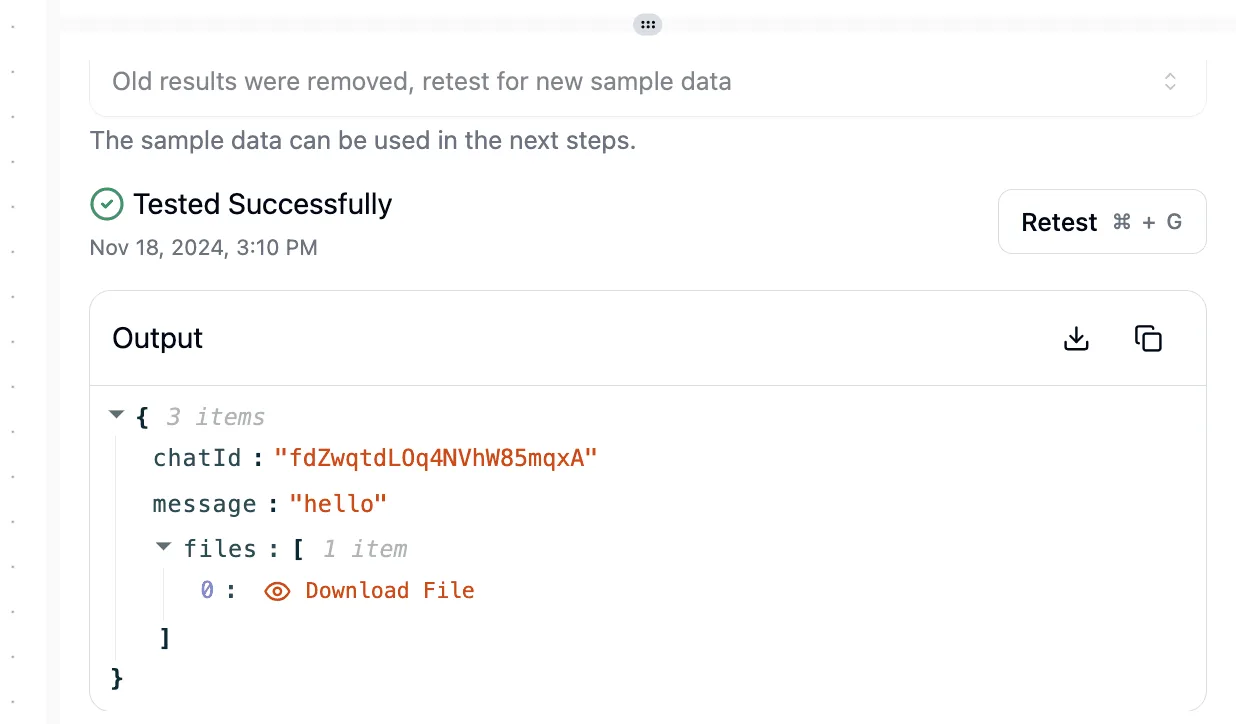 ## What's new in Omni 1.2 Flash According to Google's [documentation](https://docs.cloud.google.com/gemini-enterprise-agent-platform/models/gemini/omni-1-2-flash), Omni 1.2 Flash is a multimodal model for video, image and text. Its clip ceiling is 15 seconds, so content up to that length can fit. Everything below was checked on 2026-11-06. ### Omni 1.2 Flash capabilities and limits The page positions the model for video generation, editing, extension and upscaling. The table shows the figures it states and where each comes from; take from it what's missing as much as what is present. | Figure | Source | Date checked | |---|---|---| | Inputs: video, image, text | Google model page | 2026-11-06 | | Output: video with audio, up to 15 s, 360p to 4K | Google model page | 2026-11-06 | | Length, 1.1 vs 1.2: — | Google model page | 2026-11-06 | | Max output tokens: 65,536 | Google model page | 2026-11-06 | | Rate limits: not published | Google model page | 2026-11-06 | | Price: not stated on the model page; it links to a separate pricing page | Google model page | 2026-11-06 |  Because of the 15-second ceiling, longer sequences still need stitching, so your test should include a join. With rate limits unpublished, you can't size a batch job from the documentation; measure throughput yourself before committing a schedule. ### Omni 1.2 Flash pricing by resolution If you pick 4K, check the rate on Google's pricing page before approving it. 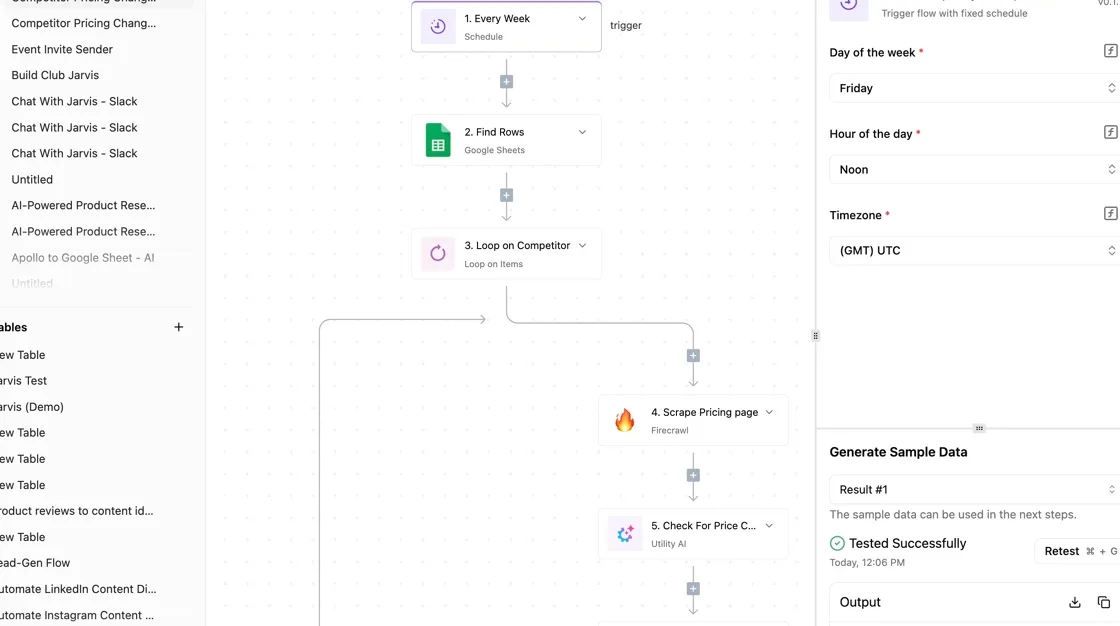 Read the rate for your resolution from Google's pricing page and multiply by your expected clip length before approving any spend; the Runware figures below are reseller rates. ## What Activepieces shipped for Gemini Omni 1.2 Flash ### The shipped support, with date and link We have no confirmed Omni 1.2 Flash listing to point to, so don't treat it as supported until you've seen it in your own model list. What Activepieces does offer is the ability to run any major model, or your own provider key, behind an AI step, and to swap models without rebuilding the flow around them. 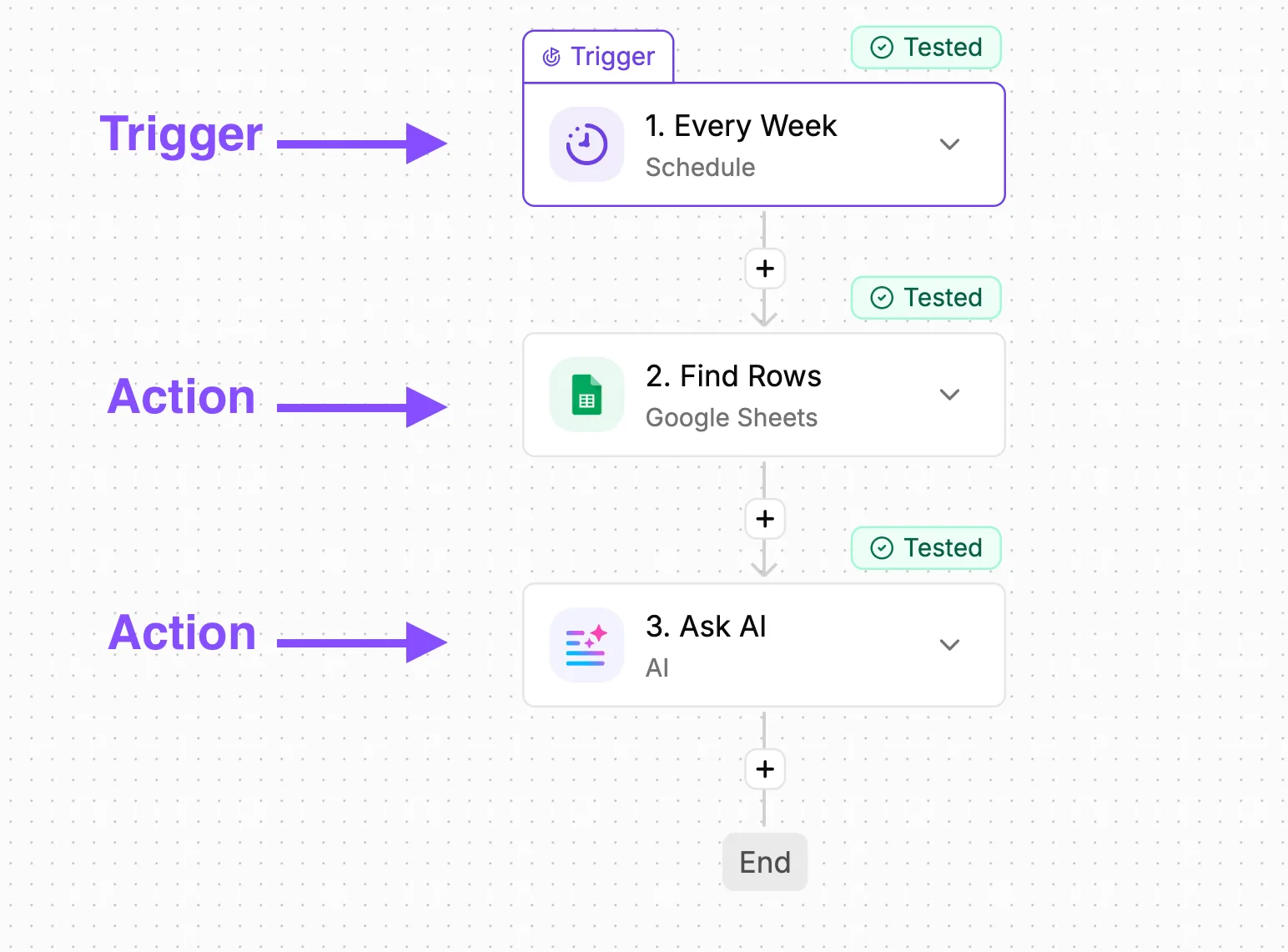 Every one of its 747 integrations is available to the AI as a tool (giving it reach across a broad ecosystem) and cost caps per team and person bound what a trial can spend, which is what an approver wants to see before a new model goes anywhere near production. Don't read any of that as evidence the model is available; it describes how a step is built, not which models are listed. Confirm availability in your own model list before you plan around it. Follow the steps below in the order an approver can check, with the credential before the test so that spend is traceable from the first run. 1. Add a step to your flow and choose the Google Gemini integration. 2. Add credentials: create a connection using an API key issued under an account your organisation owns, so usage appears against a named budget holder. 3. Pick the model in the step's model field. If Omni 1.2 Flash isn't listed, stop there and record that finding. 4. Run the test step with a real input from your own task, not a sample prompt. 5. Read the output in the step panel and save it next to the output from your current model. Saved side by side, those two outputs give you the comparison this article recommends. Repeat the test across several of your own inputs, and only then decide whether any production flow changes. ## Test Omni 1.2 against GPT-5.4 mini On our three automation tasks, Omni 1.2 Flash got none right, while openai/gpt-5.4-mini got all three. That needs reading carefully, because Omni 1.2 Flash is a video-output model, and invoice extraction and email summaries are text tasks outside its purpose.  The result says nothing about how well it fits the work it was built for, so read it as a note on what not to use it for, not as a verdict on the model. This is a small, indicative test, not a benchmark. ### How we tested Omni 1.2 Flash On 2026-11-06, the test of google/gemini-omni-1.2-flash at default settings went through [OpenRouter](https://openrouter.ai/google/gemini-omni-1-2-flash), a service that gives one interface to models from several vendors. openai/gpt-5.4-mini was run beside it. Both received the same three tasks, which means you can attribute any performance gap to actual capability differences. Two of the tasks were to pull named fields from an invoice and to summarise an email thread. Each output was checked against a known answer, and a task counted as correct only if it matched. Three tasks is too few to generalise from, so treat the result as a record of one run, not as grounds for a purchasing decision. ### Omni 1.2 vs GPT-5.4 mini results **Omni 1.2 Flash got 0 of 3 correct**, a complete failure, with no cost reported. By contrast, openai/gpt-5.4-mini got 3 of 3 at a median of 0.9 seconds and $0.000142 per task, a cost so minimal budgets barely notice. On these tasks, the speed of Omni 1.2 Flash bought nothing. Speed only counts once the answer is right, and a video model was never asked to produce this kind of answer in the first place. You can't close the cost gap from this run. No figure was reported for Omni 1.2 Flash, so there's nothing to compare against GPT-5.4 mini's $0.000142, a small fraction of a cent. Rerun it on your own inputs before drawing any conclusion, because a zero score on three text tasks may point to a settings or formatting mismatch, or simply to the category mismatch, rather than a hard limit. ## What Omni 1.2 Flash means for automation If the model is for video, the automations worth testing are the ones that produce video. A trigger such as a new product row, a approved brief or an uploaded clip can start a flow that generates a short video, edits an existing one, or upscales footage, then files the result where your team already works. ### Omni 1.2 Flash clip length limits Output tops out at 15 seconds, so anything longer is a sequence of steps. Generate each segment in its own step, then join them in a final step, and treat the join as part of the workflow you are testing. Check that audio, framing and style hold from one segment to the next, because that is where a stitched clip is most likely to show its seams. ### Budgeting Omni 1.2 Flash video costs A flow that retries or regenerates multiplies that, so set a resolution deliberately and cap spend for the trial before it runs on a schedule. ### How to test a video step Use the same method as for any model, adapted to the output. Take a handful of real briefs or source clips, run them through Omni 1.2 Flash and through your current approach at the same resolution, and save the results with the date. Judge them against what you need: whether the clip matches the brief, whether it holds up at the length you want, and whether it arrives fast enough for the trigger that started it. A person has to watch the output, since there is no known answer to check it against. ## What Omni 1.2 costs and how fast Nothing published settles cost or speed. Omni 1.2 Flash has **no published latency figure** we can cite, so your own rerun has to supply both. ### Omni 1.2 Flash list price versus measured cost In our test, GPT-5.4 mini was listed at $0.75 per 1M input tokens and $4.50 per 1M output tokens; in any approval request, quote the current list price of the model you actually compare against. The table sets that against Omni 1.2 Flash and shows that every row for the new model is empty, so no budget line can rest on it yet. | | Omni 1.2 Flash | GPT-5.4 mini | |---|---|---| | Published price | Not published | $0.75 in / $4.50 out per 1M tokens | | Measured latency | Not published | 0.9 seconds median | | Cost per task | Not published | $0.000142 | | Task types that differed | Not published | Not published | Fill the last three rows from your own logs before anyone signs off on a switch. For a reference point only, [Gotry](https://ai.gotry.io/compare/gemini-2-5-flash-vs-gemini-3-flash-preview) lists Gemini 3 Flash at $0.50 input and $3 output per 1M tokens. That's a different model from Omni 1.2 Flash, so don't carry its price across. We have no latency measurement to report for either model, so none is quoted here. Time a fixed batch of your real inputs on both models. Record the median and the slowest runs, and keep the log as your audit record. A speed claim you can't reproduce shouldn't carry weight in the decision. ## What to watch with Omni 1.2 Flash Re-run your three tasks on both models this week. Check Google's published pages for changes, because a result you can't repeat or date shouldn't carry a decision. Three checkpoints, in this order, keep the evaluation current. ### Omni 1.2 Flash pages to re-check Because early figures from a launch rarely stay put, a record of what was true on the day you tested is part of the approval trail. Whoever signs off on the switch will want to see which version of the terms you relied on. 1. This week: re-run your three tasks on Omni 1.2 Flash and on your current model, using the same inputs and the same scoring, and save the outputs with the date, which means you'll know which model performs better on these specific tasks. 2. Next, recheck Google's model page and changelog for changes to price, limits and availability. A rise in price or a tighter limit alters the cost of running the workflow, and a change in availability alters whether you can rely on it at all. 3. After that, look at the Gemini integration in your automation platform for new versions, since an update there can change what your workflow actually sends to the model. Note the date of each check next to the result. The sequence tells you whether a change came from the model or from the terms around it. ### Re-test Omni 1.2 Flash on your tasks If the inputs change between runs, you can't tell whether a different result came from the model or from your own edits. Compare the two models on what your workflow depends on: whether outputs are correct, whether they follow your format, and how long each run takes under your real load. If Omni 1.2 Flash matches or beats your current model on those, you have a documented reason to move a single workflow across. If it doesn't, you have a documented reason to wait, and the next dated check shows whether that holds. ## Related reading - [Connect Google Workspace to Gemini for Automation](https://www.activepieces.com/blog/connect-google-workspace-to-gemini-for-automation) - [Best Data Automation Tools of 2026 for Analytics Teams](https://www.activepieces.com/blog/best-data-automation-tools-of-2026-for-analytics-teams) - [Reverse Logistics Automation Tools for Operations Teams](https://www.activepieces.com/blog/reverse-logistics-automation-tools-for-operations-teams) ## References - [Unite.AI and Atlas](https://www.unite.ai/googles-gemini-omni-1-2-flash-reaches-general-availability/) - [Runware docs](https://runware.ai/docs/models/google-gemini-omni-flash-1-2.md) - [Gotry](https://ai.gotry.io/compare/gemini-2-5-flash-vs-gemini-3-flash-preview)Reselling you a model is deciding your AI strategy for you, and the price comes attached to the decision.