It runs under the same RBAC and audit logs as every other flow on the platform, and each run leaves a trace anyone on the team can read, so a rejected call or a quota hit makes sense without knowing the API. MoneyGram, Moneypenny, Alan and FundingSocieties run Activepieces in production. The next part walks through how the token and OAuth steps fit together. ## Get developer token and OAuth credentials Seven steps across Google Ads and Google Cloud stand between you and authentication, making authentication a multi-platform coordination task, so configuration must stay synchronized between both platforms. Only the last produces the refresh token that lets a flow call the API without you signing in each time. Each step below ends with what you can do once it is done: 1. Create a manager account. You can now hold a developer token, which ordinary advertiser accounts can't. 2. In the manager account, open API Center and copy the developer token. You have the token, but it can only reach test accounts until it is approved. 3. Create a Google Cloud project. You have somewhere to hold credentials and switch on APIs. 4. Enable the Google Ads API in that project. Requests from the project are no longer rejected as coming from a project with the API disabled. 5. Configure the OAuth consent screen. Google now has an app identity to show whoever grants access. 6. Create an OAuth client ID. You have a client ID and secret to exchange for tokens. 7. Authorize and generate a refresh token. You can now authenticate unattended. Grouped by where you do the work, the stages below show what each one is likely to trip on. In Google Ads you do steps one and two. The developer token is only visible in API Center inside a manager account, so a single advertiser login will not show it. Copy it, but expect nothing real to work yet: a fresh token starts at the lowest access level, which is limited to test accounts. Steps three and four happen in the Google Cloud console. Create the project, open the API library, search for "Google Ads API" and press Enable. Skipping this is a common cause of a permission error that looks like a credentials fault but isn't one.  ### Stage 3: Create the OAuth client and refresh token Steps five to seven are where most people lose an afternoon. On the consent screen, add the Google Ads scope and add your own Google account as a test user. Then create the client ID, choosing an application type that matches how you'll complete the sign-in. Authorize with that account and keep the refresh token. While the consent screen is in testing status, Google can expire refresh tokens quickly, so a flow that worked last week and now fails with an authorization error usually points here.  Once the refresh token works against a test account, apply for a higher access level from API Center. Until Google approves it, you can't read live account data, whichever route you used to build the integration. ## Send your first Google Ads API request Two REST calls get you real data once your developer token is approved. One lists the accounts your credentials can reach, and the other runs a GAQL query (Google Ads Query Language, a SQL-like syntax) against one of them. Both REST calls use `googleads.googleapis.com`, and the version segment in the path must be one Google still supports. Copy it from the REST reference on the day you build, because retired versions return errors rather than quietly falling back. ### Step 1: List accessible customers With no customer ID needed, this call is the cheapest test of whether your OAuth token and developer token work together. ```bash curl -X GET \ "https://googleads.googleapis.com/$API_VERSION/customers:listAccessibleCustomers" \ -H "Authorization: Bearer $ACCESS_TOKEN" \ -H "developer-token: $DEVELOPER_TOKEN" ``` It returns resource names such as `customers/1234567890`. The digits are the customer ID, used without hyphens in every later path. An authentication error here means the problem sits in your credentials, not your query, so fix it before going further. Post the query to the `googleAds:search` method of one customer. ```bash curl -X POST \ "https://googleads.googleapis.com/$API_VERSION/customers/$CUSTOMER_ID/googleAds:search" \ -H "Authorization: Bearer $ACCESS_TOKEN" \ -H "developer-token: $DEVELOPER_TOKEN" \ -H "login-customer-id: $MANAGER_ID" \ -H "Content-Type: application/json" \ -d '{"query": "SELECT campaign.id, campaign.name FROM campaign ORDER BY campaign.id"}' ``` 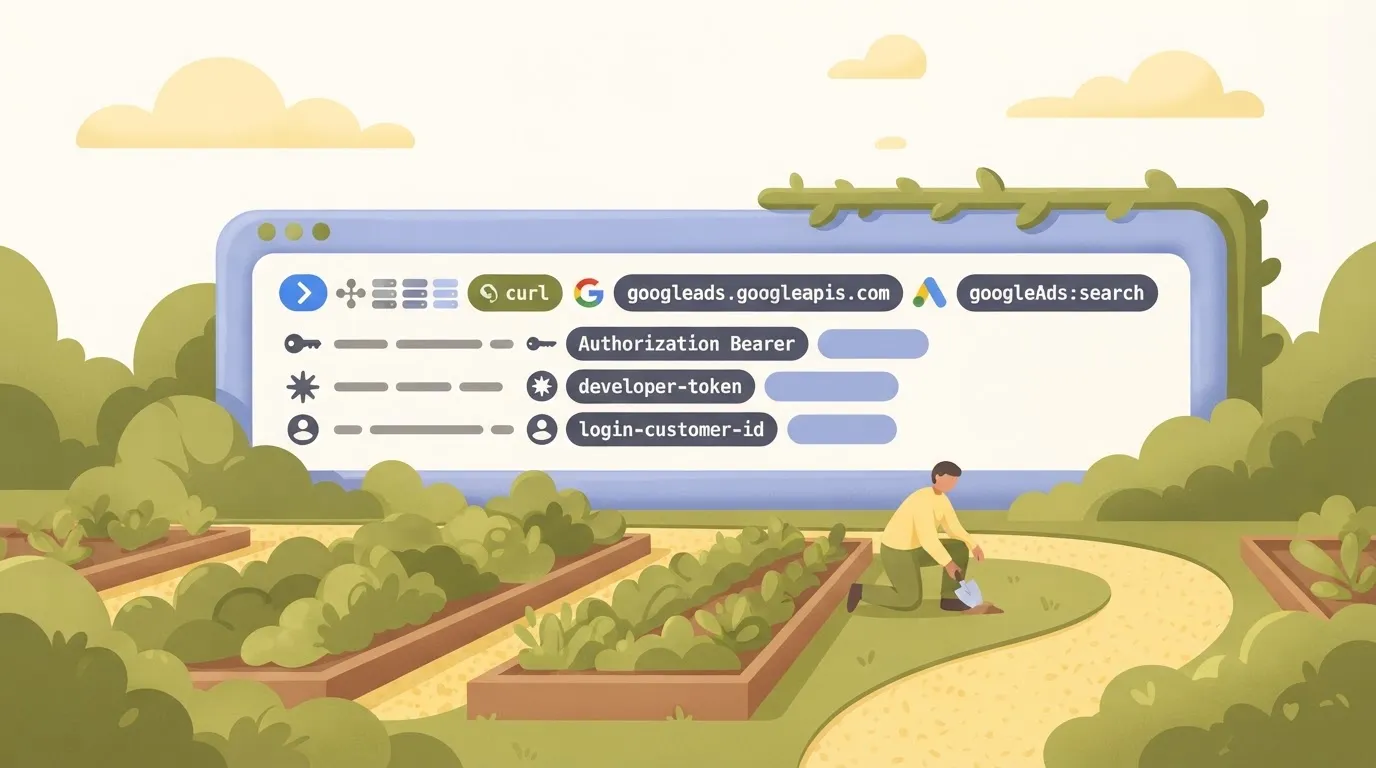 The `login-customer-id` header is the manager account you sign in through. Leave it out only when you access the account directly. If you reach a client account through a manager and omit the header, expect a permission error even though the credentials are valid. ### Read the Google Ads API response When the call succeeds, it returns a JSON object shaped like this: ```json { "results": [ { "campaign": { "resourceName": "customers/1234567890/campaigns/111222333", "id": "111222333", "name": "Brand search" } } ], "fieldMask": "campaign.id,campaign.name" } ``` You will see each row nest its fields under the resource you selected from, and `resourceName` comes back even though you didn't ask for it. Campaign IDs arrive as strings, so treat them as text rather than numbers to avoid precision problems in some languages. If the account has more rows than one page holds, the response includes a `nextPageToken` to send with your next request. An empty `results` array with no error means the account simply has no campaigns matching the query.  ## Understand Google Ads API limits, quotas and access How many operations you can run per day is set by your developer token's access level, not your code. The empty-versus-error distinction above only helps once you know which ceiling you're under. ### Access levels compared on daily operations, account reach and approval The table below shows what Google documents for each level. Read the "no figure published" cells as real gaps: you can't plan capacity or a launch date around a number Google hasn't given you. | Access level | Daily operations | Account reach | Approval | Review time | |---|---|---|---|---| | Test | no figure published | Test accounts only | None beyond the token | no figure published | | Explorer | 2,880 | Production accounts | Application reviewed by Google | no figure published | | Basic | 15,000 | Production accounts | Application reviewed by Google | no figure published | | Standard | no figure published | Production accounts | Application reviewed by Google | no figure published | At **2,880 operations a day**, Explorer averages out to two per minute across 24 hours, meaning operations are consistently distributed across each 24-hour period. That's enough to prove a flow works, but a nightly sync across several accounts will run out of operations well before it finishes. Basic's 15,000 is roughly five times higher, which makes it the realistic floor for anything running on a schedule. On Test, you reach only test accounts, so a green run there tells you nothing about how real campaign data behaves. **Because Google doesn't publish a review time for Basic or Standard, treat the application as an open-ended wait and submit it before you need it.** ### How rate limiting surfaces in responses Expect rate limiting to arrive as an error, not as an empty result. A request that exceeds your quota fails with a resource-exhausted style error, and Google's client libraries expose a rate-exceeded error that can carry a suggested retry delay. Don't treat it as a bad query. Back off for the delay the response gives you, then retry. Since Google doesn't publish a per-second request ceiling for every level, the only reliable signal is the error itself, which means your logs need to record the full error body and not just a failed status. A run that shows which call was rejected, and with what message, is how you tell a quota hit from a permissions problem. ### API versions and sunset schedule Eventually a flow built today will call a version that stops responding, because Google releases new API versions and retires old ones on a published schedule. I'm not quoting sunset dates here, because they shift with each release and the current list lives in Google's release notes. Check it when you pin a version. Put the sunset date for that version somewhere your team will see it, so the cutover is planned and not discovered through failed runs. ## Fix common Google Ads API production errors When a run fails and it's not a sunset problem, it's usually one of a few errors, and each has a short, known fix. Read the error code before the message, because the code tells you which layer rejected the call: your credentials, your account access, Google's throttling, or your request itself. - `invalid_grant`: your OAuth consent screen is still in Testing status, which makes **refresh tokens expire quickly**. Publish the app to production, then reauthorize to get a durable token. - `DEVELOPER_TOKEN_NOT_APPROVED`: the token hasn't cleared Google's review for the account you are calling. Apply for the access level you need, or point the call at a test account while you wait. - `USER_PERMISSION_DENIED`: the authenticated user can't act on that customer ID. Grant access, or set the login customer ID to the manager account that holds the link. - Quota errors: you're sending too fast. Retry with exponential backoff and spread requests out. - GAQL syntax errors: the query is malformed or combines incompatible fields. Fix the query text the error points to. The three groups below explain why each one happens and how to tell it apart from a similar failure. ### Authentication and permission errors In a run log, these three errors look alike, but they fail at different checkpoints. `invalid_grant` means Google refused to exchange your refresh token, so the call never reached the Ads API.  The Testing-status expiry is the usual cause when a flow worked in the first week and then stopped. `DEVELOPER_TOKEN_NOT_APPROVED` and `USER_PERMISSION_DENIED` do come from the API, but one is about your token and the other is about your user. Swapping credentials fixes neither if the other is the real problem. ### Quota and rate errors Of everything in this list, only quota errors can clear on their own, so they're the only ones worth retrying automatically. Back off exponentially, add jitter so parallel runs don't retry in lockstep, and honor any retry delay the response gives you. If backoff keeps failing, the fix is fewer calls: batch reads into one query, and stop polling data that rarely changes. ### Fix Google Ads API query and mutate errors Run the same GAQL query twice and it fails the same way, because GAQL errors are deterministic. Retrying wastes quota. Read the message, which names the field or clause at fault, and check that the selected fields and the resource in the `FROM` clause are compatible. For writes, use validate-only mode to test a mutation without applying it. Where you send many operations at once, partial failure lets valid ones succeed, but you then have to inspect the per-operation errors, because the overall call can return success while some changes were rejected. ## Call Google Ads from Activepieces without writing code Yes: describe the process in chat, and Activepieces builds a flow around its Google Ads integration that runs on a schedule. It shows you every step's result, including the per-operation errors a "successful" call can hide. Google's approval gate stays yours to clear.  ### What the Google Ads integration covers Behind a connection, the integration wraps a set of common Google Ads actions, so you skip hand-written authentication calls. It doesn't mirror the full API. For anything it lacks, an HTTP step calls the Google Ads endpoint directly with the same credentials. That means the developer token and approval level you hold still decide what either route can do. ### What it costs against dedicated connectors **Activepieces Plus is $20 a month flat** with unlimited flows, and a scheduled run costs 1 credit however many steps it has, so scheduling a complex workflow costs the same as scheduling a simple one.  A weekly reporting flow therefore uses about four or five of the 10,000 credits Plus includes each month. The free plan is $0 with 1,000 credits a month and unlimited flows, so the same weekly flow fits there too. The comparison isn't like for like: the connectors ship prebuilt reports, while here you assemble the flow yourself. If your need is one weekly summary, you're paying for dashboards you won't open. ### Build a weekly performance report workflow Starting with a Monday 08:00 schedule trigger, the flow below passes to the Google Ads integration. An HTTP step sits beside it to fetch anything the integration doesn't expose. Results then split into a Google Sheets row and a Slack message, so you can see the pipeline's shape before opening it. *(illustration)* After the build, the run trace is the useful part. Each step records its input and output, so a quota rejection or a rejected operation appears at the step where it happened rather than as a blank Sheet on Tuesday. 1. Confirm the Google Ads connection is still authorized and the developer token is valid. 2. Open last run's trace and check every step, not just the final status. 3. Read the HTTP step's response for per-operation errors, since the overall call can still return success. 4. Compare the Sheets row count with the number of campaigns you expect. 5. Check the Slack message landed in the right channel, then fix the failed step before the next run. ## Related reading - [Send a Google Calendar Invite With Claude Using MCP (No-Code Tutorial)](https://www.activepieces.com/blog/connecting-claude-to-google-calendar-with-mcp) - [Best Tools for Citizen Developers in 2026](https://www.activepieces.com/blog/tools-for-citizen-developers-in-2024) - [Best AI Agent Builders for Sales Teams, Ranked](https://www.activepieces.com/blog/best-ai-agent-builders-for-sales-teams-ranked) ## References - [Supermetrics](https://supermetrics.com/pricing)The plumbing that follows the token (authentication, query calls, error handling) doesn't need a hire: you describe it.