# How to Get an Okta API Token and Handle Rate Limits
By Amit Patel · 2026-11-22 · Source: https://www.activepieces.com/blog/how-to-get-an-okta-api-token-and-handle-rate-limits
---
According to [Developer](https://developer.okta.com/docs/reference/rl2-burst/), Okta's API is a REST API at `https://{yourOktaDomain}/api/v1` that comes with your Okta org, with no separate API plan and **no per-call charge**, which means teams wiring it into workflow tools such as [Activepieces](https://www.activepieces.com) pay nothing extra for the requests.
What you pay for is the org, not the requests you send it.
What costs you time is everything around the calls: which token you use, which scopes it carries, and how each endpoint behaves when it returns a 429.
If you send a call with the wrong credential type, it fails with a 401 or 403 that looks the same as a scope problem. That is why **mixing up Okta's three API surfaces** is the first way integrations break.
The table shows what each surface does and how it's authorized. Pay attention to the authorization column.
## Get tokens and call the Users API
| API surface | What it does | Example endpoint | How authorized | Billed per call? |
|---|---|---|---|---|
| Management API (`/api/v1`) | Reads and changes users, groups, apps and logs | `GET /api/v1/users` | SSWS API token, or an OAuth 2.0 access token with `okta.*` scopes | No |
| OAuth 2.0 (`/oauth2`) | Issues and validates the tokens other calls use | `POST /oauth2/v1/token` | Client credentials, or a signed JWT assertion | No |
| Authentication API (`/api/v1/authn`) | Signs end users in and drives MFA flows | `POST /api/v1/authn` | The user's credentials in the request body | No |
None of these is metered by the call, so a retry loop gone wrong costs you rate-limit headroom rather than money. That headroom is shared with everything else hitting the org.
You can create, update, suspend and deactivate users, manage group membership, assign users to applications, and read the System Log through the Management API, which handles most of the work.
The System Log records authentication and admin events. It matters most for monitoring, since it's where you see what actually happened after a failed provisioning run.
### How Okta pricing works: per user, not per request
You **pay by user and by product**, not by API request. Access to the Management API comes with the org itself, so there's no API add-on to buy.
A bulk user import can be throttled while a group lookup runs fine, because rate limits still apply and are set per endpoint. Budget your time for that handling, not your money for calls.
Before touching production, test in Okta's free developer org, which gives you a real domain, real tokens and real rate limits to build against. It's the safest place to find out which scopes your integration needs.
You don't hire for token scopes and per-endpoint 429 handling, you describe them: tell the built-in chat in [Activepieces](https://www.activepieces.com) which Okta process you want, say offboarding a leaver, and it publishes a live flow in your account, the same artifact a builder would have wired by hand.
Whoever built the flow, every run falls under the platform's RBAC and audit logs and leaves a run trace, so a failed provisioning run can be read by anyone, no Okta certification needed. MoneyGram and Moneypenny run it in production.
## Stage 1: Create credentials with OAuth 2.0 or an API token
For server-side work, Okta gives you two practical credentials, an SSWS API token or an OAuth 2.0 service app, and the choice decides how much token handling you own afterward.
### Create an SSWS API token in the Admin Console
SSWS is Okta's legacy static-token scheme, sent in an `Authorization: SSWS` header. In the Admin Console, open the Tokens page under Security, then API, and create a token. Okta shows the value once, so copy it into your secret store immediately.
If that admin is deactivated or loses a role, your integration starts failing with no change on your side, because the token acts as the admin who created it and inherits that person's permissions.
### Create an OAuth 2.0 service app and grant scopes
To set up a machine identity that signs its own requests and holds only the scopes you give it, follow the steps below. The one people miss is the fourth: **a granted scope without an admin role still ends in a 403.**
1. Create an app integration of type API Services in the Admin Console.
2. Set client authentication to `private_key_jwt` and register your public key.
3. On the Okta API Scopes tab, grant `okta.users.read`.
4. Assign the app an admin role that can read users.
5. Sign a JWT with your private key and request an access token from `/oauth2/v1/token`.
6. Call the API with that access token as a Bearer credential.
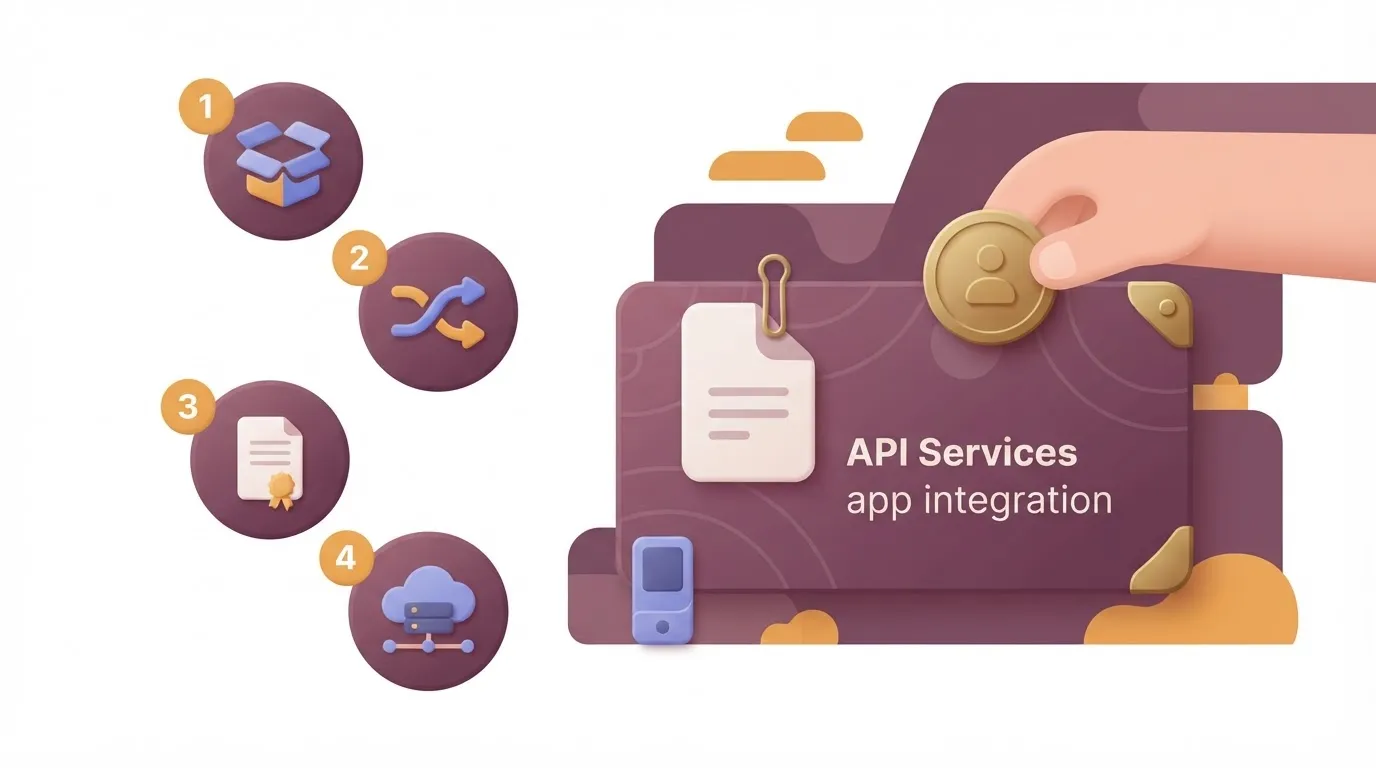
Once step 5 returns a token and step 6 returns user data, the credential works. Expect to repeat step 5 whenever the token lapses.
| | SSWS API token | OAuth 2.0 service app | Authorization code |
|---|---|---|---|
| Lifetime | Static until revoked or unused for too long | Short-lived access token, re-requested with a signed JWT | Short-lived access token, renewable via refresh |
| Scoping | Inherits the creating admin's permissions | Explicit scopes plus an assigned admin role | Scopes the signed-in user consents to |
| Acting identity | The admin who made it | The app itself | The signed-in user |
| Okta's recommendation | Not preferred for new work | Recommended for server-to-server | For user-facing apps |
For an unattended job, use the service app. Its failure modes are narrower: a leaked access token expires quickly, and the scope list shows exactly what it can touch. Keep SSWS for quick tests you intend to throw away.

With a working token in hand, the next problem is what the API does when you call it too fast.
## Stage 2: Make your first Users API request
Start with a GET to `/api/v1/users?limit=5` with the token in the `Authorization` header. A small page like that keeps you well clear of rate limits while you confirm the token works.
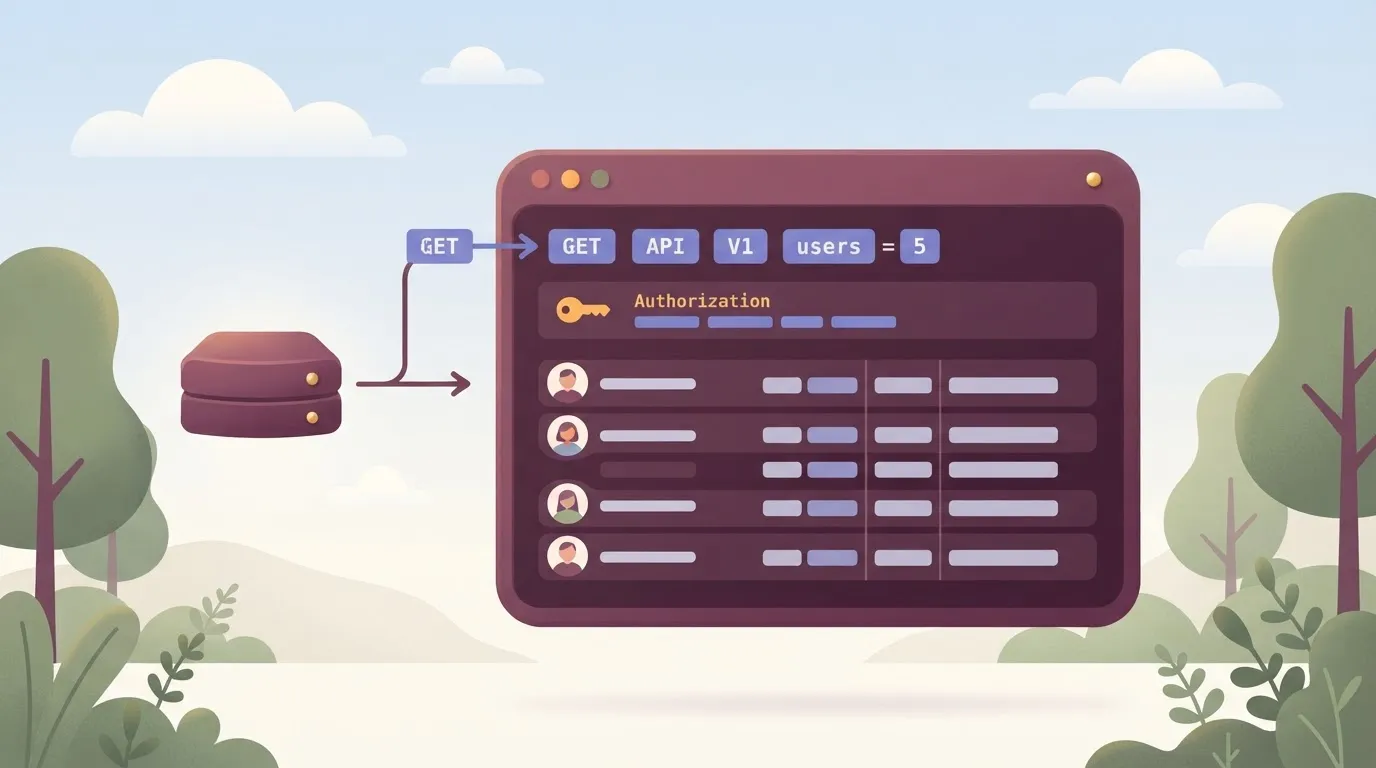
If it fails, you'll see a 401 for a bad or expired token or a 403 for a missing scope. That's why this call comes before anything that writes. Values below were checked against the Users API reference on 2026-11-22.
```bash
curl -s "https://{yourOktaDomain}/api/v1/users?limit=5" \
-H "Accept: application/json" \
-H "Authorization: SSWS ${OKTA_API_TOKEN}"
```
For an OAuth access token, send `Bearer` instead of `SSWS`. The response is a JSON array.
Read `id` (the value every later call takes), `status` (so you know whether an account is active or deprovisioned), and `profile.login` (the sign-in name). If you get an array back, auth and scopes are sound.
Add `search` to narrow results, for example `search=profile.lastName eq "Smith"`, URL-encoded. Check the response isn't empty before you build on it. A malformed expression returns a 400 rather than an empty list, so a quietly empty result usually means your value matched nothing.
### Create, update and deactivate a user
Create with `POST /api/v1/users?activate=false`, sending a `profile` with first name, last name, email and login. The `activate=false` flag leaves the account staged, so a mistaken test never sends a live activation email.
Update with a POST to `/api/v1/users/{id}` carrying only the profile fields that change. Deactivate with `POST /api/v1/users/{id}/lifecycle/deactivate`.
Re-running a write is what you want to avoid, so log the response of each one. A run trace that records the exact request, the `Authorization` header and the status of a POST shows you which call succeeded without re-running it.
Once single calls work, the next job is walking the full user list.
### Paginate Okta API results with the Link header
When more results exist, the response carries a `Link` header with a `rel="next"` URL. Follow that URL as given instead of building your own offset, and stop when no `next` link comes back.
Check the rate-limit headers on each page. A long walk is the likeliest place to hit a 429, so back off before the next request when the remaining count runs low.
## Okta API rate limits by plan and endpoint
Okta sets rate limits per endpoint group rather than as one number for the whole API. The remaining count you watch while paging through users is a different budget from the one your token requests draw on.

### Limits per endpoint and plan tier
Three of the four endpoints sit at **600 requests per minute** per org, and only the OAuth token endpoint is higher, so the lower three define your effective rate-limit floor.
According to [APIs.io](https://apis.io/rate-limits/okta/okta-rate-limits/), `/api/v1/users` and `/api/v1/apps` each allow 600 requests per minute, which means exceeding this limit results in throttling. A full user sync and an app inventory job therefore draw from separate buckets and won't starve each other.
At 1000 requests per minute, the `/oauth2/v1/token` endpoint is unlikely to be your bottleneck unless you request a fresh token per call instead of caching it.
The logs endpoint is the tightest at **120 requests per minute**, so a log poller needs a longer interval and larger page sizes than a user sync would.
Those figures are per org, not per API token. Every integration sharing an org shares the same budget, and a nightly job can eat into what an interactive tool needs.
Limits also vary by plan tier, so confirm your own numbers in the Admin Console rather than assuming these apply unchanged.
### Reading the rate limit headers
Every response carries three headers: `x-rate-limit-limit` (the ceiling for that bucket), `x-rate-limit-remaining` (calls left in the current window) and `x-rate-limit-reset` (when the window resets, as epoch seconds).
Read them on every response, not only on failures. Once remaining drops below a threshold you choose, sleep until the reset time instead of firing the next call and collecting a 429.
When a 429 does arrive, the same reset header tells you how long to wait. Retrying immediately just spends budget on calls that will fail again. Because each endpoint group has its own bucket, track these values per endpoint, not as one global counter.
### The org-wide limit and concurrency limits
Beyond the per-endpoint buckets, Okta applies an org-wide limit across all API traffic and a separate concurrency limit on simultaneous in-flight requests.
A burst of parallel workers can trip the concurrency limit even when your per-minute counts look healthy, so cap your worker pool instead of relying on the per-minute headers alone.
The Admin Console rate limit dashboard shows which buckets are being hit and when. When a 429 appears that your headers can't explain, check the dashboard first, since another integration in the same org is the usual cause.
## Fix common Okta API production errors
If the dashboard rules out another integration, the response body usually names the problem: **five status and error-code pairs** cover most production failures, and each has a fixed remedy. The table below lists the cause and fix for each.
Log the error code, not just the HTTP status, because the code is what separates an expired token from a missing scope.
| Error | Cause | Fix | Docs link |
|---|---|---|---|
| 401 E0000011 | The token is invalid, expired or revoked | Request a fresh token and retry once | [Error codes reference](https://developer.okta.com/docs/reference/error-codes/) |
| 403 E0000006 | The token is valid but lacks the scope or admin role for this action | Grant the scope or role, then mint a new token | [Error codes reference](https://developer.okta.com/docs/reference/error-codes/) |
| 429 E0000047 | The rate limit for that endpoint was exceeded | Wait until the reset time, then retry | [Error codes reference](https://developer.okta.com/docs/reference/error-codes/) |
| 400 E0000001 | The request body failed validation | Fix the payload; don't retry unchanged | [Error codes reference](https://developer.okta.com/docs/reference/error-codes/) |
| 404 | The user, group or resource doesn't exist | Verify the identifier and treat absence as a result | [Error codes reference](https://developer.okta.com/docs/reference/error-codes/) |
The first two rows are about identity, the third about pacing, and the last two about your request, so identity and request handling each span two rows while pacing spans one.
### 401 and 403: token, scope and role problems
On a 401, Okta doesn't accept the token at all. Access tokens are short-lived, so the common production cause is a long-running job holding a token past its expiry.
Refresh the token on a 401 and retry once. If the second attempt also returns 401, stop, because the credential is wrong rather than stale.
A 403 means Okta accepted the token but refused the action. Retrying never helps.
Check that the OAuth app was granted the scope the endpoint needs, such as a read or manage scope for users, and that the service app has an admin role covering the resource.
Scope changes don't reach tokens you already hold, so request a new one after fixing it.
### Handle Okta 429 errors with the reset header
Read `x-rate-limit-reset` from the 429 response. It gives the time the limit resets, so sleep until then instead of guessing a delay, and add a little jitter so parallel workers don't wake together.
A 429 on one call doesn't mean your others are blocked, because limits apply per endpoint. Track backoff per endpoint, not globally, or one busy route will stall everything else.
### 400 and 404: validation and missing users
A 400 E0000001 means the payload failed validation, usually a missing required profile attribute or a malformed value. Read the error causes in the body, correct the request and never put it in a retry loop.
When a user lookup returns 404, it often just means the person was deprovisioned or the ID is stale. Handle it as an expected outcome, not an incident.
## Call the Okta Users API without code using Activepieces
For the narrow job of user lifecycle steps (list, create, deactivate, add to group) in a workflow triggered by an HR or form event, Activepieces fits. It holds the Okta credentials and retries for you and records each run.

A 429 is a normal answer from Okta, so the useful question is who writes the code that expects it.
### Connect Okta and run a user action
Activepieces is an open-source automation platform, and its Okta integration asks for two things: your Okta domain and an API token. You enter them once as a connection, and every step in the flow reuses it.
A 429 is a normal answer from Okta, so the useful question is who writes the code that expects it.
You still own the token's scopes. Whatever the token's admin role or granted scopes allow is what the flow can do, so a flow that deactivates users needs a token that can deactivate users and nothing broader.
A typical flow starts with a trigger, such as a new row from an HR system or a submitted form. Then come the Okta steps: look up the user, create them if they're missing, add them to a group.
For offboarding, the same shape runs in reverse and ends with a deactivate step.
On failure, open the run in Activepieces and read the trace. It shows each step's input and output and where the flow stopped, so a rejected create call is something you read rather than reconstruct from logs.

Set a retry on the steps that call Okta so a rate-limited request is attempted again instead of failing the whole run.
### Use the HTTP step for uncovered endpoints
When the Okta integration has no action for what you need, the HTTP step sends a request to any Okta endpoint on your domain. You supply the method, the path, the authorization header and the body.

You never stall on a missing action with the HTTP step, but you now own that call's details: the right scope, the right path, and a retry on 429. Treat each HTTP step as code you happen to be writing in a form.
For bulk work across many users, code is the better choice. It also wins when you need logic that depends on Okta's rate limit headers per endpoint, or tests and version control around the integration.
A visual flow gets awkward there, and you're better off with a script you can review.
The checklist below is the whole first week of work, in the order to do it. Once it's done, you have a working lifecycle flow and a trace to prove it.
- Monday checklist: connect Okta with your domain and token
- Build the list, create, deactivate and add-to-group steps
- Add an HTTP step for any endpoint the integration doesn't cover
- Set retries for 429 on every Okta-calling step
- Test on one user before pointing the trigger at real events
## Related reading
- [How to Get a Docusign API Key and Handle Limits](https://www.activepieces.com/blog/how-to-get-a-docusign-api-key-and-handle-limits)
- [Jina AI API Pricing: Token Costs & Limits (2026)](https://www.activepieces.com/blog/jina-ai-api-pricing-token-costs-limits-2026)
- [DeepInfer Pricing: Token Rates and Limits in 2026](https://www.activepieces.com/blog/deepinfer-pricing-token-rates-and-limits-in-2026)
## References
- [APIs.io](https://apis.io/rate-limits/okta/okta-rate-limits/)