Next up: the embeds, which need no authorization at all. ## Embed and share Loom videos With no connection to authorize and no automation tool involved, a Loom share link or embed code puts a video into any page that accepts a URL or an iframe. Four moves, and the video should play before you call it done: 1. Open the video in Loom and click Share. 2. Set the privacy and domain options. 3. Copy the link or the embed code. 4. Paste it into the Notion, Confluence or help center page, then load the published page and check that it plays. ### Step 3: Copy the link or embed code You get two different things from the Share panel, and the page you are pasting into decides which one you want. The share link is a plain URL. Notion (the team wiki and docs tool) and Confluence (Atlassian's wiki) both convert a pasted Loom URL into an inline player, so the link alone is usually enough there. When the destination is a help center platform, or any page editor with an HTML or "embed code" block that doesn't unfurl links, you need the embed code, which is an iframe snippet. 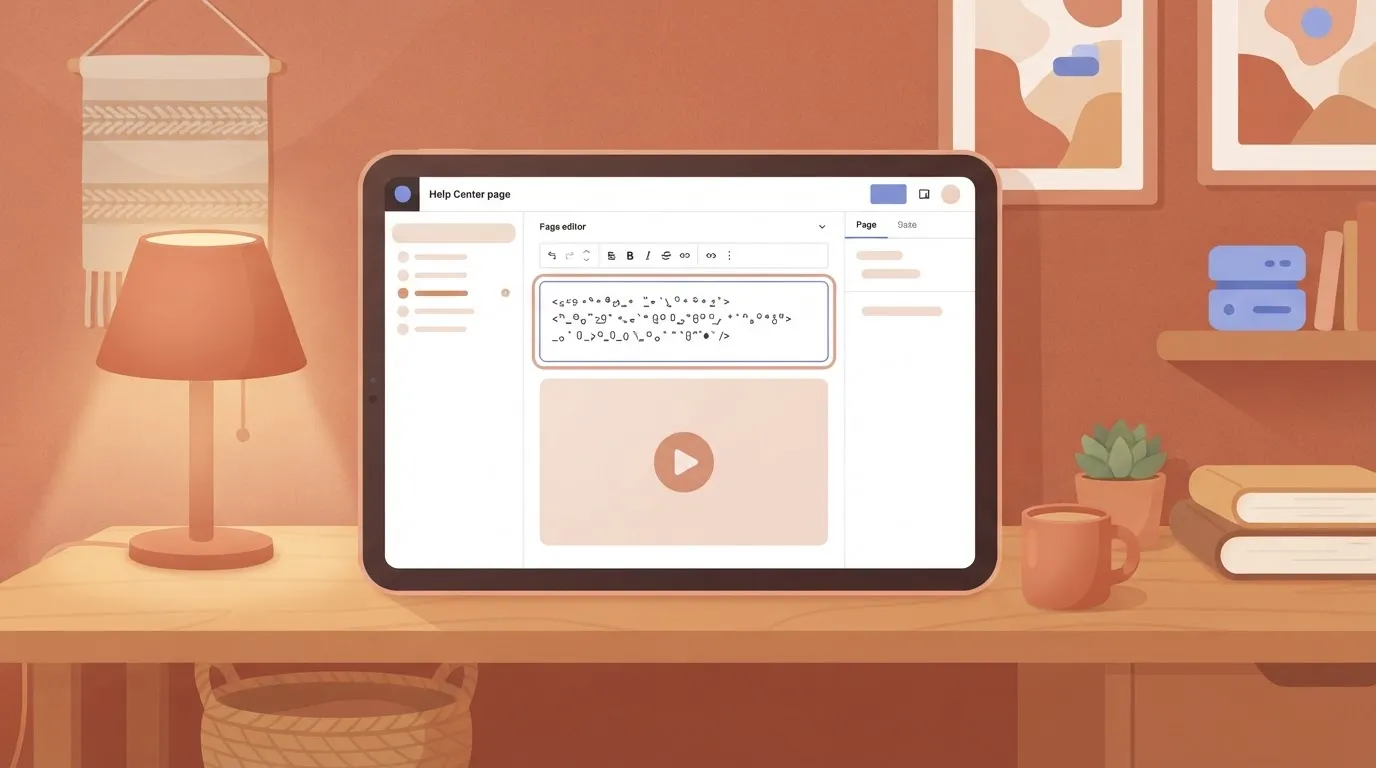 A bare link there gives the reader a blue underlined URL instead of a player. ### Step 4: Set who can view it before you paste it Set privacy first, because an embed inherits the video's access rules rather than overriding them. If the video is limited to your workspace and you embed it in a public help center page, outside readers see a permission wall where the player should be.  For a public page, the video has to be viewable by anyone with the link. For an internal wiki, keep it restricted to people in your workspace so the embed doesn't widen access. If your plan has a domain restriction on embeds, set it to the domain that hosts the page, so the player works there and nowhere else. After pasting, open the published page in a private browser window to see what an outside reader sees. ## Step 5: Automate Loom with a workflow tool **Reach for a workflow tool only after the native integration and the embed fail you.** A tool adds a second account, a second bill and a second place for a recording's link to break.  ### What Loom's own developer docs allow Nothing on Loom's developer pages reads as a general-purpose API for managing a workspace's library. They centre on its SDK for recording and embedding videos inside your own product. So the question for any outside tool is whether it exposes a trigger on a new video. Loom's docs alone won't give you one, so read each tool's Loom page before you build anything. 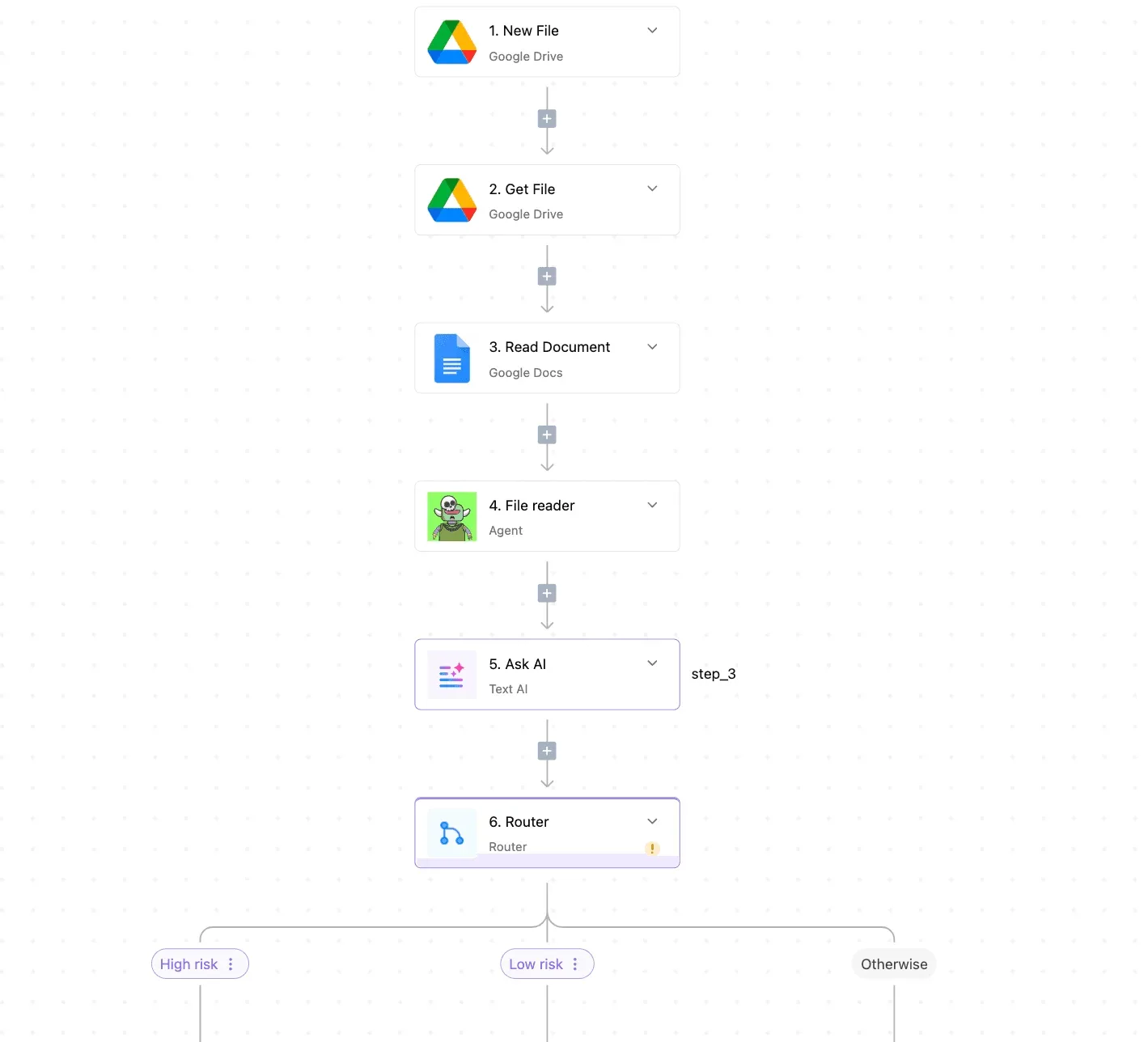 ### Comparing automation tools for Loom on triggers, actions and cost I haven't verified the trigger and action lists on these vendors' pages for this article, so this comparison leaves them out rather than guess. It covers what each tool charges for and what its free entry point gives you. The unit matters because a workflow that fires on every recording eats the allowance at different rates. A busy team outgrows Zapier's free plan quickly. Zapier counts tasks, one per action step, and its free plan gives 100 tasks, while a three-step workflow uses several tasks per recording, so the free plan accommodates only limited use. Make counts credits, one per module run, and its free plan gives 1,000 credits. That's more headroom for testing, but a branching scenario spends credits on every module it touches. Open each tool's Loom page and look for a trigger that fires on a new video. If the page lists only actions, such as adding a video to a folder, you can't start a workflow from a recording, and that tool is out for this job. Activepieces' 750 integrations are counted directly from the community integrations folder of its MIT-licensed open-source monorepo on GitHub, and roughly 60% of them were written by outside contributors. If the Loom entry there lacks a new-video trigger, you can generate the missing integration with AI and add it privately to your own instance. When a recording lands, post its share link to the team's chat channel. Follow these steps in whichever tool lists a new-video trigger. 1. Create a new workflow and pick Loom as the trigger app, then choose the new-video trigger. 2. Connect your Loom account and record a short test video so the trigger has data to pull. 3. Add a chat app as the action and choose its send-message step. 4. Map the video's title and share URL into the message body. The URL field is the one that decides whether the workflow works, so check it opens in a private window. 5. Run the test, then switch the workflow on. If step 4 offers no share URL field, the workflow can't do this job and you should go back to the native integration. ## Loom integration errors, limits and plan costs Before you rebuild anything, know that **six causes account for most Loom integration failures**, and none of them needs a rebuilt workflow. The table shows each symptom with its cause and fix, and flags where the official docs say nothing, so you know which fixes are inference. | Symptom | Cause | Fix | Docs silent? | |---|---|---|---| | Recording blocked at 25 videos | Starter plan cap | Delete videos or upgrade | No | | Integration option missing or refused | Workspace admin blocked it | Ask an admin to allow it | Partly | | Connects to the wrong workspace | Authorized while signed in to another account | Disconnect, sign in correctly, reauthorize | Yes | | Link shows as plain text | Unfurl unsupported or video not shareable | Paste the share URL; check the video's access | Partly | | "No access" on a video | Video is private | Change sharing to the right audience | No | | Embed refuses to load | Domain not permitted | Allow the domain in settings | Partly | ### Plan and video limits that stop you **At 25 videos, Starter stops**, so a team recording daily hits the wall within weeks. You pay more per paid seat than you used to. [Pricingsaas](https://pricingsaas.com/companies/loom/diffs/2023Q3) records the Business seat at $8 per creator per month in April 2023, $12.50 in November 2023 and $15 in January 2025. Contact support when the table says the docs are silent and the fix didn't work. That covers workspace mismatches that survive a clean reauthorization and domain blocks you can't see in settings. Send the video URL, the workspace name and the exact error text. ## What Activepieces does about this Activepieces is the tool for the case this article keeps narrowing to: the native connection and the embed can't do the step you need, so you build one workflow. It won't replace the switches in Loom's settings, and it shouldn't. If a link preview in your chat app covers the job, stop there and skip the second account. Once you do need a workflow, the question is whether the tool has a Loom trigger on a new video. You can check that for Activepieces without a sales call. The core is MIT-licensed and public on GitHub, and the 750 integrations are counted from the community integrations folder in that repository, which means anyone can verify the count. Roughly 60% of them were written by contributors outside the company, so the ecosystem isn't entirely company-driven. Open the Loom entry there and read what it exposes before you build anything. If it lists only actions, it can't start a workflow from a recording, and you should treat it like any other tool that fails that test. When the entry lacks the trigger or field you need, you aren't left waiting on a vendor release. **You can generate the missing integration with AI** and add it privately to your own instance. Because the source is open, you can also read exactly what a integration does with your Loom account before you authorize it. That's the second thing to confirm after the new-video trigger, and the share URL field from step 4 is the one to look for. ## Frequently asked questions ### Does Loom have an API I can use? Before you build anything that depends on pulling videos out in bulk, know that Loom has an SDK for recording and embedding, but its developer pages don't describe a general API for reading or managing your video library. Check Loom's developer documentation and its "last updated" date first. Only the triggers Loom exposes to them are available to automation tools. ### Is Loom's Slack integration available on the free plan? Read plan availability off Loom's current pricing page and the Slack integration's help article, not off this article, because it changes. The Slack connection is switched on from Loom's own integration settings, and your Slack workspace may require an admin to approve it. If the option is missing, the cause is usually plan or permissions, not a fault. ### Can I connect Loom to Google Drive or Notion without code? For Notion, yes: pasting a Loom share link into a page turns it into an embed, with no automation involved. Google Docs and Slides accept pasted Loom links the same way. If you want recordings copied into a specific Drive folder automatically, that's a different job, and as far as Loom's help pages describe, that's where an automation tool earns its place. Confirm the current behavior on Loom's integrations page. ### Why did my Loom integration stop working? When a Loom integration stops working, the usual causes are a revoked permission, a connected account that left the workspace, a password or single sign-on change, or an admin restricting which apps may connect. Start by reconnecting from Loom's integration settings, using the account that originally authorized it. If that fails, collect the video URL, the workspace name and the exact error text, as above, and send them to support. ### How do I remove a Loom integration? Open the integrations area in your Loom settings and disconnect the app there. Then also remove Loom from the other app's list of authorized or installed apps, such as Slack's app management page. Disconnect on one side only and a stale authorization can stay behind. Loom's help center covers each integration's removal steps, so check the date on the page you follow. ## Related reading - [Loom Pricing 2026: Free and Paid Plans Explained](https://www.activepieces.com/blog/loom-pricing-2026-free-and-paid-plans-explained) - [Zendesk Native AI vs AI Agents for Support (2026)](https://www.activepieces.com/blog/zendesk-native-ai-vs-ai-agents-for-support-2026) - [Discord Trello Integration Setup Without Code](https://www.activepieces.com/blog/discord-trello-integration-setup-without-code) ## References - [Pricingsaas](https://pricingsaas.com/companies/loom/diffs/2023Q3)A native link preview shares a video. It doesn't read a spreadsheet, ask a model to summarize the rows, and email the result on a schedule.