The API separates early-stage prospects from active sales opportunities by housing them in the `/leads` and `/deals` endpoints respectively. While both share similar attributes, a Lead is a simplified entry that exists outside the visual pipeline. Moving a prospect from the lead inbox to the pipeline requires a specific `pipeline_id` and `stage_id` for a conversion request to the `/leads/{id}/promote` endpoint. This creates a new Deal record while archiving the original Lead to prevent duplicate entries in the CRM. ### Pipedrive custom fields and internal keys You manage data attributes that fall outside the standard schema through the `/dealFields`, `/personFields`, and `/organizationFields` endpoints. Pipedrive assigns a unique **40-character hexadecimal string** to every custom field. Because of this, your integration can't reference a field by a human-readable name like "Subscription Tier" in a `POST` payload. You must perform a GET request to the relevant metadata endpoint at the start of a session. This maps these internal keys to your application's data layer. Otherwise, your write operations will target non-existent properties. ### Filtering Pipedrive results with search endpoints Retrieving specific records requires the `/search/field` endpoint to avoid the high latency and rate-limit consumption of iterating through the entire `/deals` collection. This endpoint supports targeted queries against specific attributes, such as searching for a Person by their email address or a Deal by a custom external ID. 1. Query the `/itemSearch/field` endpoint with the `term`, `field_key`, and `item_type` parameters. 2. Extract the `id` from the search result items. 3. Use the returned `id` to fetch the full object from the primary entity endpoint for processing. ## Execute your first API request To execute a GET request to the `/deals` endpoint, you must append your personal API token as a query parameter rather than using standard Bearer authentication. This direct approach enables immediate connectivity testing without the overhead of OAuth2 flow. A developer can validate their environment variables against live production data in seconds. ### Constructing a Pipedrive API cURL command A standard [Pipedrive](https://pipedrive.readme.io/docs/core-api-concepts-pagination) request requires the `api_token` parameter and should include a `limit` parameter to manage data throughput. While many CRMs restrict batch sizes to minimize server load, Pipedrive allows a `limit` of **500 items per request** according to their [Core API Concepts](https://pipedrive.readme.io/docs/core-api-concepts-pagination). 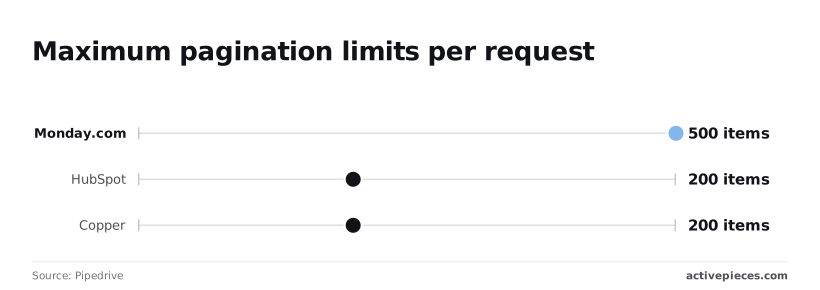 | CRM | Batch Size Limit | | :--- | :--- | | Pipedrive | 500 items | | HubSpot | 200 items | | Copper | 200 items | 500 items per request makes initial data syncs faster by reducing the total number of round-trips required to hydrate a local cache. To pull your first batch of deals, execute the following command in your terminal: `curl -L 'https://company-name.pipedrive.com/api/v1/deals?limit=500&api_token=YOUR_API_TOKEN'` The inclusion of the `-L` flag ensures that the client follows any internal redirects, preventing silent failures if the regional data residency of your company instance has shifted. ### Authenticating Pipedrive requests via headers When moving from testing to a production OAuth 2.0 environment, you must stop using the query parameter for security. The access token must instead be passed within the HTTP Authorization header as a Bearer token. This method prevents the token from appearing in server logs or browser history, which is a critical requirement for maintaining a secure multi-tenant application. Use the following cURL structure for all production-grade requests: `curl -L -H "Authorization: Bearer YOUR_ACCESS_TOKEN" 'https://company-name.pipedrive.com/api/v1/deals?limit=500'` ### Parsing the Pipedrive JSON response body Pipedrive wraps the resulting payload in a standardized envelope where the actual deal records reside within the `data` array. Because Pipedrive defaults to this structure, your ingestion logic must specifically target `response.data` rather than the root object to avoid type errors during iteration. Within this structure, the `pagination` object includes the `more_items_in_collection` boolean. If this is true, your integration must increment the `start` parameter by 500 to fetch the next page. This ensures no records are dropped during high-volume migrations. ### Verifying the Pipedrive 'success' response flag Every Pipedrive response includes a `success` key at the root level. **You must validate this key before processing the data payload.** A `false` value here indicates an application-level error even if the HTTP status code is 200. Checking this flag strictly prevents your worker from attempting to map null objects to your database schema. If `success` is true, the `data` array is guaranteed to be present. You can then safely pass the results to a high-concurrency processing model like Gemini 3.8 Flash for lead scoring or automated categorization. ## Automating Pipedrive workflows with Activepieces Activepieces manages the underlying complexity of Pipedrive’s REST implementation by providing pre-built logic for token refreshes and automated pagination. This abstraction prevents the typical integration failures caused by manual header management or unhandled 429 status codes during high-volume data syncs. 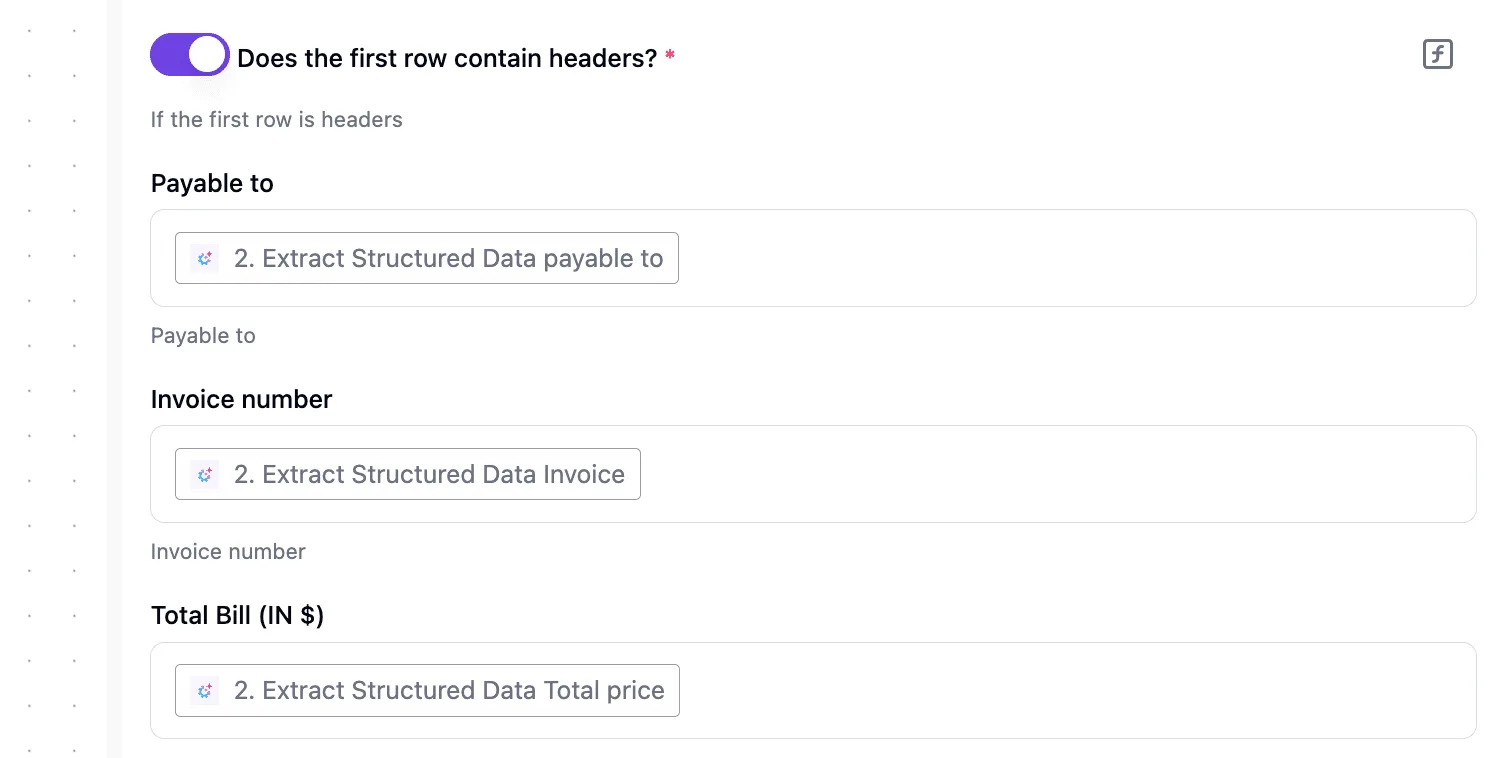 A Personal API Token provides full access to a specific user’s Pipedrive data. It's the most direct method for validating logic in a development environment. Because this token bypasses the multi-step handshake required by more secure methods, it allows an engineer to verify that specific custom fields are correctly mapped before committing to a full production build. When the connection is verified, the following execution log demonstrates how Activepieces handles a direct request, providing immediate visibility into the request headers and the raw JSON response body. [SCREENSHOT: A completed flow run in Activepieces showing the Run Details panel on the left with trigger and step_1 both marked with green checkmarks. The center shows a flow diagram with "Instance Stopped" trigger and "Revoke Token" step_1 connected by an arrow, both with success indicators. The left panel displays the step_1 details including Duration (1271ms), Input showing a JSON POST request to squareup.com with Authorization header, and Output showing a JSON response with status 200 and "OK" statusText. The right panel shows the "Edit Revoke Token" configuration for an HTTP Send Request action with Method set to POST and Url field populated. A green success banner at the bottom states "Run succeeded (9e69b73e-984b-40e9-a73a-4c50382762b)".] 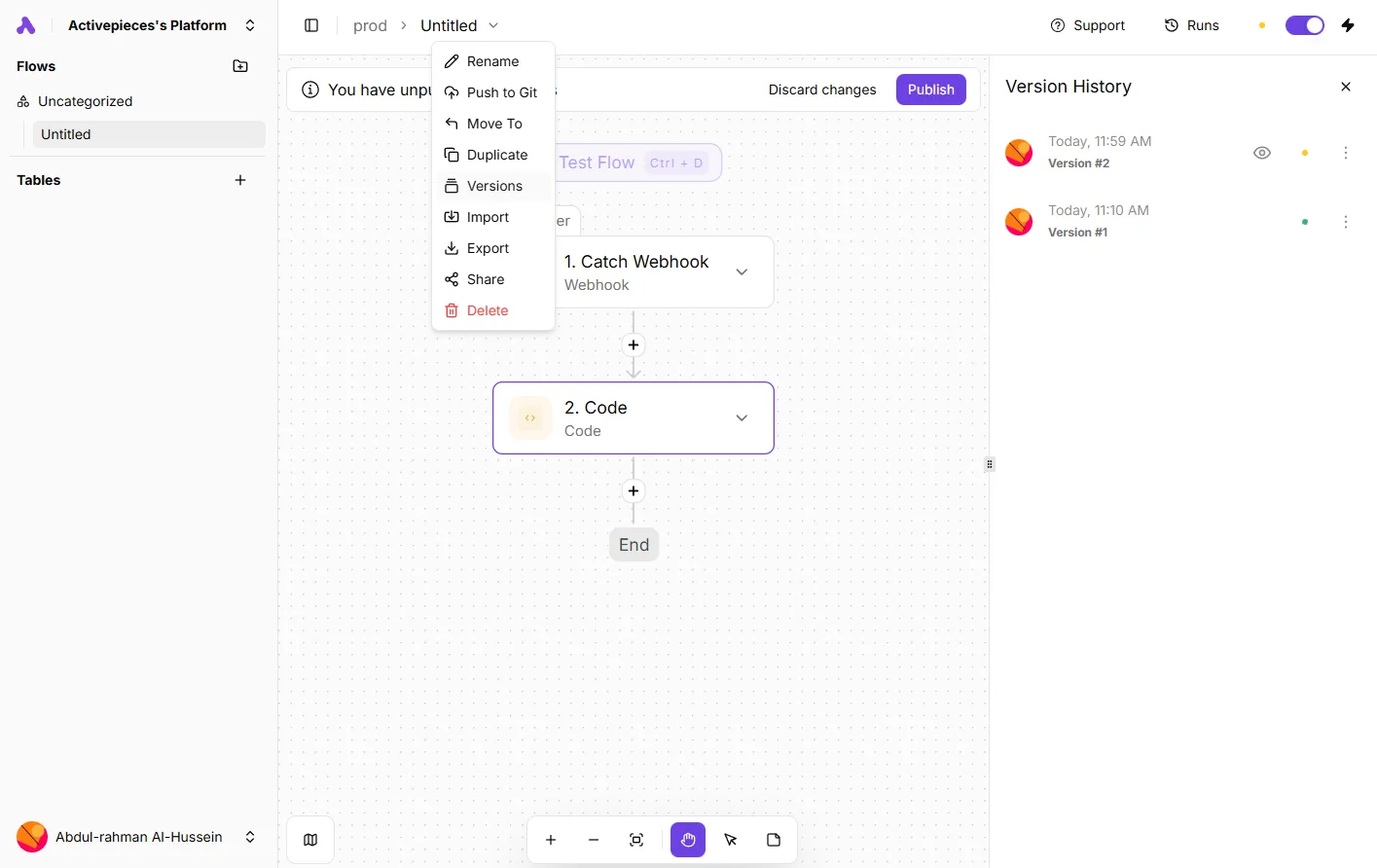 Once the initial connection is verified through a successful status code, the integration can be transitioned to a more scalable authentication model for public-facing tools. Production-grade integrations must use OAuth 2.0 to ensure that user credentials are never stored directly by the integration middleware. Activepieces facilitates this by acting as the redirect URI handler, managing the exchange of authorization codes for access and refresh tokens. This architecture is necessary for production environments because it allows users to revoke access through their Pipedrive settings without changing their primary password. By automatically requesting a new access token when the current one expires, it ensures the integration remains functional. It also supports multi-tenant deployments where each user must authorize the app against their own company domain. Pipedrive enforces granular access control through scopes, which define exactly which data objects the integration can interact with. When configuring the connection, you must explicitly request the minimum necessary permissions to maintain a secure posture. You will need `deals:read` for retrieving existing pipeline stages and deal values, `activities:full` for logging automated follow-ups or meeting notes, and `contacts:full` for updating person records based on external data enrichment. Failing to include a required scope will result in a 403 Forbidden error, even if the API token itself is valid and the user has administrative privileges. ## Production troubleshooting and common Pipedrive error codes Production-grade Pipedrive integrations must implement specific handlers for the REST API’s response codes to prevent silent data loss and synchronization drift. While standard HTTP status codes apply, their implementation within the Pipedrive ecosystem dictates how your middleware should manage session persistence and state recovery. ### Refreshing expired OAuth tokens automatically When a 401 Unauthorized response occurs, it typically indicates that the access token has expired. This requires the integration to immediately exchange the stored refresh token for a new credential pair.  Because access tokens are short-lived, hard-coding a single token will break the integration within hours of deployment. Your auth layer must intercept 401 errors, trigger the `POST /oauth/token` grant type refresh flow, and then retry the original request to maintain the user experience. ### Managing deleted records with the 410 status The **410 Gone status code** signifies that a resource has been intentionally and permanently removed, distinguishing it from a temporary 404 error. When your system receives a 410 response while trying to update a Lead or Deal, you should treat it as a signal to purge that record from your local cache or mark it as deleted in your database. If you ignore this specific code, it leads to persistent retry loops that waste compute resources on records that will never return. The following configuration demonstrates how an automated workflow maps extracted data from an incoming document directly into Pipedrive fields. This preserves structured data like invoice numbers and total prices even when the source document is unstructured. [SCREENSHOT DESCRIPTION: A configuration panel showing a workflow step that extracts structured data from documents. A toggle for "Does the first row contain headers?" is enabled. Three field mappings show "Payable to", "Invoice number", and "Total Bill (IN $)" mapped to corresponding AI-extracted data points.] Once the data is mapped, the final hurdle in high-volume environments is respecting the infrastructure limits imposed on your API key. ### Handling Pipedrive 429 rate limit errors **429 Too Many Requests** occurs when your integration exceeds the rate limit for your specific Pipedrive subscription tier. This necessitates a cool-down period before further execution. Rather than retrying immediately, which often leads to a secondary lockout, implement an exponential backoff strategy where the delay between attempts increases significantly. This approach allows the Pipedrive bucket to refill its token allowance. Consequently, high-volume background syncs don't throttle real-time user actions in the web interface. ## Frequently asked questions ### How do I register a Pipedrive webhook? By sending a POST request to the `/webhooks` endpoint with a valid target URL and the specific event action you wish to monitor, you can register a webhook. For Pipedrive webhooks, this programmatic registration is the only way to ensure your listener is active without manual intervention in the settings panel. Once the subscription is active, Pipedrive will push JSON payloads to your endpoint whenever the subscribed event occurs. You must ensure your endpoint returns a 200 OK status immediately. Otherwise, Pipedrive will retry the delivery and eventually disable the webhook if failures persist, leading to gaps in your data synchronization. ### Is there a limit to the number of custom fields? To maintain database performance and prevent slow response times during complex filtering, Pipedrive imposes a hard cap on the total number of custom fields per account. Exceeding this limit prevents the creation of new fields through the API or the UI. This can stall migrations that require mapping extensive legacy data structures. If your integration relies on high-density data, you should audit your schema to consolidate redundant fields before hitting these ceilings. ### How do I upload files to a Deal via API? Uploading a file requires a multipart/form-data POST request to the `/files` endpoint, specifying the target Deal ID in the request body. This two-step association (where the file is first hosted and then linked to a specific entity) means your code must handle the returned file ID to confirm the attachment was successful. If you fail to include the `deal_id` or `person_id` during the initial upload, you will result in an orphaned file. This file exists in the storage bucket but remains invisible to the end user looking at the CRM record. ### Can I batch update multiple Deals in one request? Pipedrive doesn't support a native bulk-patch endpoint for multiple unique Deal updates in a single HTTP request. Each record must be updated via its own individual call. This architecture forces developers to implement concurrency controls to avoid hitting the rate limits discussed previously. To handle high-volume updates efficiently, you should use a task queue or a modern reasoning model like Gemini 3.7 Flash to orchestrate the sequencing and retry logic. This prevents a single failed request in a large batch from halting the entire synchronization process. ## Related reading - [Best Pipedrive Alternatives for Sales Teams in 2026](https://www.activepieces.com/blog/best-pipedrive-alternatives-for-sales-teams-in-2026) - [Pipedrive Pricing Plans and Total Costs for 2026](https://www.activepieces.com/blog/pipedrive-pricing-plans-and-total-costs-for-2026) - [Best Sales Automation Software in 2026](https://www.activepieces.com/blog/16-best-sales-automation-tools-for-2025) ## References - [Pipedrive](https://pipedrive.readme.io/docs/core-api-concepts-pagination)A Deal isn't a standalone record but a collection of pointers to specialized entities.