### Run the Plaid Quickstart in Sandbox Start with Plaid's official Quickstart running against Sandbox. Sandbox uses test credentials and fake institutions, so you can run the whole sequence end to end without touching a real bank account or a real user's data. **A mistake costs you nothing**, and you see the order of calls working before you write any of your own. Run the Quickstart first, then read its server code against the sequence above. Once you can point to where your server creates, passes and exchanges each token, you have the shape to copy. 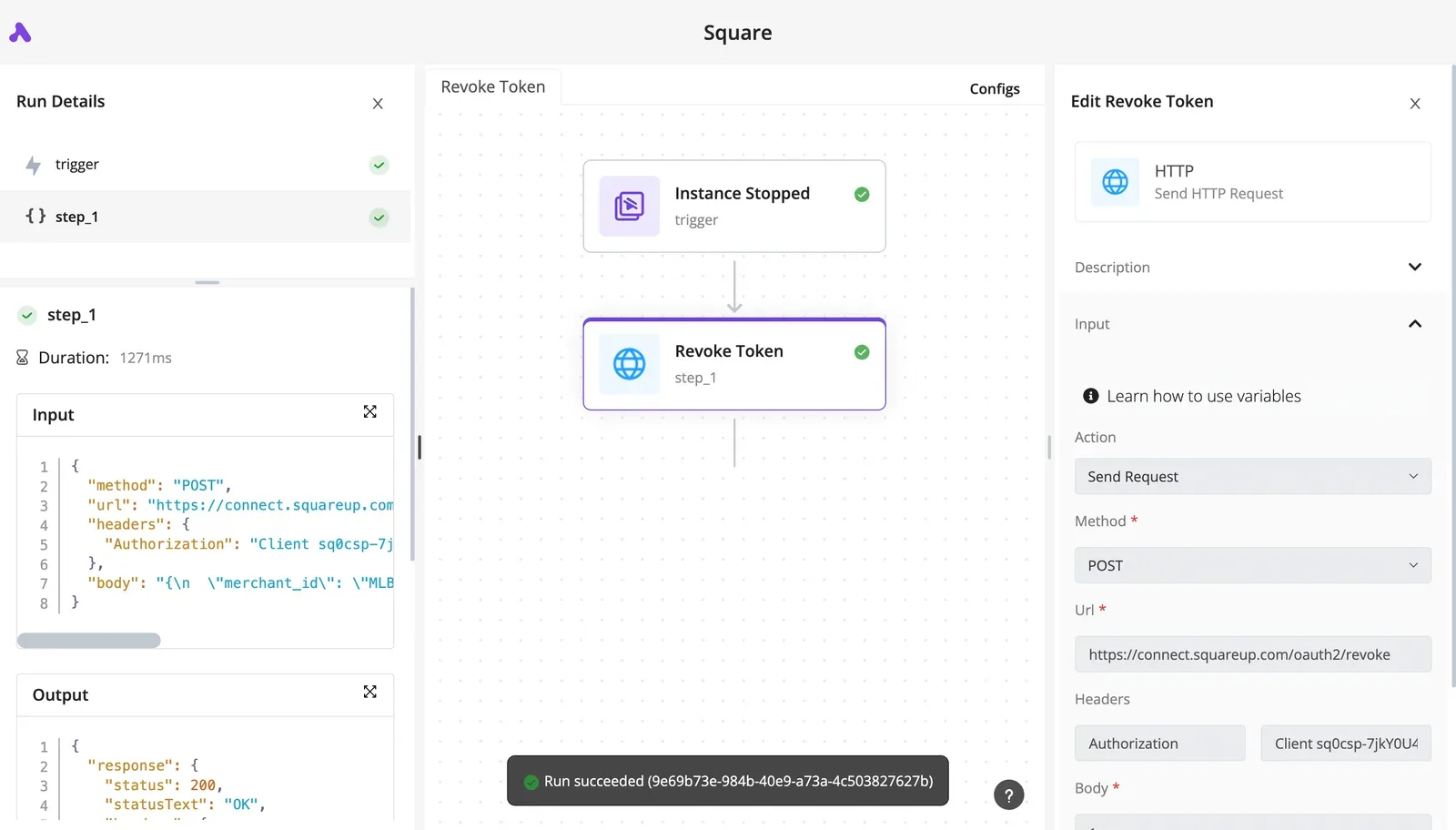 If you later want to wire the same calls into an automation rather than hand-written backend code, the order of calls stays the same. ### Plaid documentation checked and review date If anything here disagrees with the current docs, defer to the docs. This guide checks the Plaid documentation as of 12 November 2026, and Plaid changes endpoints, defaults and limits over time. This guide states no figures it couldn't confirm on that date, so where a limit matters to your build, read the current value on Plaid's own pages before you rely on it. ## Set up a Plaid account, keys and environments Create a Plaid dashboard account, copy your `client_id` and the secret for the one environment you are calling, then choose that environment and your products before writing any integration code. Those values are the ones the current Plaid pages will confirm. ### Step 1: Get client_id and secret Send a Sandbox secret to a Production host, or the reverse, and Plaid rejects it as invalid credentials. That is the usual failure here. The `client_id` identifies your team and is the same everywhere, while **the secret is different for each environment**. Keep each secret in its own environment variable and keep both server-side. A secret shipped in a mobile or browser bundle forces you to rotate it, and every deployment using it breaks until you do. ### Step 2: Pick the environment As of 12 Nov 2026, this table reflects Plaid's docs and pricing page. It shows what each environment gives you, so you can see which one blocks you before you build against it. | Environment | Access | Data type | Cost | Approval needed | |---|---|---|---|---| | Sandbox | Open on signup | Fake institutions and test credentials | Free | None | | Development/Limited Production | Real institutions, capped usage | Real account data | Free within Plaid's stated limits | Limited; check the dashboard for the products you want | | Production | Full access | Real account data, live customers | Billed per the pricing page | Yes, after the production application | Passing in Sandbox proves your sequence works but says nothing about real institution behavior. Limited Production is where you find out whether a real bank's login flow breaks your assumptions, before billing starts. Request only the products your workflow calls, such as Transactions or Auth. Each one you list is something Plaid reviews and later bills for. Complete the production application in the dashboard, and expect Production secrets to stay unavailable until it clears. Start it early. Otherwise your build will be finished while your launch waits on a review. ## Exchange link tokens for access tokens It takes **four calls, in a fixed order**, to get a user from nothing to a stored credential: create the link token, open Link, capture the public token, exchange it on your server. Break the order anywhere in the list below and you get a specific failure; the list is the whole flow. 1. Your server calls `/link/token/create`. 2. Your client opens Link with the returned link token. 3. Link's `onSuccess` hands your client a `public_token`. 4. Your server calls `/item/public_token/exchange` and stores the `access_token` and `item_id`. After the exchange, data fetches and webhooks all depend on that stored pair. Call `/link/token/create` from your server with your client credentials, a `client_user_id` that identifies your own user, a `client_name`, the products you want, `country_codes`, and `language`. The link token is short-lived, so create it when the user starts linking, not at page load. A token minted too early expires before the user clicks, and Link fails to open. Pass the link token to Link and handle `onSuccess`. The `public_token` it returns is short-lived and single-use. Send it to your backend immediately. A stale or reused public token fails the exchange. **Call `/item/public_token/exchange` from your backend only.** The exchange needs your secret, and a secret shipped in client code lets anyone who opens the browser's developer tools call Plaid as you. Persist the `access_token` and `item_id` together, keyed to your user, in encrypted storage. Never log the access token or return it to the browser. Lose the pair and the user must re-link. Store it against the wrong user and one customer sees another's accounts.  ## Pull transactions, balances and auth data Call the wrong one on the wrong schedule and a surprise invoice or a stale balance reaches a customer, because each of these four calls bills differently. The table shows what each returns, when to call it, and how it's billed. | Endpoint | What it returns | When to call | Billing model | Documented rate limit | |---|---|---|---|---| | /transactions/sync | Added, modified and removed transactions since a cursor | After a webhook, then on a schedule | Subscription per connected account | Capped per Item and per client | | /accounts/balance/get | Real-time available and current balance | Right before a payment or decision | Per request | Capped per Item and per client | | /auth/get | Account and routing numbers | Once, at account setup | One-time fee per connected account | Capped per Item and per client | | /identity/get | Account holder name, address, email, phone | Once, at onboarding | Per request | Capped per Item and per client | Treat the table as a call-timing guide: only Balance belongs in a hot path. Store the cursor returned by each /transactions/sync response, and send it on the next call. Lose it and you refetch history. Overwrite it before the page is saved and you skip changes. Persist the cursor and the data in one database transaction. ### Plaid Balance, Auth and Identity calls Start with the cheap one, Balance. [PriceLevel](https://www.pricelevel.com/vendors/plaid/pricing) puts it at $0.05 per request, so a check before each payment is affordable, but polling it on a timer isn't. According to [Pricelevel](https://www.pricelevel.com/vendors/plaid/pricing), Identity is $1.10 per request on the same source, twenty-two times Balance, so cache the result instead of re-fetching it at every login. Per PriceLevel, Identity verification products cost more again: - Document checks cost $0.50 per request - Data checks cost $0.55 per request - Fraud checks cost $0.85 per request - Comprehensive verification now costs $1.90 per request  Running all three on every signup is the most expensive default you can ship. When a batch job loops over all users, it hits the per-client ceiling first. Every endpoint above is limited per Item and per client, and the exact figures live in Plaid's rate-limit documentation. Queue the calls and back off on a rate-limit error rather than retrying immediately. ## Set up Plaid webhooks and route the events Pass your webhook URL when you create the link token, verify the signature on every POST, return 200 immediately, and push the event to a queue. That way you never poll for changes and pay per request for empty answers. When a handler is slow, Plaid times out, retries, and your system processes one transaction update twice. The order below matters for that reason: 1. Set the webhook URL on the link token request, so every Item created through Link reports to your endpoint. 2. Receive the POST and keep the raw request body untouched. 3. Verify the JWT in the `Plaid-Verification` header. 4. Return 200 quickly, before any real work. 5. Hand the event to a queue or your own code. ### Verify the Plaid webhook signature Open the signed JWT the header carries and read its key ID, fetch the matching public key from Plaid's webhook verification endpoint, and validate the signature. Reject tokens that are too old. 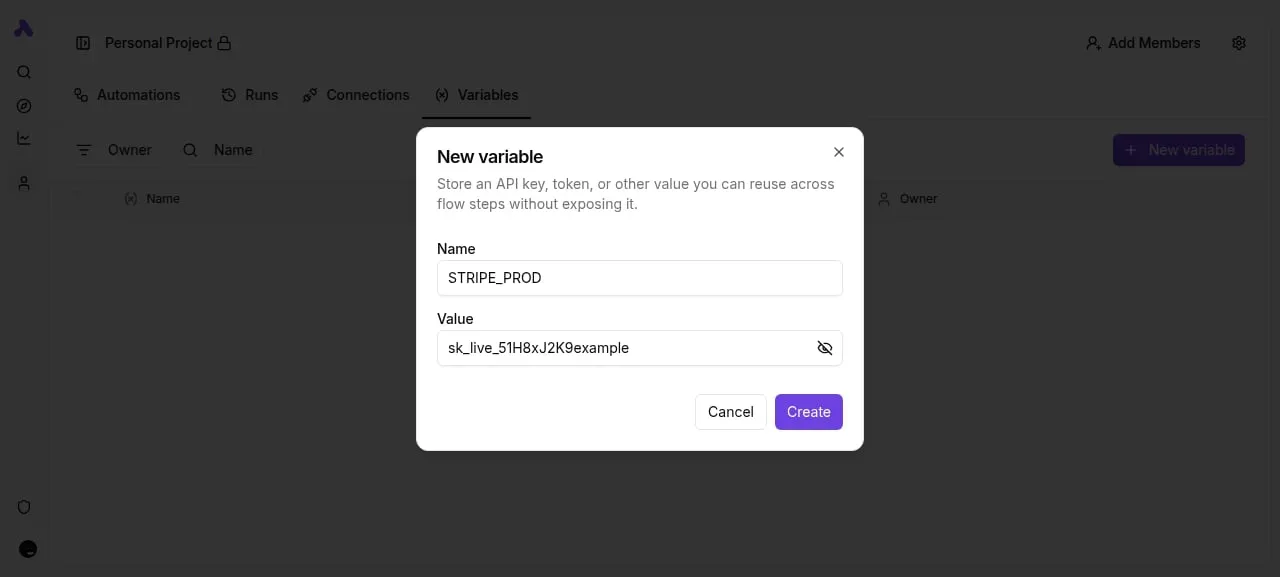 Then hash the raw body with SHA-256 and compare it to the hash claim inside the JWT. If you parse the JSON and re-serialize it before hashing, whitespace and key order change, verification fails, and you'll wrongly drop genuine events. Hash the bytes you received. If you return a non-200 response, or time out, Plaid treats delivery as failed and sends the event again. So a duplicate is normal, not a bug. Key your handler on the Item and event type, and make repeat processing harmless. Return 200 only after verification passes, and do nothing slow before returning it. ### Send events onward: queue, custom code or an automation tool No transactions arrive with a `SYNC_UPDATES_AVAILABLE` event. It only says new data is waiting, so the consumer must call the sync endpoint with its stored cursor. A queue with a worker is the safest route, because a failed sync retries without blocking the receiver. Custom code suits one service. An automation tool suits a team that wants the event to trigger a spreadsheet or alert without maintaining a worker. Both still sit behind the verified 200.  If the accounting tool or sheet you need to reach has no connector, [Activepieces](https://www.activepieces.com) lets you generate that integration with AI and add it privately to your own instance, with no vendor release to wait for. Of its 747 integrations, roughly 60% were contributed by the community, and you can count them yourself in the open source monorepo, meaning external developers built most of the connector library. ## Plaid errors and limits people hit, with fixes You will see the same seven failures in most Plaid tickets, and each one traces back to a step run out of order or a documented limit ignored. A 200 from your webhook endpoint proves delivery, not that the Item behind it is healthy, so the table below pairs each code with its cause and the fix that restores the sequence. | Code | Cause | Fix | |---|---|---| | ITEM_LOGIN_REQUIRED | The user's credentials or consent at the bank changed or expired | Open Link in update mode with a fresh link token for that Item | | INVALID_LINK_TOKEN | The token expired, was already used, or came from a different environment | Create a new link token per Link session and match environment to keys | | INVALID_PUBLIC_TOKEN | The public token expired, was reused, or was exchanged in the wrong environment | Exchange it once, immediately, on the server after Link succeeds | | PRODUCT_NOT_READY | Data was requested before the initial pull finished | Wait for the ready webhook, then fetch | | RATE_LIMIT_EXCEEDED | Requests arrived faster than the per-endpoint limit allows | Back off with retries, and replace polling with webhooks | | INSTITUTION_NOT_RESPONDING | The bank's own connection is down or degraded | Retry later and tell the user the bank is the problem | | Unregistered OAuth redirect URI | The URI in your link token is not in the dashboard allowlist | Register the exact URI, then recreate the token | Read the table as a map of where the sequence broke, not as a list of unrelated bugs. The paragraphs below group the codes by that location. When a user's balances freeze while your app keeps showing old numbers as current, that is the failure mode with ITEM_LOGIN_REQUIRED, which means a connected account silently stopped syncing. Listen for the pending-expiration and error webhooks, flag the Item, and send the user through update mode. Don't ask them to link again from scratch; that creates a duplicate Item. Both token errors are lifecycle mistakes. Link tokens and public tokens are short-lived, single-purpose credentials. Cache neither. Mint the link token at the moment the user opens Link, and exchange the public token in the same request that receives it. PRODUCT_NOT_READY belongs here too: it's a fetch that ran ahead of the webhook. Most of the time you cause RATE_LIMIT_EXCEEDED yourself, with a polling loop. Webhooks remove the need for them. INSTITUTION_NOT_RESPONDING isn't your bug, so retry with delay and surface a clear message rather than hammering the endpoint. If the redirect URI isn't registered exactly, the round trip fails before an Item exists, and many banks send users to their own site to authorize, then back to you. Register it, then resume Link from the same URI. ## Send Plaid webhook data onward with Activepieces Once your backend has accepted and verified a Plaid webhook, [Activepieces](https://www.activepieces.com/blog/plaid-pricing-2026-cost-per-connection-and-request) can receive it and fan it out to a spreadsheet, a chat alert or an accounting tool, and because every plan including the free one has unlimited flows, each destination can be its own flow. It doesn't replace Link, token exchange or signature verification. The failure to avoid is a workflow that trusts any POST to its URL and pushes forged transaction events into your books.  ### Running routine automation self-hosted Once the event is trusted, what remains is routine plumbing, and the MIT-licensed core of Activepieces can run that plumbing self-hosted on your own infrastructure. Your backend verifies the webhook, then forwards the payload to an Activepieces "Catch Webhook" trigger. From there a flow can look up the stored connection for that item, add a row to a sheet, or notify a person when something needs attention. MoneyGram, Moneypenny, Alan and FundingSocieties run Activepieces in production. Picture a three-step flow of that shape on the canvas below. Step 1 is the Catch Webhook trigger, step 2 is a Read Connection action that fetches the stored credentials, and step 3, selected, is a Slack "Send Message To A User" action.  In the step 3 panel, the Connection field points at the output of step 2, alongside User, Message and Username fields and a Test Step button. Take from it that the credential is referenced from an earlier step, not pasted into the message step. After the screenshot, the useful next move is to run Test Step with sample data, then confirm the message renders the fields you expect before any real event arrives. ### Plaid steps to keep in your backend Keep four things in your own backend, because each depends on a secret or on the ordering the article has argued for. Link token creation needs your Plaid client credentials. The public token exchange returns the long-lived access token, which should live in your own storage, not in a flow's logs. Webhook signature verification must happen before anything is forwarded. And the calls that fetch transactions belong where you control retries and pagination. If you reverse that split, an unauthenticated caller can trigger your downstream actions, and the sequence is broken at its first step instead of its last. ## Frequently asked questions The questions that remain are mostly about where a limit sits in that sequence, and the answers below come from Plaid's documentation as checked on 12 Nov 2026. ### Testing in Sandbox Is Plaid free to use for testing? Yes, Sandbox is Plaid's free testing environment. It runs on fake institutions and test credentials, so no real bank data is exposed. Don't treat a clean Sandbox run as proof of production behavior, because real institutions add login challenges and errors that Sandbox doesn't reproduce. ### Access token lifetime How long does a Plaid access token last? An access token has no fixed expiry. It stays valid until the Item is removed or Plaid invalidates it. The practical failure is a bank connection that needs reauthentication, which you resolve by sending the user through Link in update mode with the same Item, not by exchanging a new token. ### Using Plaid without code Can I use Plaid without writing code? Not entirely. Link can be hosted for you, which cuts the front-end work, but the token exchange and every data call are API requests. A workflow tool that makes those requests can stand in for custom code, and the order of steps stays the same. ### Moving from Sandbox to Production How do I move from Sandbox to Production? Request Production access in the Plaid Dashboard and complete the application it requires. Then swap in your Production credentials and environment, and re-run the full sequence against real accounts. **Sandbox access tokens and Items don't carry over**, so nothing you created there will work in Production. ### Webhook coverage by product Does Plaid support webhooks for every product? No. Each product defines its own webhook types, and you should read the webhook reference for the product you use. Register your webhook URL when you create the link token, and verify each incoming request's signature before acting on it, for the reason the previous section gave. ## Related reading - [Plaid Pricing 2026: Cost Per Connection and Request](https://www.activepieces.com/blog/plaid-pricing-2026-cost-per-connection-and-request) - [Bitly Pricing 2026 for Link, QR Code and Domain Limits](https://www.activepieces.com/blog/bitly-pricing-2026-for-link-qr-code-and-domain-limits) - [DeepSeek API Pricing 2026: Cost per 1M Tokens](https://www.activepieces.com/blog/deepseek-api-pricing-2026-cost-per-1m-tokens) ## References - [PriceLevel](https://www.pricelevel.com/vendors/plaid/pricing)Because the access token is the only credential that unlocks a user's financial data, a leaked or misattributed one is a data exposure, not a bug.