Regulated and public-sector organisations run this edition in production today to maintain total sovereignty over their automation logic. ### Hardware requirements for 7B and 8x7B models Selecting hardware for Mistral requires balancing the fixed size of model weights against the remaining VRAM available for the KV cache. A 7B model in FP16 precision occupies roughly **14.5GB of VRAM**, which means you need a GPU with at least 16GB of memory to run it. | GPU Tier | Model Weights (FP16) | Available KV Cache | Consequence | | :--- | :--- | :--- | :--- | | RTX 4060 Ti (16GB) | ~14.5GB | ~1.5GB | Limited to single-user testing or very short prompts. | | RTX 3090/4090 (24GB) | ~14.5GB | ~9.5GB | Supports moderate concurrency for small teams. | | A100 (80GB) | ~14.5GB | ~65.5GB | High-throughput production serving for hundreds of concurrent users. | _Prices and plan limits checked against [docs.claude.com](https://docs.claude.com/en/docs/about-claude/models/overview) and [openai.com](https://openai.com/chatgpt/pricing) and [gemini.google](https://gemini.google/subscriptions) on October 1, 2026._ The cost of this hardware varies significantly across cloud providers: * An A10G costs approximately [$0.34/hr](https://gputracker.dev/gpu/a10g) at spot rates, making it a budget-friendly entry point for 7B models. * An L4 at only $0.03/hr is for ultra-low-cost background processing tasks. * For heavier Mixtral-8x7B workloads, an A100 40GB at $1.99/hr or an A100 80GB at $1.80/hr are standard. * The H100 at $0.80/hr currently has the best price-to-performance ratio for high-demand reasoning tasks, rendering older generation hardware economically inefficient for intensive compute. ### VRAM requirements for running Mixtral-8x7B Deploying the Mixtral-8x7B model introduces a significant leap in memory requirements compared to the standard 7B architecture. In its native FP16 precision, the model weights alone require approximately **90GB to 95GB of VRAM**, which exceeds the capacity of a single A100 80GB or H100 80GB card. To serve Mixtral-8x7B on the standard enterprise hardware listed above, you must utilize quantization techniques such as AWQ or GPTQ to compress the weights to 4-bit or 8-bit integers. A 4-bit quantized version fits within roughly 24GB to 30GB, leaving enough headroom on an A100 for the PagedAttention KV cache to handle concurrent production traffic. ### Power consumption and thermal management Running high-end GPUs requires significant electrical infrastructure that far exceeds the requirements of standard office equipment. An NVIDIA A100 or H100 typically draws between 250W and 700W depending on the specific model and workload intensity. For consumer-grade deployments, the RTX 4090 is rated for a 450W total board power, which necessitates a high-quality 850W or 1000W power supply to handle transient spikes. Proper cooling is essential to prevent thermal throttling, which can drastically reduce the throughput gains achieved by vLLM. ### The performance impact of PagedAttention Large, contiguous blocks of VRAM no longer need to be reserved for every request thanks to PagedAttention, which prevents the system from rejecting new queries while memory is technically available but fragmented. 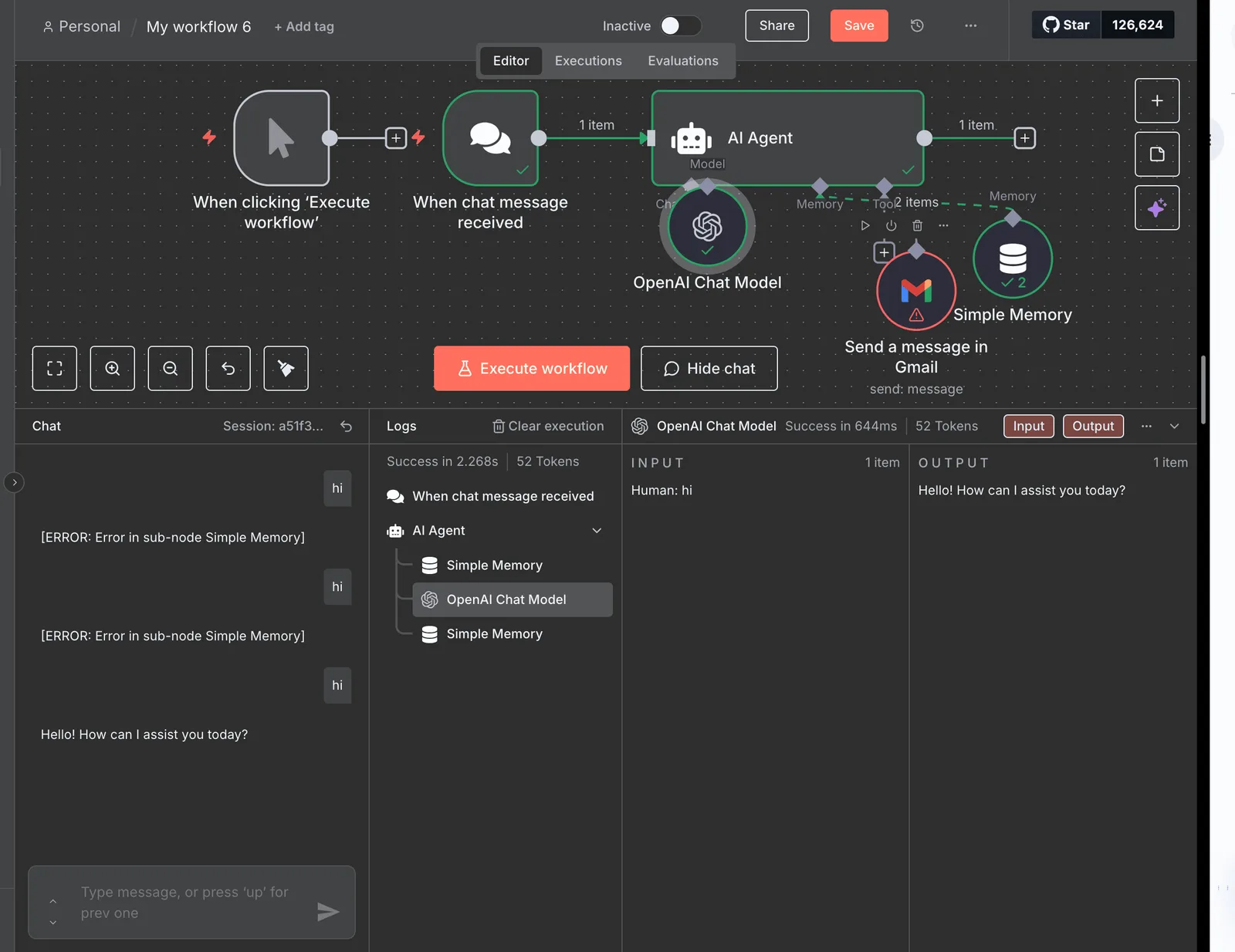 Because it maps non-contiguous memory pages into a logical sequence, it allows the engine to **utilize nearly 100% of the available KV cache** shown in the table above. For complex reasoning tasks that rival [Claude 3.5 Sonnet](https://docs.anthropic.com/en/docs/about-claude/models/overview), this memory efficiency ensures the model has the room to process long-horizon agentic work without crashing under memory pressure. ## Step 1: Launching the vLLM inference server locally To bridge the gap between raw hardware and the OpenAI-compatible API, deploying Mistral via vLLM requires a Linux-based environment with compatible NVIDIA drivers. This setup ensures that local infrastructure can mirror the integration patterns of frontier models like Gemini 3.8 Flash without the recurring per-token overhead or data privacy risks associated with public endpoints.  ### Installing vLLM and CUDA dependencies A clean environment prevents dependency conflicts between the local system drivers and the specific versions of PyTorch required for PagedAttention. To transform a standard GPU node into a responsive inference engine, you must: 1. Create a Python virtual environment and install vllm via pip. 2. Download Mistral-7B weights from HuggingFace. 3. Execute the python -m vllm.entrypoints.openai.api_server command. ### Downloading Mistral weights from Hugging Face To ensure the local instance uses the verified instruct-tuned parameters, Mistral weights must be pulled directly from the Hugging Face repository. The `huggingface-cli` supports resumable downloads, which is critical when transferring large model files. Launching the server with the `vllm.entrypoints.openai.api_server` command exposes a REST API that follows the industry-standard schema. ### Understanding power efficiency metrics While the vLLM software layer is highly optimized, it is important to distinguish between the power draw of the inference engine and the physical GPU. Some benchmarks for edge-optimized devices like the NVIDIA Jetson show an idle draw of 10.6 watts and a peak of 18.1 watts, but these figures do not apply to data-center hardware. For the A100 and H100 GPUs recommended for production, the idle power draw is closer to 50W per card, scaling rapidly to 300W or 700W under load. A reader planning a deployment must ensure their power supply and cooling can handle these hundreds of watts, as the efficiency gains of vLLM are measured in tokens-per-joule rather than a reduction in the GPU's base electrical requirements. ## Step 2: Testing the Mistral API endpoint with basic queries Testing the Mistral API endpoint ensures the vLLM container is correctly routing traffic to the GPU and returning structured text. ### Testing the vLLM chat completions endpoint with cURL To verify that the REST API is reachable without the overhead of language-specific libraries, a cURL command is the most direct method. By targeting the v1/chat/completions endpoint, you confirm that the vLLM server is correctly mapping the Mistral Large 3 model name to the loaded weights. [IMAGE PLACEHOLDER: A completed flow run in Activepieces showing the Run Details panel on the left with trigger and step_1 both marked with green checkmarks. The center shows a flow diagram with "Instance Stopped" trigger and "Revoke Token" step_1 connected by an arrow, both with success indicators. The left panel displays the step1 details. These include Duration (1271ms), Input showing a JSON POST request to squareup.com with Authorization header, and Output showing a JSON response with status 200 and "OK" statusText. The right panel shows the "Edit Revoke Token" configuration for an HTTP Send Request action with Method set to POST and Url field populated. A green success banner at the bottom states "Run succeeded (9e69b73e-984b-40e9-a73a-4c50382762b)"] 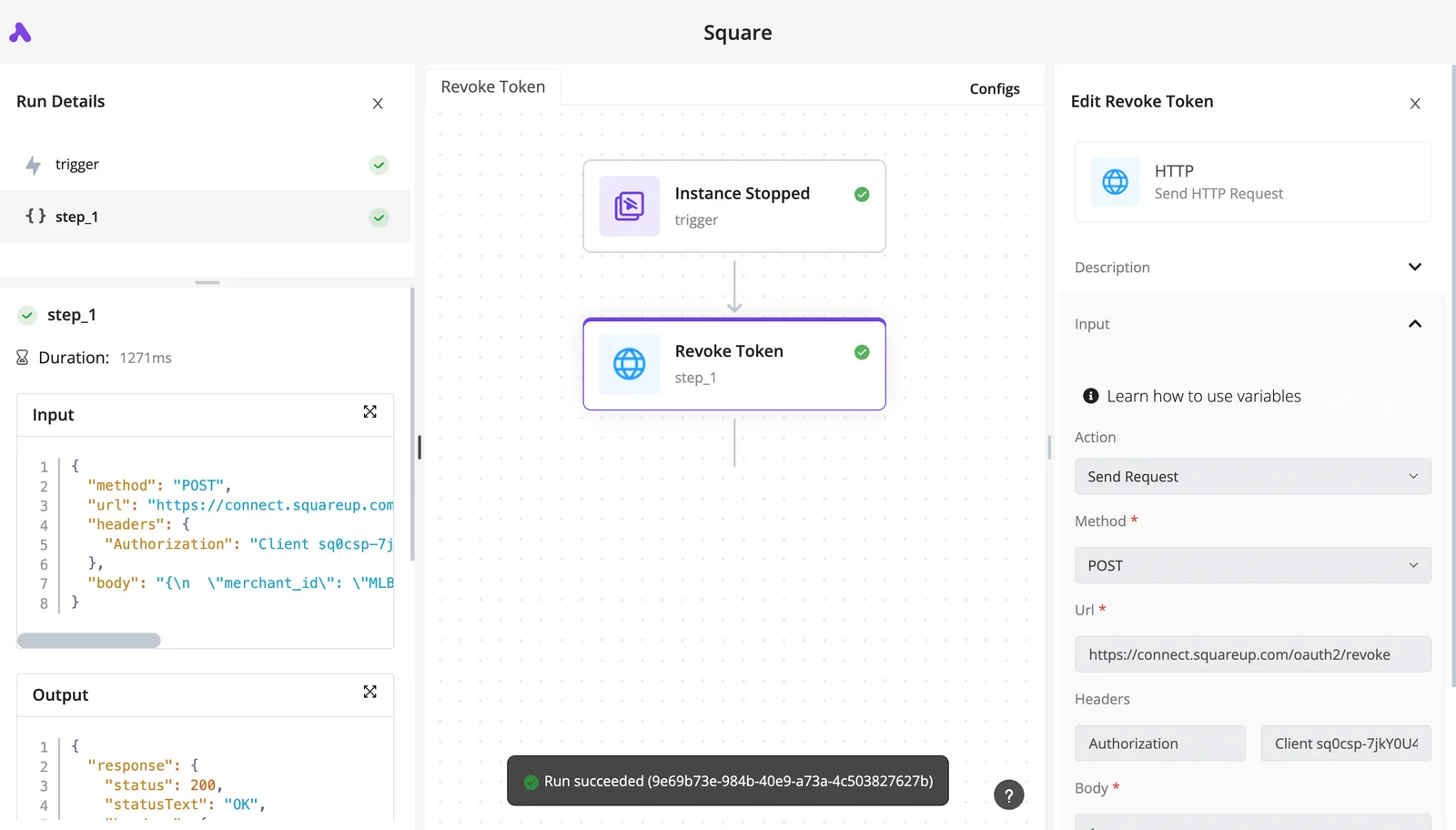 This verification confirms that the infrastructure can handle POST requests and return status codes without timeouts. ### Using the OpenAI Python client for streaming responses By simply redirecting the base URL to your local server, the OpenAI Python SDK (a standard library for interfacing with LLMs) allows you to interact with self-hosted Mistral instances. Enabling the stream parameter in your request ensures that Mistral Large 3 begins sending tokens as they are generated rather than waiting for the entire sequence to complete. ### Verifying GPU utilization with nvidia-smi during inference Running the nvidia-smi command during an active query provides a hardware-level view of how vLLM manages the VRAM. Watching the Volatile Uncorr. ECC and GPU-Util columns confirms that the Mistral Small 4 model is actually utilizing the tensor cores rather than falling back to the CPU. ## Step 3: Tuning vLLM parameters for production stability Production stability in vLLM depends on balancing the memory reserved for the Mistral model weights against the space remaining for the PagedAttention KV cache. ### Managing GPU memory with the utilization flag The gpumemoryutilization parameter defines the percentage of total VRAM the vLLM engine is permitted to occupy, which dictates how many concurrent tokens the system can store before crashing. Setting this value to 0.90 on a 24GB card reserves roughly 2.4GB for the operating system and background kernels, ensuring the host remains responsive during heavy inference loads. | GPU Memory | Throughput | | :--- | :--- | | 10.6 GB | 5 req/s | | 13.0 GB | 20 req/s | | 18.1 GB | 50 req/s | Allocating more memory allows vLLM to pack more sequences into a single continuous batch, which maximizes the mathematical efficiency of the GPU's tensor cores.  ### Configuring tensor parallelism for multi-GPU setups Tensor parallelism allows you to split the Mistral model's computation across multiple physical GPUs, which is necessary when the model size exceeds the VRAM of a single card. By setting the `tensor_parallel_size` flag to match the number of available units, the engine distributes the attention layers, reducing the memory pressure on each individual chip. ### Setting request limits to prevent queue timeouts The maxnumseqs and maxmodellen parameters act as the final safety valves that prevent the inference engine from accepting more work than it can complete within a standard API timeout window. Restricting the maximum sequence length ensures that a single user generating a massive document cannot monopolize the entire KV cache. ## Automating Mistral inference triggers with Activepieces Activepieces transforms a raw vLLM endpoint into a functional business tool by orchestrating how data flows from external triggers into Mistral Large 3 for processing. Your credentials are never ours to hold, even when automating these high-throughput inference flows. By configuring a self-hosted instance against an external secret manager, you can verify in the database that no connection secrets are stored locally; this same governance architecture allows teams to route API keys to their own infrastructure rather than a vendor's cloud. ### Connecting the vLLM endpoint as a custom HTTP action Integrating a self-hosted Mistral instance requires using the HTTP Request integration to bridge the gap between the local network and the automation workflow. Because vLLM maintains compatibility with standard API structures, the "Send HTTP Request" action can be configured to point at the internal IP address of the inference server. ### Creating a Slack-to-Mistral summarization bot A practical deployment involves using Activepieces to monitor specific communication channels and generate concise intelligence from long-form discussions, a capability that companies like MoneyGram and Moneypenny run in production today. The diagram shows a "New Email in Gmail" trigger icon connecting to an "HTTP Request" action calling the vLLM API. This connects to a "Send Slack Message" action containing the summarized text. 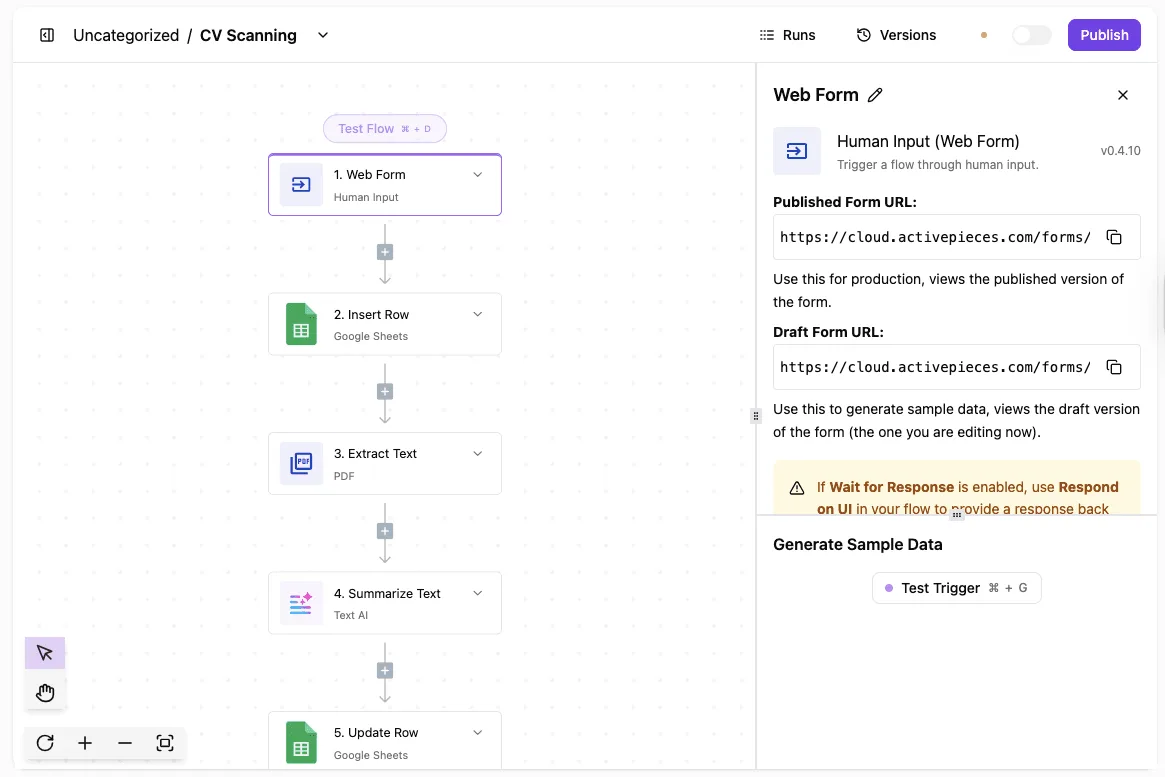 This sequence ensures that high-priority information is extracted and delivered to the team without manual copy-pasting. By utilizing Mistral Small 4 for these routine summarization tasks, the system maintains high throughput without the latency of larger flagship models. ### Syncing AI-generated responses back to a database The final stage of a robust inference pipeline involves capturing the model's output in a structured format for long-term auditing or further processing. Activepieces facilitates this by mapping the JSON response from the vLLM HTTP action into a database connector, utilizing an MIT-licensed core that supports **738+ integrations** for local data persistence. Storing these responses locally ensures that the business retains full ownership of its generated data, fulfilling the primary privacy objective of self-hosting. ## Operational checklist for self-hosted LLM maintenance Maintaining a self-hosted Mistral instance requires a transition from simple deployment to active infrastructure management to prevent performance degradation. ### Monitoring token-per-second metrics Monitoring token-per-second output provides the only objective measure of whether your PagedAttention settings are successfully preventing memory fragmentation. You should track both the time-to-first-token, which indicates how quickly the model starts responding, and the inter-token latency, which shows how smoothly the text streams. ### Securing the endpoint with a reverse proxy and API keys Securing the inference server with a reverse proxy like Nginx ensures that your raw vLLM port is not exposed directly to the public internet. This prevents unauthorized actors from draining your compute resources. By layering an authentication service over the internal API, you can issue unique keys to different departments, allowing you to identify which internal service is causing a sudden spike in demand.  ### Setting up automated model restarts Automated model restarts clear the accumulated context cache, ensuring that memory leaks or orphaned processes do not eventually crash the host operating system. Scheduling a restart during low-traffic windows ensures that the system begins every business day with a fully cleared VRAM buffer. ## Frequently asked questions about Mistral and vLLM ### Mistral version support and memory errors vLLM supports Mistral-7B-v0.3 provided you utilize the v3 tokenizer, which ensures that function calling and control tokens are interpreted correctly rather than being processed as plain text. Using an outdated version of the vLLM library will cause the engine to misidentify these new tokens, leading to garbled output during complex logic tasks. By decreasing the gpumemoryutilization parameter in your launch command, you can resolve startup memory crashes, which limits the amount of VRAM the engine reserves for its PagedAttention cache. Setting this value too high prevents the operating system from allocating the small amount of memory needed for the initial model weights, resulting in an immediate process termination. ### Hardware and architectural comparisons You can deploy vLLM on consumer hardware like the RTX 4090, which allows small-scale testing without the high hourly costs of enterprise A100 instances. However, these cards lack the high-bandwidth memory found in data-center GPUs, so your inference speed will drop significantly as soon as multiple users attempt to access the model simultaneously. The primary difference between vLLM and TGI lies in the memory management architecture. vLLM uses PagedAttention to handle dynamic request lengths. Text Generation Inference (TGI), a toolkit from Hugging Face, uses a different continuous batching strategy. Choosing vLLM typically results in higher total throughput for high-volume chat applications. TGI often provides more granular control over the specific security features required for production deployments in regulated industries. ## Related reading - [Self-Host Mistral Small for Private Business Automation](https://www.activepieces.com/blog/self-host-mistral-small-guide-for-private-automation-2026) - [How to Self-Host DeepSeek R1 for Private Automation](https://www.activepieces.com/blog/self-host-deepseek-r1-for-private-automation-2026) - [How to choose a Mistral model size for automation in 2026](https://www.activepieces.com/blog/choosing-a-mistral-model-size-for-self-host-automation) ## References - [GPUTracker](https://gputracker.dev/gpu/a10g) - [vLLM Project](https://github.com/vllm-project/vllm/issues/22291)Air-gapped means full control, not a fraction.