Because the pricing is linear, a good year is also your most expensive one, and the seat-premium precedent covers only the customers willing to accept a surcharge. A small buyer on a modest contract may balk at a line item that exists only to cover your vendor's bill. So forecast by the connections you expect to sign, split into those who'll pay and those who won't. ## Hidden costs and limits that WorkOS customers hit Beyond the per-connection price, six lines can raise your bill or box you in, and each one grows with the enterprise customers you sign, not with your user count. - **SSO and Directory Sync are counted separately**, so a customer who wants both is two billable connections. - Add-on products are priced on their own, so a feature you assumed was included can become a second invoice line. - Monthly active user overage applies if your user side outgrows its allowance, which means a growing consumer base can still hit you. - Log retention and export limits cap how far back you can audit, so a customer's security review may ask for more history than you can produce. - Branding and support tiers sit behind higher plans, so white-labeled login screens and faster response times raise the price. - Identity data migration lock-in means leaving costs engineering time, so cheap entry hides an expensive exit. 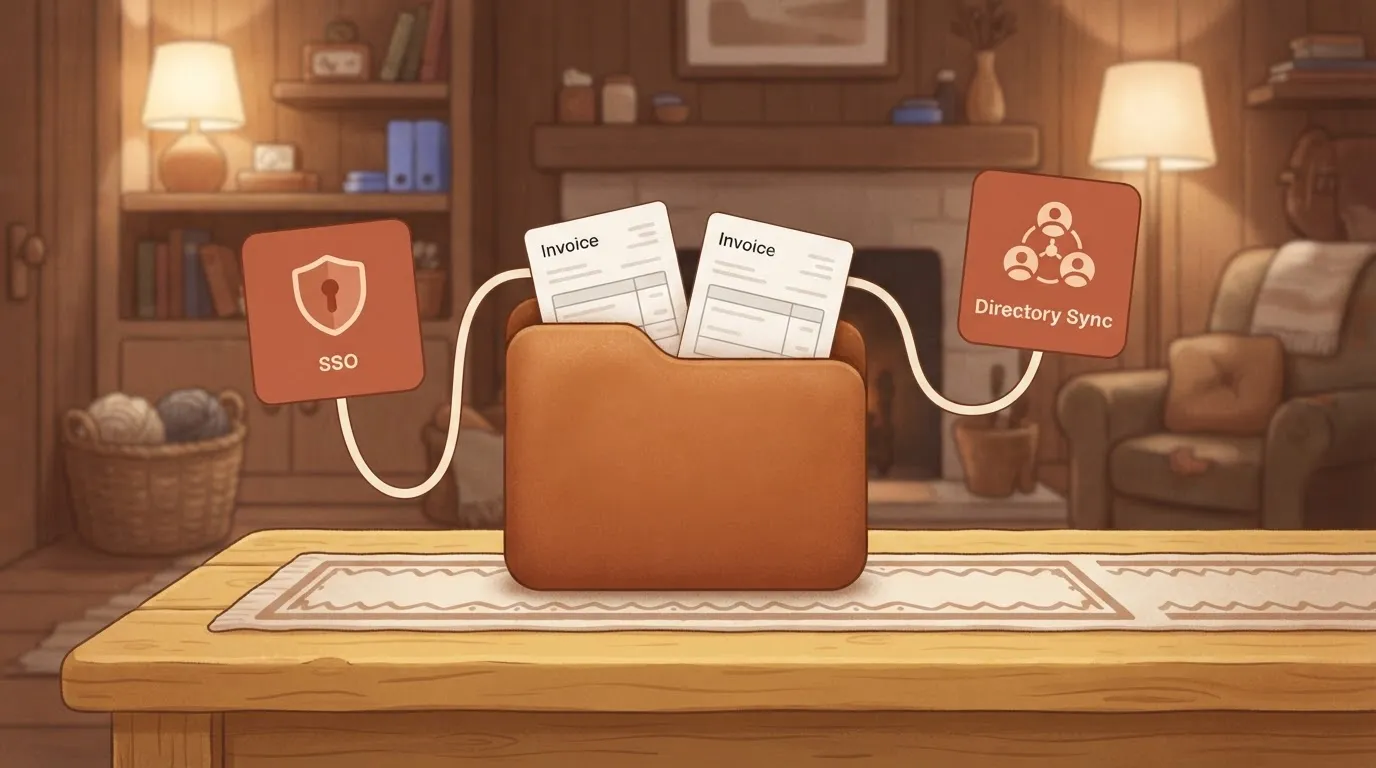 Taken in the order you'll probably meet them, those six fall into three groups. First come separate fees for SSO and Directory Sync. Enterprise buyers often ask for both, because SSO handles login and Directory Sync handles provisioning and deprovisioning. **Model each customer as two potential connections.** If you forecast one connection per customer, your estimate will be low for exactly the accounts that pay you the most. Every new connection also creates follow-up work, and you don't want a second meter growing alongside the first. A flow that takes a WorkOS webhook for a new connection or directory sync, posts to Slack, updates the CRM and opens a ticket is billed on Activepieces at 1 credit per flow run, however many steps it has, where Zapier bills per task and Make bills per module. The free plan carries 1,000 credits a month with unlimited flows, and MoneyGram, Moneypenny, Alan and FundingSocieties run Activepieces in production. ### WorkOS add-ons, log retention and support costs These are the costs people discover after launch. Add-ons, audit log retention, export limits, branding and support response times are rarely in the first spreadsheet. Ask which of them a customer's procurement team will require in the contract. Whatever they require, put it in the forecast now. A single security questionnaire can turn an optional line into a mandatory one. Last comes migration and lock-in cost. Once your customers' identity connections live in WorkOS, moving means asking each customer's IT admin to reconfigure their identity provider. That costs your team support hours and costs the customer patience. Plan for it as a real switching cost, and keep your own user table as the source of truth so the exit stays possible. ## How WorkOS pricing compares with competitors Which of these is cheapest depends on how many enterprise connections you sign, so price your tenth and fiftieth connection on each vendor's own page before you pick one. Read the connection-count columns as a prompt to run your own forecast, not as quotes; the table shows where each vendor puts the paid boundary. | | Free tier | First SSO connection | Tenth and fiftieth connection | Directory sync | Sales-led trigger | |---|---|---|---|---|---| | WorkOS | Covers user login; SSO is billed separately | Priced per connection | Cost grows with each connection added | Sold separately from SSO | Large connection volumes or custom terms | | Auth0 | Free plan for basic login | Enterprise SSO sits on higher plans | Set by plan limits, not a per-connection rate | Tied to enterprise plans | Connection or plan limits | | Clerk | Free plan for basic login | Paid add-on | Add-on cost repeats per connection | Check the current plan | Scale beyond self-serve plans | | Stytch | Free tier for basic login | Billed on top of the free tier | Cost grows with connections | Billed separately | Volume beyond published pricing | | Keycloak | No license fee | No license fee | No license fee; you pay in operations | Configured by you | None | Because every vendor except Keycloak charges for SSO separately from login, your forecast has to be per connection. Plan-based pricing, as at Auth0, can be cheaper while you sit inside a tier. It turns into a negotiation once you outgrow it, so your cost becomes unpredictable. Per-connection pricing, as at WorkOS, stays predictable but never flattens, so each new customer adds a fixed cost. Price that against what each customer pays you. Keycloak removes the per-connection bill, but it replaces it with upgrades, uptime and security patching that you own. As a bootstrapped founder, I'd choose it only when your team can carry that work without slowing product delivery. Otherwise the license savings get spent on engineering hours. ## What steps to take before committing to WorkOS Spend the first hour on a spreadsheet, not a signup page, because the engineering time you save only matters if the bill you forecast is the bill you get. The steps below run in order, and each one feeds the next: 1. Count the deals in your pipeline that have asked for SSO or directory sync, since each signed one becomes a billable connection. 2. Model how many of those connections go live in each quarter. 3. Price each quarter on the tier table from WorkOS's own pricing page. 4. Ask WorkOS about volume and annual terms. 5. Decide whether you pass connection fees to customers. 6. Set a date to re-check the pricing page. ### Build a connection forecast Count only deals where a buyer has named SSO as a requirement, not every prospect who might eventually ask. Then place each one in the quarter you expect it to close plus the weeks IT takes to configure it. Connections that go live late cost you less this year, so the lag belongs in the model. Keep a conservative column and an optimistic one, because the gap between them is your real budget risk. ### Questions to put to WorkOS sales Ask what happens to the per-connection price as your count grows, and whether committing annually lowers it. Ask whether unused connections can be dropped mid-term or whether you pay for them until renewal. Get the answers in writing, then compare them with the public page. If they disagree, trust the page you can cite and ask sales to explain the difference. Decide the pass-through question before you sign. If enterprise customers pay for their own connection, your margin holds as you grow. If you absorb it, every large signing quietly shrinks the account's profit. Then put the re-check date in your calendar, because a pricing page you checked once is only a snapshot. ## What Activepieces does about this The part of a WorkOS bill you can't shrink is the connection fee, and no workflow tool changes that. What Activepieces can do is keep the work around each connection from becoming a second meter.  Every new SSO or directory connection sets off follow-up: a Slack alert, a CRM update, a support ticket, a provisioning check. On a per-task tool, that follow-up grows with the same enterprise deals that already drive your WorkOS invoice. Activepieces bills 1 credit per flow run, however many steps the flow has. A flow that takes a WorkOS webhook for a new connection, posts to Slack, updates the CRM and opens a ticket is one run. The free plan carries 1,000 credits a month with unlimited flows, so a few dozen connections a month fit inside it. MoneyGram, Moneypenny, Alan and FundingSocieties run Activepieces in production, so it isn't only a hobbyist tool.  The source is open, which matters if connection events carry customer identity data you would rather not route through a third party. Check the licence terms and the current credit allowances on the Activepieces pricing page before you build on them, the same way you would check WorkOS's page, since both can change. Put the automation cost in the forecast as its own line next to the connection count. Estimate runs per connection, multiply by the number of connections you expect to sign, and compare that against what your current automation tool would bill. The WorkOS fee stays linear in connections, but the work that follows each one doesn't have to be. ## Frequently asked questions The forecast and the spreadsheet leave a few questions open, and each answer below ends at the same place: WorkOS's own pricing page, read on the day you sign. Is WorkOS free for small projects? Starting is cheap, but check the page for what's free today, because terms there can change. The bill that matters begins when an enterprise customer connects SSO or a directory. A side project with many users and no enterprise buyers can stay inexpensive. A small product with a few large customers can't. Does WorkOS charge extra for Directory Sync? Plan on it, and model it as its own line. SSO and Directory Sync are separate features, so a customer who wants both may count as more than one billable item. Confirm on the page how each is counted. If you forecast only SSO and the buyer's IT team asks for provisioning, your number will be too low. ### Can I pass WorkOS connection fees on to my customers? Yes, as a pricing decision of your own, not as a WorkOS feature. Nothing here stops you from putting SSO and directory sync in an enterprise tier or charging a setup fee. That's usually the cleanest way to keep your margin from shrinking as connections grow, but it only works if your contracts say so before the first customer connects. Does WorkOS offer discounts for annual or high-volume contracts? Ask, but don't build the forecast on a discount you haven't seen in writing. The pricing page shows list terms. Anything beyond that comes from a sales conversation, so use list price as your planning number. A discount then becomes upside, and you won't be caught short if it never arrives. How often does WorkOS change its pricing? Often enough that you should re-read the page before each forecast review, and I can't give you a schedule. Treat any figure you copied into a spreadsheet as dated. Record the day you checked it next to the number, so whoever inherits the model knows how stale it might be. ## Related reading - [Automate Ticket Handoffs: A 2026 Guide for SaaS Teams](https://www.activepieces.com/blog/automate-ticket-handoffs-a-2026-guide-for-saas-teams) - [SaaS Audit Trail Requirements for Vendor Pitches](https://www.activepieces.com/blog/saas-audit-trail-requirements-for-vendor-pitches) - [How Activepieces replaced the need for many micro SaaS](https://www.activepieces.com/blog/how-activepieces-replaced-the-need-for-many-micro-saas) ## References - [SSOJet](https://ssojet.com/research-reports/enterprise-sso-adoption-2026/) - [WorkOS](https://workos.com/pricing) - [SSOPricing](https://ssopricing.com/vendor/github/)The cost follows your sales wins, so a strong quarter raises it.