> ## Documentation Index
> Fetch the complete documentation index at: https://www.activepieces.com/docs/llms.txt
> Use this file to discover all available pages before exploring further.
# Private
> Learn how to share your pieces privately.
This guide assumes you have already created a piece and created a private fork of our repository, and you would like to package it as a file and upload it.
Friendly Tip: There is a CLI to easily upload it to your platform. Please check out [Publish Custom Pieces](../misc/publish-piece).
Build the piece using the following command. Make sure to replace `${name}` with your piece folder name.
```bash theme={null}
npm run pieces -- build --name=${name}
```
More information about building pieces can be found [here](../misc/build-piece).
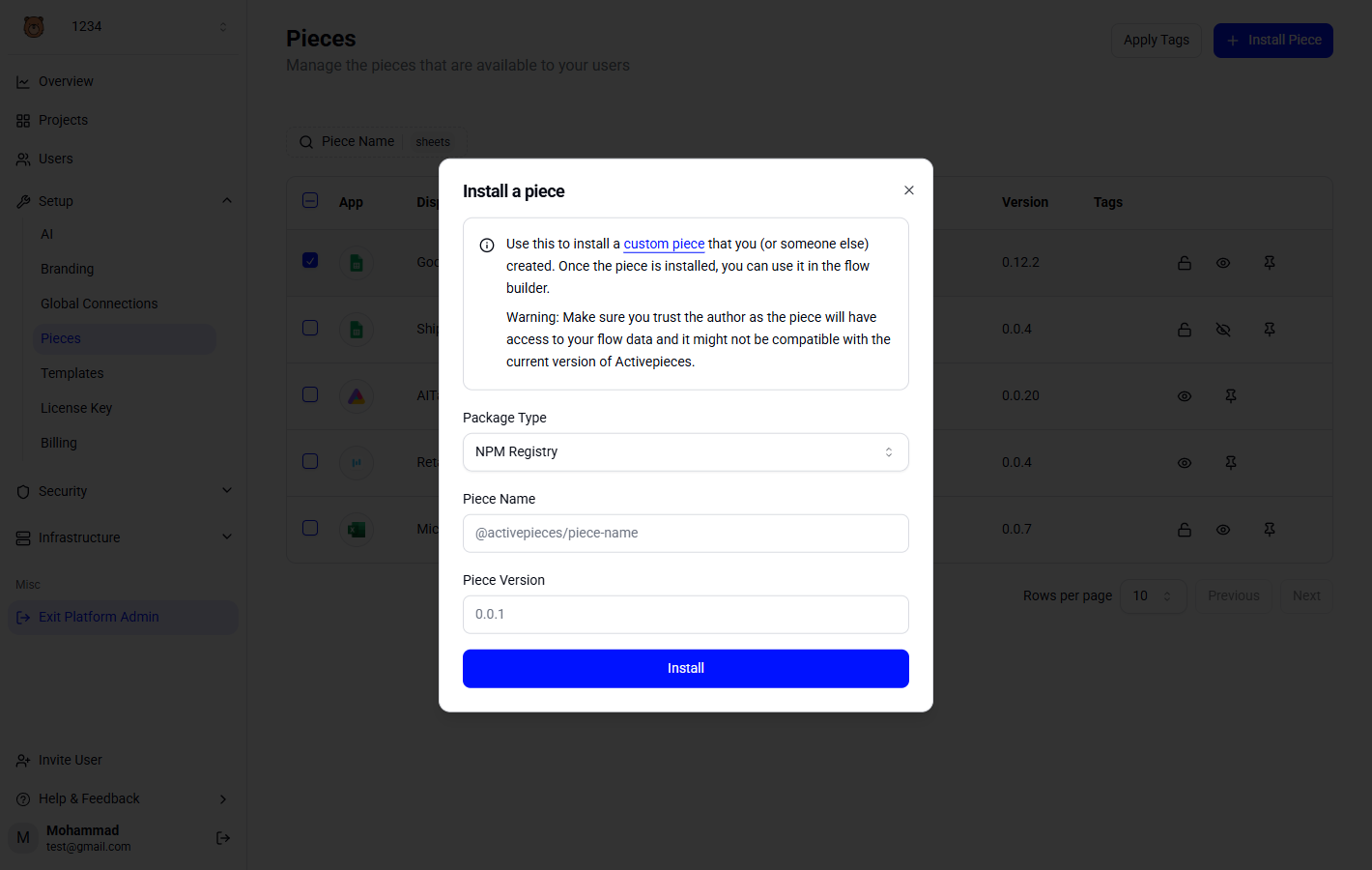
Upload the generated tarball inside `dist/packages/pieces/${name}`from Activepieces Platform Admin -> Pieces