> ## Documentation Index
> Fetch the complete documentation index at: https://www.activepieces.com/docs/llms.txt
> Use this file to discover all available pages before exploring further.
# Create/Update Connections
**Requirements:**
* Activepieces version 0.34.5 or higher
* SDK version 0.3.2 or higher
"connectionName" is the externalId of the connection (you can get it by hovering the connection name in the connections table).
We kept the same parameter name for backward compatibility, anyone upgrading their instance from \< 0.35.1, will not face issues in that regard.
**Breaking Change:**
If your Activepieces instance version is \< 0.45.0 and (you are using the connect method from the embed sdk, and need the connection externalId to be returned after the user creates it OR if you want to reconnect a specific connection with an externalId), you must upgrade your instance to >= 0.45.0
* You can use the embedded SDK in your SaaS to allow your users to create connections and store them in Activepieces.
Follow the instructions in the [Embed Builder](./embed-builder).
After initializing the SDK, you will have access to a property called `activepieces` inside your `window` object. Call its `connect` method to open a new connection dialog as follows.
```html theme={null}
```
**Connect Parameters:**
| Parameter Name | Required | Type | Description |
| -------------- | -------- | ----------------------------------------------------------------- | ------------------------------------------------------------------------------------------------------------------------------------------------------------------------------------------------------------- |
| pieceName | ✅ | string | The name of the piece you want to create a connection for. |
| connectionName | ❌ | string | The external Id of the connection (you can get it by hovering the connection name in the connections table), when provided the connection created/upserted will use this as the external Id and display name. |
| newWindow | ❌ | \{ width?: number, height?: number, top?: number, left?: number } | If set the connection dialog will be opened in a new window instead of an iframe taking the full page. |
**Connect Result**
The `connect` method returns a `promise` that resolves to the following:
```ts theme={null}
{
connection?: {
id: string,
name: string
}
}
```
`name` is the externalId of the connection.
`connection` is undefined if the user closes the dialog and doesn't create a connection.
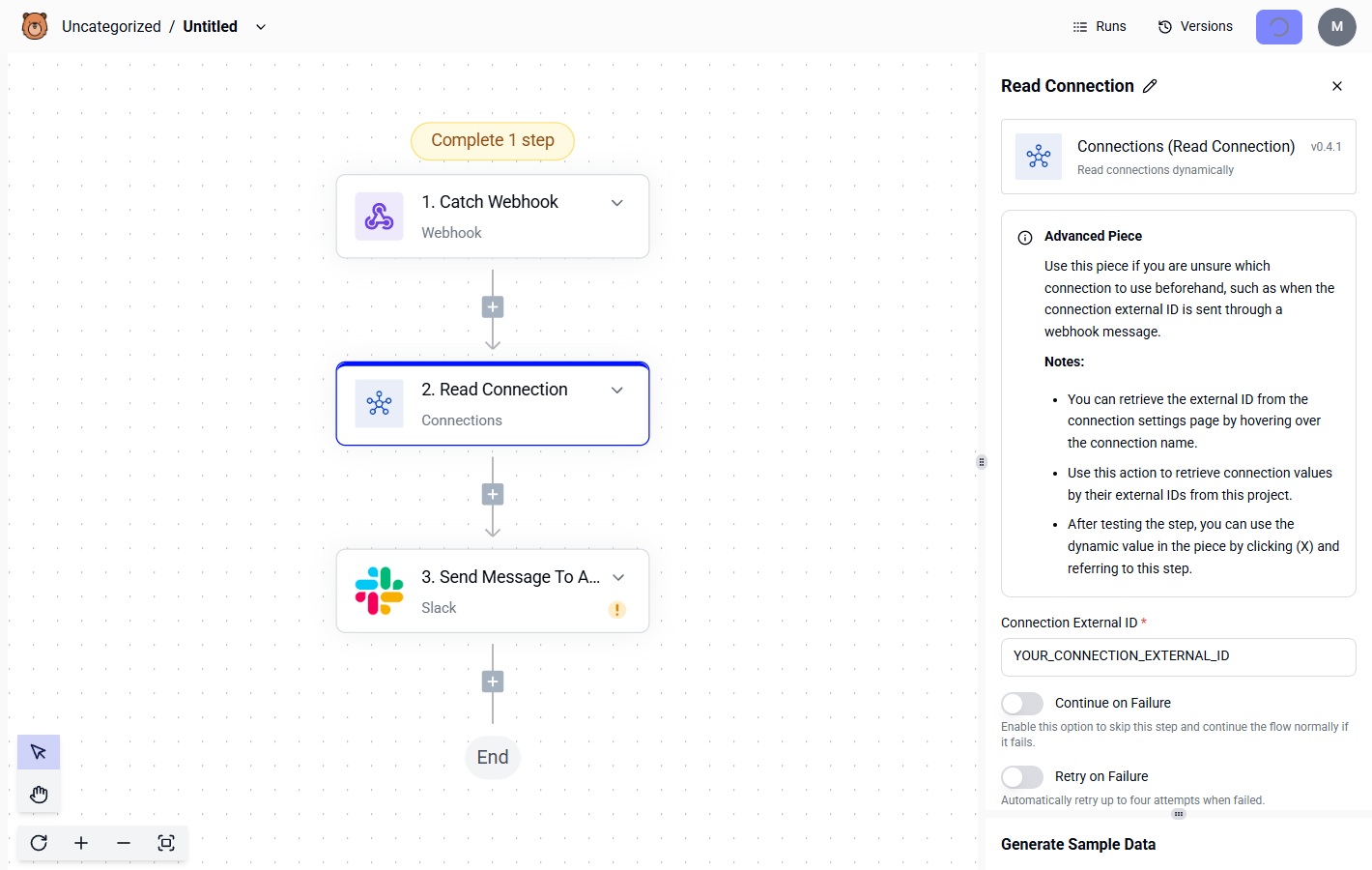
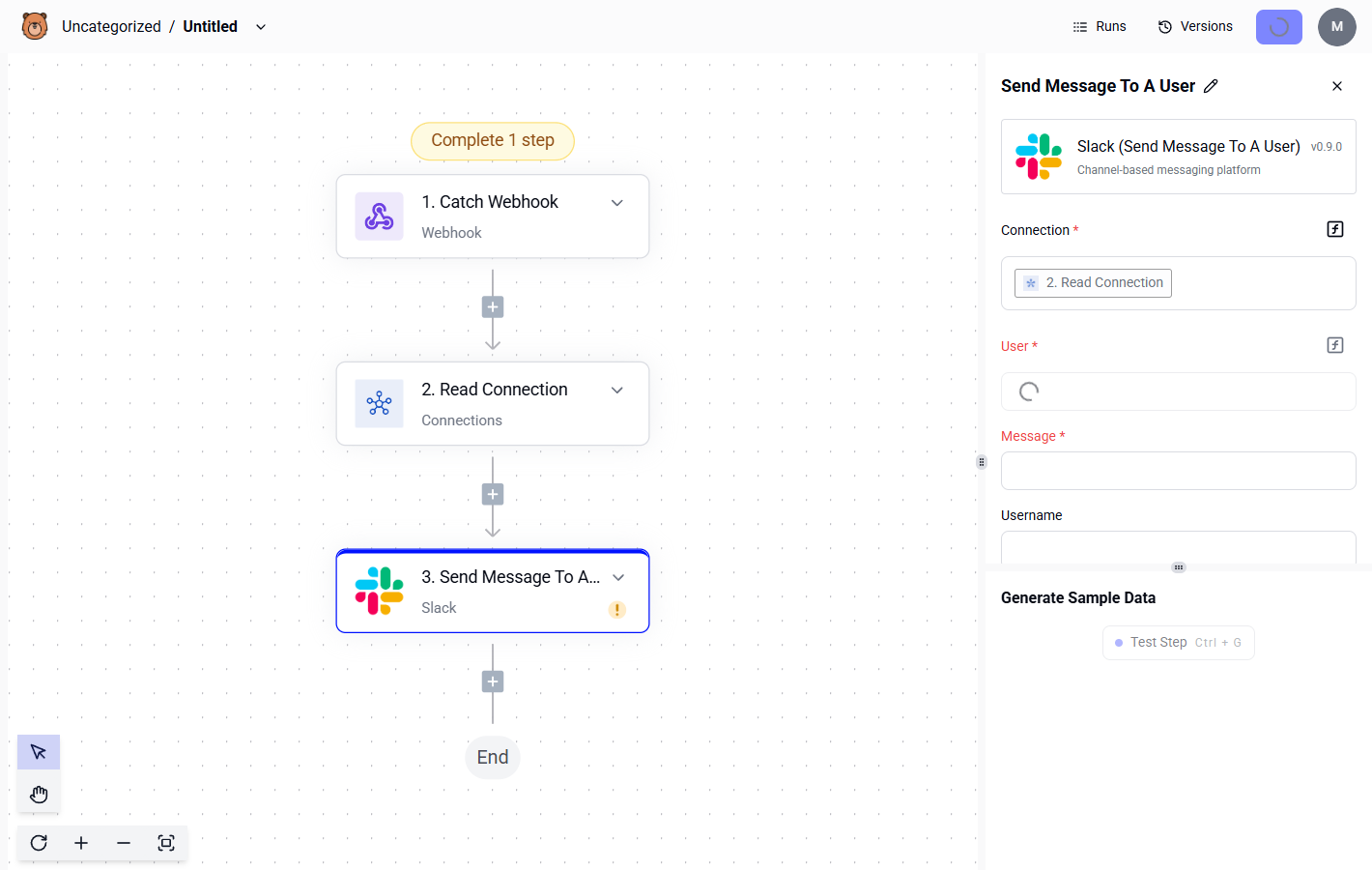
You can use the `connections` piece in the builder to retrieve the created connection using its name.