> ## Documentation Index
> Fetch the complete documentation index at: https://www.activepieces.com/docs/llms.txt
> Use this file to discover all available pages before exploring further.
# Enterprise License
> Activate the optional self-hosted Enterprise Edition with a license key
This page applies only to the **optional** Enterprise Edition. Community Edition is free, open source, and needs no license — if you're running CE, you can skip this.
For licensing inquiries regarding the self-hosted enterprise edition, please reach out to `sales@activepieces.com`, as the code and Docker image are not covered by the MIT license.
You can request a trial key from within the app or in the cloud by filling out the form. Alternatively, you can contact sales at [https://www.activepieces.com/sales](https://www.activepieces.com/sales).
Please know that when your trial runs out, all enterprise [features](https://www.activepieces.com/pricing) will be shut down meaning any user other than the platform admin will be deactivated, and your private pieces will be deleted, which could result in flows using them to fail.
Before version 0.73.0, you cannot switch from CE to EE directly. We suggest upgrading to 0.73.0 with the same edition first, then switch `AP_EDITION`.
Enterprise edition must use `PostgreSQL` as the database backend and `Redis` as the Queue System.
## Installation
1. Set the `AP_EDITION` environment variable to `ee`.
2. Set `AP_EXECUTION_MODE` to anything other than `UNSANDBOXED` (see [Sandboxing Mode](./sandboxing)).
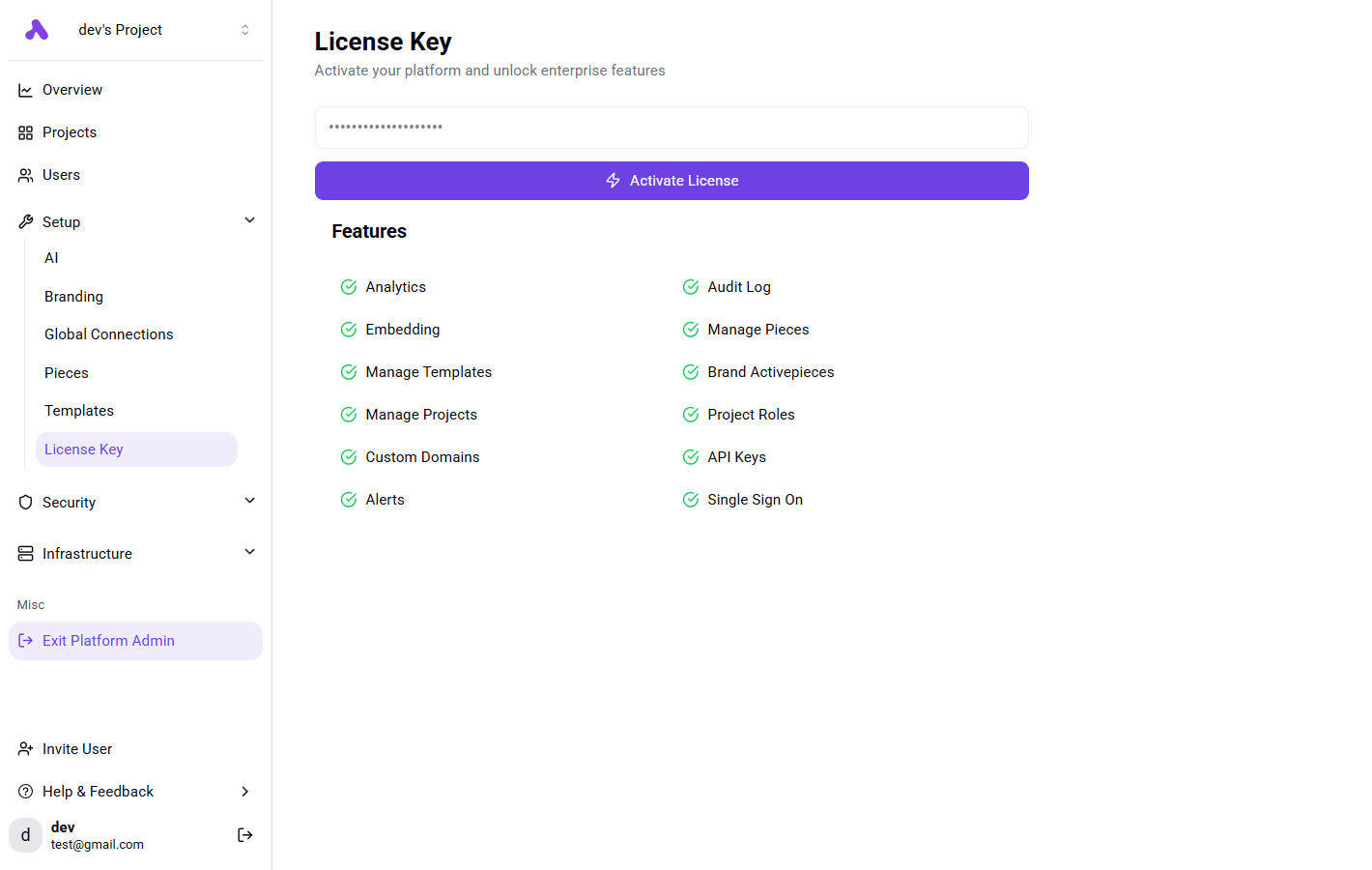
3. Once your instance is up, activate the license key under **Platform Admin → Setup → License Keys**.