> ## Documentation Index
> Fetch the complete documentation index at: https://www.activepieces.com/docs/llms.txt
> Use this file to discover all available pages before exploring further.
# Queues Dashboard
The Bull Board is a tool that allows you to check issues with scheduling and internal flow runs issues.
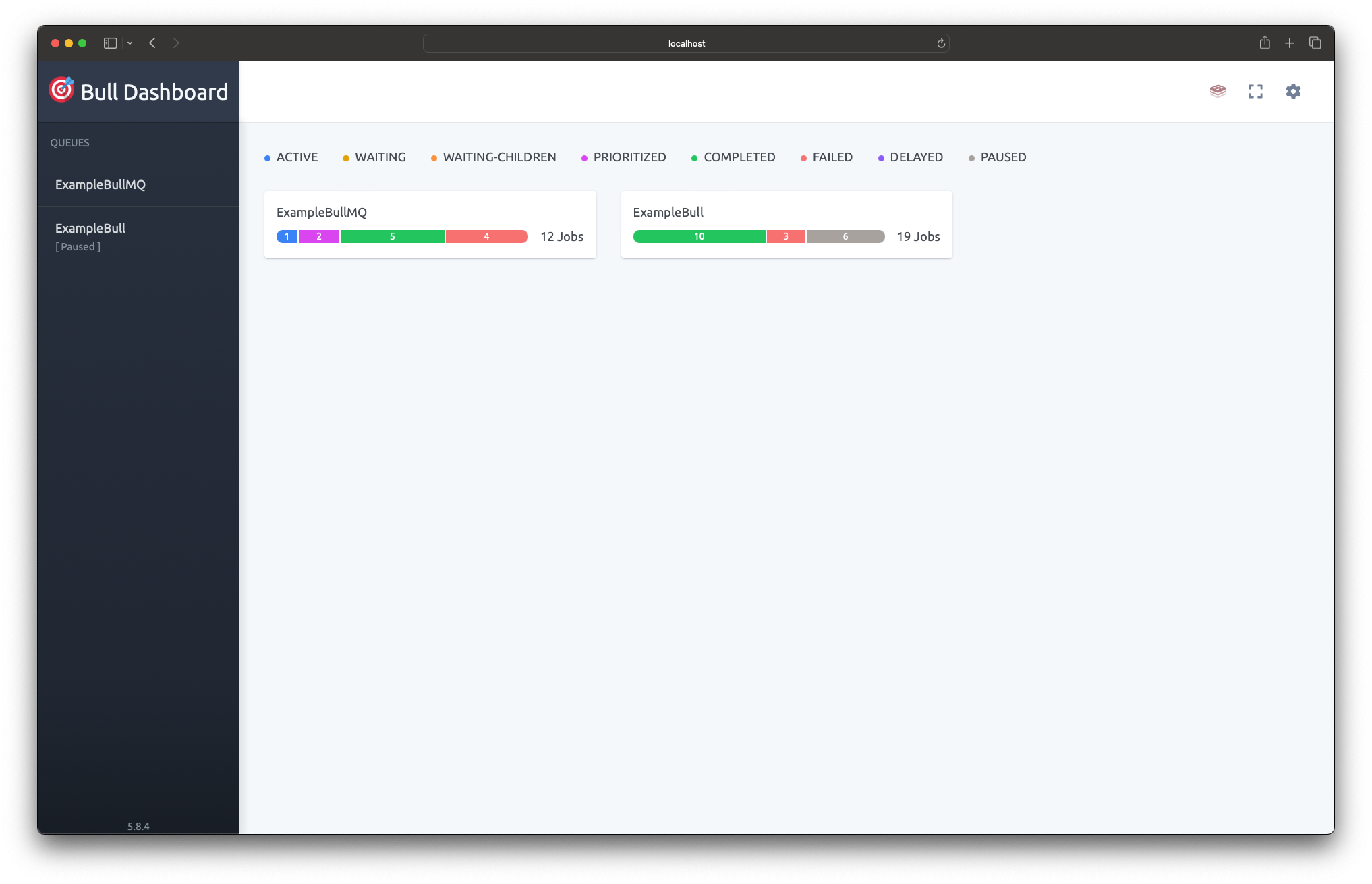
## Setup BullBoard
To enable the Bull Board UI in your self-hosted installation:
1. Define these environment variables:
* `AP_QUEUE_UI_ENABLED`: Set to `true`
* `AP_QUEUE_UI_USERNAME`: Set your desired username
* `AP_QUEUE_UI_PASSWORD`: Set your desired password
2. Access the UI at `/api/ui`
For cloud installations, please ask your team for access to the internal documentation that explains how to access BullBoard.
## Queue Overview
We have one main queue called `workerJobs` that handles all job types. Each job has a `jobType` field that tells us what it does:
### Low Priority Jobs
#### RENEW\_WEBHOOK
Renews webhooks for pieces that have webhooks channel with expiration like Google Sheets.
#### EXECUTE\_POLLING
Checks external services for new data at regular intervals.
### Medium Priority Jobs
#### EXECUTE\_FLOW
Runs flows when they're triggered.
#### EXECUTE\_WEBHOOK
Processes incoming webhook requests that start flow runs.
#### DELAYED\_FLOW
Runs flows that were scheduled for later, like paused flows or delayed executions.
### High Priority Jobs
#### EXECUTE\_PROPERTY
Loads dynamic properties for pieces that need them at runtime.
#### EXECUTE\_EXTRACT\_PIECE\_INFORMATION
Gets information about pieces when they're being installed or set up.
#### EXECUTE\_VALIDATION
Checks that flow settings, inputs, or data are correct before running.
#### EXECUTE\_TRIGGER\_HOOK
Runs special logic before or after triggers fire.
Failed jobs are not normal and need to be checked right away to find and fix what's causing them.
They require immediate investigation as they represent executions that failed for unknown reasons that could indicate system issues.
Delayed jobs represent either paused flows scheduled for future execution, upcoming polling job iterations, or jobs being retried due to temporary failures. They indicate an internal system error occurred and the job will be retried automatically according to the backoff policy.