

Steps to setup Codespaces
- Go to Activepieces repo.
-
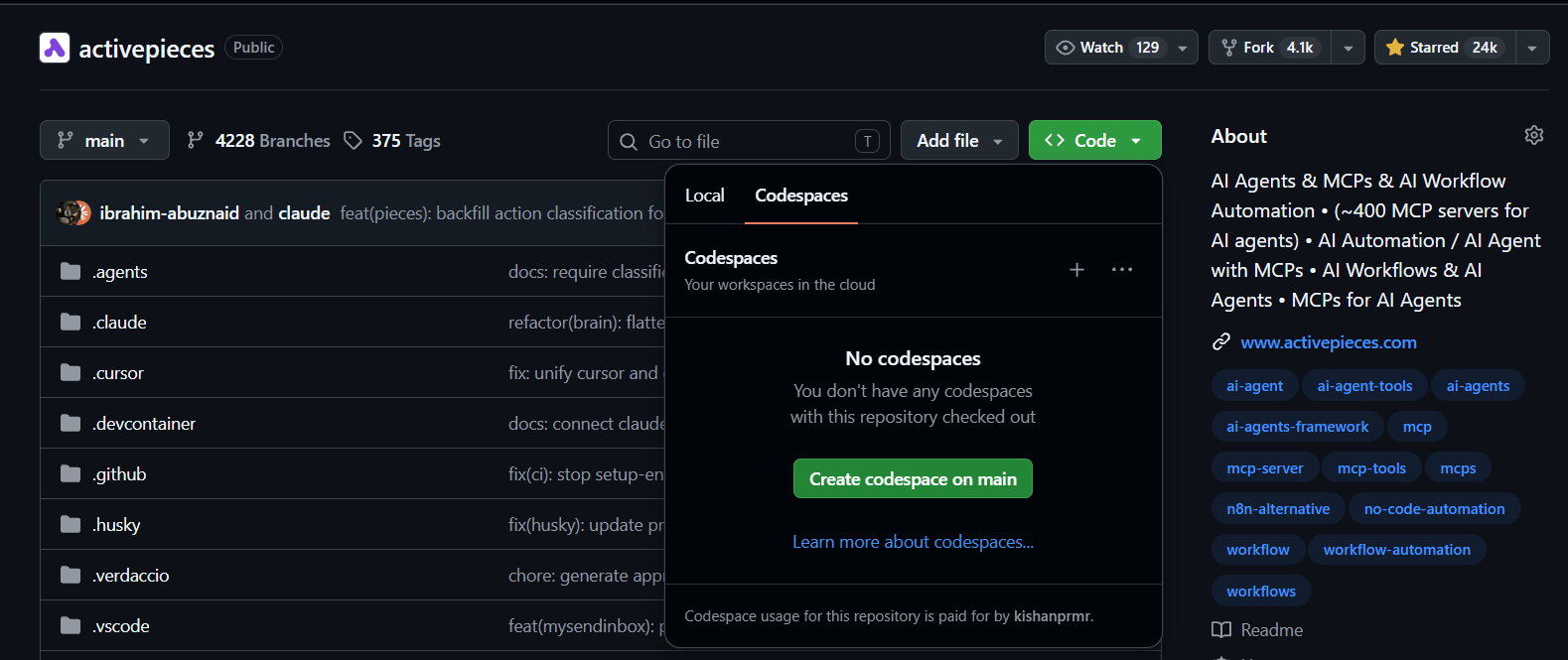
Click Code
<>, then under codespaces click create codespace on main.
By default, the development setup only builds specific pieces.Open the file
.env.dev and add comma-separated list of pieces to make
available.For more details, check out the Piece Development section.-
Open the terminal and run
npm start - Access the frontend URL by opening port 4200 and signing in with these details:
[email protected]
Password: 12345678