
n8n External Secrets: A Complete Setup Guide (2026)

Oct 26, 202614 min read
Definition of n8n external secrets
What n8n external secrets are and do
n8n external secrets let a workflow reference a value that lives in your own vault instead of storing it in n8n's database, much as other automation tools such as Activepieces keep credentials separate from the flows that use them.

n8n saves only the reference, so rotating or revoking a secret happens in the vault, not in every credential form.
The feature is plan-gated, so confirm your plan before planning any rollout.
Recheck plan terms and supported providers before you commit, because both change. The vendor facts below match n8n's documentation as of 26 October 2026.
Which vault providers n8n documents
If your vault isn't on this list, you can't treat the feature as a fit without a workaround. n8n documents six.
- 1Password, through a Connect Server you host and n8n talks to
- AWS Secrets Manager, for teams whose secrets already sit in Amazon's cloud
- Azure Key Vault, the natural choice if identity and secrets are already managed in Azure
- GCP Secrets Manager, the Google Cloud equivalent
- HashiCorp Vault, the option for teams that run their own vault
- Infisical, a dedicated secrets platform
How the $secrets expression pulls a value at run time
To read a vault value, a workflow uses the $secrets expression, written in the form {{ $secrets.vaultName.secretName }}. The first part is the connection name you set up in n8n, and the second is the secret's name in the vault.
When the workflow runs, and not when you save it, n8n resolves the reference.
Rotate a secret and it takes effect without anyone editing a credential, once n8n's next refresh picks it up.
This takes minutes, not a project: automate it in Activepieces free.
Plan and version requirements for n8n external secrets
Before you can run that test, your instance has to be able to use the feature at all, and external secrets requires an n8n Enterprise plan, so the Community edition doesn't have it.
Which plans include it
The table shows where the feature sits across the four ways of running n8n.
| Option | External secrets included | Price | Hosting | License key needed |
|---|---|---|---|---|
| Community self-hosted | No | Free | You run it | No |
| Enterprise self-hosted | Yes | Quoted by n8n | You run it | Yes |
| Cloud Enterprise | Yes | Quoted by n8n | n8n runs it | No, n8n manages it |
| Other Cloud plans | No | Published tiers on n8n's pricing page | n8n runs it | No |
n8n external secrets on self-hosted versus cloud
On self-hosted Enterprise, you apply the license key to your instance and then configure the vault connection yourself. A missing or expired key leaves the settings page unavailable, so check the key first when the option doesn't appear.
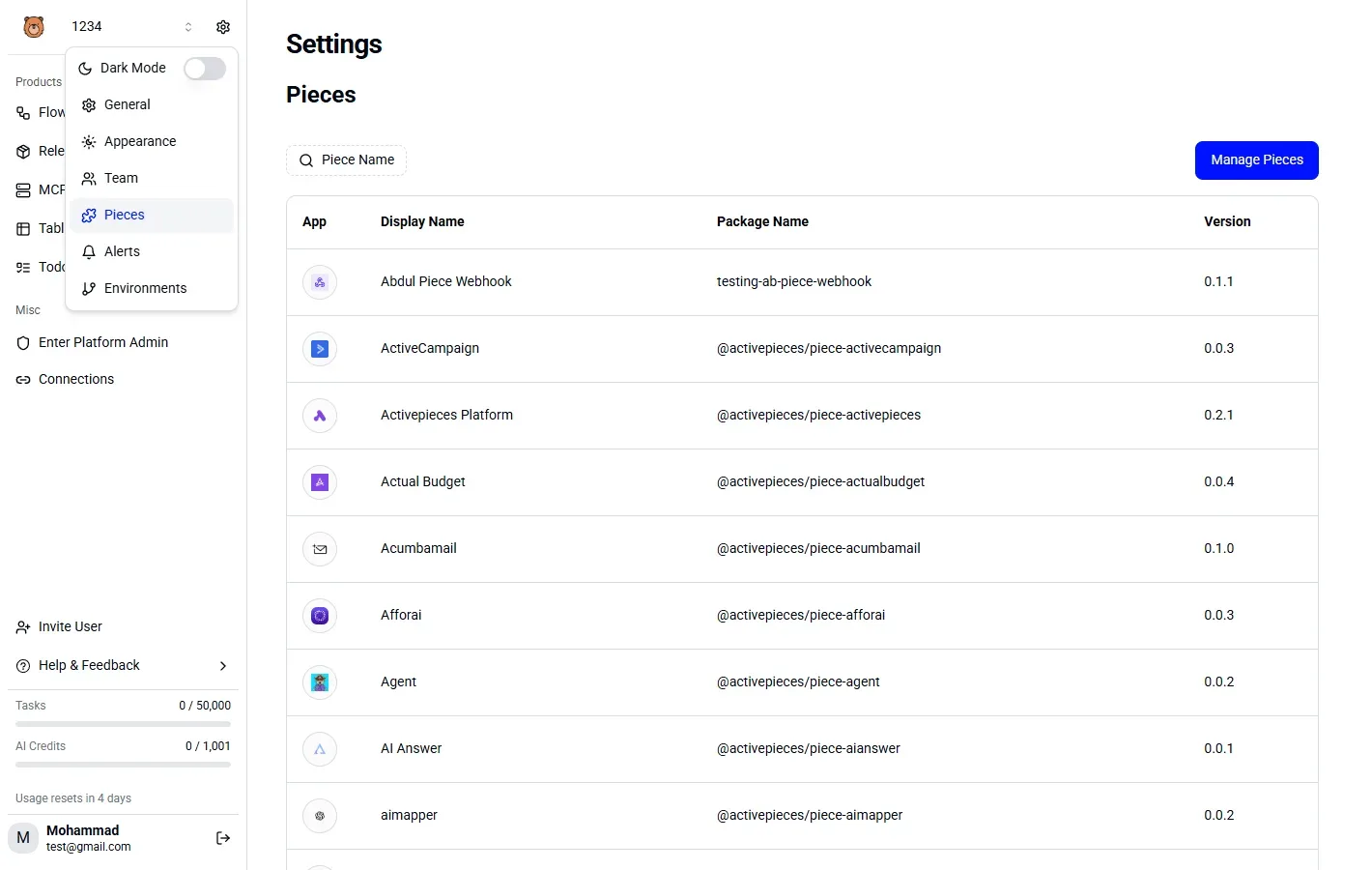
On Cloud Enterprise, n8n handles licensing and you go straight to the connection settings.
Hosting also decides what your vault must be able to do. A self-hosted instance can reach a vault on your private network.
A cloud instance reaches your vault over the network paths you expose to it, so confirm with your security team that the vault is reachable before you promise a date.
Permissions needed to configure it
Not every workflow builder gets to do this. Configuration is an instance-level task, handled by the instance owner or an admin. Builders then consume the secrets by referencing them in credentials, which keeps the vault connection with a small group.
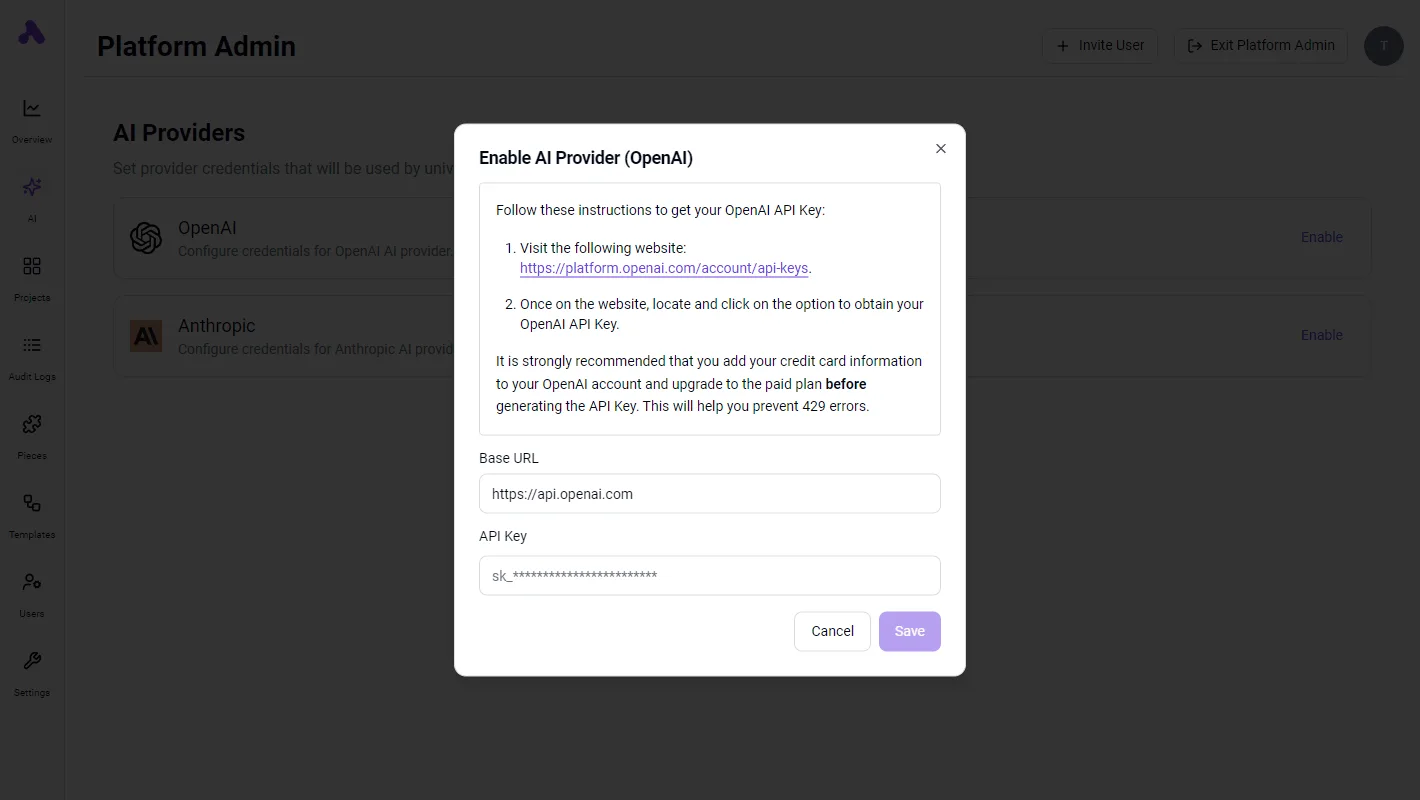
Five-stage setup for n8n external secrets
HashiCorp Vault is the example provider throughout.
Stage 1: Create a read-only secret in the vault
Confirm first that your instance runs an Enterprise license, because the Settings page for external secrets won't appear without it.
Then, in Vault, write one test secret and attach a policy that grants read and list on its path only. n8n never writes back.
Create a token or AppRole bound to that policy and keep it at hand.
Stage 2: Connect the provider in Settings
Open Settings, choose External Secrets, and set up Vault. Fill in the Vault URL, the optional namespace, and an authentication method: token, username and password, or AppRole. Save, then enable the provider.
Look for the state label: it should read Connected. If it shows an error, the cause is almost always the URL, the credentials, or the policy from Stage 1, so fix it here before moving on.
Stage 3: Reference the secret in a credential
Open any credential, click into a field that accepts expressions, and enter the reference in the form {{ $secrets.vault.your-secret-name }}. Here vault is the provider key and the last part is your secret.
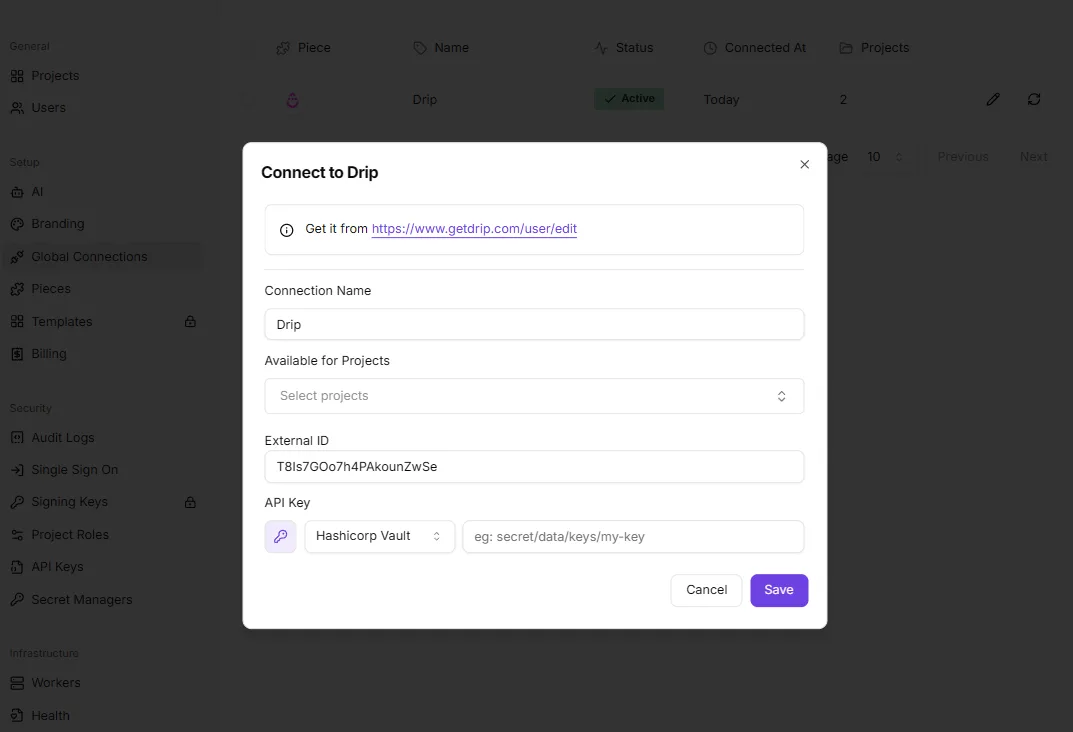
n8n resolves it at run time, so the value never lands in the database.
Next comes the test run. Build a minimal workflow that uses that credential against a harmless endpoint and execute it.
A successful call confirms the whole chain from policy to resolved value. If it fails with an authentication error, the reference path is usually wrong; check the secret name before touching the provider settings.

Stage 5: Share it with projects
Because secrets are scoped, a connected provider doesn't work everywhere automatically. Share it with the projects that need it, beginning with the pilot team, and confirm that a credential in one of those projects resolves the same secret.
Once that holds, wider rollout becomes a matter of adding projects, not repeating setup. Menu wording for sharing can differ between versions, so check your release's docs.
You can follow the rest of this with the builder open. Start free, no card.
Mistakes teams make with n8n external secrets
Assume the vault enforces more than it does, and you have found where most failures start:
- n8n still decides who can use a secret inside a workflow, so sharing rules matter as much as the vault's own policies
Assuming the vault controls n8n external secrets access
Although the vault holds the value, n8n controls who can reference it.
Anyone who can edit a workflow or credential that points at an external secret can usually wire that reference into a node and use the secret, even if they never see the raw value.
Although the vault holds the value, n8n controls who can reference it.
Treat the sharing step from the previous section as the real gate. Decide which projects may use which secrets, and assume any editor in that project can use them.
Over-broad vault policies for n8n external secrets
When a team connects n8n to the vault with a policy covering an entire secrets engine because it was quicker, every secret in that path becomes readable by anything that holds n8n's vault token, including ones unrelated to n8n.
Scope the policy to a dedicated path for n8n, read-only, and give each environment its own path and its own connection.
Rotation and refresh timing for n8n external secrets
Rotating in the vault doesn't change n8n instantly. n8n reads secrets and caches them, refreshing on an interval, so for a while workflows can still run with the old value. If you revoke the old credential at the provider before n8n refreshes, executions fail.

Rotate in an order that leaves both values valid for a short overlap, then retire the old one. Use the manual reload option in the settings where your version has it.
Confusing n8n external secrets with the encryption key
Do not confuse the two: N8N_ENCRYPTION_KEY encrypts credentials stored in n8n's database. External secrets are a separate mechanism: the value never lands in that database, so the key doesn't protect them and changing it doesn't rotate them.

Keep backing up the key anyway, because every credential you didn't move still depends on it.
The table below compares the two storage models on the three things reviewers ask about.
| n8n database | External vault | |
|---|---|---|
| Rotation | Edit each credential in n8n, then update every place it is reused | Change the value once in the vault; n8n picks it up on its next refresh |
| Audit trail | Access shown in n8n's own logs and execution history | Read access recorded in the vault's audit log, separate from n8n |
| Blast radius | A leaked database plus the encryption key exposes every stored credential | A leaked n8n token exposes only what its policy allows; a narrow policy limits the damage |
The left-hand column is the one Activepieces lets you empty completely: API keys, OAuth tokens and the connection secrets behind every app can be routed to your own secret manager, on the self-hosted edition and the enterprise cloud tier alike, so no vendor, us included, holds them.
Point a self-hosted instance at your secret manager and inspect the database yourself; the credentials aren't in it. Secret managers sit in the same enterprise feature set as SCIM, custom RBAC, SSO/SAML and audit logs, and MoneyGram, Moneypenny, Alan and FundingSocieties run Activepieces in production.
First-week setup for n8n external secrets
Start Monday by confirming that your plan and n8n version support external secrets, then move one low-risk credential into your vault and rotate it end to end.
Compare all of this against n8n's current pricing page before you commit anyone's time; the guidance was checked on 26 October 2026.
Migrate one credential first
If a step fails, you face a rollback and not an outage, because the order below keeps n8n's stored credential in place until the vault copy has proven itself.
Choose a credential whose failure nobody would page you for, such as a token behind a scheduled report or an internal notification workflow.
- Check your plan and n8n version against the pricing page and the release notes, and note the result where your team will see it.
- Pick one non-critical credential, ideally one with a single owner and a workflow you can run by hand.
- Copy its value into your vault under a clear name, and leave the original in n8n untouched.
- Connect the vault to n8n, then edit the credential so the field references the vault entry in place of the pasted value.
- Rotate the secret in the vault, not in n8n.
- Run the workflow and confirm it authenticates with the new value. Check the service's own logs if n8n's execution view is ambiguous.
When the plan requirement is the blocker
If step 1 shows that your plan doesn't include external secrets, stop there and weigh the upgrade against what you actually need.
When the goal is audit or rotation discipline, a smaller measure may serve you better for now. Limit who can view and edit credentials in n8n, rotate on a calendar, and keep the vault as your record of truth.
When your policy says secrets may never sit in the workflow tool's database, an upgrade or an automation tool that reads from your vault natively is the honest answer.
What Activepieces does about this
The two gates in n8n's feature are the plan and the narrow scope, and Activepieces is built to avoid the first of them. Secret manager support sits in the enterprise feature set, next to SCIM, custom RBAC, SSO/SAML and audit logs.
It is available on the self-hosted edition and on the enterprise cloud tier, so you are not choosing between a hosting model and a vault.
Activepieces' core is open source under the MIT licence, which means you can read how connections are stored before you rely on them.
On scope, the aim is that the credentials themselves live in your secret manager: API keys, OAuth tokens and the connection secrets behind each app. The check is the same one you would run on n8n in Stage 1 and Stage 3.
Point a self-hosted instance at your manager, create a connection, then inspect the database yourself. The values should not be there, and nobody, including us, holds a copy.
The staged approach in this article carries over unchanged. Check the plan first, then move one low-risk connection, rotate it in the vault, and run the flow by hand to confirm it picked up the new value.
If you are already weighing the upgrade question from the first-week section, run that test against Activepieces on a self-hosted instance and compare how much of the setup survives contact with your own vault.
You can also check who else is relying on this. MoneyGram, Moneypenny, Alan and FundingSocieties run Activepieces in production. Get the current provider list and plan terms from our documentation on the day you decide, as you would with n8n, because both change.
Frequently asked questions
Check these four against the docs on the same date you record your decision, because the table's answers are the ones most likely to change your rollout plan.
| Question | Short answer | Docs source |
|---|---|---|
| Are project-scoped vaults available? | Yes, from 2.13.0, so a team can have its own vault connection. Older versions share one instance-wide connection. | n8n docs, External secrets |
| Does the Community edition include external secrets? | No. The feature is plan-gated, so Community users must upgrade or keep credentials in n8n. | n8n docs, External secrets |
| Which roles can use secrets? | Instance owners and admins set up the connection. Other roles depend on project permissions, so test with a non-admin account before rollout. | n8n docs, External secrets |
| How often do secrets refresh? | On a per-provider interval that you can set, plus a manual reload. A rotated secret may not reach workflows immediately. | n8n docs, External secrets |
Licensing and provider support
The table covers the gating and timing questions. The four below cover how the feature behaves once it is running.
Is n8n external secrets free on self-hosted? No. Self-hosting doesn't unlock it, because the gate is the plan or license, not where n8n runs. A self-hosted Community install doesn't have the feature, so confirm your license before planning any migration work.
Can I use HashiCorp Vault or AWS Secrets Manager with n8n? Yes. Both are supported, alongside other managed vaults such as Azure Key Vault and Google Cloud Secret Manager.
Pick the one your security team already operates, since the aim is to avoid adding a second place where secrets live. Check the docs for the current provider list before committing, as it can grow between releases.
Where secrets can be used
Do external secrets work in every credential field? No. The feature is scoped to credentials, where you reference a secret by expression instead of pasting the value. It's not a general substitute for every parameter in every node.
Audit the workflows you most want to move and confirm each sensitive value sits in a credential field. Any value that sits elsewhere stays in n8n until you restructure that workflow.
Read-only behavior
Can n8n write secrets back to the vault? No. The integration is read-only: n8n fetches values and doesn't create or update them. Rotation therefore happens in the vault, through your existing process.
This is a benefit for access control, since n8n holds read access only. It also means credentials that n8n refreshes itself, such as OAuth tokens, need separate handling.
Build it
Set this up in minutes.
No code required. Connect your accounts, and Activepieces runs it from there.
Start free Talk to sales