Google Chat API: Auth Types and Quotas (2026 Guide)

Nov 23, 202614 min read
The Google Chat API is a REST API for reading and writing spaces, members, messages, reactions and attachments.
It's enabled per Google Cloud project, and Google's docs list no per-request fee, so quota, not price, is what limits you, whether you call it from your own code or through a workflow tool like Activepieces.
Neither 403 PERMISSION_DENIED nor 401 UNAUTHENTICATED means the API is broken, though most first-day errors look like one of them. You picked an identity that can't do that call.
The surface is uneven: messages and members get full CRUD, while attachments are read-only.
Google Chat API overview
spaces: create, get, list, patch, deletespaces.members: create, get, list, patch, deletespaces.messages: create, get, list, patch, deletespaces.messages.reactions: create, list, deletespaces.messages.attachments: get
Uploading a file is a separate media call, not an attachments operation. Reactions have no get or patch, so you can't edit one; you delete it and add another.
Chat apps versus incoming webhooks
An incoming webhook is a URL that posts into one space and nothing else. It can't read, list, react or manage members.
Whether you call the API directly or through Activepieces, the same split applies, and the identity decides what the call may do.
What the API cannot do
It can't make a webhook listen. If you need to react to messages, you need a Chat app with an event endpoint, not a URL you paste into a space.
It can't let an app act as a person unless you use user authentication. App authentication posts as the app, so "send this as Dana" is a different auth mode with different scopes.
It doesn't make quota disappear. Every list and create call counts, and a loop with no backoff turns into 429 RESOURCE_EXHAUSTED.
This takes minutes, not a project: automate it in Activepieces free.
Getting access: project, API enablement and authentication
You need a Google Cloud project with the Chat API enabled and one chosen auth mode, because there's no single API key that works for most Chat calls.
Skip enablement and the first request fails with 403 PERMISSION_DENIED: Google Chat API has not been used in project... or it is disabled.
- Create or pick a Google Cloud project.
- Enable the Google Chat API in that project.
- Configure the Chat app on the API's configuration page: name, avatar, description, and how it receives events.
- Create credentials for the mode you chose: a service account key or attached identity, an OAuth client, or a webhook URL generated inside a space.
- Add the app to a space, or authorize as a user, then send a test message.
Choosing between app auth, user auth and webhooks
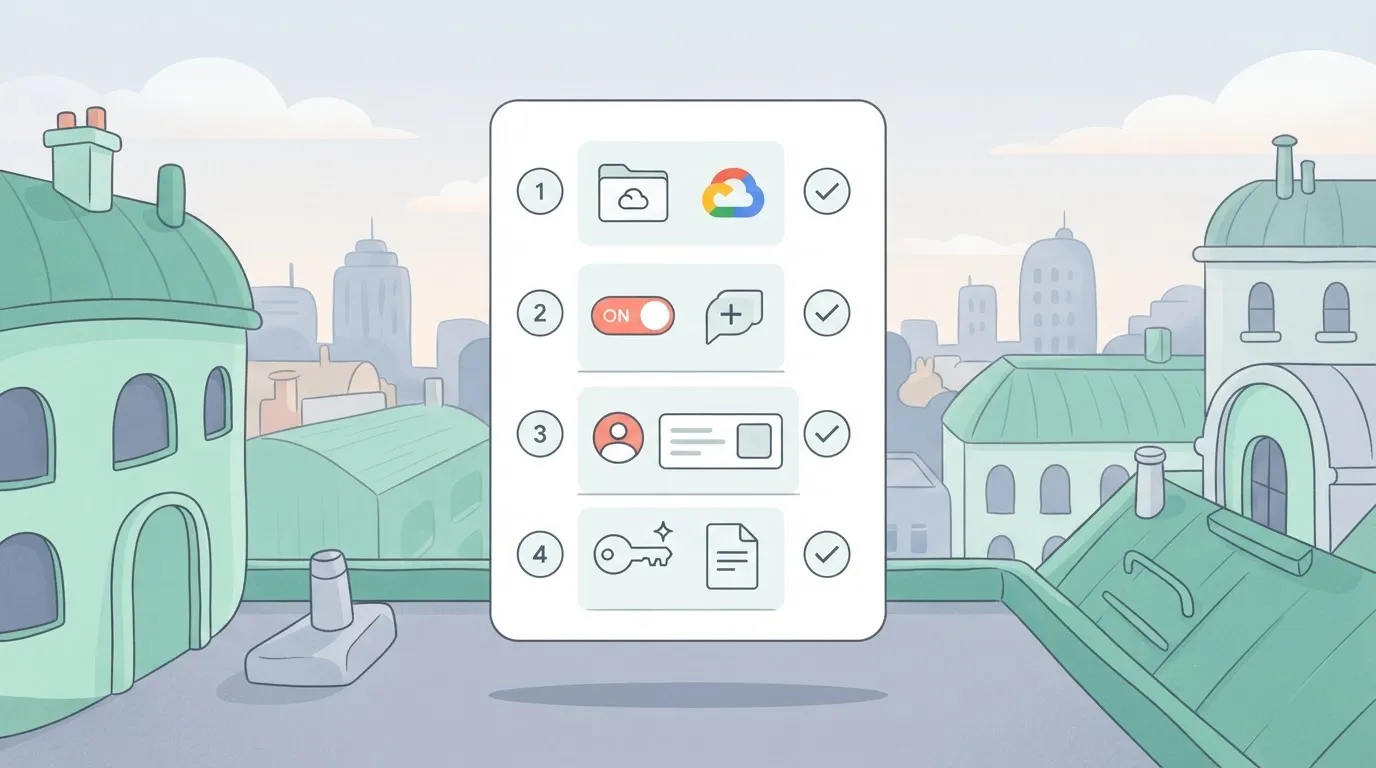
Pick by who the message should appear to come from.
The row to notice is user OAuth: it's the only one that posts as a person, and it gives up cards to do so.
| Mode | Appears to come from | Setup effort | Admin approval needed | Content allowed |
|---|---|---|---|---|
| App auth (service account) | The Chat app | Medium | Usually not, unless your Workspace restricts app installs | Text and cards |
| User OAuth | The authorizing person | Highest | Sometimes, depending on scopes and domain policy | Text only |
| Incoming webhook | The webhook's name in one space | Lowest | Only if the admin has blocked webhooks | Text and cards |
Prices and plan limits checked against docs.claude.com and claude.com and openai.com and gemini.google on November 22, 2026.
You can get a message out fastest with a webhook, but it can't read anything or reply to events. If you need either, you're on app auth whether you planned for it or not.
Request the narrowest scope that covers your calls. User OAuth is where approval bites: a broad scope means a consent screen, and a locked-down domain can block it outright.
A minimal working request to post a message
Use a webhook POST for the simplest case, or a spaces.messages.create call when the message must come from your app.
Create an incoming webhook in the space's settings and copy the URL. It already carries the space ID, an API key and a token, so there's no OAuth step.
curl -X POST "$WEBHOOK_URL" \
 -H "Content-Type: application/json; charset=UTF-8" \
 -d '{"text": "deploy finished"}'
Anyone holding that URL can post to the space, so treat it like a password.
REST request with a service account
Here the message comes from your Chat app. Enable the Chat API, configure the app, add it to the space, then mint a token for the service account with the https://www.googleapis.com/auth/chat.bot scope.
curl -X POST "https://chat.googleapis.com/v1/spaces/$SPACE_ID/messages" \
 -H "Authorization: Bearer $TOKEN" \
 -H "Content-Type: application/json; charset=UTF-8" \
 -d '{"text": "deploy finished"}'
If the app was never added to the space, you get 403 The caller does not have permission. The token is fine; the membership is missing.
For the space ID, take the segment after spaces/ in the space's URL in Chat on the web, or call spaces.list.
When the call succeeds, it returns the created message as JSON:
{
 "name": "spaces/AAAA1234/messages/BBBB5678",
 "sender": { "type": "BOT" },
 "text": "deploy finished",
 "space": { "name": "spaces/AAAA1234" }
}
Check that name is present and that the message appears in the space. Store that name, because later edits, deletes and retries all key off it.
Google Chat API pricing and quotas
Long before anyone asks about cost, you hit 429 RESOURCE_EXHAUSTED: the Chat API's first wall is a quota, not a bill.
There's no per-request price to quote, because Google's docs list none. Treat spend as a Workspace licensing question; the quota below is the limit you actually hit.
Long before anyone asks about cost, you hit
429 RESOURCE_EXHAUSTED: the Chat API's first wall is a quota, not a bill.
Published quota table
Google for Developers lists default per-project limits per minute.
Message writes are 3000 requests per minute, about 50 a second.
Reaction writes are 600, so a bot that reacts to every message in a busy space runs out at about 10 a second.
At 300 member writes a minute, adding 1,000 people to spaces takes more than three minutes even if every call succeeds. Space writes are 60, one a second, so provisioning 500 spaces takes over eight minutes.
The chart also shows 300 for searches, which means a search-heavy feature runs out of headroom at the same rate as member writes.
Where to see and raise your quotas
On the Quotas page of the Cloud project that owns your Chat app, you'll find current usage and limits.
I have no published figure for how long an increase request takes. Back off on every 429, and spread bulk space and member work over time.
You can follow the rest of this with the builder open. Start free, no card.
Google Chat API errors and fixes
Six failures account for most of the pages you'll get at 1am, and only one of them, the 429, is something you should expect to retry blindly.
Read the last column of the table first: a retry on the wrong row just repeats the failure faster. The table maps each error to its usual cause, the fix, and whether a retry can help.
| Error | Usual cause | Fix | Retry? |
|---|---|---|---|
| 401 | Expired or missing credential, or a token minted for the wrong identity | Refresh the token, or re-run the service account or user flow | Once, after refreshing |
| 403 | Missing scope, or the caller lacks permission in that space | Add the scope and re-consent, or fix membership and admin approval | No |
| 404 | The app is not in the space, or the space or message name is wrong | Add the app to the space, and check the resource name | No |
| 429 | Per-project or per-space request quota exceeded | Back off with jitter, and spread bulk work out | Yes, with delay |
| Webhook failure | Revoked or wrong webhook URL, or a malformed payload | Recreate the webhook and validate the JSON | Only for network errors |
| Event timeout | Your handler did too much work before replying | Acknowledge fast and do the work asynchronously | No, fix the handler |
Authentication and permission errors (401, 403)
When you get a 401, the credential itself is bad, most often an expired token you cached too long. Refresh and retry once.
A 403 means the credential is fine but not allowed: a scope was never requested, or the caller has no rights in that space. Retrying a 403 changes nothing, so treat it as a configuration bug and surface it.
Other errors: 404, 429 and timeouts
The API reports a missing resource, not a missing membership, so the message misleads you.
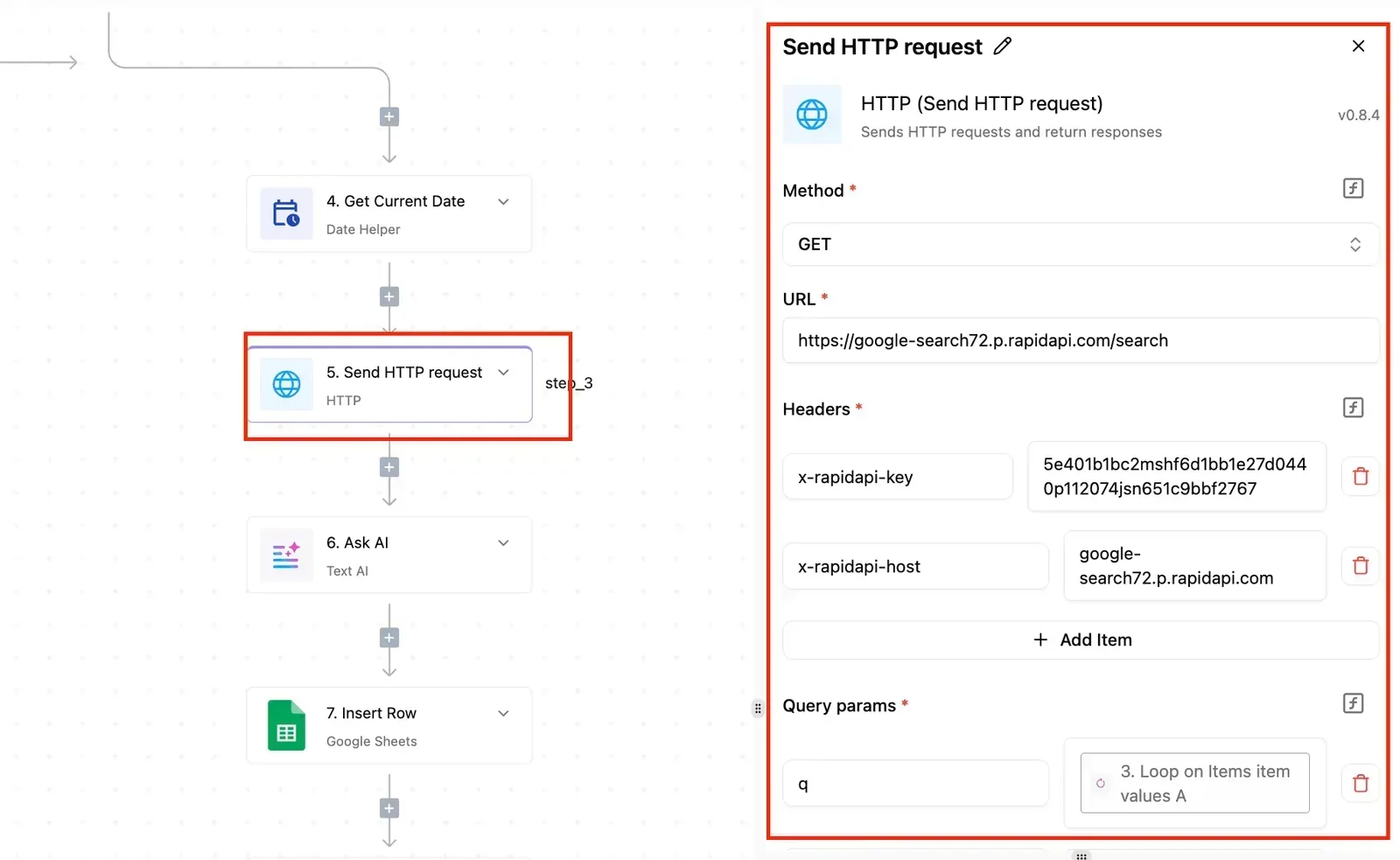
Retry 429s with exponential backoff and random jitter, so a fleet of workers doesn't retry in lockstep and trip the quota again. Cap the attempts and log each one.
Call a slow service first in your handler and delivery fails, and the user sees nothing, because Chat expects a prompt reply to an event. Return an acknowledgement immediately, then post the real result later as a separate message through the API.
Connect Google Chat to other tools with Activepieces
Activepieces, an open-source automation platform, has a Google Chat integration. It lets a workflow post into a space when something happens in another tool, so the "post the result later" step needs no API code of your own.
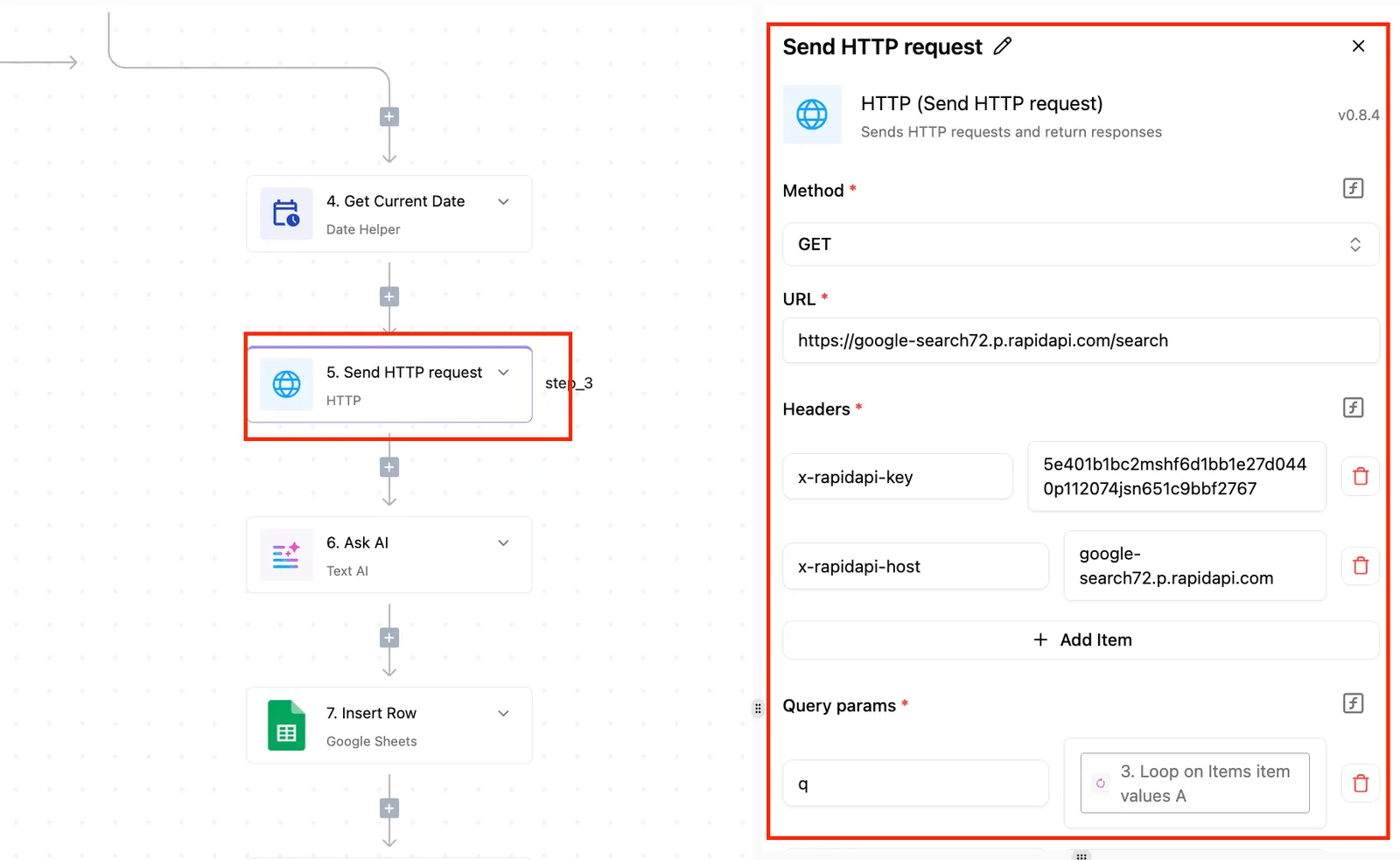
It doesn't remove the auth decision or the quota problem.
When a no-code workflow is enough
Use it when the message is a notification: a deploy finished, a form was submitted, a ticket changed state. The workflow starts from a trigger in some other tool, formats a message, and posts it with a Google Chat action.
Activepieces holds the connection, so you're not storing credentials in a script someone will forget about.
Worth using early: the builder's test mode. The screenshot below shows a single step, "1. Chat UI", a Human Input action, with a Published Chat URL for production viewing and a Draft Chat URL for testing and generating sample data.

Treat the draft URL as your sandbox: run the flow there until the data shape is right, and only then publish.
Note that this step is Activepieces' own chat front end, not Google Chat, so it's a way to exercise a flow, not a substitute for testing the post into a real space.

When you still need the API directly
Stop reaching for the canvas when you need control over how a request fails. An integration gives you a step that either worked or errored.
It doesn't give you your own backoff policy, request-level handling of quota responses, or deduplication so a retried run doesn't post the same message twice. Those are the retry-first design problems this article keeps returning to.
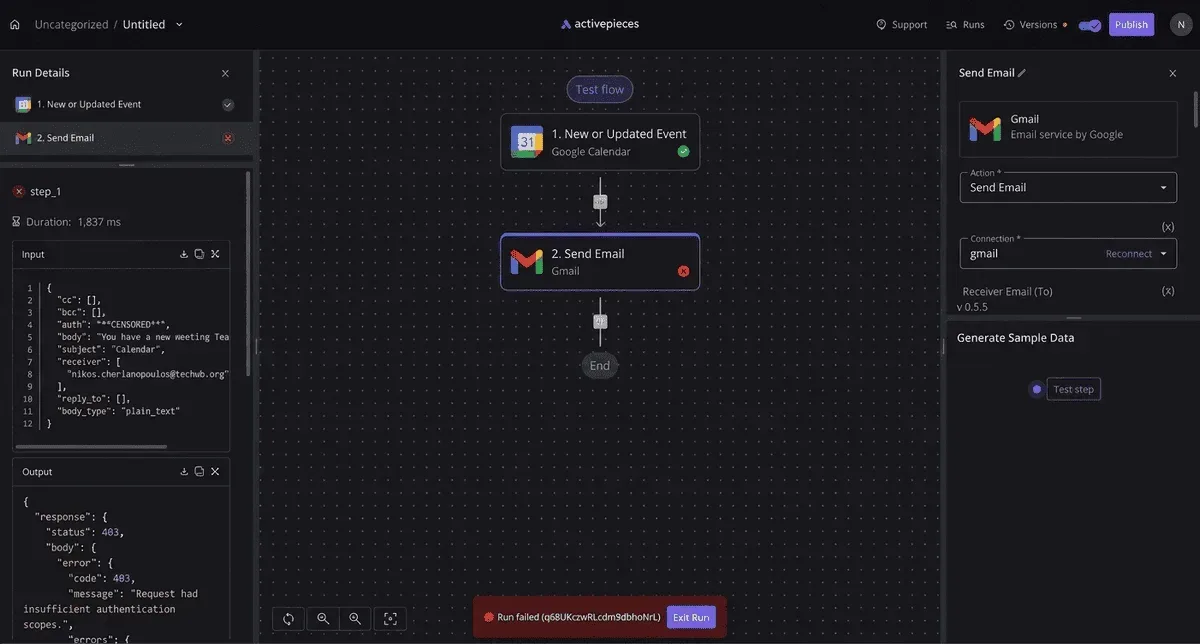
Go to the API directly when:
- the message must come from a specific identity and you need to choose the auth mode yourself
- you need to update or delete a message you posted earlier, tracked by its ID
- volume is high enough that quotas shape the design
If a Google Chat action you need isn't in the catalogue, you don't wait on a vendor's roadmap: you can build the missing integration yourself, with AI assisting, and keep it private to your own Activepieces instance.
It helps that roughly 60% of the 750 integrations, counted from the open-source monorepo, were built by the community.
Chat integration pre-launch checks
Run the six checks below before anything that must be exactly-once or rate-aware goes live. Each one catches a failure that otherwise shows up first in production.
- Pick the auth mode by sender identity
- Test in one space
- Add retry with backoff
- Log request IDs
- Set quota alerts in the Cloud Console
- Recheck Google's quota page and changelog
You test in a single space first because every call targets one of the five resources, and each has its own permissions.
A message that posts fine in your test space can still fail in another because the caller lacks membership there.
Before writing code, decide who the message should come from. A webhook posts as the webhook, and a Chat app posts as the app. User-credential calls post as a person.
Switching later means redoing consent, scopes and every call site.
It won't guarantee a message is delivered once, and it won't stop you hitting quota. Both are your job.
Retry with backoff on quota and transient errors, log the request ID on every failure so you can match a missing message to a call, and alert on quota before users notice.
Quotas and behavior change, so recheck the quota page and changelog rather than trusting this article's snapshot.
Frequently asked questions
Is the Google Chat API free to use? Calling the API itself doesn't carry a separate charge, but it's not unlimited.
Requests count against quotas, and a loop that ignores a 429 response will hit them fast. Treat the limits as a design constraint, back off on retries, and check the current quota page, because it changes.
Do I need Google Workspace to use the Google Chat API? For most production work, yes. Chat apps are built around Workspace spaces, and app-authenticated calls and domain-wide delegation both assume an organization behind them.
Some user-authenticated calls work for personal accounts, but that's the narrow case. If your message has to land in a company space, plan on Workspace.
Can I send Google Chat messages without building a Chat app?
Yes, for one direction only. An incoming webhook posts into a single space with a URL and no OAuth, so a CI job can send alerts in minutes.
One catch: the message comes from the webhook, not from a person or a bot identity you control. It can't read replies, manage members, or respond to users. If you need any of that, you need an app.
How do I get a Google Chat API key?
You probably don't need one. A plain API key can't authorize Chat calls that touch user or space data, so the request fails with a permission error.
Chat calls use OAuth for a user or a service account for an app. Pick the credential by who the message should come from, then enable the Chat API in your Cloud project and configure the app.
Can the API read messages from spaces my app was not added to?
Not as an app. App authentication only sees spaces where the app is a member, and it can't reach anything else.
To read a space you aren't in, call as a user who is a member, with that user's consent, or use an administrator's delegated authority where your organization has granted it. That's a policy decision, so settle it before you write code.
Related reading
References
Build it
Set this up in minutes.
No code required. Connect your accounts, and Activepieces runs it from there.
Start free Talk to sales