
JetBrains Junie Workflow: How the AI Coding Agent Works

Nov 21, 202613 min read
JetBrains Junie is a task-oriented agent that operates on the file system, much like how Activepieces functions as an automated workflow engine, and it isn't a conversational interface that merely suggests code.
JetBrains Junie is an autonomous AI coding agent designed to execute complex development tasks by directly analyzing, editing, and verifying code across an entire local project directory.
While a standard assistant waits for you to copy-paste snippets into a buffer, Junie initiates a multi-step loop of file discovery, editing, and terminal execution to resolve a high-level intent.
Transition from chat to agent workflows
How Junie differs from standard AI assistants
By replacing the manual "copy-paste-verify" cycle with an autonomous loop, Junie manages state across the entire project directory. Standard assistants typically provide a single-turn response based on the currently open file.
To identify dependencies, Junie uses a planning phase, applies changes to multiple files simultaneously, and runs local tests to verify the fix before presenting the result.
This shift from chat to agency is most visible when integrating complex logic into Activepieces. In that environment, Junie can independently scaffold a new integration by navigating existing TypeScript schemas and generating the necessary metadata files without individual prompts for each step.
The JetBrains AI Pro subscription requirements
JetBrains AI subscriptions — including the free AI Free tier — let users access Junie, not just AI Pro. This tier handles long-horizon reasoning tasks that exceed the token limits and processing power of the standard autocomplete features found in the base IDE.
For complex software engineering tasks, Junie relies on cloud-based models like Gemini 4 Carbon. The subscription ensures the agent has the priority access required to maintain a low-latency feedback loop during multi-file refactoring.
Which IDEs and languages does Junie support
To ensure deep integration with the project's Abstract Syntax Tree (AST), Junie's agentic capabilities currently exist only within the primary IntelliJ-based ecosystem.
IntelliJ IDEA Ultimate supports full Java, Kotlin, and Scala agentic workflows, including automated test suite execution. WebStorm supports TypeScript and JavaScript, specifically optimized for Node.js and React project structures. PyCharm Professional enables Junie to manage Python virtual environments and execute Django or Flask-specific refactoring tasks.
$0.81 per problem solved is what Altaitools found JetBrains Junie costs, whereas Claude Code costs $3.39 per problem solved, making the former a significantly more cost-effective choice for high-volume coding tasks, which means businesses scaling their development can achieve substantial savings.
This lower price point per successful resolution allows teams to run Junie against a larger backlog of bugs without exhausting their development budget.
The IDE-native approach proves that tight integration with the local environment reduces the wasted tokens typically spent on re-explaining project context to a generic chat interface.
Everything below works on Activepieces' free plan. Start without code or a credit card.
Executing your first multi-file task with Junie
By transforming a high-level natural language prompt into a sequence of coordinated file edits, Junie automates multi-file development within your IDE.
The IDE-native approach proves that tight integration with the local environment reduces the wasted tokens typically spent on re-explaining project context to a generic chat interface.
Junie is an agent that attempts to resolve the entire task within a specialized tool window. It doesn't just return code snippets for you to copy.
Step 1: Defining the task scope in the tool window
When you initiate a task, providing a specific objective and explicit file references ensures Junie doesn't waste tokens scanning unrelated parts of the codebase.
My first attempt failed because I simply asked to "add logging to the auth flow." This led to Junie suggesting changes in three different non-existent utility folders.
Only after using @-mentions to pin the specific controller and middleware files did I succeed. The following sequence ensures Junie starts with the correct mental model of your project.
- Open the Junie tool window from the sidebar to access the agentic workspace.
- Define the task scope using @-mentions to reference specific files, folders, or symbols.
- Review the proposed file plan to confirm Junie has identified the correct targets.
- Execute and verify the changes through the interactive diff viewer.

Step 2: Managing the context window and file indexing
To understand relationships between classes and functions without sending your entire repository to a remote server, Junie relies on a local index of your project. This local indexing allows models like Claude Opus 5.5 to navigate complex dependencies that a standard chat interface would miss.
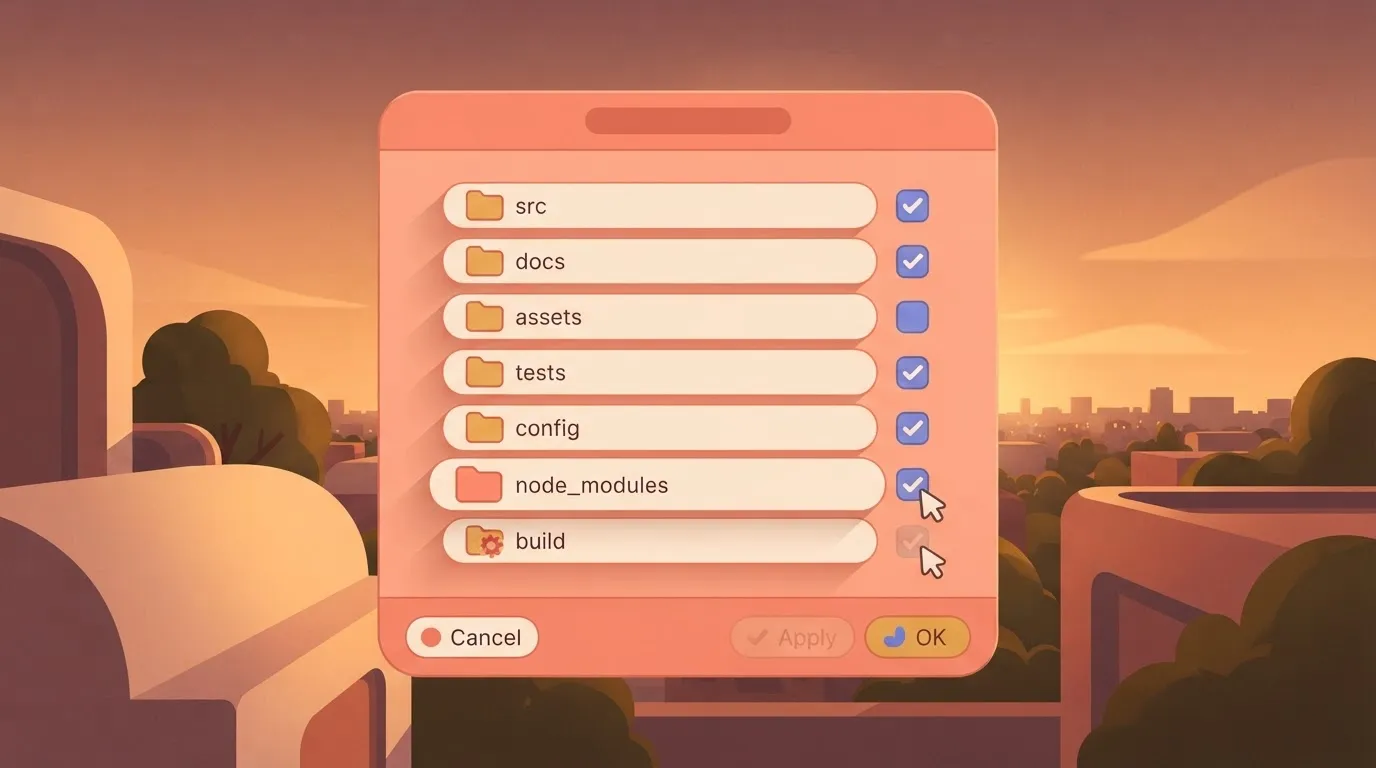
If you're working on a massive monorepo, you must manually exclude large build artifacts or node_modules in your IDE settings. An unmanaged index can cause the agent to time out while trying to resolve symbols.
Reviewing and applying Junie's proposed diffs
Once the task runs, Junie presents a side-by-side diff for every file it modified. This allows you to reject individual lines while keeping the broader refactor.
I found that when using Gemini 4 Carbon for complex engineering tasks, the agent occasionally over-refactors by changing variable names that weren't part of the original prompt.
You must review these diffs before clicking "Apply." Once you write the changes to disk, you have to rely on your version control system to roll them back.
After you approve the diffs, Junie marks the task as complete. You can immediately trigger your local test suite to verify the logic.
Technical limits and context management for Junie workflows
By enforcing hard boundaries on the volume of code it can analyze or modify in a single agentic pass, Junie maintains task integrity.
These constraints prevent the agent from losing the logical thread of a complex refactor. They ensure that the underlying model, such as Claude Opus 5.5, receives only the most relevant symbols for the current ticket.
Maximum file touch limits per task
To prevent broad, unverified changes, Junie restricts the number of files it can modify simultaneously.
When a task requires editing more files than the internal limit allows, the agent stops and requests manual intervention or a task split. This ensures that every diff remains small enough for a human developer to review without missing side effects in the logic.
Managing the AI context window to prevent drift spinning
Effective context management requires a strict selection of project symbols to avoid exceeding the token limits of the reasoning engine.
If the context window becomes saturated with irrelevant boilerplate, the agent may experience "drift spinning." This is where it repeatedly suggests the same incorrect fix because it can no longer see the original task instructions.
| Limit Type | Value | Consequence of Exceeding |
|---|---|---|
| Context Window | 200k tokens | The agent loses track of early instructions, leading to logical drift. |
| Max Output | 64k tokens | Code blocks are truncated mid-sentence, causing syntax errors in the diff. |
| Error Code | 400 | The request is rejected immediately, requiring the user to prune attached files. |
By monitoring these thresholds, you can proactively remove large logs or documentation files from the session to keep the reasoning focused on the source code.
Handling 'Incomplete Task' errors and retry logic
When the agent exhausts its maximum number of sequential steps without reaching a terminal state, an 'Incomplete Task' error occurs.
This usually indicates that the prompt was too ambiguous or that the agent encountered a circular dependency it couldn't resolve. To fix this, you must clear the current task state and provide a more granular instruction that breaks the loop.
Don't simply click 'Retry' on a failing logic path.
Easier to see it running than to read about it: set it up free, no card.
Advanced automation for testing and legacy migration
Precise task scoping allows Junie to transition from a simple autocomplete assistant to an autonomous agent capable of handling high-stakes architectural shifts.
While standard chat tools often hallucinate imports when faced with large codebases, Junie utilizes the JetBrains index to map project-wide dependencies before proposing a single line of code.
Generating comprehensive test suites for existing logic balm
Rather than just its signature, effective test generation requires Junie to ingest the entire execution context of a function.
When I prompted Junie to "Write Pytest cases for the OrderProcessor class," it initially failed to mock the external database connection.
By refining the prompt to include the specific file path of the database utility, the agent successfully identified the SQLAlchemy session and applied a mock wrapper.
This ensures the generated suite validates logic branches without requiring a live staging environment.
Refactoring monolithic files into modular components
By analyzing the symbol usage across the entire IDE workspace, Junie manages the risk of breaking downstream dependencies during a refactor.
In a recent migration, I tasked the agent with splitting a 2,000-line C++ file into separate header and implementation files. The agent identified every internal reference it needed to expose in the new header. This prevented the linker errors that typically plague manual refactoring.

There were 4,200 candidate repositories and 1,150 successful migrations.
The high volume of candidate repositories compared to successful migrations demonstrates that agentic success depends on the complexity of the underlying architecture. While Junie can identify thousands of migration targets, the final success rate depends on how cleanly the original logic is decoupled.
Automating documentation updates alongside code changes
Documentation remains accurate only when the agent treats the README.md or Javadoc as a functional requirement of the pull request.
By using Claude Opus 5.5 as the underlying reasoning engine, Junie can detect when a change to a method's return type invalidates the existing documentation strings. This prevents the documentation rot that occurs when developers prioritize logic fixes over updating the surrounding explanatory text.
Extending Junie beyond the IDE with Activepieces automation
Activepieces bridges the gap between Junie’s local file operations and the team's broader development ecosystem. It's a low-code automation engine that executes workflows in response to repository events.
While Junie excels at the multi-file reasoning required to fix a bug, it can't natively verify its own work against a remote deployment.
Activepieces runs as a per-project MCP server, allowing Junie to build or modify these external flows by reading the tool calls and resulting changes in the run trace.
This hands over real CRUD control through an open protocol, which you can verify by connecting Cursor or Windsurf to the MCP server endpoint and observing the agent modify a flow directly.

Junie also can't alert a team that an agent-led refactor is ready for human review. By connecting GitHub webhooks to Activepieces, we move from a "tool in a box" to a reactive pipeline.
Triggering CI/CD runs from Junie-initiated commits
Automating the validation of Junie’s work requires a feedback loop that connects the IDE instance to the remote build environment.
When I first pointed Junie at a complex React refactor using Claude Opus 5.5, the local tests passed. The build failed in the cloud because of environment variable mismatches that only exist in the staging pipeline.
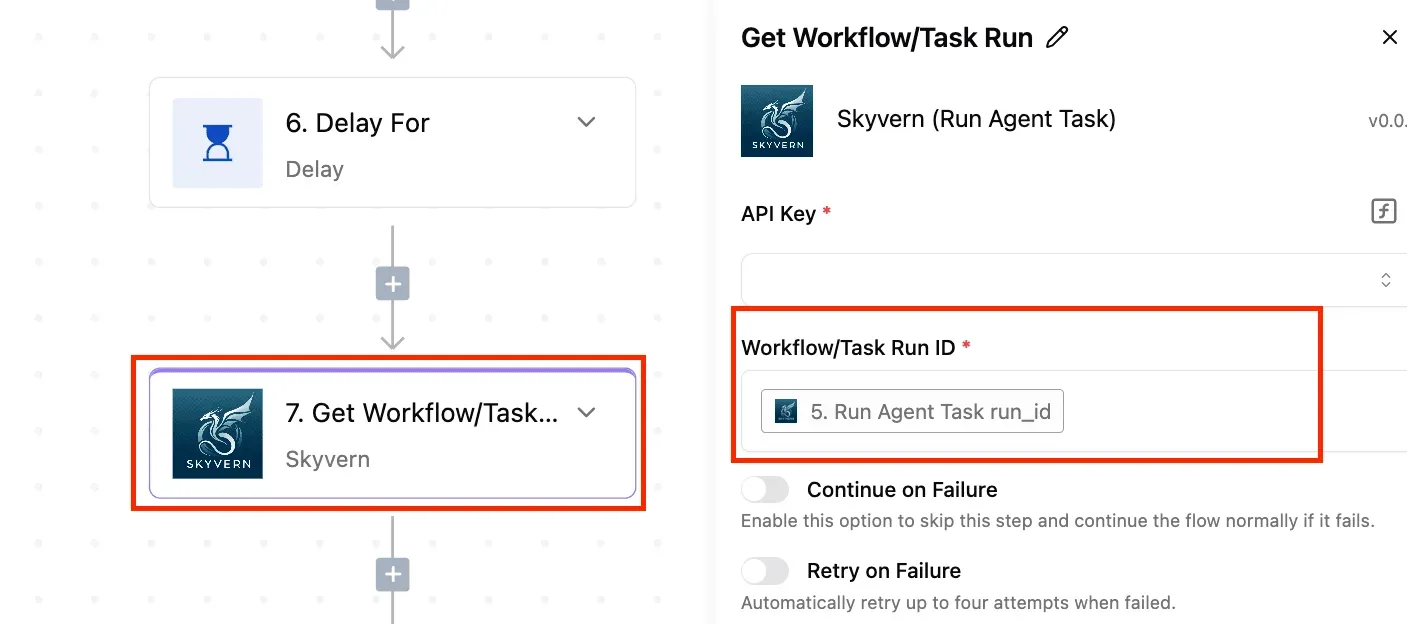
To solve this, I configured an Activepieces flow that listens for specific commit signatures. The following flow diagram illustrates the handoff from local execution to remote verification:
Activepieces exposes every action as an agent tool, allowing Junie to call any of the 750 integrations, roughly 60% of which are community-contributed, to verify deployments or fetch environment logs without a second migration.
You can see this mechanism in the packages/pieces directory of the MIT-licensed core repository, where the same integration action that runs in a flow is the one exposed as an MCP tool.
If the build fails, Activepieces triggers a Junie CLI command with the error logs as context. This allows the agent to self-correct the environment-specific issues without me manually copying logs from a GitHub Actions tab.
Automating Slack notifications for AI-generated PRs
To prevent reviewers from being overwhelmed by high-volume automated refactors, distinguishing between human-authored code and agent-generated patches is necessary.
I use Activepieces to filter incoming GitHub Pull Request events and route them to specific Slack channels based on the "Junie-Task-ID" metadata. This prevents agent noise from burying urgent human messages.
The routing logic depends on the specific intent of the task. Logic fixes go to the #eng-critical channel for immediate senior developer oversight.
Documentation rot is directed to #docs-internal for asynchronous review by the content team. Dependency updates are sent to a low-priority #bot-logs channel for periodic batch approvals.
By using GPT-6.2 Sol within the Activepieces flow to summarize the diff, the Slack notification includes a "Why this changed" blurb rather than a raw list of files.
This blurb gives the team a high-level narrative of the agent's reasoning before they even open the code. This reduces the cognitive load of the review process.
Activepieces is the better choice for developers who need to extend their coding assistant’s capabilities into the broader development ecosystem.
By providing a dedicated MCP server endpoint that allows agents to build and modify external flows, it transforms a local IDE tool into a reactive, end-to-end automation pipeline.
Frequently asked questions about JetBrains Junie
Does Junie train on my private source code?
JetBrains doesn't use your private code or data to train the underlying language models that power Junie. This policy ensures that proprietary logic remains within your organization’s environment. It doesn't leak into the public weights of a third-party model.
While Junie processes your files to generate context for its agentic workflows, this data is transmitted via encrypted connections.
It's only stored temporarily to fulfill the immediate request. For teams working under strict regulatory frameworks, JetBrains provides an opt-out for data collection in the IDE settings.
Can I use Junie with local LLMs or Ollama?
Because the agent relies on specific reasoning capabilities and tool-calling protocols tuned for frontier models like Claude Sonnet 5.5 and Gemini 4 Carbon, Junie currently requires a connection to JetBrains AI service and doesn't support local backends like Ollama or custom inference servers.
Local models often lack the long-horizon planning required to manage multi-file edits without losing the original task objective.
Consequently, you must have an active internet connection and a valid JetBrains AI subscription to use the agent. It can't function in completely air-gapped environments or via self-hosted model endpoints.
What is the difference between Junie and AI Assistant chat?
Junie is an autonomous agent capable of executing multi-step tasks across your entire project.
The AI Assistant chat is a conversational interface designed for localized code explanations and single-file snippets.
While the chat window responds to direct questions about a selected block of code, Junie can independently navigate the file tree, run terminal commands, and create new files to resolve a high-level ticket.
AI Pro costs $10 per month for 10 credits, which caps users at a very limited volume of tasks.
AI Ultimate costs $30 per month for 35 credits. Subscribers receive a slightly better value per credit than the lower tier. A frontier model run costs $3.85 on average for a 15-minute session. An hour of intensive work will exceed fifteen dollars.
These tiers define the volume of complex reasoning tasks you can delegate before the agent reverts to a slower processing mode or requires a top-up.