
Power Automate Migration Guide: Fixing Connector Gaps
Connector gaps arise when specific API endpoints are missing from a platform library. Use these criteria to evaluate your current workflows for migration.

Covers government automation rollouts: approval chains, audit requirements before benefits claims, and which pilots survive budget review.
ContributorSeptember 24, 202611 min read
This article was researched and fact-checked by an advanced research system.
When a business process requires specific API endpoints that are absent from a platform library, a connector gap occurs. This happens regardless of whether the application logo appears in the integration menu.
You often mistake a high connector count for functional coverage.
Activepieces dissolves the ceiling of a standard library by allowing you to generate missing integrations with AI and deploy them privately to your own instance, ensuring you never wait on a vendor roadmap to fix a broken connector.
The functional reality of connector gaps
You often mistake a high connector count for functional coverage.
A specific webhook for a payment gateway is a common example of such a missing trigger.
The distinction between missing apps and missing actions
While a platform may list a CRM or an ERP as a supported integration, it may lack the specific granular actions required to maintain data integrity across your organization.
The "Salesforce" connector might support basic record creation, but it may lack the specific action to "Update Territory Assignments." Nobody notices this until the quarterly sales reorganization fails to automate without manual intervention.
Why API versioning creates invisible gaps
Because legacy platforms often bind their connectors to specific API versions, functionality is lost when the vendor releases new features or deprecates old endpoints.
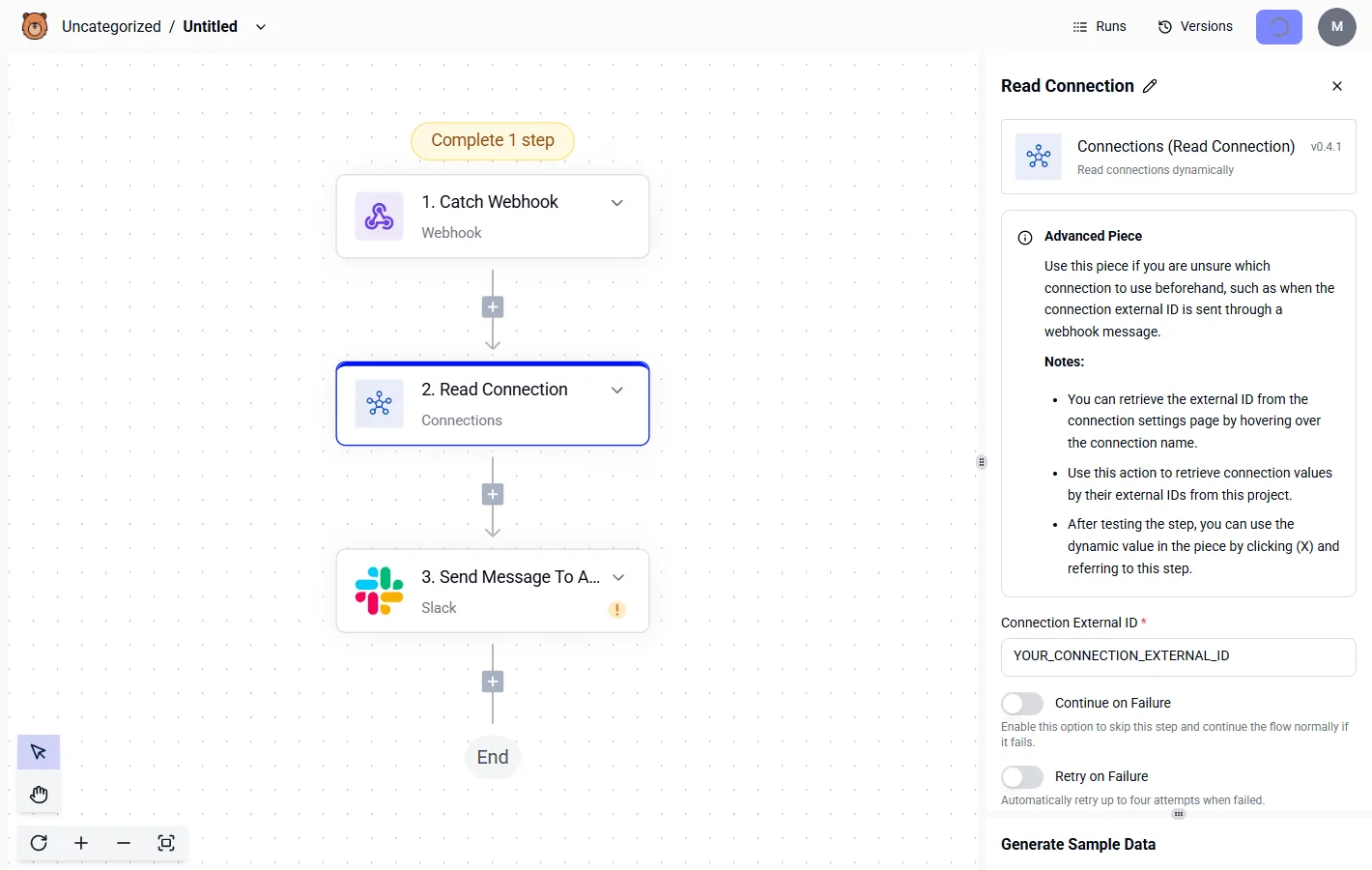
If a project management tool updates its API to include "Task Dependencies" but the connector remains pinned to an older version, your automation won't see those new data fields. This failure prevents your project office from generating accurate timeline reports.
The impact of proprietary vs. public endpoints
Many software vendors offer a public API for general use while reserving high-value functions for their own proprietary ecosystem, creating a barrier for third-party integration platforms.
Public endpoints allow for standard operations like "List Users." Proprietary endpoints often cover administrative tasks like "Bulk License Revocation." The vendor restricts these to native tools to prevent churn. Authentication wrappers can block a connector from accessing an otherwise public endpoint.
This necessitates a platform that allows for custom code overrides to bypass these structural hurdles.
This takes minutes, not a project: automate it in Activepieces free.
The scale of the Microsoft ecosystem monopoly
How Entra ID authentication locks in Power Automate
By embedding Entra ID directly into the transport layer of its automation suite, Microsoft retains an exclusive operational lead.
This native handshake allows a workflow to impersonate a user across the entire Microsoft 365 tenant without requiring the manual rotation of client secrets or the configuration of individual API permissions.
For you, this removes the requirement for a secondary security review of third-party credential storage, as the data never leaves the governed tenant boundary.
Because the platform itself manages these tokens, the risk of a service interruption due to an expired OAuth handshake is virtually gone.
Deep linking within the Power Platform suite
The interoperability between the Power Platform and the Microsoft Graph API creates a closed-loop environment where metadata flows as easily as the primary data payload.
The Microsoft Graph API is the unified gateway for data across Microsoft services. When a workflow moves a file, it preserves internal pointers like version history and sensitivity labels that external tools often strip away.
| Connector Name | Primary Constraint | Threshold |
|---|---|---|
| SharePoint | Attachment Size | 90 MB |
| Teams | Message Size | 28 KB |
| Excel Online | File Size | 5 MB |
80% of the migration risk lies in these specific technical ceilings, which means the majority of your project's failure points are already predetermined by your current architecture.
Failing to account for these specific thresholds results in silent failures where a workflow reports success despite the destination service truncating or rejecting the data.
The cost of rebuilding complex Excel macros as workflows
When you migrate legacy business logic from local Excel workbooks into cloud-based flows, you introduce a significant labor overhead. This is because the Power Automate expression language doesn't share a direct syntax with traditional VBA or complex cell formulas.
Each legacy macro is a bespoke piece of intellectual property. You must manually decompile the macro and audit the logic before you remap it into a sequence of cloud actions.
Each legacy macro is a bespoke piece of intellectual property.
This translation process creates a high risk of logic drift where the cloud-based version yields a different result than the original spreadsheet.
Power Automate throughput limits by license type
Operational continuity depends on aligning license entitlements with actual transactional volume to prevent the sudden suspension of mission-critical workflows.
The hidden tax of Power Automate Premium licenses
Moving beyond basic productivity tools requires an immediate shift to per-user or per-flow licensing. Many essential enterprise utilities are gated behind a "Premium" designation.
- The SQL Server database connector
- The HTTP request trigger
You can't scale your automation footprint without increasing your monthly line-item expenditure. This tiering forces you to choose between over-provisioning licenses or accepting the risk that a workflow will fail when an unlicensed user triggers a restricted action.
Technical debt in 'black box' Microsoft connectors
Because native connectors are rigid, you are prevented from modifying the underlying API calls. You must instead wait for an official update, which leaves your business process vulnerable to external API changes.
Roughly 60% of Activepieces' integrations are community-contributed, meaning the ecosystem expands based on real-world multi-cloud needs rather than vendor headcount.
The packages/pieces/community directory in the open-source monorepo contains the 735 integrations counted directly from the codebase, which means you have immediate access to a vast ecosystem of tools without relying on third-party support.
The diagram below illustrates this "Connector Gap." A SharePoint file trigger cannot reach a Slack notification action because the specific metadata field required for the handoff isn't supported by the pre-built connector.
The agility gap in multi-cloud environments
Platform-centric automation suites prioritize their own ecosystem. This complicates the integration of competing cloud services like AWS storage buckets or Google Cloud functions.
The MIT-licensed core of Activepieces allows anyone to build and submit an integration for merge, which is how the catalog stays current with non-Microsoft services. This open architecture ensures that the catalog is a floor for development rather than a ceiling for your migration.
You can follow the rest of this with the builder open. Start free, no card.
Audit procedures for identifying functional gaps early
A granular audit of every trigger and action within your existing flow inventory is the primary method for identifying functional gaps before they disrupt production environments.
| Flow Name | Trigger/Action | Power Automate Status (Native) | Activepieces Status (Native/Custom) | Migration Risk (Low/High) |
|---|---|---|---|---|
| Lead Routing | Salesforce: On Record Created | Native | Native | Low |
| Invoice Processing | SAP ERP: Create Purchase Order | Native | Custom (Required) | High |
| Document Approval | SharePoint: Get File Metadata | Native | Native | Low |
| Security Alert | Microsoft Sentinel: On Alert | Native | Custom (Required) | High |
Checking webhook support for migrated triggers
When you transition from a polling-based architecture to a push-based model, you must verify that the source application supports outbound webhooks for the specific events being monitored.
If a source system lacks a native webhook mechanism, the migration will require a bridge service or a persistent listener, adding architectural complexity.
Matching data transformation logic across platforms
Maintaining data integrity during migration depends on ensuring that the new platform’s expression language can replicate the complex string manipulations currently handled by Power Automate’s WDL. A mismatch in how two systems handle null values or nested JSON arrays will result in downstream data corruption.
Checking OAuth and service principal compatibility
Every integration point must be audited against the target platform’s ability to handle the specific OAuth 2.0 scopes or service principal requirements mandated by your organization’s identity provider.
Bridge technical gaps with Activepieces custom integrations
Activepieces provides an MIT-licensed core where the inability to find a native connector is resolved by generating a custom integration rather than abandoning the automation.
MoneyGram and FundingSocieties run Activepieces in production to manage these complex environments where standard libraries fall short. By using the same platform to run both deterministic automations and custom agents, they maintain central governance over data.
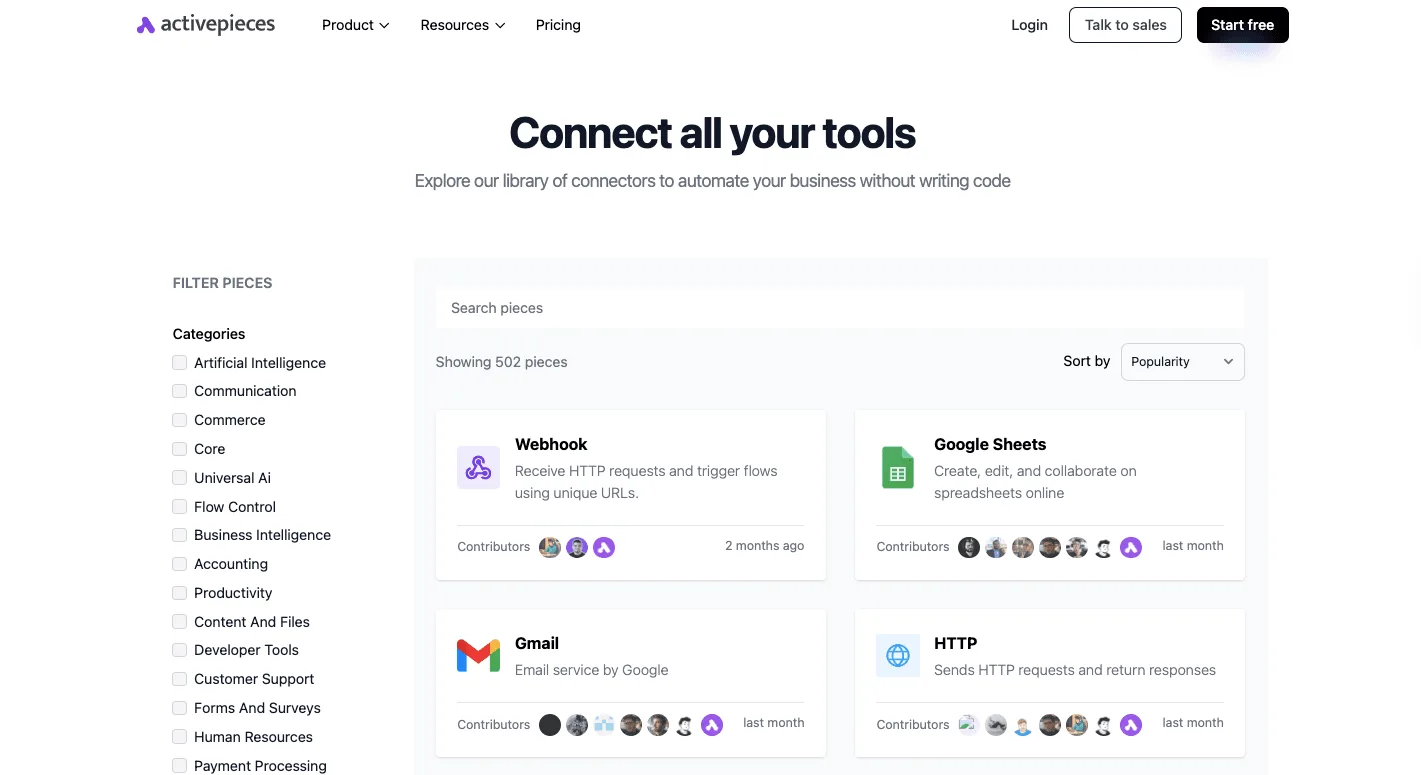
Building custom connectors with Node.js and TypeScript
The platform utilizes a structured TypeScript framework for defining connectors. This means you can implement custom logic using standard npm packages rather than relying on a vendor-specific expression language.
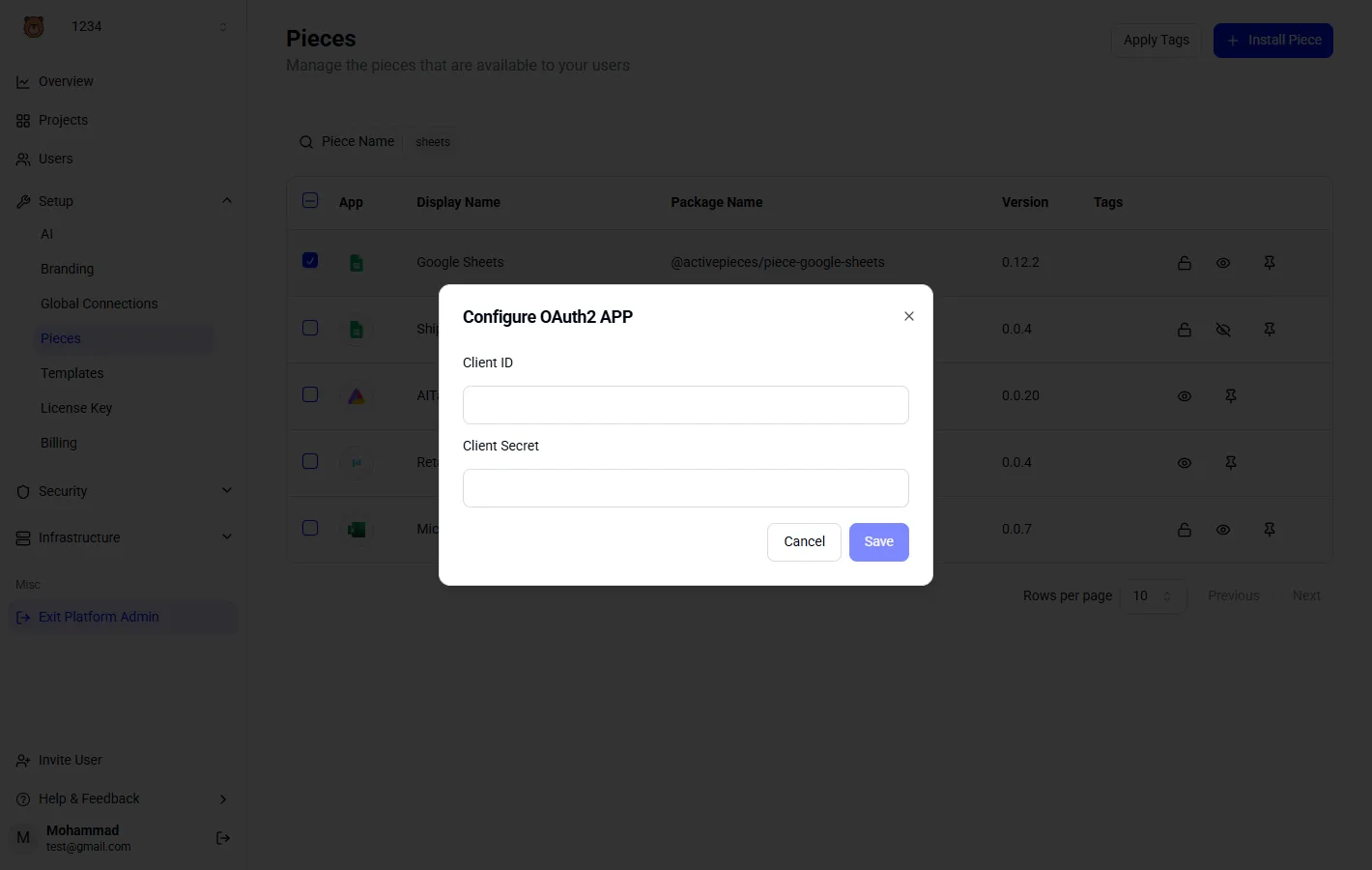
Because every integration in this library follows a standardized schema, a custom-built connector for a niche ERP system behaves identically to the native Google Sheets or Gmail integrations shown above.
Managing private integrations for internal APIs surfacing
Internal systems that lack public endpoints are integrated by deploying private integrations that exist only within a specific organizational instance. This isolation ensures that sensitive metadata regarding internal API structures isn't exposed to a public registry.
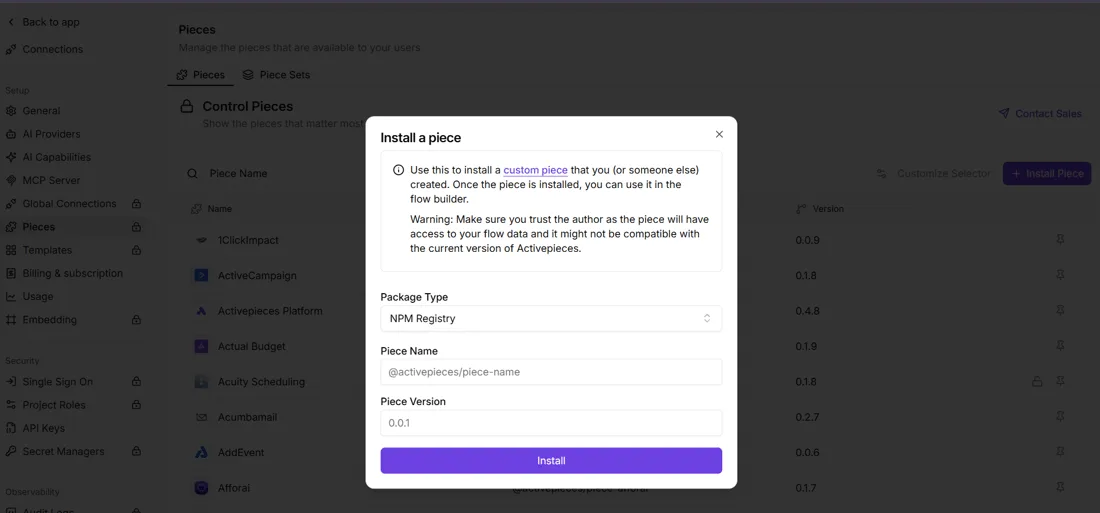
Simplifying OAuth2 and API Key management
The platform abstracts the complexity of the authentication handshake by providing a dedicated interface for credential persistence. The end-user simply clicks a "Connect" button to authenticate.
This separation of concerns means your security team can audit the authentication code while the functional user manages the actual credentials.
The Monday morning migration checklist
Securing these authentication layers begins with a comprehensive audit of which flows rely on proprietary connectors versus standard web protocols.
Inventory your 'Premium' connector dependencies
You must first categorize every flow by its licensing tier to identify which automations will incur the highest architectural debt.
Powerplatformtips reports that a standard Microsoft 365 user is limited to 6,000 actions per day, which means automated workflows will abruptly cease functioning once this threshold is reached.
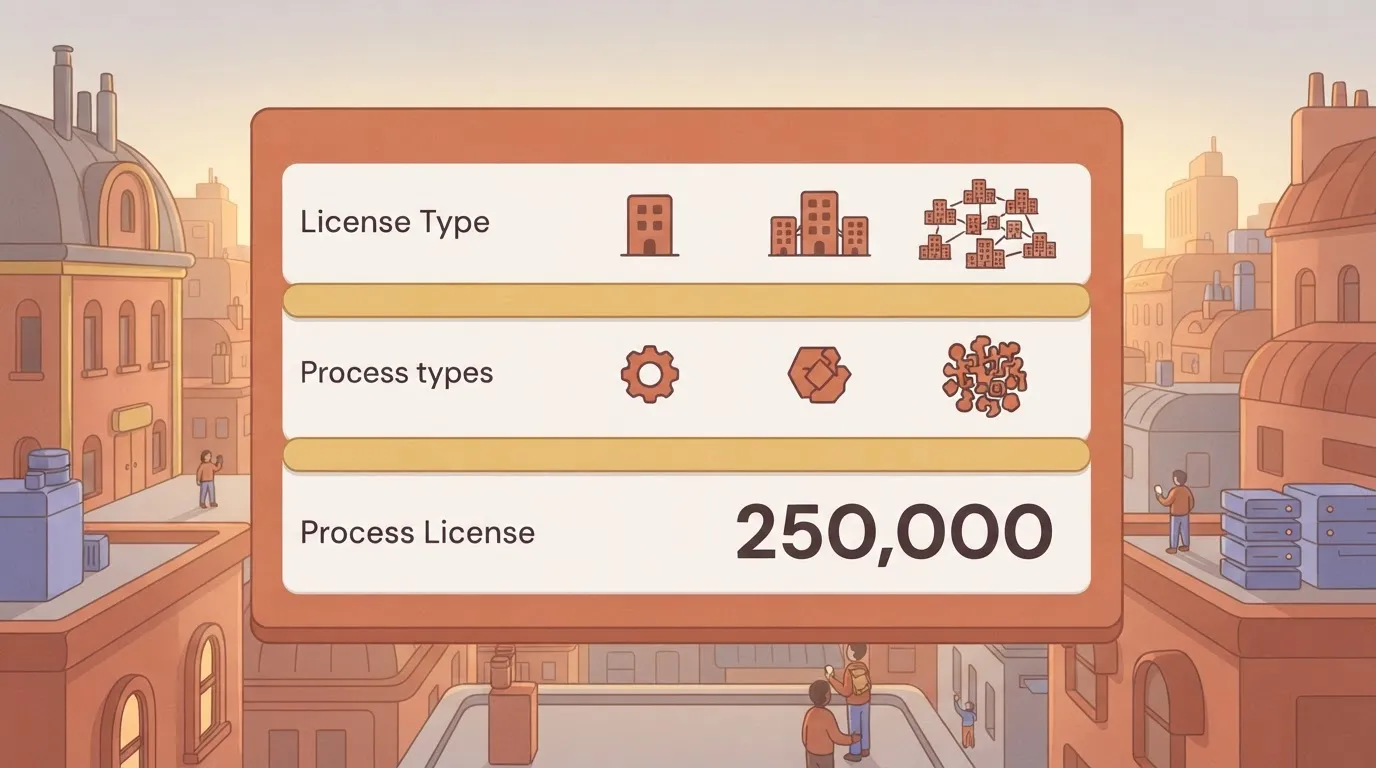
Aguidetocloud's analysis puts the limit at 40,000 actions when a user upgrades to a Power Automate Premium license. The highest tier, the Process License, allows for 250,000 actions per day.
| License Type | Daily Action Limit |
|---|---|
| Standard Microsoft 365 | 6,000 |
| Power Automate Premium | 40,000 |
| Process License | 250,000 |
These thresholds define the performance baseline that any replacement infrastructure must be certified to handle.
Handling on-premises gateway and legacy triggers
You must flag any workflow that relies on a local file system trigger or a legacy database listener that doesn't communicate via a standard Webhook or REST API.
These triggers often rely on the On-premises Data Gateway, which requires a localized agent or a network tunnel for cloud-to-cloud migration.
Draft the custom connector specification
Every "missing" connector in the target platform requires a formal specification that maps the existing Power Automate actions to the raw API endpoints of the vendor's software.
- Prioritize the exact JSON schema for the primary data trigger.
- Include the specific OAuth2 scopes required for read/write access.
- Detail the error-handling logic for rate-limited endpoints.
Frequently asked questions
Can I use my existing Power Automate custom connectors?
Migration requires a manual recreation of the OpenAPI definitions. Power Automate stores custom connector metadata in a proprietary wrapper that isn't directly portable to other execution engines.
What happens if an API doesn't support webhooks?
Systems lacking native webhook support require a polling mechanism where the automation platform periodically queries the endpoint to detect state changes.
How long does it take to build a missing connector?
The timeline for developing a custom connector depends on the complexity of the target system's authentication scheme and the number of specific actions required for the business process.
Is it cheaper to pay for Premium or build custom?
The financial decision rests on the ratio of users to unique integrations. The recurring cost of Power Automate Premium licenses for an entire department often exceeds the one-time development cost of a custom-built connector.
Related reading
References
Build it
Set this up in minutes.
No code required. Connect your accounts, and Activepieces runs it from there.
Start free Talk to sales