
Softr Pricing 2026: Plans, Limits, and Features

Nov 2, 202613 min read
Pick the Softr plan by the limit you'll hit first, which for most small teams is monthly workflow actions, not the headline price. Plan caps below were checked on 2 November 2026, and each situation names the catch that pushes you up a tier.
Which Softr plan fits you, by team situation
Solo builder or first internal tool
Start on Free, which allows 500 workflow actions per month. An action is one step an automation performs, much as it is in tools like Activepieces, so a workflow that sends an email and updates a record uses two.
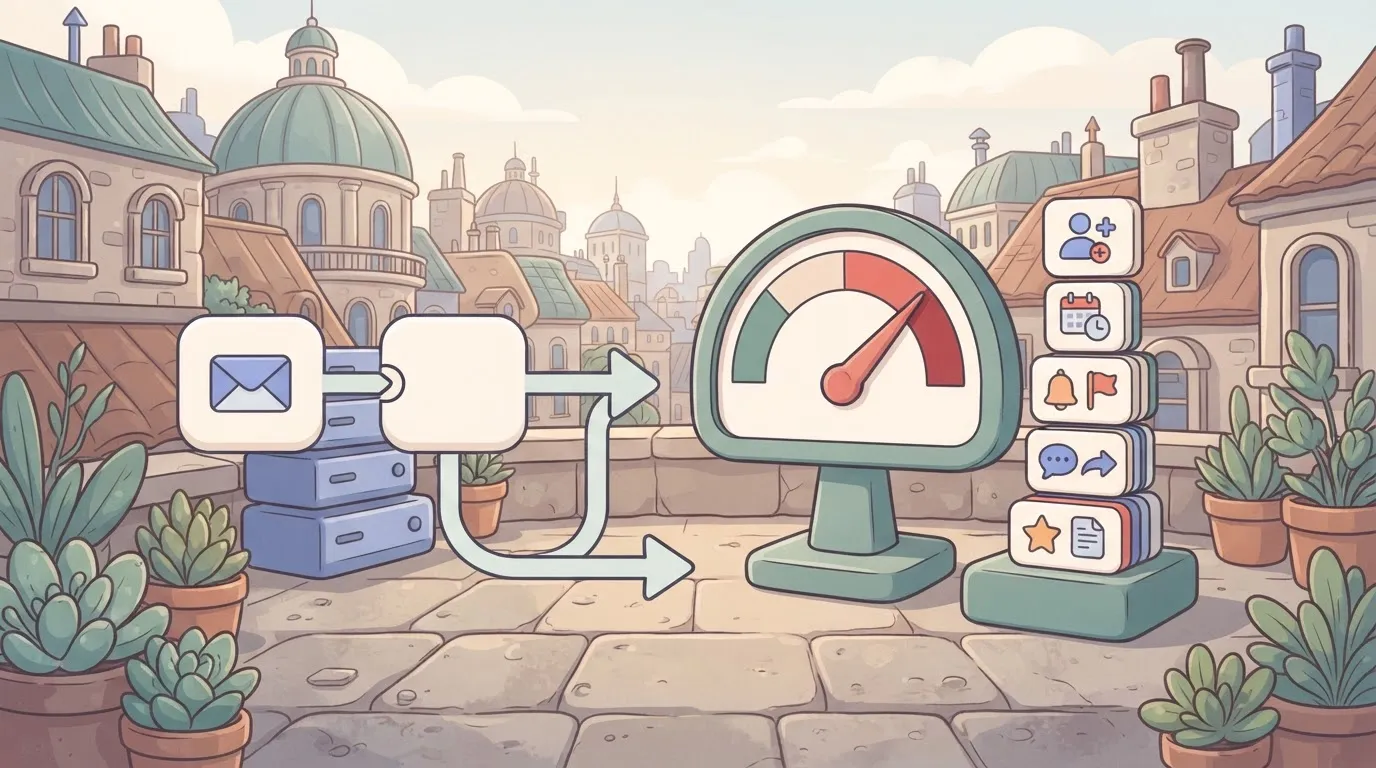
At 500, a tool with a few dozen daily submissions can run dry mid-month, and your automations quietly stop.
Once real customers or colleagues depend on the app, Basic is the sensible first paid step. It raises the cap to 2,500 actions, five times the room.
Team of 5 with a client portal
Ten thousand actions per month is what Pro gives a small team running a client portal. That's four times Basic's allowance, which matters because every client login, form and notification tends to trigger something behind the scenes.
The catch: custom domains and some workflow features sit on higher tiers. Check that the feature you promised a client is on Pro before you commit, because discovering it is locked after launch means upgrading under deadline.

Team of 25 needing SSO and admin controls
If your team is this size, price for Business, with 25,000 actions per month. Single sign-on (SSO) lets people log in with their company account instead of a separate password, and admin controls let you decide who can see or change what.
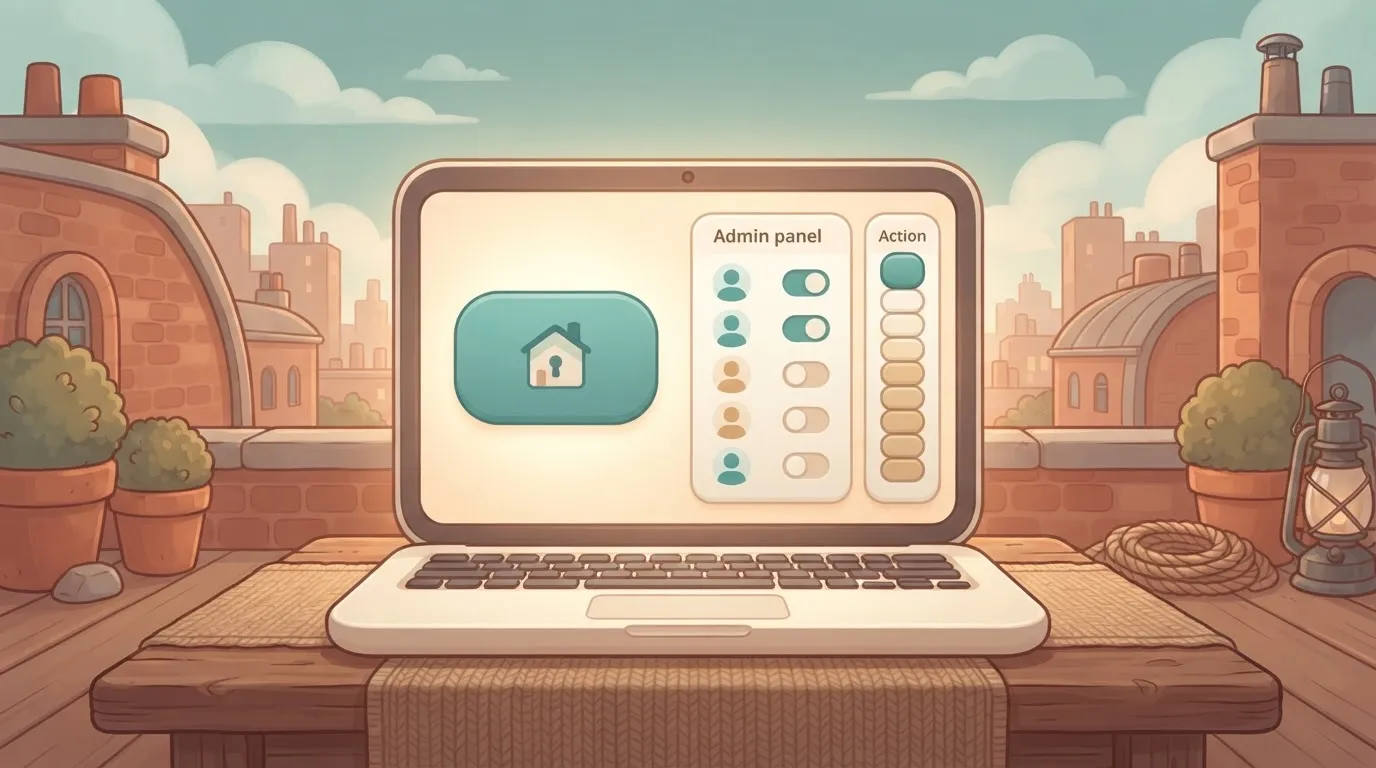
Softr puts SSO and admin controls on higher tiers, so confirm both are included on Business on the pricing page before buying. If they aren't, the action cap stops being the deciding limit and the feature list takes over.
Heavy record, user or API volume
If your data or traffic outgrows Business, the 25,000-action cap is the first wall you'll notice. That's roughly 830 actions a day, which a busy portal with automated notifications can burn through.
If you are running this arithmetic for your own team, see what the same workload costs on Activepieces.
How Softr's user-based pricing works
Softr is a no-code platform for building client portals and internal tools on top of data you already keep in Airtable, Google Sheets or Softr's own database.
Its price depends on how many people use the app, how much data the app has and which features are switched on.
The three meters
You hit one of three meters first, and that one sets your plan. Users, records and features are separate meters.
On the left, a data source feeds a Softr app with a meter for users and a meter for records. On the right is a row of locked doors (custom domain, single sign-on, workflows, removal of the Softr badge) that open only at higher tiers.
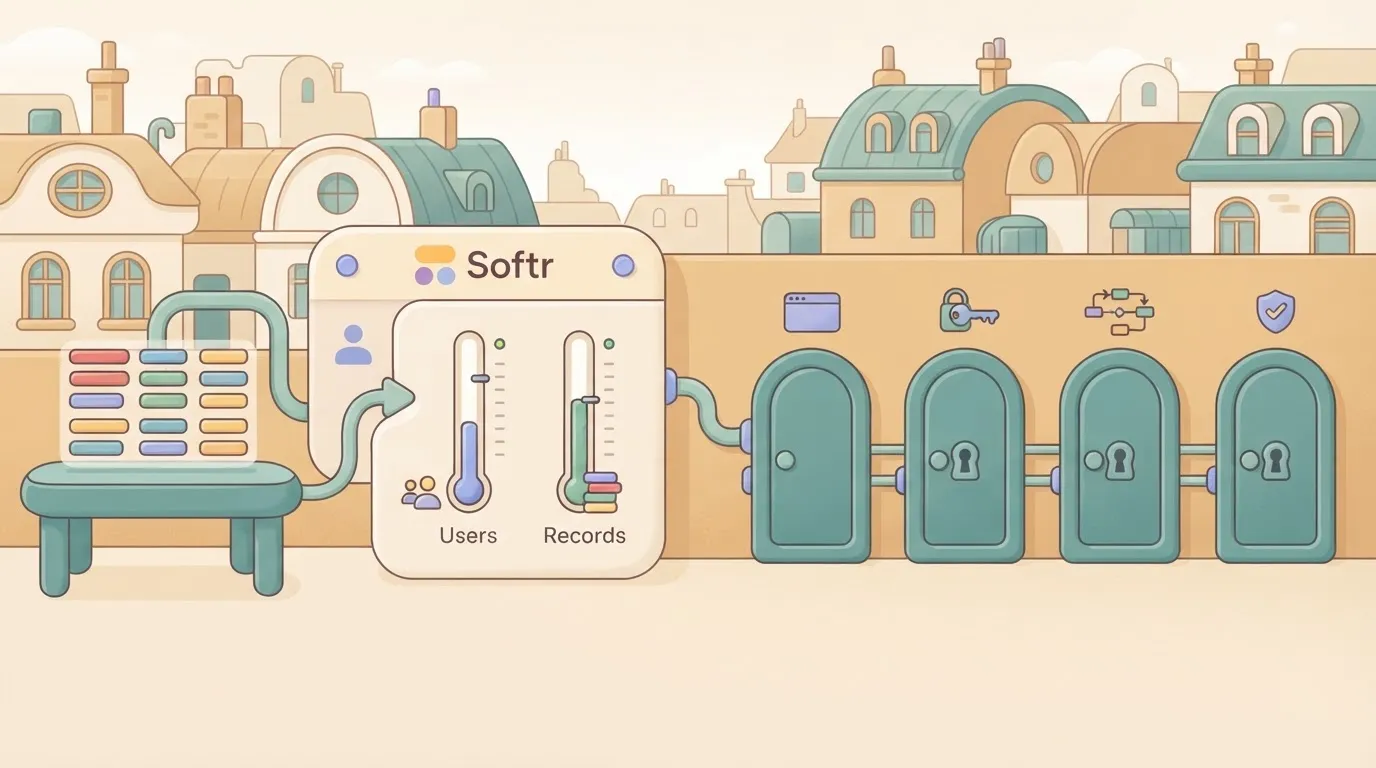
What Softr builds and what it connects to
Softr turns your table into pages people can log in to: a customer portal where clients see only their own projects, a directory, an inventory tracker for a warehouse team, or an approvals screen for managers.
Where your Softr app data is stored
If you connect Airtable or Google Sheets, those tools keep their own limits and their own bills, so you pay twice: once for the data tool and once for Softr.
If you use Softr's own database, there's one bill, but the record cap sits inside your Softr plan.
Metered limits versus feature-gated Softr plan options
Metered means Softr counts it and charges more as the count grows. Feature-gated means the capability is simply off until you move to a tier that includes it.
Two things are metered: users, the people who log in to your app, which grows with every client or employee you invite. Records, the rows of data your app reads and holds, grow with every order, ticket or contact.
Several things are gated, whatever your usage:
- A custom domain, so the app lives at your address instead of a Softr one
- Single sign-on, which lets staff log in with their company account
- Workflows, which automate steps like sending a notification when a record changes
- Removing the Softr badge from your pages
A small app can sit well inside every meter and still need a higher plan the day a client asks for your own web address or a company login.
How all Softr plans compare
Softr sells four plans: Free, Basic, Pro and Business. Each is defined by the same nine measures: monthly price, annual price, users, apps, records, workflow runs, custom domain, SSO and support. Whichever measure runs out first decides your plan.
The plan table, checked against Softr's pricing page
Softr's pricing page was checked on 2 November 2026, and it's the only place to read the live figures for those nine measures.
This section doesn't copy the numbers across.
Softr plan quantity limits and feature gates
Read the nine measures in two groups. Users, apps, records and workflow runs are quantities, so they run out gradually as you grow. Custom domain, SSO and support are gates: your plan either includes them or it doesn't.
You can plan around a quantity. A gate stops you cold, usually on the day a client asks for single sign-on or wants the portal on their own web address. Mark which gates you need before you compare any prices.
Softr monthly versus annual billing prices
Each paid plan shows two prices, one for paying month to month and one for paying a year at a time.
The headline figure on the page may be the annual one, so check which of the two you're looking at before you compare Softr with anything else.
Annual billing usually lowers the monthly cost, but it commits you for the year. If you're still testing whether Softr suits the job, month to month costs more per month and lets you leave.
What the free plan really allows
Build and test on the Free plan; don't try to run a business on it. Treat it as a trial with no deadline: build your app, load a realistic sample of your data, and see which limit you hit first.

Pay attention to what is missing as much as to what is included. If you need a custom domain, SSO or workflow runs at volume, check whether Free has them at all. If it doesn't, you've found your upgrade trigger before spending anything.
If the trigger you find is the 500-action ceiling, the real cost is that pricing by headcount and volume decides who gets to automate at all: the tool goes to a chosen few, and everyone else waits in a queue that never clears.
Activepieces charges for use rather than seats, so a new person costs nothing until they run something, and a run is 1 credit however many steps it has.
Unlimited flows come on every plan, the free one included with its 1,000 credits a month, and Alan and FundingSocieties run it in production.
Worth checking against a plan that does not meter every step: one credit covers a whole run on Activepieces.
What real Softr usage actually costs
Your real Softr bill is the plan your first limit forces on you, plus the database underneath it, and that limit is different for each kind of app.
Three worked monthly cost examples
The table shows, for each scenario, which plan you land on, what runs out first, and how the bill is built. Read the "limit hit first" column before the cost columns: it decides everything after it.
| Scenario | Plan needed | Limit hit first | Monthly cost | Annual cost | Airtable seat cost if used |
|---|---|---|---|---|---|
| 5-person client portal | Lowest paid tier that allows a custom domain | Branding and domain, not users | Base plan price, paid month to month | Base plan price at the annual discount | Only the people who edit data need seats; clients viewing the portal usually don't |
| 25-person internal tool | Mid tier with single sign-on and permission controls | Gated features such as SSO, then user count | Plan price plus a paid database seat for every editor | Lower than monthly, but you commit for the year | Highest line of the three, because most staff edit records |
| Customer app with growing external users | Upper tier, then a custom quote | External user count and record limits | Rises with each user band you cross | Annual commitment gets expensive if growth stalls | Small, since customers rarely touch the database directly |
If your data lives in Airtable, the spreadsheet-style database many Softr apps read from, you pay Airtable separately. Softr's plan covers the app screens; Airtable's plan covers where the data sits and who may change it.
Most teams run into these limits, roughly in this order:
- Custom domain and removal of Softr branding, which sit on paid tiers.
- Record caps, which stop you adding data or hide older rows.
- External user caps, which bite once customers start signing up.
- Workflow run limits, which cap how many automations fire each month.
- Add-ons, which bill separately from the plan.
Check what happens at each ceiling before launch.
Softr compared with Glide, Bubble and Airtable Interfaces
Pick Softr when your data already sits in a spreadsheet or Airtable and you need a portal or internal tool quickly. The alternatives win once your limits differ, and it costs less to find that out before you build than after.
Comparison on price, user model, data limits and SSO
Headline price won't separate Softr, Glide and Airtable, because their entry prices sit within a dollar of each other. The user model and the gated features will.
| Entry paid price | User model | Data limits | SSO | Best fit | |
|---|---|---|---|---|---|
| Softr | $19 | Plan tiers that cap users | Record caps set by plan | Held back for higher plans | Portals and internal tools on existing data |
| Glide | $19 | Plan tiers based on app users | Row limits set by plan | Held back for higher plans | Simple mobile-style apps from a spreadsheet |
| Bubble | Priced by app tier, not per seat | Usage-based, not per seat | Database is built inside the app | Check the plan before committing | Custom apps with real logic |
| Airtable Interfaces | $20 per seat | Every editor is a paid seat | Record caps set by plan | Reserved for its top tier | Teams already working inside Airtable |
Softr's $19 stays predictable only until your user count or record count crosses a tier, which means costs jump once you exceed it.
Honest verdict: who should choose Softr
Choose Softr if you're building on data you already have. Two more things should hold: your audience is mostly outside viewers such as clients or members, and the features of the plan you buy cover what you need.
Softr gets you to a working portal faster than Bubble does, and it doesn't charge a per-seat fee for every viewer, though user counts are one of the limits that set your plan.
Don't choose it if you need complex custom logic, because Bubble is built for that and Softr will make you fight it. Skip it too if single sign-on is a hard requirement on a small budget.
The $19 on the front page is not the real price. The higher plan is, because SSO sits on higher plans.
When Softr needs a separate automation tool
Built-in workflows cover simple jobs, such as sending an email when a record changes. Once a process crosses several apps, such as a form in one tool, a check in a second and a notification in a third, a dedicated automation tool is usually cheaper.
What Activepieces does about this
Softr's workflow cap is the limit that bites first, and Activepieces removes it from the decision. It prices by credits, not seats, and one run costs 1 credit however many steps it has. Your two-step notification costs the same as a ten-step one.

Flows are unlimited on every plan, and the free plan includes 1,000 credits a month. That is twice Softr Free's 500 actions, counted per run instead of per step.
The core is open source under the MIT licence, so you can self-host it and read the code. Alan and FundingSocieties run it in production.
Frequently asked questions
Even after you've matched a plan to the limit you'll hit first, a few cost questions stay open, and each is cheaper to settle before you build than after.
Is Softr free to use?
Yes, Softr has a free plan, and it's meant for trying the builder, not for running a business on.
I haven't confirmed how long it lasts or whether it expires at all, so check the current terms on Softr's pricing page before you plan around it.
If you build a real app on the free plan and it turns out the limits are tight, you'll be paying to keep something your team already depends on. That's the worst moment to learn the price.
Does Softr charge per user?
Not as a simple per-seat fee, but user counts are one of the limits that set your plan, so the effect is similar. The part people miss is who gets counted.
Whether external users, such as clients logging into a portal or customers viewing their own records, count toward your limit is something I can't confirm here.
Ask Softr support or read the plan details before you build. A client portal can have far more logins than your team has staff, and a plan sized only on your headcount can be the wrong one.
What happens to my app if I downgrade?
I can't confirm exactly how Softr treats data that sits over a lower plan's limits, so treat that as unknown until you've seen it in writing.
Plan for the likely cases instead: features gated to the higher plan, such as a custom domain or single sign-on (one login through your company account), may switch off. Records over the cap may become hard to add to or edit.
Before any downgrade, export your data and write down your settings. If the downgrade quietly breaks a live app your customers use, doing nothing costs you the most.
Does Softr offer discounts for nonprofits or startups?
I can't confirm a standing nonprofit or startup program, and I won't guess at one.
If you qualify as a nonprofit or a startup, ask Softr's sales team about a reduced rate before you pay list price. The worst answer is no, and you'll have lost nothing.
Ask early, though, and get any discount in writing, because a verbal promise won't help you at renewal.
Related reading
References
Running the numbers
See what the same workload costs here.
Free forever plan, and every paid plan self-hosts at no extra cost.
See pricing Talk to sales