GPT 6.2 Astra Review: Pricing, Speed, and Benchmarks

Nov 17, 202612 min read
GPT 6.2 Astra introduction and release
GPT 6.2 Astra summary for workflow tool users
If you are swapping models inside a workflow tool such as Activepieces, the maker's page is the only source for what GPT 6.2 Astra is. It is OpenAI's own model, announced on its introducing page next to GPT-6.2 Sol.
GPT 6.2 Astra is a model from OpenAI, announced alongside GPT-6.2 Sol, that automation teams can choose to run inside their workflow tools in place of the model they use today.
1318 Elo is where OpenAI's own AA-3D ranking puts Astra, against 1271 for Claude Fable 5.2 and 1259 for GPT-6.2 Sol. That's a lead of 47 points over Fable and 59 over Sol.

It tells you Astra tops the maker's chart, not that it beats your current model on your own task. The ranking is OpenAI's, so treat it as a claim to test.

GPT 6.2 Astra release date and availability
We kept the box below to what we confirmed on the official page, with facts checked 2026-11-17.
- Maker: OpenAI
- What it is: GPT 6.2 Astra, announced together with GPT-6.2 Sol
- Official source: the OpenAI announcement page linked above
- Facts checked: 2026-11-17
We left out the release date and the access routes. We didn't confirm either from the announcement itself, and a guessed date or route is worse than none for a team planning a swap.
Before you change anything, read the announcement for both and confirm they match your account. The test we describe later doesn't depend on those details.
If you are running this arithmetic for your own team, see what the same workload costs on Activepieces.
GPT 6.2 Astra impact on automation teams
Swap one model for another and the whole workflow changes, not just one box in it. The model behind each AI step decides what that step costs, how fast it answers, and how good its output is.
Where a model sits inside a workflow
Take a plain three-block automation: a trigger fires when someone submits a form, an AI step drafts a reply, and a send-email step delivers it. The model slot lives in the middle block, and everything downstream inherits whatever that slot does.

Read the illustration below as a reminder that the trigger and the email step stay identical while the AI step's behaviour shifts underneath them.
It highlights that slot and draws three arrows out of it, for cost, speed and output quality, because those are the three things a model change moves.
Count cost as the bill per run, multiplied by every time the trigger fires. Speed shows up as how long the customer waits before the email leaves.
Quality shows up as whether the draft can go out untouched or needs a person to fix it, which quietly cancels the saving from automating at all.
Because a maker's announcement covers only some of the three arrows, each needs its own check.
- Read the maker's own model page and pricing page for the stated facts: the model name, the price per use, and any limits. Treat anything not stated there as unknown.
- Run your real inputs through both the current model and the candidate, using the same prompt and the same field mappings.
- Compare the three things the arrows show: cost per run, time to finish, and how often the output needs editing.
- Check the output against what the next block expects. If the send-email step parses a field the AI step fills in, a changed format breaks it.
Swap only when your own test agrees with the maker's claims.
GPT 6.2 Astra new features per OpenAI
Where OpenAI's pages leave gaps, your test has to fill them in. They describe Astra's role and the ChatGPT plan prices, but say little else we can verify.
On OpenAI's own telling, Astra is its flagship for complex reasoning and coding. That's a positioning line, not a measurement, so it doesn't tell you whether Astra will map fields correctly or handle your retry logic.
Until you confirm which plan includes Astra, you can't wire it into a workflow, though it is available through the OpenAI API. The pricing page lists ChatGPT plans and doesn't say.
GPT 6.2 Astra published pricing and ChatGPT plans
Free at $0 a month, Go at $8 and Plus at $20: that is what OpenAI's ChatGPT pricing page lists. Those are per-person chat seats, so they say nothing about per-call cost inside an automation.
The table shows what OpenAI states and what it does not.
| Item | What OpenAI states | Page |
|---|---|---|
| Model role | Flagship for complex reasoning and coding | Not stated |
| Free plan | $0 a month | ChatGPT pricing |
| Go plan | $8 a month | ChatGPT pricing |
| Plus plan | $20 a month | ChatGPT pricing |
Because the empty rows are the ones an automation budget depends on, the measured test has to cover them.
Using GPT 6.2 Astra with Activepieces: bring your own OpenAI key
Your own test has to confirm Astra support: we found no Activepieces release that names GPT 6.2 Astra, so treat it as unconfirmed until it shows up in your own model list.
What shipped and when
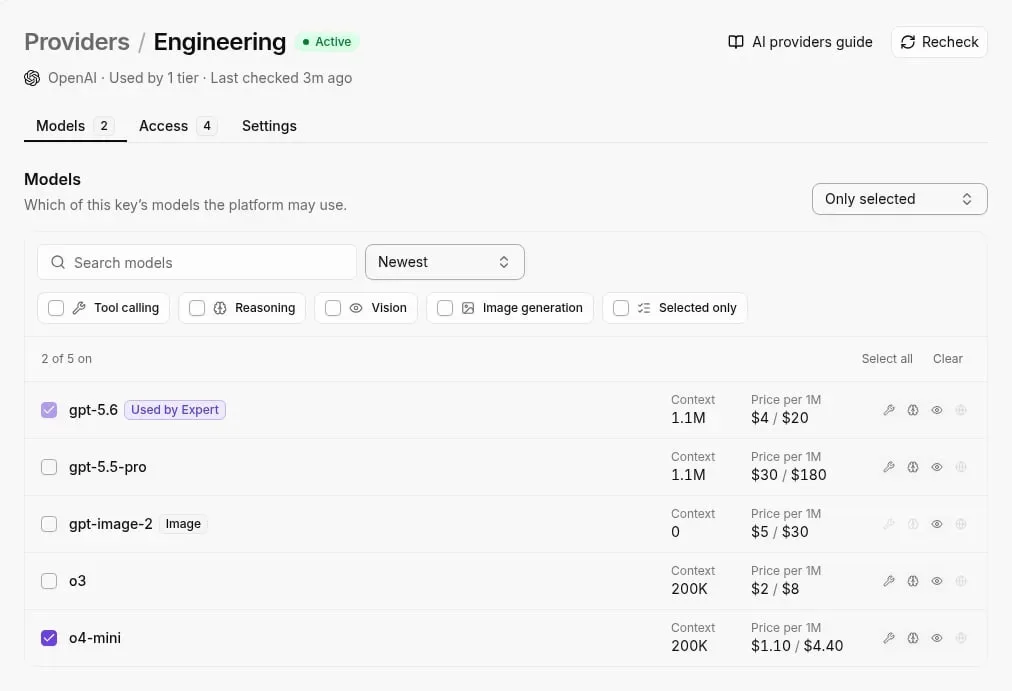
We found no merged change or release note we can cite for Astra, so no date appears here. What Activepieces does state is that its flows run on your own AI provider key, which is how you would reach any OpenAI model.
For a team swapping models, that has two consequences. Support is something you verify in your own account, not something to assume from a release.
And since a swap shouldn't depend on one person's chat history, automations that need context can read and write it in Tables or the knowledge base instead.
A platform that sells you its own model has settled your AI choice and set its price before you open the product.
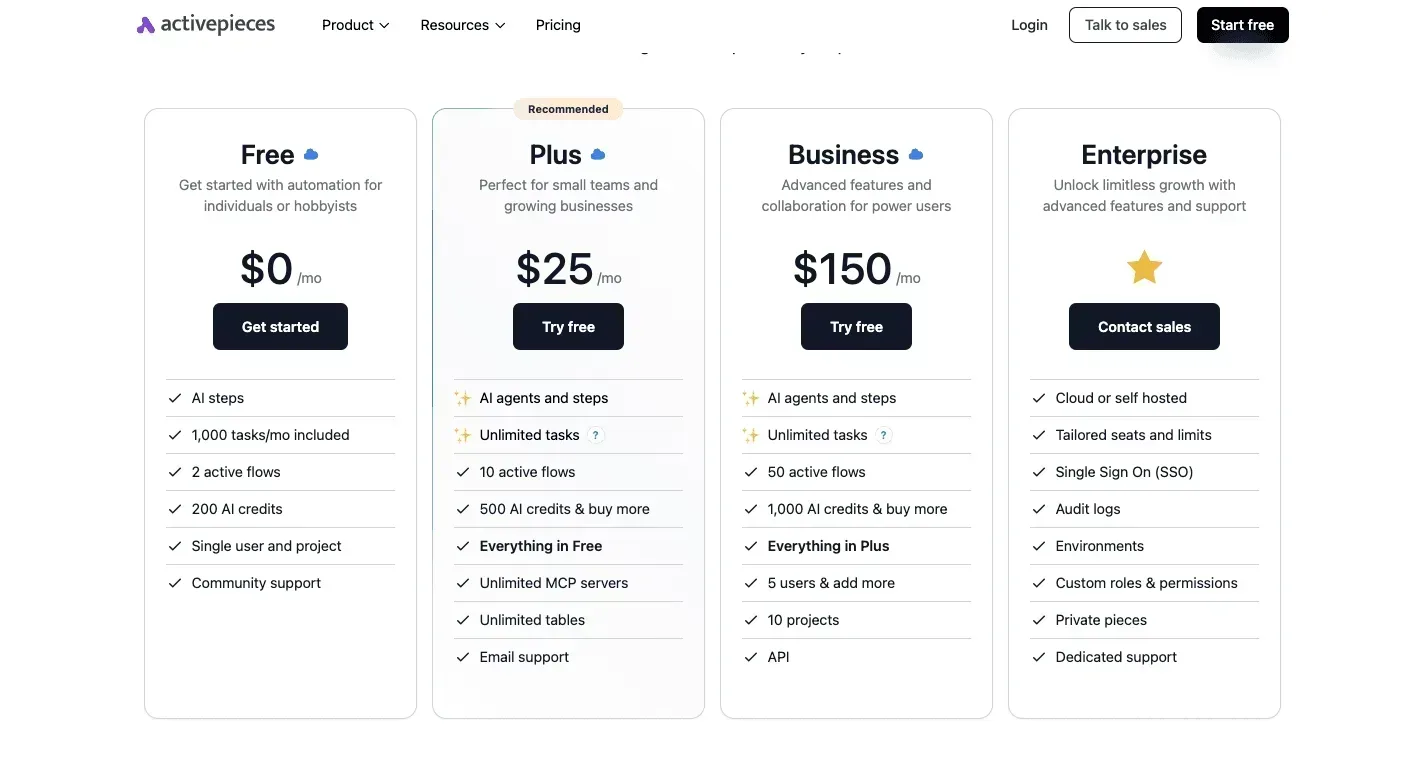
Activepieces runs the model you already chose on your own provider key, so any Astra usage would be billed on your OpenAI account at OpenAI's rate.
The steps below are the path from the integration to a first result.
- Open the OpenAI integration in your flow and add the action you use today.
- Connect your OpenAI API key.
- Choose the model. If GPT 6.2 Astra isn't offered, stop there; the page gives no basis for assuming it's available.
- Run the test step and read the output.

What follows is the part the page can't supply: a tool-calling run and a plain-text run, each on both models.
Worth checking against a plan that does not meter every step: one credit covers a whole run on Activepieces.
GPT 6.2 Astra compared to GPT-5.4 mini
On 2026-11-17 Astra was slower than GPT-5.4 mini on two of our three tasks and faster on one, which makes this a small, indicative test and not a verdict.
GPT 6.2 Astra vs GPT-5.4 mini test tasks
We ran openai/gpt-6.2-astra on OpenRouter at default settings and openai/gpt-5.4-mini on the same three jobs, so their performance is directly comparable. The jobs were sorting a support ticket, pulling fields from an invoice, and summarising an email thread.

Each output was checked against a known answer, so a result counts only if it matches what we already knew was right. Three tasks can't cover your workflows, so treat the numbers as a prompt to run your own.
Results, speed and cost per task
On the ticket and the invoice, Astra took longer; it finished the email summary first. That is the clearest gap in seconds per run.
| Task | Astra (seconds) | GPT-5.4 mini (seconds) |
|---|---|---|
| Sort a ticket | 1.4 | 0.9 |
| Invoice fields | 1.1 | 0.9 |
| Summarise email | 1.1 | 1.4 |
Sorting a ticket cost Astra half a second more, so a flow that triages every inbound ticket pays that delay on each one. The invoice gap is 0.2 seconds, which matters only at volume.
The email summary ran 0.3 seconds faster on Astra, but one win doesn't offset two losses on short structured jobs, so you'd end up slower overall. Any swap should be decided on your own tasks, with your own prompts, measured the same way.

GPT 6.2 Astra cost and speed benchmark
Before the swap makes sense, any quality gain has to pay for a multiple of roughly nine to ten times GPT-5.4 mini's per-token cost. That is what GPT 6.2 Astra charges.
GPT 6.2 Astra and GPT-5.4 mini token prices
OpenAI's pricing page lists these prices per million tokens.
| Token type | Astra | GPT-5.4 mini | Gap |
|---|---|---|---|
| Input | $8 | $0.75 | about ten times |
| Cached input | $0.40 | $0.075 | roughly five times |
| Output | $40 | $4.50 | nearly nine times |
Before a single output token is counted, a prompt-heavy workflow therefore pays about ten times more. Workflows that resend the same long instructions narrow the difference through caching. Output is where verbose agent steps spend most.
Read the distance between the bars in the chart, since that distance is what you'd pay for the swap.
It shows monthly cost at 10,000 runs for Astra, GPT-5.4 mini and other named options, using list prices and our measured tokens per task, letting you estimate your own costs at that scale, which means you don't need to request a custom quote.
What GPT 6.2 Astra speed and cost mean
Tokens per task, not list price, set the real bill. To break even with mini on output cost, Astra would need to use about 89% fewer output tokens for the same task. A frontier model rarely writes that much less, so that saving is unlikely.
Tokens per task, not list price, set the real bill.
In a chain where each step waits on the last, a slower model stretches every run and holds your workers longer. So Astra earns its place only on the steps where mini fails, not on the whole workflow.
Post-launch considerations for GPT 6.2 Astra
Astra should be used only where mini fails, and that decision stays open until you recheck the sources and rerun the test on your own tasks. Nothing here predicts what OpenAI will do next; it's a list of things to do on Monday.
GPT 6.2 Astra pages to recheck after launch
Treat a launch page as a snapshot. The details a workflow depends on (model name, context limit, rate limit, price per token) are the ones most likely to be edited after release.
If your cost estimate was built from what the announcement said last week, a changed line means the estimate is wrong and you'll find out from the invoice.
So the first two items below are reading, not testing. Only OpenAI's own pages count as the source for what Astra is and what it costs.
Testing GPT 6.2 Astra on your own tasks
Our three-task test tells you how Astra behaved on our inputs. It says nothing about your field mappings, your malformed records, or the step where your current model quietly fails.
Run the same three tasks on yours, and score the output against what the workflow needs, not against how fluent it reads, which means you'll see which model actually solves the problem.
The checklist for Monday:
- Recheck OpenAI's announcement page for changes since you last read it.
- Recheck the pricing page and redo your cost estimate from what it says now.
- Rerun the three-task test on your own tasks, with your own data.
- Keep a fallback model set in the workflow.
That last item matters because a swap without a fallback means any outage, rate limit, or bad batch stops the whole automation. With the fallback configured, the workflow keeps running on the model you trust today while you decide whether Astra has earned the step.
Frequently asked questions
Once the fallback is in place, four questions stay open, and OpenAI's own pages answer none of the first three.
Each answer below is either what our test showed or a plain "not stated by OpenAI", so you can see which gaps are yours to close.
Until the maker's documentation lists the model name for API calls, treat any workflow step pointed at it as unconfirmed.
With the published per-token price, you can work out what a run of your workflow would cost, so you can compare it with the model you use now.
Can I use GPT 6.2 Astra in Activepieces today? Not stated by OpenAI. Whether your platform offers the model depends on its own model list, so check that before building a step around it.
Is one small test enough to switch models? No. One small test shows how the model behaved on your sample inputs, which is useful. It can't tell you how it handles the odd inputs, the volume, or the failures that production brings.
Keep the fallback running until the open answers arrive and a larger test of your own inputs backs the switch.
Related reading
Running the numbers
See what the same workload costs here.
Free forever plan, and every paid plan self-hosts at no extra cost.
See pricing Talk to sales