
How to Use the Granola API to Pull Notes (2026 Guide)

Nov 21, 202612 min read
Automating post-meeting actions without manual copy-pasting is possible by moving assets into a custom backend, or Activepieces moves the data into your existing stack automatically. The Granola API lets you retrieve meeting transcripts and structured AI summaries directly from the desktop application.
Access AI meeting notes programmatically
Granola API endpoints and data structures
The retrieval of specific meeting objects and their associated metadata forms the core of the API architecture. Because Granola processes audio locally before syncing to the cloud, the data structure separates the raw transcription from the refined "Notes" section.
A list of recorded sessions, including the title, date, and participants, is returned by the Meetings endpoint. Transcripts provides the full, timestamped text of the conversation.
Notes delivers the AI-generated summary; frontier models like GPT-6.2 Astra or Claude Sonnet 5.5 often process these to ensure high-reasoning output.
JSON objects are used for every response returned by the API. You'll need to implement a parser to handle the markdown formatting typically found in the note fields.
The current state of Granola developer access
Users on specific professional tiers are currently the only ones with access to the Granola API private beta. This limited rollout means that the standard Granola dashboard doesn't yet feature a self-service API key management portal for all accounts.
- Request early access through the official Granola developer waitlist.
- Generate a Bearer Token once Granola provisions the account for API access.
- Authenticate requests by passing this token in the Authorization header of every HTTPS call.
A 401 Unauthorized error occurs if you fail to include a valid token. It prevents any data egress from the Granola cloud. Granola distributes documentation for these endpoints directly to beta participants rather than hosting it on a public landing page.
This takes minutes, not a project: automate it in Activepieces free.
Authentication and securing your Granola API credentials
A long-lived secret key serves as the foundation for Granola API authentication, granting full access to meeting transcripts and AI-generated summaries. Granola restricts access to users on Business or Enterprise plans. Free-tier accounts don't see the developer options required to interface with the service programmatically.
Generating your first API key
You obtain your credentials directly from the Granola desktop app rather than through a command-line interface or email request. This self-service portal ensures that the account owner retains control over credential rotation without waiting for manual support intervention.
Provisioned access for beta participants
The developer settings are hidden from the standard interface until your account is explicitly whitelisted. If you are currently on the waitlist, the navigation paths described below will not be visible in your account profile.
Once you receive your invitation and your account is provisioned, the system unlocks the administrative tools necessary for integration. You will then see the developer tab appear within your workspace settings.
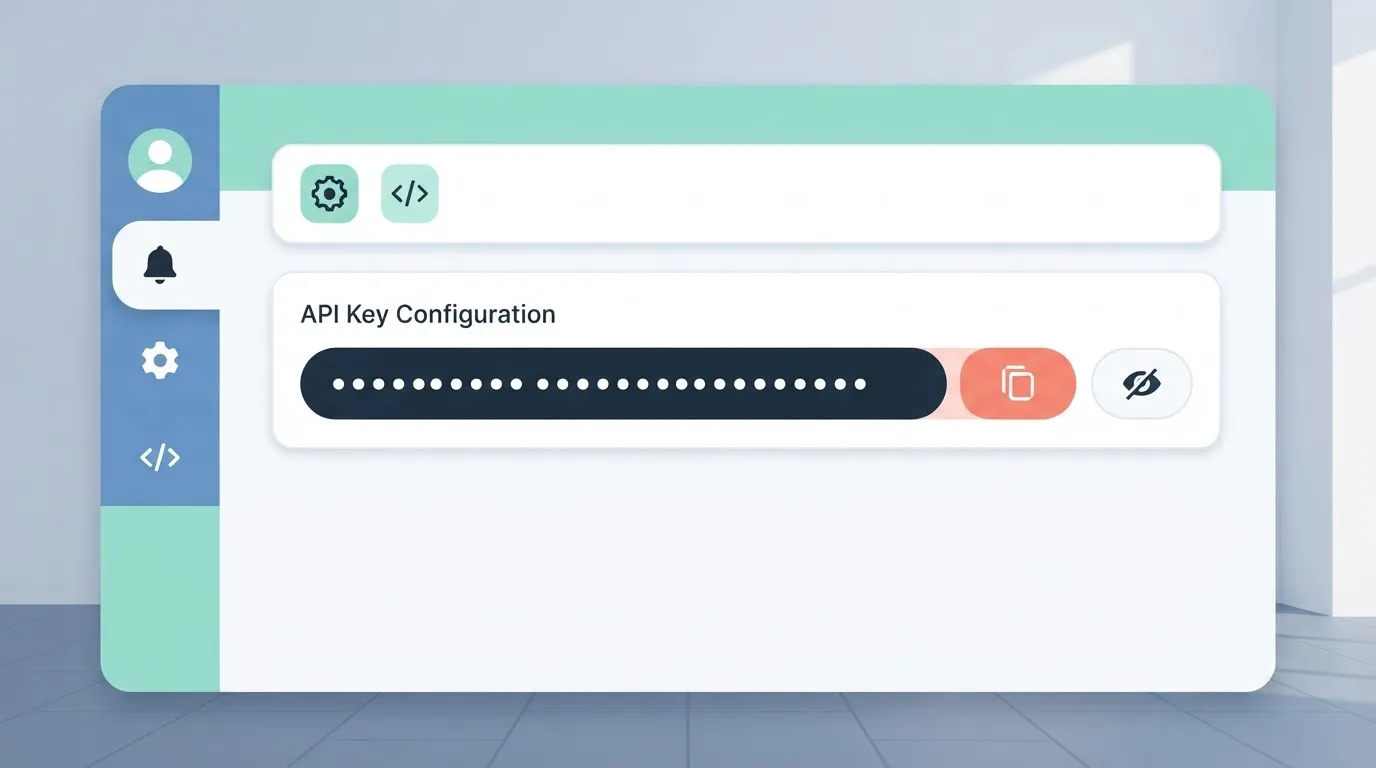
Log into Granola Web, navigate to Settings > Developer, click 'Generate New Key', copy the secret, and store it in a secure vault. The dashboard masks the string permanently for security after the system generates the secret.
If you lose the value, you'll have to revoke the existing key and generate a new one. This immediately breaks any active integrations using the old credential.
Bearer token implementation in request headers
Every call to the Granola API must include a standard Authorization header using the Bearer scheme. Failing to include this header or omitting the "Bearer" prefix results in a 401 Unauthorized error. This stops the request before it reaches the processing layer.

The Authorization header uses the Bearer token to verify the requestor identity. The Content-Type header must be set to application/json to ensure the server parses the body as JSON.
Agents like Claude Sonnet 5.5 or GPT-6.2 Astra can receive the key for automated meeting analysis thanks to this stateless authentication method. After verifying the handshake, you can begin polling for meeting objects.
Retrieve meeting data and transcript blocks
Three distinct layers of granularity organize Granola meeting data to separate high-level metadata from heavy text payloads. Fetching the meeting list via GET /v1/meetings provides the unique identifiers necessary to query the specific transcript or summary objects, according to S1ft.
| Endpoint | Primary Key | Data Weight (KB) | Typical Latency |
|---|---|---|---|
| /meetings | meeting_id | Low | Fast |
| /transcripts | transcript_id | High | Moderate |
| /summaries | summary_id | Medium | Moderate |
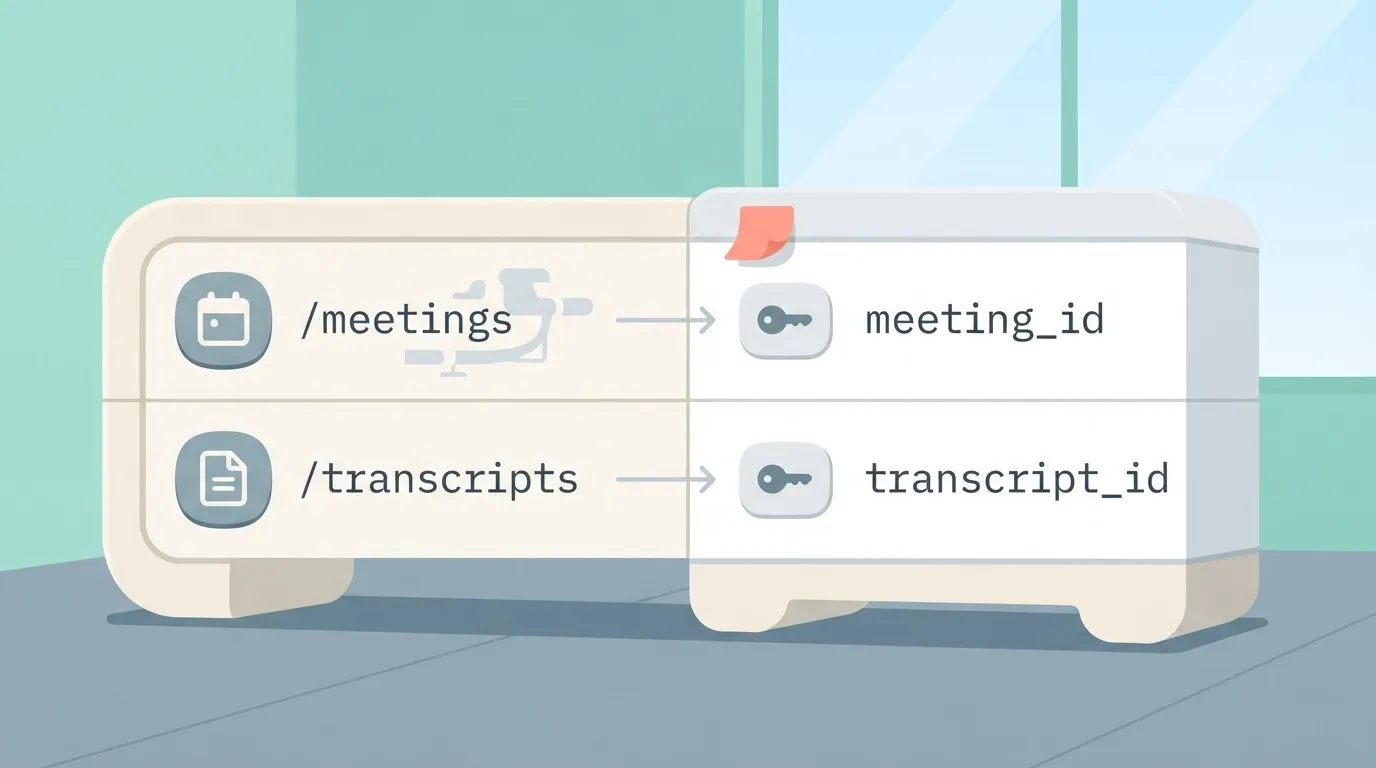
Mobile clients can render a list of recent calls without downloading megabytes of raw dialogue for every entry because of this separation.
GET /v1/meetings for session lists
An array of objects containing the start time, duration, and participant names for every recorded session is returned by the meeting list endpoint. You must use the meeting_id returned here as the path parameter for all subsequent calls to the transcript or summary routes.
When Granola generates summaries using models like Gemini 4 Carbon, the status field in the response is your only indicator that the background reasoning process has finished.
If you attempt to fetch a summary while the status is still processing, the API returns a 404 error. This forces your application to implement a retry loop or wait for a push notification.
POST /v1/webhooks for real-time note completion
Inefficient polling is eliminated by registering a URL via the webhooks endpoint, which pushes a JSON payload the moment the AI finishes its analysis.
When the final note is ready, the webhook sends a meeting.completed event containing the meeting_id and a direct link to the generated markdown.
Inefficient polling is eliminated by registering a URL via the webhooks endpoint, which pushes a JSON payload the moment the AI finishes its analysis.
Complex reasoning tasks handled by Claude Opus 5.5 can take several minutes, making this event-driven approach necessary. Keeping an HTTP connection open for that duration risks a timeout at the load balancer level.
By shifting to webhooks, your server only consumes resources when there is actual data to process.
You can follow the rest of this with the builder open. Start free, no card.
Granola API rate limits and error handling
Granola enforces rate limits based on your subscription tier to ensure the stability of the note-generation engine during peak meeting hours. Paid plans grant API access, and the Granola workspace settings provide the Bearer token for authentication.
Understanding the 429 Too Many Requests response
Your application has exceeded the sustained rate limit for your API key's access scope if you receive a **429 Too Many Requests** status. Granola scales throughput across three distinct tiers:
| Subscription Tier | Requests Per Minute (RPM) | Consequence for Integration |
|---|---|---|
| Pro | 60 | Small teams can automate one meeting sync every second. |
| Enterprise | 600 | Large organizations can process concurrent global meeting streams. |
Exceeding these limits triggers a mandatory cooldown period defined in the Retry-After header. Your middleware must respect this to avoid a temporary IP block.
While the 401 Unauthorized error typically points to an expired workspace token, a 500 Internal Server Error often signals a timeout during the transcription phase of a long-form recording, meaning the user must restart the process from the beginning.
Handling Granola API asynchronous processing delays
Retry logic is a requirement for successful integration. This logic must account for the variable duration of AI synthesis performed by models like Claude Sonnet 5.5.
A 404 error confirms the job is not ready yet. It doesn't contain the final text because meeting summaries aren't instantaneous.
You will deplete your RPM quota on empty responses if your system polls the /notes/{id} endpoint too aggressively before the status shifts to completed. Implementing exponential backoff ensures your server waits longer between each check. This preserves your rate limit for actual data retrieval.
Automating Granola workflows without custom code using Activepieces
Every other platform searches its templates. Activepieces writes yours. Instead of waiting for a vendor roadmap to include a specific Granola-to-CRM bridge, you can describe the desired logic to the built-in AI chat and watch it construct a runnable flow from scratch.
The catalog stops being the ceiling on what you can automate. Ask the AI to "sync every Granola note to a HubSpot task and notify the attendee on Slack" and it publishes that specific integration, even if no pre-existing template for that sequence exists.
Triggering actions from new Granola notes
MoneyGram and Moneypenny run Activepieces in production, where the Granola piece on the canvas initiates a workflow as a dedicated listener the moment a note reaches its completed state.
Because AI processing times fluctuate based on meeting length, using this trigger ensures that downstream steps only execute when the system fully populates the summary field.
The following workflow demonstrates the handoff from raw AI output to a published format: Verified content is ensured for the "Create Post" action in this specific configuration, where a Wordpress step receives data directly from an OpenAI task.
Every new Granola note meeting your filter criteria will automatically populate the specified fields in your destination app after you activate this flow.
Syncing AI summaries to external databases
Data loss from copy-pasting is prevented by Activepieces, which maps the structured JSON output from a Granola note directly into the schema of external systems like HubSpot or a SQL database.
The MIT-licensed core ensures you can self-host this mapping logic to preserve specific metadata such as meeting date, attendee lists, and action items.
The moment a integration is connected in Activepieces, an agent can call it. Register a Granola connection once and it functions as both a workflow step and a tool schema on the per-project MCP server, reachable from Claude or an agent you built yourself.

Check the Integrations Framework and MCP Server documentation in the open source repo to see how the same action exposed in a flow becomes an immediate tool for external agents.
Production checklist for Granola API integrations
Hardened listeners are required for reliable production deployments, treating every incoming Granola webhook as untrusted until you verify the cryptographic signature.
A simple HTTP 200 response isn't enough to guarantee data integrity because AI note generation is asynchronous. You must implement a multi-layered validation strategy to prevent duplicate processing and data leaks.
Verifying Granola webhook signatures
The X-Granola-Signature header must be validated against your stored signing secret to ensure the payload originated from Granola and not a malicious actor.
If you skip this check, your endpoint is open to replay attacks where an attacker resends a valid capture to trigger duplicate downstream actions in your CRM.
Implement these five critical checks to maintain a resilient connection. Compare the HMAC hex digest of the payload to the request header to prevent unauthorized data injection. Store the webhook_id for at least 24 hours so that retried requests don't create duplicate meeting records.
Granola webhook retry and privacy handling
Avoid being permanently throttled during peak meeting hours by implementing a progressive delay for retries. Scrub sensitive identifiers before the transcript hits your database to comply with internal privacy audits.
Route unprocessable payloads to a separate storage bucket so that developers can debug schema mismatches without losing the original meeting data.
Managing PII in meeting transcripts
Phone numbers and home addresses frequently appear in Granola transcripts as Personally Identifiable Information (PII). You must redact these before sending them to large language models for summarization.
Passing raw text to a model like Gemini 4 Carbon requires you to account for complex software engineering summaries. Failing to mask these entities means sensitive client data is stored in the model provider’s logs.
You should utilize a dedicated PII detection service or a high-speed model like Claude Haiku 5.5. These tools identify and replace names and contact details with generic tokens before the data is committed to long-term storage.

Frequently asked questions about the Granola API?
Meeting summaries and structured notes can be retrieved programmatically once the Granola desktop application has processed the audio. Access requires a Granola Business or Enterprise subscription and an API key generated from Settings → Connectors → API keys in the desktop app.
Can I upload external audio files via the API?
Direct audio file uploads or POST requests for external MP3 or WAV files are not currently supported by the Granola API. The platform is a post-processing layer for the Granola desktop client.
Meetings recorded or imported through the local application interface are the only sources of data for the API.
The server returns a 405 Method Not Allowed error if you attempt to bypass the client by sending binary audio data to the /v1/meetings endpoint. Developers must ensure the desktop app remains the primary ingestion point.
Does the Granola API support real-time streaming?
A polling or webhook-based architecture is used by the Granola API rather than a WebSocket or real-time streaming protocol. The "Granola Note" is generated by a multi-step reasoning process using models like Claude Sonnet 5.5.
After the meeting ends and the AI finishes its synthesis, the data becomes available. Requesty states that attempting to fetch data while a meeting is in progress will result in an incomplete payload or a 404 Not Found status.
This forces the integration to wait for the meeting.completed event before triggering downstream workflows.
User local library and cloud sync settings directly dictate data retention in Granola. If a user deletes a meeting from the desktop application to free up local disk space, the corresponding record becomes unavailable via the API.
This dependency means you should use the webhook to immediately pipe the summary into a permanent store like a CRM or a database. The API does not function as a long-term archival service.
Build it
Set this up in minutes.
No code required. Connect your accounts, and Activepieces runs it from there.
Start free Talk to sales