
Luma Dream Machine pricing vs Real Costs per Clip in 2026

Nov 13, 202612 min read
Luma Dream Machine is a high-fidelity video generation model that converts text and image prompts into realistic five-second clips.
Luma Dream Machine pricing and current plan limits
The 2024-2025 Luma AI price list
Between casual experimentation and professional output, the Luma AI pricing page defines a clear barrier through five distinct subscription levels.
| Plan | Monthly Price | Annual Price | Credit Allowance | Commercial Rights |
|---|---|---|---|---|
| Plus | $30/month | $300 billed yearly | Mid-tier credits | Commercial rights included |
| Pro | $90/month | $900 billed yearly | High-volume credits | Commercial rights included |
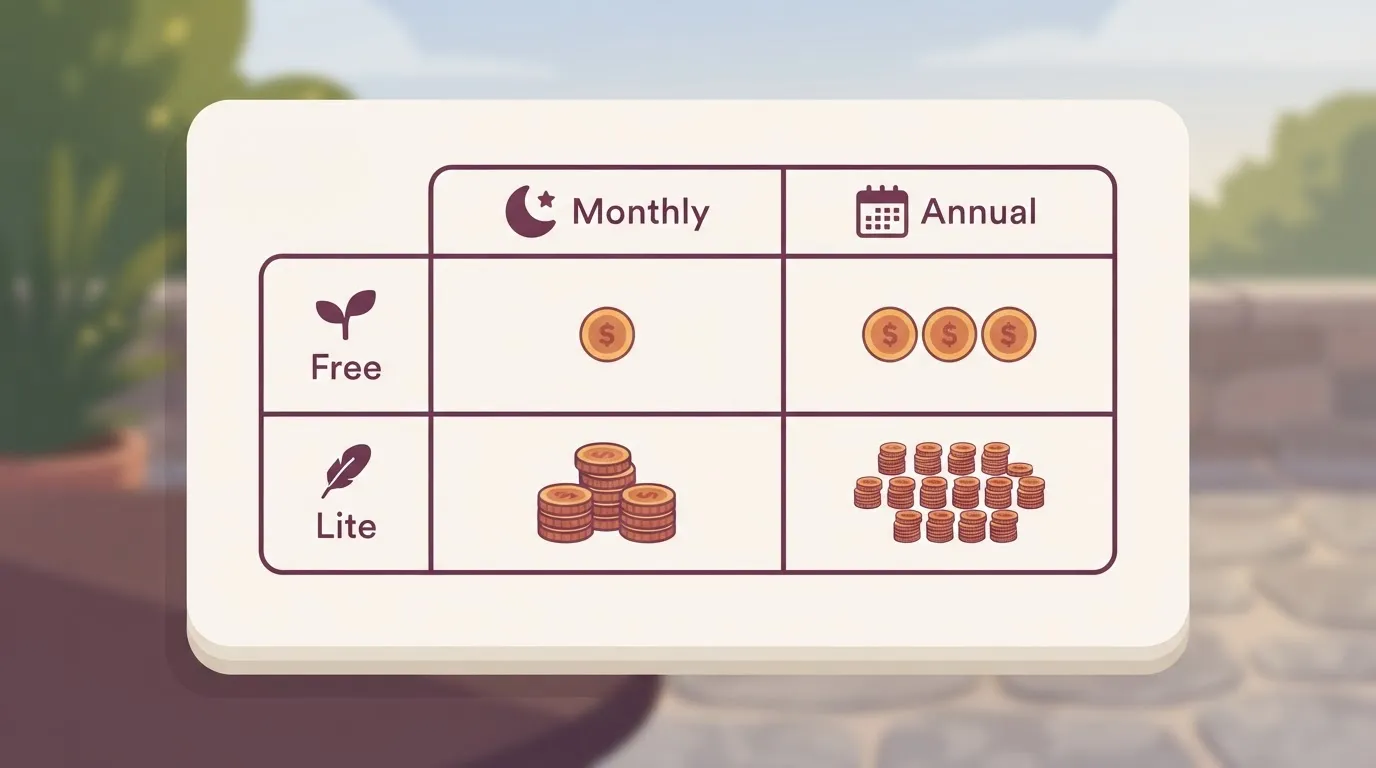
According to Web3lists, individual creators testing the motion logic of Gemini 4 Argon or GPT-6 Astra outputs will find the Lite plan a starting point.
The Pro and Premier tiers are necessary if you're an agency that requires a consistent volume of generations without hitting mid-month caps.
Choosing an annual plan locks in a lower rate.
This is essential if you're a team integrating Activepieces to automate your content delivery pipelines, as the platform offers unlimited flows on every plan, including the free tier, to ensure your automation logic never hits a ceiling.
Understanding the credit-to-video conversion rate
Usage is metered by the number of generations rather than the successful completion of a scene. A single credit typically yields one five-second video. This means a complex prompt that requires ten iterations to get the lighting right will consume ten credits.

Commercial rights and usage restrictions by tier
Only subscribers on the Plus tier and above receive commercial rights; content generated on the Free or Lite plans can't be used in revenue-generating projects.
- Luma restricts Free and Lite users to personal, non-commercial use, which prevents these tiers from being used for client work or advertising.
- Plus, Pro, and Premier subscribers receive full commercial rights, allowing you to use generations in YouTube videos, social media ads, and film production.
- The Free tier requires a public attribution or watermark, so you can't present the work as a white-label product without upgrading.
If you are running this arithmetic for your own team, see what the same workload costs on Activepieces.
Calculating the realistic cost per usable video second
Luma Dream Machine meters every generation attempt as a consumed credit. The price of a final asset is a multiple of the failure rate rather than a flat fee per second.
A single usable five-second clip often requires five to ten iterations to resolve flickering or prompt adherence issues. This effectively decuples the advertised cost of the final production file.
The high price of prompt iteration and failed seeds
The true cost of a production-ready video is the sum of every rejected generation required to reach a coherent visual. Luma Dream Machine provides a set number of credits per month. "Hallucinations" (where the model fails to maintain character consistency or realistic motion) deplete these.
The true cost of a production-ready video is the sum of every rejected generation required to reach a coherent visual.
In a professional workflow, a 1:1 success ratio is non-existent, as noted by Lumalabs. You'll typically experience 1:5 or 1:10 ratios depending on the complexity of the motion.
Luma Plus plan pricing and value for teams
The Plus plan is the functional entry point for commercial work. It's the lowest tier that removes the watermark and allows for a volume of iterations that accommodates professional quality control.

While the Lite plan has a lower monthly entry price, its restricted credit pool is insufficient for the high-volume "trial and error" nature of generative video, forcing you into mid-month top-ups.
You'll generally find the Plus plan pays for itself when you produce more than three finished, high-resolution sequences per month.
Hidden latency costs during peak demand periods
Subscriber priority determines the speed of the render queue. When you are on lower tiers, you'll often face extended wait times during high-traffic hours.
A failed generation doesn't just cost a credit; it costs the ten to fifteen minutes spent waiting for the queue to clear. Higher-priority rendering found in the Pro and Premier tiers is a requirement for maintaining a predictable production schedule.

High performance tiers for enterprise demand
This level is designed for studios that cannot afford to wait for standard processing queues during global product launches.
For organizations with even higher throughput requirements, the Team and Ultra tiers provide specialized infrastructure. These plans offer the lowest latency and the highest concurrent generation limits available in the ecosystem.
Compare Luma against Pika and Krea
Luma Dream Machine requires a paid subscription to access its professional-grade motion tools. The free tier is for basic experimentation. Features like the End Frame (a tool for defining the final visual state of a shot) are exclusive to paid plans.
Pika vs Luma: Pricing for creative control
Pika takes a granular approach to motion control through its "Creator" (formerly "Pro") and "Unlimited" tiers. These give you specific sliders for camera pans, tilts, and zooms.
| Feature | Luma Dream Machine | Pika | Krea AI |
|---|---|---|---|
| Base Price | Plus Monthly | Pro Monthly | Pro Monthly |
| Max Resolution | 4K Output | High Definition | High Definition |
| Motion Control | Camera Lenses | Camera Bodies | Real-time Latency |
Luma Dream Machine leads on raw output resolution. Pika provides more mechanical control if you need to match specific cinematography.
Krea AI vs Luma: Real-time vs high-fidelity generation costs
Krea AI prioritizes low-latency visual feedback through its "Real-time Generation" feature. This differs from the Luma Dream Machine workflow, where each generation is a discrete, asynchronous event requiring a cloud render. Krea AI bills based on time-active or concurrent streams in its higher tiers.
Luma’s credit-per-generation model treats every video as a finished asset rather than a workspace iteration.
API vs Web App: Which pricing model scales better?
The Luma Dream Machine API shifts the cost burden from a flat monthly subscription to a pay-as-you-go model. Luma designed the web app for individual creators who need a predictable monthly bill.
The API allows for programmatic generation where the number of seconds of video produced determines the cost.
Luma API pricing for video generation
The API pricing is structured around the duration of the video generated, currently set at $0.32 per second of video, which means costs scale linearly with the length of your creative output. For a standard five-second clip, the cost is $1.60 per generation.
This rate applies to every attempt, meaning the financial impact of failed iterations remains a significant factor for developers.
When compared to the subscription tiers, the API is often more expensive for high-volume users. A Pro subscriber pays roughly $0.66 per five-second generation if they use their full credit allotment, so the effective price per second is significantly lower than the standard rate.
The API is best suited for applications where usage is sporadic or integrated into a third-party service that bills the end-user directly.
Worth checking against a plan that does not meter every step: one credit covers a whole run on Activepieces.
How Activepieces automates AI video production workflows
Activepieces connects Luma Dream Machine to external databases through its MIT-licensed core, ensuring that a verified data entry triggers every video generation rather than a manual, error-prone click.
Professional workflows shouldn't be penalized for the complexity of their logic; they need predictable costs where the outcome, not the internal steps, is the unit of value.
Activepieces charges 1 credit per flow run regardless of the number of steps, as shown on its published pricing page, which contrasts with the per-task or per-module billing found on Zapier or Make.

This allows builders to add validation and error-handling steps without increasing the cost of the automation itself.
Triggering Luma generations from Airtable or Google Sheets
Using a spreadsheet as a control plane allows you to batch-process prompts. Activepieces monitors these documents for new rows, leveraging 748 integrations to bridge the gap between your data and the Luma API, ensuring your workflows remain automated without manual intervention.
- Watch Google Drive for new prompt CSV.
- Send prompt to Luma AI 'Create Video' action.
- Delay for 60s processing.
- Upload result to Slack for review.
The generation only occurs when a specific status column is updated. Once the system renders the video, the automation writes the resulting URL back to the original spreadsheet.
Automating video delivery to social media managers
Activepieces eliminates lag by fetching the finished video file and routing it directly to the communication tools used by social media managers.
A workflow that pushes a preview link to a Slack channel or a Frame.io project ensures you see the output the moment the Luma API confirms the task is complete.
Regulated and public-sector organisations run the air-gapped edition of Activepieces in production today to maintain total sovereignty over their generative workflows.
The enterprise feature list (including SSO, SCIM, and custom RBAC) is identical across the self-hosted air-gapped docs and the managed cloud, ensuring that security requirements never force a compromise on capability.
This level of control is why teams at MoneyGram and FundingSocieties use the platform to orchestrate their internal AI operations.
Automating Luma credit balance alerts
Because Luma Dream Machine operates on a finite credit system, you must monitor your remaining balance. Activepieces can query the current credit status and send an alert to you when the balance drops below a specific threshold.
Roughly 60% of the integrations used to build these monitoring flows are community-contributed, reflecting a breadth of connectivity that keeps pace with new AI tools, as the ecosystem expands faster than a single team could manage alone.
This visibility transforms the credit balance from a hidden surprise into a predictable line item.
Select the right Luma AI plan
Selecting a subscription requires balancing the high failure rate of generative video against the hard ceiling of a monthly credit allowance. Every prompt that results in a visual artifact consumes a non-refundable generation.
Luma Pro plan pricing for agencies
The Pro plan is the baseline for commercial production because its higher generation limit accommodates the trial-and-error inherent in complex prompt engineering. Having a larger pool of credits ensures that you can discard versions to find the right motion without halting production mid-month.
- The Hobbyist (Free/Lite): is for individuals exploring basic text-to-video capabilities without commercial deadlines.
- The Content Creator (Plus): is for solo operators who need a consistent stream of short-form social content.
- The Agency (Pro): is the standard for small teams managing multiple client accounts with high iteration needs.
- The Studio (Premier/Ultra): is for high-output environments where video is the primary deliverable across dozens of daily campaigns.
Luma Lite plan for social media testing
The Lite plan is sufficient if you use video as a secondary engagement tool. If your brand is testing how AI-generated backgrounds perform in Instagram Stories, the lower credit count acts as a natural budget cap.
The lower entry price is logical if you prioritize speed over cinematic precision.
Canceling or downgrading your Luma subscription
Managing a subscription requires timing the cancellation to the end of the billing cycle. Credits are tied to the active subscription period.
If you cancel mid-cycle, you'll retain access to your generated gallery but lose the ability to trigger new generations once the paid term expires.
Frequently asked questions about Luma pricing
Do Luma Dream Machine credits roll over to the next month?
At the end of each billing cycle, Luma Dream Machine credits expire. Any unused balance is forfeited rather than added to the next month’s allotment.
This policy requires you to accurately predict your monthly production volume. Because the system doesn't bank unused capacity, if you generate only half your limit in a slow month, you'll effectively double your per-video cost for that period.
Can I buy extra credits without upgrading my plan?
Luma Dream Machine's API does offer a pay-as-you-go pricing option, billed in credits per generation. If you hit your limit, you can add credits or move to a higher tier, but you aren't required to upgrade to continue generating.
This lack of a middle ground forces a binary choice between stopping production entirely or committing to a significantly higher monthly recurring cost.
Does Luma offer a refund for failed or distorted generations?
Luma Dream Machine generally maintains a no-refund policy for credits spent on generations that don't meet your expectations or contain visual artifacts. Every "Trigger" or "Extend" action consumes a credit regardless of the aesthetic quality of the output.
This places the financial risk of AI hallucinations entirely on you. The cost of a usable clip is often the sum of several failed iterations rather than the price of a single generation.
Is there a discount for annual Luma AI subscriptions?
Committing to an annual contract reduces the effective monthly rate compared to month-to-month billing.
| Plan | Annual Cost | Monthly Equivalent Savings |
|---|---|---|
| Pro | $900 billed yearly | $90/month for monthly billing |
| Plus | $300 billed yearly | $30/month for monthly billing |
By opting for the annual Pro plan, a studio saves enough over the year to cover two months of service for free.
Running the numbers
See what the same workload costs here.
Free forever plan, and every paid plan self-hosts at no extra cost.
See pricing Talk to sales