
Salesforce Wrike Integration in 2026, Set Up Without Code

Nov 21, 202617 min read
Start with one small workflow that fires when a Salesforce record changes and creates the matching work in Wrike, whether you build it in a visual automation tool like Activepieces or in code. That is the fastest way to connect them.
Build Salesforce Wrike workflows fast
Salesforce holds the record and Wrike holds the tasks. Most teams skip this and end up with a deal marked won in the CRM while nobody in delivery's been told.
By the end you'll have one trigger running against a real record, checked on 2026-11-21. Expect an afternoon, most of it spent on field mapping.
What people automate between Salesforce and Wrike
Teams keep building the same four things. Three go from Salesforce into Wrike and one comes back, so Salesforce stays the record of truth while Wrike stays the workspace.
- A won opportunity creates a Wrike task for the delivery team.
- A new lead creates a Wrike folder for the pre-sales work.
- A new case adds a comment to the relevant Wrike task.
- A new Wrike task logs back to Salesforce.
Pick the first one. It has a clear trigger, one owner, and a result you can see in Wrike within seconds.
Salesforce Wrike integration requirements and costs
You need a Salesforce login that can see the records you'll trigger on, and a Wrike account where the task will land. Cost is per seat, so count only the people who touch each system.
According to Salesforce, Sales Cloud pricing runs $25 per user per month for Starter Suite, $100 for Pro Suite, $165 for Enterprise and $330 for Unlimited.

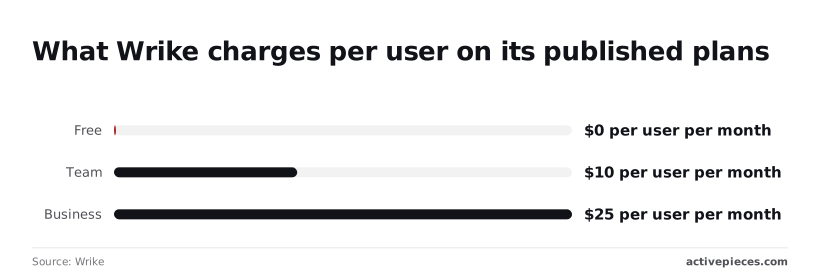
Per Wrike, plans are $0 for Free, $10 per user per month for Team and $25 for Business, so entry's free but Team plan costs scale with team size. Sales reps never need a Wrike seat if the workflow writes tasks on their behalf.
What you learn in Salesforce also carries over. According to CRMSwitch's reading of IDC data, Salesforce holds 20% of the CRM market, so the majority of CRM systems run on competing platforms.
14.6% is what Oracle (4.1%), Microsoft (4%), Adobe (3.4%) and SAP (3.1%) hold together, per CRMSwitch (IDC Worldwide Semiannual Software Tracker) data. Salesforce alone is larger than those four combined, so a Salesforce recipe is one a future colleague is likely to recognise.

To get there fastest, take four moves:
- Choose the won-opportunity trigger and write down the three fields Wrike needs: name, owner, due date.
- Connect both accounts and map those three fields to a new Wrike task.
- Mark one real, low-stakes opportunity as won and watch the task appear.
- Fix whatever the test exposed, then add the next workflow.
The test in move three tells you where your data is untidy before a dozen workflows depend on it.
Everything below works on Activepieces' free plan. Start without code or a credit card.
Five Salesforce and Wrike workflows worth building
Build these five first: won deals creating Wrike work, record changes updating it, leads and queued cases becoming tasks, and status flowing back. Each one starts from a clean Salesforce event you can test with a single real record.
Pick the row whose trigger fires on data you already trust.
| Workflow | Salesforce trigger | Wrike action | What it does |
|---|---|---|---|
| Won deal | "New or Updated Record" | "Create Project" | Opens a delivery project when an opportunity reaches Closed Won |
| Record change | "New or Updated Record" | "Update Task" | Keeps task details in step with the Salesforce record |
| New lead | "New Lead" | "Create Task" | Gives sales ops a follow-up task per lead |
| Queued case | "New Case in Queue" | "Create Task" | Hands a case to the team that works it in Wrike |
Start with the first row. The write-back, covered below, is the exception, since it begins in Wrike.
Won opportunity creates a Wrike project or task
Use "New or Updated Record" on Opportunity, then add a filter step so only records that just reached Closed Won continue. Without it, every edit to a won deal spawns another project.

Finish with "Create Project" for multi-step delivery, or "Create Task" if a single hand-off is enough. If you need a client folder first, "Create Folder" is available too.
Update Wrike tasks when Salesforce records change
The same "New or Updated Record" trigger can drive "Update Task". Run "Find Task" first to locate the task from a stored ID or title, then update it.
If the lookup finds nothing, the workflow should stop rather than create a duplicate. Each update flows one way per workflow.
Send task status back to Salesforce
Wrike has no trigger for a status change. The ones available are "New Task", "New Folder" and "New Subtask Created", and none of them watches for it.
For completion to reach Salesforce, set up a Wrike webhook that calls the workflow, then write to the Salesforce record with an HTTP request. Treat this as the fussiest of the four, and build it last.
Create Wrike tasks from Salesforce leads and cases
Pair "New Lead" and "New Case in Queue" with "Create Task". The queue trigger suits support teams, because it fires only for cases assigned to a given queue.
Put the case number in the task title so a human can trace it back in seconds.
Missing Salesforce or Wrike triggers and actions
If a trigger or action you need isn't in the list, call the Salesforce or Wrike API directly with an HTTP request step, or receive events through a webhook. Check the list first, then fall back.
Build the opportunity-to-Wrike-task workflow step by step
Build it in four stages. Stop at the end of each one with something that works: a live connection, a trigger that returns a real record, an action that creates a task, then a published flow.
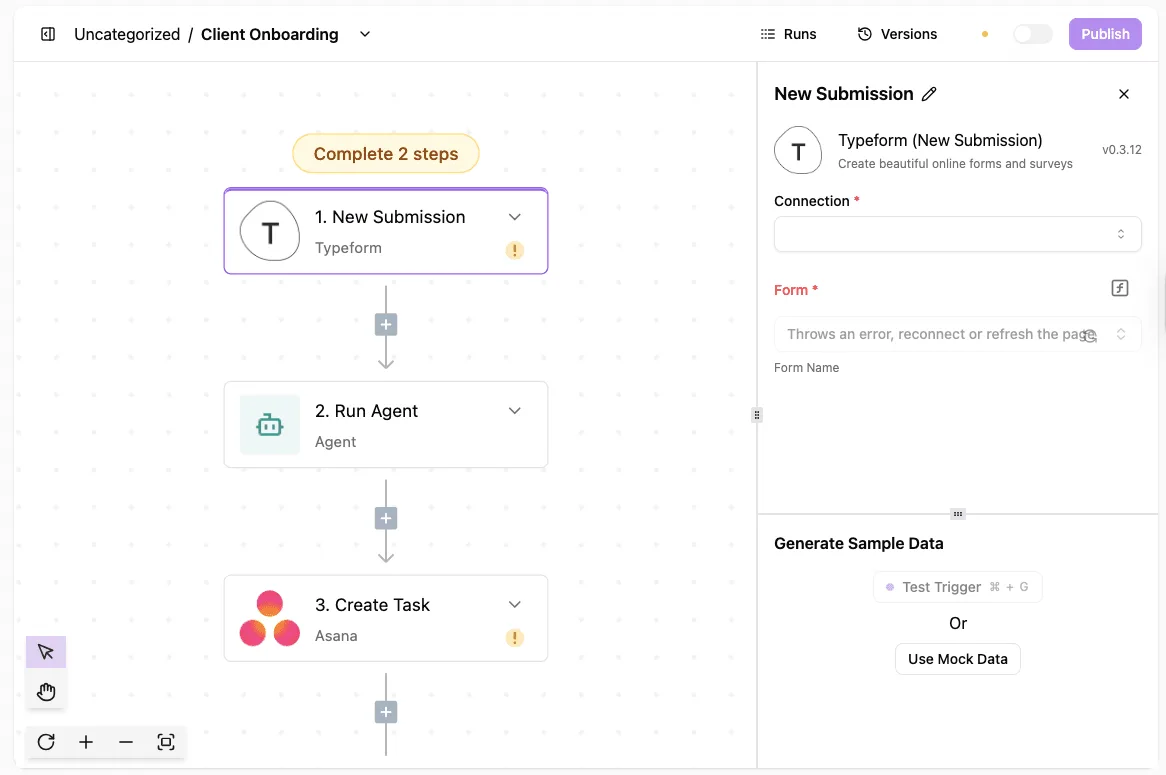
If a stage doesn't leave you with that, don't move on, because the next stage will hide the break.
Stage 1: connect Salesforce and Wrike
Authorize both accounts before you touch any workflow logic.
Salesforce needs a login with permission to read opportunities. Wrike needs a login that can create tasks in the folder you plan to use.
Use a dedicated integration user for both if your admin will allow it. Tasks created under a named employee's login show that person as the creator, and when they leave, the connection breaks with them.
You're done with this stage when each connection shows as active and you can pick it from a dropdown.
Stage 2: add the Salesforce trigger and load sample data
Set the trigger to fire when an opportunity is updated, then filter inside the workflow for the stage you care about, such as Closed Won.
A "created" trigger fires too early, when the record is mostly empty. An "updated" trigger fires on every edit, so the filter is what keeps one deal from spawning a dozen tasks.
Then load sample data. This pulls a real opportunity from your org so that every field name you map in the next stage comes from something that exists.
Pick a record that has an amount, an owner, a close date and an account name. A thin sample record gives you a thin field list, and you'll find the gaps only after you publish.
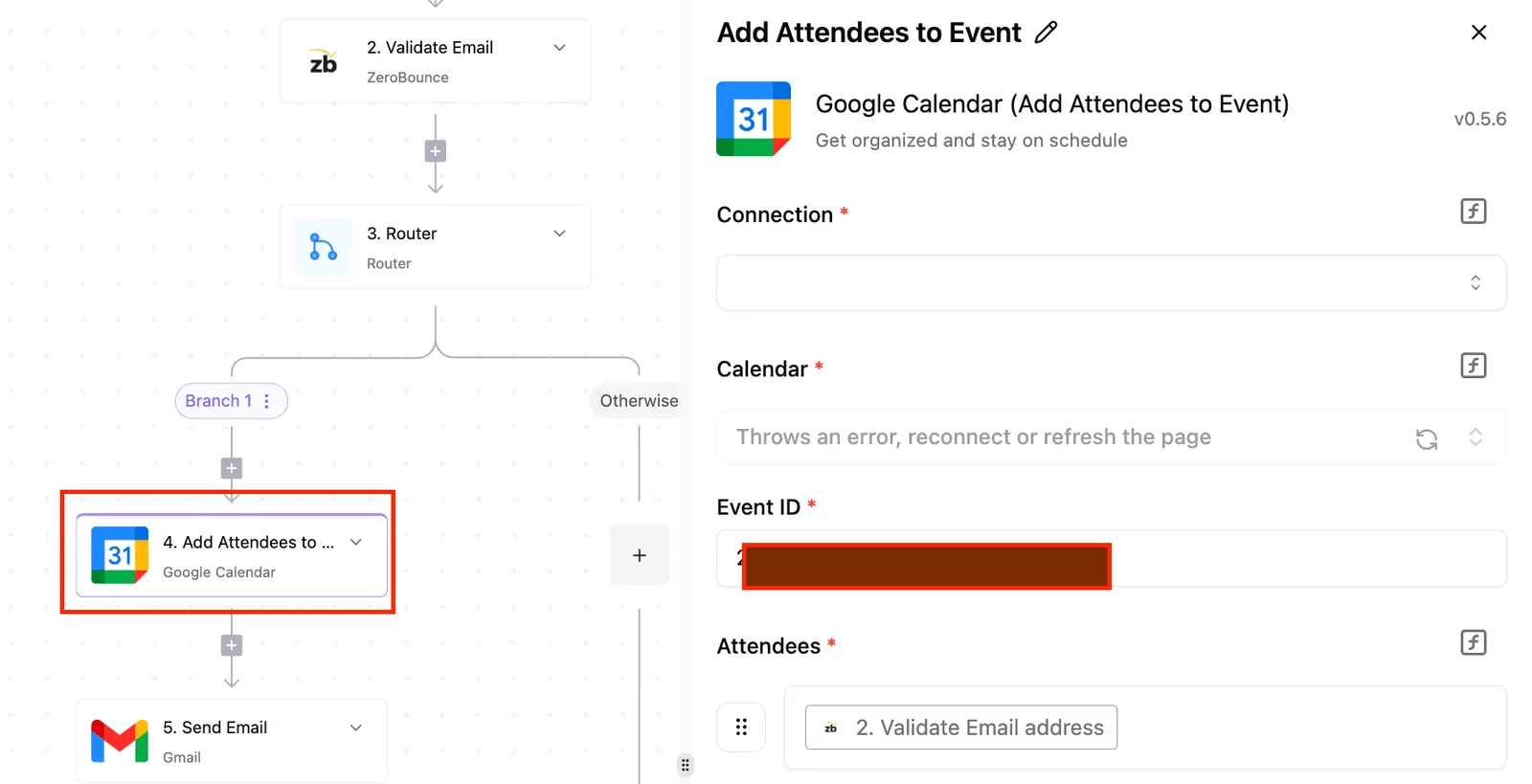
Look at the screenshot below to see what this step looks like in a builder:
- a selected trigger
- required connection and form fields in the right panel
- a sample-data section with buttons to test the trigger or use mock data
The sample-data section is where you confirm the trigger works. Use your own record and not the mock one when you can.
Stage 3: add the Wrike action and map the fields
Add a Wrike action that creates a task, choose the destination folder, and map the Salesforce fields into it. A workable starting map:
- Opportunity name becomes the task title.
- Account name and deal amount go into the description, so the delivery team sees the context without opening Salesforce.
- Close date becomes the due date or start date, whichever your team plans from.
- The Salesforce record link goes at the bottom of the description.

The last link matters most. Salesforce stays the source of truth, so anyone who needs to change a deal term should land back in Salesforce and not edit a copy in Wrike.
Map only what the delivery team needs to start work. Every extra field is one more thing that can go out of date.
Stage 4: test with a real record and publish
Run the whole flow once against a real opportunity, then open Wrike and check the task itself, not just the green status in the builder. Look for the title, the folder, the due date and the link back.

A flow can report success while writing a blank due date, and nobody notices until a project starts late.
Activepieces answers that without a specialist: describe the hand-off to the built-in chat, say a won opportunity should become a Wrike task, and it publishes the same flow a builder would have wired by hand.
A flow can report success while writing a blank due date, and nobody notices until a project starts late.
That flow sits under the platform's usual RBAC and audit logs, and every run leaves a trace showing what it wrote, due date included, which anyone on the team can open and read without any certification.
Fix what you find, then publish. Leave the flow narrow at first:
- one stage
- one folder
- one task
That gives you a baseline, so when you add a second workflow you know which one is misbehaving.
Easier to see it running than to read about it: set it up free, no card.
Fix Salesforce Wrike workflow failures
When a Salesforce Wrike workflow breaks, it is usually one of six failures: an expired connection, a rate limit, missing API access in your edition, Wrike permissions, mismatched fields, and duplicate tasks.
Each has a fix. These were checked against the vendors' own documentation on 2026-11-21.
Salesforce Wrike connection and permission errors
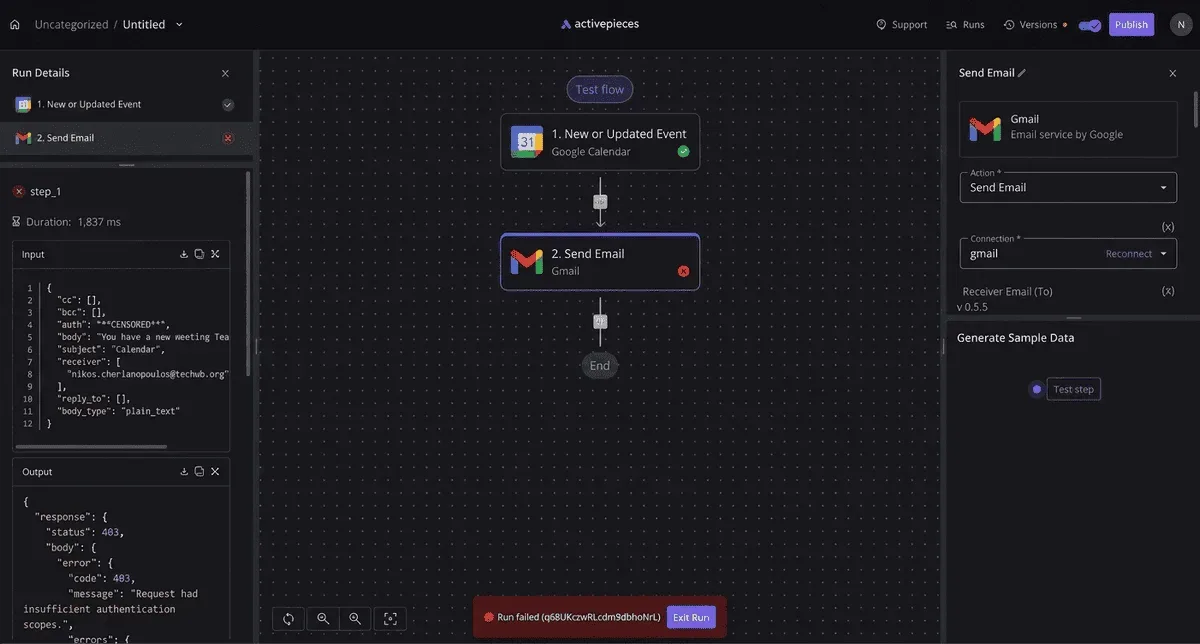
When a run fails with INVALID_SESSION_ID or a 401, the workflow is still running but its login has stopped working. That usually happens after a password change, a revoked token, or a deactivated user.
Reconnect the account in your automation tool, using a dedicated integration user rather than a person, so one employee leaving doesn't silently stop your handoffs.
On the Wrike side, it fails differently. The connection is valid, but the task isn't created, because the connected user can't see the target folder or project.
Open that folder as the integration user. If you can't add a task by hand, the workflow can't either. Grant that user access, then re-run the failed record.
API limits and edition requirements
When Salesforce returns REQUEST_LIMIT_EXCEEDED, or Wrike a 429, you asked too often. Each platform caps how many API calls an account can make in a period, and a workflow that checks for changes on a timer spends that allowance even when nothing changed.
Switch to an event trigger so a call happens only when a record changes. Add a delay and retry for bursts, such as a bulk import creating hundreds of tasks at once, since bulk imports can trigger rate limiting.
Quieter still is edition access. Salesforce API access depends on which edition you bought, and some editions need an add-on. If a connection authenticates but returns nothing useful, your edition may not include API access.
Ask your Salesforce administrator to confirm API access against the current documentation before you blame the workflow. Check your Wrike plan the same way if an action you need is missing.
Field mapping and duplicate records
When the value Salesforce sends isn't one Wrike accepts, that's a field mismatch. Typical causes are a dropdown value that doesn't exist on the other side, a date in the wrong format, or an empty required field.
Test with a real record that has awkward data, such as a blank field or an unusual status. Then map to values that exist in both systems.
If you see duplicate tasks, the cause is a trigger that fires on every edit, or a retry that re-creates a task the first attempt already made.
Save the Wrike task ID back on the Salesforce record. Before creating anything, check whether that field is already filled. Narrow the trigger to the one change that matters, such as a stage moving to Closed Won.
When something still goes wrong, open the run history. It shows which step failed and what data it received.
Activepieces compared with other ways to connect Salesforce and Wrike
If you'd rather not use Activepieces, Zapier, Make and custom code all connect Salesforce to Wrike too. Activepieces runs from an MIT-licensed core that you can host on your own server, and a run costs 1 credit however many steps it has.
Other ways to connect the two apps
You can skip code with the hosted services too. Zapier and Make both come with ready-made Salesforce and Wrike connections, so you can have a working flow without writing code.
Custom code gives you total control, but you now own authentication refreshes, retries and the 2am pager.
Compare the four options side by side in the table below. The price row shows what the entry paid tier costs, and the usage column is where the plans really differ: the monthly price tells you less than how each tool counts your work.
| Option | Monthly price | Included usage | Open source | Self-hostable |
|---|---|---|---|---|
| Activepieces Plus | $20 | Steps are not metered | Yes | Yes |
| Zapier Professional | $19.99 | Metered by tasks | No | No |
| Make Core | $9 | Metered by operations | No | No |
| Custom code | No licence fee; you pay in developer time and hosting | Whatever your server handles | Yours to choose | Yes |
If your budget is one person's discretionary spend, Make Core is the The only text that came through was "cheapest line." with no sentence containing the competitor compliment, numbers, or product names. Could you paste the full sentence so I can rewrite it?
But a metered plan means a busy week of opportunity updates can push you into a higher tier you didn't plan for.
Custom code has no meter, but every hour spent maintaining it comes out of someone who already has a day job.
When self-hosting and billing matter most
Activepieces lets you host its MIT-licensed core on your own server, and it bills a run at 1 credit however many steps it has, so two conditions decide whether it suits you.
First, you want the option to run the tool on your own server, because customer data in Salesforce is something your company would rather not route through a third party.
Second, your flow has several steps, such as looking up an account, checking a field, then creating a Wrike task, and you don't want each step to count against a quota.
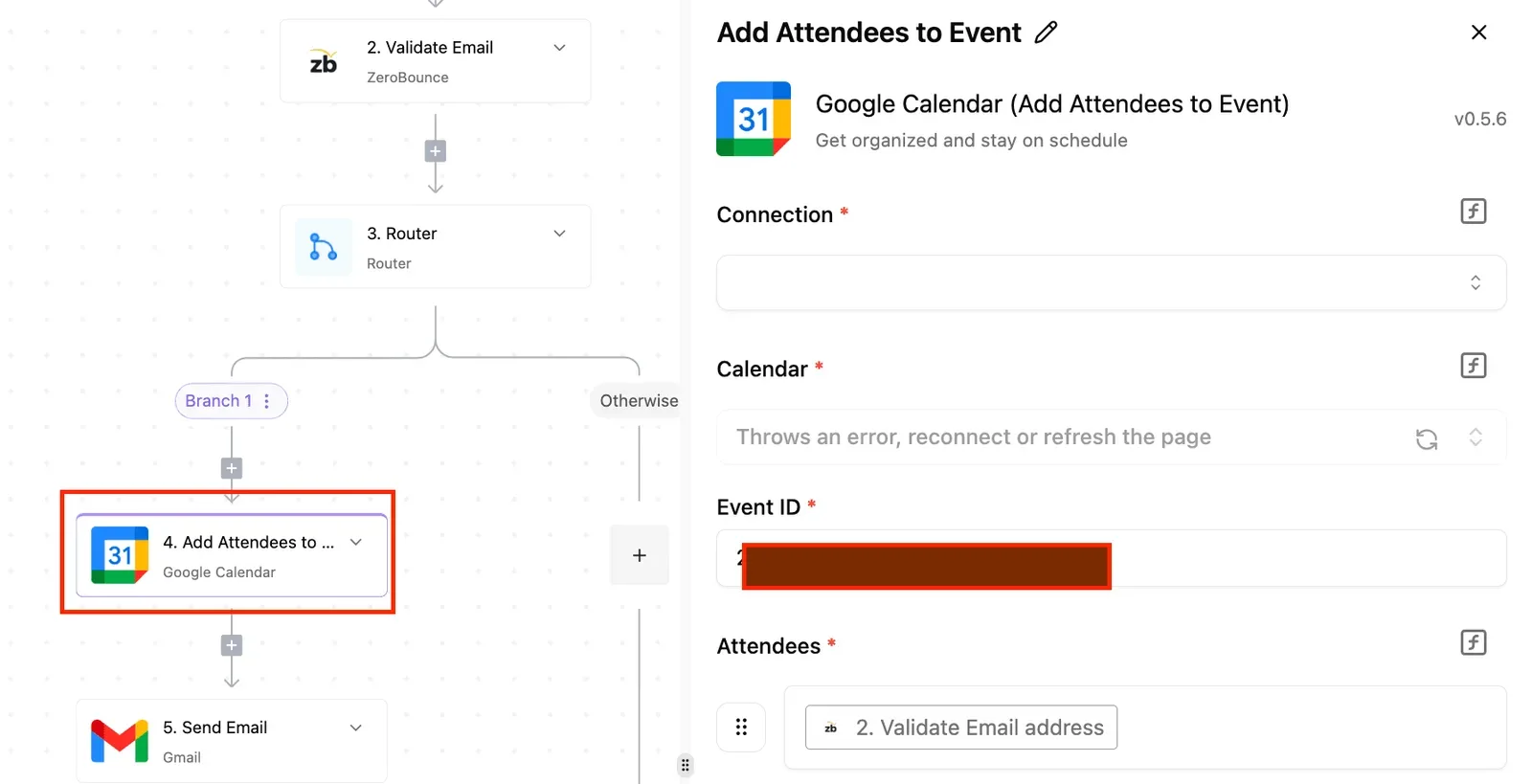
How Salesforce events trigger Wrike tasks
It does the same job the article has described all along. A Salesforce event starts a flow, and a Wrike action creates or updates the task. Each run is logged with the step that failed and the data it received.
Because the code is open, you can read how a connection behaves when something breaks, instead of guessing from a vendor's error message.
When to stay with hosted Salesforce Wrike tools
If you have no one to host and patch a server, or your team already lives happily inside Zapier, the hosted tools are the honest answer. Switching only to save a few dollars costs you more than it saves.
Try it with one workflow
Build one flow with a single Salesforce trigger and a single Wrike action. Run it against one real record, check the task in Wrike against what Salesforce holds, and read the run log before adding a second step.
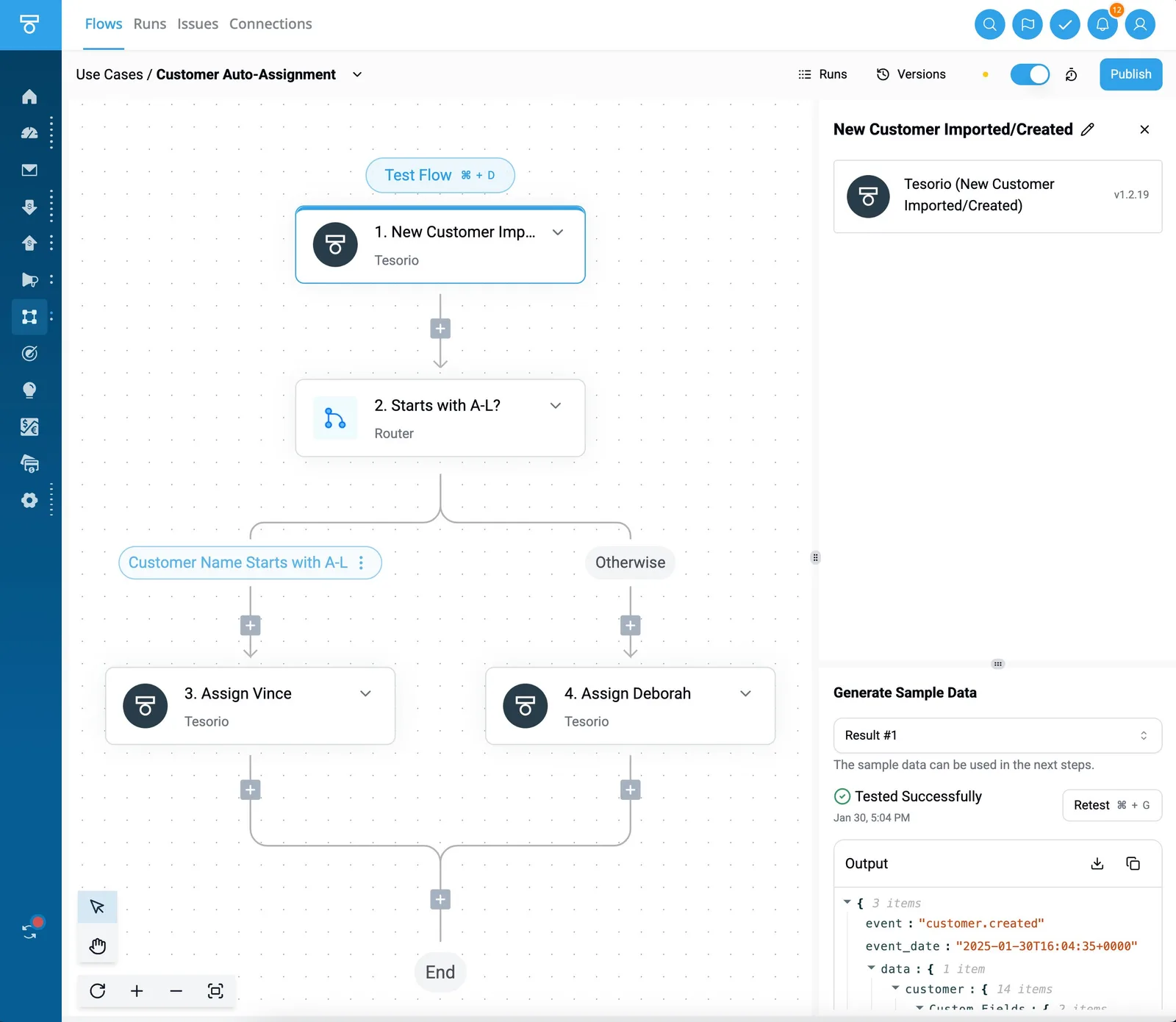
Once that one flow behaves, the limits you've learned are the ones that apply to every flow after it.
Frequently asked questions
Before building this, most people ask something with a short answer, and the four below cover the ones that decide whether you start at all. Read them as a checklist: if all four answers suit your team, build the first workflow this week.
Does Wrike have a native Salesforce integration?
Yes, Wrike has a Salesforce connector, but a native connector gives you the cases its vendor chose, not the ones your team hit last Tuesday.
If your need is "when an Opportunity hits Closed Won, create the onboarding project," check whether the connector's options and your plan tier cover that exact event. If they do, use it. If they don't, you're building the small event-driven workflow anyway.
Can I connect Salesforce and Wrike without code?
Yes. Salesforce is the customer database your sales team lives in, and Wrike is where your delivery team tracks tasks. A visual automation tool can sit between them: pick a Salesforce record change as the trigger, then map its fields onto a Wrike task.
What you need is the 2am spreadsheet skill, which is knowing which column feeds which. Test with one real record first, because a field that looks mapped can still arrive blank.
Can the integration sync in both directions?
Yes, but build it as two separate workflows, not one "sync."
One flow fires on a Wrike "New Task" and writes back to Salesforce with "Update Record," for example stamping the task link on the Opportunity. The other fires on the Salesforce change and creates or updates the Wrike task.
Left alone, each flow's write triggers the other and they loop. Decide which fields Salesforce owns, which Wrike owns, and never let both write the same field.
Can I self-host this workflow?
You can self-host the automation layer, not the two apps.
Salesforce and Wrike run on their vendors' infrastructure either way, so self-hosting only changes where your workflow engine runs and where credentials and run logs sit. That matters if your data rules or connectivity make a hosted middle layer awkward.
You now own uptime, updates, and backups for that server, so weigh it against a small team's available hours.