The Cost of Unmanaged FTP File Drop Automation: A Postmortem

Sep 23, 202614 min read
Unmanaged FTP file drop automation refers to the practice of deploying automated file transfers without a centralized governance framework for error handling, auditability, and architectural oversight.
The midnight crash that halted vendor shipments
When custom scripts prioritize execution speed over exception handling, standard FTP automation fails. This turns a single malformed file into a total system lockout.
Without a logic layer like Activepieces to provide granular error boundaries, a script will often treat a formatting error as a transient network glitch. This triggers a recursive retry loop that the server interprets as a brute-force attack.
The 2:14 AM automated loop
The instability began when a vendor uploaded a shipment manifest containing a stray delimiter in the header, which the automation script couldn't parse. The script retried every few seconds until it reached a "success" state.
It entered a tight loop that exhausted the server's connection pool. The following timeline illustrates how a single data error escalated into a site-wide blockage:
- 2:14 AM: The malformed CSV enters the FTP directory.
- 2:15 AM: The script fails to parse the file and initiates the first retry.
- 2:17 AM: The script hits the tenth failed attempt, triggering the server’s automated security lockout.
- 2:18 AM: The server blacklists the IP address, blocking all subsequent vendor shipment files from entering the queue.

This sequence demonstrates that without a circuit breaker, an automated process will effectively DOS its own infrastructure.
The silent failure of the custom script
Because it lacked a dedicated notification hook for non-system errors, the script failed silently. This left the DevOps team unaware that the integration had crashed.
Traditional logging often captures server up-time but misses the logic-level death spirals that occur when a script is technically "running" but stuck in an infinite retry state. The lack of visibility meant the error persisted for hours without intervention.
Traditional logging often captures server up-time but misses the logic-level death spirals that occur when a script is technically "running" but stuck in an infinite retry state.
The morning backlog of unfulfilled orders
By the time the warehouse team logged in, the lack of incoming manifests meant that the system couldn't generate the day’s shipping labels, delaying every order in the queue.
This delay forced the logistics manager to authorize expedited shipping rates to meet delivery guarantees, turning a simple file error into a direct hit on the quarter’s bottom line.
You paid $45,000 in shipping fees to recover from the delay, effectively wiping out the profit margin on the entire shipment, which means the project has become a net financial loss.
If you are running this arithmetic for your own team, see what the same workload costs on Activepieces.
The operational toll of the server lockout
The compounding failures of an unmanaged FTP lockout manifest as a direct drain on labor capital and logistics budgets. This transforms a technical glitch into a measurable erosion of your operating margin.

When automated file transfers stall without a granular error-handling architecture, the resulting backlog forces a shift from high-leverage strategic work to expensive, reactive recovery efforts.
Lost hours in manual order recovery
Recovery efforts prioritize data integrity over speed. You must cross-reference fragmented flat files against the ERP system (a resource for enterprise resource planning) to ensure no duplicate records enter the production queue.
This manual reconciliation process consumes hundreds of collective labor hours. The department’s primary output for the week shifts from revenue generation to basic administrative correction.
The following data quantifies how a single point of failure in file automation translates into specific operational and financial burdens across the supply chain.
These figures represent only the immediate, tangible outlays required to stabilize the system before you assess long-term reputational damage.
Financial penalties from breached shipping SLAs
Contractual obligations with retail partners often include strict Service Level Agreements (SLAs) that trigger automatic financial penalties when you miss shipping windows. The FTP failure remained silent until the backlog was insurmountable.
You absorbed the highest tier of expedited freight costs to avoid even steeper non-compliance fines from big-box distributors.
Delayed fulfillment cycles correlate directly with a spike in support tickets and a measurable dip in the Net Promoter Score (NPS), a metric used to gauge customer loyalty.
A single missed delivery window increases the probability of churn among first-time buyers. The technical failure effectively raises the long-term cost of customer acquisition by damaging brand trust.
The technical vulnerabilities that multiplied the error
Technical failures in file automation stem from three specific architectural oversights that transform a minor network hiccup into a systemic outage. These vulnerabilities create a fragile ecosystem where one malformed file can exhaust the resources of your entire enterprise.
Uncapped retries that exhausted server connections
During a standard server maintenance window, an automation script programmed to retry a failed upload indefinitely without a ceiling creates a self-inflicted Denial of Service (DoS) attack. The script occupies a connection slot every time it attempts to reconnect.
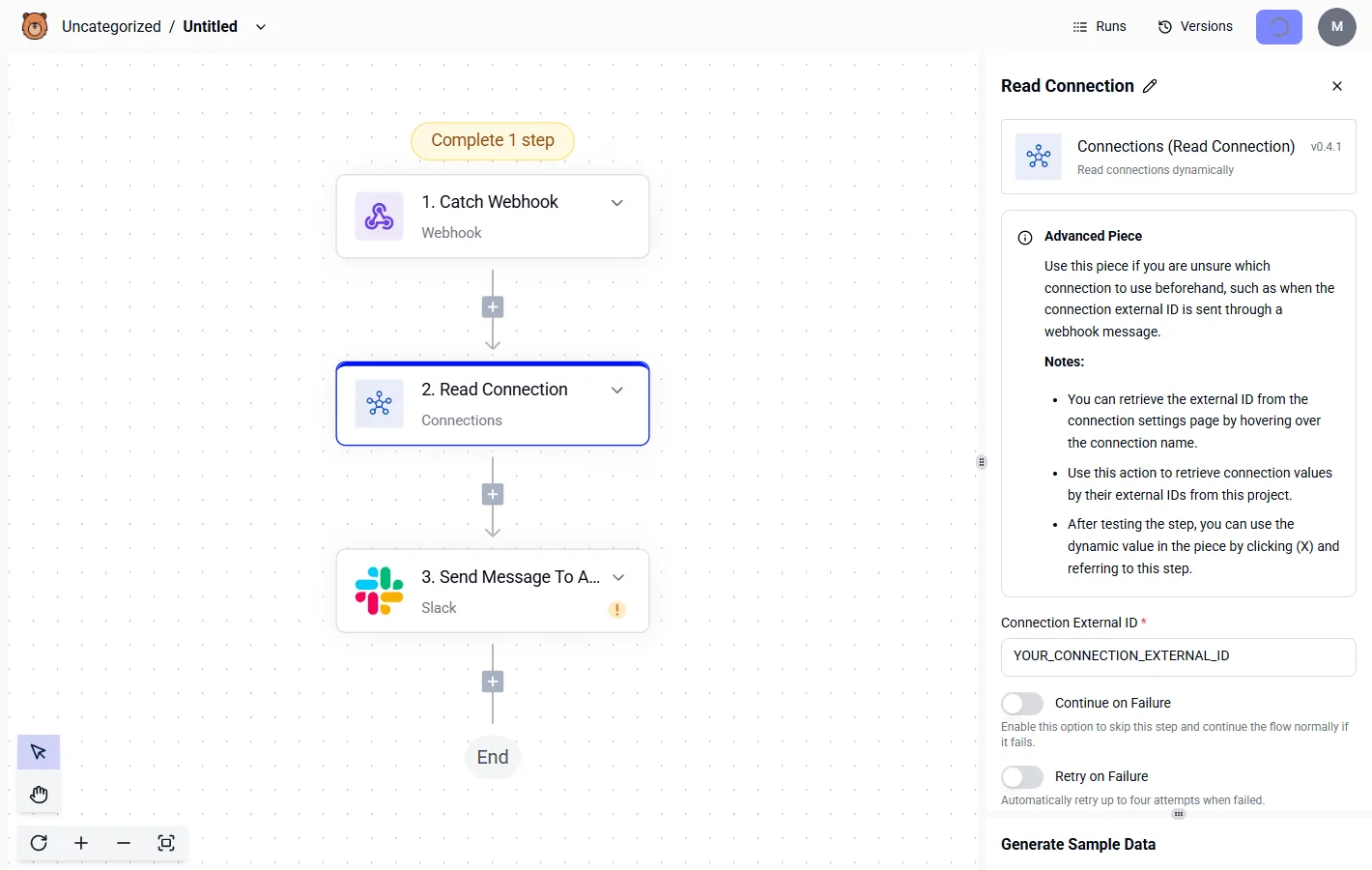
The server eventually reaches its maximum concurrent user limit and rejects legitimate traffic from other departments. This lack of a circuit breaker turns a temporary five-minute reboot into a multi-hour lockout.
Furthermore, the server must be manually cleared of ghost connections before it can accept new data.
Missing schema validation for incoming CSVs
Accepting a file simply because it arrives at the correct endpoint ignores the internal integrity of the data, leading to downstream database corruption.
Without a validation step to check that the columns in a CSV match the expected schema, the system will ingest a file where a "Price" column contains text strings or a "Date" field is blank.
Uncapped retry logic triggers infinite loops during outages. Lack of payload validation allows the system to accept malformed CSVs. Shared global credentials create a single point of failure for all departmental workflows.
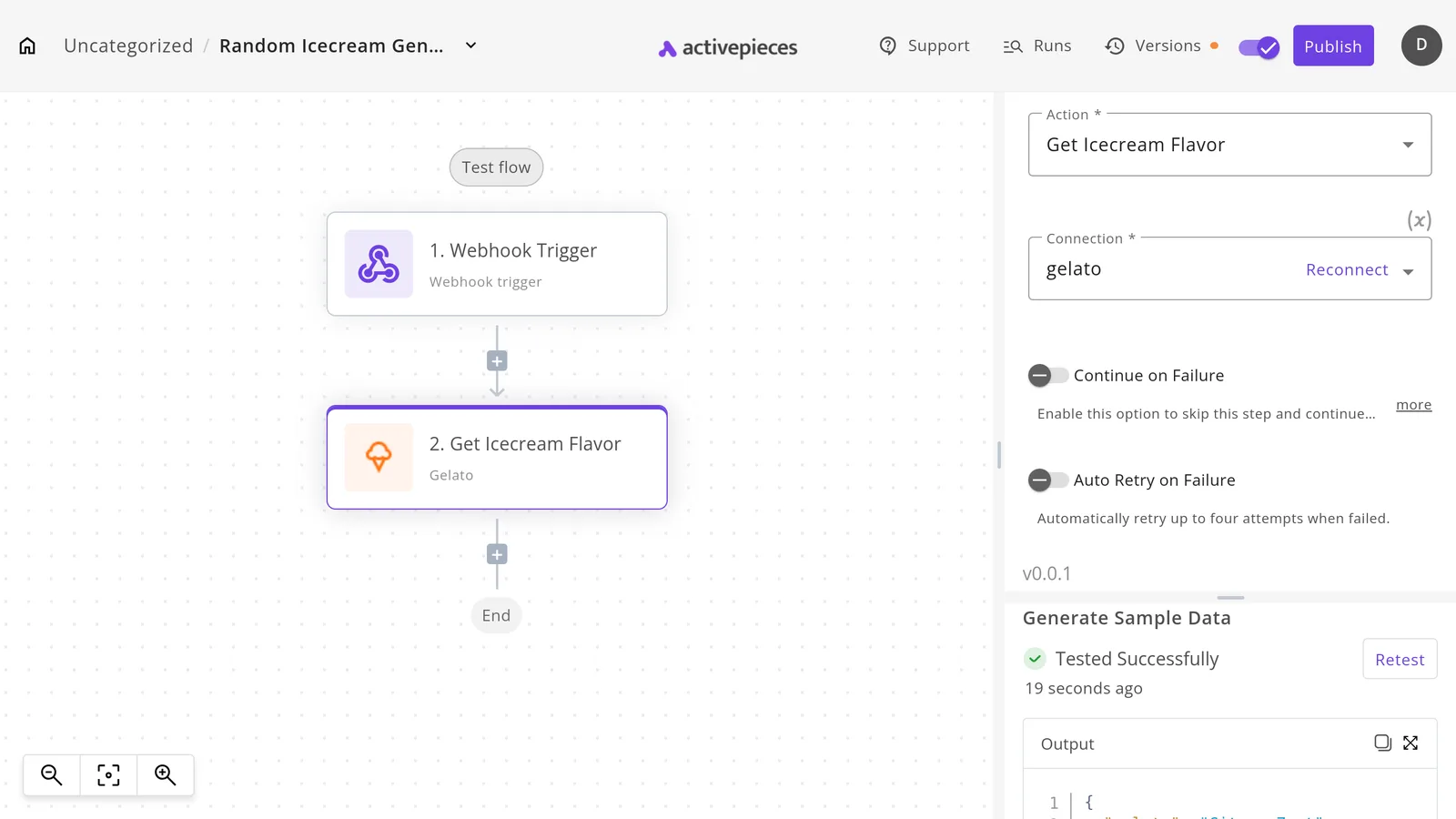
These factors ensure that an error in one file doesn't just fail locally, but instead propagates through the entire stack.
The risk of shared global FTP credentials
Using a single set of administrative credentials for every automated task means that a security breach in one department brings down every file flow in your company.
If your marketing team’s automated report tool is compromised, the attacker gains the same read/write access to the sensitive payroll folder because the architecture lacks granular, user-specific permissions.
This lack of isolation forces an all-or-nothing approach to security. To stop a single suspicious process, you must revoke the global key, which instantly kills every active revenue-generating integration.
How Activepieces isolates file drop failures
A closed automation platform forces security teams to evaluate its file-handling maturity on faith, which often stalls deployment reviews before go-live. Activepieces addresses this by shipping an MIT-licensed core, allowing engineers to clone the repository and directly trace the queue and worker architecture.
By load-testing the system locally, teams can verify how it isolates malformed file drops before running it self-hosted or fully air-gapped. This empirical evidence satisfies compliance requirements far faster than a vendor's assurances, ensuring the file-processing pipeline moves to production without administrative delays.
Validating file schemas before execution
The platform stops malformed data from reaching downstream systems by using a dedicated validation step to inspect file metadata against predefined schemas.
If a CSV lacks a required column or an image exceeds a specific size, the flow terminates at the gateway rather than passing the error to a business-critical application.
This pre-processing layer ensures that your target database or CRM never attempts to ingest invalid payloads, which reduces the time spent on manual data cleanup.
Setting intelligent retry caps automatically
Activepieces manages intermittent network instability by applying configurable retry logic to every file transfer step. Instead of an integration failing permanently due to a millisecond of packet loss, the system attempts the transfer according to a defined backoff schedule.
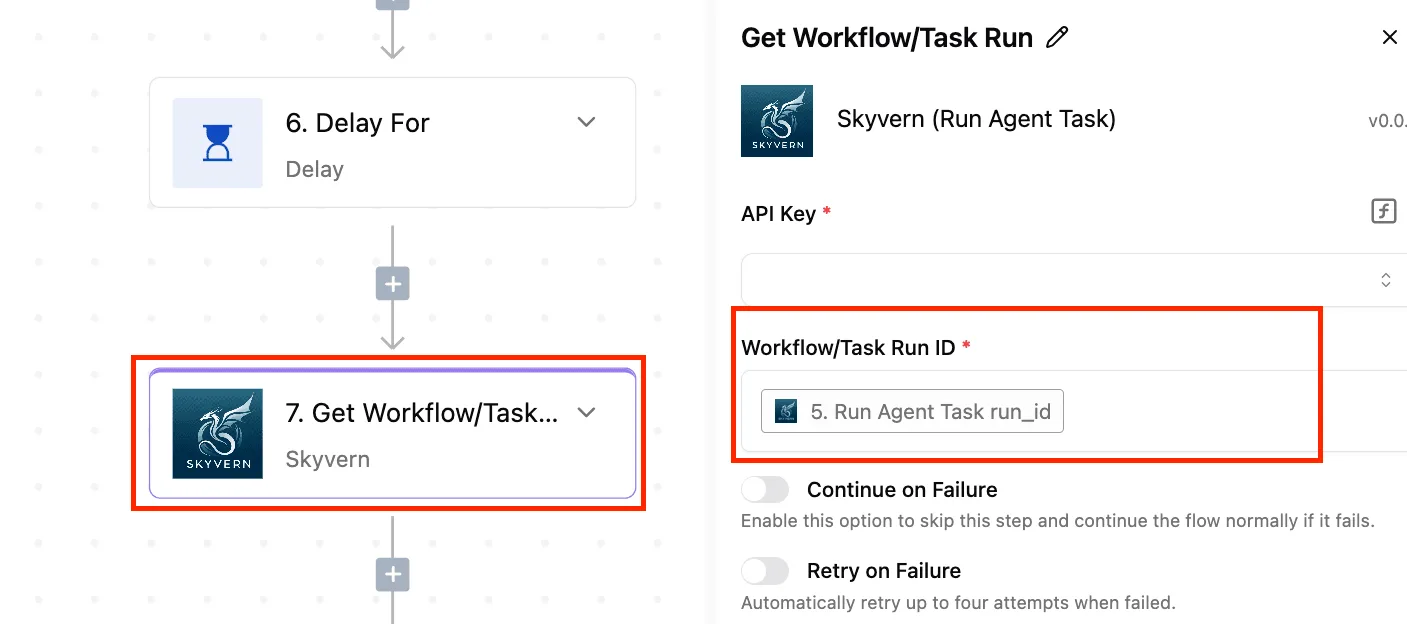
This automation removes the need for you to manually restart stalled flows. It allows your IT team to focus on systemic issues rather than babysitting individual file drops.
Decentralizing access with folder-level permissions
The platform organizes automations into distinct Projects and Folders to enforce the principle of least privilege across your organization.
By restricting a specific department’s access to only the flows they own, an accidental configuration change by a marketing coordinator can't overwrite the SFTP credentials used by the finance team.
This isolation ensures that a security breach or human error in one business unit remains contained. It prevents a lateral move that could compromise your entire file transfer architecture.
Worth checking against a plan that does not meter every step: one credit covers a whole run on Activepieces.
Managing scale across SFTP providers
Hard resource constraints dictated by cloud vendors define the upper limits of an automated file transfer architecture, forcing you to design for failure at the point of ingestion.
While network isolation prevents lateral breaches, it doesn't stop a 200 GB database export from crashing a workflow governed by a 150 GB provider cap.
Maximum SFTP file size limits (GB)
Storage quotas vary by several orders of magnitude across major platforms, meaning a script that works in a staging environment may fail in production if the destination provider changes. The following table illustrates the disparity in maximum allowable file sizes for three common SFTP endpoints:
These limits represent the hard ceiling for a single transfer operation; exceeding them results in an immediate connection reset.
Adapting workflows to provider-specific caps
Automation logic must be tailored to the specific platform's threshold to prevent "silent" drops where the source system reports success but the destination rejects the payload.
Azure Blob SFTP supports up to 500 GB, allowing for massive data lake ingestions without pre-processing, so you can move entire datasets directly to the cloud. Conversely, AWS Transfer Family limits files to 150 GB.

If you're moving a 200 GB backup, you must implement client-side compression or multi-part uploads to avoid a timeout. The most restrictive is Google Merchant Center at 4 GB, forcing you to split large files before they can be uploaded.
Retail inventory feeds must be split into smaller batches or the automation will trigger a protocol error that halts the entire sync.
Implementing large file transfer techniques
Executing these solutions requires specific technical configurations within your automation scripts or transfer tools. Client-side compression is typically achieved by piping the file through a GZIP or ZIP utility before the transfer begins, which reduces the raw byte count sent over the wire.
Multi-part uploads are implemented by using an SDK or CLI tool that supports concurrent stream segments, such as the AWS CLI s3 cp command which automatically manages parts for large objects.
For chunked processing, a script must read the source file in fixed-size buffers, such as 100 MB blocks, and append each to the destination until the full payload is reconstructed, ensuring memory usage remains stable regardless of total file size.
Why large payloads require chunked processing logic
Architecting for these limits requires a shift from simple "file drops" to sophisticated chunked processing to ensure reliability across heterogeneous environments.
Because a single 500 GB transfer on Azure is more prone to network jitter than a 150 GB transfer on AWS, you must implement checkpointing.
A failure at the 90% mark doesn't require restarting the entire multi-hour upload, saving your team significant bandwidth and hours of idle waiting time, which means your workflow is resilient to intermittent network instability.
Without granular error handling that recognizes these specific provider caps, the automation becomes a black box that only functions under ideal, small-scale conditions.
The governance rules that protect the new workflow
Hardening an automated file transfer requires shifting from a "hopeful receipt" model to a defensive posture that assumes incoming data is malformed until proven otherwise.
By implementing a governance protocol that enforces specific constraints on every transaction, you prevent a single corrupted upload from cascading into a total system stall. The following protocol establishes the baseline requirements for every new vendor integration:
Hardening an automated file transfer requires shifting from a "hopeful receipt" model to a defensive posture that assumes incoming data is malformed until proven otherwise.
- Set file-size limits per vendor
- Apply schema validation to every incoming CSV
- Assign unique credentials to isolated environments
- Configure 15-minute intervals for automated retries
Enforcing automated schema checks
This sequence ensures that an oversized file is rejected at the edge rather than exhausting the memory of the processing engine. The retry logic prevents temporary network blips from requiring manual intervention.
Schema validation acts as a structural firewall by rejecting any file that deviates from the expected column headers or data types.
When a logistics partner adds an unexpected column to a shipping manifest, the automation engine identifies the mismatch immediately and halts the process. This prevents the downstream database from encountering a fatal type-error that would stop all subsequent imports.
Imposing strict connection timeout limits
Setting aggressive timeout thresholds prevents "zombie" sessions from hanging the file transfer service and blocking the execution queue.
If a vendor’s server fails to respond within the allotted window, the system terminates the connection and logs a specific failure code. This ensures that one unresponsive third-party server can't consume all available concurrent execution slots and paralyze your entire department's workflow.

Segregating vendor directories by department
Isolating file paths ensures that a breach or a misconfigured script in one business unit can't access or overwrite the sensitive data of another.
By mapping unique credentials to specific sub-directories on the SFTP server, which is a secure file transfer protocol, the architecture limits the "blast radius" of a credential leak. A compromised marketing automation key can't be used to scrape payroll files stored in the finance folder.
Frequently asked questions
Can FTP automation handle encrypted PGP files?
Modern automation workflows manage PGP (Pretty Good Privacy encryption) by decoupling the transport layer from the decryption task. This ensures unencrypted data never sits at rest on the gateway server.
If a workflow tool lacks a native decryption node, the file must be passed to a secondary secure environment for processing. This adds latency to the end-to-end transfer time.
Relying on the SFTP server itself to handle decryption often requires granting the server broad filesystem permissions. A security breach at the edge could expose the private keys used for all incoming partner data.
Architectures prevent re-processing by comparing file metadata against a persistent state database rather than relying on the file remaining in the source folder. To ensure a file is only handled once, you should follow these steps:
- Calculate a checksum, which is a unique digital fingerprint, of the file immediately upon arrival.
- Query the tracking database to see if that specific checksum has been logged within the retention period.
- Move the file to an "archive" or "processed" sub-directory once the downstream task returns a success code.
- Flag the transfer as a failure if the move operation fails, which prevents the next polling cycle from seeing the file as new data.
What is the maximum file size for automated drops?
The maximum file size is restricted by the available buffer memory of the automation engine and the timeout settings of the underlying network protocol.
When a workflow engine attempts to load a multi-gigabyte file into its active memory instead of streaming it to disk, the service may crash. This halts all other concurrent file transfers for your entire organization.
Larger transfers require a "chunking" configuration, where the file is broken into smaller segments. A brief network flicker only requires re-sending a small portion rather than restarting a massive upload from the beginning.
Related reading
References
Running the numbers
See what the same workload costs here.
Free forever plan, and every paid plan self-hosts at no extra cost.
See pricing Talk to sales