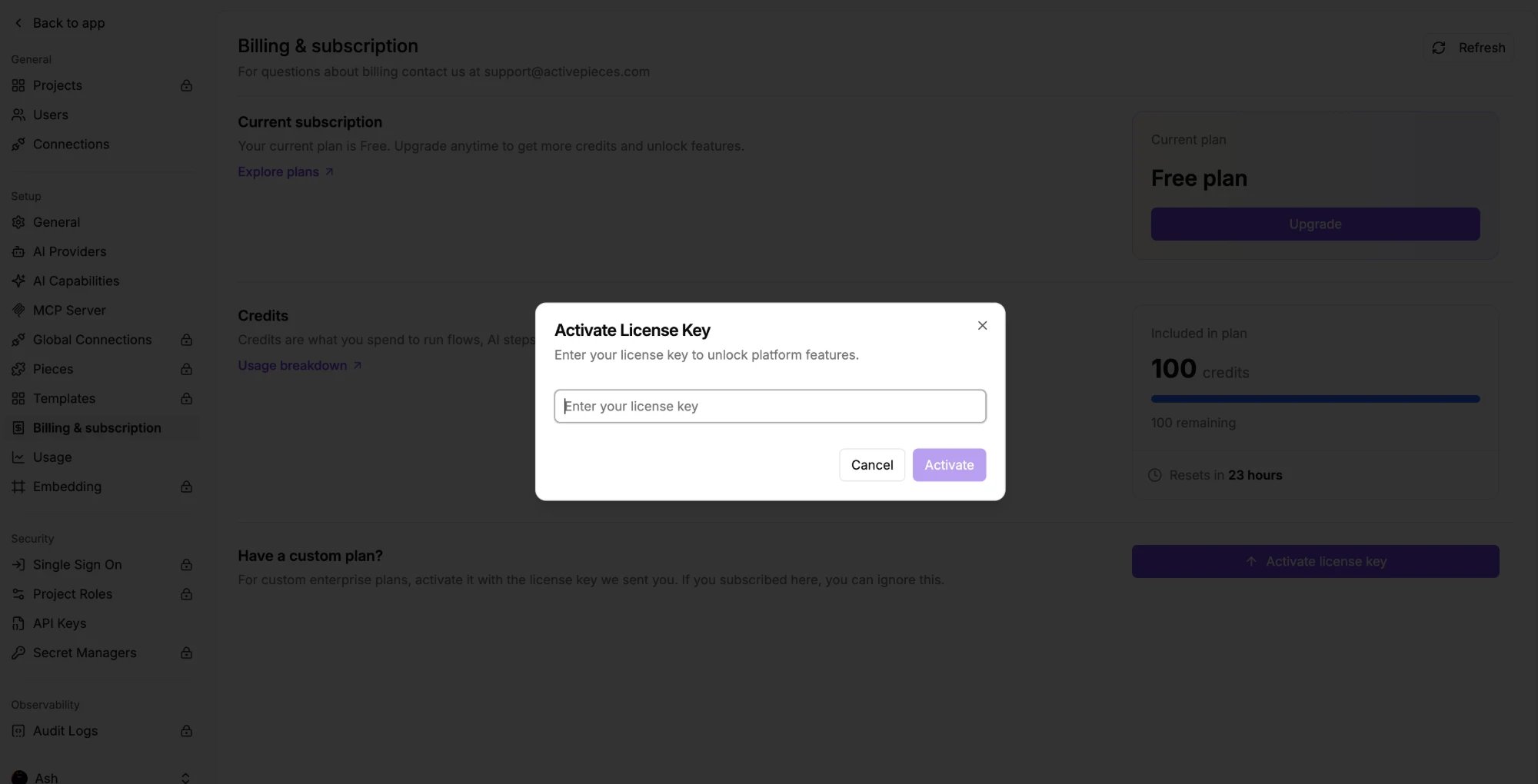
Upgrading to Plus or Team? You don’t need this page. Subscribe from inside the app and your plan applies automatically, with no key to enter.
Features on paid plans
Your key activates whichever of these your plan includes.Teams and access
- Projects and multi-tenancy
- SSO
- Standard and custom roles
- SCIM user provisioning
Governance
- Audit logs
- Secret managers
- Piece management
Operations
- Releases and Git Sync
- Worker groups
- Global connections
Branding and embedding
- Embeddable builder and JavaScript SDK
- Custom branding and domains
- Template management
How to activate a license key
Open Platform Admin → Account → Billing & subscription, scroll to Have a custom plan?, and click Activate license key. Paste your key and save. No restart needed, and your flows and data stay as they are.