Ahrefs Pricing 2026: Plans, Credits, and Add-On Costs

Nov 3, 202615 min read
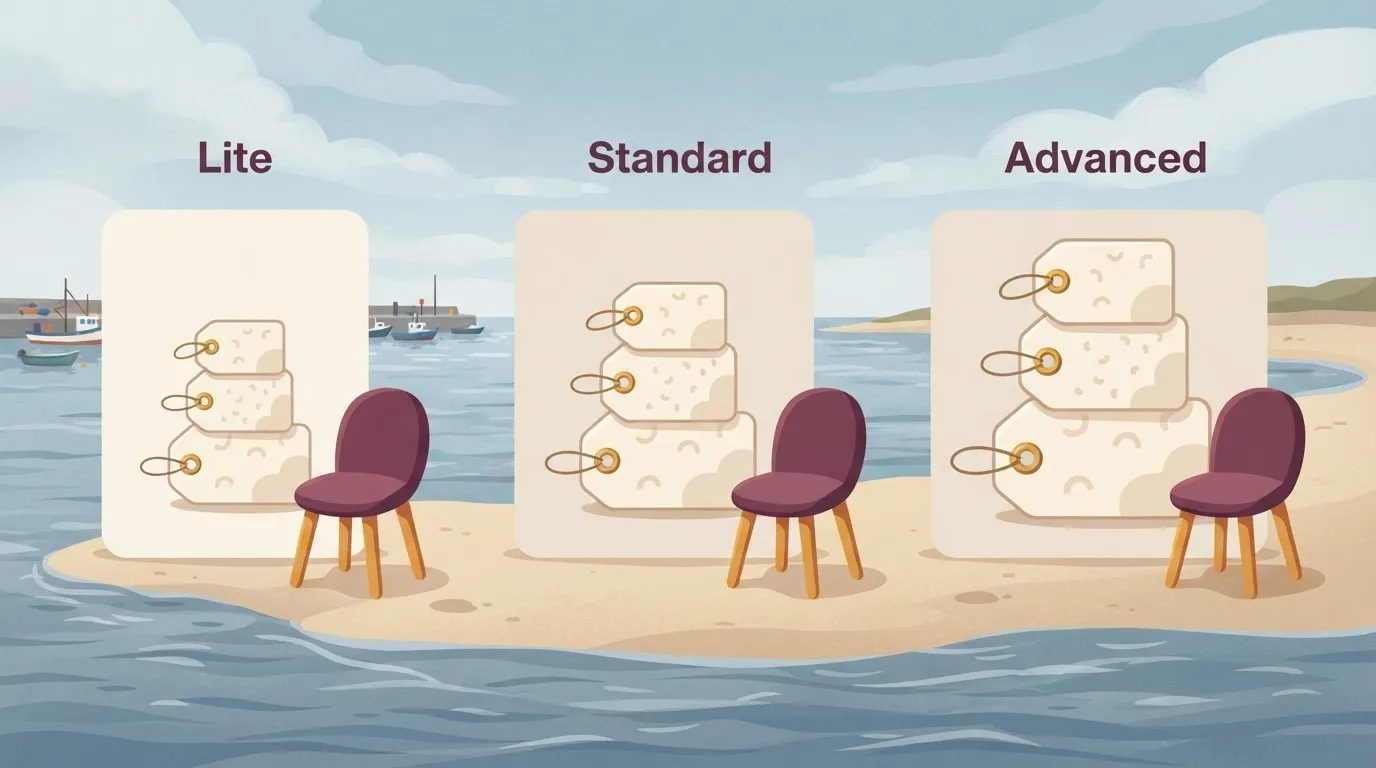
According to Saaspricecheck, Ahrefs costs $129, $249 or $449 a month for Lite, Standard or Advanced, so even the basic tier requires a $129 monthly commitment, a figure that matters most to small teams already stitching their workflows together with tools like Activepieces.
The Enterprise price isn't published.
The cap you hit first decides what you really pay. Ahrefs pricing is a tiered subscription, and each plan caps seats, projects, tracked keywords, credits, exports and API use.
Follow 1,000 search terms and you are pushed up a tier before you start, because Ahrefs' Lite tracks 750 keywords. Per Help, Standard allows 2,000, which costs $120 more a month than Lite.

Go up to Advanced and you get 5,000 for another $200 a month.
The table lists every plan on ahrefs.com/pricing as of 3 November 2026.
| Plan | Monthly price | Annual per-month price | Seats | Projects | Tracked keywords | Credits | Export limits | API access |
|---|---|---|---|---|---|---|---|---|
| Lite | $129 | not published | not published | not published | 750 | not published | not published | not published |
| Standard | $249 | not published | not published | not published | 2,000 | not published | not published | not published |
| Advanced | $449 | not published | not published | not published | 5,000 | not published | not published | not published |
| Enterprise | not published | not published | not published | not published | not published | not published | not published | not published |
Tracked keywords are one of several limits I can put a number on across plans. Confirm the rest on the pricing page before you commit.
How monthly and annual billing differ
You won't find the annual per-month price here, so I won't guess at a discount. Ask what the yearly rate is for the plan you need, and check whether a year's commitment is worth it for a tool you're still testing.
If you plan to pull data out automatically, whether through the API or through Activepieces, which runs unlimited flows on every plan including the free one, check the API and export limits first.
A plan that lacks them will cost you more in workarounds than in fees.
What Ahrefs costs at realistic usage
Take the plan's base price, add the per-seat price for every seat beyond those the plan includes ($40 on Lite)., then add any add-ons. That is your real monthly bill. The three common profiles land on three different plans.
Only the solo owner pays close to the sticker price.
| Profile | Plan needed | Base price | Extra seats at $40/mo each | Add-ons | Real monthly total |
|---|---|---|---|---|---|
| Solo site owner | Entry tier | Published entry price | None | Only if a limit is hit | Base price alone |
| In-house team of 3-5 | Mid tier | Published mid-tier price | Seats beyond those included, each $40 | Likely, for exports or API use | Base + (extra seats × $40) + add-ons |
| Agency with 10+ client sites | Top self-serve tier or custom | Published top-tier price | Every teammate past the included seats, each $40 | Almost certain | Base + (extra seats × $40) + add-ons |
Only the solo owner pays close to the sticker price.
If you are one person tracking one or a few sites, you usually fit the entry tier, and the total is the base price.
The risk is outgrowing project or report limits and paying for an upgrade you could have planned for.
In-house team of three to five
This is where the headline number stops being the price. Per Ahrefs, every seat past the included count adds $40 a month, so two extra seats add $80, and a part-time contributor's seat still counts.


Add the export or API access you need to feed reports into other tools, and the total sits well above the mid-tier sticker.
Agency with ten client sites
An agency hits the project limit first. Ten client sites can exceed a lower plan's allowance on day one, which pushes you to a higher tier. Then each account manager past the included seats adds $40 on top.
Compare the cost of a tier jump against paying per seat, because the cheaper route can flip once the team grows.
If you are running this arithmetic for your own team, see what the same workload costs on Activepieces.
Hidden Ahrefs costs and limits
Expect the plan you assumed to come up short in five places: extra seats, crawl credits, add-ons, API units and exports.
Ahrefs seat costs and user limits by plan
Move up a plan and the price of every extra seat rises too. According to Ahrefs, a seat costs $40 a month on Lite, $60 on Standard, $80 on Advanced and $100 on Enterprise, so your tier choice locks in the per-person cost.
Adding three colleagues on Advanced is $240 a month on top of the plan.
Site audits draw on a crawl credit pool capped at 100,000, and on a large site it goes fast. The cap decides how often you can re-audit, whatever the plan's headline features say.

Paid add-ons and API usage
On Lite at $129 a month, the add-ons from Ahrefs Brand Radar and PricingSaaS stack fast. Report Builder is $99, Content Kit is $99, and each Brand Radar AI index is $199, so you'll want to be selective.

Take all four and the bill is $526 a month, more than four times the plan you thought you were buying.
API units go quietly, because access runs on units and automated reports consume them.
The cap you reach first sets your real plan, and each one behaves differently:
- Extra users at $40 a month each on Lite: this bills. Nobody is locked out, so the cost simply grows.
- The 100,000 crawl credit cap: this blocks. Audits wait until credits refresh or you upgrade. Brand Radar at $199 a month per AI index: this bills, and you're committing to $2,388 per index per year. Each index you add is a separate charge.
- API unit usage: this blocks once the allowance is spent, so scheduled jobs stop mid-month.
- Export limits: these block. A big export is cut off at the plan's ceiling.
Work out which cap you'll hit first, then price the plan around it. Billing caps hurt your budget; blocking caps hurt your deadlines.
Common mistakes when choosing an Ahrefs plan
Which Ahrefs plan to choose, and why
Paying for the wrong limit is where buyers go wrong. They buy a top tier for one feature, an entry plan they outgrow, monthly billing on a year-round tool, extra seats where sharing would do, or a cancellation that locks them out of their data.
Each has a cheaper fix. Leaving these alone means you either overpay every month or hit a wall mid-project, when switching is least convenient.
The table pairs each mistake with its cost and how to avoid it.
| Mistake | Cost | Fix |
|---|---|---|
| Top tier for one feature | You pay every month for capacity you never use | Check whether a lower tier or an add-on covers that feature |
| Outgrowing the entry plan's limits | Projects or keywords stop being tracked mid-campaign, and you upgrade in a hurry | Count your projects and tracked keywords now, and buy the tier that holds them |
| Monthly billing for a year-round tool | You pay the higher monthly rate for work you were never going to stop | Move to annual billing once you know you will use it all year |
| Seats instead of sharing | Each extra seat adds a recurring charge | Share exported reports, and add seats only for people who work in the tool daily |
| Cancelling without checking data access | You lose access to history you cannot rebuild | Export what you need before the end date, and confirm what stays available |
Monthly billing suits a short project or a trial of the tool. Annual billing generally works out cheaper per month, but you commit up front and usually cannot get that money back if your needs change.
Pay monthly while you are still learning which limit you hit first. Once that is settled and you are using the tool all year, switch to annual, and confirm the current terms on Ahrefs's pricing page before you pay.
Worth checking against a plan that does not meter every step: one credit covers a whole run on Activepieces.
Ahrefs pricing vs Semrush and Moz Pro
Check the rivals the same way, on each vendor's own pricing page. Ahrefs tends to cost more at the entry point, no tool wins on every limit, and the cheapest plan is the one whose first ceiling you hit last.
| Tool | Entry and mid-tier price | Seats | Tracked keywords or projects | Strongest data | Free trial | Add-ons |
|---|---|---|---|---|---|---|
| Ahrefs | Higher entry price; mid-tier adds more usage | Extra seats cost more | Capped by plan | Backlinks | Check the page | Extra usage and seats |
| Semrush | Mid-to-high entry; steep step to mid-tier | Extra users cost more | Capped by plan, projects limited | Keyword and competitor research | Check the page | Several paid extras |
| Moz Pro | Mid-range entry | Seat count rises with plan | Capped by plan | Domain authority score | Check the page | Fewer extras |
| SE Ranking | Lowest entry of the four | Seats tied to plan | Capped by plan | Rank tracking | Check the page | Optional extras |
None of these cells replaces the live page, since trial terms and limits change.
If your work is mostly rank tracking for a handful of sites, Ahrefs charges you for backlink depth you may never open. SE Ranking is built for that job and usually costs less to start.
Where Ahrefs is the better value
If you study who links to whom, Ahrefs's backlink data is its strongest card. Paying more there beats paying a cheaper tool plus a second subscription to fill the gap.
Pick Semrush when competitor research is the daily task, and Moz Pro when you want a simple authority score.
Automating Ahrefs reporting with Activepieces
Activepieces can't make the plan you chose any bigger, but it does not depend on a vendor's release schedule either.
If the connector you need is missing, you can generate the integration with AI and add it privately to your own instance, with no ticket in a queue. 746 integrations are counted straight from the open-source monorepo, and roughly 60% were contributed by the community.
Activepieces lets you set a trigger and chain steps that move data between apps without anyone writing code, and it runs unlimited flows on every plan, including the free one, so the number of reports you automate is never what you pay for.
Ahrefs reports you can automate
Open the tool, copy the numbers, paste them into a spreadsheet, screenshot a chart for the client: that is the Monday-morning export most Ahrefs users know.
A workflow does that on a timer. A schedule trigger fires, an Ahrefs step fetches the data, and the results go to a Google Sheet, a Slack alert when something moves, and a client report.
That label is the part to take from it.
The Ahrefs step only works if your plan includes API access; everything on either side of it is ordinary plumbing. Whether you can use it at all, and how much you can pull, is decided by the plan you already hold.
Check that before you build anything. A workflow that depends on an API your plan doesn't include is a pretty diagram that returns nothing.
What it does not change
Automation doesn't lower the bill. Your seats, usage limits and add-ons stay exactly where they were, and a workflow that pulls data every day draws on the same allowance you would use by hand.
If anything, an unattended schedule can reach your ceiling sooner than a person who only checks when they remember.
So treat Activepieces as a way to stop paying in staff hours for work a timer can do. It doesn't get you out of choosing the plan whose first limit you can live with. That choice comes first, and the workflow is built inside it.
What to do about Ahrefs pricing on Monday
Count what you actually use, find the Ahrefs limit you'd reach first, and buy the plan that clears it. The headline monthly price comes last. Here's the order I would work in:
- List your real seats, projects and tracked keywords, including the contractor who logs in twice a month.
- Compare that list with the limits on ahrefs.com/pricing, line by line.
- Circle the limit you'd hit first. That one sets your plan.
- Price the plan above and the plan below, so you see what a miss costs in each direction.
- Weigh annual against monthly billing.
- Confirm the trial and refund terms in writing, then set a calendar reminder before renewal.

Skip step 4 and you either overpay for room you never use or run into a cap mid-project and pay more to fix it then.
Check each plan against the same questions.
| Plan position | What to ask |
|---|---|
| One below your pick | Which limit breaks first, and how soon will you notice? |
| Your pick | Does the limit you circled have room for six months of growth? |
| One above | What extra do you get, and would you use it? |
If the cheaper plan breaks on seats, that's a team problem. If it breaks on tracked keywords, that's a reporting problem. Know which one you're buying your way out of.
Annual billing usually costs less per month, but you pay the commitment up front and carry the risk if you picked wrong.
Monthly costs more for the same plan, but you can move up or down when a limit surprises you. If you haven't yet watched your usage for a full cycle, start monthly.
Switch to annual once the limit you hit first has stayed the same for a few months. Then set the renewal reminder, because an unwatched renewal is how a plan you outgrew or never used keeps billing.
Frequently asked questions
The plan comparison leaves some questions open, and each answer points to the Ahrefs page that settles it, as that page read on 3 November, so confirm there before you pay.
Free plans and billing
Does Ahrefs have a free plan? Not for the full toolkit. Ahrefs has Ahrefs Webmaster Tools, a free product for sites you can verify you own.
It won't help you research competitors, so check Ahrefs's pricing page for any current trial terms before assuming you can test the paid tools for nothing.
Is Ahrefs cheaper if you pay annually? Ahrefs's pricing page has a billing toggle, and annual billing has been the cheaper route per month.
The catch is that you commit for the year, so if you might outgrow or abandon the plan, the discount can cost more than it saves.
Read the toggle on 3 November's page, not a screenshot from a review.
Changing, cancelling and discounts
Can I change or cancel my Ahrefs plan at any time? Plan changes and cancellation are handled in your account's billing settings, and Ahrefs's terms set out what happens to the remaining period and to refunds. Read those terms before buying an annual plan.
Also check what happens to your saved projects and reports after you cancel, because losing access to your own history is a real cost.
Does Ahrefs offer discounts for students or agencies? I couldn't confirm a standing student or agency discount from Ahrefs's pages. If you qualify, ask Ahrefs support in writing before you buy. The worst case is a no, and you'll have it on record.
API access
Is Ahrefs API access included in every plan? Don't assume so. Treat API access as something tied to your plan and to a separate usage allowance.
Ahrefs's API documentation says what each plan includes and how usage is counted. Check it first if you plan to pull data into your own reports, because a data-hungry workflow can hit that limit before any seat or project limit.
Related reading
References
Running the numbers
See what the same workload costs here.
Free forever plan, and every paid plan self-hosts at no extra cost.
See pricing Talk to sales