DaisyRose 27B vs GPT-5.4 Mini: Cost and Speed

Nov 22, 202612 min read
RadixArk released DaisyRose 27B as its first model: a multimodal reasoning model built on Qwen3.8-27B and trained with reinforcement learning only, published on Hugging Face.
Whoever wires it into an automation, whether through a workflow tool like Activepieces or a hand-rolled script, also inherits the 2am page when it misbehaves.
Nobody can judge this model's upkeep yet, because this is the company's first model and there's no earlier release to go by. The publisher is RadixArk, and the model sits on RadixArk's Hugging Face page. Ask who maintains it before you ask how it scores.
Discover what DaisyRose 27B is
What we know about DaisyRose 27B training
According to the page, the training was reinforcement learning without supervised fine-tuning or distillation. That tells you how it was made, not how it behaves on your tasks.
The facts this article can stand behind are these: RadixArk is the publisher, the base model is Qwen3.8-27B, and the parameter count is 27.8 billion in total, which is mid-sized, so self-hosting is a realistic option for a small team.
Before anyone builds on it, read the release date as stated, the file formats and the licence terms on the model page itself, because the licence decides what your team may do with the weights.
How to run DaisyRose 27B yourself
Because the model is a download, it fits generic building blocks such as an HTTP call or a workflow tool, with no vendor integration required.
You will need to confirm the download price on the page, because this article can't state one. Download cost isn't the cost that matters. Hosting it and owning its failures are, and the later comparison with gpt-5.4-mini has to account for both.
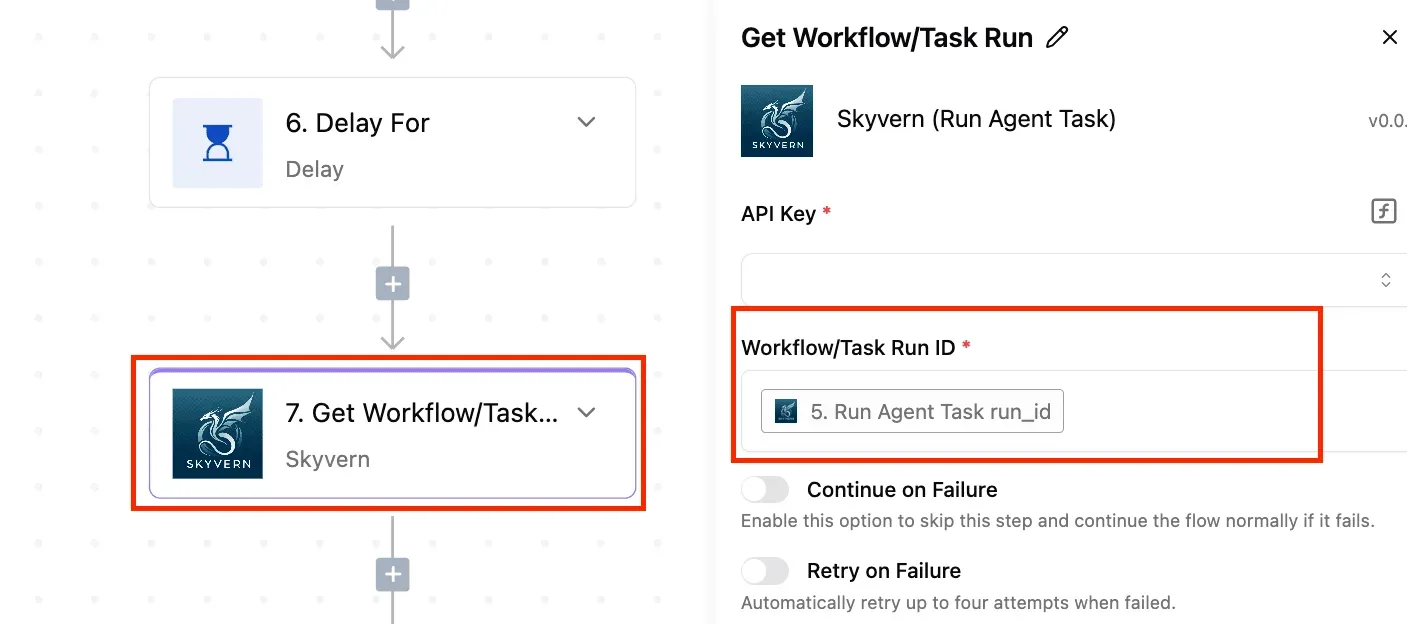
The fastest way to settle a shortlist is to try one. Activepieces is free to try, no credit card.
Why DaisyRose 27B matters to automation teams
It matters because the model is one step in a workflow, and whoever owns that step owns its failures.
You can swap a model per step, host it where you choose and price it on its own, which gives a team control it doesn't have when one vendor sits behind every AI step.
Where a model sits inside an automation
In an app-to-app workflow, most steps are deterministic: a trigger fires, a step fetches a record, a step sends a message.
The AI step is the one place where output varies from run to run.
It's the step that wakes someone at 2am when a classification drifts or a summary comes back malformed. Choosing a model there is an operational decision as much as a quality one.
DaisyRose 27B as a step in workflows
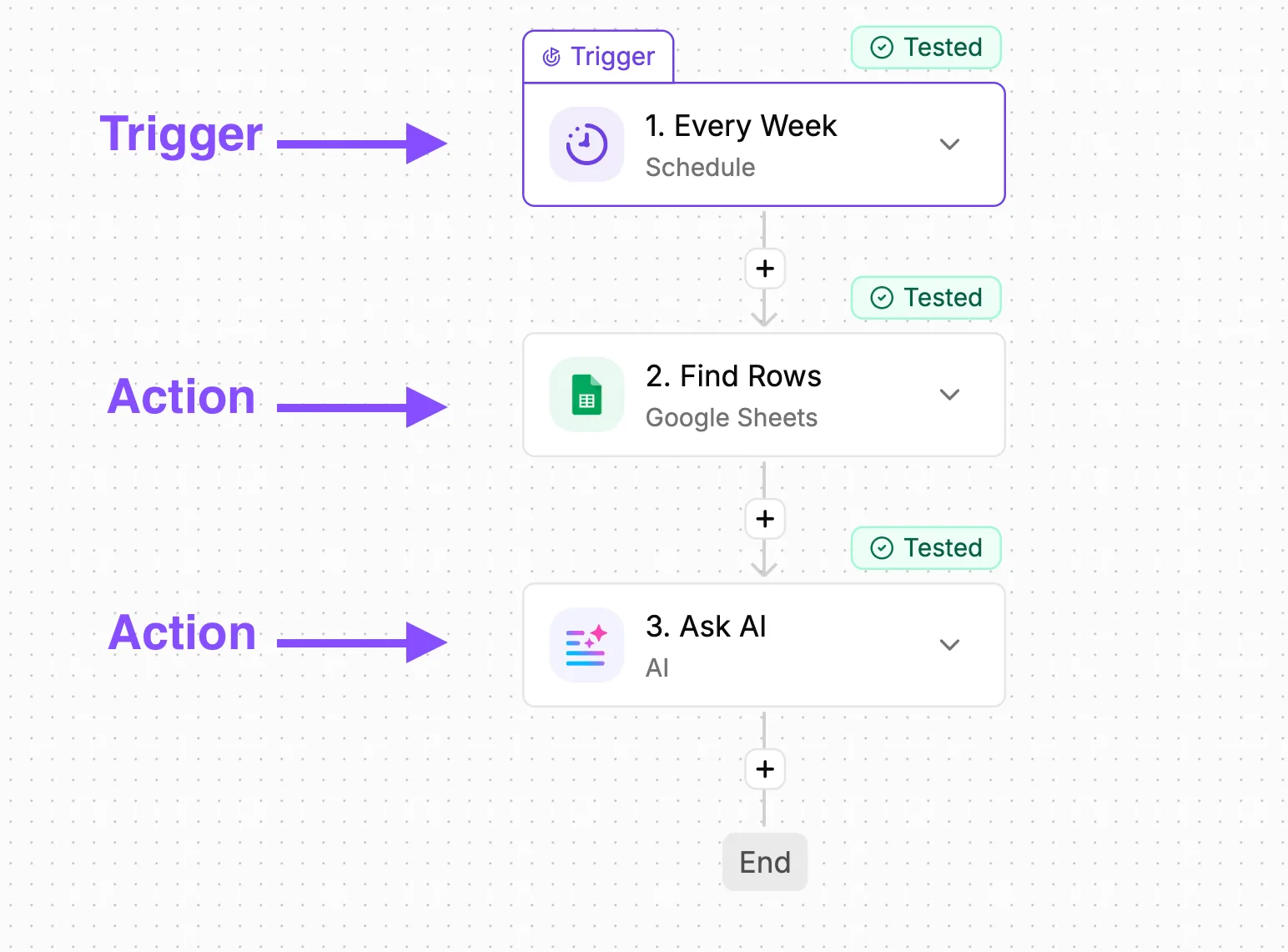
In the illustration, four connected steps run in a row, with the third as an AI step, meaning there are other processing steps before and after the AI.
That step has a dropdown of three model cards, one of them DaisyRose 27B, and a toggle beside it for self-hosted or vendor-hosted.
Take from it that the model and the place it runs are two separate settings on one step, and changing either leaves the other three steps untouched.
That separation is the case for caring. A team can try an open model on one low-risk step without rebuilding the workflow around it.
Who hosts and maintains DaisyRose 27B
Start with ownership: if you self-host, your team carries uptime, upgrades and the pager, and if a vendor hosts it, you inherit their limits and terms instead.
Then check what the maker's page actually states, and treat anything beyond it as unverified.
Run your own inputs through both models, including the malformed ones, and compare how each fails, not only how each succeeds. Our three-task test against gpt-5.4-mini is a start on that, and its limits are part of the answer.
What's measurably new in DaisyRose 27B
The measurable novelty is narrow: a 27B-parameter agentic model in three weight precisions. Whoever gets paged when it misbehaves will find that gap more relevant than the launch.
The table below sets out what the RadixArk page of 2026-11-22 states and where it is silent. Treat every "not stated" as a question someone on your team must answer before deployment.
| Item | What the RadixArk page states |
|---|---|
| Size | 27.8B parameters in total |
| Formats | BF16, FP8, NVFP4, GGUF |
| Licence | Apache-2.0 |
| Context length | 262,144 tokens |
| Stated benchmarks | Not stated |
| Stated capabilities | Agentic model |
| Hardware requirements | Memory only, by precision |
Prices and plan limits checked against huggingface.co and openrouter.ai on November 22, 2026.

At BF16 the model needs 52 GB, at FP8 29 GB and at NVFP4 23 GB, per MarkTechPost, which means most practitioners can't accommodate the full-precision version.
BF16 won't fit a 48 GB card, requiring larger GPUs to access this precision level. FP8 still exceeds a 24 GB card. NVFP4 sits just under 24 GB, leaving little headroom for context, so budget more than the headline number.
Any benchmark claim is the maker's, and none was run on automation work. Our three-task comparison is the only evidence here that does.
Connect DaisyRose 27B to workflows

You connect it through one of three generic steps: an HTTP request, an AI step with an OpenAI-compatible provider, or an MCP server, so your integration isn't vendor-locked.
The table shows how they differ in effort and in what you end up owning.
Take from it that the cheapest to build isn't always the cheapest to keep running.
| Option | Setup effort | What you must host | When it fits |
|---|---|---|---|
| HTTP request step | Low; you write the request and parse the reply | Nothing beyond the model endpoint | One-off calls in a single workflow |
| AI step with custom or OpenAI-compatible provider | Low to moderate; point it at a base URL and model name | An endpoint that speaks the OpenAI format | Replacing a hosted model such as GPT-6 Luna across many workflows |
| MCP server | Highest; you build or adopt a server | The server, plus the model endpoint | Exposing tools to the model, not just prompts |
The 2am question is who gets paged, so each option below is read with that in mind.
With an HTTP request step you own the request body, the retries and the response parsing. If the model's output format shifts, the workflow breaks at your step, and you're the one who fixes it.
An AI step with an OpenAI-compatible provider is the closest to a drop-in swap for gpt-5.4-mini, which makes the comparison fair. It only works if whoever serves DaisyRose 27B exposes that format, and that endpoint's uptime becomes your dependency.
The model and its per-token rate are your call and the bill lands on your provider account, and a platform that resold you a model would have settled the choice before you started.
With an MCP server, tool calls add tokens on every round trip. Each slow round trip compounds the delay.
Reading a table only gets you so far. Build the same workflow in Activepieces and compare it yourself.
DaisyRose 27B results on three tasks
In the test below, DaisyRose 27B took 50.6 seconds to sort one support ticket, while openai/gpt-5.4-mini took 0.7, making the OpenAI model roughly 72 times faster.
How we tested DaisyRose 27B and GPT-5.4 Mini
On 2026-11-22 the test sent the same three jobs to radixark/daisyrose-27b and openai/gpt-5.4-mini through OpenRouter, ensuring both models received identical input for fair performance comparison. The jobs were: sort a support ticket, pull fields from an invoice, and summarise an email thread.
Both ran at default settings, which means both reason before answering.
This is a small, indicative test, not a benchmark. Treat the numbers as a prompt to run your own samples, not a verdict.
DaisyRose 27B vs GPT-5.4 Mini speed and cost
Read the table as the delay your workflow absorbs on every execution: seconds per run for each model on each task, per our own test on OpenRouter.
| Task | Model | Seconds per run |
|---|---|---|
| Ticket sorting | DaisyRose 27B | 50.6 |
| Ticket sorting | openai/gpt-5.4-mini | 0.7 |
| Invoice fields | DaisyRose 27B | 51.8 |
| Invoice fields | openai/gpt-5.4-mini | 0.8 |
| Email summary | DaisyRose 27B | 14.6 |
| Email summary | openai/gpt-5.4-mini | 0.8 |

At about a minute each on DaisyRose for ticket sorting and invoice extraction, any step with a short timeout will fail unless you raise it.
The email summary, at 14.6 seconds, is the only task where the wait is tolerable for a background job. Speed is one dimension, and a sample this small can't settle the rest.
How DaisyRose 27B compares in cost and speed
It was slower in our test, and that slowness is what a 2am timeout will trace back to.
On OpenAI's gpt-5.4-mini page, the listed price is $0.75 per million input tokens and $4.50 per million output tokens.
We read both prices on 2026-11-22; they change, so recheck before you commit. Self-hosting costs are not in our findings, so we make no claim about running the weights yourself.
With a plain HTTP call to a hosted endpoint, you pay the per-token rates above. Slowness shows up as waiting time, so set the timeout and retry rules yourself.
In an AI step with an OpenAI-compatible provider, swapping the base URL and model name changes only the bill and the latency. Whoever owns that provider setting owns the cost, so name them.
With an MCP server, tool calls add tokens on every round trip. Each slow round trip compounds the delay.
What to watch after DaisyRose 27B launch
Watch the RadixArk page for the facts a launch post leaves out, then rerun our three-task test on your own data before any production step changes.
Since RadixArk is the publisher, look for a dated release note and a named maintainer. If nobody is named, nobody owns the fix when an update changes behavior on a Tuesday night.
Check the license, where the weights are hosted, and whether the page documents the generic building blocks (an API-style endpoint, a standard connector) we used. Anything undocumented is something your team would have to maintain itself.
Read the page for hosting or usage pricing, and don't assume open weights mean free to run. Compare cost per finished task, retries included, against gpt-5.4-mini. A cheap token that needs a second attempt isn't cheap.
Because our test was small, treat it as a reason to run your own, not a verdict. On Monday:
- Pick one production step, preferably one where a wrong output is easy to spot.
- Collect 20 real inputs from it, including the messy ones.
- Run both models on all of them with identical instructions.
- Score each output against pass criteria you wrote before seeing any results.
- Change nothing in production until the scores are in.
Those scores, not the launch coverage, decide whether the switch is worth the on-call risk.
What Activepieces does about this
Activepieces doesn't ship a DaisyRose 27B integration, and we won't pretend otherwise. What it gives you is the place to run the comparison this article keeps asking for.
Run DaisyRose 27B beside gpt-5.4-mini in the same workflow, and leave the trigger and the other steps alone.
Our three-task test was built that way, and you can rerun it on your own tickets and invoices.
The licence is the other thing you can check.
Activepieces is open source under the MIT licence for its community edition, so you can self-host the workflow engine on the same hardware budget you are already weighing for the model, and read the code that calls it.
The model's own licence is still a separate question, and RadixArk's page doesn't answer it.
On cost, the provider key is yours.
The per-token rate is billed on your provider account and not marked up by us. That makes the swap a clean test of price against the 50.6 seconds we measured for ticket sorting.
The timeout and the fallback are yours to set, and they're what a 2am page traces back to. Raise the step's timeout for DaisyRose, and route a failed call to the model you already run.
Then do the Monday exercise above on 20 real inputs, and switch only if the scores justify the added on-call burden.
Frequently asked questions
Is DaisyRose 27B free to use? The weights are open, so there's no per-token fee from a vendor, but we haven't confirmed the commercial license terms.
Read the license before it goes into anything customer-facing, and budget for hosting, because someone still pays for the hardware.
Does Activepieces support DaisyRose 27B natively? We found no dedicated integration for it, and we aren't claiming one exists. Teams wire it in through generic building blocks instead, which works but means nobody upstream maintains the integration. Your team owns it when it breaks.
Can I run DaisyRose 27B in an existing workflow today? Yes, if you can put it behind an HTTP endpoint and call it from a generic request step.
Name an owner for that endpoint first. When it times out at 2am on a Tuesday, someone specific should get the page, and a failed call should fall back to the model you already run.
Should I replace gpt-5.4-mini with DaisyRose 27B? Not on our evidence. Three tasks against gpt-5.4-mini show how it behaves on our work, not that it beats the incumbent in general.
Run it beside gpt-5.4-mini on your own tasks, compare the outputs, and switch only if the gap justifies the added on-call burden.
Related reading
Still comparing
The fastest way to settle it is to build something.
Open source under MIT, so you can self-host the same thing later.
Start free Talk to sales