Fal AI MCP Server: Connect Claude, ChatGPT & Agents

Nov 11, 202614 min read
A fal AI MCP server is an endpoint that exposes fal.ai's hosted image, video and audio models as tools an AI agent can call.
You connect it once, and the agent can request a generation and receive the file back, with no custom code in between.
Connecting is the easy part. Which route you connect through, and what each call can cost, is where the care goes.
Think of the server as a thin bridge, not a model. It holds no generation ability of its own. It takes the agent's request, passes it to a model fal hosts, and hands the result back.
Understand what fal MCP servers do
Think of the server as a thin bridge, not a model.
The consequence is that your bill and your output quality are set by the fal model behind the bridge, not by the bridge.
What MCP is, for non-developers
MCP, the Model Context Protocol, is a shared plug standard that lets an AI agent discover and use outside tools. Without it, each agent needs bespoke wiring for each service.
With it, any agent that speaks the protocol can see what a server offers and call it.
Read the path below from left to right. The agent's chat window sends a request to the MCP server at mcp.fal.ai/mcp, which forwards it to an image, video or audio model. The finished file returns the same way.
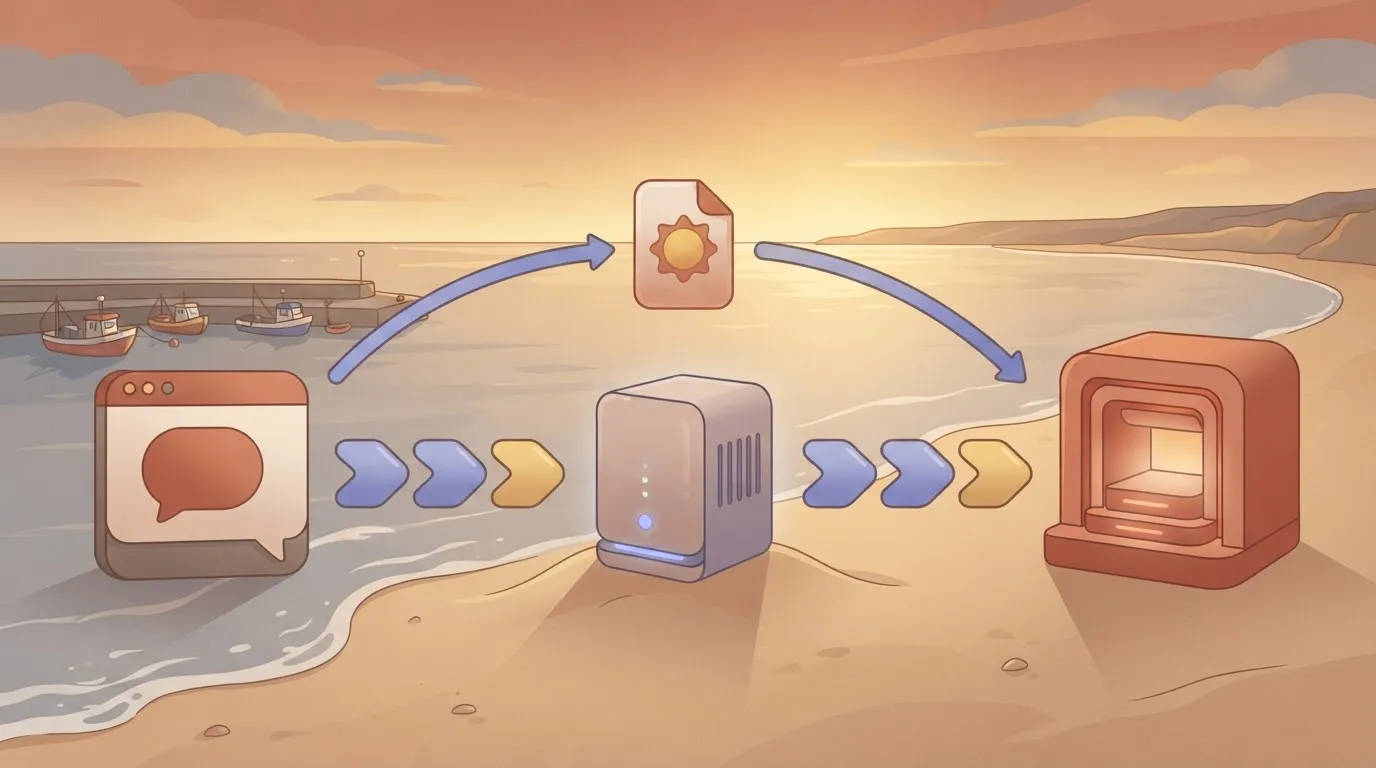
Every cost-bearing call passes through one point you can inspect, because the agent never touches the models directly.
Ask the agent for an image from a text prompt, a video clip, or generated audio, and which of those it can deliver depends on which fal models the server exposes to it. It can also ask which models exist before choosing one.
Because each request triggers a paid generation on fal's side, an agent that loops or retries can spend money without anyone watching.
Official fal MCP versus community servers
The endpoint above is fal's own hosted route. Anything else is a third-party route with its own maintainer, update habits and permissions.
Activepieces avoids a new route per tool: once you connect any of its 747 integrations, an agent can call it, because the same piece that runs as a flow step is registered as a tool on the per-project MCP server that Claude, ChatGPT, Cursor or an agent you wrote connects to.

Nothing is exported or wired up twice, and packages/integrations in the MIT-licensed repo shows the one action serving both.
If you use a community server, it can lag behind fal's model list or handle your API key differently, and you should read its documentation rather than assume parity.
Treat anything about models, endpoints or pricing as a snapshot, taken from fal's documentation on 11 November 2026. Confirm it against fal's current pages before you rely on it.
This takes minutes, not a project: automate it in Activepieces free.
Connecting fal to your agent in two stages
Because those details drift, the order matters. First create a key and prove one generation works without any agent. Then add the server entry to your client and confirm its tools appear.
Create a fal API key and test it
Create a fal account, generate an API key from the dashboard's keys page, and export it as FAL_KEY in the shell you'll test from. Then call one model directly, with fal's client or a plain HTTP request copied from the model's own page.

If that returns an image or a clip, the account, key and billing all work. If it fails, you have a credentials problem, and it would otherwise surface later as a vague tool error inside the agent.
Keep the key out of any file you commit.
Local server versus hosted remote endpoint
If your client launches the server as a process on your machine, that is a local server: it needs a runtime installed and reads FAL_KEY from its environment.
A hosted remote endpoint is a URL your client connects to, so nothing is installed, but your key travels in a request header and you depend on someone else's uptime.
Choose local when you want the key to stay on your machine. Choose remote when several people or devices share one setup. Take the package name or URL from fal's current documentation, not from a blog post, this one included.
Configure the fal MCP server in your client
In Claude Desktop, Cursor and most other clients, you edit a JSON file with a server map. A local entry has three fields that matter: command, the executable that starts the server; args, the arguments passed to it; and env, where FAL_KEY goes.
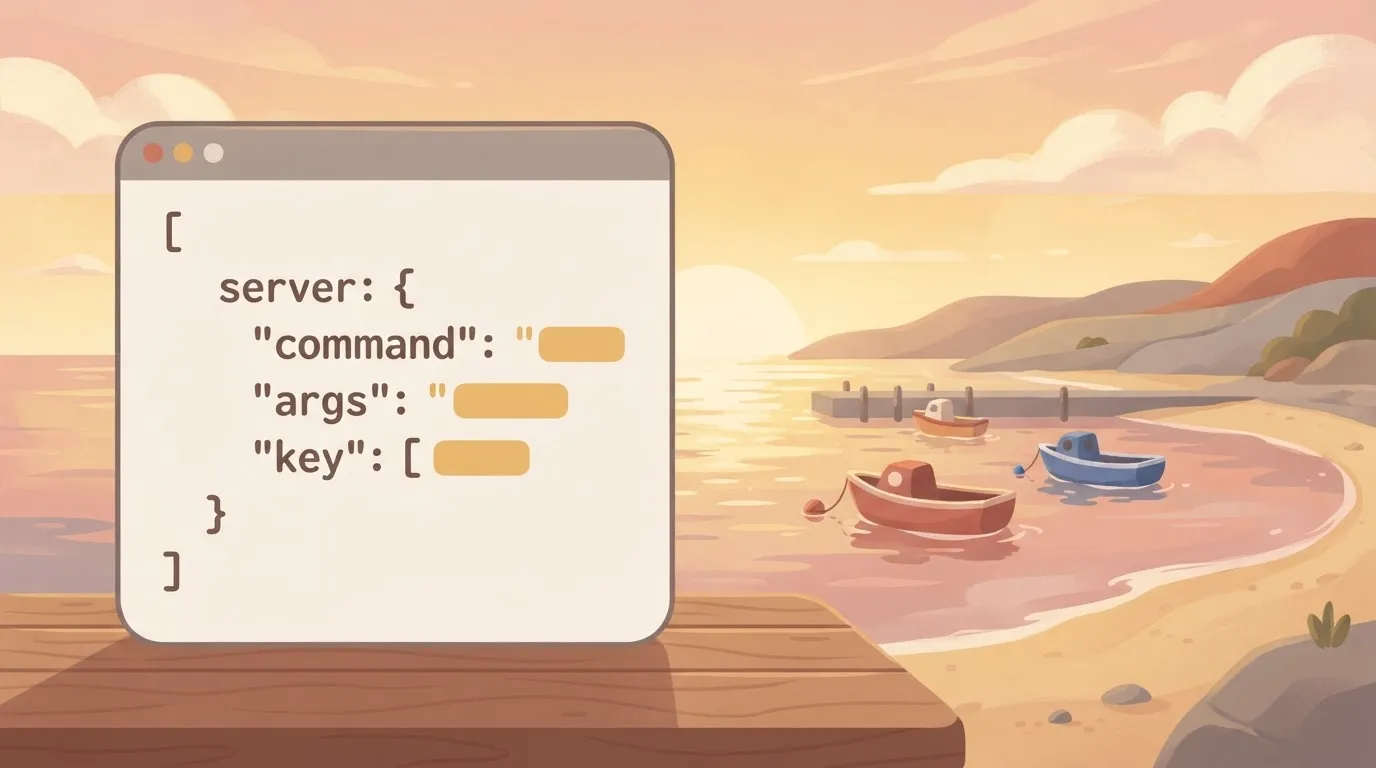
A remote entry replaces these with a url plus whatever auth header fal specifies.
Restart the client after saving, because most only read the file at launch. A trailing comma or a wrong path usually shows up as a server that silently never appears.
Confirm the tools and run a real prompt
Open the client's tools list and read it before you prompt anything. Every tool listed is something the agent may call, and each call can bill your account.
315 items are selected for project users in the admin dialog below, which comes from an automation platform. A list that long is one nobody reviewed line by line, which is where an agent's tool set drifts if you never prune it.
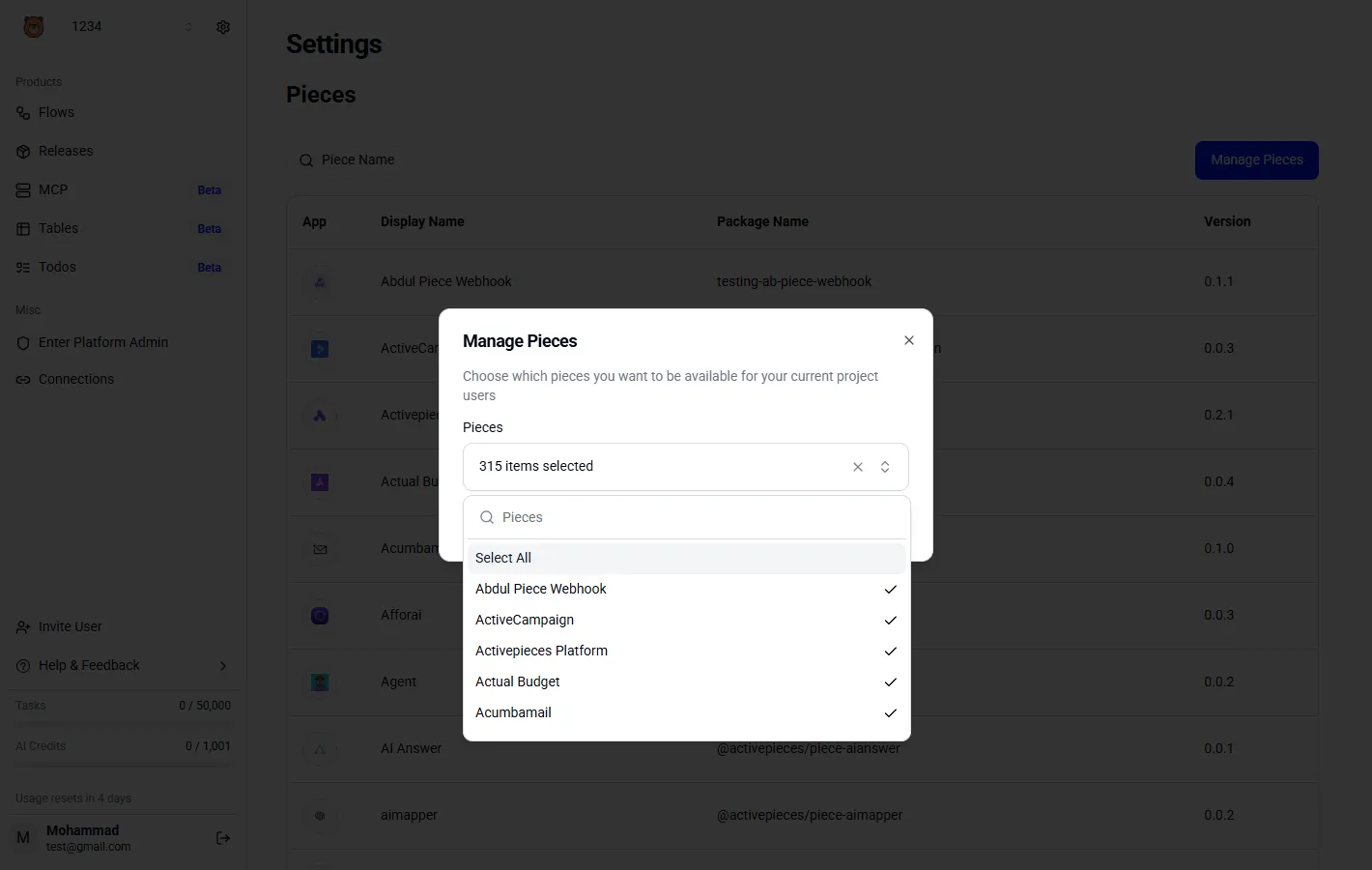
Disable anything you wouldn't hand over deliberately. Then run one small prompt, such as a single low-resolution image from a cheap model, and check the result against your fal usage page. That tells you the whole chain works and what one call actually costs.
What fal MCP calls cost and require
Nothing about the MCP layer adds to the price: each call costs what the underlying model charges, and fal bills by output, not by tool call. That's why the same agent can spend cents on one request and several dollars on the next.
How fal prices different model types
Before it writes a prompt, the agent's choice of model has already set the cost, because video models bill per second and image models per image.
Read the table below from cheapest to least certain. The per-second video rates differ by only two cents, but an agent that picks the wrong model repeats that gap on every clip, and Seedance 2.5 sits in a different price class.
| Model | Billing unit | Price | Cost of one 5-second clip or image | Source and check date |
|---|---|---|---|---|
| Wan 2.5 video | Per second | $0.05/s | $0.25 | fal model page, date unconfirmed |
| Kling 2.5 Turbo Pro | Per second | $0.07/s | $0.35 | fal model page, date unconfirmed |
| Seedance 2.5 | Not confirmed | Up to $1.16 | Not confirmed | fal model page, date unconfirmed |
| FLUX schnell image | Per image | Not confirmed | Not confirmed | fal model page, date unconfirmed |
Prices and plan limits checked against docs.claude.com and claude.com and openai.com and gemini.google on November 10, 2026.
"Up to" on Seedance means the price varies with the settings the agent passes, so a fixed per-call budget is unsafe until you know which settings your tool exposes.
I have no confirmed FLUX schnell price, so check it on fal's page before budgeting for images.
A worked example: 50 agent-made generations
Run fifty 5-second clips and the bill is $12.50 on Wan 2.5 and $17.50 on Kling 2.5 Turbo Pro, so Kling costs $5 more. That's a $5 difference for identical clip counts, and an agent retrying failed generations multiplies it.
I can't price a Seedance or FLUX batch, because their unit costs are unconfirmed above. A hard cap on the number of generations per session is therefore the control that works, since only the clip count is under your control.
fal MCP account, billing and limit requirements
Expect to need a fal account and an API key for the MCP server to authenticate. I haven't confirmed credit minimums, rate limits, concurrency caps or queue behaviour, so I'm stating no figures for them.
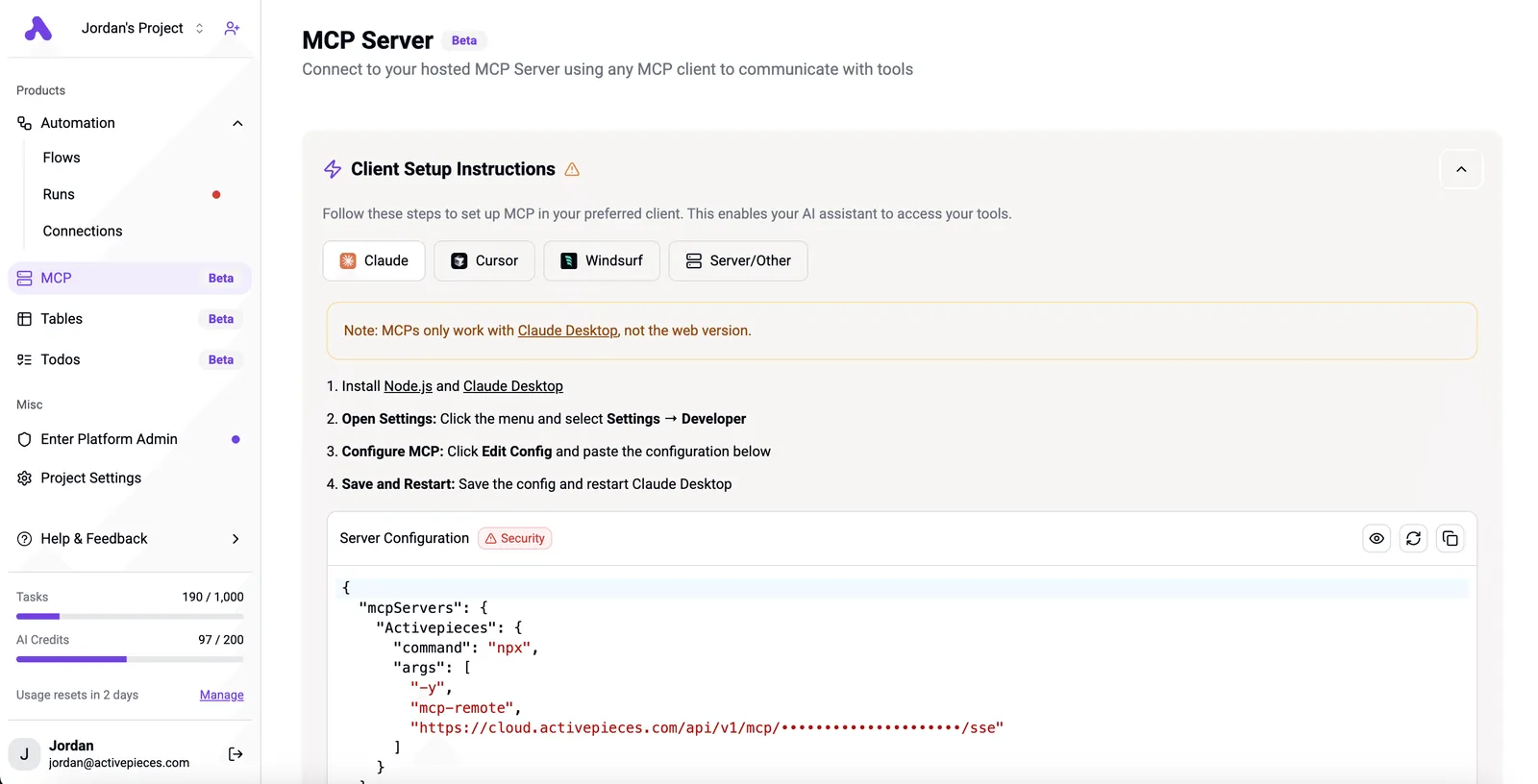
These are the numbers that decide whether fifty parallel agent calls run or stall.
Read the limits on fal's own documentation before you let an agent loop, and treat any blog figure, including mine, as secondary to that page.
You can follow the rest of this with the builder open. Start free, no card.
Mistakes people make connecting fal to agents
Five mistakes cause most failed fal connections, and each has a cheap fix; check every fix against fal's own pages, since the vendor's docs outrank any summary here.
Once an MCP config file gets committed or copied between teammates, a key pasted into it travels with it. Anyone who can read the file can bill your account.
Reference the key from an environment variable, keep the config file free of secrets, and rotate the key if it has ever been committed.
No spend ceiling on an autonomous agent
If an agent retries on error, it keeps paying for every retry. Set a maximum number of generations per run and refuse any model you haven't priced.
Read the current per-call price on fal's model page, because the slug also matters: a retired slug can fail in a loop, and every retry is another billed or wasted attempt. Confirm each slug before you hardcode it.
Timeouts on long video jobs
About 60 seconds is all a tool call gets in many MCP clients. fal's comparison puts H3 Max at 7.55 seconds, so it fits with room to spare. FLUX 3 Max takes 12.45 seconds, still comfortably inside the window, meaning latency isn't the bottleneck.

At 32 seconds, MiniMax H3 uses just over half the window, leaving room to spare. Any extra queue wait could push it past the limit, and the agent would then report a failure for a job that is still running and billing.
Treat anything near that range as asynchronous. Submit the job, store the request ID, and poll for the result instead of holding the call open.
Installing an unvetted community server
Before you install a community server, remember that it runs with your key and sits between your agent and your billing.
Read its source for where it sends the key, check when it was last updated, and prefer fal's own documented route if it covers your use.
If you can't read the code, don't hand it a key that can spend money.
A first-week plan, and when Activepieces fits
Cap spend and scope the key before any model runs, then test three models. Add Activepieces only if generation must run on a schedule or a trigger, not when you're chatting with an agent.
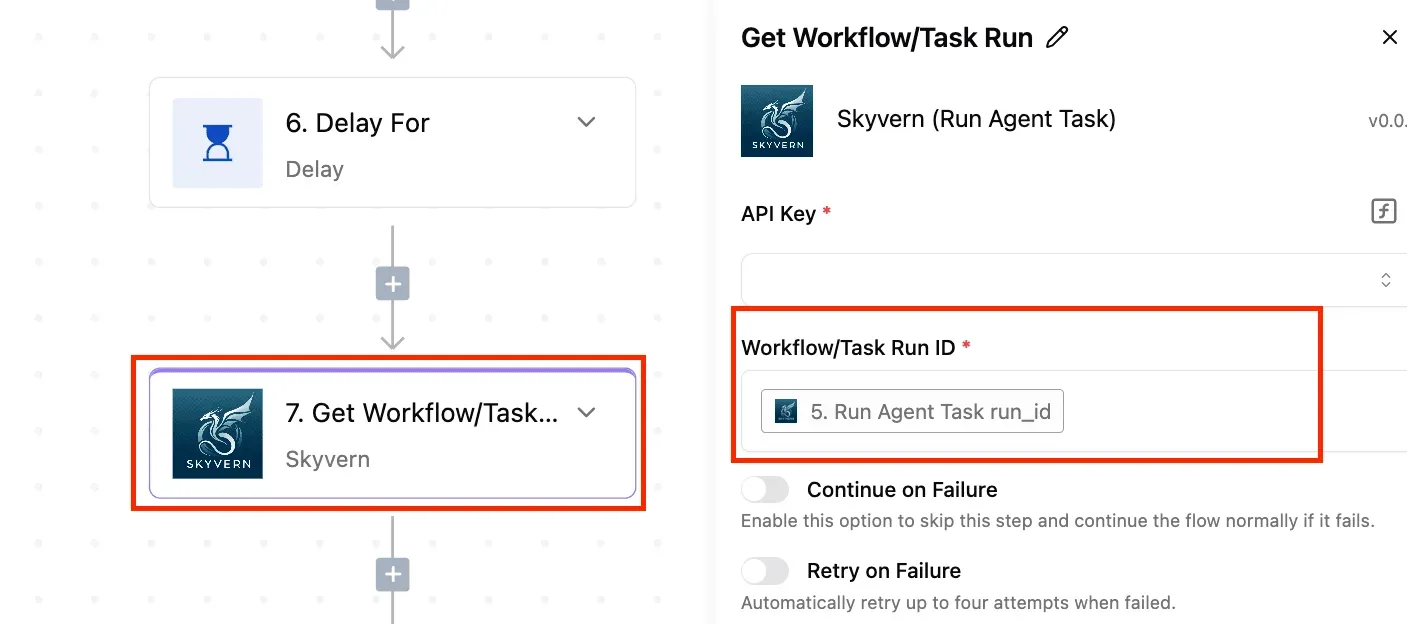
Because each step limits the damage of the next, the order below matters. A spending cap set before the first call means a bad prompt loop costs you the cap, not the card.
- Set a billing limit in the fal dashboard first, because an agent that retries a failed generation will keep paying for every attempt. Read the dashboard's own wording on whether the limit blocks calls or only sends a warning, since those are very different protections.
- Create a scoped key and write the holder's name next to it. When a charge looks wrong, you need to know whose agent made the call.
- Rotate the key once now, before anything depends on it. You find out whether replacing it breaks your MCP config while that is still a two-minute fix.
- Test three models with the identical prompt so the differences you see come from the models, not from your wording. One call each also keeps the test cheap.
- Log each output URL and cost next to the prompt. Output links may not stay live forever, so check fal's docs on retention, and the cost column is what lets you price a real workload later.
Whether anything in your setup needs to run without you is the next decision, and that log is its input.
When a workflow tool is worth adding
Activepieces lets a workflow fire on a schedule or an incoming event and call fal's API as one step, drawing on 747 integrations under an MIT-licensed core, so developers can integrate external APIs without writing custom code. What it does here is narrow.
That suits jobs like generating an image whenever a new row lands in a spreadsheet, with no agent in the loop.
It doesn't solve the cost problem. A workflow that triggers on every event will spend on every event, so the billing limit from step one is still what protects you.
I'd also not assume a ready-made fal connector exists. Check Activepieces' own integration list, and if there isn't one, plan on a generic HTTP request step using fal's documented API.
If you're simply chatting with an agent and asking for an image now and then, skip it. The MCP connection already covers that, and a workflow tool adds one more system to secure and pay attention to.

Frequently asked questions
After setup, four questions come up, and each is answered below against fal's own documentation, with the parts I couldn't confirm kept apart. The table shows where each answer stands, so read the last column before you rely on any of them.
| Question | Short answer | How it was checked in fal's docs | Unconfirmed |
|---|---|---|---|
| Free tier | Billing attaches to generation calls, not to the connection | Pricing and billing pages | Whether new accounts get free credits today |
| Other agent clients | Any client that speaks MCP can connect | MCP setup instructions and the protocol's client support | Per-client quirks in Claude Code, Cursor and Claude Desktop |
| Security of the key | Treat it as a spending credential | Authentication docs | Whether keys can be scoped to specific models |
| Model availability | The agent reaches what the server exposes | Model catalog and server tool list | Whether every catalog model is exposed |
Treat the last column as your to-do list: those are the points to test on your own account before you hand an agent the key.
I could not confirm that the fal AI MCP server is free in any way, so assume every generation call is billed. The bridge is just a connection, but the models behind it are hosted and metered.
Check fal's pricing page for current free credits, because I couldn't verify whether they exist today.
Nothing about fal MCP ties it to Claude. MCP is an open protocol, so Claude Code, Cursor and Claude Desktop can all connect, each with its own config format.
Whether a given ChatGPT surface supports the transport you need is unconfirmed, so test it before planning around it.
Can I limit how much my agent spends on fal?
Yes, but the cap is mostly yours to build. Keep the key on an account with a limited balance, restrict which tools the agent may call, and require confirmation before expensive models run.
I didn't confirm a native hard spend limit in fal's docs. Until you do, assume nothing stops a loop except you.
Treat the key itself as a spending credential. Store it in an environment variable, never in a config file committed to a repository, and rotate it if an agent transcript ever exposes it.
Which models the agent can call depends on what the server exposes as tools, which isn't necessarily the full catalog.
Open the tool list after connecting and compare it with fal's model pages. Any model missing there is unavailable to the agent, whatever the catalog says.
Related reading
References
Build it
Set this up in minutes.
No code required. Connect your accounts, and Activepieces runs it from there.
Start free Talk to sales