
Google My Business API Access and Setup for Developers

Nov 23, 202616 min read
The Google My Business API is no longer one API: Google split it into separate Business Profile APIs, which are free to call (whether you wire them up by hand or through a workflow tool like Activepieces) but only after Google approves your project. Skip the approval step and every request fails before your code matters.
The Google My Business API refers to the family of Business Profile APIs that let approved Google Cloud projects read and manage business listings, such as locations, reviews, posts and performance data, programmatically, each with its own per-API quotas.
Business Profile API split and approval
**Skip the approval step and every request fails before your code matters.
Strictly, the Google My Business API was the v4 interface for managing business listings on Google Search and Maps: locations, reviews, posts, and insights.
Google retired its single-surface design and replaced it with a set of narrower v1 APIs, each with its own endpoint, its own quota, and its own documentation.
Nobody gets access as an individual developer, because Google grants it per Google Cloud project. This reflects Google's documentation as of 2026-11-23, and the authoritative entry point is the Business Profile APIs documentation.
What the APIs let you do
They let an application:
- read and change what a business shows on Google, including its name, address, hours, categories, and attributes, plus the account and location structure
- report how people found the listing
- handle the verification of a location
- push notifications to your server when something changes
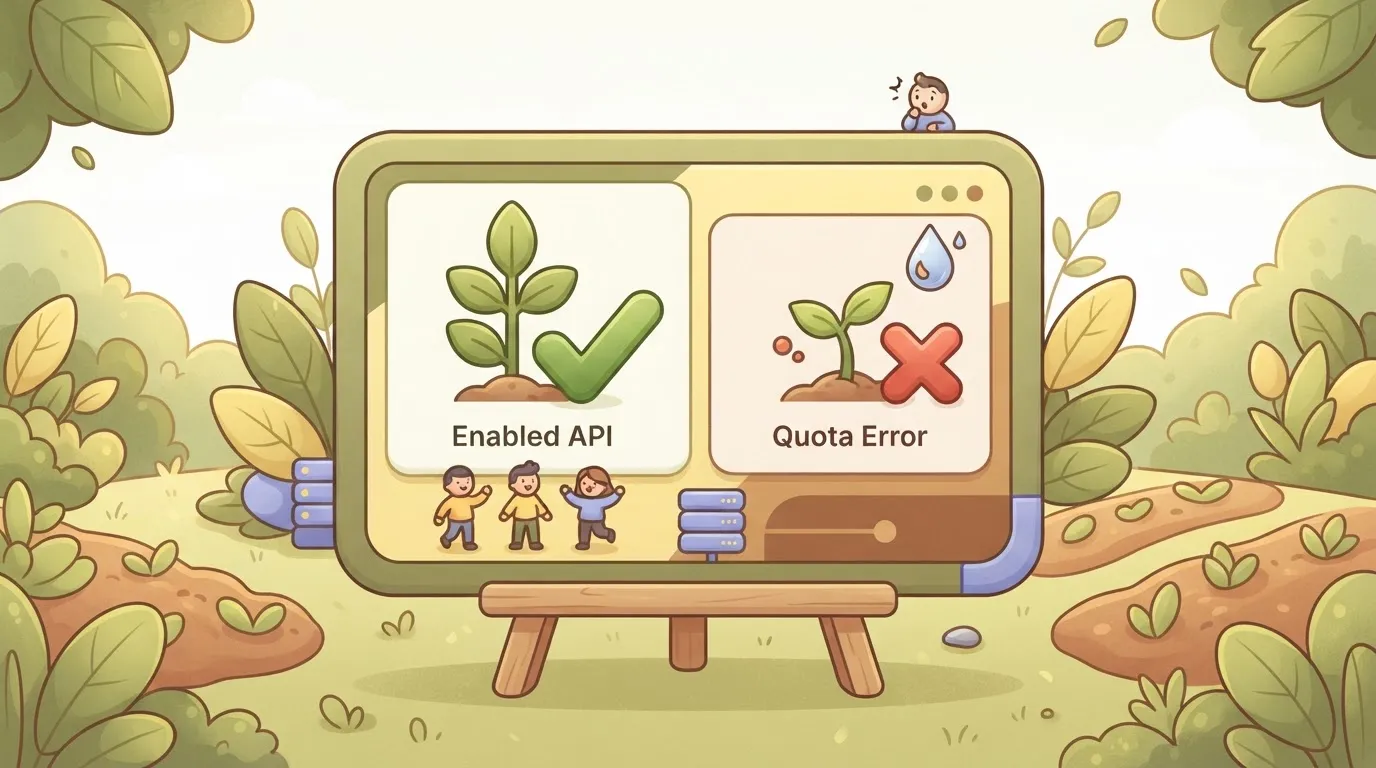
When a project enables an API in the Cloud console and sends its first request, it gets a quota or permission error, because enabling an API isn't the same as being approved to use it.
That is the failure to plan around, and it happens early in the pipeline.
When a developer tests with a project that Google approved by hand months ago, staging often hides this. A production project created later has no such approval.
Request access first, then write code.
Which API covers which task
Each task has exactly one home.
A request that returns "not found" is often aimed at the wrong API rather than the wrong resource.
(illustration: Legacy v4 hub splitting into Account Management, Business Information, Performance, Verifications, and Notifications)
Because each spoke carries its own quota and its own enablement step, the next question is what actually moved between the old API and the new ones.
Google My Business API renamed Business Profile API
Google now says Business Profile; the name "Google My Business" belongs to the retired product.
The old v4 surface didn't vanish all at once. Google moved its methods out, family by family, into the v1 APIs above, so older tutorials still show v4 paths that no longer match the current reference.

Treat any guide that points everything at a single endpoint as out of date. Check each call against the API that now owns it, enable that API on your approved project, and read its quota page before you ship.
Everything below works on Activepieces' free plan. Start without code or a credit card.
Access, OAuth and a first working request
Until approval, no request works. After it, the path is short: submit the access request for your Cloud project, enable each API, create an OAuth client with the business.manage scope, then call accounts.list and locations.list.
Every line of code sits downstream of approval.
The sequence runs verify the Business Profile, create the project, submit the form, enable the APIs, configure consent, so a failure at step three surfaces as a quota error at step four. Each stage below leaves something you can check.
Stage 1: Submit the access request
Start with a Business Profile that's verified, then create a Google Cloud project and copy its project number. Submit the API access request form with that number, a contact address on the business's domain, and a plain description of the use case.
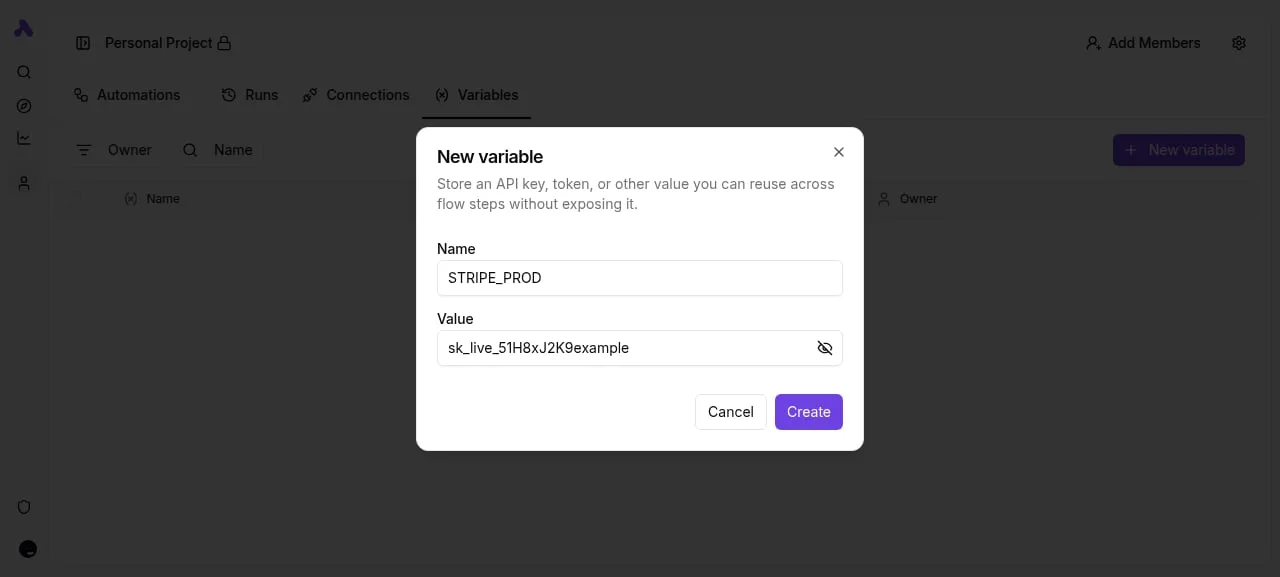
Until Google approves, the project's quota page shows no usable capacity. Code that passes review and still fails on its first call is usually a project that was never approved.
Check the Quotas page for the project; when it shows real capacity for the Business Profile APIs, this stage is done.
Stage 2: Enable the APIs in Cloud console
Open the API Library on the approved project and enable each API you call. Enabling one doesn't enable the others.
For this walkthrough you need the Account Management API and the Business Information API.
Enabling a single API and then calling a method that belongs to another returns an error that looks like an auth fault but it's a disabled service. Confirm both appear under Enabled APIs before you move on.
Create the OAuth client and access token
Configure the consent screen first, then create an OAuth client ID. Request one scope: https://www.googleapis.com/auth/business.manage.
Sign in as a user who manages the profile, complete the consent flow, and exchange the authorization code for an access token.
Ask for offline access if a server will call later, or the token expires with nobody present to renew it. The token works only for accounts that user manages, so test with that same user.
List Business Profile accounts and locations
Call accounts.list on the Account Management API with the bearer token. The response gives each account a name such as accounts/123. Pass that value as the parent in locations.list on the Business Information API.
Send the request without readMask and it is rejected, because the parameter is required. Start with name,title,storeCode, then add fields as you need them.
Locations returned with those fields mean access, enablement and OAuth are all working, and you can start reading each API's quota page against your real call volume.
You don't need to hire a developer for the request itself: describe it in the Activepieces built-in chat, say "list my locations every morning and write them to a sheet", and what it publishes is a live flow in your account, the same one a builder would have assembled by hand.
That flow runs under the same RBAC and audit logs as any other, and its run trace lists the exact resource names sent to Google and the response that came back, so an unapproved project shows up as a rejected first call you can read line by line.
MoneyGram, Moneypenny, Alan and FundingSocieties run Activepieces in production.
Business Profile API quotas and pricing
300 queries per minute each, at $0: those are the Business Profile defaults.
The Maps Platform APIs you might reach for alongside them are billed per request, so exceeding 300 queries per minute means turning to the paid Maps platform. Your quota page reading is therefore a capacity question, not a budget one.
Business Profile API cost per request
According to Google Maps Platform pricing via dev.to, Business Profile costs $0 per 1,000 requests. A sync job that polls every location hourly adds nothing to your invoice, so the only thing it can exhaust is quota.
On the Maps Platform side, it is different:
- Places Search is $32 per 1,000 requests, so a loop that runs one search per location per day across 5,000 locations costs $160 a day.
- Places Details is $17 per 1,000, so enriching those same results with a details call each adds $85.
- Geocoding is $5 per 1,000, which makes address cleanup the cheap step.
- Details Essentials is also $5 per 1,000, so it's the cheaper call when you only need the basic fields.
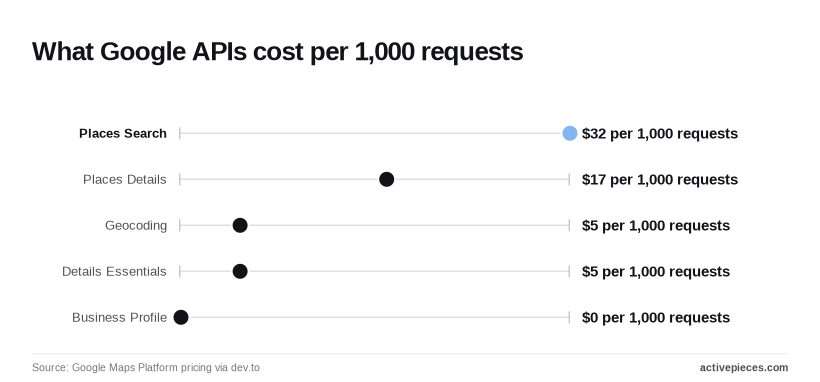
Check which pipeline stage calls a billed API before you scale it. A free Business Profile read feeding a paid Places lookup turns a zero-cost job into a metered one.
Default quota by API
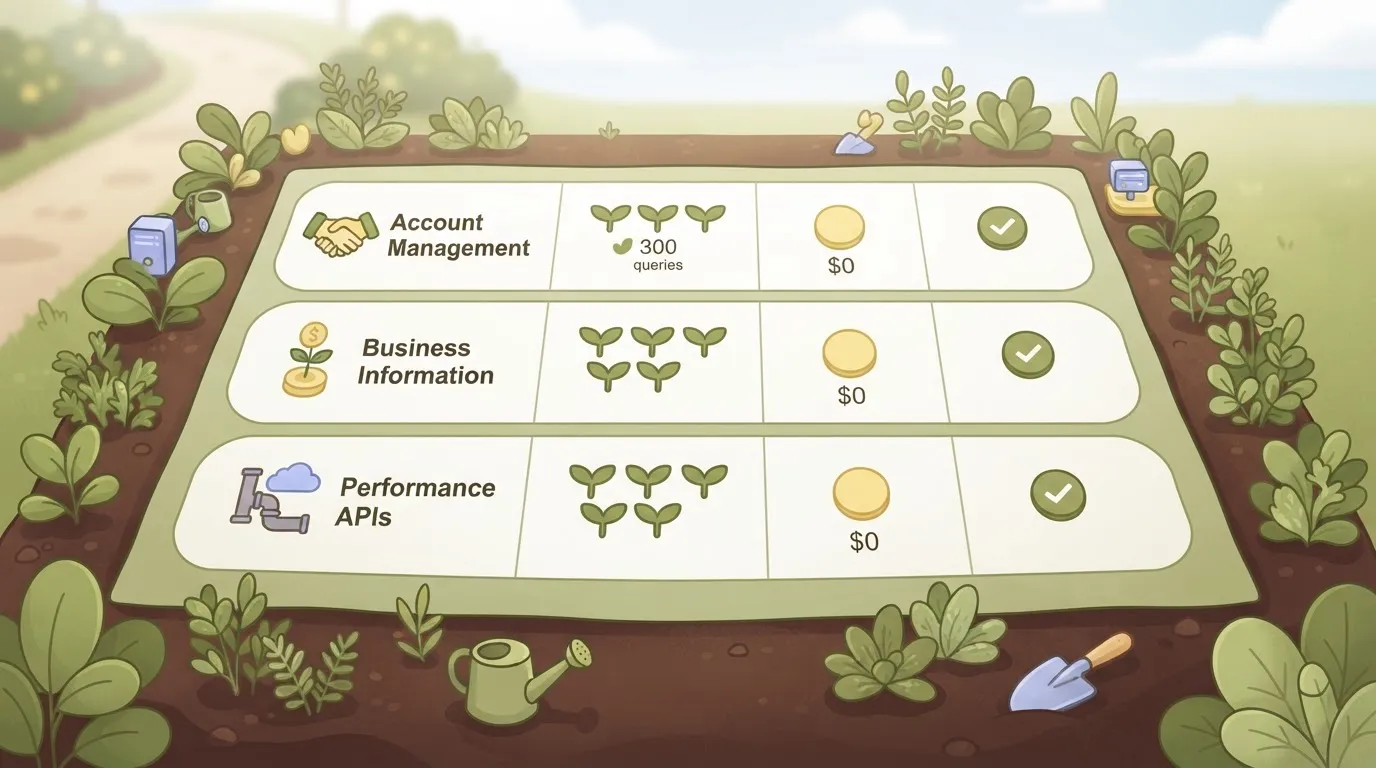
300 queries per minute is where each of the three Business Profile APIs starts. That's a per-API ceiling, so heavy traffic on one doesn't draw down the others, and a burst that returns 429 errors on one API says nothing about the other two.
Read the table for the default per-minute limit, the price and the date each figure was checked. Take from it that all three are free and identical at the start, so the difference between them will come from your call pattern.
| API | Default QPM | Cost | Check Date |
|---|---|---|---|
| Account Management | 300 | $0 | 2026-11-23 |
| Business Information | 300 | $0 | 2026-11-23 |
| Performance APIs | 300 | $0 | 2026-11-23 |
Prices and plan limits checked against docs.claude.com and claude.com and openai.com and gemini.google on November 23, 2026.
At 300 per minute, a job that fetches one location per request clears 18,000 locations an hour only if nothing else shares that API. Multiply your real call volume by the number of workers running at once before trusting that figure.
Requesting more quota
Open the Quotas dashboard for the project in the Google Cloud console and filter by the API's name. Read the limit and the current usage side by side.
A usage line that touches the limit during your peak minute is the evidence a request needs, and a flat line well below it means a larger quota would change nothing.
Submit the increase from that same page. Attach the peak figure you observed, not a projection, because a request backed by measured traffic is the one a reviewer can act on.
Once the quota fits your volume, the remaining failures will come from the calls themselves, which the next section covers.
Easier to see it running than to read about it: set it up free, no card.
Common Business Profile API errors and fixes
Once quota fits your volume, four status codes cover most failures: 403, 429, 401 and 400, each with a distinct trigger in the pipeline.
The table below pairs each code with the reason string Google returns and the fix, so you can match a failing response to its cause before touching code.
| Error Code | Google Reason | Human Fix |
|---|---|---|
| 403 | PERMISSION_DENIED | Enable the specific API in the Cloud project and confirm the project has been approved |
| 429 | RESOURCE_EXHAUSTED | Back off, retry, and cache reads |
| 401 | UNAUTHENTICATED | Refresh or reissue the token; reauthorize if the grant was revoked |
| 400 | INVALID_ARGUMENT, FAILED_PRECONDITION | Supply a valid readMask; verify the location first |
Read the reason string, not just the code. The same 400 can mean a malformed request or a location that's not ready for the call.
403: API not enabled or not approved
When a 403 comes back, the request reached Google and was refused at the project level. Two steps fail here: the individual Business Profile API was never enabled in the Cloud project, or the project never passed approval.
Enabling one API doesn't enable its siblings, so a call to a different API in the family can fail even though another one works. Check the enabled list, then the approval status, before debugging credentials.
429 quota exceeded errors and backoff
When a 429 arrives, the per-API quota for your project is spent. Retrying immediately makes it worse. Retry with exponential backoff and added jitter, so parallel workers don't wake together and collide again.
Cache location data that rarely changes, such as names, addresses and categories, and read it from your own store instead of re-fetching on every page load. Every cached read is a call that never counts against the quota.
401 errors from expired or revoked tokens
If a 401 comes back, the access token is no longer valid. Access tokens are short-lived, so your code must exchange the refresh token for a new one rather than store the first token. Two cases surprise teams that tested successfully.
If the OAuth consent screen is still in testing mode, refresh tokens expire after a short fixed period, so a job that worked all week stops without any code change.
A user who removes your app's access also invalidates the grant, and only a fresh authorization fixes that.
400 errors from readMask and field validation
Leave out the readMask and many read calls return a 400, because they require it to name the fields you want. Request only the fields you need. A FAILED_PRECONDITION on a write usually means the location isn't verified, so verify it first.
When a not-found response comes back, it almost always traces to a wrong ID, typically an account ID where a location ID belongs, or the reverse, so log the full resource name you sent.
Call the same endpoints without code in Activepieces
Activepieces has 750 integrations, counted directly from its open source monorepo, and Google Sheets is one of them; the Business Profile calls themselves still depend on your approved project and its quotas, so that quota applies equally no matter which integration you use.
A no-code flow inherits every ID rule above and fails the same way when one is wrong.
It changes who writes the request, not who approves it.
Connect the Google account
Before building anything, check the connection, because that is where a flow breaks first. Create it with the Google account that manages the listings, using the OAuth client from your approved Cloud project.
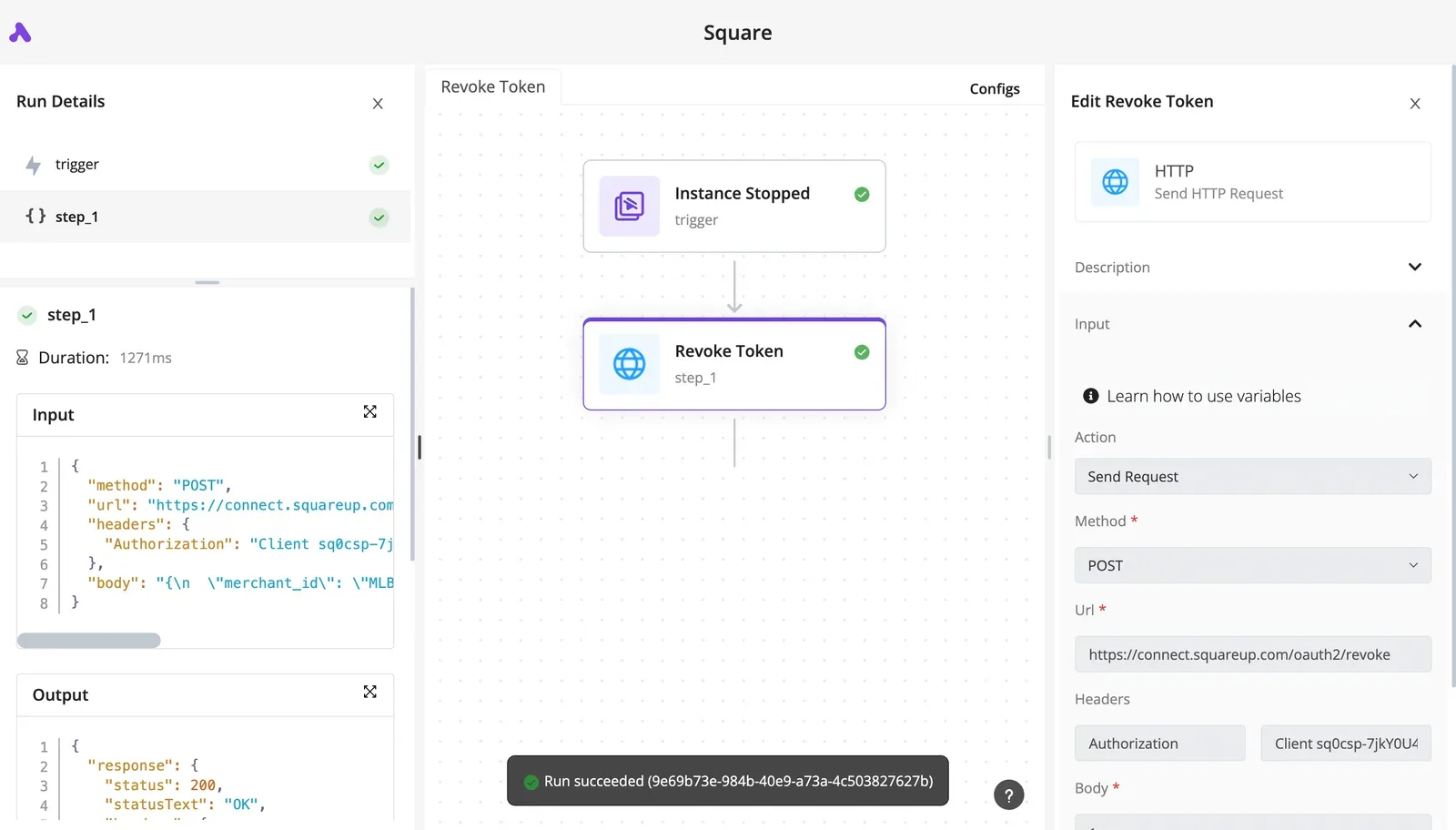
Build the connection against an unapproved project and the failure this article opened with comes back: the flow builds, the first call is rejected. The error looks like a flow bug when it's an access problem.
Run the locations request on a schedule
Build the flow in this order:
- Create a new workflow.
- Add a Schedule trigger at the interval you need.
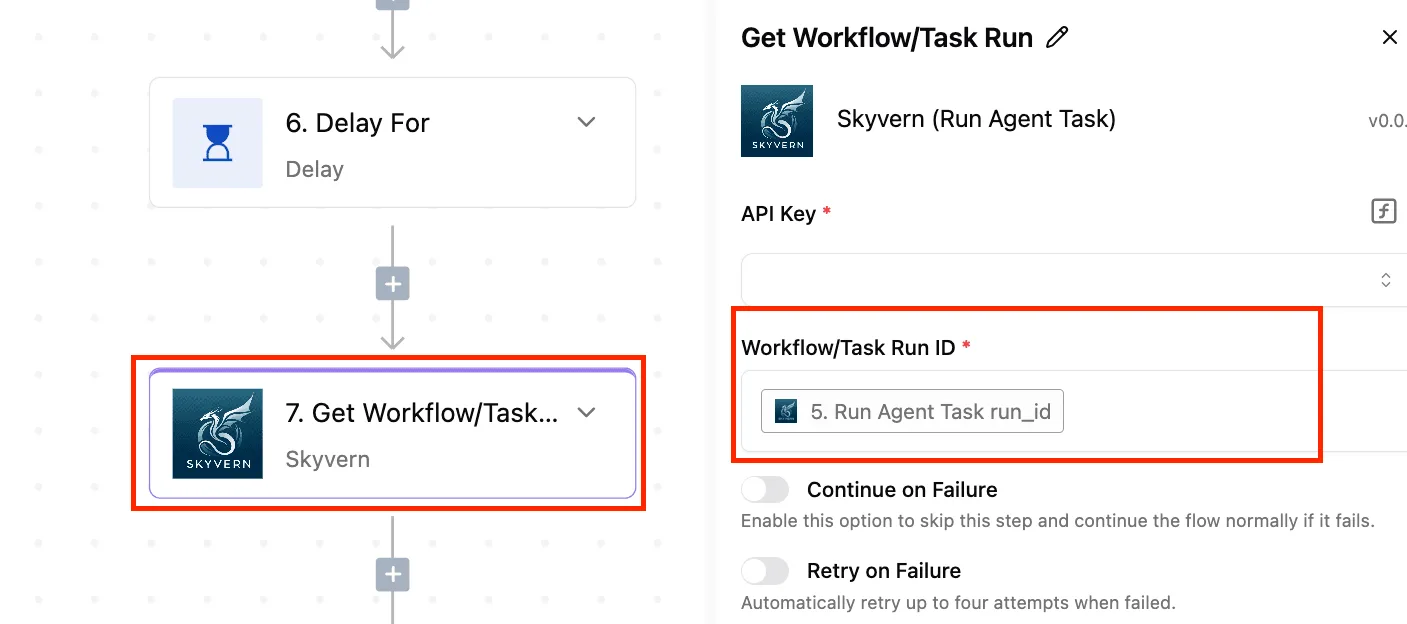
- Add a Google Business Profile step that lists locations. If the integration doesn't expose the call you need, use an HTTP request step with the same connection and the endpoint from Google's reference.
- Add a Google Sheets step that writes one row per location.
The builder shows a three-step canvas with an Every Hour trigger, an Ask ChatGPT action and an End node. The Select Step panel is open with "sheet" typed into its search, listing Google Sheets beside Microsoft Excel 365, AITable and Kimai.
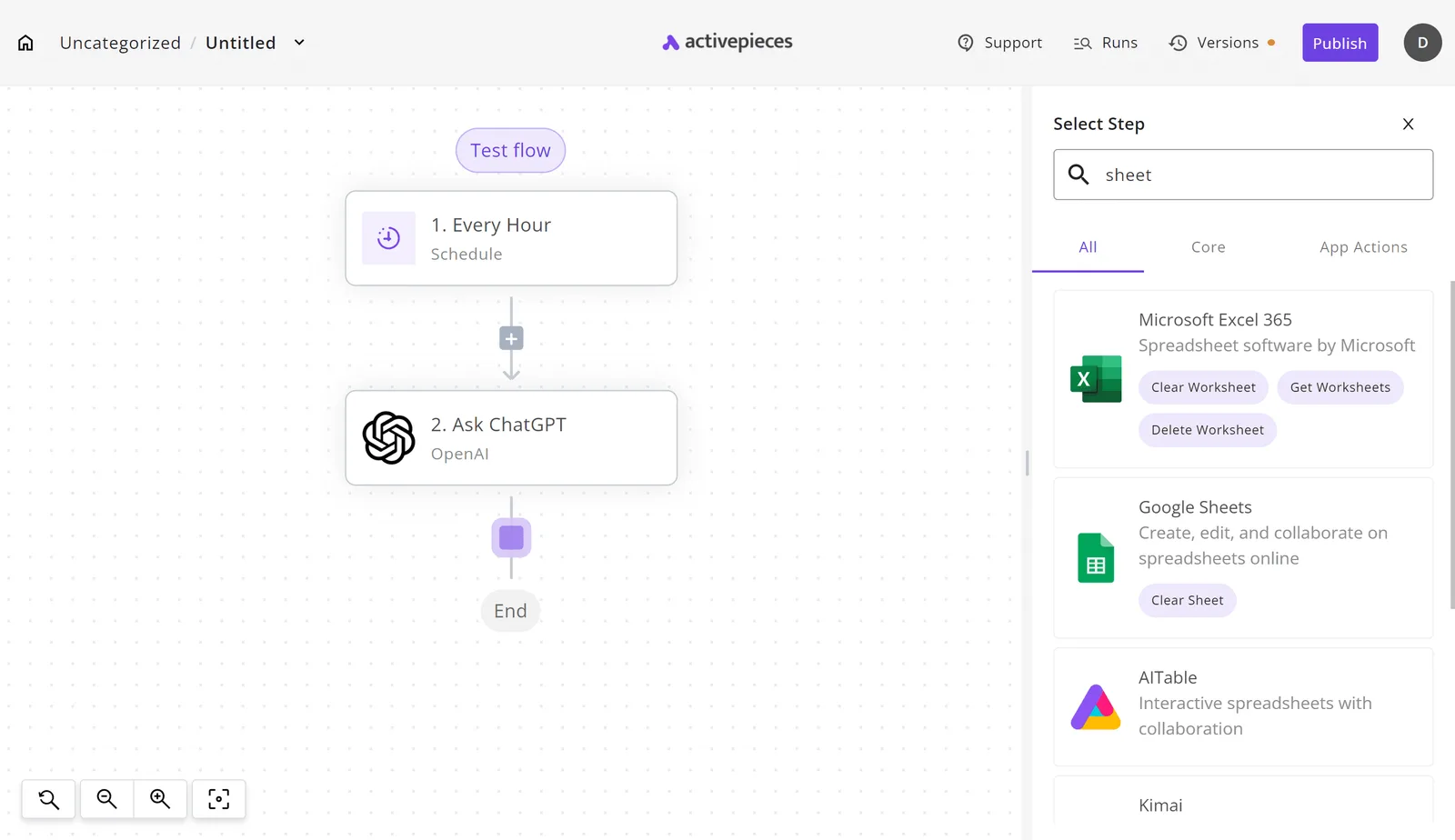
To add the sheet-writing step, use that panel; the search field's the fastest way to find any piece on the canvas.
With the sheet step in place, map the location's resource name into its own column. When a later call returns not found, you can compare the ID the flow sent against the ID Google holds, instead of reconstructing it from run logs.
What stays the same: approval and quotas
Activepieces won't raise a Google limit or skip a review, so the 300 queries per minute per API still apply to every call a flow makes.
On the Activepieces side a run is 1 credit however many steps it has, which puts an hourly schedule at 720 runs a month, inside the Free plan's 1,000 credits.
Each scheduled run is a call counted against the quota of the specific API it hits, so a trigger firing more often than the data changes spends quota for nothing.
Location data rarely changes hourly, and a tight schedule across many accounts is how a flow runs into a quota error. Set the interval from how often the data changes, not how fast the builder allows.
Before the first Monday run:
- Confirm the project behind the connection is the approved one.
- Confirm the account ID and location ID aren't swapped in any step.
- Set the schedule interval from how often the data changes.
- Open the first run and read the resource names the flow sent.
- Check that the sheet received one row per location.
Frequently asked questions
Check these against the approval step and quota table before the first Monday run, because each one is a place where a working test turns into a failing job.
Is the Google My Business API free?
Yes for the calls themselves: Google doesn't bill per request to the Business Profile APIs. The cost is the quota.
Per project, each API carries its own request limit.
A free API with a low ceiling fails the same way a paid one does when a batch job exceeds it. Plan the schedule around the limit shown in your Cloud console quota page, not around price.
How long does API access approval take?
Treat it as unscheduled, since Google doesn't publish a fixed turnaround. The failure mode is specific: a project that skipped the access request returns permission or quota errors on the first call, and the team debugs code that's fine.
File the request before anyone writes integration logic. Keep the project number you submitted, because a request tied to a different project does nothing for the one you are calling from.
Can I use an API key instead of OAuth?
No, not for reading or changing a business's own listing data. Those calls act on behalf of a person who manages the location, so they require an OAuth 2.0 token carrying that person's consent.
An API key identifies only your project, and it has no user attached.
The pipeline step that breaks is token refresh: a job that ran under a developer's interactive login in testing has no refresh token in production.
Store the refresh token from the first consent, and use an account that will still manage the location after the original developer leaves.
Is the old My Business API v4 still available?
Partly. Google split the old v4 surface into separate Business Profile APIs, each with its own endpoints and quota, and moved most resources out of v4. Code that still calls v4 for those resources is calling a deprecated path.
For functions that have no replacement yet, some v4 calls remain.
Check the current reference for each endpoint you use rather than assuming the whole version is gone or the whole version works. Map every v4 call in your code to its replacement API, then confirm that API is enabled and approved in your project.