
How to Estimate Make.com Pricing and Hidden Fees

Oct 14, 202614 min read
Make.com pricing plans, prices and limits compared
The direct answer
Make.com prices by usage: you buy a monthly allowance of credits, and each module run spends from it. According to Make, the Free plan costs $0 and includes 1,000 credits a month, so the price tells you nothing until you count runs.

A scenario with five modules that fires once consumes five credits. Run it 200 times and you've spent the entire free allowance.
Your bill is set by your scenario design and trigger frequency, not by the sticker price, which only describes the plan.
Teams that compare tools on headline price, say against Activepieces, whose pricing page charges 1 credit per flow run however many steps it contains, are comparing the wrong line item.
Your bill is set by your scenario design and trigger frequency, not by the sticker price, which only describes the plan.
Every current Make plan in one table
Five tiers, six limits: the limits decide fit, so you cannot choose by price alone. Only the Free row is fixed: $0 a month, 1,000 credits, and a 15-minute minimum interval, which means the paid tiers could change. That's per Make's pricing page, checked 2026-10-14.
| Plan | Monthly price | Annual price per month | Included credits | Minimum interval | Log retention | Max file size |
|---|---|---|---|---|---|---|
| Free | $0 | $0 | 1,000 per month | 15 minutes | Per pricing page | Per pricing page |
| Core | Set by credit tier | Set by credit tier | Chosen tier | Per pricing page | Per pricing page | Per pricing page |
| Pro | Set by credit tier | Set by credit tier | Chosen tier | Per pricing page | Per pricing page | Per pricing page |
| Teams | Set by credit tier | Set by credit tier | Chosen tier | Per pricing page | Per pricing page | Per pricing page |
| Enterprise | Custom quote | Custom quote | Negotiated | Per pricing page | Per pricing page | Per pricing page |
Prices and plan limits checked against make.com on October 14, 2026.
Make states that a 15-minute interval means a scenario polling for new data runs at most 96 times a day, and every poll spends credits whether or not anything new arrived.
What counts as a Make.com operation
An operation is one execution of one module, not one execution of one workflow.
From that definition, three consequences follow:
- A trigger that checks for data and finds nothing can still be counted as a run.
- A router sending one record down three branches spends credits on every module in each branch it touches.
- An iterator that splits a list of 50 rows multiplies every module after it by 50.
So the unit to estimate is modules per scenario, times runs per day, times 30.
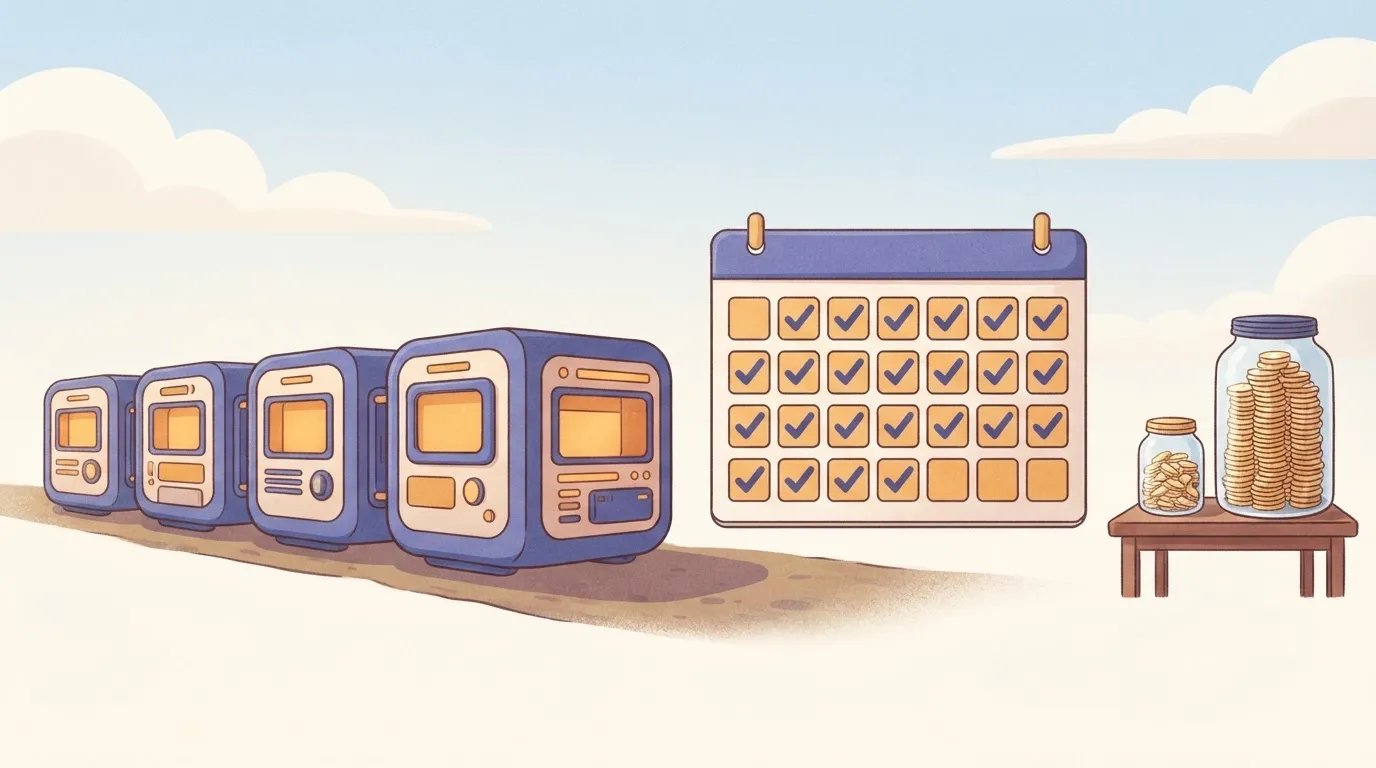
In Make's calculation, a five-module scenario polling every 15 minutes comes to 5 × 96 × 30 = 14,400 credits a month, more than fourteen times the Free allowance, from one scenario that does nothing but wait, so you cannot run production polling on the Free tier.
If you are running this arithmetic for your own team, see what the same workload costs on Activepieces.
Estimating a real Make bill in four stages
Count the operations in one scenario run, multiply by monthly runs, pick a tier with headroom above that product, then compare monthly against annual billing.
Stage 1: count operations in one scenario run
Open the scenario's History tab and click a single completed run. Every module that executed shows an operation count, and the sum is your per-run figure. That sum is the number to trust, not the module count on the canvas.

When a search module returns many bundles, each one is handed to the next module, so every downstream module runs once per bundle.
Stage 2: multiply by runs per month
Multiply: operations per run × runs per month = monthly operations. Take the runs from the scenario's schedule if it polls on a timer, because a polling trigger consumes an operation on each check even when it finds nothing.
If a webhook starts the scenario, take the runs from your event volume instead.
Stage 3: choose a tier with headroom
Open the plan selector and set the operations slider above your monthly total, not at it. A plan sized exactly to the estimate has no room for a retry storm, a busy month, or the next scenario someone builds.
Then price the same selection on monthly and annual billing and write down both. The annual figure is lower per month but commits you to a volume you only estimated.
Stage 4: price three realistic teams
Run the same arithmetic for three shapes of team. A solo operator with a few low-frequency scenarios sits near the bottom of the slider.
Put a small team on polling scenarios with short intervals and schedule frequency, not workflow count, drives most of the total. A team processing batches of records per run sees the per-bundle multiplication dominate.
Costs that multiply beyond your plan
Unless you also count what multiplies operations behind the scenes, your pair of numbers undercounts:
- routers
- iterators
- polling
- failed runs
- any credits bought beyond the plan's allowance
Make.com costs multiplied by routers, iterators and polling
A router sends one bundle down several branches, and every module on each branch that fires counts.
A scenario with five modules can cost five operations on a quiet day and several hundred when the iterator receives a large order, because an iterator splits an array into separate bundles and every module after it runs once per item.
Failed runs and AI steps
Modules that executed before the error still consumed credits, and a retry spends them again.
AI steps are priced above ordinary modules, with the cost rising by model tier, so one AI module inside an iterator can outweigh everything else in the scenario.
What happens when Make.com credits run out
When the allowance is spent, scenarios stop running until the cycle renews or you add capacity. Extra credits are available, but they carry a surcharge over the plan's own rate.
Needing them regularly signals that you're on the wrong tier, because the next plan up usually costs less than a recurring surcharge.
Plan-gated limits: interval, file size, history, team features
On lower tiers, a scheduled scenario may run only so often, so a polling interval you designed around may not be available on the plan you can afford.
Automation vendors bill for four different things
What differs between platforms is where the meter sits, and that choice shapes which workloads are cheap.
Automation pricing per step, run, seat and server
Per-step billing counts every action, so cost follows the work done and punishes long workflows. Per-run billing counts each execution of the whole workflow, which rewards long workflows and punishes frequent short ones, since a trivial run costs the same as a heavy one.
Seat pricing charges for people and leaves usage loose, usually behind a fair-use cap. Self-hosting removes the vendor's meter and replaces it with infrastructure and upkeep that you carry.
Why no automation pricing model is cheapest
Each model favors a shape of workload. Per-step billing is cheapest for short, rare workflows, per-run billing wins as steps pile up, and self-hosting wins at very high volume if you can staff it.
So the comparison starts with your own workload: steps per run, runs per month, and how spiky they are.
Worth checking against a plan that does not meter every step: one credit covers a whole run on Activepieces.
Make.com against Zapier, n8n and Activepieces on price
The comparison with rivals turns less on price per unit than on what each vendor counts as a unit. Activepieces' MIT-licensed core can be run on your own server, which takes the meter out of the picture entirely.

Billing unit and entry price side by side
I'm not printing entry prices or free-tier allowances here, because I haven't confirmed them against each vendor's pricing page this month.
The table below shows the unit each vendor bills, what a 5-step workflow consumes at 10,000 runs, and whether you can host it yourself.
| Billing unit | Units used by a 5-step workflow at 10,000 runs | Self-hosting | |
|---|---|---|---|
| Make | Operation (each module run) | 50,000, trigger included | No |
| Zapier | Task (each successful action step) | About 40,000, as the trigger is not counted | No |
| n8n | Workflow execution | 10,000 | Yes, community edition |
| Activepieces | Task (step run) on its cloud plans | Same order as Make's count | Yes, open-source edition |
Make's 50,000 is five modules times 10,000 runs, so adding modules proportionally increases your monthly consumption.
n8n's cloud bills per execution, so the same workflow registers as 10,000 however many steps you add.
A 5-step workflow at 10,000 runs a month
Where the other three meter you, Activepieces answers differently. Its source is open, so you can run it on your own server, and then no vendor counts your tasks.
The bill moves from a per-unit meter to a fixed one: a server, its upkeep, and whoever restarts it at 2 a.m.
It only pays if the saved subscription exceeds the hosting plus the hours. Price your own time at a real hourly rate before you call it free. On Activepieces' cloud plans you're metered again, so the advantage is specific to self-hosting.
When Make is still the cheaper choice
When your scenarios are short, your volumes sit comfortably inside a tier, and nobody on the team wants to run infrastructure, Make wins.
Metered bills grow through fan-out
Every metered platform shares one structure: a unit that gets counted, a multiplier that repeats it, and a cap that forces an upgrade.
Schedules, loops, branches and retries are the multipliers, and the data decides how large they get, which is why a batch of fifty rows can cost fifty times what you budgeted.
The fix is the same on any platform: measure one real run, find the step that multiplies, then shrink it, move it, or change the meter. Shrinking means filtering early and batching. Moving means pushing a loop into a database query or a small script.
Make.com alternatives beyond automation platforms
A scheduled script on cron or a serverless function handles bulk record work for the price of compute, at the cost of code you must write and watch. Self-hosted engines such as Node-RED or n8n's community edition swap the subscription for upkeep.
Most platforms also offer usage alerts, and setting one at a threshold below the allowance turns a surprise into a warning.
Ways to reduce your Make.com bill
The bill grows with how often a workflow runs and how many billable steps it holds. The fixes fall into three families, and the cheapest need no change of vendor.
Cut Make.com operations by running less often
Replace timers with event triggers wherever the source app allows it. A webhook fires only when something happens, so the idle checks disappear. Where no webhook exists, a longer interval trades freshness for cost.
Put a filter directly after the trigger, so records you would discard stop before they reach the expensive modules.
Cut Make.com operations by doing less per run
Aggregate bundles before a write step, so one call replaces fifty. Fold modules that only reshape data into a single formula or code step. Move optional branches into a separate scenario that starts only when it is needed.
Switch to a cheaper billing model than Make.com
When the meter itself is the problem, the options are a vendor that bills per execution or per flow run, or an open-source engine you host yourself.
When operation-based billing bites: Activepieces and a Monday plan
Many steps and frequent runs together are where operation-based billing bites hardest. That narrow case is the only one where a different billing model is worth your evaluation time. The cost is steps multiplied by runs, so growth in either multiplies the bill.
Where Activepieces genuinely fits
Two situations suit Activepieces, an open-source automation tool.
The first is a multi-step, high-volume workflow: its pricing page charges 1 credit per flow run however many steps sit inside, so a ten-step flow costs what the two-step workaround did, where Make bills each module and Zapier each task.

The second is a team that wants to self-host.
Self-hosting swaps a usage bill for servers, upgrades, and someone on call, so it only wins if you already have the people to carry that load.
Read its pricing page and documentation for how it defines a billable unit, and don't assume it matches Make's. Tools differ on whether triggers, filters, and branching steps count.
Those differences decide which tool is cheaper for a given workflow, and they're the kind of detail a comparison table skips.
If your workflows are short, infrequent, or both, the argument above doesn't apply. Stay where you are and spend the effort on the estimate.
Do these in order, and don't choose a tool until the last step.
- Export a month of usage from your current account. Take actual run counts per scenario, not the count you remember.
- Run the four-stage estimate on each scenario: count the modules in one run, count how many of them execute on a typical path, multiply by monthly runs, then add headroom for retries and growth. The result is your operations figure, which is the only number the plans should be compared against.
- Price the same workflow in two tools. Choose your heaviest scenario, since that's where the billing models diverge most, and compute the cost under each tool's own definition of a billable unit.
- Decide. If the heaviest scenario fits comfortably in your current plan, stay. If it forces a tier jump while a rival's meter or a self-hosted server handles it for less, including the labor to run it, move that scenario and nothing else.
Move only the expensive workflow and the switching cost stays proportional to the saving. Moving everything because one scenario was costly buys you a rebuild you didn't need.
Frequently asked questions
Yes, Make has a free plan, but it carries a small monthly operations allowance and tighter limits than the paid tiers.
Can I cancel or downgrade a Make plan at any time?
You can change or cancel a plan from your organization's billing settings, and a downgrade generally takes effect at the end of the current billing period. The consequence is that you keep paying for the higher tier until then.
Does Make charge for failed scenario runs?
A module that ran before the failure has already used operations, because operations are counted per module execution.
Do unused Make operations roll over to the next month?
On Make's standard plans, the operations allowance is tied to the billing period, and unused operations don't carry forward. This is why sizing to your average month is a mistake.
Look at your spikes, and decide whether buying extra operations in a busy month is cheaper than a permanently larger plan.
Is Make's annual billing really cheaper?
You pay for the commitment up front, but annual billing lowers the monthly rate compared with paying month to month. The saving is real only if your operations estimate holds for the whole year.
Run the monthly plan for a few cycles, measure your actual operations, and then switch to annual.
Running the numbers
See what the same workload costs here.
Free forever plan, and every paid plan self-hosts at no extra cost.
See pricing Talk to sales