
How to Set Up Salesforce WooCommerce Integration (2026)

Nov 21, 202613 min read
Manual data entry creates friction between sales and operations teams, but integrating WooCommerce, a customizable open-source ecommerce platform, with Salesforce eliminates that bottleneck.
Salesforce WooCommerce integration is the process of synchronizing customer, order, and inventory data between an e-commerce storefront and a customer relationship management system to automate business workflows.
By deploying Activepieces to bridge these systems, you'll ensure that transactional data from a storefront immediately informs the sales pipeline without requiring custom API development or per-task execution fees.
Automating Salesforce WooCommerce workflows for revenue growth
Syncing new customers to Salesforce Leads
When a customer registers on the storefront, the primary contact data for a potential long-term client is captured. Immediate synchronization is essential for outbound sales efforts, so the automation triggers a lead creation event in Salesforce, populating fields such as email and phone number.

The sales team works with the most current prospect list available because of this real-time transfer. It prevents the lead decay that occurs when contact information sits stagnant in a website database.
Converting WooCommerce orders into Salesforce Opportunities
Every completed checkout in WooCommerce represents a realized transaction that the Salesforce pipeline must reflect to maintain accurate revenue forecasting. The automation maps the order total and product SKUs to a new Opportunity record, automatically setting the stage to 'Closed Won' upon payment confirmation.

Visibility into these records allows financial analysts to track actualized revenue against monthly targets. They don't have to wait for end-of-week manual exports.
The following data illustrates the impact of shifting from manual entry to automated synchronization on data integrity:
| CRM Data Accuracy percentage over 90 days | Result |
|---|---|
| Automated Sync | 98.7% |
| Manual Updates | 71% |
Prices and plan limits checked against activepieces.com and activepieces.com on November 21, 2026.
98.7% accuracy ensures that marketing segments based on purchase history remain valid. The decline seen in manual updates often leads to missed follow-up opportunities.
Syncing WooCommerce inventory with Salesforce
Maintaining a single source of truth for stock levels prevents the reputational damage and logistical cost of overselling items that aren't in the warehouse.
When a stock adjustment occurs in Salesforce (often triggered by a bulk B2B sale or a return), the automation pushes the updated quantity to the corresponding WooCommerce product ID.
Retail customers only see available items because of this bidirectional flow. Meanwhile, the procurement team sees an accurate count of remaining units for reorder planning.
Automating post-purchase follow-ups in Salesforce
The final stage of the commerce cycle involves transitioning a one-time buyer into a repeat customer through timed engagement.
Once the store owner marks an order as shipped in WooCommerce, the integration creates a follow-up task for the assigned account owner in Salesforce or triggers an automated email sequence.
Proactive outreach occurs while the brand is top-of-mind for the consumer. It increases the likelihood of securing product reviews or identifying upsell opportunities for related service contracts.
This takes minutes, not a project: automate it in Activepieces free.
Your first Salesforce woocommerce workflow
Establishing a connection between your storefront and CRM requires a specific sequence of authentication and data mapping to ensure customer profiles remain synchronized without manual entry. This process transforms a transient WooCommerce checkout event into a permanent, actionable record within your sales pipeline.
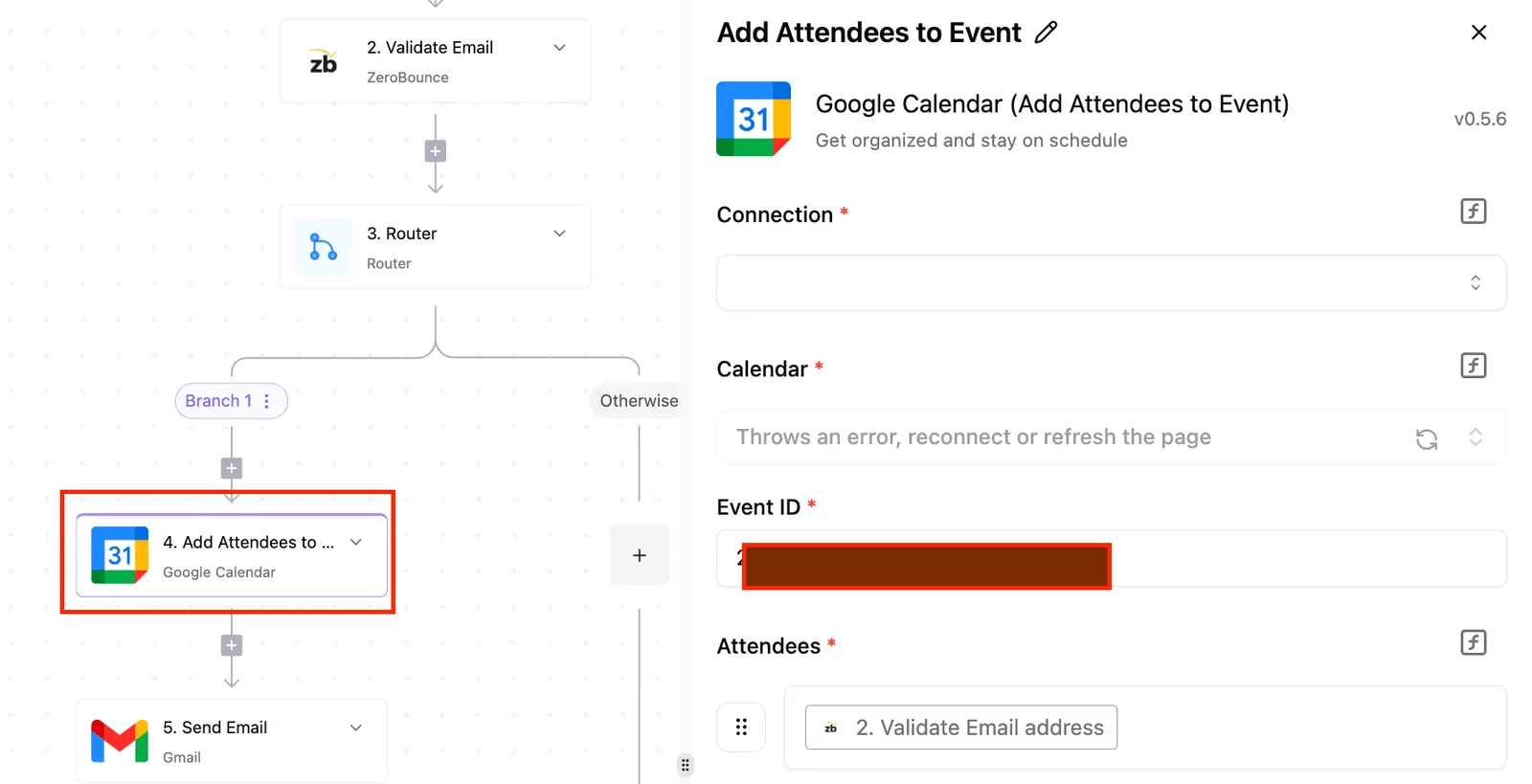
Step 1: Connect the WooCommerce New Order trigger
When you configure the WooCommerce "Order Created" trigger, the automation begins acting as the listener for every successful transaction on your site.
You'll provide your store URL and a set of API keys, specifically the Consumer Key and Consumer Secret, which you'll generate within the WooCommerce settings under the Advanced/REST API tab.
The moment a customer completes a purchase, the system establishes a webhook that pushes order data. This eliminates the need for polling. Your CRM updates in real-time rather than on a delayed schedule.
Step 2: Add the Salesforce Find or Create Contact action
The second step involves adding a Salesforce action to manage the customer identity, utilizing a connector that supports operations like "Create Record" and "Add Contact to Campaign." To prevent the creation of duplicate records, you should configure the "Find Record" and "Create Contact" actions.
You will need to authenticate your Salesforce instance via OAuth2, granting the automation permission to search your existing database.
By searching for an existing Contact based on the email address provided in the WooCommerce order, the system can either update an existing profile with new purchase data or generate a new record if no match is found.
On the right side, a configuration panel titled "Edit On New Record" is open, showing an Event trigger type with an Input section and an Events field containing "new_record".]
Step 3: Map data fields and test the connection
Finalizing the flow requires mapping the dynamic variables from the WooCommerce order to the corresponding fields in the Salesforce Contact object.
You'll drag the "Billing Email" from the trigger output into the Salesforce "Email" field, and repeat this for "First Name," "Last Name," and "Phone Number."
Once mapping is complete, run a test execution using a previous order to verify that the data arrives in Salesforce formatted correctly.
Successful testing confirms that the API permissions are correct. It also confirms that the data types, such as strings for names and integers for IDs, are compatible across both platforms.
Managing API limits and data sync errors
Managing API limits and data sync errors requires a proactive strategy to prevent silent failures when WooCommerce order volumes spike. Because Salesforce enforces strict governor limits on inbound requests, you must calculate every synchronization event against the total daily allowance to avoid blocking business-critical updates.
A modern automation architecture addresses this by ensuring that a complex, ten-step data validation flow costs the same to run as a simple two-step sync.
The published pricing page shows Zapier bills roughly one task per action step completed in a run, not a flat credit per run regardless of steps, so check it against Zapier's per-task billing and Make's per-module billing on their own pricing pages.
A modern automation architecture addresses this by ensuring that a complex, ten-step data validation flow costs the same to run as a simple two-step sync.
This allows builders to add as many error-handling steps as needed without increasing the cost of the integration.
Handling Salesforce API request quotas
Salesforce enforces a rolling 24-hour limit on API requests. This ensures multi-tenant platform stability.
Exceeding these quotas may cause further API calls to be blocked until usage drops back below the threshold, since Salesforce tracks usage over a rolling window rather than resetting at a fixed time. The specific allowance depends on the license tier and the number of active users, as the total pool scales with the size of the organization.
| Salesforce Edition | Base Daily API Limit | Per-User License Add-on |
|---|---|---|
| Professional | 100,000 | 1,000 |
| Enterprise | 100,000 | 1,000 |
| Unlimited | 100,000 | 5,000 |
The base capacity is identical across tiers. However, the Unlimited edition has a five-fold increase in per-user scalability, allowing high-volume retail operations to support more frequent synchronization events.
To stay within these bounds, developers should utilize the Salesforce Bulk API for high-volume data migrations so that thousands of records only consume a single request against the quota.
Resolving WooCommerce webhook delivery failures
WooCommerce webhooks are the automated messages sent when an order is created. These often fail due to server-side timeouts or incorrect secret key validation, resulting in missing records in the CRM.
If the receiving endpoint doesn't respond with a successful HTTP status code within five seconds, WooCommerce will eventually disable the webhook entirely to protect server resources.
Admins must monitor the Webhook Logs within the WooCommerce Status page to identify 401 Unauthorized errors. These indicate that the shared secret has been rotated and the authentication headers no longer match.

Formatting currency and date fields for Salesforce compatibility
Data synchronization often breaks because Salesforce requires ISO 8601 format for date fields and specific decimal precision for currency, whereas WooCommerce may output localized strings.
A WooCommerce order date formatted as "DD/MM/YYYY" will be rejected by the Salesforce API, so the integration must transform this into "YYYY-MM-DD" before transmission to ensure the record is accepted.
Similarly, currency values must be passed as raw numbers without symbols. Sending a "$" character into a Salesforce Currency field will trigger a validation error and halt the sync process.
You can follow the rest of this with the builder open. Start free, no card.
Choosing Activepieces for Salesforce WooCommerce integration
Activepieces is a self-hosted, open-source automation engine that eliminates the per-execution costs typically associated with syncing high-volume WooCommerce stores to Salesforce.
By running the engine on private infrastructure, a business maintains control over the data transit layer. Sensitive customer records never reside on a third-party vendor's database.
If a specific WooCommerce extension requires a connector that isn't in the standard library, Activepieces allows you to generate the integration with AI and add it privately to your own instance.
A majority of the 750+ integrations in the open-source monorepo are community-contributed, ensuring the catalogue acts as a floor for development rather than a ceiling.
Open source flexibility and self-hosting options
By self-hosting Activepieces via Docker or a cloud provider, a systems administrator can keep all automation traffic within a private virtual network, which prevents external exposure of WooCommerce API keys.
This deployment model supports the use of custom integrations (modular code blocks that extend the platform's capabilities) enabling developers to write specific logic for Salesforce’s unique custom objects that standard connectors often ignore.
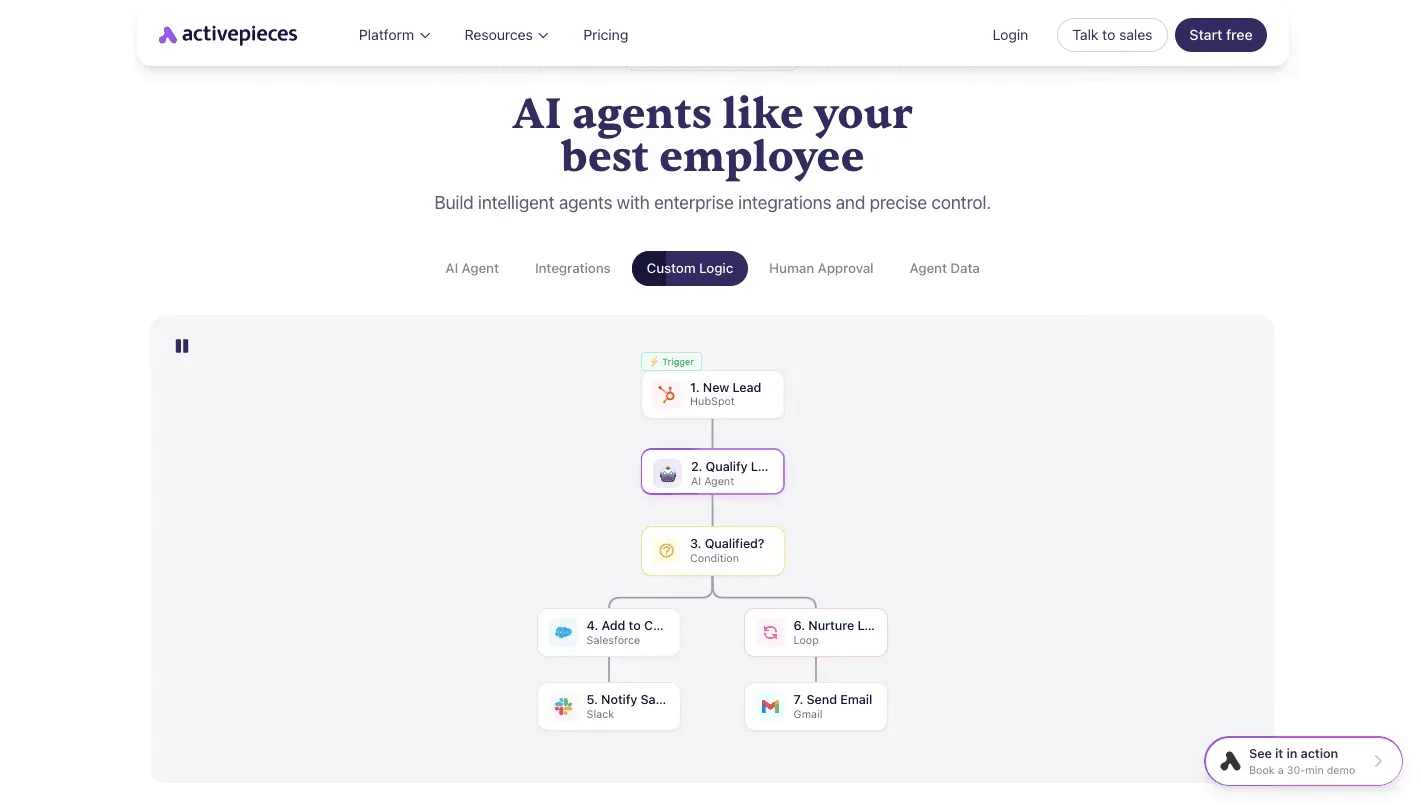
The Activepieces WooCommerce piece includes native triggers for:
- Coupon Created, Updated, or Deleted
- Customer Created, Updated, or Deleted
- Order Created, Updated, or Deleted
- Product Created, Updated, or Deleted
Unlimited steps and predictable pricing models
Activepieces has a flat-rate or self-hosted pricing structure that removes the financial penalty for complex multi-step workflows, such as those requiring extensive data transformation before reaching Salesforce.
Traditional middleware platforms often charge a fee for every individual action or "step" executed within a flow, which creates an unpredictable monthly bill as store traffic fluctuates.
The following comparison shows the difference in cost scaling between these two architectural approaches:
| Feature | Traditional Middleware | Activepieces Self-Hosted |
|---|---|---|
| Cost Driver | Total number of steps executed | Server infrastructure overhead |
| Scaling Impact | Higher usage increases monthly bill | Higher usage requires more CPU/RAM |
| Data Privacy | Data passes through vendor cloud | Data stays on your own hardware |
This cost-containment model ensures that a workflow with twenty data-cleansing steps costs the same as a single-step sync. Consequently, teams can build robust error-handling loops and deep validation checks without budgeting for increased operational expenses.
When to use alternative integration tools
Standardizing on Activepieces is the most effective path for high-volume stores, but certain edge cases require the specialized reasoning of frontier AI models.
If an integration requires real-time, unstructured analysis of customer sentiment in order to route Salesforce cases, a developer might use Claude Sonnet 5.5 to process the text before the Activepieces flow continues.
For complex software engineering tasks where the automation logic itself must be generated and tested autonomously, Gemini 4 Carbon handles the reasoning depth to architect the underlying API calls.
If the primary requirement is low-latency, real-time voice interaction between a store owner and their CRM data, GPT-Live-1.1 enables the full-duplex capabilities that a standard automation trigger can't replicate.
Frequently asked questions about Salesforce WooCommerce sync?
Can i sync historical WooCommerce data to Salesforce?
By triggering a manual bulk export from WooCommerce and mapping the resulting CSV file to your automation workflow, you can migrate existing records.
This ensures that customer lifetime value calculations in Salesforce reflect every transaction since the store’s inception rather than only those occurring after the integration goes live.
To prevent duplicate records during this process, use the Salesforce Upsert action, which checks for an existing Email or External ID before creating a new Lead or Contact.
Does this integration support custom WooCommerce fields?
Custom fields added via Advanced Custom Fields (ACF) or specialized plugins are accessible through the metadata array in the WooCommerce order payload. This allows you to sync industry-specific data, such as prescription details for eyewear or membership tiers, directly into corresponding Custom Objects in Salesforce.
Because these fields aren't part of the standard WordPress schema, you must ensure the Salesforce field type (such as Picklist or Currency) matches the incoming data format to avoid API validation errors.
How secure is the data transfer between WooCommerce and Salesforce?
Data remains encrypted during transit using Transport Layer Security (TLS), which prevents unauthorized interception as information moves between your web server and the CRM.
Security is further hardened by using OAuth 2.0, a standard for access delegation that allows the systems to communicate via tokens instead of sharing raw login credentials.
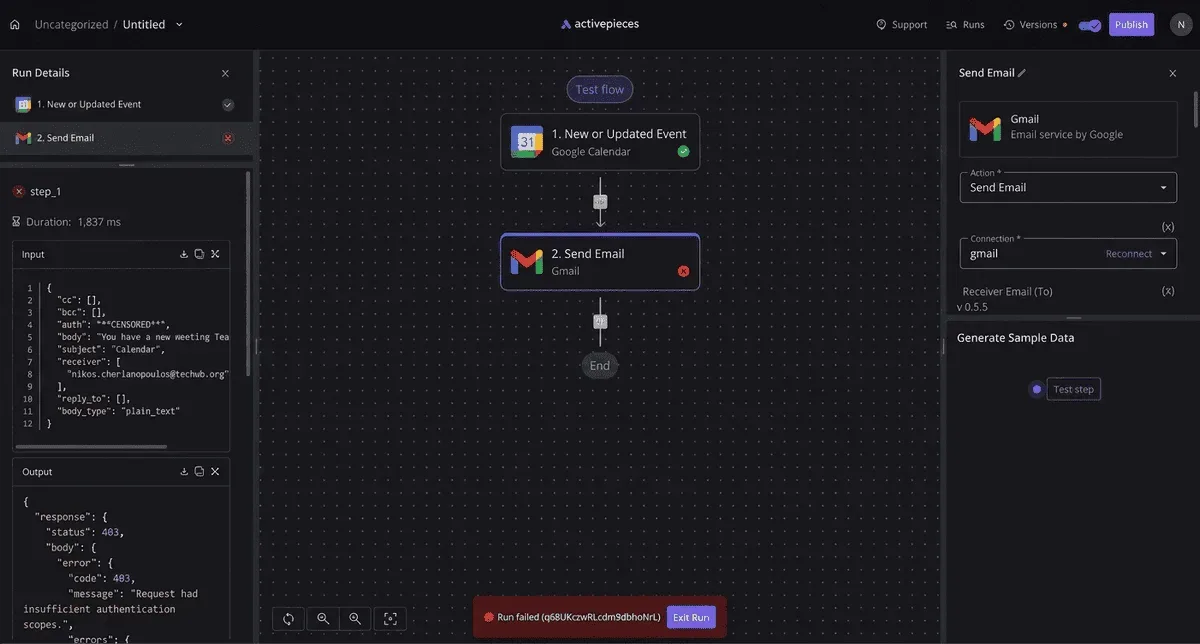
The administrative interface provides granular control over which connectors are active within your environment, as shown in the Integrations management page.
The table displays the specific versions of active integrations, such as Google Sheets 0.12.2 and OpenAI 0.4.1, while allowing you to disable unused components like the Storage integration to reduce the attack surface of your automation server.
Following the configuration of these permissions, you should implement restricted IP ranges within your Salesforce Network Access settings to ensure the CRM only accepts traffic from your specific automation host.
Do i need a Salesforce Developer edition to test this?
A Salesforce Developer Edition is an efficient environment for initial configuration. It provides free access to the full API suite and Custom Objects that are often restricted in lower-tier production accounts.
Testing in this isolated environment ensures that complex automation logic, such as multi-stage lead routing, doesn't trigger unintended email alerts to actual customers during the debugging phase.
Once the workflow is verified, you can deploy the logic to a Sandbox or Production environment by simply updating the OAuth connection strings.
Build it
Set this up in minutes.
No code required. Connect your accounts, and Activepieces runs it from there.
Start free Talk to sales