Law Firm Intake Automation: What to Buy in 2026

Nov 17, 202615 min read
If you run a small firm, buy purpose-built intake software; only firms with an unusual stack or governance requirements need a general automation layer, such as an open-source tool like Activepieces.
Law firm intake automation essentials
Intake automation here means software that captures, screens and hands off a prospective client without anyone retyping the details.
Only 25% answered an online lead in under 5 minutes in Hennessey Digital's review of personal injury firms, so a firm that does is faster than three in four rivals.
Another 8 points arrive by the 10-minute mark (33%), 56% by the one-hour mark, and 74% within 7 days, leaving a quarter of the total to arrive after the week.
Speed is the reason this matters.
By the time the remaining 26% reply, after more than a week, a prospect who contacted them has almost certainly hired someone else.
Which legal intake tool suits your firm
If your process fits the vendor's form, calendar and case-management integration as shipped, purpose-built intake suits you. If intake must reach tools you already own, or must satisfy IT on access control and logging, a general automation layer does.
Whoever gets paged when a flow fails at 2am on a Tuesday should be named before either is chosen. A vendor owns that for purpose-built intake; for an automation layer, your firm or its contractor does. Platforms such as Activepieces sit in the second category.
Check any price against the vendor page before you rely on it, because Each tool is judged on the same seven criteria:
- Connectors: can it reach your case-management system and email without custom code?
- Who maintains it: when an integration breaks, is it the vendor's job or yours?
- Hosting: can it run where your confidentiality obligations require?
- SSO, roles and audit: can you restrict who edits a flow and see who changed it?
- Approvals: can a human sign off before a conflict-sensitive step runs?
- Error handling: does a failed step retry or alert someone, rather than drop the lead silently?
- Price at five attorneys: what is the monthly bill for a five-lawyer firm?
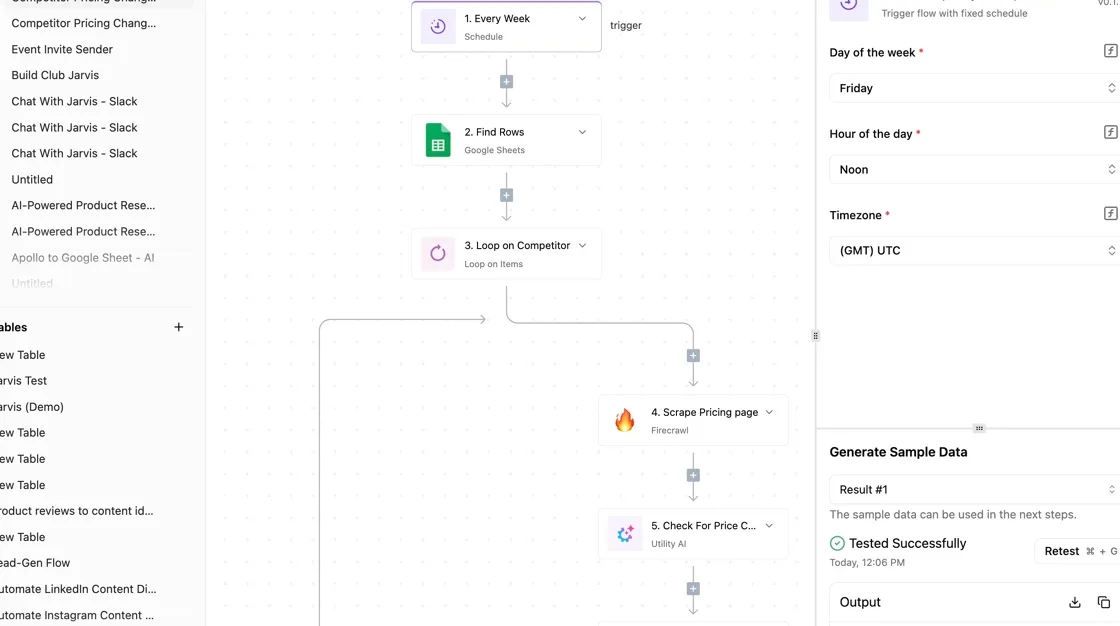
Because each later section applies these tests in this order, the tools can be compared line by line.
The trade is setup against reach. You get working software on day one with purpose-built products, but they stop at their own edges. General automation reaches anything with an API but leaves you owning the flow, its failures and its upkeep.
Everything below works on Activepieces' free plan. Start without code or a credit card.
Comparison table of the five tools
Intake software pricing, strengths, limits, best fit
Split by who owns the upkeep, the five tools divide cleanly: Clio Grow, Lawmatics and Smokeball leave it with the vendor, and Zapier and Activepieces, whose core is MIT-licensed and which counts 750 integrations, leave it with your firm.
To compare them, the table below sets each against the same three questions:
- What it does well
- Where it stops
- Which firm it suits
It leaves out price because per-user pricing moves with plan and seat count, so read the current figure from each vendor's pricing page before you commit.
| Tool | Strength | Limit | Best for |
|---|---|---|---|
| Clio Grow | Intake and client relationship management built for law firms, with little setup | Reaches outside tools only as far as its own integrations allow | Small firms that want intake working this week |
| Lawmatics | Intake paired with marketing automation for legal practices | Automation stays inside the product's own model | Firms where intake and follow-up campaigns are the main job |
| Smokeball | Practice management with intake in the same system | Intake is tied to the wider platform, so you adopt more than you asked for | Firms replacing their practice management system and intake together |
| Zapier | Very broad catalogue of connected apps in a hosted service | Hosted only, and the flow and its failures are yours | Teams that need quick connections and have no self-hosting or governance requirement |
| Activepieces | Automation layer with 750 integrations, RBAC, SSO, SCIM, audit logs, git sync and self-hosting, on an MIT-licensed core | Someone at the firm must build and maintain the flows | Firms whose intake must connect to existing tools and meet governance needs |
Three rivals sit outside the table. Make is a visual builder that suits people who want to see the whole flow on one canvas.
n8n can be self-hosted and suits technical teams comfortable running it. Power Automate wins where the firm already lives in Microsoft 365 and wants flows inside that estate.
Reading the table by firm size
Read the table from the bottom row up if you have an IT person or an outside contractor, and from the top down if you don't.
If your firm has no one to page when a flow breaks at 2am on a Tuesday, lean toward the first three rows, because the vendor carries that failure.
If the firm already owns a case management system, a billing tool and a document store, it will find those three rows stop at the edge of their own product.
When a firm must show an auditor who changed what, or must keep data on its own servers, the shortlist is Zapier is hosted only.
Choosing the right column is only half the decision, because the other half is naming the person who owns the flow after launch.
Clio Grow unified platform
If the person who owns the flow is already your Clio administrator, Clio Grow keeps ownership in one place.
It suits firms on Clio Manage that want intake, a CRM and e-signature from one vendor, with one support contact when something breaks at 2am on a Tuesday.
Clio Grow pricing and plan limits
Because I haven't confirmed a current price or a check date against the vendor page, none is quoted here. Clio sells Grow per user, with features separated by tier.
Read the pricing page directly before you commit, and read the tier comparison more closely than the headline rate.
Budget for the entry tier and discover your follow-up logic sits one tier up, and you have bought a different product than you priced. The limit that matters is which tier unlocks the automation and integration features you need.
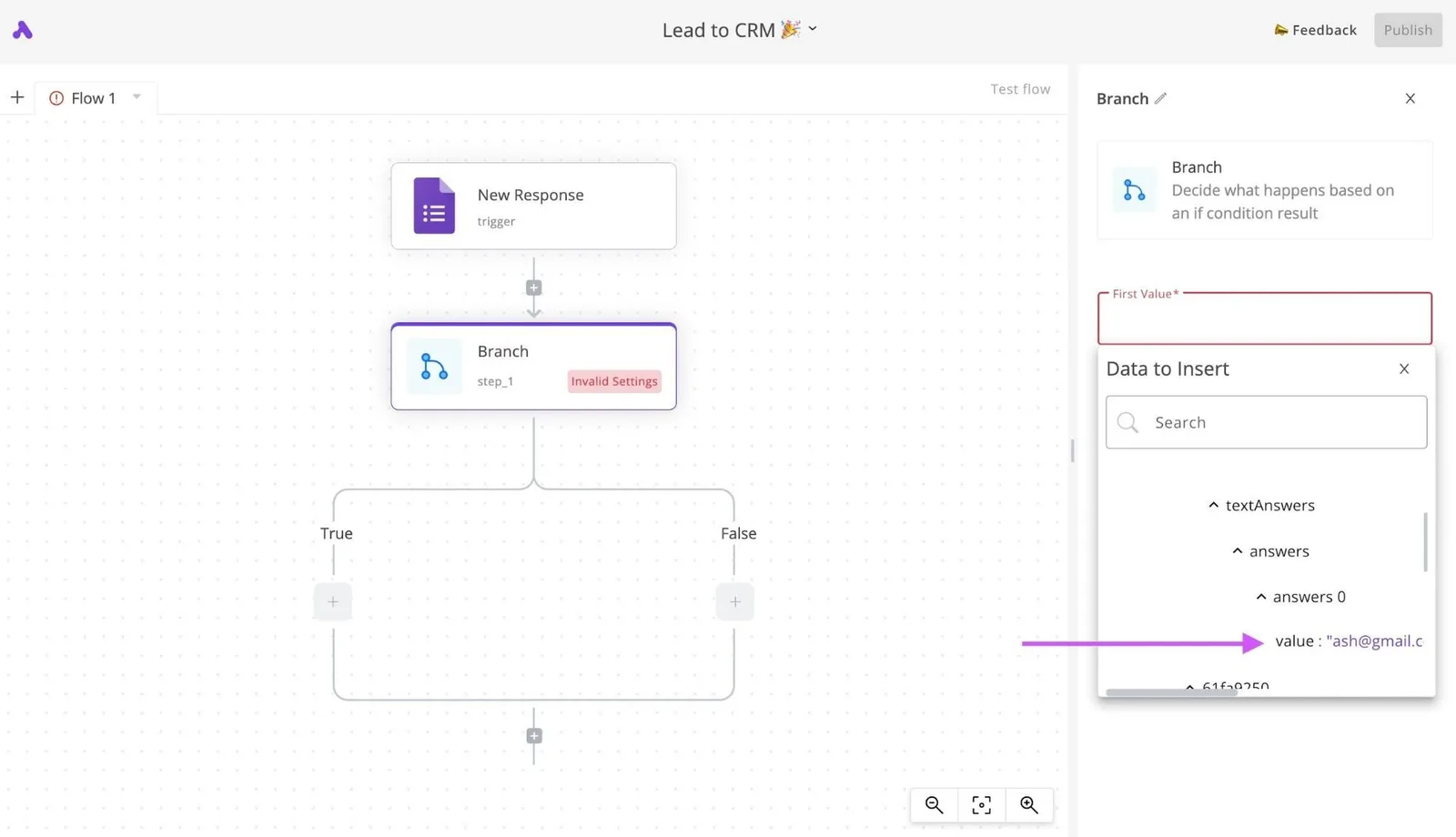
Clio Grow intake strengths
Here, the strength is that the handoff is already built. A lead captured through an intake form becomes a contact in the CRM.
That contact can be sent an engagement agreement for e-signature, then converted into a matter in Clio Manage without re-keying anything.
For a small firm, that removes the most common failure in stitched-together intake: a lead that exists in one system and never reaches the other.
Who owns it is simple, too. One vendor, one admin console, one place to look when a signed agreement doesn't arrive. A practice manager can own it without learning a second tool.

Judged on the shared criteria, it does well on legal-specific intake, e-signature, and who builds and maintains the flows. A non-technical administrator can do all three.
Clio Grow intake limitations
It's strongest inside Clio's own ecosystem. If your accounting, document storage or marketing tools sit outside it, you depend on whatever connections Clio offers, and on your tier allowing them. Anything beyond that means a separate automation layer.
Once routing depends on practice area, conflict-check results or referral source, with different owners and different next steps for each, Grow's automations are a poor fit. They are organised around lead stages and templated follow-ups, which works for a single, predictable intake path.
Larger firms expect more governance than they get here. I haven't confirmed single sign-on, SCIM provisioning, git sync or self-hosting for Grow, and you shouldn't assume them.
Self-hosting in particular doesn't fit a product delivered as Clio's hosted service. If your compliance reviewer asks for audit trails of who changed a flow, get the answer in writing from Clio before signing.
Easier to see it running than to read about it: set it up free, no card.
Lawmatics purpose-built intake platform
Lawmatics suits growth-minded firms that want a CRM and intake pipeline built for legal work, with automated follow-up from first inquiry to signed engagement. It's a purpose-built system, so the question to settle before buying is who owns it once it's running.
We have no confirmed figures for Lawmatics, so none appear here. Pricing and plan limits should come from the vendor's own pricing page on the day you sign, and you should record that date in your decision file.
Pricing pages change, and a figure you can't date isn't one you can defend to a partner.
Ask the sales rep to put three things in writing. Those are which plan includes automation, how many users it covers, and whether the integrations you need sit on that plan or a higher one.
An integration listed on a feature page but gated behind a more expensive tier won't show up until the invoice does.
Launching without hiring a developer is where Lawmatics wins. Intake forms, follow-up sequences and pipeline stages come with legal workflows already in mind.
An integration listed on a feature page but gated behind a more expensive tier won't show up until the invoice does.
A marketing coordinator or office manager can usually build and adjust these flows, which means the person who gets paged when a lead never receives its follow-up is someone inside the firm.
It also fits firms whose practice system is one of its supported integrations. If your case management software is on that list, lead data can move from inquiry to matter without anyone re-keying it.
Check that list against the systems you actually run, not the ones you plan to run.
Once intake has to reach tools outside its built-in connections, the limits appear. You can work around a missing connector, but the workaround is a second system that someone has to build, monitor and own.
At 2am on a Tuesday, the failed handoff between Lawmatics and that second system is nobody's job unless you assigned it beforehand.
Test governance next. The same questions you put to Clio apply here: SSO, role-based access, audit trails of who changed a flow, and whether anything can be self-hosted.
We haven't confirmed any of these for Lawmatics, so treat each as unanswered until the vendor commits in writing.
Choose Lawmatics when its built-in pipeline covers your needs and a named person at the firm will maintain it. Look elsewhere when intake has to cross many systems or satisfy a compliance reviewer.
Smokeball and Zapier as alternatives
When intake should live inside the case management suite you already run, Smokeball is the alternative. When you only need to join a form tool to systems you already own, Zapier is.
Either way, ask first who gets paged when a new-client form stops creating matters at 2am on a Tuesday.
Smokeball case management intake option
Because Smokeball is a practice suite, intake there is a feature of the system holding the matter file. That's its strength: the intake record and the matter are one object, and the vendor owns the connection between them.
When something breaks, you open one support ticket, not three.
Where it stops is the edge of the suite. Intake that must reach a conflict-check database, a billing tool outside the suite, or a document system the firm chose years ago depends on what the vendor has built, on the vendor's schedule.

Cost also follows the suite's pricing model, so adding intake capability means moving up a tier, not paying for the one thing you needed. Check the vendor's pricing page for current tiers before you commit.
Zapier
Submit a form and a chain of actions fires in the tools you already have: that is Zapier, the general rival. It's quick to start, and a non-technical office manager can build a flow in an afternoon.
That same ease raises the ownership question. Who maintains the flow after that person leaves?
Two costs matter. Billing is per task, so a busy intake form with several steps spends your allowance faster than the number of leads suggests.
And every submission passes through Zapier's servers, so a prospect's description of their legal problem, which may be privileged, sits with a third party outside your control.
To compare the two Smokeball tiers and Zapier's Professional plan, the table covers what each includes, how cost grows, where privileged data goes, and where an automation layer does better. Read the privileged-data column first, because it's the one a compliance reviewer will read first.
| Option | What is included | How cost grows | Privileged-data exposure | Where Activepieces wins |
|---|---|---|---|---|
| Smokeball Bill | Intake as a feature of the practice suite | Per user, so cost follows headcount | Data stays with the suite vendor that already holds the matter | Connecting to tools outside the suite, across 750 integrations |
| Smokeball Boost | Higher tier with more of the suite's features | Per user, at a higher tier | Same vendor, same exposure | Self-hosting, SSO, RBAC and audit logs in one product, with an MIT-licensed core |
| Zapier Professional | Multi-step flows between apps | Per task, rising with form volume and steps | Submissions pass through a third party's servers | Self-hosting the MIT-licensed core keeps intake data on your own infrastructure |
Pick the suite if one vendor should own the whole path, and pick the general tool only if you accept a third party handling client data. The table comes down to a choice about ownership.
Activepieces
For most small firms, Activepieces ranks behind purpose-built intake tools.
It ships no conflict check, fee agreement or legal CRM, and it earns a place only where your stack is unusual or the data must stay on your own servers, which its MIT-licensed core can do.
If you chose the general tool, the first question is who owns the flow when it breaks, and with Activepieces the answer is you; flows are unlimited on every plan, including the free one (1,000 credits a month, up to 5 users), so how many you end up owning is your choice.

Where Activepieces fits and where it does not
It fits a firm that already runs a case system, a mailbox and a chat tool, and wants intake to feed them without replacing them.
It also fits a firm whose governance needs include role-based access, single sign-on, audit logs, git sync or self-hosting, since those are the controls the automation layer exists to supply.
If you want a conflict check on day one, Activepieces doesn't fit.
You would build that logic yourself from its 750 integrations, with an approval step for a person to run the check, and someone has to maintain it, which means the entire process waits on that approval.
Worked workflow: new inquiry to approved intake
Read the flow below as a list of decisions you'll own, not features you receive.
It shows how little of the intake path Activepieces supplies on its own and how much you assemble from its 750 integrations, so your engineering team builds most of the intake system.
- A web form submission or an incoming webhook starts the flow.
- The flow creates a record in your CRM, the system where the firm keeps client contacts.
- An approval step pauses the flow so a named person can run the conflict check by hand and approve or reject the matter.
- On approval, the flow sends the welcome email and posts a message to Slack, the firm's chat tool, so the team sees the new matter.
- If any step fails, an error alert goes to a named person, not to a shared inbox nobody watches.
At step three, the firm's judgment comes in, because the tool pauses for a human rather than deciding. Step five's the one to write first, since a silent failure means a prospective client waits unanswered.
Price, self-hosting and limits
I have no confirmed plan prices to quote, so check the current pricing page against your volume before committing.
If you self-host, client data stays on infrastructure you control, but you also become the party who patches, backs up and restarts it. Cloud shifts that work to the vendor and puts a third party in the data path.

On Monday, pick one inquiry source, build steps one and two, and route the failure alert to a person.
Browse the 750 integrations at https://www.activepieces.com/integrations and start on the free plan, which costs $0 and needs no card, letting you explore the entire library without commitment.