
Top 7 Sales Automation Tools for Faster Deal Cycles
Top 7 Sales Automation Tools for Faster Deal Cycles: 1. Activepieces 2. HubSpot Sales Hub 3. Salesforce 4. Apollo.io 5. ActiveCampaign 6. Lindy 7. Gong.

May 30, 202516 min read
Every sales team starts the day with plans. By midday, follow-ups stack up, and updates fall behind.
You get a lot of calls, emails, and notes on too many tools. That pressure slows decisions and pushes deals out longer than needed. Sales automation tools exist to carry out that repetitive work so you can stay focused on conversations.
In this article, you’ll learn how sales workflow automation supports your sales process and which tools help you shorten deal cycles.
Put follow-ups and updates on autopilot so your deals keep moving. Try Activepieces today!
TL;DR
These are the seven best sales automation tools for 2026:
- Activepieces
- HubSpot Sales Hub
- Salesforce
- Apollo.io
- ActiveCampaign
- Lindy
- Gong
Everything below works on Activepieces' free plan. Start without code or a credit card.
What Are Sales Automation Tools?
Sales automation tools help you stay in charge of your sales process by taking over repetitive tasks that often distract you from selling. Follow-ups are sent on time, records are kept current, and deals continue progressing, even when your day gets hectic.
Typically, sales automation software runs on a cause-and-response setup. Each action leads to the next: when a sales lead fills out a form, the system responds instantly.
Whenever a deal needs your attention, you get emails, CRM data updates, and alerts. That quick response time is so important, as it can make all the difference between a deal progressing or stalling.
Without an automation tool, updates can fall behind quickly, which makes it harder for your sales and marketing teams to stay on the same page. Missing changes lead to confusion, follow-ups slow down, and trust between your teams can suffer.
These platforms further support deal management through lead scoring, which shows who deserves your time first. You never have to do manual data entry again, since updates happen on their own.
How Automation Tools Help Sales Professionals
Automation tools make a difference in those small moments that typically slow your day. For instance, these software:
- Distribute fresh leads to all your marketing and sales teams as per your standards, so every sales rep has an equal opportunity to close deals.
- Eliminate the back-and-forth of finding the right time for sales calls by letting prospects book directly on your calendar.
- Support CRM data enrichment by instantly filling in missing contact and company information.
- Reduce busywork by automating administrative tasks such as follow-ups and scheduling, so deals move through your pipeline more quickly.
- Help your sales managers create plans by analyzing your pipeline and managing customer data in a single place.
- Give sales leaders a view of progress and help them monitor performance before problems grow.
- Keep track of customer interactions and important customer information so you can deliver better service and improve customer retention.
- Speed up sales cycles and raise close rates, which boost sales without adding more pressure on your team.
7 Best Sales Process Automation Tools in 2026
To help you choose the right sales automation software, here's a comparison of the top platforms you can use.
1. Activepieces

Activepieces is a workflow automation tool that lets you visually design how data flows between lead sources, CRMs, and communication tools. You build flows by choosing a trigger, adding steps, and defining the outcome.
It supports AI agents for sales to orchestrate tasks and manage workflows, which helps drive better results across the sales funnel.
Since Activepieces connects directly to major CRM systems, automation stays accessible for your entire sales team.
You can further automate sales processes with ready-made templates for tasks such as lead scoring, routing, enrichment, and document creation, while maintaining full control over logic and data.
Key Features
- Visual flow builder - Design automations step by step without writing code.
- Trigger-based logic - Start flows from form submissions, CRM updates, or outbound activity.
- AI agent support - Add AI steps that summarize, score, or research within workflows.
- Human approval steps - Pause flows for review before sending or updating records.
- Template library - Start fast with pre-built flows and adapt them to your process.
Integration to Different Sales Stacks
Activepieces has 586+ pre-built pieces, including:
- HubSpot
- Salesforce
- Pipedrive
- ActiveCampaign
- Zendesk
- Zoho
- Microsoft Dynamics
The number of data integrations continuously increases due to community contributions.
Automate Sales Processes With These Templates
Each workflow template below handles a task that usually gets delayed once deals pile up. You start from a working flow, then adjust details to match how you sell.
Sales Coach
Sales calls stack up quickly, and reviewing them often gets pushed aside. Call transcripts move in automatically and go through an AI sales coach for review.
You get direct feedback on how the call went, where interest increased, and where it dropped. A short summary and deal status land in a shared sheet and reach you in Slack, so coaching stays timely and relevant.
Get your template here: Sales Coach
Lead Qualifier
Some form submissions don't deserve the same effort. New entries trigger AI-driven company research, followed by a score from 1 to 10. Qualified leads move forward with deeper checks and land in the CRM. Weak leads stop early. Your pipeline stays focused without manual sorting.
Get your template here: Lead Qualifier
Sales Call Transcript Analyzer
Replaying calls eats time fast. Call transcripts get reviewed by AI, which pulls out key points and builds an action plan. You receive the next steps by email, ready to use without listening again.
Get your template here: Sales Call Transcript Analyzer
Lead Nurturing
Follow-ups work better when they add value. Messages go out with relevant articles, videos, or tips based on interest. Conversations stay active without feeling forced or generic.
Get your template here: Lead Nurturing
Pricing
You can start for free and pay $5 per active flow each month. The Ultimate plan runs on an annual contract and adds security controls, deployment options, and dedicated support.
A self-hosted open-source edition stays free for teams that want full control over data and infrastructure.
Looking for cloud or self-hosted options? Talk to sales and get set up!
2. HubSpot Sales Hub
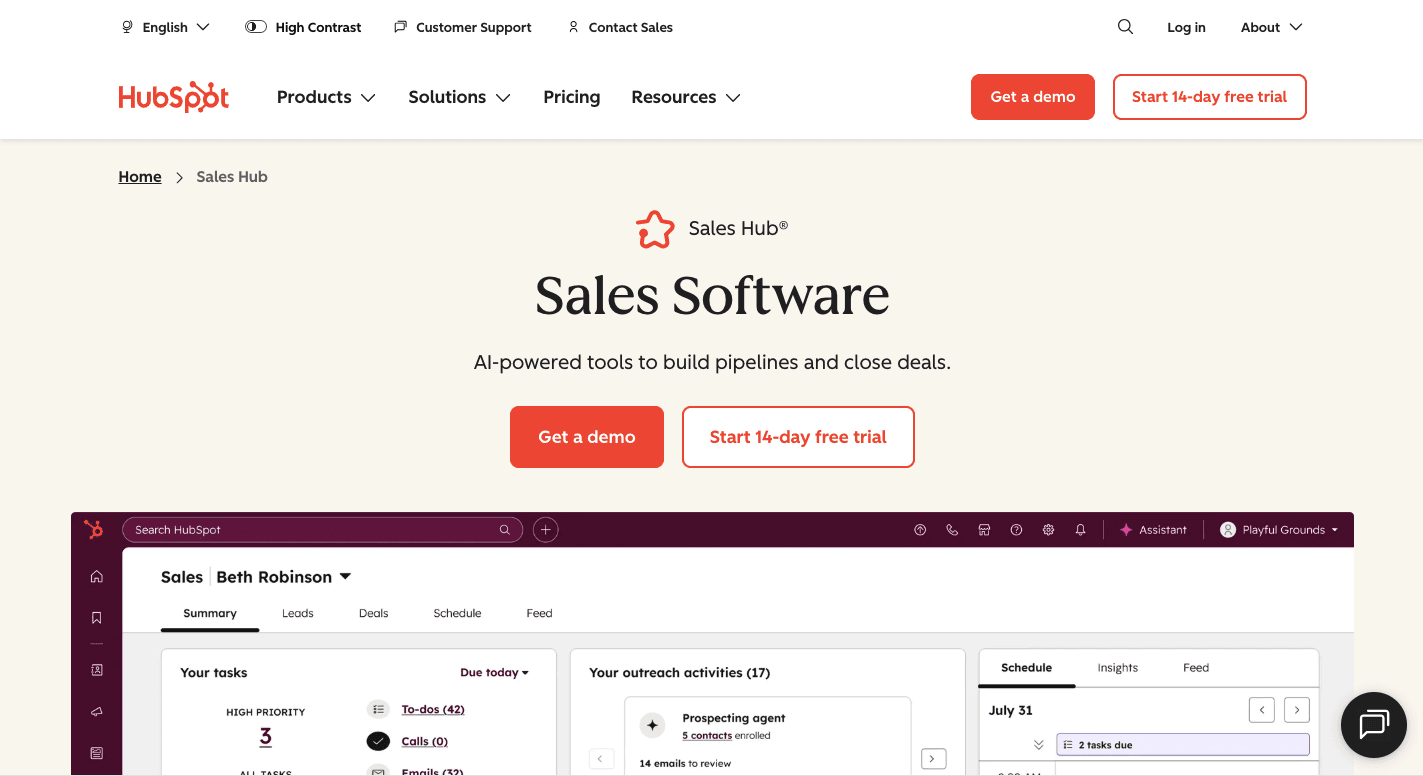
HubSpot Sales Hub offers a single system to keep sales work organized. Everything is in the HubSpot CRM, so meetings, notes, and deal changes stay tied to the same record.
Setup starts by connecting your inbox and calendar. From that point on, HubSpot tracks activity automatically.
When you email someone, log a call, or book a meeting, the system records it for you. You can automate tasks like follow-ups, lead assignment, and deal stage updates based on rules.
Sales data stays accurate since updates happen as you work, which makes it easy to keep everything current in real-time.
For sales and marketing automation, leads move straight from campaigns into sales queues. AI tools can then assist you in drafting outreach and suggest next steps. All of that reduces manual effort, so you can stay focused on conversations that move deals forward.
Key Features
- Workflow automation - Set rules that assign leads, move deals, and trigger tasks based on activity.
- Email sequences - Send timed follow-ups that stop once a prospect replies or books time.
- Meeting links - Let prospects book sales calls without back-and-forth emails.
- Lead scoring - Rank leads based on behavior so you know who deserves attention first.
- CRM tracking - Log emails, calls, and meetings automatically on contact records.
- AI writing support - Draft emails and summaries faster during busy days.
- Deal automation - Update deal stages when quotes are sent, or actions happen.
Disadvantages
Advanced setup takes time and often needs admin support. Support on lower tiers moves more slowly than on higher plans, too.
Pricing
Sales Hub Professional starts at $100 per user per month and includes automation, sequences, forecasting, and AI features. Enterprise plans, on the other hand, start at $150 per user per month and add deeper controls and advanced analytics.
3. Salesforce
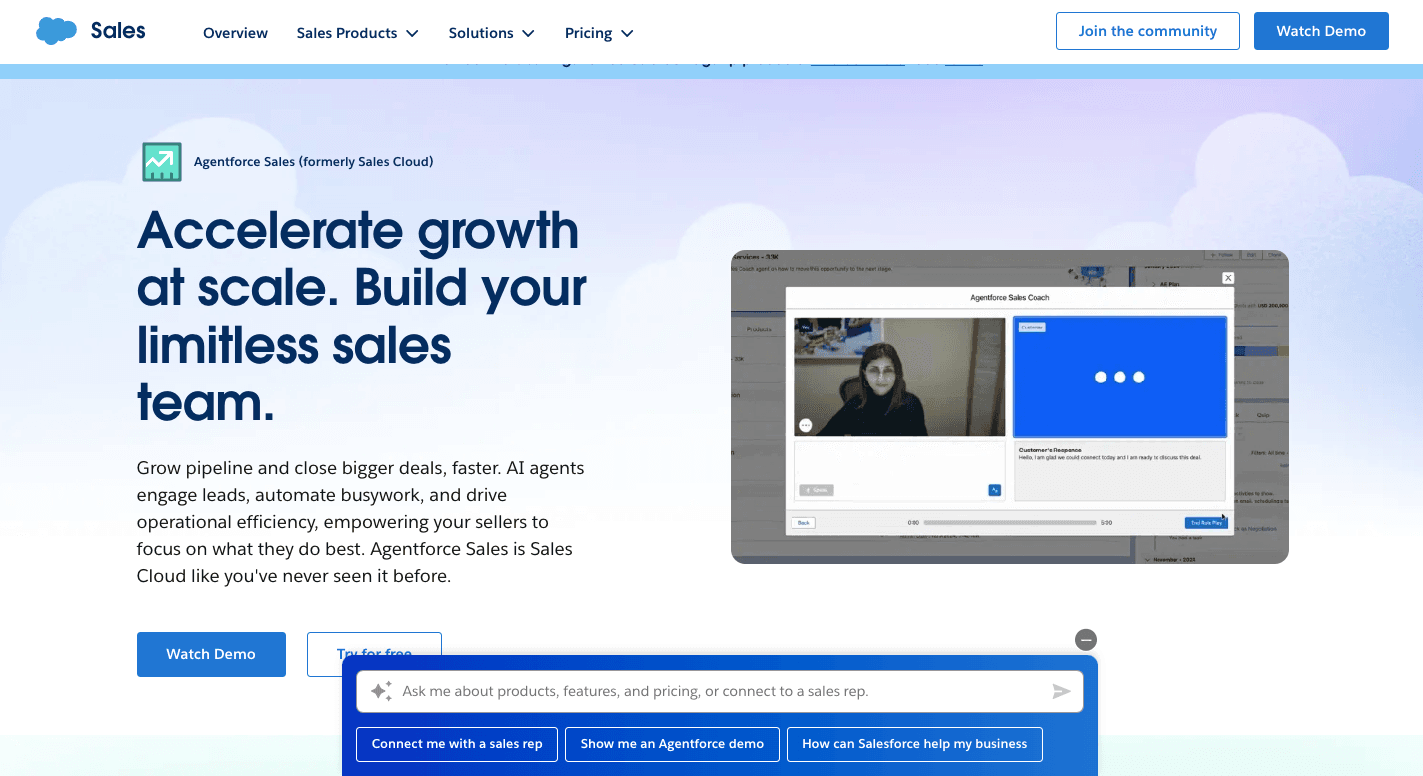
Salesforce is a sales automation platform that usually comes into play when your sales setup starts to feel hard to control. Too many deals, too many steps, and too much information spread out.
Your day often begins on a dashboard that shows what needs attention first. New leads come in, follow a defined path, and move through deal stages with checkpoints.
Salesforce asks for key details before deals advance, which keeps the pipeline clean. AI tools quietly monitor activity and flag deals that slow down or show early signs of risk.
Slack ties into the system as well, so updates reach you where you already work. All of that helps your reps focus on conversations.
Key Features
- Einstein Copilot - Draft emails, summarize calls, and update deal stages using short prompts.
- Predictive scoring - Highlight leads and deals with the best chance to close based on past results.
- Flow automation - Set rules that assign leads, trigger alerts, and manage approvals.
- Guided steps - Walk you through required fields so key details don't get skipped.
- Sales cadences - Schedule emails, calls, and tasks in an order for each lead.
- Call insights - Review calls to spot objections, pricing talk, and missed signals.
- Forecast updates - Refresh revenue forecasts using live pipeline numbers.
Disadvantages
Setup often takes weeks and usually requires a dedicated admin or outside help. As your team grows, costs rise fast with added users, features, and integrations. Support quality improves on higher plans, which can pressure teams to upgrade sooner than expected.
Pricing
Salesforce offers a free plan with a simple CRM for a maximum of two users. The Starter plan costs $25 per user per month and covers basic customer relationship management needs. The Pro plan costs $100 per user per month and includes better automation, quoting, and forecasting.
Enterprise pricing increases to $175 per user per month with deeper pipeline controls and conversation insights. Then, the Unlimited plan is at $350 per user per month and includes predictive AI and sandbox access.
Lastly, Agentforce 1 Sales plan costs $550 per user per month and focuses on heavy AI use for large sales organizations.
4. Apollo.io
Apollo.io is often used for AI-powered B2B sales engagement and lead generation, all in one workspace. Contact search, email outreach, and calling live side by side, so you don't hop between systems just to start a conversation.
Your workflow usually begins with filters. You narrow down companies: role, industry, size, or tech stack.
It also collects verified emails and phone numbers, then lets you push those leads into sequences. Outreach starts right away, and replies come back to the same place.
AI reviews your messages and suggests changes before anything goes out. That support makes your sales operations move more quickly and cuts down manual tasks that normally slow prospecting.
Key Features
- Saved searches - Generate leads on autopilot by discovering new prospects that match your filters each day.
- AI writing support - Generate and adjust outreach messages based on company news and profile details.
- Multi-step sequences - Schedule emails, LinkedIn touches, and call tasks in an order.
- Buying intent signals - Spot companies researching topics related to your offer and reach out at the right time.
- CRM syncing - Update records automatically when contacts change roles or companies.
- Email verification - Check addresses before sending to protect deliverability.
- Chrome extension - Get contact details from LinkedIn and launch sequences without leaving the page.
Disadvantages
Data quality varies by region, with better coverage in the US than in other markets.
Some users say that support response is sometimes slower during technical issues. LinkedIn actions still need manual approval, which breaks the flow for some teams.
Pricing
Apollo.io offers the Free plan with limited credits for testing outreach. The Paid plan costs $59 per user per month and increases with higher credit limits, automation access, and analytics.
The Professional plan is $99 per user per month, while the Organization plan costs $149 per user per month on annual billing.
5. ActiveCampaign
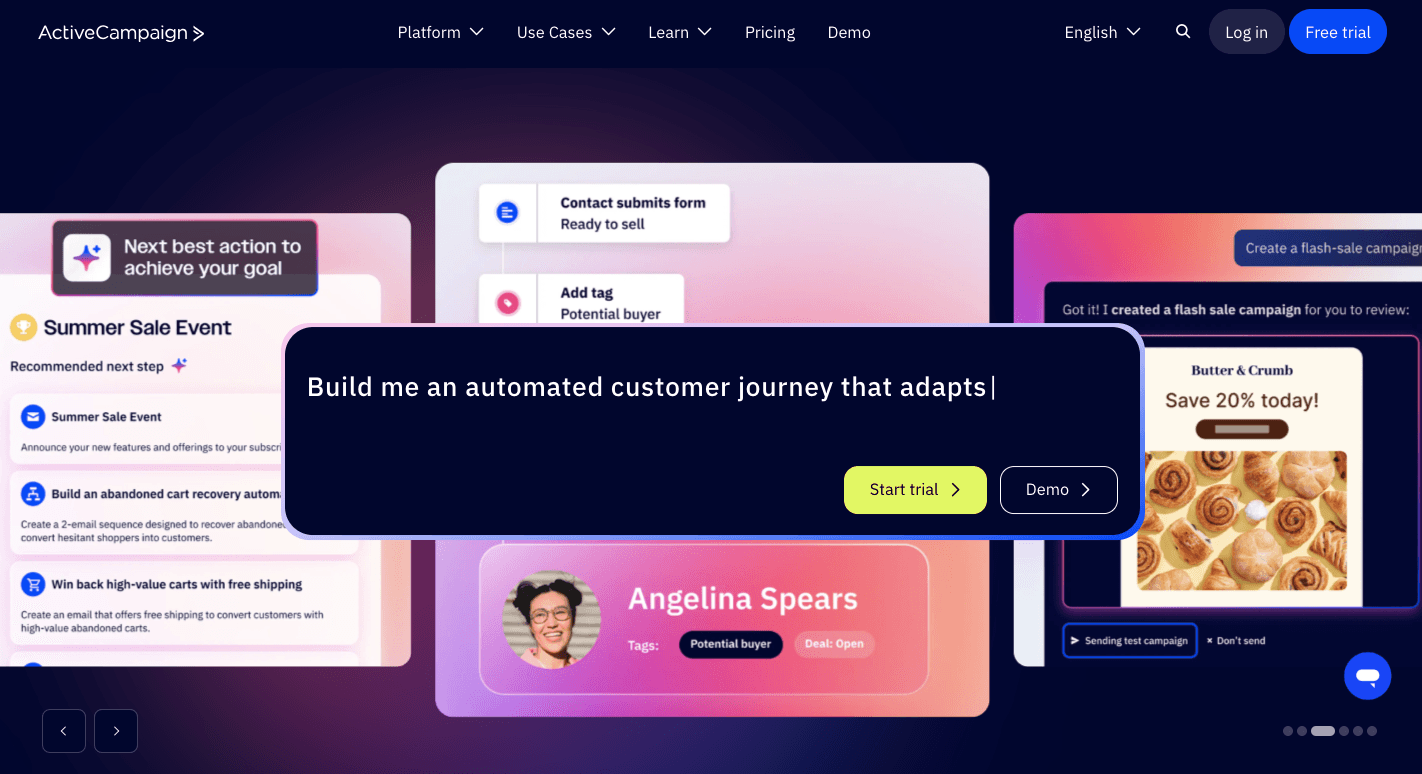
ActiveCampaign is a sales and marketing automation software solution that automates repetitive tasks included in sales communication, such as scheduling emails.
Businesses use it when deals take time, and trust builds slowly. It tracks how people interact with your emails, pages, and offers, then reacts based on what they actually do. That way, you never reach out of context.
Setup usually starts with contacts and tags. You label people based on interest, product type, or stage, then build a pipeline that matches how your deals really move. From there, behavior drives everything.
Key Features
- Visual automation builder - Lay out follow-ups, deal movement, and handoffs on a single canvas.
- Behavior-based triggers - Start actions when contacts open emails, click links, or visit key pages.
- Split paths - Send contacts down different routes and see which one leads to replies or deals.
- Lead scoring - Add or remove points based on actions, so you step in at the right moment.
- Pipeline automation - Create and move deals when someone submits a form or replies.
- Task alerts - Notify your reps or managers when deals stall or need attention.
- Site tracking - See which pages known contacts visit and act while interest stays high.
- Predictive sending - Deliver emails when each person usually checks their inbox.
Disadvantages
As automation grows, setup takes time to learn. New users often need guidance to avoid overbuilding flows. The CRM supports automation, but lacks deep reporting. Support response times depend on the plan level.
Pricing
Pricing starts at $112 per month for the Plus plan, which includes core automation and CRM features. The Pro plan starts at $142 per month and adds testing and reporting. Enterprise pricing starts at $284 per month and includes full email and WhatsApp coordination.
If you want to focus only on email, pricing plans range from $15 to $145 per month and are billed annually.
6. Lindy
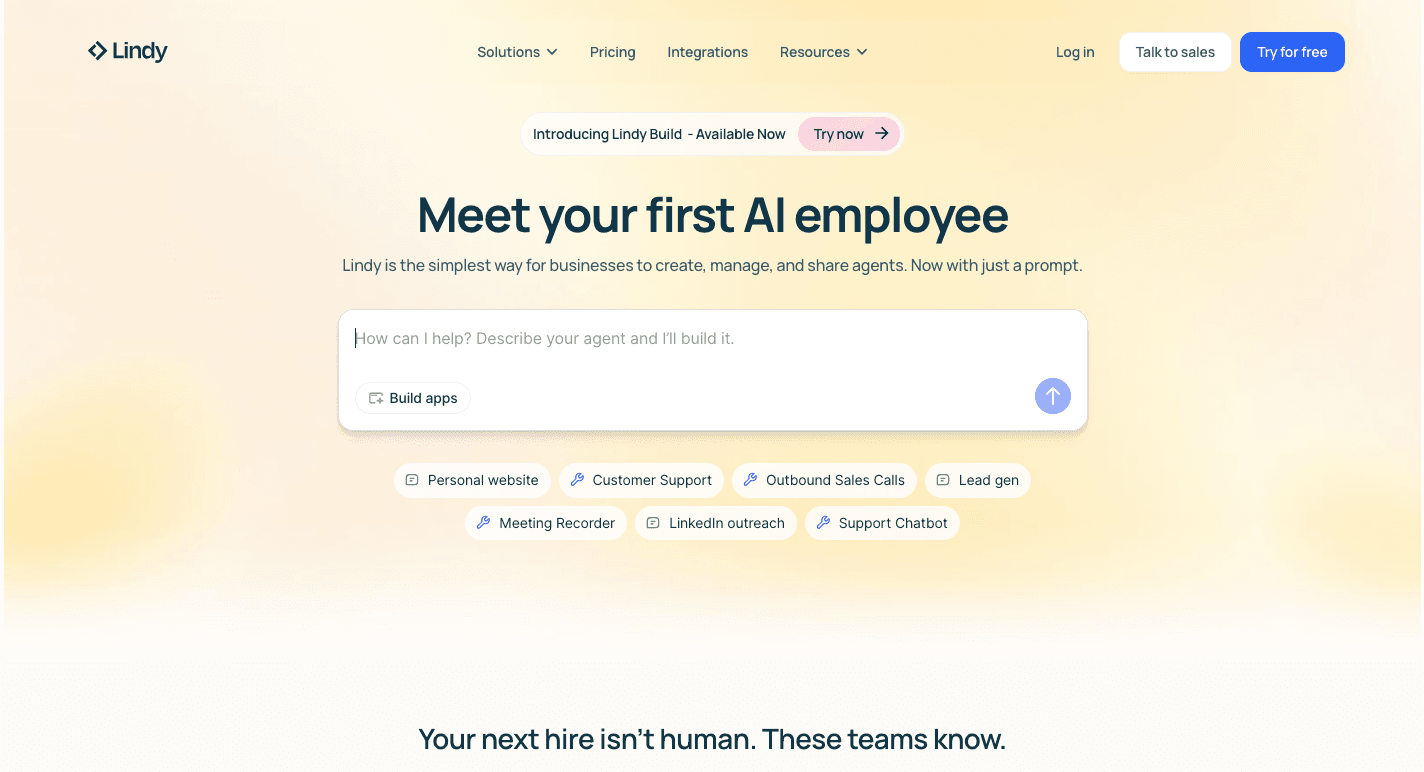
Lindy is an AI sales automation tool that can research leads, handle outreach, update records, and even prepare you for calls without constant input.
You usually start by describing a task in your language. That might include researching a lead, drafting a message, or updating a record after a meeting. It then connects to your email, CRM, and calendar, and then runs that task when a trigger happens.
Over time, it supports pipeline management by keeping records updated, booking meetings, and logging outcomes. You stay involved only when a decision needs your input, which keeps control in your hands.
Key Features
- No-code agent builder - Create agents by describing tasks in simple language.
- Pre-built templates - Start quickly using ready-made agents for outreach, scheduling, or CRM updates.
- Natural language rules - Define triggers, checks, and actions using everyday wording.
- Human review options - Pause actions that need approval before anything sends or updates.
- Meeting support - Schedule meetings, join calls, and create summaries with next steps.
- Sales outreach - Run multi-step outreach and qualify replies automatically.
- Voice agents - Place or receive calls using AI voices for simple conversations.
Disadvantages
Credit usage adds up fast on complex tasks, which makes costs harder to predict. Some advanced workflows still need tweaking to run smoothly.
Performance can vary as the platform evolves. And the voice features support limited regions.
Pricing
Lindy offers the Free plan with 400 monthly credits and a limited knowledge base. Moving up to the Pro plan, it costs $49.99 per month and includes higher credit limits. Lastly, the Enterprise plan costs $199.99 per month and adds dedicated support for larger teams.
7. Gong
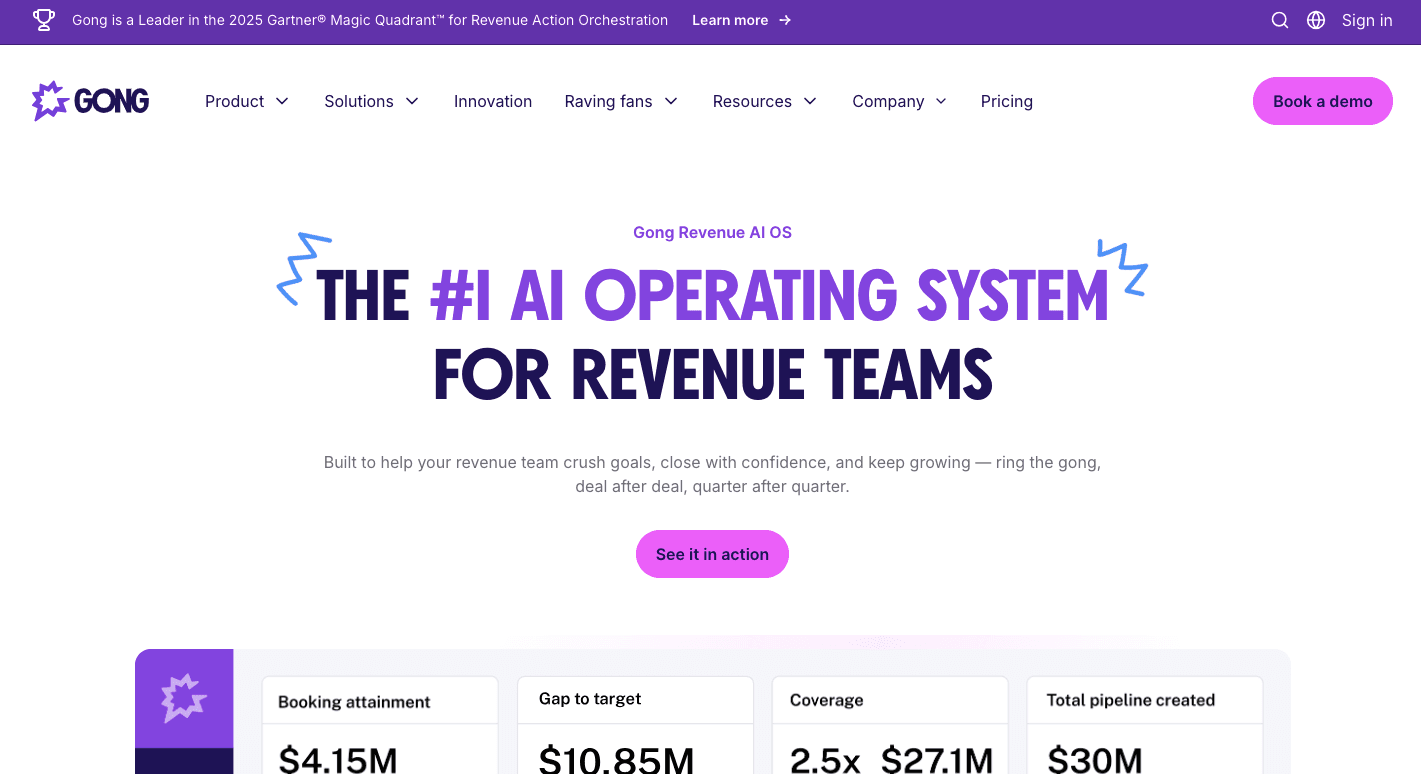
Gong specializes in analyzing sales conversations with AI to provide actionable insights that help you adjust your sales approach. You connect it to your calendar and meeting platforms, then it quietly enters the call for you.
Recording starts automatically, transcripts appear right after, and summarize what was said: where pricing came up, which objections stalled progress, and what commitments were made. That context helps you prepare for the next step with confidence.
Over time, patterns start to show. Gong identifies which phrases drive progress and which slow down deals, so it's easier to improve how you run calls and follow-ups.
You can also rely on Gong for thorough analytics and sales coaching features. Deal risk signals surface early, coaching moments get flagged, and top-performing calls turn into training material for the rest of your team.
Key Features
- Call summaries - Receive notes with key points, objections, and next steps right after each call.
- Action tracking - See promises made by both sides, so nothing gets missed.
- Keyword tracking - Flag mentions of competitors, pricing, or product topics automatically.
- Deal risk alerts - Spot deals losing momentum based on silence or stalled engagement.
- CRM updates - Push call details and notes into CRM records without typing.
- Coaching scorecards - Review talk ratios and habits that affect results.
- Call libraries - Save strong calls for onboarding and training.
Disadvantages
Pricing details require talking to sales. Transcripts can struggle with strong accents or background noise. Setup and reporting take time to learn as well, especially for teams without ops support.
Pricing
Gong doesn't list its pricing publicly.
Connect Your Sales Stack and Automate Deals With Activepieces

Activepieces helps your sales stack work as a single system rather than a collection of disconnected software. That setup helps make sure your business has accurate data, since changes sync the moment they happen.
You start by connecting the platforms you use: CRMs, forms, outbound tools, chat apps, and AI services. From there, your automated workflows follow how deals actually move. A new lead, for instance, can trigger enrichment, assignment, and outreach in one sequence.
As usage grows, all your sales team members move faster because everyone operates from the same logic. Developers can control structure and security, while non-technical teammates build and run flows on their own.
Turn your sales stack into a single automation engine. Sign up for Activepieces now!
FAQs About Sales Automation Tools
What is sales automation?
Sales automation is the use of technology to streamline and automate repetitive tasks throughout the sales process, like follow-ups, data updates, lead routing, and reporting.
You spend more time talking to prospects and moving deals forward using automated tools that run in the background.
What is the best sales automation tool?
The best option depends on how your team sells and where time gets wasted. When evaluating sales automation software, prioritize features that eliminate your biggest time sinks, integrate with your existing stack, and give you control over workflows, such as Activepieces.
What are some examples of automation tools?
Common examples include CRM platforms with built-in automation, outbound tools for email and calling, conversation analysis tools, and workflow builders that connect everything together.
What are the top five benefits of sales automation software?
Sales automation reduces manual work, speeds up response times, keeps data consistent, helps you focus on selling, and improves forecasting accuracy.
Before adopting a sales automation solution, make sure you understand your budget, goals, and expected ROI.