How to Automate Emails That Convert (With Examples)
Learn how to automate emails with ease using Activepieces. Explore best practices and common email automation examples you can apply now.

Nov 21, 202519 min read
Someone reaches out with a small question, and you want to reply fast, but your inbox never slows down. Email automation helps you keep pace. You don’t need to hit send over and over.
The steady flow helps your email marketing campaigns stay organized and quick. It also gives you more room in your day.
In this article, you’ll learn how to build email automations that help you keep up with every request.
Why Learning How to Automate Emails Is Essential
Email automation sends messages and answers customer questions on your behalf based on rules you set. You choose the trigger, write the steps once, and your system sends the right message without extra work.
Each person moves through the flow at the pace that fits their actions, not your inbox schedule.
Learning how to automate your emails is essential since it helps you:
- Save hours each week because the system handles follow-ups, sign-ups, and replies you once wrote by hand.
- Build steadier communication since each message stays clean, on time, and free of small mistakes.
- Reply fast when someone fills a form or asks a question, which keeps interest high and avoids slow responses.
- Stay in control as your audience grows since automation handles tasks you can’t finish at scale.
- Guide people through long flows like drip campaigns that move them through each stage of your sales funnel.
- Support new users with clear steps during the onboarding process so they never feel lost.
- Gather surveys and request customer feedback at the right moment instead of sending random requests.
- Strengthen customer relationships through personalized communication that fits each person’s needs.
This takes minutes, not a project: automate it in Activepieces free.
How Email Automation Works
The whole setup follows the simple idea: “If this event happens, then perform that email action.”
Your tool comes first. Some people use a customer relationship management (CRM) system, while others stick with automation software that links their apps. These platforms store your contacts, hold your templates for marketing emails, and keep the steps that shape your flow.
Triggers come next. A trigger fires when something important happens. You can use:
- A new sign-up
- A form fill
- A purchase
- A visit to a key page
- User actions inside your product
Those moments tell your system to automatically send the next message or move the person into a new step.
The actions follow. You can add a tag, place the person in a new list, wait a short time, or send a follow-up that matches what they just did. Personal details fill in automatically, so each note feels direct and helpful.
Common Email Automation Triggers
These triggers shape how your triggered campaigns move, and they help you send emails to your customers based on actions.
Form Submission
A form submission trigger feels like the cleanest way to start an automation flow. You place a form on your site, someone fills it out, and that action signals interest right away.
Many teams use it to bring in new sign-ups and store subscriber information. That one step gives you the reason they reached out, the details they shared, and the context you need for the next message.
As someone clicks Submit, a welcome message goes out first, and a short pause follows. The next message then checks if they opened the first one. A reminder goes out if they didn’t. Otherwise, a follow-up with value goes out if they did.
Website Visit
A website visit trigger focuses on what a person does on your site. You turn on site tracking within your automation platform so it knows who returned, what they viewed, and how often they came back.
When someone views a key page, a follow-up message goes out next. You can also answer common questions or share “If you’d like a closer look, here’s what to expect.” That kind of message works well for people who are close to making a choice.
Purchase/Abandoned Cart
A purchase trigger fires the moment someone pays for something on your site. You want to move fast in that moment, so your system sends the first note right away.
Most stores send purchase confirmations with order details, shipping info, and a short “Thanks for your order” message. Some stores also add a small suggestion like “People who bought this also liked…” A few days later, you can send a follow-up, such as “Tell us how it went.”
An abandoned cart trigger catches orders that almost happened. Someone adds items to their cart, enters their details, then walks away. You set a reminder to go out after a short break. That reminder shows the items they left behind.
Each step helps you recover lost sales without pressure or hassle. These flows add steady revenue and support your automation plan with simple steps that match the customer’s intent.
CRM Updates
CRM update triggers help you react to the changes your team makes inside your system. Your sales rep can move a lead from “New” to “Contacted,” and your platform knows exactly what to do next.
Someone on your service team can further update a “Subscription Status” field, and the change can launch a message that answers the person’s next question before they ask it.
A setup connects your CRM to your email platform so both sides stay in sync. You map your fieldsoncee time and let the tools talk to each other. When someone updates a record, your flow starts right away.
Strong CRM triggers raise your click-through rates because each email fits what the person expects next.
AI-Based Triggers
AI-based triggers use patterns in your data to decide when to send the next message. You give your platform access to details like email opens, page visits, and past orders. The system looks at these signals and finds patterns you might miss.
You can set a rule like “Send this email when you believe the person is close to making a choice.” That rule lets your system act at the right moment for each person.
Your platform also studies open times, clicks, location, and buying habits. After a short period, it begins to predict the best time to reach each person.
Types of Email Automation Workflow
The following are some types of email automation you can do.
Transactional Email
Transactional emails show up the moment a person completes something important on your site. These messages stick to details and avoid promotional messages, which keeps things simple for the person reading them.
Typical steps in a transactional flow include a:
- Confirmation that shows order or account details
- Follow-up with shipping or access info
- Delivery message that closes the loop
- Short request for a review once they’ve had time to try the product
A transactional flow makes things easier for both sides: the customer feels informed, and your support team gets fewer questions. Each email carries the details the person expects and keeps their experience smooth from start to finish.
Behavioral Emails
Behavioral emails follow what people do, not what they might do. A person views a product, opens a guide, or clicks a button, and your system responds to those customer actions with steps that feel natural.
You learn a lot from these signals because they show what the person cares about right now.
A simple setup begins with tracking. Your platform listens for events and sends each contact down the right path. The flow adjusts based on behavior.
Common triggers you might use:
- Viewing a pricing page
- Opening and clicking key links
- Watching a video or reading a guide
- Returning to a product page several times
People stay interested because the email they receive connects directly to what they just did. Behavioral flows keep your communication personal and steady without adding extra work.
Lifecycle and Nurturing Emails
Lifecycle and nurturing flows guide people through the stages of your customer’s journey with a calm pace. You choose the moment that marks the start, then plan messages that build trust over time.
These emails often cover:
- Welcome to new subscribers
- Helpful resources for early interest
- Tips that support product use
- Soft invitations once someone shows a deeper interest
Through lifecycle and nurturing emails, you avoid crowding your customers’ inboxes and keep each message relevant.
Date-Based and Milestone Emails
Date-based and milestone flows depend on timing that comes from the calendar. A birthday, a renewal date, or the anniversary of joining your list can all start a message. You gather these dates through forms or product activity and let your system take over.
You can also reach out when people haven’t interacted in a long time by sending re-engagement emails. Another option is building win-back campaigns for people who stepped away completely.
These workflows help you stay connected in a thoughtful way. People like hearing from you at moments that matter to them, and your system manages the timing without any extra work from you.
Common Tools Needed to Automate Your Email Processes
You only need a few core tools to build strong automated flows, and each one supports a different part of your system, as shown in this comparison of marketing automation platforms.
Data and Analytics Tools
Data tools support your marketing strategy by showing which messages spark interest and which ones fall flat. Most platforms give you a dashboard with simple charts. You can watch each person move through your workflow and spot moments where they slow down.
A real-time view lets you adjust subject lines, timing, or layout when something feels off. You also avoid guessing when a flow needs a rewrite. You can say, “This step loses too many people,” and fix it with a small change.
Tracking further helps you understand which messages bring in revenue. You see where someone clicked, what they viewed next, and what they bought. Those numbers show which automated email campaigns create real value and which ones need a reset.
Integration Tools
Integration tools connect the apps you use each day, so your data moves. It links everything, so each action in one place triggers the right step in another. Some teams tie in Facebook Lead Ads to capture new contacts quickly, which then flow straight into their system.
You have three common types of integrations:
- Built-in connections created by the software
- Third-party connectors
- Custom API setups written by a developer
A connected system saves time and keeps your automation plan steady. Each event moves across your apps without effort, and you spend your time building better flows.
Email Automation Tool
Your main automation platform acts as your email marketing tool, your workflow builder, and your reporting hub. You design messages, organize contacts, build rules, and track performance in one place.
Usually, teams choose email marketing automation software with:
- Contact database
- Visual builder
- Sending engine
- Reporting tools
Inside the builder, you can even create email templates that match your style and reuse them across many flows. A good platform also helps your emails land in the inbox instead of spam folders.
Once your setup is ready, you can run automated email campaigns that speak to each person at the right moment.
Activepieces: Best AI-Powered Email Automation Software

Activepieces gives you one place to build strong automations without stress. The setup fits beginners and experts, and the tools inside help you create flows that replace a lot of the manual effort that slows teams down.
Many medium-sized businesses use it because it handles both simple tasks and deep logic without making the setup feel heavy. With the drag-and-drop editor, you drag pieces onto the canvas, connect the steps, and shape the path you want.
As of now, Activepieces supports 481 pre-built integrations. The community brings in new pieces often, and developers can build their own when they need more control.
In addition, you get a free plan with enough space to test ideas, and you only pay $5 per active flow per month.
You can follow the rest of this with the builder open. Start free, no card.
Email Automation Examples You Can Build Today With Activepieces
You can create several email automations inside Activepieces that respond to real moments in your day. For instance:
1. Welcome Email Sequence
A welcome sequence helps you greet new subscribers right away. You send automated messages that feel personal and steady without writing each one by hand. These notes act as your first touch, and you can shape them into warm welcome messages that guide people forward.
Activepieces makes the setup easy. You only build the flow once, and the tool takes care of the rest. Each new sign-up enters the sequence as soon as they appear in your system.
Simple setup steps:
- Trigger: Listen for new sign-ups from Mailchimp or another source.
- AI step: Generate the message using details from your contact list.
- Format step: Use a small code block to clean the output.
- Send step: Deliver the email through SendGrid or another service.
- Publish: Turn the flow on so it runs for every new subscriber.
You can update the tone, add personal details, or adjust the timing with a few clicks. Activepieces handles the flow while you focus on other work.
Each new contact gets a clear introduction without waiting for you to write something manually.
2. Email Notification
Email alerts are easy to build in Activepieces because the app handles the timing, the trigger, and the delivery. You set the rule once, and the platform keeps sending messages for you.
Google Calendar
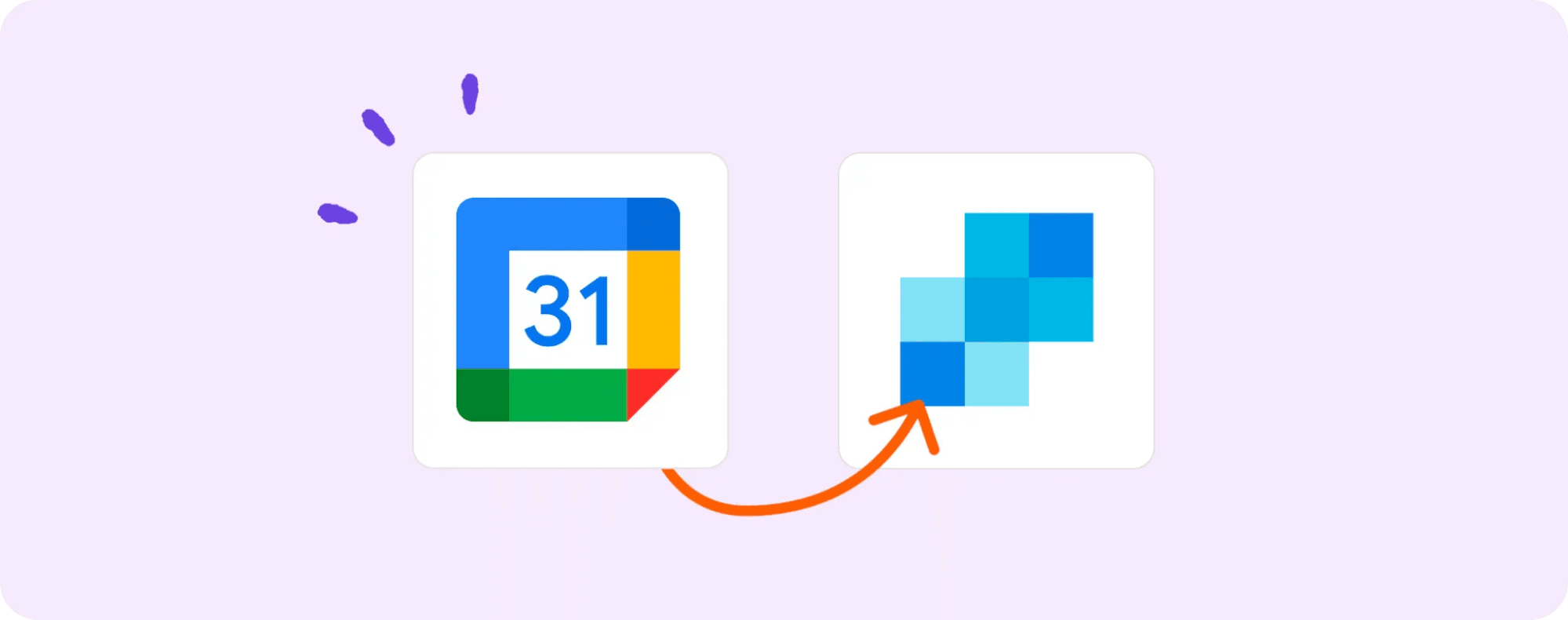
Activepieces connects your Google Calendar and SendGrid so the update emails reach you right away.
What you need:
- Activepieces account
- Google Calendar
- SendGrid
Steps to set it up:
- Copy the Google Calendar + SendGrid template. It adds the trigger and email action for you.
- Look over the flow. The trigger fires when an event is added or changed. Then the email step sends the alert through SendGrid.
- Connect your accounts. Open the event trigger, choose your calendar, then link your SendGrid account in the email step.
- Publish the flow. Once active, it sends an email every time an event updates.
WordPress Post
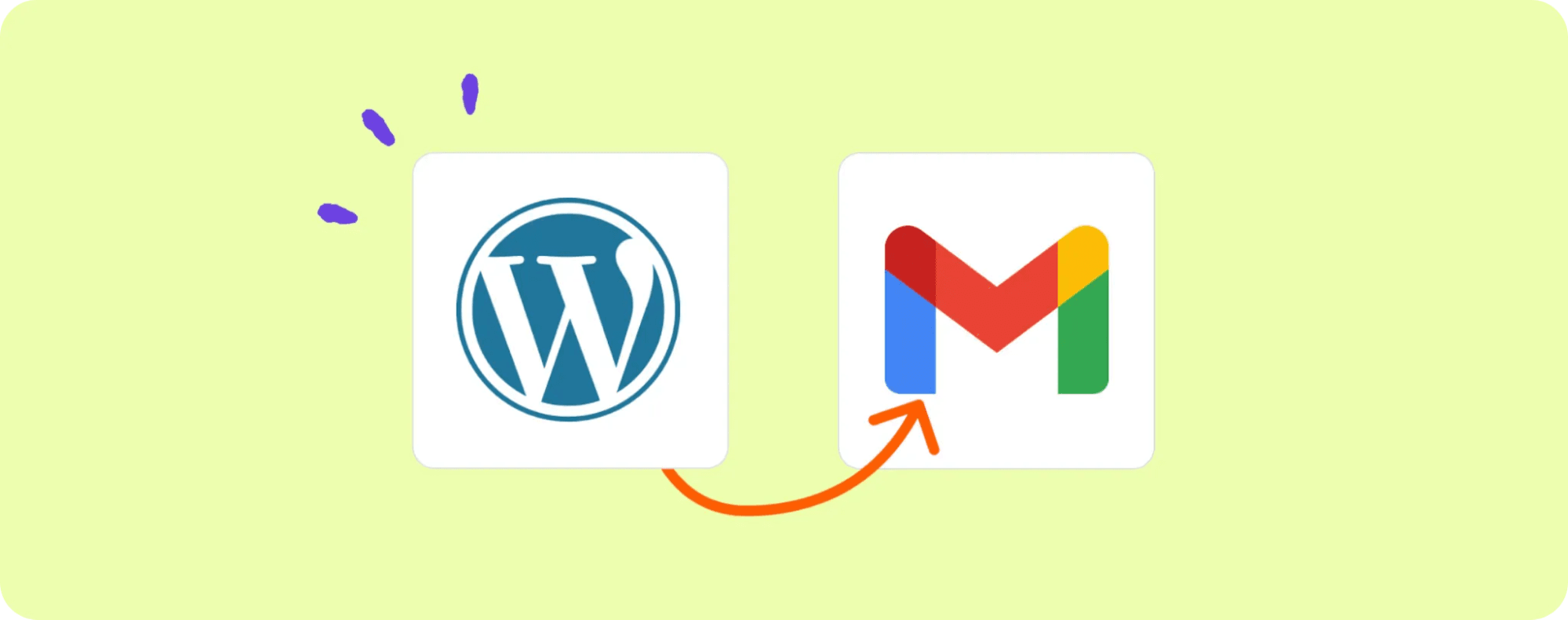
If you follow several blogs, checking each site for new posts can eat up time. Activepieces solves this by alerting you the moment a new WordPress post goes live.
What you need:
- Activepieces
- Gmail
- A WordPress site you want to track
Steps to set it up:
- Copy the WordPress + Gmail template. It already includes the WordPress trigger and Gmail action.
- Review the flow. The trigger watches the blog feed. When a new post appears, the Gmail step sends the alert.
- Set your blog source. Click the trigger and paste the WordPress URL you want to follow. Load sample data to confirm it works.
- Add a Gmail connection in the email step.
- Publish it. You’ll get an email each time a new post appears.
WooCommerce
Many store owners like to stay aware of new customers without checking dashboards all day. Activepieces connects WooCommerce and Gmail, so an alert reaches you every time someone buys from your eCommerce store.
You can build on this by sending follow-up emails, sending a thank-you note, or sending a separate status email with a tracking number once an order ships.
What you need:
- Activepieces
- WooCommerce
- Gmail
Steps to set it up:
- Copy the WooCommerce + Gmail template.
- Check the flow. The trigger runs when WooCommerce detects new customers. Gmail sends the alert.
- Add your store to the trigger.
- Add your Gmail account in the Send Email step.
- Publish it. Every new buyer triggers an email, so you stay updated.
Shopify
Shopify store owners often want quick notifications when a customer signs up or checks out. Activepieces turns that into a hands-off process by linking Shopify and Gmail.
What you need:
- Activepieces
- Shopify
- Gmail
Steps to set it up:
- Copy the Shopify + Gmail template.
- Review the flow. The trigger starts when someone becomes a customer. Gmail sends the welcome message.
- Add your store login in the trigger step.
- Add your Gmail account in the email step.
- Publish it. Each new customer gets a welcome note without you doing anything.
3. Cold Email Outreach
Cold outreach takes a lot of time when you do everything by hand. Activepieces gives you a simple way to build an AI sales agent for cold outreach.
Basic workflow steps:
- Scheduled trigger: Run the flow weekly.
- Sheet lookup: Pull the next lead from your list.
- Loop step: Move through each row one at a time.
- Research step: Use Perplexity AI to gather details.
- AI writing step: Ask ChatGPT to draft the email.
- Edit step: Let Claude refine the tone.
- Send step: Deliver the message automatically.
- Publish: Turn the flow on so it repeats each week.
You don’t chase leads one by one or switch between apps all day. The agent does your outreach, so you stay focused on the parts that need a human touch.
Best Practices to Improve Automated Email Performance
These practices help your automated workflows stay sharp and relevant:
Personalization
Personalized emails make the reader feel understood, which drives more clicks and helps the customer learn what matters most to them.
Start with the data you already have. If someone bought a product, give them a follow-up they actually care about. You can also use small details from forms or previous interactions to shape the message.
Try simple steps like:
- Adding dynamic content that changes based on interest
- Writing messages tied to behavior instead of broad lists
- Timing sends based on how often someone opens emails
Segmentation
Segmentation lets you speak to smaller groups instead of blasting one message to everyone. You split your audience by shared traits so each group gets messages that fit their needs.
Many businesses do this by splitting out inactive customers who need a softer “come back” approach, active subscribers who want updates, and people who show buying intent. You can also look at behavior, like what someone viewed or clicked, and build new paths around that.
Try building groups such as:
- People who haven’t opened in 60–90 days
- Leads who viewed pricing
- VIP customers with repeat purchases
Clear Call to Actions
A call to action (CTA) helps every automation step do its job. Readers need to know exactly what happens when they click.
Aim for one primary CTA in each email. Make it a bold button, leave space around it, and write it in plain language. People react better when they see “Book a demo” instead of a vague “Click here.”
Always match the CTA with the email’s intent. If you want them to download something, say that directly. You want the reader to understand what they gain from the click.
A/B Testing
In A/B testing, you compare two versions of one element, measure which performs better, and use the winner for everyone else.
Pick one variable at a time: subject line, length of the email, button text, or the layout. After you choose what to test, send “Version A” to part of your audience and “Version B” to another part. Watch which one gets more opens, clicks, or conversions.
Once the winner is clear, make that the new default.
Keep running tests over time. Even small changes can shift results.
Create Email Automations That Work While You Sleep With Activepieces

You might feel overwhelmed trying to keep up with replying to and emailing clients. Many people try to fix the problem with basic email tools, but the work keeps piling up. Activepieces steps in here and makes the whole process easier, even if you’ve never touched automation before.
The platform gives you a clean drag-and-drop builder that makes building workflows feel natural. You choose a trigger, add a few steps, and watch the system handle the rest.
It currently has 481 data integrations, and the community adds new ones constantly, so you’ll never feel limited.
You also get strong email deliverability, which helps your messages land where they should. Activepieces becomes extremely helpful once you see how many hours it saves. It runs your automations while you sleep, and you wake up to work that’s already done.
FAQs About How to Automate Emails
Is there a way to automate emails?
Yes, you can automate emails in a few simple ways. Most people use email automation software or a tool like Activepieces, Mailchimp, or HubSpot. You set a trigger, write your email once, and the tool sends it for you when the trigger happens.
Can Excel send automated emails?
Excel can send automated emails, but only with extra help. You need email tools or scripts, usually through Outlook VBA or by connecting Excel to an automation platform like Activepieces or Power Automate.
Excel alone can’t run automated campaigns or handle compliance rules such as CAN-SPAM, so you’ll still need a proper email strategy and a real sending system behind it.
How to set automated emails in Outlook?
Outlook can send automated emails through rules or scheduled messages. You create a rule that sends a reply when a message arrives, or you use Quick Steps with templates.
For more advanced flows, you connect Outlook to an automation tool, which gives you customization options like a real email editor, timed sequences, and conditional logic.
How to send 1,000 emails at once?
You use a bulk sender, not a regular inbox. Gmail, Outlook, and other personal accounts block high-volume sends. A marketing platform or automation tool handles large sends safely, keeps your domain protected, and formats messages correctly.
Build it
Set this up in minutes.
No code required. Connect your accounts, and Activepieces runs it from there.
Start free Talk to sales