
5 Top AI Agents for Law Firms to Try in 2026 [By Use Case]
5 Top AI Agents for Law Firms to Try in 2026 [By Use Case]: 1. Activepieces 2. Harvey AI 3. Clio AI 4. Luminance 5. Spellbook

Feb 19, 20269 min read
Let me guess, you’re curious about AI, but you’re also cautious. You can’t afford errors, and you don’t have time to test platforms that don’t understand how legal work actually happens.
At the same time, doing everything manually feels like a slow drain on your team’s time. And that’s probably why you’re reading this.
In this article, we look at five AI agents by use cases for your law firm so you can decide where automation makes sense.
TL;DR
Here are the top five AI agents for law firms:
- Activepieces
- Harvey AI
- Clio AI
- Luminance
- Spellbook
Everything below works on Activepieces' free plan. Start without code or a credit card.
What Problems Do AI Agents Solve in Law Firms?
AI agents can solve numerous problems in your law firm operations, such as:
Manual Intake
Many firms lose potential clients simply due to a delayed response.
AI agents respond instantly and guide client intake through structured, practice-specific questions.
For example, for employment cases, they can ask about termination dates, contracts, and wages. Then, for personal injury, they gather accident facts and insurance details.
So, your legal teams can receive full information the first time, which lets them shift into higher-value work faster.
Document Bottlenecks
Drafting and reviewing documents consume a large share of time in firms.
Associates start from templates, edit clauses, circulate drafts, and repeat revisions. The cycle slows down progress, especially in large employment cases or corporate transactions.
AI agents change the starting point of document drafting. You get a system that generates a structured draft using firm-specific knowledge pulled from prior filings. It adjusts language for jurisdiction and practice area.
During heavy review periods, the agent can bulk-analyze legal documents in minutes. They flag “unusual” language that doesn’t match internal standards, such as a hidden indemnification clause in a long agreement.
These agents can also pull key dates, parties, and obligations from case documents.
Research Inefficiencies
Research often follows a linear pattern: find case -> take notes -> draft memo. That process depends on exact keyword searches, which can hide relevant rulings.
AI agents use natural language processing (NLP) and semantic search to understand the legal intent of a query. They can identify a “duty to defend” case even if the search only mentions “insurance obligations.”
When attorneys conduct legal research, the system connects directly to trusted legal databases.
Litigation teams can compare rulings between jurisdictions and evaluate patterns that may affect case outcomes. Human attorneys or legal professionals still define strategy, but AI reduces the time spent gathering material and lowers fatigue during complex research.
Compliance Monitoring
Many law firm leaders worry about human error or missing subtle updates that later create exposure.
AI agents for legal teams can monitor official sources continuously. They detect rule changes and compare updates against active case details.
Agents embed checks inside daily workflows and record every automated action through audit logs. Those logs document timestamps and decision paths. During compliance reviews, you can produce structured records quickly.
Disconnected Tech Stacks
To do your legal operations, you probably rely on separate productivity tools for email, billing, document storage, and scheduling.
AI agents use orchestration frameworks to coordinate steps between these systems. A new email can trigger deadline extraction from an attachment, update the case management system, log time for billing, and prepare client communication notes in sequence.
5 Best Legal AI Agents in 2026
These are the five best AI agents for the legal industry:
1. Activepieces: Best Platform for Building Custom AI Agents

Activepieces is for legal organizations that want more than a single AI feature. It lets you connect AI platforms, internal systems, and external apps into one coordinated workflow.
In the visual builder, you map logic step by step.
For instance, once a new email arrives (trigger), the agent reads it. It can then decide whether it’s a client inquiry or a court notice. After that, it can update the case file, notify the right attorney, and log activity.
You can also automate routine tasks such as intake routing, deadline tracking, or document summaries, and keep human approval available for sensitive steps.
Aside from that, Activepieces supports self-hosted deployment, which gives firms full control over security and data handling. For firms that need oversight, the platform maintains detailed audit logs that record automated actions.
Key features:
- Visual no-code builder for creating custom AI agents
- Connects 635 pre-built integrations called “pieces”
- Supports self-hosted deployment for stronger security control
- Human approval steps for sensitive actions
- Detailed audit logs for tracking automated workflows
- Multi-model support to switch between different AI providers
- Community-driven open ecosystem with extensible integrations
2. Harvey AI: AI Legal Research and Drafting
Harvey AI, a GPT-based drafting and research software for large firms, uses retrieval-augmented generation (RAG) to base its answers in authoritative sources.
It integrates directly with primary legal databases, including LexisNexis for case law and Shepard’s citations, EDGAR for SEC filings, and EUR-Lex for regulatory material.
You can ask a complex question like, “Compare Delaware and New York laws regarding non-compete enforceability for tech executives.” Harvey returns a memo-style response with inline citations linked directly to original cases.
Additionally, you can upload internal motions and contracts to a secure vault so the system leverages firm-specific knowledge when drafting.
Key features:
- Direct integration with LexisNexis, EDGAR, and EUR-Lex
- Citation validation before presenting authority
- Memo-style legal research with linked sources
- Microsoft Word add-in for drafting pleadings and motions
- Spreadsheet-style review tables for clause comparison
3. Clio AI: Case Management AI Features
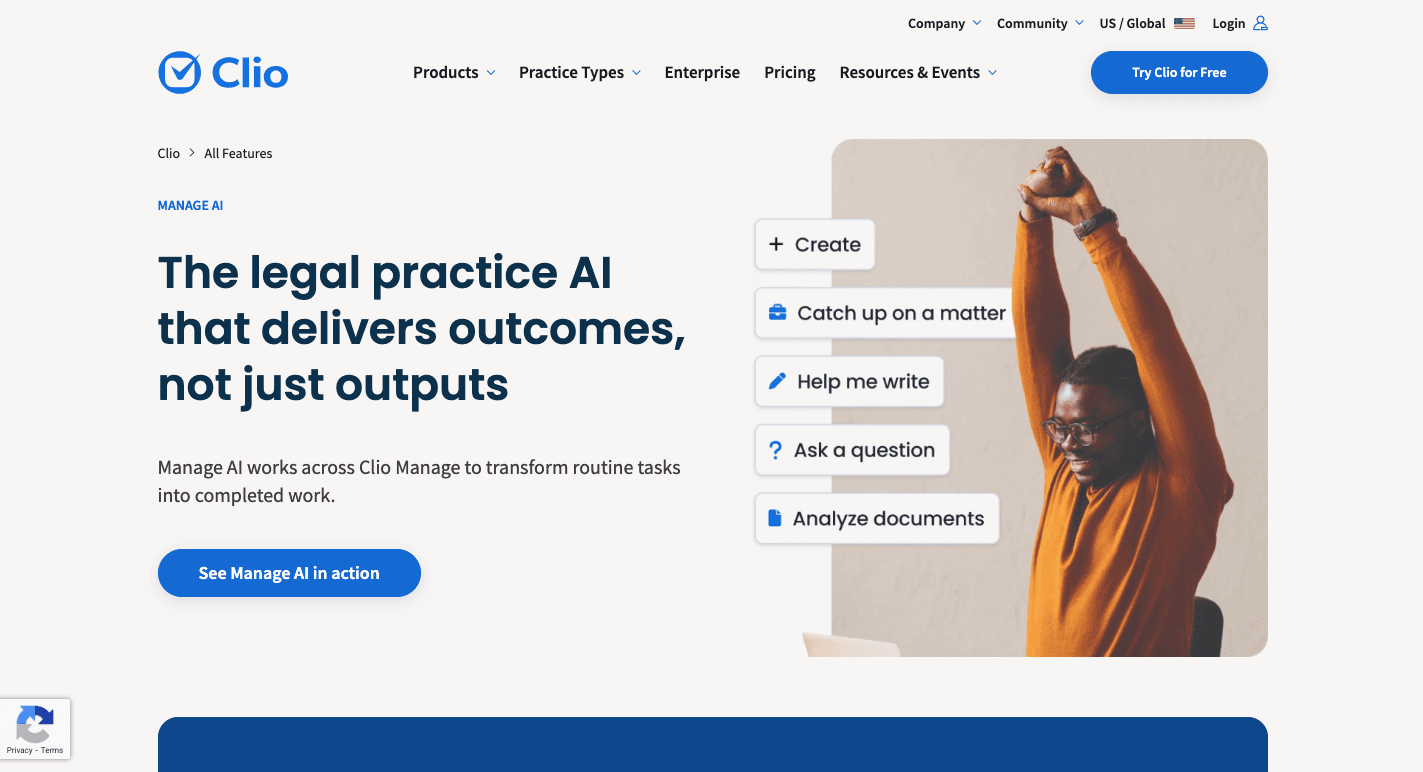
Clio is an AI assistant embedded directly into Clio Manage, which many firms use for case management, billing, and file tracking.
To start, you open the AI sidebar inside Clio Manage and ask questions. Type, “Catch me up on the Smith matter,” and it summarizes recent activity, pending tasks, and upcoming deadlines.
It further lets you upload a court order, and it extracts filing dates, calculates related deadlines, and updates the calendar.
Litigation teams use it to track deadlines and organize evidence. It reduces manual administrative steps while keeping attorneys in control of approvals and final decisions.
Key features:
- Summarizes active matters with recent updates and deadlines
- Extracts court dates and syncs them to calendars
- Suggests standardized file names during document uploads
- Prompts attorneys to log billable time
- Draft invoice narratives based on recorded activity
- Prepares client updates based on recent case activity
4. Luminance: AI Contract Review
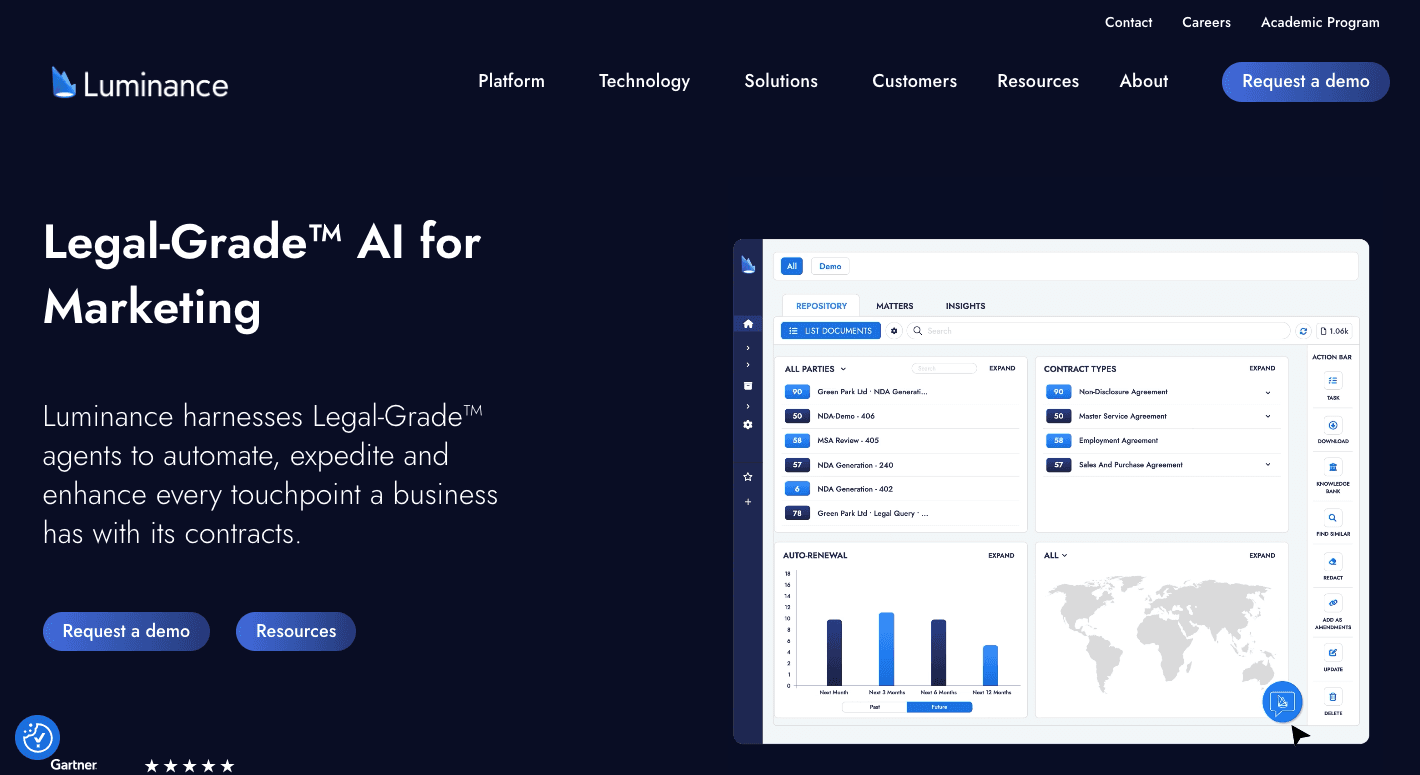
Luminance is for contract-heavy practice areas where document review and risk detection consume hours. It focuses on reviewing and analyzing agreements, especially during mergers and acquisitions (M&A), procurement, and large employment cases.
When you open a contract in Microsoft Word, the system scans the full document and compares it against your firm’s historical data. It remembers how similar clauses were negotiated before and applies that context to the current draft.
Once you upload a portfolio of agreements, it groups them by type, highlights outliers, and builds a structured summary for review contracts.
For due diligence, you can upload thousands of files and generate a red flag report in a fraction of your usual time.
Instead of junior staff doing heavy lifting line by line, the system narrows attention to deviations to improve efficiency and reduce repetitive administrative tasks.
Key features:
- Traffic-light clause analysis that marks preferred, acceptable, and high-risk terms
- One-click redlining that swaps flagged clauses with approved language
- Cross-document anomaly detection to surface unusual provisions
- Natural language search on contract repositories
- Structured reports for large-scale document review
- Concept clustering that groups similar agreements visually
5. Spellbook: AI Contract Drafting
Spellbook is a generative AI copilot that lives directly in your document. The system is powered by advanced large language models (LLMs) like Opus and GPT-5 that are trained on large volumes of contract data and benchmark standards.
Once installed, it appears as a sidebar in Word. You can type a prompt such as “Draft a mutual NDA governed by Ontario law,” and it produces a full first draft within minutes.
You can even highlight a clause and request, “Make this indemnification clause mutual,” and it rewrites the language to match the rest of the document.
Legal staff can also upload prior deals into a private library. That allows the system to suggest clauses based on past negotiations instead of generic templates.
Key features:
- Draft full agreements from simple language prompts
- Generate new clauses directly inside Word
- Compare language against thousands of benchmark contracts
- Flag missing provisions or risky terms during review
- Suggest redlines based on internal playbooks
- Search prior contracts stored in a private library
Run Your Law Firm on Custom AI Agents Powered by Activepieces

If you’re serious about operating your firm on AI agents, you need more than a drafting tool or a research add-on. You need an AI platform that lets you integrate AI platforms, internal systems, and external apps into a single, coordinated setup.
Activepieces’ visual builder lets you map how work should move. You can automate tasks like intake routing, billing reminders, and document summaries. That removes low-level tasks from your team’s day, allowing lawyers to focus on analysis and client strategy.
It also offers detailed audit logs of every automated action, which strengthens internal security standards. With 635 data integrations available (and always adding more), you streamline workflows without changing your core systems.
That coordination gives your firm a competitive edge without increasing operational complexity.
Give your firm workflows that work as hard as your lawyers do. Try Activepieces for free!
FAQs About AI Agents for Law Firms
What are AI agents for law firms?
AI agents for law firms are systems that manage structured tasks. They read emails, sort a high volume of client inquiries, update files, draft documents, and trigger follow-up actions in your legal tech stack.
Unlike static software, they make decisions based on context and move work forward automatically. Firms use them to manage case management tasks and document-heavy workflows.
How do AI agents protect client confidentiality?
AI agents protect client confidentiality by running inside secure environments, limiting data access, and logging every automated action.
Many platforms support self-hosting, role-based permissions, and encrypted storage. Detailed activity records create traceability so firms can audit who accessed what and when.
What are the benefits of using legal AI agents?
Legal AI agents help reduce costs by removing repetitive manual steps. They deliver measurable time saved on tasks like intake, drafting, and review.
Firms can increase productivity while making data-driven decisions based on real-time case insights.
What is the difference between AI tools and AI agents?
AI tools respond to prompts. AI agents take action. Tools generate text when asked. Agents monitor systems, decide what to do next, and execute multi-step workflows automatically.