
Best AI Agent Platform in 2026: Top 6 Tools Compared
The best AI agent platform in 2026 is Activepieces, followed by Microsoft AutoGen, Google Vertex AI Agent Builder, CrewAI, AgentGPT, and Lindy.

Jun 25, 202518 min read
The best AI agent platform in 2026 depends on whether you need a no-code builder, a developer framework, or a fully managed enterprise system, but Activepieces, Microsoft AutoGen, Google Vertex AI Agent Builder, CrewAI, AgentGPT, and Lindy stand out as the strongest options. Each platform lets AI agents research, write, schedule, and analyze without constant human intervention, and companies across industries are replacing disconnected systems with AI agents for enterprises that run operations end to end. Not every platform delivers the same depth, though; some focus on niche use cases, while others give you total freedom to build intelligent workflows that connect everything.
This guide compares the six leading AI agent platforms, breaks down their pricing and features, and shows you how to pick the one that fits your goals.
Try Activepieces and experience how fast no-code AI can handle your routine tasks!
What Are AI Agents?
AI agents combine machine learning (ML), natural language processing (NLP), and adaptive reasoning to handle routine tasks like support tickets, content creation, or lead qualification with minimal human intervention.
These agents behave intelligently and turn high-level objectives into step-by-step actions that improve operational efficiency and generate real-time insights. Since AI agents have long-term memory, they remember what worked before and adjust their approach automatically.
Most AI agent platforms also add an orchestration layer on top of individual agents. Instead of one agent doing everything, orchestration lets several specialized agents, such as a researcher, a writer, and a reviewer, pass work to each other inside a single workflow, with templates and step-by-step logging so you can see exactly what each agent did and why. This multi-agent architecture is what separates a simple chatbot script from a production-ready AI agent platform for content creation, support, or sales automation.
There are three main types of AI agent platforms you can use:
- High-code frameworks for developers who want full control
- Low-code and no-code platforms for non-technical users who prefer drag-and-drop builders
- Managed systems for enterprises that prioritize sensitive data protection
The fastest way to settle a shortlist is to try one. Activepieces is free to try, no credit card.
6 Best AI Agent Software Tools in 2026
In the AI agent space today, these platforms help you connect every part of your tech stack into one smooth system:
1. Activepieces

Activepieces brings together automation, integration, and AI into a single open-source platform. It offers an interface that’s simple enough for beginners but more than enough for enterprise workflows.
You can connect 450 services to create automations that handle everything from email campaigns to analytics. In addition, you can use the platform to build custom AI agents or full workflows that support marketing, operations, and sales.
For your sales team, Activepieces automates lead tracking and outreach, while marketing departments can link analytics dashboards. The system also supports Model Context Protocol (MCP), which lets your agents connect to diverse data sources for deeper insights and workflows.
By merging automation with AI, Activepieces keeps your business processes operating smoothly and eliminates manual steps across departments.
Key Features
- No-code builder – Drag-and-drop visual interface for both technical and non-technical users.
- Extensive integrations – Over 450 connectors that cover CRMs, analytics, and essential tools.
- AI-ready functions – Add AI tools and logic directly into workflows using the built-in AI SDK.
- Agent creation – Lets you build custom AI agents for automation, analysis, or workflow management.
- MCP support – Connects to diverse data sources through the Model Context Protocol for context-rich automation.
- Security – Self-hosting option for total control over sensitive data and user privacy.
- Open ecosystem – Community-contributed pieces that expand features and integration options.
- AI Copilot – Helps you design flows faster by suggesting steps directly in the builder.
Integrations
As of now, Activepieces supports 450 pre-built integrations, a number that continues to grow every week through its open community. These integrations cover a wide range of categories, from productivity and analytics to CRM and AI services.
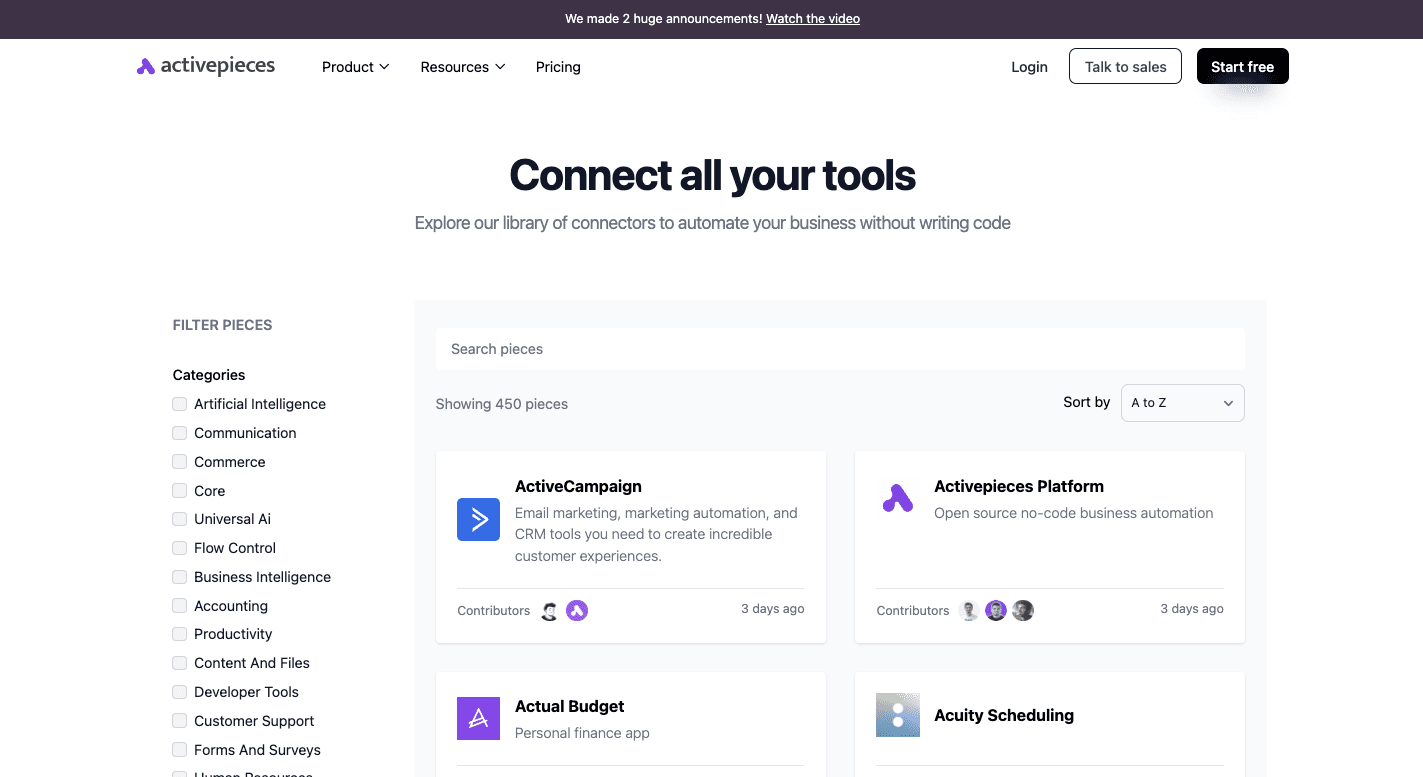
Some data integrations available:
- Google AI Studio
- ActiveCampaign
- WordPress
- HubSpot
- Google Sheets
- ClickUp
- Slack
- Microsoft Dynamics
- Oracle Database
- IBM Cognos Analytics
Since the library continuously expands, it keeps the platform updated with the latest essential tools, which ensures a smooth connection with your existing systems.
Use Cases
Activepieces adapts well to nearly any automation scenario. For example:
- Marketing teams can automate social posts, SEO workflows, and campaign reports
- A sales team can connect CRMs to email tools for lead tracking and outreach
- Support agents can use AI-driven triggers to route tickets automatically
- Developers can use the open-source version to build custom AI agents that handle internal workflows
Pricing
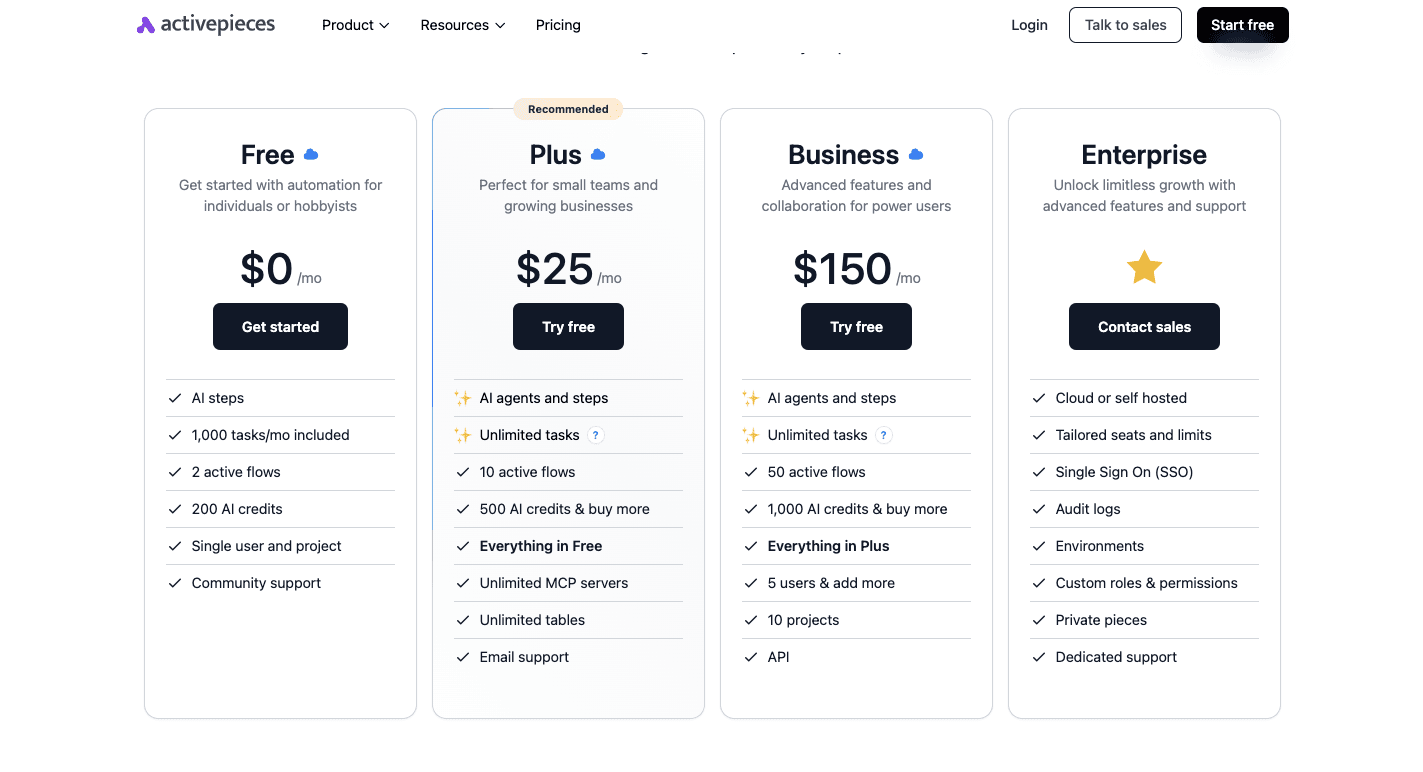
Activepieces follows a transparent pricing model. The Free plan includes 1,000 tasks per month, two active flows, and 200 AI credits.
Meanwhile, the Plus plan costs $25 per month and provides you with unlimited tasks under fair use, over ten active flows, and email support. The Business plan costs $150 per month with unlimited tasks, 50 active flows, and 1,000 AI credits for five users.
For large teams, the Enterprise plan with custom pricing includes dedicated resources and private hosting.
A Community Edition is also available. It’s completely free and self-hosted, which gives you full control of data and performance.
Connect with our experts to learn how Activepieces fits your tech stack!
2. Microsoft AutoGen
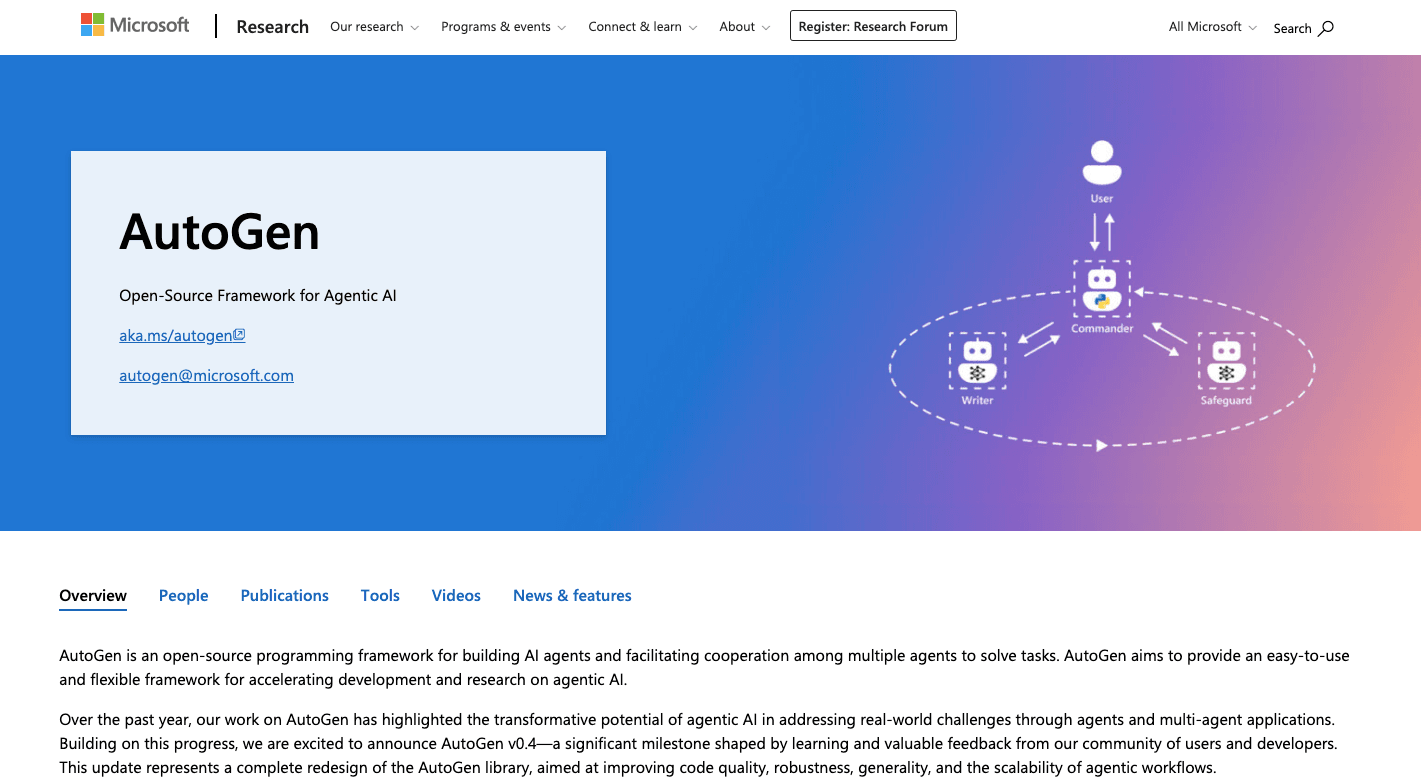
Microsoft AutoGen gives developers a framework to organize groups of multi-agent systems that talk to each other to solve tasks. Each agent plays a different role with its own purpose and tools.
For example, one gathers information, another runs data processing, and another might check the results. Together, they can build, test, and fix projects without constant human input.
AutoGen connects AI models like GPT-4, Azure OpenAI, and Amazon Bedrock. Each model adds different AI capabilities, from reasoning to content creation and debugging code.
Developers can include APIs, databases, or local functions, allowing agents to pull live information from diverse data sources.
The platform also supports a Python library for coders and a visual tool, AutoGen Studio, for low-code development. Combining agent capabilities with open customization helps automate complex reasoning tasks while keeping human oversight optional.
Key Features
- Multi-agent collaboration – Groups of agents can divide a problem, talk through progress, and review results together.
- Conversable agents – Each one uses dialogue to reason, plan, and test outcomes in natural language.
- Tool and API integration – Connects directly to APIs, internal scripts, and other programs for real-time data processing.
- Large language model support – Works with GPT-4, Azure OpenAI, and Amazon Bedrock for broader AI capabilities.
- AutoGen Studio – A web interface for low-code testing and deployment.
- Asynchronous processing – Agents can run different parts of a workflow at the same time to speed up long jobs.
- Debug logs – Tracks every exchange between agents so developers can review how a result was formed.
- Human input mode – Lets you step in for review or correction when needed.
Pros
- Combines code-first and low-code development options
- Supports several AI models and third-party APIs
- Keeps a transparent record of conversations for debugging
Cons
- Complex to manage when many agents interact at once
- Performs poorly on heavily structured workflows
- High token use can raise operating costs
Pricing
Microsoft AutoGen is open source and free.
3. Google Vertex AI Agent Builder
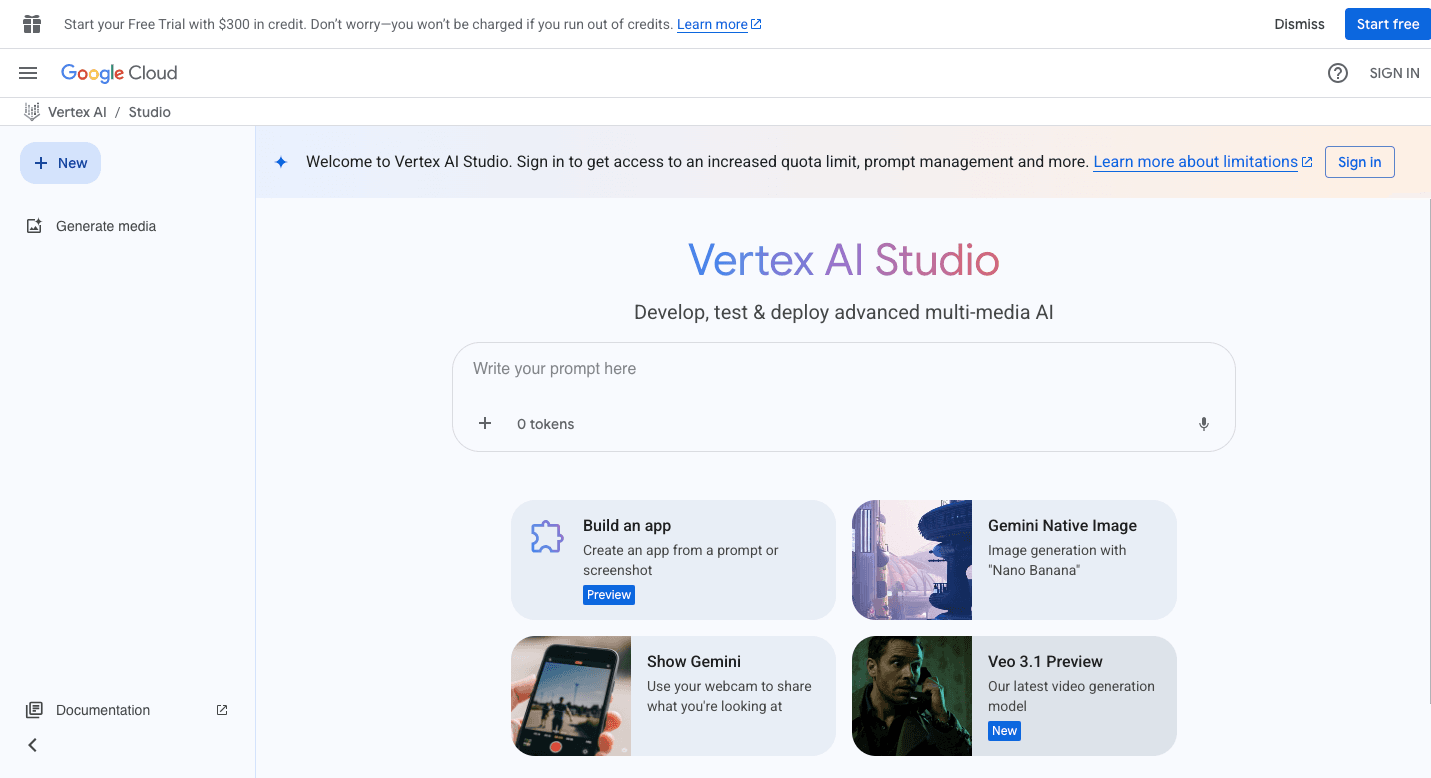
Google Vertex AI Agent Builder runs on Google Cloud and helps you build agents that handle everything from chat systems to automated workflows. The service supports code-first and no-code methods, so your teams with different skill levels can work together.
Your developers can define how agents reason, interact, and respond, while non-technical users can design workflows through a visual interface. The platform’s Agent Engine keeps each project stable. It also provides an Agent Garden, a library of pre-built agents.
The system further combines several parts to form a full workflow: the Agent Development Kit (ADK) for code control, the Agent Engine for deployment, and integrations for APIs and connectors.
These pieces allow you to execute tasks in real time and access data securely. Advanced users can customize logic or connect other frameworks, while multi-agent workflows let several agents cooperate on a single job.
Key Features
- Agent development kit – Python-based toolkit for developers to control behavior and orchestration.
- Agent garden – A ready-to-use library filled with pre-built agents and examples for quick setup.
- Agent engine – Managed runtime that maintains scaling, context, and security during interactions.
- Retrieval-augmented generation (RAG) – Helps agents ground answers in company data for better accuracy.
- Data integrations – Connects to over 100 applications and APIs, including Apigee for custom links.
- Multi-agent workflows – Allow groups of agents to collaborate and execute tasks together efficiently.
- Agent-to-agent (A2A) protocol – Enables interaction between agents created in different frameworks.
- Enterprise controls – Security, encryption, and compliance tools that protect data during use.
- Performance tracking – Monitors agent performance and accuracy using built-in analytics.
- Low-code and no-code interface – Simplifies building for both technical and non-technical users.
Pros
- Integrates with other Google services like BigQuery and Cloud Storage
- Offers both coding and no-code options
- Contains a full set of ready-made agents and templates
Cons
- Depends heavily on Google’s ecosystem
- Advanced controls take time to learn
- Less flexible for custom workflows
Pricing
Google Vertex AI Agent Builder follows a usage-based billing model. The Agent Engine charges $0.00994 per vCPU hour and $0.0105 per GiB hour of memory. Model costs depend on token usage for both input and output.
4. CrewAI
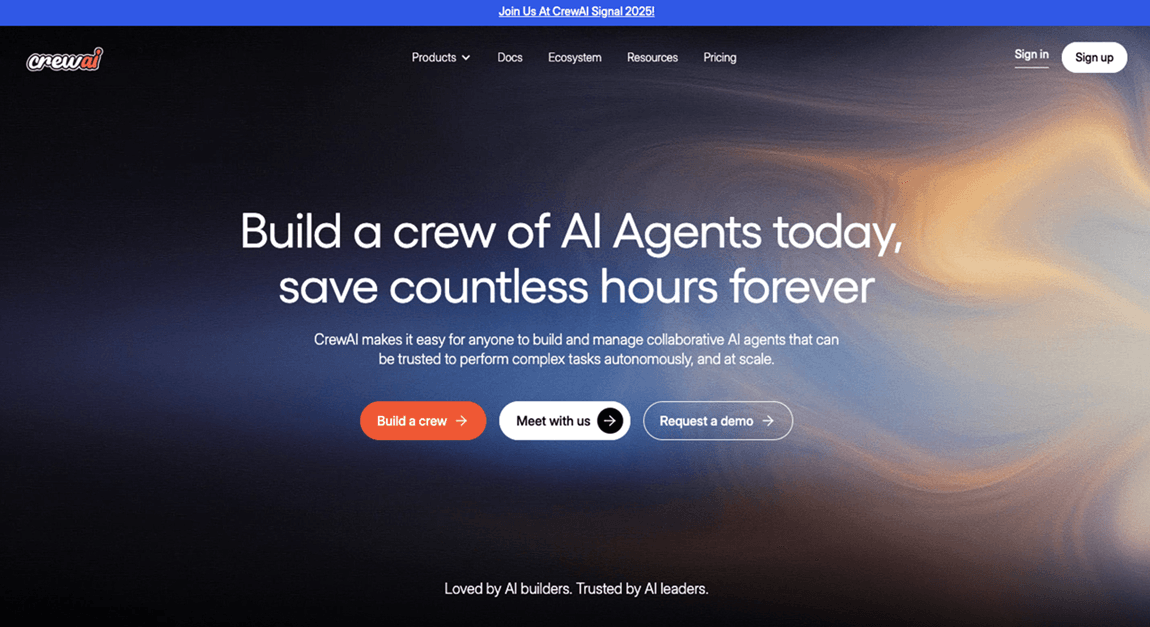
CrewAI lets you organize multiple agents that act like a team. Each agent gets a role, purpose, and a set of actions it can perform. Together, these agents complete complex tasks that would be difficult for one model alone.
The framework uses Python and gives you thorough control over how agents work and communicate. It doesn’t rely on larger frameworks, which makes it easier to adapt to different projects.
You can build systems that mirror real teamwork, too. A project can include a “Manager Agent” that oversees progress, a “Research Agent” that gathers data, and a “Writer Agent” that turns it into output.
It further focuses on orchestrating multiple agents to work together as a team, passing information and checking each other’s work. The framework can plug into different large language models (LLMs) and external tools for analysis, code execution, or research.
To visually design workflows and deploy them to the cloud, you can start from scratch or use CrewAI Studio.
Key Features
- Collaborative agent ecosystem – Agents operate with roles, goals, and unique backstories to shape their actions.
- Structured workflows – Two main process styles: sequential and hierarchical, where a manager agent supervises work.
- Memory and state management – Stores context and previous outcomes to improve accuracy in long workflows.
- CrewAI flows – Adds modular, event-based orchestration for advanced control and branching logic.
- Adaptable execution – Works in both asynchronous and synchronous modes for faster response times.
- Python framework – Native to Python, which gives you precise control and customization options.
- Visual interface (CrewAI Studio) – Web-based low-code builder for teams that prefer graphical design.
- Observability tools – Built-in logging and tracking to monitor workflow results.
- Production-ready deployment – Supports secure hosting with monitoring and encryption.
Pros
- Provides both Python and low-code interfaces
- Stores memory and context for long-running tasks
- Open-source framework with growing community support
Cons
- Requires coding knowledge for advanced features
- Open-source code needs extra care when handling sensitive data
- May produce inconsistent outcomes without tuning
Pricing
CrewAI offers the Basic plan, which is free and includes 50 workflow executions per month, the visual editor, and integrated triggers. The Professional plan costs $25 per month and includes 100 workflow executions, with extra runs billed at $0.50 each.
On the other hand, the Enterprise plan is custom for larger teams that need dedicated scaling and support.
5. AgentGPT
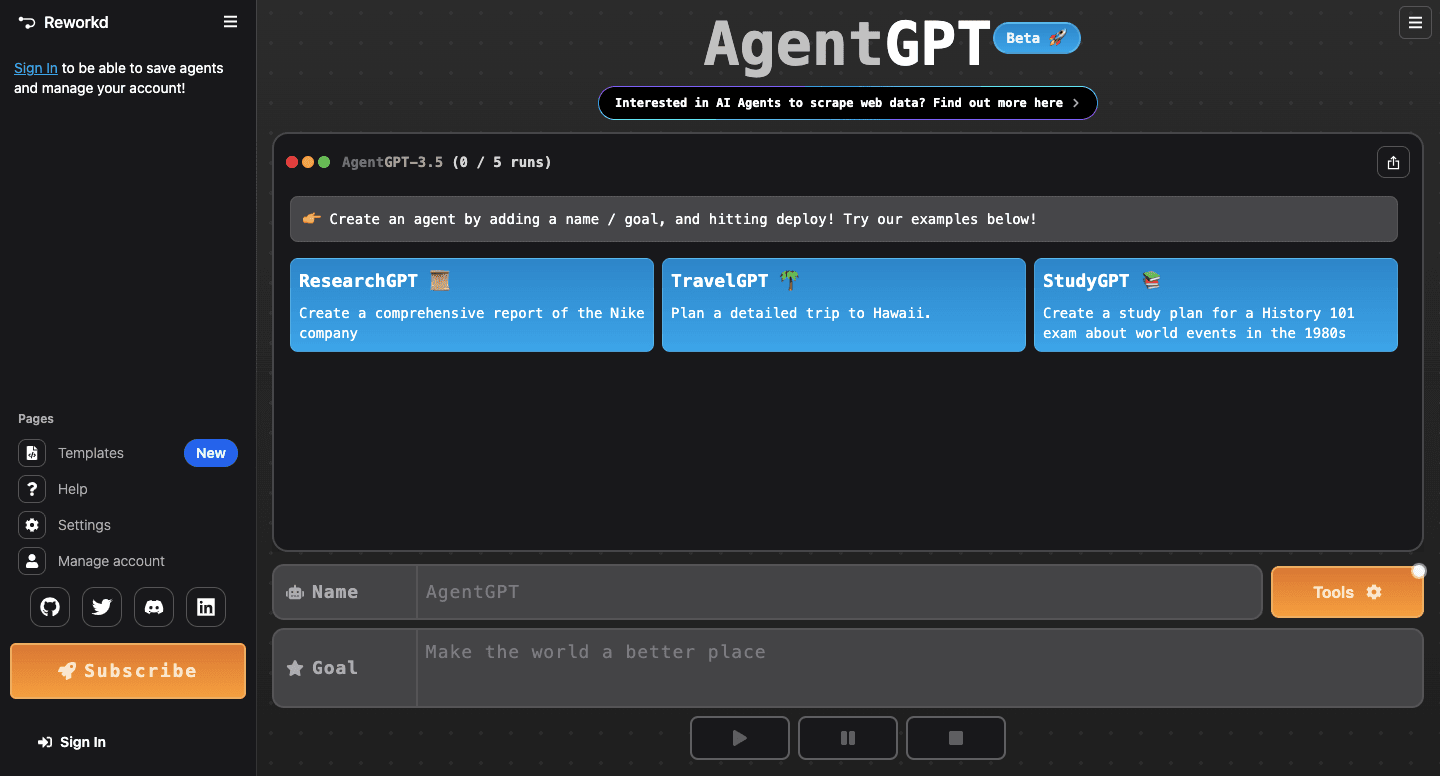
AgentGPT runs directly in the browser and lets you create autonomous AI agents that plan, decide, and act without supervision. It’s open source and designed for anyone, even those without coding experience.
For instance, you type in a goal, and the agent breaks it into smaller jobs, solves each one, and learns from the results. The process follows a simple cycle: set a goal, generate steps, perform each action, analyze the outcome, and repeat until done.
Agents can pull information from the web, analyze patterns, and connect to other systems to complete a task from start to finish. The setup helps reduce repetitive tasks and keeps you focused on higher-value work.
Advanced users can run the platform locally for more control, though the web version works well for most use cases. Besides that, the system shows you how each step unfolds, which helps you understand the agent’s choices and progress, even with limited control over internal logic.
Key Features
- Goal-based setup – You define an objective, and the agent plans each step to reach it.
- Sequential task execution – Agents handle one step at a time and refine their approach with feedback.
- Memory storage – Tracks results from earlier runs to improve later actions.
- Web interface – Runs fully online with no installation needed.
- Open-source code – Allows local setup through Docker for private or advanced projects.
- Task tracking – Displays progress logs for each stage of completion.
- Reduced manual work – Handles multi-step goals automatically to save time on repetitive tasks.
- Custom deployment – Gives you the option for personal hosting.
- Community support – Backed by open contributions for updates and tools.
Pros
- Automates multi-step workflows with little setup
- Free and open-source with optional upgrades
- Offers visible logs to track actions in real time
Cons
- Output may vary, requiring review or editing
- Less flexible than systems with multiple agents
- A few enterprise features, like governance or monitoring
Pricing
AgentGPT has the Free Trial plan that includes five demo agents daily using GPT-3.5-Turbo, with limited plugins and web search.
The Pro plan costs $40 per month and includes 30 agents per day, access to GPT-3.5-Turbo 16k and GPT-4, 25 loops per agent, unlimited web search, and priority support.
For those who want private hosting and business integrations, the custom Enterprise plan is available.
6. Lindy
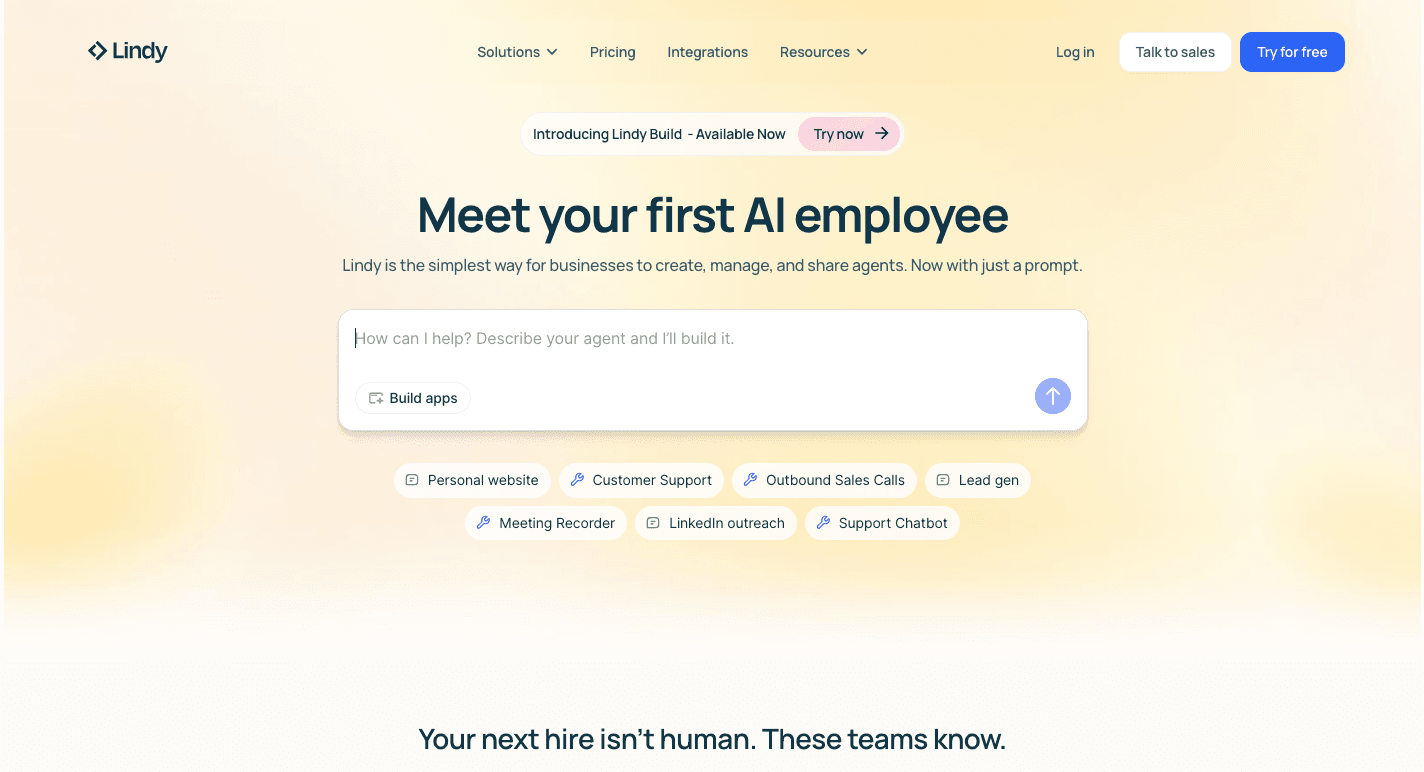
Lindy helps non-technical teams build custom AI agents that handle daily work through simple commands. It runs entirely on a no-code system, so you describe the process in plain English, and the agent learns what to do.
Each “Lindy” can schedule meetings, sort emails, or answer support questions without constant supervision.
You can also use AI agent templates from a shared library to get started faster. These templates cover tasks like meeting notes, lead generation, or customer replies, and can be edited to fit any process.
Aside from that, Lindy connects with thousands of business tools, so agents can perform tasks across all your connected apps. These agents further act as an AI teammate you actually want to work with, which runs operations smoothly and learning from previous actions.
Key Features
- No-code builder – Create custom AI agents in plain English without any coding.
- Pre-built templates – A marketplace with dozens of AI agent templates for quick setup.
- Triggers and conditions – Automations react to events such as emails or meeting invites.
- Human-in-the-loop – Adds human oversight by letting you approve or revise important actions.
- Integrations – Connects with 3,000 business apps, from Google Workspace to HubSpot.
- Meeting management – Agents join calls, record notes, and track follow-ups automatically.
- Sales automation – Handles lead research, outreach, and CRM updates.
- Knowledge base linking – Agents learn from documents, FAQs, or wikis to improve answers.
Pros
- Automates common business tasks across several tools
- Includes review options for human validation
- Keeps enterprise-grade security and compliance
Cons
- Some reports of inconsistent agent output
- Consumption pricing makes budgeting difficult
- Voice features mainly support U.S. accents
Pricing
Lindy uses a credit-based model with three main tiers. The Free plan includes 400 monthly credits and a one-million-character knowledge base.
Going up to the Pro plan that costs $49.99 per month, you get 5,000 credits plus a larger knowledge base. Then the Business Plan (Enterprise) costs $199.99 per month and includes 20,000 credits and a dedicated solutions engineer for setup and support.
Best AI Agent Platform Comparison Table
Here's a quick side-by-side look at how the six platforms compare before you dive into the full breakdowns below.
| Platform | Best for | Starting price |
|---|---|---|
| Activepieces | No-code + open-source flexibility | Free plan; Plus $25/mo |
| Microsoft AutoGen | Developer-led multi-agent frameworks | Free (open source) |
| Google Vertex AI Agent Builder | Google Cloud-native enterprise agents | Usage-based billing |
| CrewAI | Role-based multi-agent teams | Free Basic; Professional $25/mo |
| AgentGPT | Simple goal-based browser agents | Free trial; Pro $40/mo |
| Lindy | Non-technical no-code AI teammates | Free plan; Pro $49.99/mo |
If you're choosing between these for automating merchant, sales, or content tasks, start by matching the platform's coding requirement to your team's skill level, then check whether its integration list covers the specific tools you already run, since that's what determines how much manual glue code you'll still need to write.
Turn Your Visionary Ideas Into Working AI Models With Activepieces
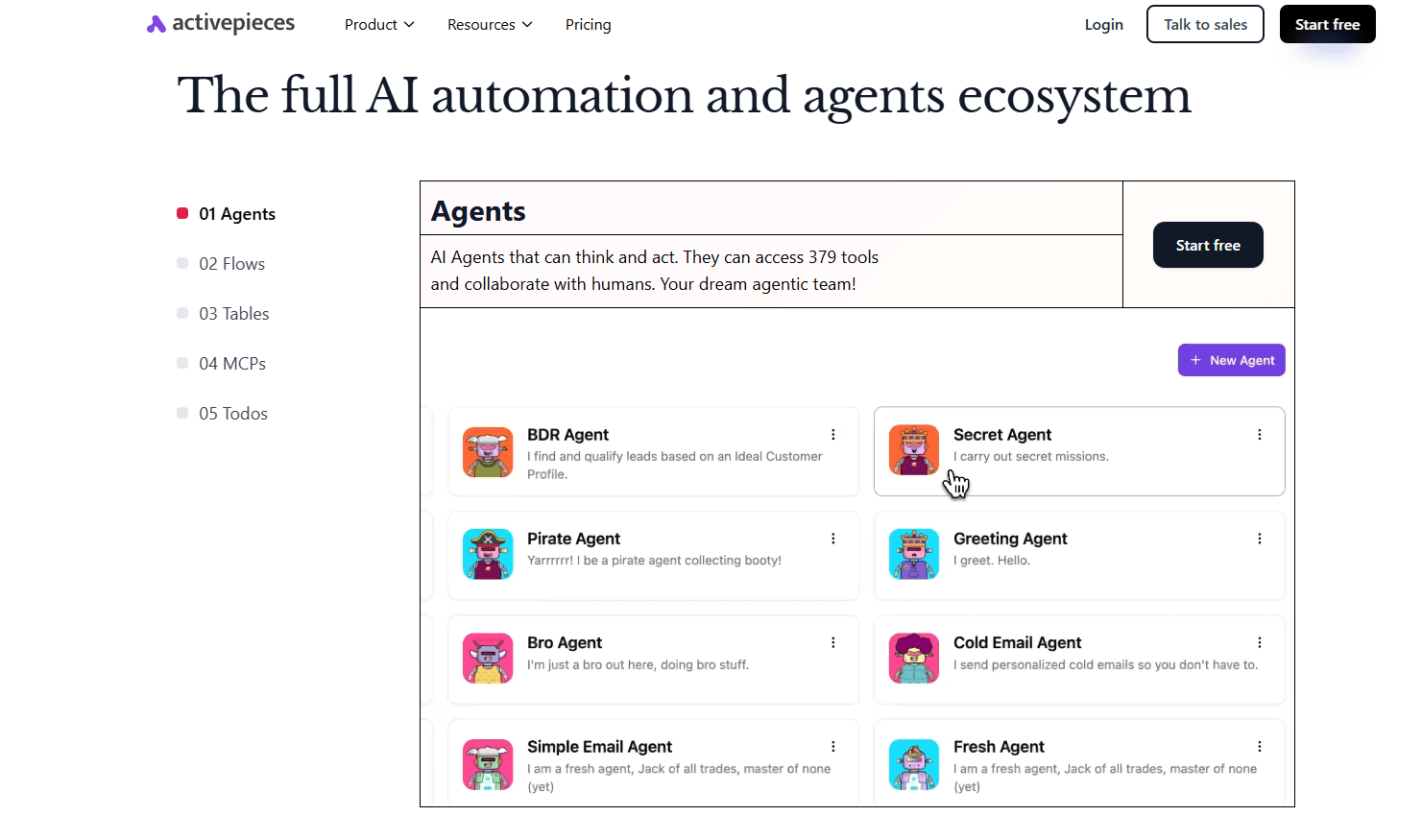
Activepieces turns your ideas into fully functional AI-powered workflows. You don't need technical expertise or complex infrastructure to get started. Just describe what you want to automate, and the platform takes care of the rest.
Each automation can mix AI models with your favorite business tools. Activepieces' MIT-licensed core connects to 450+ integrations as of now, giving small teams and large organizations seamless access whether they self-host, air-gap, or run on the managed cloud in an EU or US region.
You can build customer chatbots, automate content, manage leads, or orchestrate complex business operations. Activepieces is exactly what you need when you want to move from experimentation to production without losing control or quality.
Sign up with Activepieces for free and start automating your workflows with AI agents today!
FAQs About Best AI Agent Platforms
What’s the difference between an AI agent and an AI chatbot?
An AI agent acts independently to plan, decide, and complete tasks across tools and systems, while a chatbot focuses on conversation.
Agents use reasoning, data analysis, and automation to handle workflows like inventory management or report generation. In contrast, conversational agents, such as chatbots, manage customer interactions and improve customer satisfaction through dialogue.
What are the best AI agent builders in 2025?
The best AI agent builder in 2025 includes Activepieces, Microsoft AutoGen, Google Vertex AI Agent Builder, CrewAI, AgentGPT, Lindy, and Relevance AI.
These platforms support collaboration, automation, and advanced AI-driven workflows that boost productivity and operational efficiency.
How to improve your AI agent performance?
To improve your AI agent's performance, refine its training data, monitor real-world usage, and use contextual memory for better reasoning. Incorporating real-time feedback loops helps agents enhance decision-making and accuracy over time.
What are the various stages in the agent development process?
The main stages in the agent development process include defining goals, setting parameters, building logic, integrating APIs, training on data, and continuous optimization.
Do AI agents replace human workers?
AI agents don’t replace human workers. They assist by handling time-consuming tasks, automating workflows, and providing insights.
How Do I Choose the Right AI Agent Platform for My Team?
Picking the right AI agent platform for automating tasks, whether for merchants, marketers, or support teams, comes down to four practical checks:
1. Match the build method to your team's skills. High-code frameworks like Microsoft AutoGen and CrewAI give developers full control over agent logic but require Python knowledge. No-code builders like Activepieces and Lindy let non-technical staff design workflows visually, which matters if the people running day-to-day automations aren't engineers.
2. Check whether you can extend a workflow without rebuilding it. A platform that only supports rigid, single-purpose bots forces you to start over every time a process changes. Look for platforms that let you add steps, branch logic, or plug in new AI agents into an existing flow, since that's what keeps automation running as your business changes instead of triggering a full rebuild each time.
3. Confirm data and integration depth. Count how many of your actual tools (CRM, support desk, spreadsheets) the platform connects to natively. A platform with hundreds of integrations, like Activepieces' 450+ or Lindy's 3,000+ app connections, reduces the custom API work your team has to do later.
4. Weigh governance needs against price. If you handle sensitive customer or merchant data, prioritize platforms offering self-hosting, audit logs, and role-based access over ones that are cheaper but keep everything in a third-party cloud with limited controls.
Working through these four checks before signing up saves you from switching platforms six months in, which is the most common reason automation projects stall.
Still comparing
The fastest way to settle it is to build something.
Open source under MIT, so you can self-host the same thing later.
Start free Talk to sales