
Top 5 Insurance Workflow Software in 2026
Top 5 Insurance Workflow Software in 2026: 1. Activepieces 2. MuleSoft 3. Boomi 4. Workato 5. Zapier. See what makes each tool stand out.

Jun 4, 202411 min read
To meet the high demand for faster insurance processes, companies have adopted automation tools to streamline repetitive tasks, which frees up their employees to focus on high-value tasks and enhance customer service.
With so many automation tools available, choosing a tool that complies with industry regulations while performing optimally is a great start.
This article explores the top five insurance workflow software systems that let you automate routine tasks and strengthen data governance.
Turn repetitive insurance tasks into governed automated systems. Build them with Activepieces!
TL;DR
These are the best insurance workflow software you can use:
- Activepieces
- MuleSoft
- Boomi
- Workato
- Zapier
Everything below works on Activepieces' free plan. Start without code or a credit card.
Why Insurance Companies Use Automation Software
Some insurance processes need little human intervention after the first setup. Such processes can be automated using any workflow that complies with the financial institutions and insurance industry standards.
These are the key insurance processes that can benefit from automation:
Policy Issuance and Management
Policy management covers the entire process of collecting the customer's details, risk assessment, and issuing and managing customer policies. Automation can be used to streamline these tasks and ensure consistency in the decisions thereafter.
Claims Processing
It involves collecting the customer's claim documents, assessing damages, and processing the claim for payouts. Claim management can be automated to accelerate data collection and route claims efficiently based on type and urgency.
Customer Service
Chatbots, mail senders (such as Outlook Emails), and other CRM tools can be integrated into your custom workflow to perform customer service operations such as sending and replying to messages, inquiries, billings, etc.
Automating these processes helps deliver consistent service.
Risk Management and Loss Prevention
Automation can analyze historical claims details to identify trends, predict potential risks, and trigger preventative actions, such as sending safety tips to policyholders based on their coverage.
Some insurance automation software also includes risk assessment features to detect fraudulent claims that may require additional review.
Regulatory Compliance
Being a heavily regulated industry, automation can help with maintaining accurate customer records, generating reports for regulatory bodies, reducing human errors, and streamlining compliance processes.
Criteria for Selecting a Tool
An insurance workflow tool can be selected based on several reasons, but the key insurance workflow best practices to look out for include:
Security Insurance
Customer data is a goldmine for cybercriminals since it often includes sensitive data such as personal information, like:
- Names
- Addresses
- Social Security numbers
- Financial details
Any security loophole can have devastating consequences, leading to identity theft, financial loss, and reputational damage for the insurer and the insured.
The automation tool to be selected should encrypt data at rest and in transit, protecting it from unauthorized access even if intercepted. Multi-factor authentication can also be added for an extra layer of security.
Besides that, the automation software for your insurance operations should comply with relevant industry standards such as HIPAA, ISO/IEC 27001 for information security management, GDPR, GLBA, SOX, and other regulations that impose specific security and privacy requirements.
Also, ensure that APIs used for integration are secure and follow best practices.
Compliance Insurance
Companies are monitored by several laws and regulations. Some are general, while some are location-specific.
Automation tools should comply with insurance regulations, such as:
- Fair Disclosure Regulations make sure consumers understand what they are buying and can make data-driven decisions.
- Solvency Capital Requirements (SCR) ensure insurers have enough financial resources to meet their obligations to policyholders in case of unexpected events.
- The Sarbanes-Oxley Act (SOX) aims to enhance corporate governance and financial transparency in publicly traded companies, including insurance firms.
- The Health Insurance Portability and Accountability Act (HIPAA) primarily governs health insurance providers and ensures the protection of sensitive patient health information.
Compliance with these regulations ensures the accuracy and security of sensitive data. Non-compliance can lead to hefty fines and reputational damage.
Reliability
An automation software with a proven track record of high uptime, meaning the tool is consistently operational with minimal downtime for workflows to run smoothly without interruptions that could delay policy processing, claims handling, or other critical tasks.
It should also include strong data integrity measures to prevent data loss or corruption during automated processes.
A disaster recovery plan and comprehensive monitoring and logging capabilities further let you track system performance.
Scalability
The automation tool should be adaptable to new workflows and integrate additional functionalities as your insurance workflows may become more complex.
Also, the software should support a growing number of users without experiencing performance problems.
Other scalability features to look out for in an automation tool include:
- Deployment capabilities for easy integration and hosting on the cloud or on-prem
- Seamless integration of APIs with existing systems and applications within your insurance ecosystem
Connectors
How vast is the tool's connectors' library? Are there webhooks, HTTP, etc, to interact with software not in the library?
Insurance workflows involve data exchange between different systems, like core policy administration systems, integrated claims processing tools, and customer relationship management (CRM) platforms.
Connectors are essential when selecting an insurance workflow automation tool since they serve as bridges between your chosen tool and the multiple systems your insurance company relies on.
Look for a platform with a wide range of pre-built connectors to minimize development needs and ensure seamless data flow.
Approvals
Not all insurance tasks are suitable for complete automation.
Approvals or the need for human intervention should be considered when selecting an insurance workflow automation tool. Certain insurance processes involve a degree of risk.
Approvals allow you to introduce human oversight for high-risk tasks, minimizing errors and potential financial losses.
For example, approving a high-value claim or a complex policy change before finalization. Approvals functionality allows you to route tasks requiring human empathy or complex explanations back to qualified personnel.
In addition, it should allow you to define rules for when approvals are needed. This could be based on criteria like claim amount, policy type, or specific workflow stages.
Assign specific approval rights to designated personnel based on their roles and expertise, so only qualified individuals can approve or reject tasks.
Easier to see it running than to read about it: set it up free, no card.
5 Tools for Insurance Workflow Automation
Here are the top five automation platforms to streamline workflows and improve your operational efficiency:
1. Activepieces

Activepieces is an open-source automation tool for streamlining and automating repetitive tasks. It offers both cloud and on-prem hosting, which makes it flexible to comply with the regulations specified in the deployed location.
To automate your insurance workflows, you can use Activepieces, especially if you're looking for a balance between affordability, ease of use, and functionality compared to more complex enterprise integration platforms (EIPs).
Here's how Activepieces can benefit your insurance workflow automation:
- Offers a free plan, then $5 per active flow per month, which makes it a better option compared to subscription-based EIPs with potentially higher upfront costs.
- Includes a user-friendly interface with drag-and-drop functionality and a visual workflow builder. It means even users with limited coding experience can automate workflows without relying heavily on IT personnel.
- Currently offers 611 pre-built connectors for various business applications, including some relevant to the insurance industry, which improves data accuracy.
- Allows data manipulation, conditional branching, and custom scripting that empowers you to automate complex workflows with intricate decision-making processes.
- Lets you customize and control your workflows through its open-source version. However, the free tier and cloud-based version offer a good starting point for most companies.
2. MuleSoft
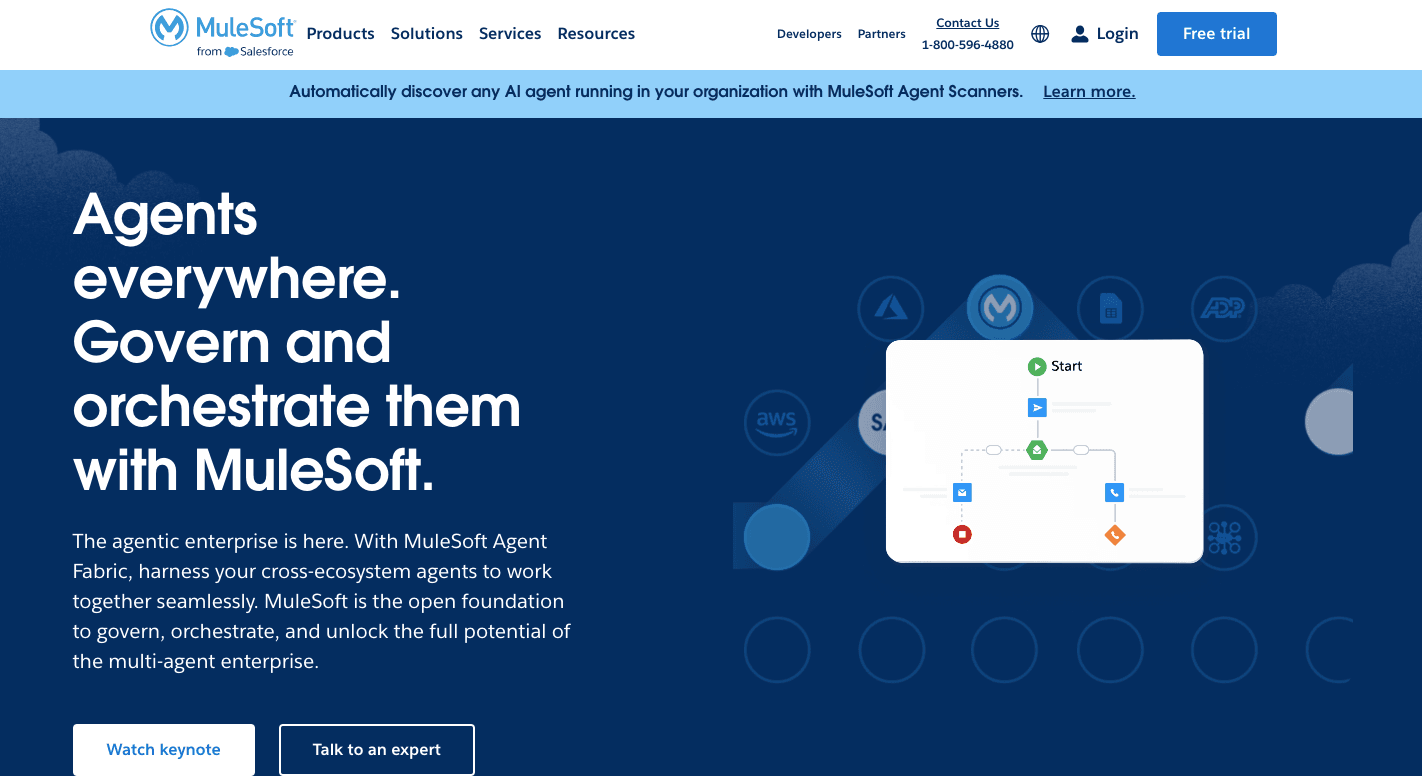
Mulesoft Anypoint Platform, being an enterprise integration platform, is a good choice for insurance workflow automation, particularly for larger companies with complex systems.
Here's what you can expect from selecting Mulesoft:
- Excels at connecting disparate systems within your insurance ecosystem. It includes core policy administration systems, claims processing tools, CRM platforms, and legacy systems.
- Pre-built connectors for various insurance industry applications can streamline the integration process, saving you development time and training resources.
- Allows you to automate complex insurance workflows by building data flows between different systems, which reduces manual data entry and errors, boosting efficiency and accuracy.
- Handles the demands of large organizations. It can scale to accommodate increasing data volumes, user base, and workflow complexity as your insurance business grows.
- Prioritizes data security. It offers features like encryption, access controls, and audit trails to ensure compliance with regulations in the heavily regulated insurance industry.
However, remember that MuleSoft implementations can require technical expertise and may involve higher upfront costs than simpler automation tools. Carefully evaluate your needs and weigh the benefits against the cost and complexity before making your final decision.
3. Boomi
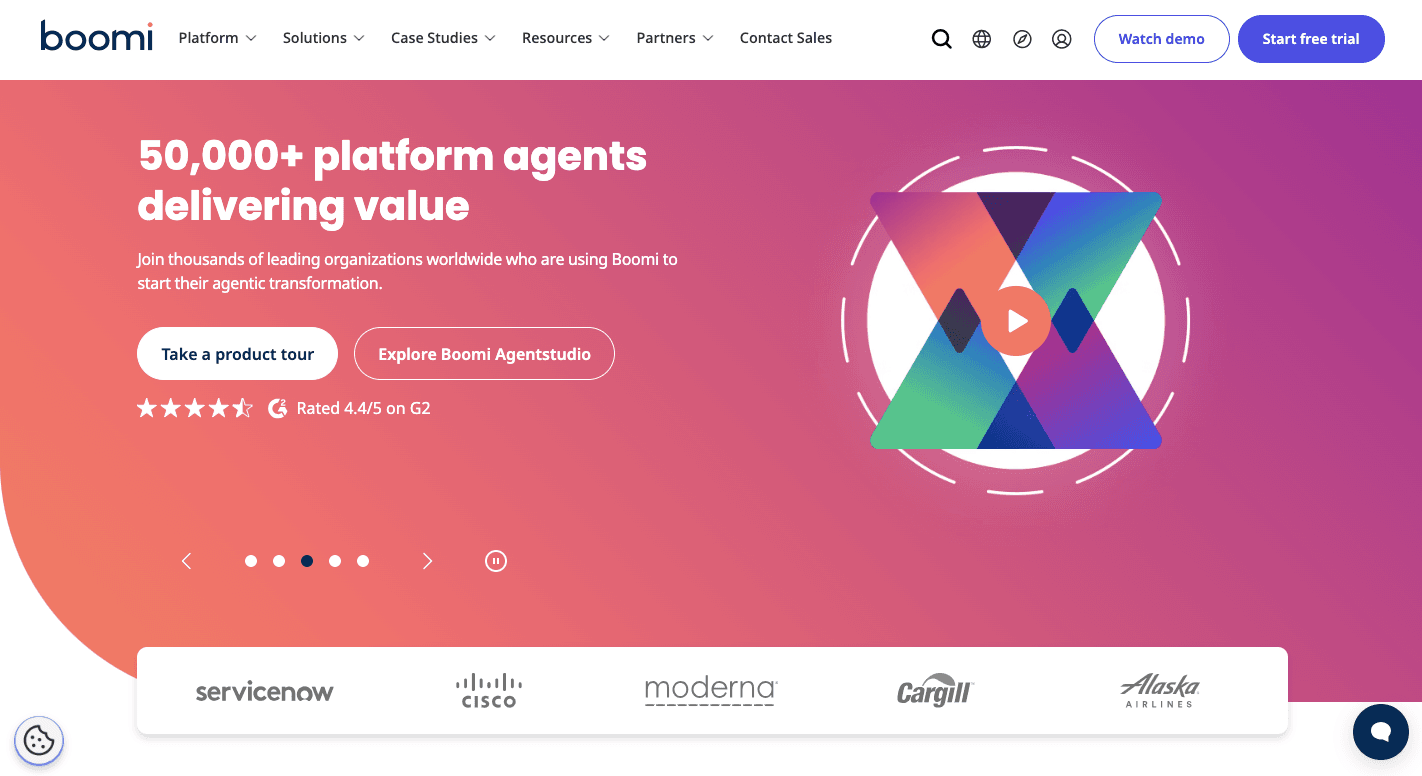
Boomi is another enterprise automation software that can be used to streamline insurance processes. Here's what you can expect from selecting Boomi for your insurance company's needs:
- Excels at connecting various insurance systems like core policy administration, claims processing, CRM, and even legacy applications. Pre-built connectors for common insurance industry tools can expedite the integration process and reduce development needs.
- Offers a user-friendly interface with low-code/no-code development capabilities. It empowers even business users to automate simpler workflows, reducing reliance on IT resources.
- As your insurance business expands, Boomi can scale to accommodate increasing data volumes, user base, and workflow complexity, which future-proofs your automation investment.
- Prioritizes data security by offering features like encryption, access controls, and audit trails to ensure data protection and compliance with regulations.
- Boomi's cloud-based nature offers several advantages, such as scalability, on-demand access, and simplified maintenance.
4. Workato
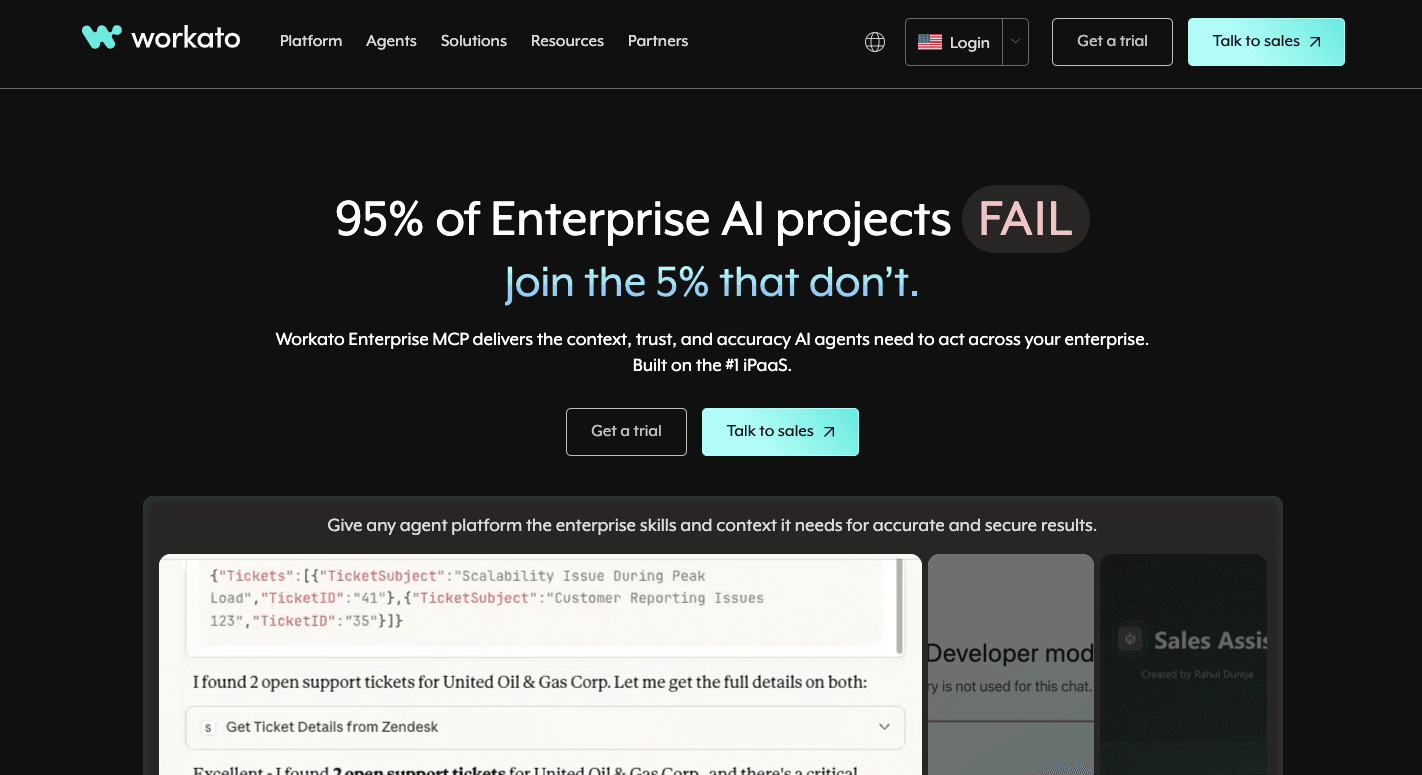
Workato is a powerful automation tool that can be adopted to automate insurance workflows. Its features include:
- A user-friendly interface with drag-and-drop functionality, which makes it easier for business users with minimal coding experience to build and automate workflows.
- Pre-built connectors for a wide range of applications, including some insurance-specific tools. This allows for integration with various systems within your insurance ecosystem.
- Analytics and reporting capabilities that give you insights into your automated workflows
- Supports human-in-the-loop workflows, allowing for human approvals, interventions, and decision-making within automated processes.
5. Zapier
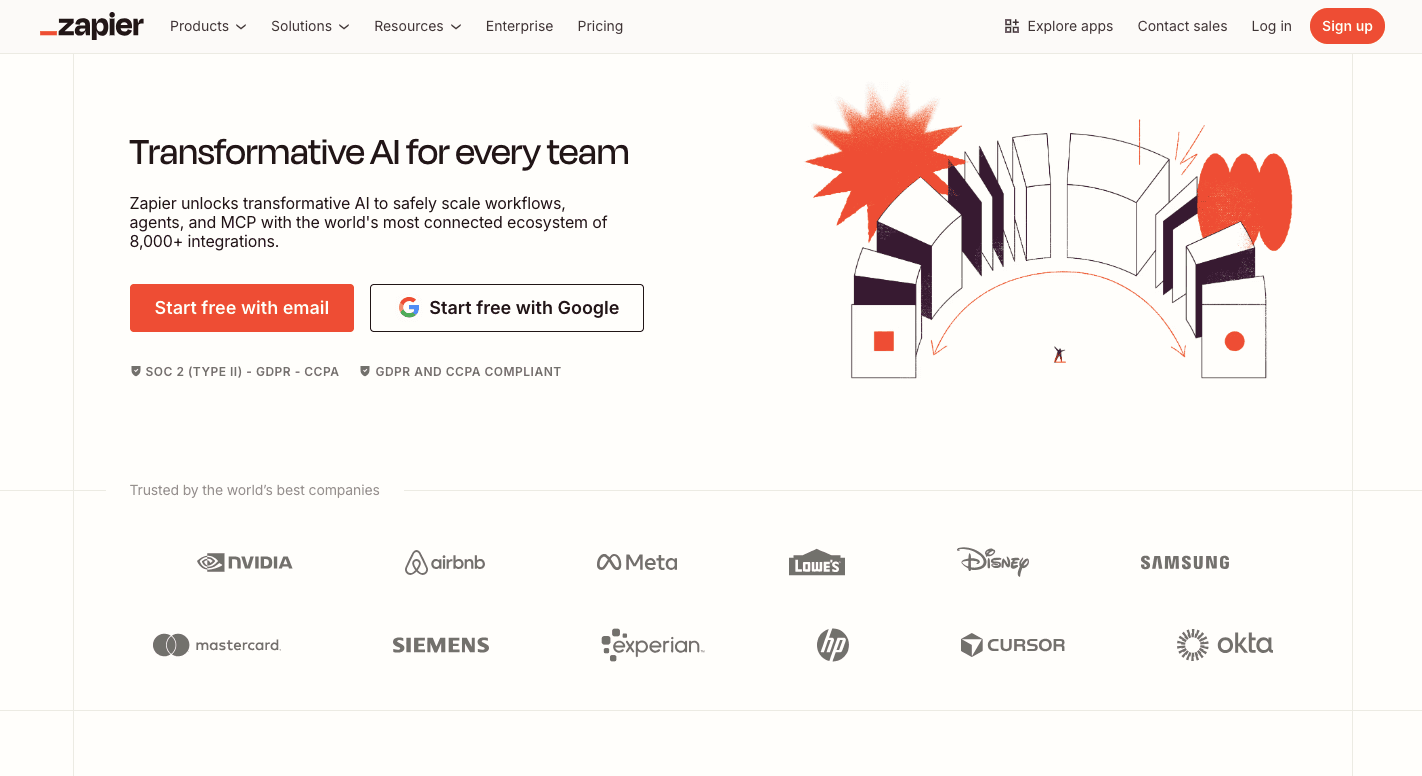
Zapier is enterprise software used to automate business processes, such as insurance processes. Here's what it includes:
- Integration with over 9,000 applications, including CRM systems, email marketing tools, document management systems, and more. This allows insurance companies to connect their various systems and streamline data flow across platforms.
- For any applications not natively supported, Zapier's webhooks and API functionalities enable custom integrations, ensuring all necessary systems can be connected.
- Can be used for simple insurance workflow automation, such as:
- Triggering automated emails upon policy renewals or claim submissions
- Automating data entry between basic CRM systems and spreadsheets
- Connecting customer service forms to trigger internal communication channels
While it's a great general automation tool, it might not be the most ideal choice for complex insurance workflows because:
- It doesn't contain the specialized functionalities like document processing, risk assessment, or regulatory compliance checks required for complex insurance workflows
- It's often suited for smaller teams and simpler workflows. As your insurance business grows and workflows become more complex, Zapier might struggle to handle the increased volume and intricate logic required in insurance automation.
- Zapier might not offer the same level of security features as specialized insurance workflow automation tools. With these limitations, Activepieces is a better option compared to Zapier.
Upgrade Your Insurance Workflow Systems With Activepieces

Activepieces offers maximum security for data (at rest and in transit) through encryption, fully on-prem capabilities, and is compliant with the regulations of the insurance industry.
These are some of the reasons that make it the best option for insurance workflow automation:
- Self-hosting and network isolation keep policyholder and claims data under your control, which fits strict compliance and audit needs.
- AI pieces can read claim descriptions, summarize call transcripts, flag urgency, and route cases based on policy type or risk.
- Human approval steps fit regulatory requirements, so high-risk or high-value cases pause while routine requests continue.
- Connect intake forms, CRMs, document storage, email, and internal systems without custom builds, even when tools differ by department.
- Every action gets logged with time and outcome, which makes audits and internal reviews straightforward.
- Open source pieces prevent vendor lock-in and allow custom extensions when insurance rules change.
- Usage-based plans avoid surprises when claim volume increases during peak periods.
FAQs About Insurance Workflow Software
What software do insurance companies use?
Insurance companies use policy, claims, CRM, and workflow platforms as a comprehensive solution to manage client data, data management, and daily operations.
What is the best workflow management software?
The best workflow management software supports insurance agencies with automation and data-driven insights that come from real data analysis. Depending on the use case, the best tools include Activepieces, Monday, Asana, and others.
What is the best CRM for an insurance agency?
The best CRM centralizes client data, supports long-term relationships, and improves customer satisfaction by enhancing customer experience. Some of the most popular tools include Salesforce Financial Services Cloud, Zoho CRM, Insureio, and more.
What is Guidewire software used for in insurance?
Guidewire handles core insurance functions like policy, billing, and claims while helping carriers improve underwriting efficiency.