
Boomi vs Workato vs Activepieces: Updated Comparison in 2026
Read our complete guide on Boomi vs Workato vs Activepieces and see how these tools compare to make the right decision.

Sep 26, 202514 min read
Boomi and Workato often dominate conversations about the integration platform as a service (iPaaS) market. The Workato vs Boomi platform debate highlights two giants that connect multiple systems and support workflow automation.
Yet both come with steep costs, long setups, and limits that push teams to search for faster options.
Nowadays, more users are using Activepieces to automate processes. It comes with a user-friendly interface and low-code flows that fit small businesses and enterprises alike. Companies use it to improve efficiency while avoiding the overhead of legacy vendors.
This comprehensive comparison will show you how Boomi, Workato, and Activepieces compare in key features, pricing, and integrations.
TL;DR
- Boomi focuses on data governance, hybrid deployments, and API control for large enterprises.
- Workato emphasizes workflow automation, recipes, and cross-team collaboration with strong enterprise scalability.
- Activepieces offers a flexible, open-source alternative with built-in AI and predictable pricing.
The fastest way to settle a shortlist is to try one. Activepieces is free to try, no credit card.
What Is Boomi?
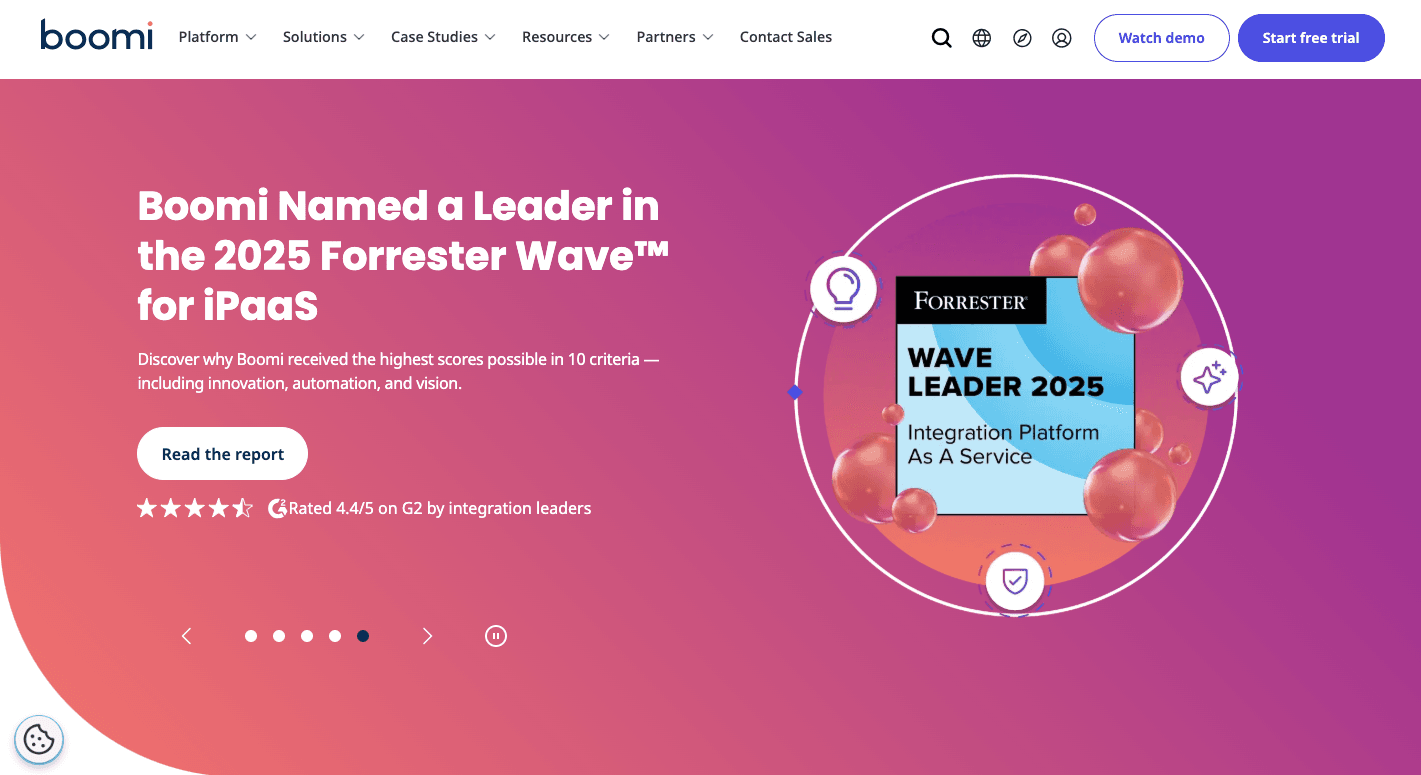
Boomi is an iPaaS solution that helps companies integrate apps and move data between them. Teams use it to handle integration needs, keep data flow steady, and push digital transformation forward.
It covers a lot: pre-built connectors, master data management, and API integrations. There are B2B and EDI tools, workflow automation through Boomi Flow, and AI that suggests faster ways to map and set up integrations, too.
"Atoms," which are its runtime engines, let you choose cloud, on-prem, or hybrid cloud deployments. It even supports reverse ETL, so data from warehouses flows back into CRMs or marketing tools.
Many departments use the Boomi:
- IT connects disparate systems and resolves complex integrations
- Finance automates reporting
- HR keeps employee records aligned
- Sales and marketing sync campaigns and CRMs
What Is Workato?
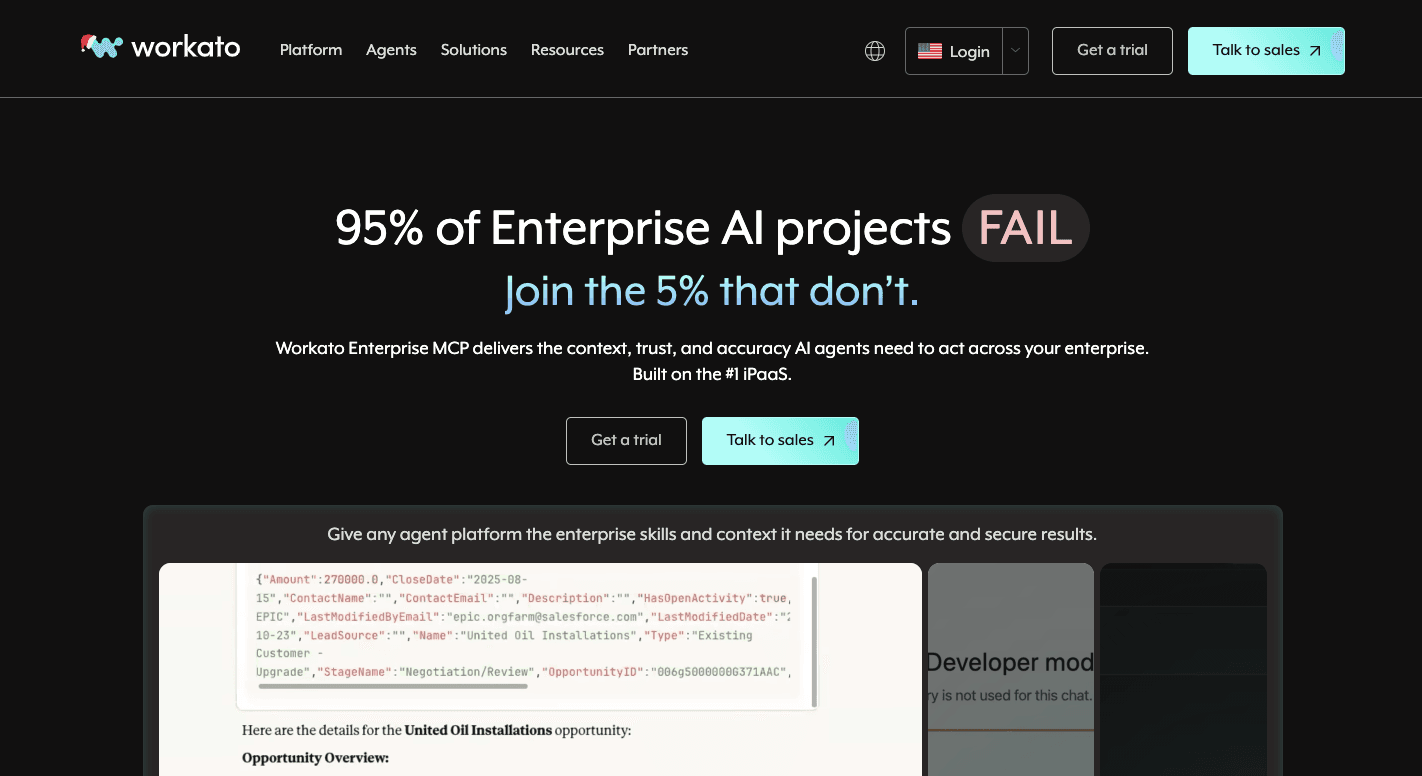
Workato is a cloud-based integration and automation platform that many companies use to link apps and run critical business processes with less manual effort. Both IT teams and non-technical staff who need results without heavy coding often use it.
The platform runs on "recipes," which are automated workflows triggered by events like a new lead in Salesforce or a message in Slack. These recipes can update records, send alerts, or connect systems, and you can customize them through pre-built connectors or build with the SDK.
Beyond recipes, Workato stands out in:
- API management
- B2B/EDI support
- Data mapping
Other supported features include data synchronization, real-time sync, and error handling to keep tasks automatically updated.
You can further use bots for Slack and Microsoft Teams to trigger automations directly from chat. AI adds another layer through Recipe IQ, a tool that suggests steps to speed up recipe creation and allows rapid deployment of automation from departments.
What Is Activepieces?

Activepieces is an open-source automation platform for secure workflows.
Flows start with a trigger, like a new form submission or an added row in a spreadsheet, and continue with steps that can send messages, update records, or connect with AI models. Each flow runs visually, so even for non-technical users who want deeper customization, the design remains simple.
The drag-and-drop interface is part of why many engineers and non-technical staff prefer Activepieces.
And as of now, there are 559 ready-made "pieces" for CRM, payments, spreadsheets, and AI providers. Developers can also extend and manage integrations in TypeScript.
By mixing AI agents, role-based access, and human-in-loop options, Activepieces goes beyond simple workflows. It positions itself as the single platform for anyone who wants control over data and automation without being locked into closed systems.
Try Activepieces today and feel the difference in your workflow!
Feature Comparison: Boomi vs Workato vs Activepieces
Boomi, Workato, and Activepieces approach data and automation differently. Each helps teams optimize processes, but in distinct ways.
Connector and Integration Capabilities
Connector and integration capabilities define how easily tools work together, especially for teams with complex integration needs with multiple systems.
Boomi
Boomi connects apps, ERP systems, databases, legacy systems, and trading partners through a mix of pre-built integrations and custom connectors. Business teams use it to integrate on-premises and cloud services, which eliminates infrastructure management overhead.
The catalog includes:
- Salesforce
- NetSuite
- SAP
- Oracle
- AWS
It provides mapping, data transformation, and orchestration inside a single canvas. AI suggestions help speed up setup by pointing out likely matches between fields. The "Master Data Hub" acts as a control point for data sources, so records like customer details stay consistent across platforms.
In practice, manufacturing firms use Boomi for EDI exchanges with suppliers. Those setups cut lag in the supply chain and improve operational efficiency since orders and invoices move without delays.
Workato
Workato uses automation "recipes" to link diverse applications and automate tasks. A recipe starts with a trigger, such as a new lead, and follows with actions like updating a CRM or sending a Slack message.
Business users and IT staff have access to large-scale integrations, from SaaS applications to on-prem systems.
The built-in error handling keeps jobs reliable, with automatic retries when something fails. Recipes are also features designed for collaboration, since your non-technical staff can follow the logic easily, while technical staff can extend it with the SDK.
Activepieces
Activepieces currently offers 559 integrations, called "pieces." The number keeps climbing since new ones are added by both the team and the community.
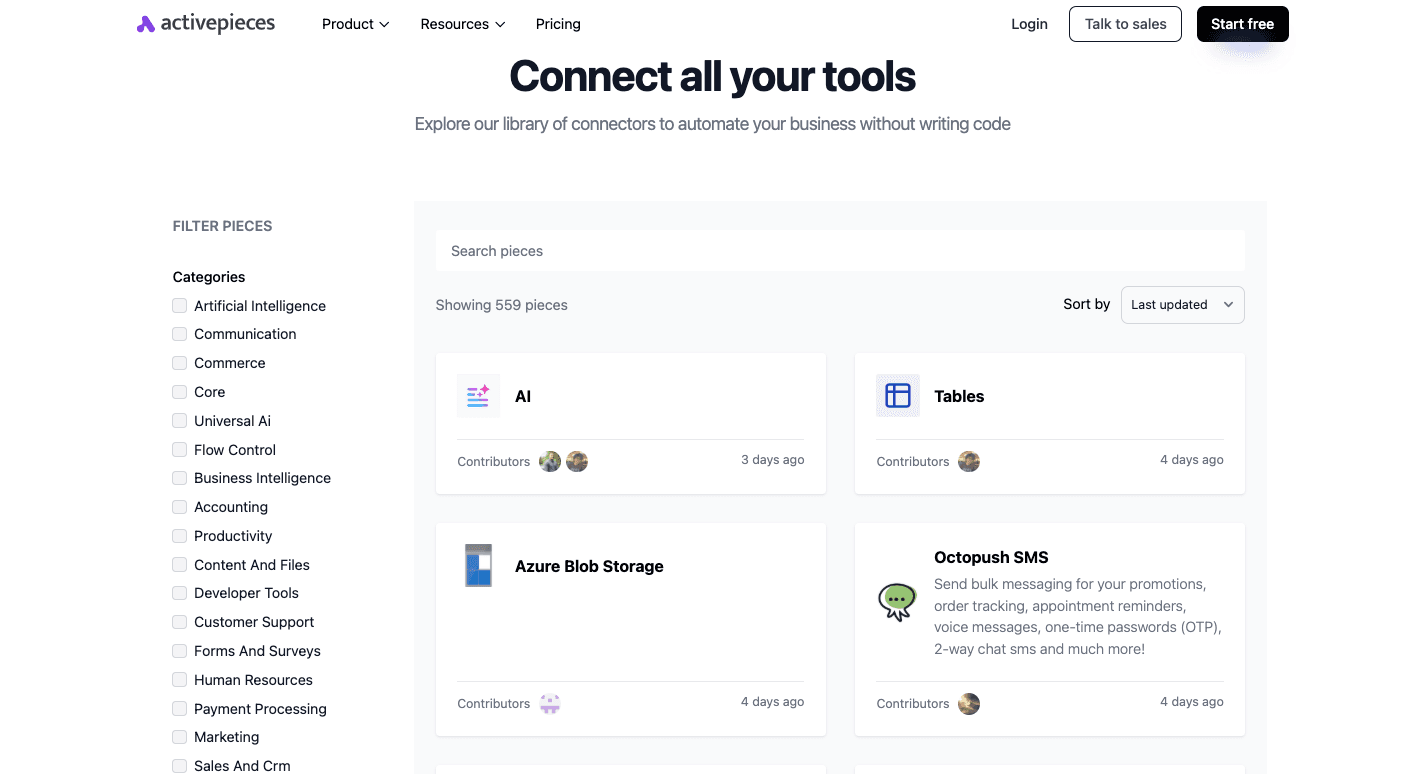
These pieces cover:
- Snowflake
- Airtable
- WooCommerce
- Motion
- Microsoft Teams
- Stripe
- Google Docs
- HubSpot
- Teamwork
It connects these tools without extra layers or heavy setup. You can build a lot of flows in minutes since you have access to a wide range of pre-built connectors.
AI is built directly into the design, so connecting language models or building intelligent workflows feels natural. Developers who need something unique can extend the system with custom pieces, and the open ecosystem supports third-party integrations that go beyond the official catalog.
With the count already at 559 and still expanding, Activepieces continues to grow into one of the most complete options for both simple and advanced automation.
API Management and Enterprise-Grade Security
API management and enterprise-grade security decide how safely systems communicate and how much control you keep as integrations grow.
Boomi
Boomi offers full lifecycle support: design, publish, version, and retire APIs. It runs API traffic through a secure gateway and gives you a central control plane to watch over everything. That setup helps companies avoid unmanaged endpoints.
Security covers:
- Role-based access
- Encryption
- Data masking
- AI-powered data protection
And since it provides centralized control over master data, you reduce errors and redundancies. Policies like throttling or quotas, on the other hand, make sure back-end systems don't get overloaded.
Aside from that, you can share APIs through a developer portal, which provides docs and a way for partners to subscribe. Dashboards show live performance, and audit trails show who accessed what and when.
For companies with mixed setups, Boomi enforces policies across multiple gateways, so governance stays consistent even if different vendor gateways are in use.
Workato
Workato allows recipes to act as APIs, or it can expose internal APIs through proxies. The platform uses its gateway to handle routing, authentication, and rate limits. You can also group APIs into collections to simplify access control.
Security options include:
- OAuth
- JWT
- Mutual TLS
With version control, you can move APIs through the development, testing, and production stages. Monitoring tools, on the other hand, show traffic patterns and error rates, while policies manage usage caps.
Activepieces
Activepieces connects apps through APIs. In a visual builder, you create flows by dragging pieces onto a canvas and linking them together.
Each piece represents an app or service, so non-technical users don't need to read API docs or deal with authentication. Developers can go deeper with custom JavaScript or direct HTTP calls when an app isn't already supported.
Governance in Activepieces focuses more on automation projects. Role-based access lets you assign permissions, and the ability to self-host gives companies control over sensitive data.
A unique capability is its support for MCP (Model Context Protocol) servers, which expose pieces as tools callable by AI agents or other clients. This allows natural language triggering and AI-driven orchestration of multi-app workflows, something not commonly found in other platforms.
Workflow Automation and AI Capabilities
Workflow automation and AI capabilities determine how far you can push automation when a platform offers extensive customization for your workflows and supports robust scalability as demands grow.
Boomi
Boomi, a low-code tool, employs "flow" to design workflows that run from apps and departments. The drag-and-drop canvas helps technical and non-technical teams link steps without deep coding.
Workflows handle approvals, onboarding, reporting, or CRM updates while pulling directly from Boomi's connector library.
Some agents include suggested mappings, generate starter processes, and even write documentation for new flows. These tools are a knowledge base, so you get guided answers when building.
Companies can also classify sensitive fields and monitor integrations to prevent failures before they happen.
Workato
Workato organizes automation around "recipes," which link triggers to actions. These recipes cover tasks such as:
- Syncing data between Salesforce and NetSuite
- Routing tickets in ServiceNow
- Sending alerts in Slack
Large enterprises typically use Workato, but it also fits straightforward automation needs in small to mid-sized companies. You can launch recipes with a few clicks, and then developers can extend them with custom logic.
AI adds more by suggesting steps, creating draft recipes from natural language, and building chatbots for everyday tasks.
Activepieces
Since Activepieces is a no-code platform, it lets you build automations by dragging steps onto a canvas and linking them together.
Simple flows take just a few clicks, while advanced features like loops, branching paths, and human approvals make space for complex workflows that mirror how real teams work. Tables act as a built-in database, so data can be stored, organized, and reused inside those flows.
The agents you make can read an email or pull data from an API, process the content with a model, and then act across connected tools. They make choices based on context, which means the flow doesn't always follow a rigid script.
Over time, agents learn from repeated use and improve how tasks get handled.
You also get the AI Copilot that suggests steps from natural language prompts. Some other tools pull structured details from unstructured files or automatically sort content into categories, too.
Taken together, Activepieces offers a system that works for quick automations and larger projects that require intelligence and adaptability.
Support and Community
Support and community shape how quickly issues get resolved.
Boomi
Boomi runs support through its online center, where customers open tickets, use chat, or call in, depending on their plan. Basic access gives articles, email help, and forums. Higher tiers add live chat, phone support, and faster response times for urgent cases.
The Boomi Community, often called "Boomiverse," serves as a hub for users and staff. People trade tips in forums, share implementation patterns, and attend webinars. A full knowledge base covers guides, troubleshooting steps, and role-based training paths.
Professional services extend support for companies that want direct consulting or tailored training. With these layers in place, Boomi balances self-service and paid options to maintain high customer satisfaction across different business sizes.
Workato
Workato uses a mix of ticketing, chat, and customer success managers for support. Enterprise accounts often come with SLAs and dedicated guidance. Live chat through "AssistIQ" makes it easier to get quick answers.
The Workato community is a space where people share recipes, ask questions, and connect with peers. Meanwhile, specialized groups focus on topics like the "Embedded Platform" or the "Automation Institute."
Workato Academy offers interactive courses and certifications, so you can build expertise at your own pace. Logs and run history inside the platform help with debugging, while published guides walk through common problems.
Activepieces
Support feels a bit different with Activepieces compared to the larger, closed platforms. Since it's open source, the first line of help comes from its community.
The Discord server is where most people go, and it's active enough that questions usually get a quick response from either the team or other users. For those who prefer something more structured, the community forum is organized into categories like:
- Announcements
- Tutorials
- Feature requests (old)
- Discussions
- Known issues
- Templates
Old threads stick around, so it doubles as a searchable record of past fixes.
Developers tend to rely on GitHub to report issues or suggest new "pieces." Everything is public, which keeps the process transparent. Higher plans also include email and dedicated support.
Pricing
Pricing becomes more important as data volumes grow, especially when automation expands beyond small use cases into daily operations.
Boomi
Boomi's cost depends heavily on the size of the project and the mix of features needed. Plans are set up in tiers. Professional includes standard integration features with process orchestration, multiple environments, and the option for enterprise connectors.
Professional Plus adds the ability to API-enable integrations and includes more connections. Enterprise brings advanced user management, high availability, and larger data loads. Enterprise Plus layers in message queuing and further scaling options.
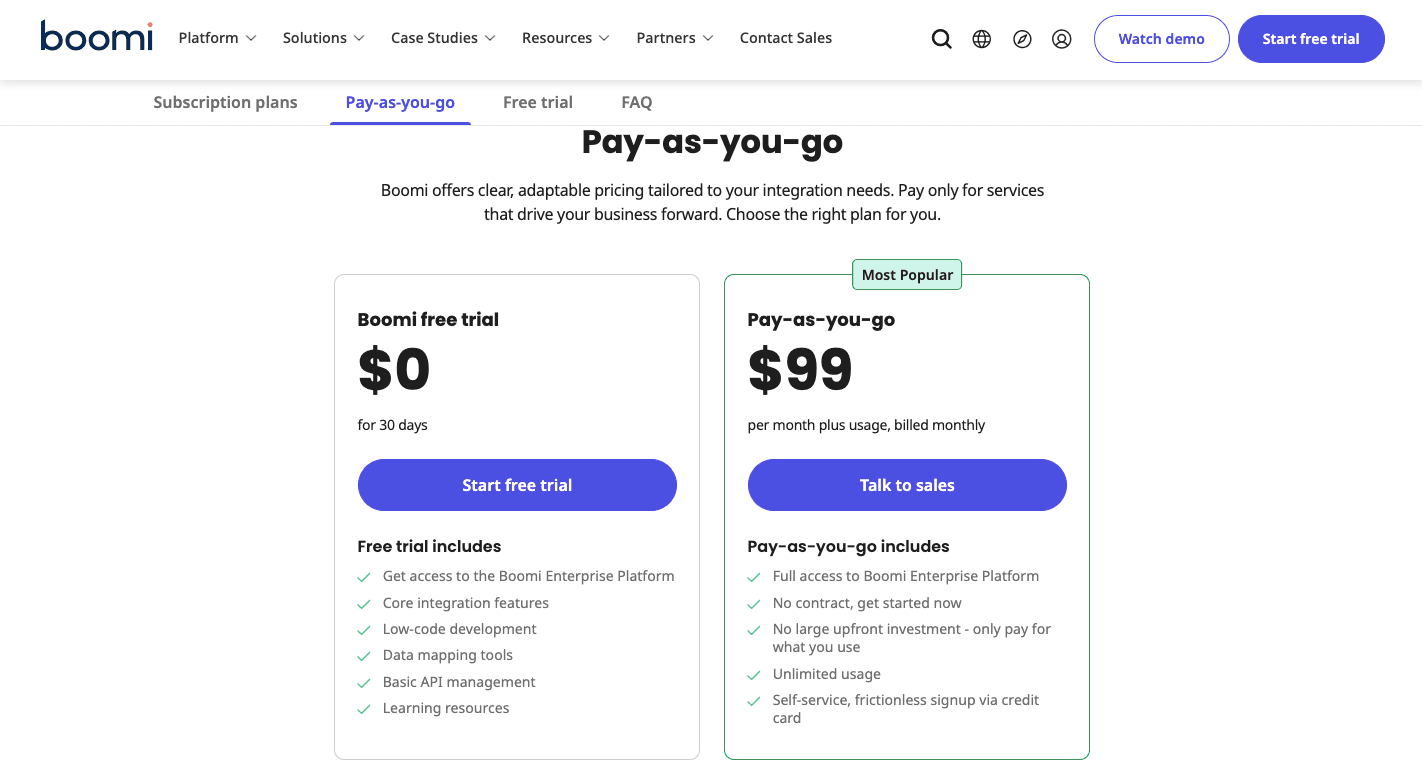
For smaller projects, Boomi also lists a Pay-As-You-Go plan through AWS Marketplace that starts around $99 per month. That option charges based on usage, which makes it easier to test before committing to a full plan.
Workato
Workato's pricing isn't available online. Each customer negotiates based on data volume, number of connections, and the feature set required.
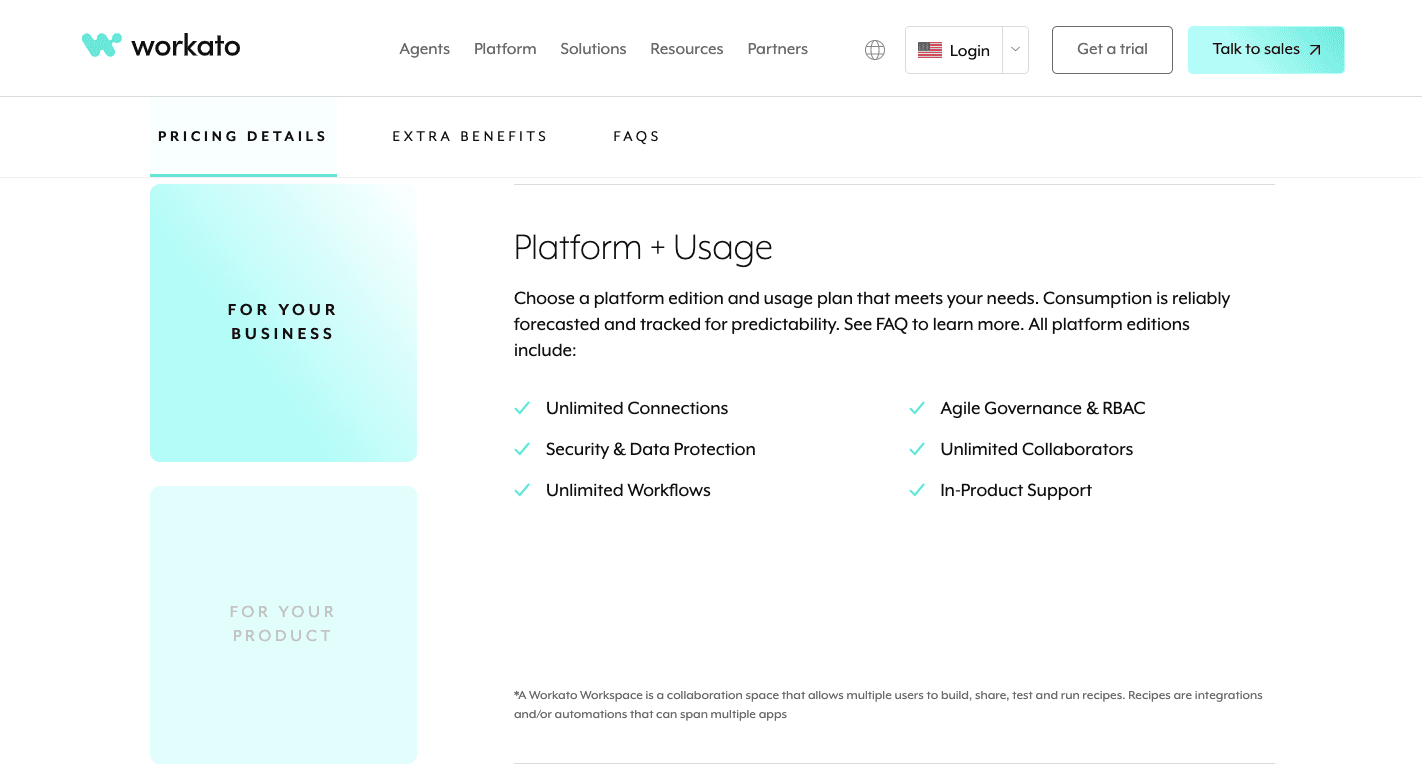
Larger enterprises, and even mid-sized companies, often pay more because of high usage, advanced security, and expanded automation needs.
Activepieces
Activepieces keeps things simple with two main choices: the free, open-source version you can host yourself, or cloud-hosted plans with flat monthly pricing.
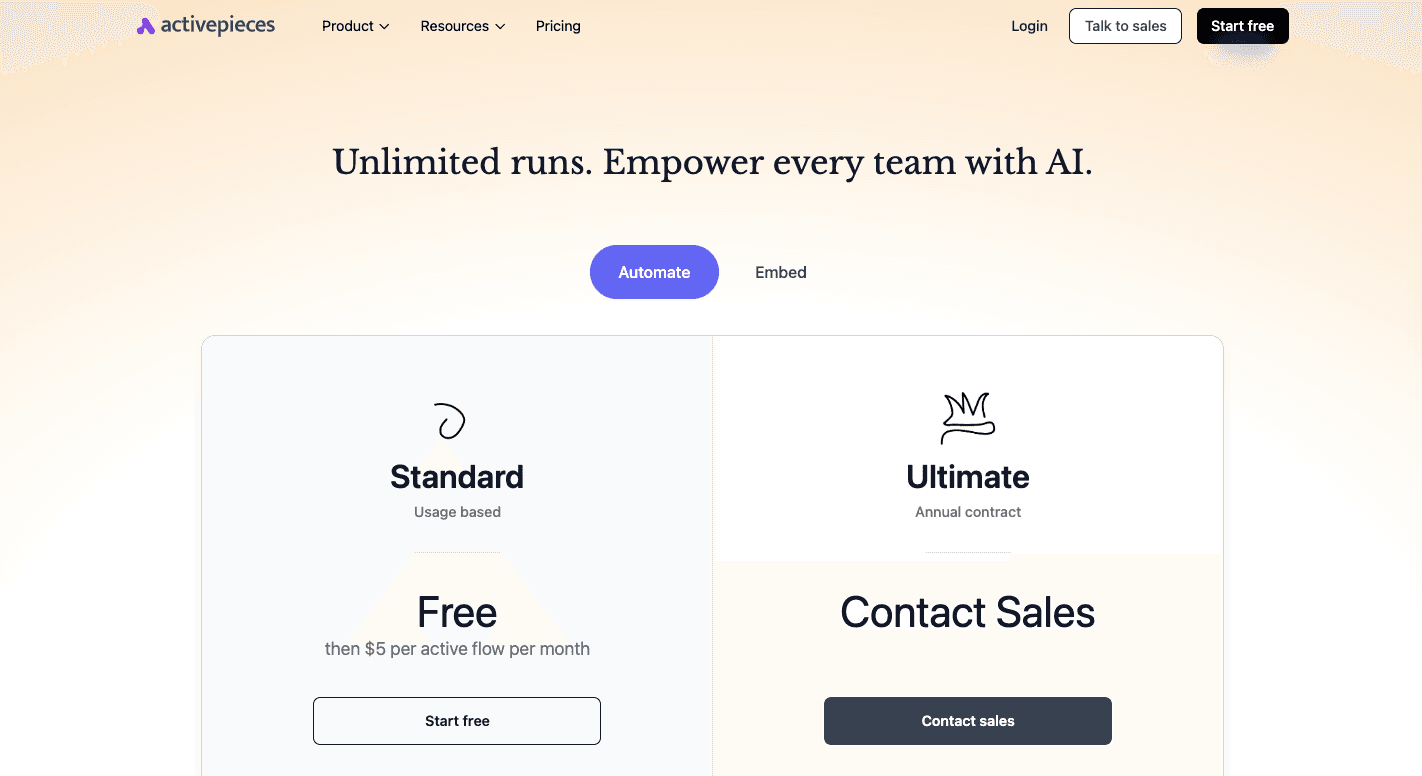
The free Community Edition is self-hosted, so you're in charge of the server, but you get unlimited use without task limits.
The Standard plan starts FREE. After that, it only costs $5 per active flow per month.
For bigger teams, the Ultimate plan requires you to talk to sales because it's an annual contract with enterprise features, such as security controls, audit logs, SSO, and RBAC.
When you want to embed automation into your own product, the Activepieces Embed plan also runs on an annual contract and starts at $30,000 per year.
Compared to both Workato and Boomi, Activepieces is easier to budget and more practical for global operations and high-volume automation.
Move from free to enterprise on your timeline. Talk to our sales team!
Simplify How You Connect Everything With Activepieces

Activepieces makes automation easier without forcing you to pick between being "too simple" or "too technical." Since it's open source, the integrations, or "pieces," keep growing through contributions from both the core team and the community.
Non-technical folks like that they can just drop pieces into a flow and get work moving quickly. Developers enjoy the freedom of writing custom steps in TypeScript. AI fits naturally into those flows, too.
When you want to keep your data close, you can self-host Activepieces and run it in a network-gapped environment. At the same time, you can lean on the hosted version to save setup time.
In short, Activepieces cuts down repetitive tasks, keeps data safe, and gives you software that adapts to your business operations' needs.
Give your team automation that adapts as you grow. Start using Activepieces today!
FAQs About Boomi vs Workato
What are Workato's main competitors?
Workato's main competitors include Boomi, MuleSoft, Zapier, Make, and Activepieces, with Workato positioned as an enterprise integration solutions provider focused on large teams and complex automation.
Who does Boomi compete with?
Boomi competes with platforms like Activepieces, Workato, MuleSoft, Informatica, and SnapLogic.
Is Boomi an ETL tool?
Boomi does ETL tasks, but it's not a dedicated ETL product. It works better as an integration platform where data movement is part of a broader automation strategy, and it's often developer-centric with a steep learning curve that requires dedicated technical resources.
What is Workato used for?
Workato is used as an automation tool to connect applications, automate workflows, and coordinate business processes, with its key advantages centered on recipes, governance, and collaboration across departments.
Still comparing
The fastest way to settle it is to build something.
Open source under MIT, so you can self-host the same thing later.
Start free Talk to sales