
Top 6 Enterprise Workflow Automation Software Tools in 2026
Top 6 Enterprise Workflow Automation Software Tools in 2026: 1. Activepieces 2. UiPath 3. Make 4. Workato 5. ServiceNow 6. Lindy.

December 16, 202512 min read @ashrafsam
As your organization grows, workflows stretch across multiple teams and systems. Each handoff adds delay when you still rely on manual workflows and shared inboxes.
Workflow automation changes how enterprise workflows run by connecting systems and automating routine steps. Automation tools keep work moving and reduce repeated effort.
In this article, you’ll learn how enterprise workflow automation works and which platforms are built for enterprise needs.
Keep enterprise work moving without follow-ups. Start with Activepieces today!
TL;DR
These are the best enterprise workflow automation software tools:
- Activepieces
- UiPath
- Make
- Workato
- ServiceNow
- Lindy
Everything below works on Activepieces' free plan. Start without code or a credit card.
What Is Enterprise Workflow Automation?
Enterprise workflow automation helps large companies automate their processes. You define how tasks should flow across people and tools so work follows a clear path. That setup supports business processes and needs without relying on memory or constant follow-ups.
It typically starts with a trigger and moves through an automated workflow that follows set steps. Each step has an owner, a condition, and a clear outcome.
Rules drive consistency across the system. Automation focuses on reducing manual effort through predefined rules that decide what happens next after each action. Software routes tasks, sends updates, and syncs records across systems without repeated data entry.
Still, there are times you need judgment, which leaves room for human intervention while automation handles execution, tracking, and visibility.
Enterprise Workflow Automation Software vs Traditional Automation Tools
Enterprise workflow automation and traditional automation tools serve different roles inside large organizations.
Traditional automation platforms focus on narrow tasks that follow fixed steps, typically within a single system. You can use them to speed up small actions, not to manage full business operations that span departments.
In comparison, enterprise workflow automation handles work end-to-end. Your teams can design flows that support automating entire workflows across multiple systems and departments, with clear ownership at each step.
Benefits of Enterprise Workflow Automation
Some of the benefits of enterprise workflow automation include:
- You stop spending hours on repetitive tasks and focus on decisions that require judgment.
- Automated steps reduce manual errors by keeping work consistent across approvals, updates, and handoffs.
- Integrating different enterprise systems keeps data aligned across finance, HR, and service tools.
- Automated notifications let you track progress without chasing updates.
- Clear workflows make it easier to automate process documentation for future reference during audits and reviews.
- Faster handoffs improve the sales process and support stronger customer satisfaction across touchpoints.
- Fewer delays across workflows help improve workplace productivity as teams spend less time chasing updates.
6 Best Enterprise Workflow Automation Platforms in 2026
Below are six platforms that lead in the workflow automation market.
1. Activepieces

Activepieces helps build scalable AI automation without locking data, logic, or growth behind vendor walls.
You can build flows visually, which lowers the barrier if you’re a business user, while developers extend the system when needed. Then, some companies rely on Activepieces for employee onboarding, lead scoring, and content repurposing.
What really separates Activepieces is control. You decide where it runs, how it connects, and how far it goes. Few platforms give enterprises that level of freedom without forcing complexity upfront.
Key Features
Activepieces gives you these advanced features:
No Code Workflow Builder
Activepieces uses a no-code workflow builder. Business users create flows through clear steps and logic instead of scripts or long configuration screens. The interface stays readable even as workflows grow, which helps teams trust what they build.
That reduces dependency on technical expertise for day-to-day changes. You move faster without waiting in queues.
AI Native Automation
You can build AI-powered automation with AI tools directly in workflows. That setup works well for tasks like routing, classification, content handling, and decision support.
Since AI steps behave like any other action, you avoid complex glue code or external services. Automation stays consistent and easy to audit.
Enterprise Ready Templates and Integrations
Currently, Activepieces offers 536+ pre-built pieces, which continuously expand through community contributions. When tools fall outside the catalog, developers can add custom integrations using open-source pieces.
It further includes enterprise-ready automation templates, so you can adapt quickly instead of starting from zero.
Enterprise Security
Enterprises control access through role-based access control and clear ownership. Advanced plans add audit logs, SSO, and centralized oversight. A dedicated support team backs enterprise deployments, which helps adoption across departments without slowing delivery.
Pricing
Activepieces offers a free open-source edition that you can self-host with no limits on runs.
The Standard plan starts free and then charges $5 per active flow per month, which includes unlimited runs, AI agents, tables, MCP servers, and email support.
The Ultimate plan uses annual contracts and adds security, governance, SSO, audit logs, Git sync, management APIs, and a dedicated support team.
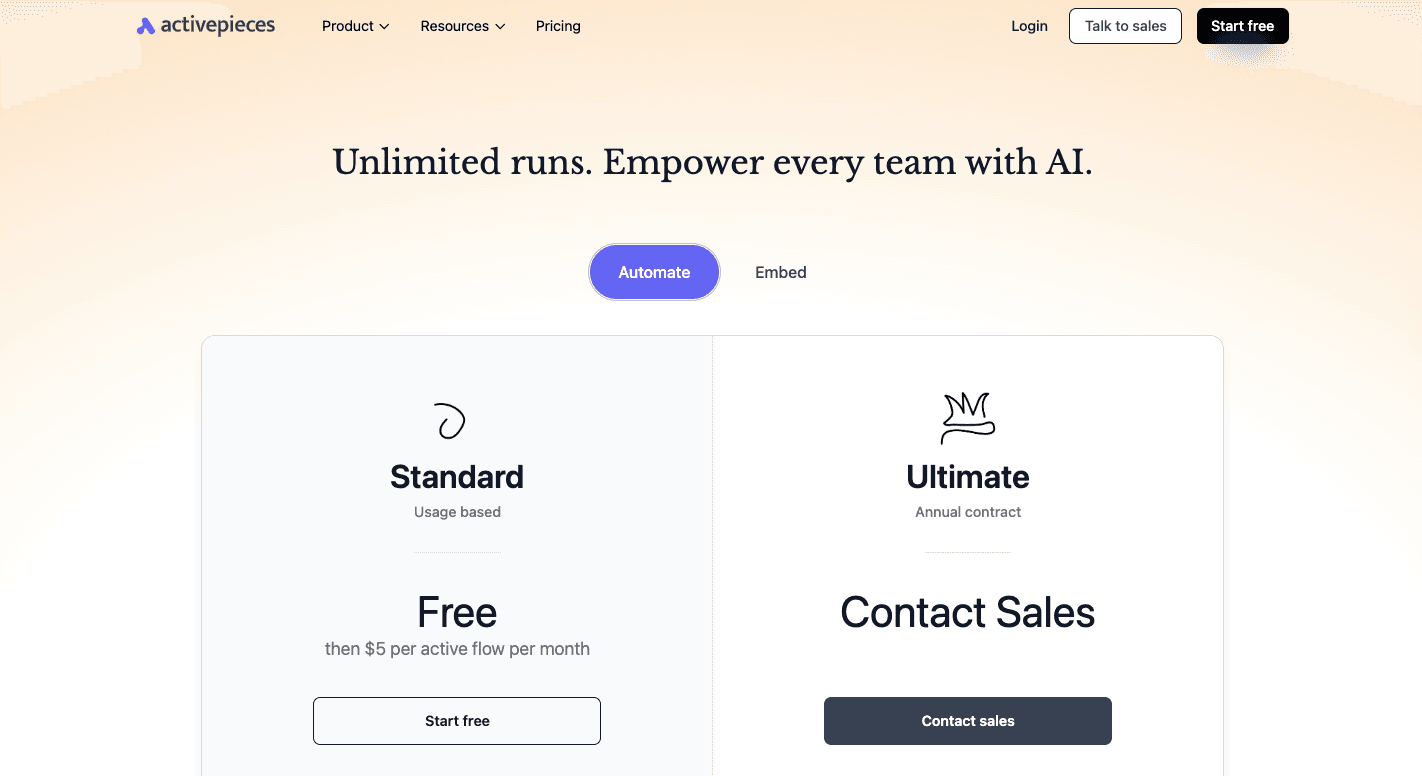
On the other hand, Activepieces Embed starts at $30k per year and supports embedded automation builders, AI agents, custom branding, private pieces, and enterprise deployment options.
Ready for SSO, audit logs, and full governance? Contact our sales team today!
2. UiPath
Many enterprise users rely on UiPath to reduce time spent on everyday tasks such as invoice handling, report updates, and system checks. It targets large organizations that want structured automation and focuses on robotic process automation (RPA).
Workflow building happens through a visual builder that lets you design flows while technical teams handle advanced logic. UiPath also supports task mining to analyze how work happens today before deciding what to automate next.
AI orchestration adds support for document handling and data interpretation, which matters in high-volume environments.
Key Features
- Visual workflow designer - Lets you build automation logic through a drag-and-drop interface.
- Software robots - Run attended and unattended bots that handle tasks in the background or alongside users.
- Central management console - Controls scheduling, monitoring, and access for all automation activity.
- Process and task mining - Analyzes user activity and system data to identify automation opportunities.
- Document handling tools - Use AI to extract and classify data from files and forms.
- Integration support - Connects with common enterprise applications through APIs and connectors.
Things to Consider
UiPath comes with a learning curve once workflows grow beyond basic use cases. Advanced automations often require developer support, which can slow rollout for your teams without in-house skills.
Licensing costs also increase as bot usage and scope expand, which makes budgeting harder for fast-growing programs.
Pricing
UiPath offers a basic plan starting at $25 per month for limited personal automation use. Larger plans aren’t listed publicly and usually depend on usage, number of robots, and deployment needs.
3. Make
Those who want deep control over how data moves between apps use Make, especially when workflows grow beyond simple triggers. You can use it to manage logic across multiple tools and design custom workflows for a variety of apps and business projects.
Each action in the workflow appears as a module connected to the next step. That layout makes it easier to build multi-step processes where one action leads to several possible outcomes.
Teams often use this setup to reduce manual coordination and boost productivity when work spans many systems and roles.
Security controls, access management, and audit tracking support larger teams, though success depends on having people who understand logic and data flow well.
Key Features
- Visual scenario builder - Shows every step on a canvas so users can follow how data moves through the workflow.
- Conditional routing - Splits workflows into different paths based on rules and inputs.
- Data transformation tools - Formats, filters, and aggregates data inside the workflow itself.
- API and webhook access - Connects to apps without native support through direct API calls.
- Internal data storage - Saves values for reuse across steps and future runs.
- Error-handling controls - Capture failures and reroute actions when issues occur.
- AI support - Adds intelligent steps for analysis and content handling.
Things to Consider
Make takes time to learn, especially for users new to data mapping and branching logic. Setup often takes longer than simpler tools, even for basic workflows.
Some integrations offer deep control, while others feel limited.
Pricing
Make starts with a free plan that includes 1,000 credits per month, access to over 2,000 apps, routers, and filters, customer support, and a minimum 15-minute run interval.
For the paid plans, the Core costs $10.59 per month and raises usage to 10,000 credits. Then, teams that need faster execution and deeper logs move to the Pro plan at $18.82 per month.
Larger teams can choose the Teams plan at $34.12 per month, which adds role management and shared scenario templates.
4. Workato
Workato targets large organizations that run complex automation programs across departments and systems. It operates excellently when workflow complexity grows, and simple software no longer holds up.
Automation runs through visual recipes that define triggers, actions, and data flow in one place. Business users handle setup through low-code tools, while technical teams step in for deeper logic and integrations.
That mix enables teams to manage AI-driven processes across multiple teams without losing control or visibility.
In addition, it includes enterprise security features that support regulated environments and strict compliance needs. Centralized governance dashboards, audit logs, and access controls give you further insight into activity.
Key Features
- Visual recipes - Define how workflows start and move through connected apps.
- Low-code builder - Supports business users with optional scripting for advanced cases.
- Connector library - Links cloud and on-premises systems through pre-built and custom connectors.
- Data handling tools - Cleans, maps, and reshapes data between steps.
- AI support - Assists with setup and optimization through intelligent suggestions.
- On-premises connectivity - Integrates internal systems without opening inbound network access.
- Enterprise governance - Applies encryption, access rules, and detailed tracking across workflows.
Things to Consider
Workato’s setup and learning take time, especially as recipes grow larger. Visual layouts can become dense in complex cases, too.
Pricing
Workato’s pricing isn’t disclosed publicly.
5. ServiceNow
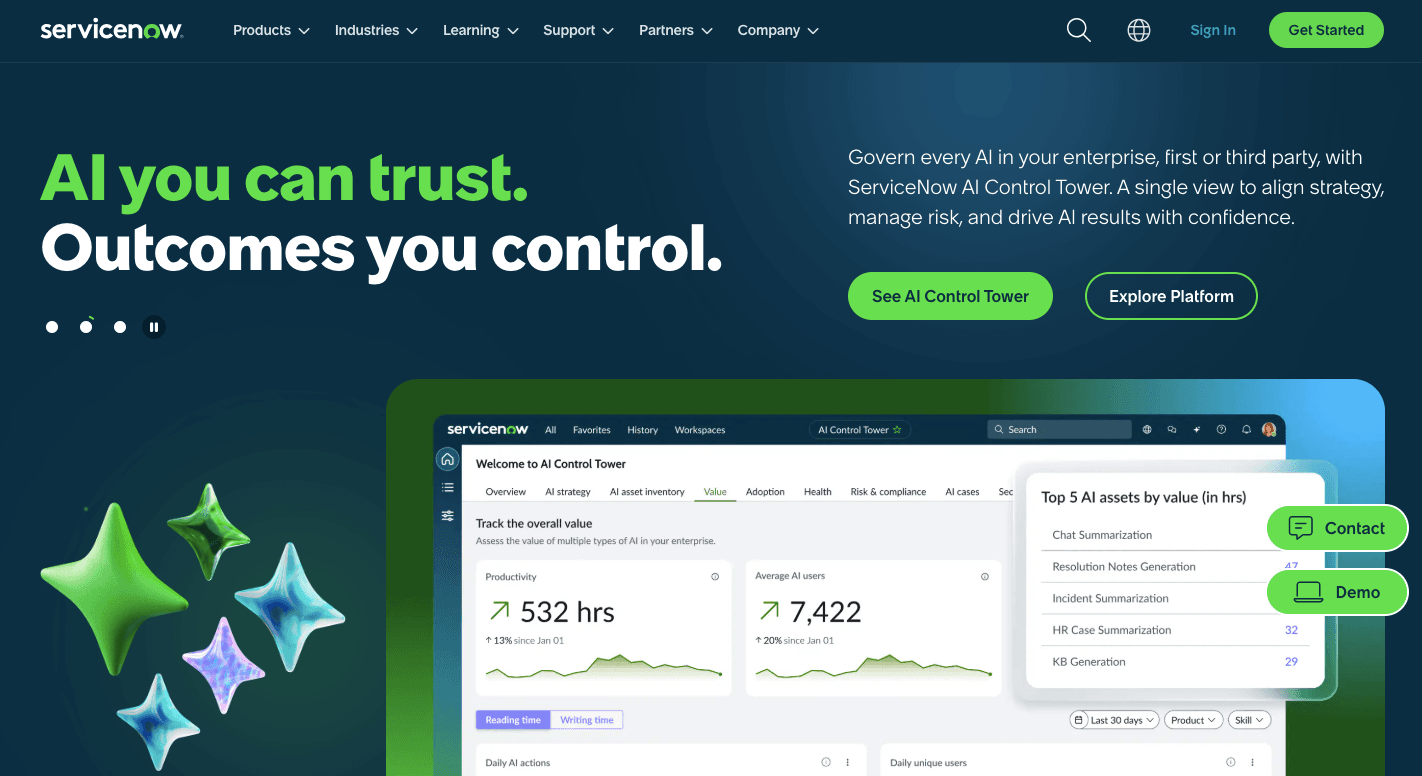
Rather than spreading tasks across disconnected tools, ServiceNow runs work through one shared system. Large organizations use it to manage requests, approvals, and records across IT, HR, and customer support.
A workflow starts with requests submitted through portals or system events, then moves through defined steps inside the platform. Companies rely on ServiceNow because it automates service delivery across IT service management (ITSM).
ServiceNow also offers a dedicated incident management system, which allows you to respond to issues fast and track progress without manual follow-ups.
Key Features
- Low-code workflow designer - Builds flows through visual steps that map tasks, approvals, and updates.
- Unified data model - Keeps records consistent across departments and services.
- Integration hub - Connects ERP, CRM, and email systems through built-in connectors and APIs.
- Automated routing - Assigns work based on rules, roles, and workload.
- Live dashboards - Shows request status, delays, and performance metrics.
- Security controls - Applies role permissions, access limits, and activity tracking.
- Audit tracking - Records every action for compliance and review.
- Self-service portals - Standardize how users submit and track requests.
Things to Consider
ServiceNow requires significant setup and planning before teams see value. Legacy systems may need extra work to connect properly.
Ongoing maintenance often requires trained administrators and platform specialists as well.
Pricing
ServiceNow doesn’t publish pricing publicly.
6. Lindy
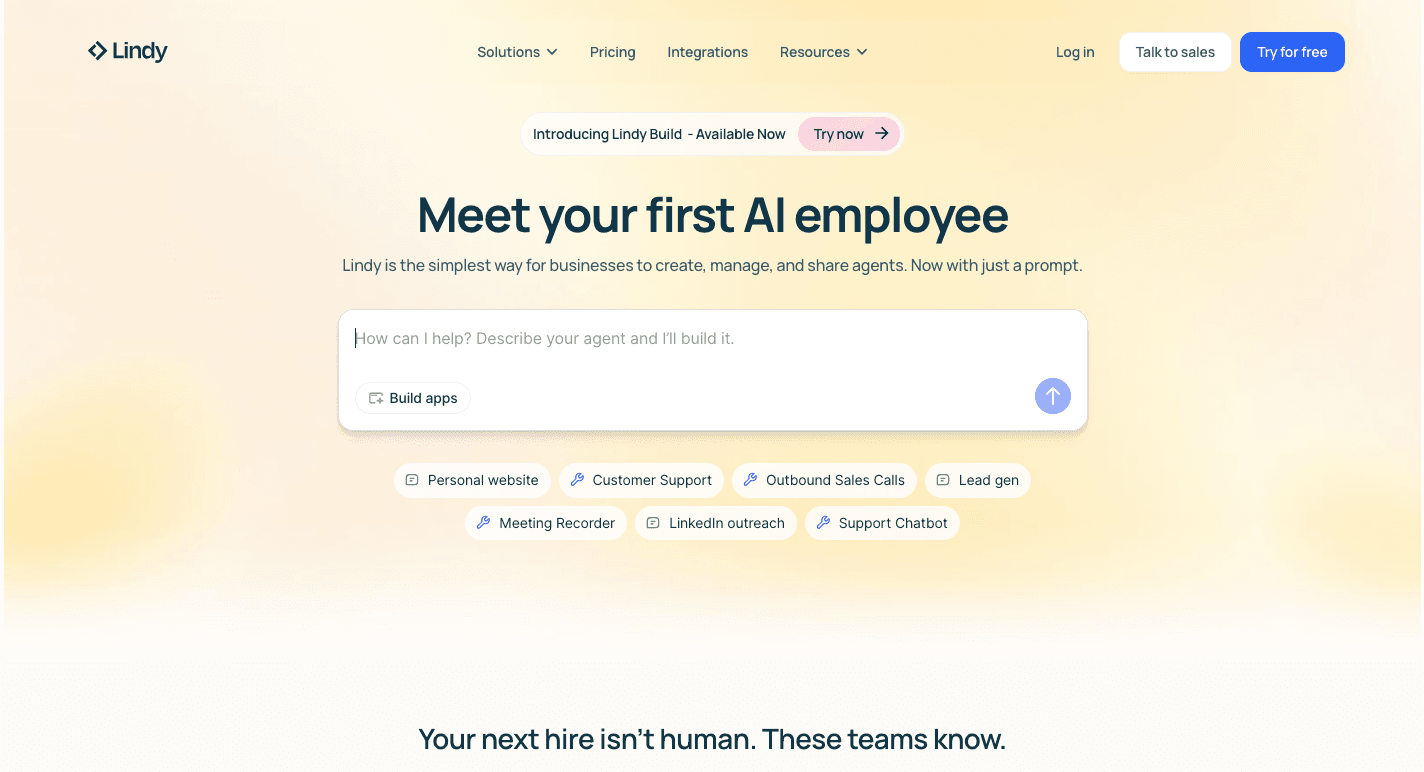
Lindy focuses on AI-driven automation that feels closer to working with a digital assistant than building traditional workflows. Teams use it to automate repetitive tasks that usually sit in inboxes, calendars, and chat tools.
Automation runs through AI workflows that react to events like emails, messages, or meetings. You describe what you want in plain language, and agents handle the steps across connected apps.
Key Features
- No-code agent builder - Creates agents by describing tasks in plain language.
- Pre-built templates - Offers ready-made agents for meetings, sales, and support.
- Event-based triggers - Start actions from emails, messages, or system events.
- Natural language rules - Defines logic without writing code.
- Human review steps - Escalates actions for approval when needed.
- Email automation - Sorts inboxes and drafts replies using context.
- Meeting support - Joins calls, captures notes, and shares summaries.
- App integrations - Connects with tools like Gmail, Slack, HubSpot, and Salesforce.
Things to Consider
Costs can rise quickly since usage depends on credits. Advanced workflows may also hit limits when steps grow complex.
Pricing
Lindy offers a free plan with 400 credits per month and a limit of 1,000,000 characters in the knowledge base.
Meanwhile, the Pro plan costs $49.99 per month and includes 5,000 credits with a larger knowledge base. Enterprise pricing starts at $199.99 per month and provides 20,000 credits along with access to a dedicated solutions engineer.
Upgrade Your Enterprise Business Workflow Automation With Activepieces

Scaling from a few automations to enterprise-wide automation initiatives usually creates friction between teams.
Activepieces is an AI automation tool that reduces the friction by letting you streamline workflows through a no-code builder while developers handle setup and extensions only when needed.
Self-hosting options and enterprise plans support robust security and governance as usage expands.
With 526+ data integrations and native AI support, Activepieces connects systems, people, and processes into a practical workflow automation strategy that works across the enterprise.
Run enterprise automation without complexity or lock-in. Start with Activepieces!
FAQs About Enterprise Workflow Automation
Which enterprise teams benefit most from workflow automation?
Workflow automation helps cross-functional teams that rely on shared systems and approvals, including finance, HR, sales ops, and support. It removes delays caused by manual workflows and gives IT teams better visibility into how work moves across tools.
What should enterprises look for in a workflow automation software solution?
Enterprises should focus on key factors like customization features, strong integrations, and clear governance features that support growth. The right platform also balances ease of use for business teams with control for IT teams.
Is enterprise workflow automation secure?
Yes, when built correctly. Enterprise platforms support enterprise-grade security through access controls, audit tracking, and data isolation, which helps with maintaining security as automation expands across departments.
What is the best enterprise workflow automation tool?
The best workflow automation tool depends on business needs, but platforms that combine AI features, flexibility, and control tend to stand out. Solutions that support real scale without adding friction usually deliver the most value.