Opus Clip Pricing 2026: Free, Starter and Pro Plans

Nov 9, 202616 min read
Compare Opus Clip's pricing plans
Direct answer and what Opus Clip is
Opus Clip costs $0 for 60 processing minutes, $15 a month for 150, and $29 a month for 300, according to its Help Center.
Opus Clip is the AI clipping tool that cuts long videos into short clips, and teams that string it together with other steps in a Activepieces workflow tend to track those processing minutes closely.
Opus Clip pricing is the tiered subscription structure, Free, Starter and Pro, that sets how many minutes of source video you can process each month and whether exported clips carry a watermark.
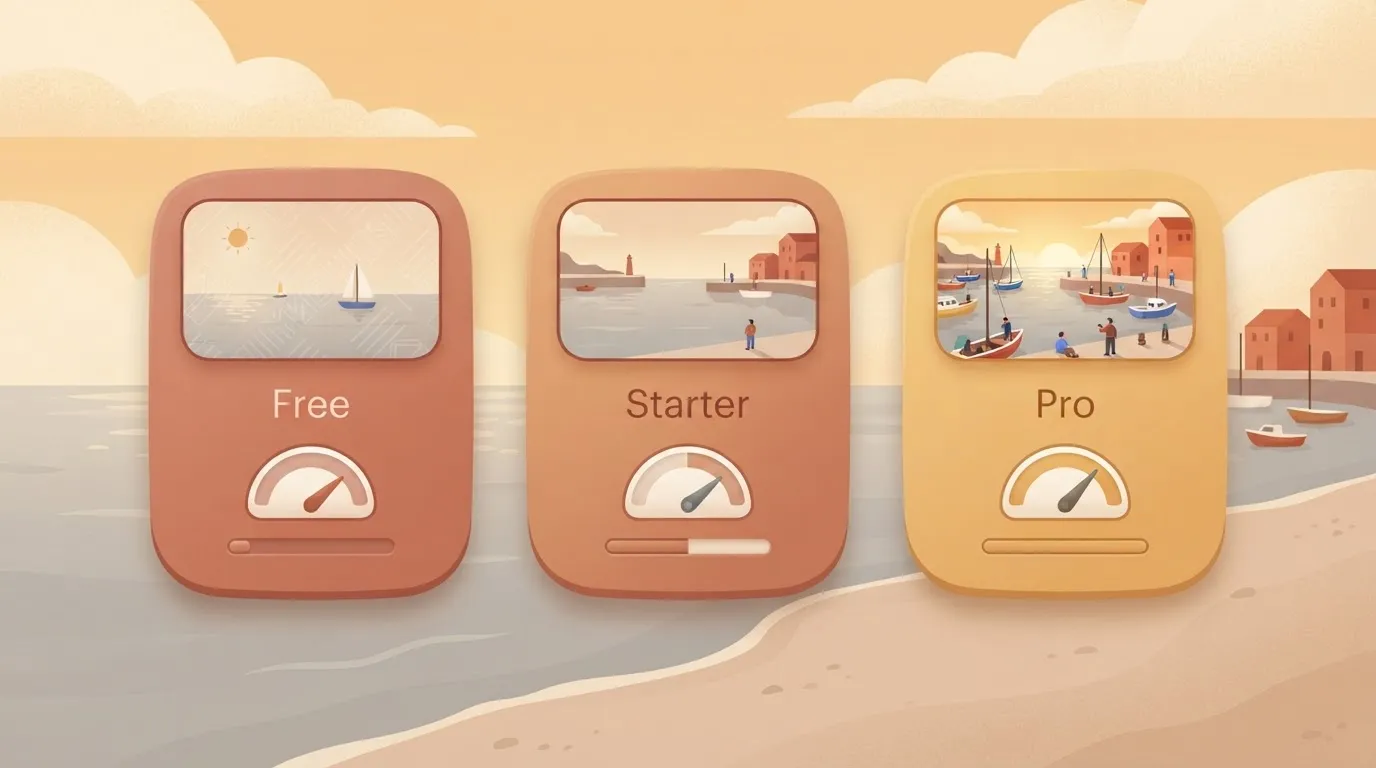
Until you know your volume, the headline price tells you little. Starter works out to $0.10 per source minute and Pro to about $0.097.
The plan table, checked against opus.pro
As of 2026-11-09, the table below lists each plan. It shows that minutes double from Starter to Pro while the price rises from $15 to $29, so the per-minute rate barely moves. Cells marked "not published" are ones I couldn't confirm.
| Plan | Monthly price | Annual-billed monthly price | Processing minutes | Watermark | Export limits | Seats |
|---|---|---|---|---|---|---|
| Free | $0 | not published | 60 | not published | not published | not published |
| Starter | $15 | not published | 150 | not published | not published | not published |
| Pro | $29 | not published | 300 | not published | not published | not published |
For $14 more than Starter, Solaraai shows Pro adds 150 minutes, about 9.3 cents each. That step only pays if you'd otherwise run past 150 minutes in a month, per Solaraai. Below that, it's money spent on unused capacity.
How Opus Clip counts credits and processing minutes
You pay for minutes of source video you submit, not clips you get back.
Even when finished clips go onward through Activepieces, which meters its own side at 1 credit per flow run, Opus Clip's meter is unchanged, because the cost arises when Opus Clip processes the source.
Run one 60-minute podcast episode and the entire Free allowance of 60 minutes is gone. Free therefore covers one hour-long episode a month.
Starter's 150 minutes covers two such episodes with 30 to spare, according to Solaraai. A weekly show of four episodes needs 240 minutes, which clears Starter's limit and fits inside Pro's 300 with 60 left over.

If you are running this arithmetic for your own team, see what the same workload costs on Activepieces.
Four criteria for judging a clipping tool's price
Price a clipping tool on four tests, run against your counted monthly minutes:
- cost per source hour
- export limits
- overage behaviour
- lock-in
However low its headline looks, a plan that fails any one is wrong.
Apply the checklist below to every plan in the rest of this integration, so the 240-minute show above gets the same treatment on each tier.
- Cost per source hour: what do I pay for each hour of footage I upload, once the plan's limit is fully used?
- Watermark and export limits: can I publish the output as it comes out, or does it need cleaning up first?
- Rollover and overage: what happens to unused minutes, and what happens when I run out mid-month?
- Annual lock-in and refunds: if the plan is wrong, how much of what I paid can I get back?
Because each test hides its failure in a different place, each gets a closer look.
Divide the monthly price by the source hours the plan allows, not by the clips you get out. Clips are the output; minutes uploaded are what the vendor meters.
Priced low but capped tightly, a plan can cost more per hour than a dearer one you'd actually fill. Run the division only at your real volume, because an unused allowance is a cost you paid for nothing.
Clips are the output; minutes uploaded are what the vendor meters.
Opus Clip watermark, resolution and export limits
If every clip needs the watermark gone before posting, a tier that keeps it fails the test outright, and the cheaper plan was never a candidate. That makes a watermark a price.
Check resolution and export caps the same way: a clip you can't publish as delivered is a clip you pay for twice, once in the plan and once in rework.
Opus Clip rollover, overage and annual billing terms
Find out whether unused minutes carry over or vanish at month end, since that sets how much slack a plan really gives you. Then find out whether going over blocks processing, bills extra, or forces an upgrade.

Last, read the annual terms: a discount for paying yearly is only a saving if you're sure of your volume, and a refund window decides how much that bet can lose.
Which Opus Clip plan is enough?
The cheapest plan whose monthly processing minutes cover your source footage is enough. Only a volume that outgrows Starter justifies Pro, so size a yearly commitment to the smaller number you're sure of.
Read each line against the bars.
The first bar that sits above your line is your plan, and any bar well above it is minutes you pay for and never use.
Opus Clip plan for a solo podcaster
Because one episode a week is a small, predictable load, the line sits low on the chart and the cost question is simply whether Free covers it. Free's limit is the minutes, but the watermark is the second test.
If published clips must be clean, Free fails regardless of volume, and Starter is the plan.

Divide Starter's price by the minutes this podcaster actually processes and you get a cost per source minute, and it'll be high if most of the allowance goes unused.
That's the argument against a yearly plan here, since a quiet month leaves minutes you can't carry over.
Two-person marketing team with webinars
When webinars run long and a team reprocesses the same recording to try different clip lengths or topics, each pass counts against the allowance. The team's line climbs faster than the calendar suggests.
Count source minutes including the reruns before comparing against Starter. If the line stays under the Starter bar in your heaviest month, Starter is enough.
If it crosses only in launch months, paying for Pro all year is the costly error, because the extra allowance idles the rest of the time.
Daily streams and client work: where Pro pays off
Of the three, only the daily stream has a line that clearly rises above the lower bars. Pro pays for itself at the point where Starter's allowance runs out before the month does and the alternative is delayed client deliverables or work you can't invoice.
Below that point, Pro is spare capacity. Above it, the price difference is a small cost against the hours of footage it clears. Check this against your busiest month, not your average one.
Hidden costs and limits Opus Clip users hit
Price in what the sticker leaves out: the minutes a re-run burns, the caps on source length, the watermark, seat limits, and the hours you spend reviewing clips. The list below notes whether each item is confirmed:
- Minutes burned by re-runs and long sources (confirmed in principle; the rate depends on your plan)
- A 10-hour source cap (unverified)
- A watermark on Free (unverified)
- Starter sold monthly only (unverified)
- Extra seats (unverified)
- Review time on clips you reject
- Manual hand-off after export
Read the unverified items against Opus Clip's own pricing page before you commit, because they come from my notes, not a page I could check.
Every re-run of the same source video draws on your minute allowance again, so a bad first pass costs you twice. A long source compounds it.
If the 10-hour cap holds on your plan, one long recording could use a large share of a month's minutes before you see a single clip.
If the Free watermark is as noted, Free is a trial, not a working plan, because you can't post those clips as they are.
If Starter really is monthly only, you give up any annual discount. And if seats cost extra, a two-person team pays more than the headline price implies.
Manual review work after Opus Clip export
In OpenKrill's test, review was the largest hidden cost:
- Opus Clip generated 27 clips
- Only 11 were posted as they were, about 41%, so most of the batch needed a human
- Another 4 needed a small fix, which makes 15 usable clips
- The other 12 were discarded, 44% of the output
- You still spent time watching each one to reach that verdict

Treat each source minute as yielding roughly 41% postable output before any editing, which means more than half your raw material will require cutting or reworking.
The export is also a hand-off: you download the files and upload them to each platform yourself, and that labor sits outside the plan price.
That review and posting time is why the cheapest plan that covers your minutes usually beats a higher tier.
Worth checking against a plan that does not meter every step: one credit covers a whole run on Activepieces.
Compare Opus Clip's pricing to competitors
You can't rank the three by headline price, because each meters something different. The fair comparison is monthly price divided by the units you'll use, plus whether the watermark is gone at that price.
For a clipping job, that unit is source minutes. Review and posting time then sits on top of whatever the plan costs.
Opus Clip and competitor pricing table
On the same five measures, the table puts the three side by side:
- entry paid price
- included minutes or credits
- watermark policy
- commitment terms
- where each figure came from
Where this article holds no figure it can source to the vendor's own page, the cell reads "not published".
Treat that as a prompt to open the pricing page and fill the cell yourself, because the answer to "which plan is enough" depends on those numbers.
| Entry paid price (monthly / annual) | Included minutes or credits | Watermark policy | Commitment terms | Source and check date | |
|---|---|---|---|---|---|
| Opus Clip | not published | not published | not published | not published | not published |
| VEED | not published | not published | not published | not published | not published |
| invideo AI | not published | not published | not published | not published | not published |
Once the cells are filled, divide the entry price by the included allowance. A low price with a small allowance can cost more per unit than a higher plan, and a watermark that stays on makes the cheaper plan unusable for client or brand work.
When Opus Clip or a competitor is cheaper
Because Opus Clip is an AI clipping tool, its meter is the length of the long recording you feed it. If you process a few long recordings a month, the cheapest plan that covers those source minutes is the right one.
Paying more only makes sense once you regularly exceed that allowance or need the watermark removed.
Because VEED is an online video editor, its allowance matters if clipping is only one step and you also caption, trim and export by hand. Count exports and editing time as well as source minutes.
invideo AI is an AI video maker that builds videos from prompts. It consumes credits for generation rather than minutes of footage you already have, so the same arithmetic applies with a different denominator.
Whichever you price, write down your monthly volume first, then read the plan limits against it.
Automate the hand-off after Opus Clip with Activepieces
Without anyone dragging files around, Activepieces can carry finished clips from Opus Clip to review, storage and scheduling. It bills 1 credit per flow run, so a ten-step hand-off costs the same as a two-step one.

The run is the meter, not the steps inside it, which is the reverse of Zapier's per-task billing. MoneyGram, Moneypenny, Alan and FundingSocieties run Activepieces in production.
Splitting export, backup, review and scheduling into small steps adds nothing, and the Opus Clip plan stays fixed by the minutes you feed in.
That distinction matters for the math. Every clip you move by hand costs a few minutes of attention, and that cost recurs on every batch. Automating it shrinks the labor line, not the subscription line.
If your volume pushed you toward a higher tier, Activepieces won't talk you back down: at 1 credit a run, its free plan's 1,000 credits a month cover 1,000 hand-offs, with unlimited flows.

If your volume fits a cheaper tier, it won't make that tier cheaper either.
What can be automated and what cannot
After export, Activepieces handles the mechanical steps.
These are noticing that new files have landed in a folder, copying them to cloud storage, notifying a reviewer, and queuing approved clips in a scheduler, across its 747 integrations, counted from an open source monorepo whose core is MIT-licensed.
The steps are repeatable, rule-based moves, which is exactly where a workflow tool earns its keep.
It can't do the work Opus Clip charges for. Clipping, captioning, and removing the watermark all happen inside Opus Clip, so none of them moves to a different tool or a cheaper plan through a workflow.
Nor can Activepieces judge whether a clip is any good.
In OpenKrill's test only 11 of 27 clips went out as they were, so a person still has to make that call, and the workflow's job is to put the clip in front of them quickly, not to replace them.
A simple clip-review workflow
Left to right, the flow starts at the folder where you export from Opus Clip and ends in three places.
In the illustration, the export folder feeds one Activepieces node, which fans out to a review notification, cloud storage and a scheduler.
Its note, "Opus Clip plan unchanged," is the point to take away. Everything to the right of the folder is downstream of what you already pay for.
In practice, the steps run in this order:
- A new file appears in the export folder.
- Activepieces copies it to cloud storage so a backup exists before anyone touches it.
- A notification goes to the reviewer with a link to the clip.
- Once the reviewer approves it, the clip is added to the scheduler.
Build it once and each batch of exports costs you the review itself, nothing more. Next comes the choice of plan, with the workflow already in place.
Activepieces is the better fit for anyone automating the hand-off after Opus Clip, such as export, backup, review and scheduling, when the criterion is how the bill scales with workflow complexity.
It charges 1 credit per flow run, so a ten-step hand-off costs the same as a two-step one, while Zapier bills per task and Make per module, as each publishes on its pricing page.

Teams whose hand-offs stay short may see little difference between the three, but for those who want to split the work into many small steps without watching the meter, Activepieces is the better fit.
Frequently asked questions
Is Opus Clip free to use with no credit card?
Yes, Opus Clip has a free plan, but its output carries a watermark, so it works as a trial rather than a way to publish. Whether signup asks for a card is something to confirm on the pricing page at opus.pro before you enter anything.
Either way, run one real source video through it first. That tells you whether the clips are worth paying for, and it costs you nothing.
Can I cancel Opus Clip or switch plans mid-month?
From account settings, you can generally cancel or change plans, as with most subscription tools. Opus Clip's own billing terms decide what happens to the month you've already paid for. Don't assume a refund or a prorated credit.
The safe habit is to change plans right after a billing date, so you're not paying for minutes you won't use. If a step up is only for one heavy month, schedule the downgrade at the same time.
Does Opus Clip offer annual or student discounts?
On Opus Clip's pricing page there is a billing toggle, and annual billing is normally priced below paying month to month.
Read the annual figure as a commitment, though. If your monthly minutes are uncertain, a discount on a plan you outgrow or never use isn't a saving.
I have no confirmed student or nonprofit pricing to report, so the pricing page and Opus Clip's support are the places to ask. Anything that requires a sales call to find out is a reason to ask for the number in writing.
Do unused Opus Clip minutes roll over?
Treat them as if they don't. Nothing on the pricing page that I can confirm promises rollover, so the working assumption is that your allowance resets each billing period and unspent minutes are gone.
That favors the plan that matches your typical month, not your best one. If a quiet month leaves minutes unused, that's a sign you're on a plan one tier too large.
Related reading
References
Running the numbers
See what the same workload costs here.
Free forever plan, and every paid plan self-hosts at no extra cost.
See pricing Talk to sales