Power Automate Pricing: Plans & Costs in 2026

Oct 10, 202615 min read
Power Automate pricing refers to the tiered subscription model and consumption-based licensing structure used by Microsoft to govern access to cloud-based digital process automation and robotic process automation tools.
According to 5minsystems, Power Automate pricing follows a tiered structure where costs shift from individual user access to high-volume process execution. The pricing starts at $15 per user/month and scales to $215 for hosted RPA environments.
This model forces organizations to calculate their automation volume to avoid overpaying for idle capacity. It also forces a transition from simple personal productivity to expensive infrastructure as soon as a workflow requires autonomy or specialized hardware.
The Per-User Plan for Cloud Automation
The entry point for individual creators is the Power Automate Premium plan. This plan costs $15 per user/month according to Microsoft, establishing a predictable baseline expense for individual employees. Solo developers must account for this recurring overhead before building their first workflow.
A single person can build and run unlimited "cloud flows." These workflows trigger based on events in digital services like GitHub or Microsoft Teams.
While this tier is accessible, Microsoft ties it to human identity. If a department of twenty needs to interact with a flow that uses premium logic, the monthly cost hits $300, even if the actual compute time is negligible.

This effectively penalizes teams for collaborative access.
Per-Process plan pricing for RPA and unattended bots
Licensing shifts to the "Process" and "Hosted Process" models when a workflow must run on a local machine or a virtual server without a human logged in.
5minsystems' analysis puts the standard Process license at $150 per month, effectively setting a fixed entry price for automated workflows regardless of intensity, meaning low-frequency tasks may not be cost-effective.
This covers a single "bot" or "unattended" flow, allowing a company to automate legacy software that lacks a modern API.
For those who don't want to maintain their own hardware, 5minsystems reports that the Hosted Process license at $215 per month is a Microsoft-managed virtual machine, relieving IT teams of the burden of server upkeep, which simplifies infrastructure management for smaller organizations.
| License Tier | Monthly Cost | Primary Use Case |
|---|---|---|
| Premium | $15 | Individual users running cloud-based API triggers. |
| Process | $150 | A single "bot" running on a customer's own local server. |
| Hosted Process | $215 | A single "bot" running on a Microsoft-managed virtual machine. |
Prices and plan limits checked against microsoft.com on October 10, 2026.
These costs represent the base "rent" for the automation to exist, rather than the volume of work it performs.
Consequently, a simple script that scrapes a website once a day costs the same $215 as one that runs every minute, so users are incentivized to maximize the utility of the license by running as many processes as possible.
This creates a high barrier for low-frequency tasks that may render such projects economically unviable.
Pricing that rises with granularity often punishes the exact discipline good automation depends on, such as breaking work into smaller, more reliable steps. Activepieces addresses this by decoupling the cost from the complexity of the build.

The published pricing page shows 1 credit per flow run regardless of the number of steps, which contrasts with the per-task or per-module metering that taxes builders for adding necessary logic or error handling.
Premium connector pricing and Dataverse entitlements
Moving beyond basic Office 365 triggers requires "Premium Connectors," which act as the gatekeepers to third-party ecosystems like Salesforce or SQL Server.
As 5minsystems explains, these connectors aren't available in the standard Microsoft 365 licenses.
For those who don't want to maintain their own hardware, 5minsystems reports that the Hosted Process license at $215 per month is a Microsoft-managed virtual machine, relieving IT teams of the burden of server upkeep, which simplifies infrastructure management for smaller organizations.
Included in these licenses are specific entitlements for Dataverse, Microsoft’s proprietary relational data service, which provides 250MB of database capacity per user under the Premium plan.
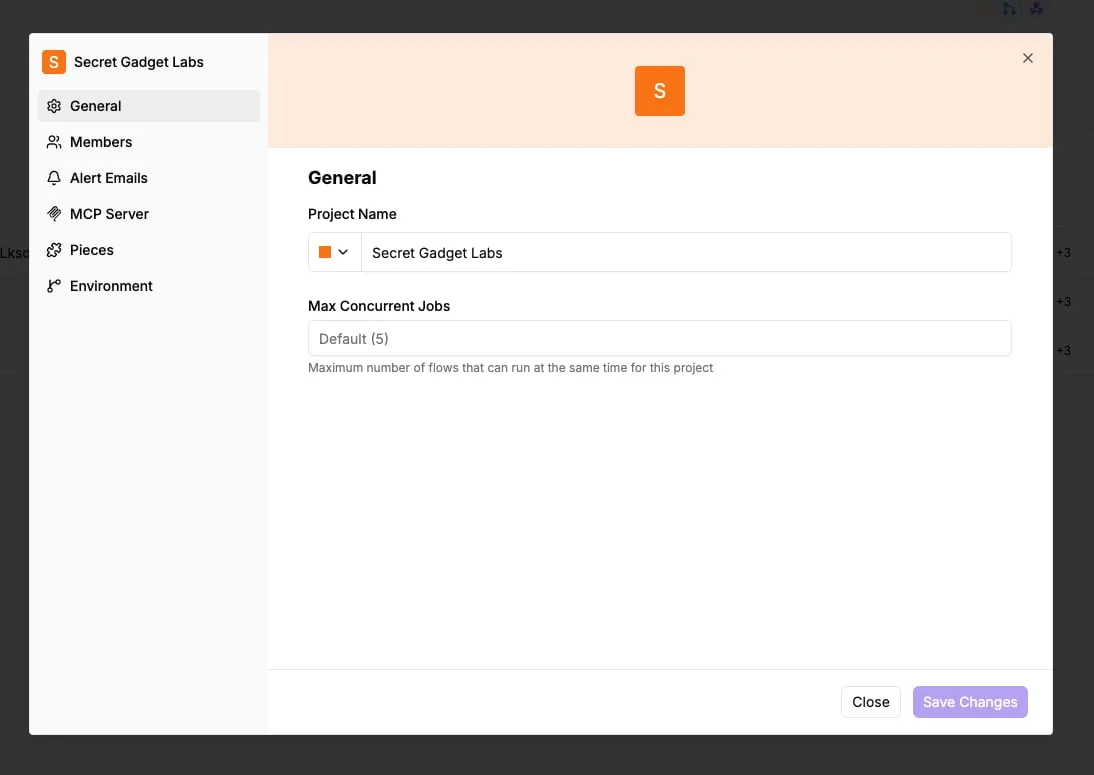
This limit means a team of ten only has 2,500MB of shared storage. To avoid the cost of scaling this proprietary storage, Activepieces allows teams to stream execution logs directly to their existing security and logging tools.
Power Automate hidden costs and request limits
Beyond the sticker price, organizations face strict Power Platform Request limits. These limits throttle high-volume workflows by capping the number of actions, connectors, and API calls a single process can execute within a 24-hour window.
Power Platform Request Limits and Throttling
The license assigned to a workflow dictates its daily ceiling for operations, creating a performance bottleneck for users who scale without upgrading their plan.
Under a Premium User license, Microsoft limits a single account to 40,000 requests per day, creating a hard ceiling on the automation volume a single employee can trigger.

If a high-frequency synchronization task between a CRM and a database processes more than one record every two seconds, it will likely fail by mid-afternoon.
To move past this, organizations must purchase the Process License which grants 250,000 requests per day, effectively allowing for a sixfold increase in automated workflow capacity.
This provides the necessary overhead for mission-critical bots to run continuously without being stopped by the platform’s protective throttling mechanisms.
AI Builder credit pricing and generative AI costs
Microsoft’s automation intelligence relies a credit-based system that forces a choice between entry-level accessibility and production-grade reliability. While the 2026 tiers include a baseline of 5,000 AI Builder credits, approximately 1,000 standard invoices exhaust this amount.

Unless they buy $500 add-on packs, a growing accounts payable department will face immediate service interruptions.
This math becomes even more volatile when integrating modern LLMs like Claude Sonnet 5.5 for intelligent document analysis or Gemini 3.8 Flash for high-speed data extraction. Microsoft bills the token consumption of these models on top of the base platform costs.
| Tier | Monthly Cost | RPA Type | AI Builder Credits |
|---|---|---|---|
| Power Automate Premium | $15 | Attended only | 5,000 |
| Power Automate Process | $150 | Unattended | 5,000 |
| Power Automate Hosted Process | $215 | Hosted | 5,000 |
This disparity shows that the platform prioritizes infrastructure isolation over intelligence capacity in its pricing strategy.
Dataverse storage capacity overage costs
Storage costs in the Power Platform function as a recurring tax on historical data retention.
Because Dataverse allocates only 10GB of initial capacity, a developer building a high-volume logging system will find that a single year of detailed execution logs can trigger overage charges of $40 per GB, per month.
Storage costs in the Power Platform function as a recurring tax on historical data retention.
This forces teams to either pay a premium for database growth or invest additional engineering hours into building custom archival scripts to offload data to cheaper, external environments.
Regulated and public-sector organizations often bypass these storage and sovereignty bottlenecks by running the air-gapped edition of Activepieces.
The self-hosted enterprise feature list (including SSO, SCIM, custom RBAC, and audit logs) matches the managed cloud version exactly, ensuring that full control does not come at the cost of platform capability.
If you are running this arithmetic for your own team, see what the same workload costs on Activepieces.
How Power Automate Costs Compare to Market Alternatives
Microsoft provides a deep feature set. The financial implications of this lock-in become clearer when examining the specific plan structures.
Initial budget projections will likely fail to account for the true cost of scaling. While the initial integration feels frictionless, the long-term overhead is often higher than platform-agnostic competitors due to rigid licensing silos and volume-based penalties.
| Dimension | Power Automate | Zapier |
|---|---|---|
| License Portability | Locked to MS365 | Open |
| Cost for 50k Tasks | Tiered (Per-User/Process) | Usage-based |
| Hosting | SaaS only | SaaS only |

The entry-level experience for most employees is the Standard Microsoft 365 plan at $0. This allows for basic productivity flows but restricts users from connecting to non-Microsoft tools like Jira or Salesforce.
To bridge this gap, organizations must move to the Premium User plan at $15 per month. 5minSystems notes this is the baseline for professional-grade cloud automation.
For a department of 50 people, this represents a $9,000 annual commitment just to grant permission to run workflows. The software is a significant fixed overhead cost rather than a variable expense.
Scaling beyond simple API triggers into Robotic Process Automation (RPA) requires the Process Bot license at $150 per month. This assigns a dedicated "seat" to a specific workflow rather than a human user.
Because the license fee exceeds the labor value saved by the automation, this $1,800 annual cost per bot means that small, high-frequency tasks often become cost-prohibitive.
If the organization lacks the internal infrastructure to host these bots, they must opt for the Hosted Bot tier at $215 per month. This shifts the burden of server maintenance to Microsoft but increases the per-process cost by 43%.
The true cost of these plans is often hidden in the Dataverse capacity limits. Every "Premium" flow consumes a portion of a shared database environment.
Because the $15 Premium User plan only grants a fixed amount of storage, a team running a high-volume sentiment analysis pipeline will quickly exhaust their default 250MB database allowance.
This is especially true if they use Claude Haiku 5.5 for high-volume routing or Gemini 3.8 Flash for enterprise-scale extraction. A predictable monthly subscription becomes a variable expense that rises alongside your success.
Walkthrough: Activating and Verifying Your Power Automate License
The transition from standard seeded features to paid automation requires explicit administrative action.
While a standard Microsoft 365 license is for simple productivity triggers, moving to enterprise-grade connectors or high-frequency polling requires a specific license assignment to get the necessary request quotas.
How to assign a Power Automate premium license
For users on the restricted "seeded" tier, assigning a license is the only way to move them into the expanded request limits required for stable production environments.
- Open M365 Admin Center to access the organizational identity and licensing portal.
- Select 'Active Users' and assign 'Power Automate Premium' to the specific account responsible for the workflow.
- Open Power Automate portal to enter the design environment.
- Select 'Flow Details' to verify the 'Premium' license tag appears on the specific automation.
- Check the flow’s run history to confirm that no "Action Required" banners regarding licensing are visible.
This sequence confirms the entitlement is live, preventing the system from defaulting to a trial state that could expire without warning.
Creating a premium workflow without starting a trial
When building a flow that utilizes a "Premium" connector, the platform will often prompt the user to start a trial. This happens when using a SQL Server database for structured storage or the HTTP action for custom API calls.
You must ignore these prompts if you've already assigned a Premium license, as starting a trial can mask underlying configuration errors that only surface once the trial period ends.
By creating the flow under the existing Premium seat, you lock in the higher API request limits immediately. A high-volume model like Claude Haiku 5.5 can then handle thousands of classification tasks without the platform's safety governors throttling the flow.
Stage 3: Auditing Usage in the Power Platform Admin Center
The final step in verifying your cost-to-performance ratio is monitoring the Power Platform Admin Center. This is the only dashboard that has a granular view of API request consumption across all environments.
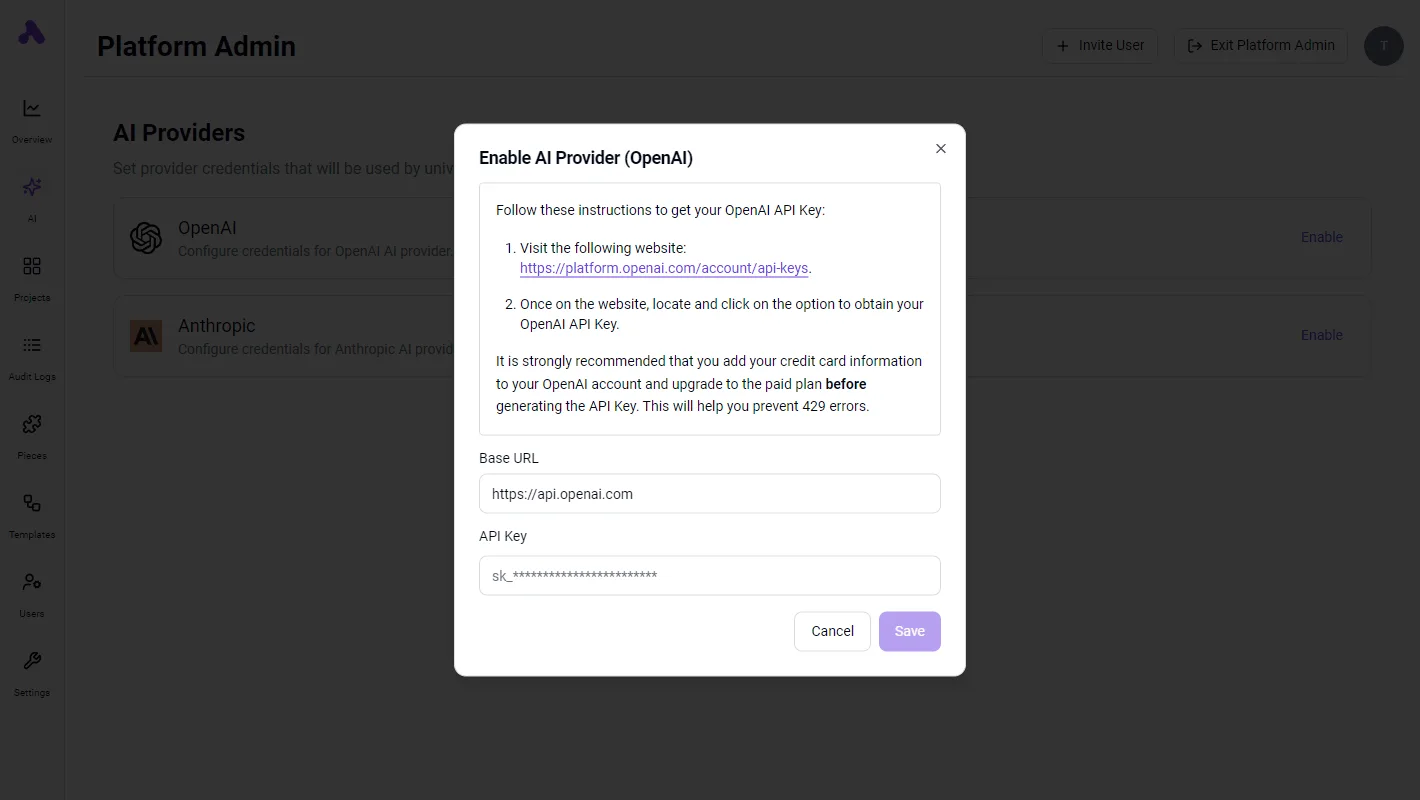
This report is vital because it shows the "Capacity" vs. "Actual Use" for every flow. If a flow utilizing Gemini 3.8 Flash for enterprise workflows is making frequent calls, the report will highlight the threshold.
This is where Microsoft requires an additional "Power Automate Process" license to keep the flow running. Monitoring this prevents the "variable expense" trap where a successful automation suddenly requires a mid-month budget increase.
What Activepieces does about this
Activepieces eliminates the financial penalty of scaling by replacing per-user and per-process licensing with a transparent, usage-based model.
While Microsoft requires a $15 monthly seat for every employee who interacts with a premium flow, Activepieces allows for unlimited users and unlimited concurrent flows on all plans.
This shift ensures that a department of fifty can collaborate on a Salesforce or SQL integration without the $9,000 annual overhead described above.
By moving the cost from the "identity" to the "execution," organizations only pay for the actual work performed rather than the number of people watching it happen.
The platform also removes the artificial barriers created by premium connectors and request throttling.
Every one of the 100+ integrations in the library is available to every user, regardless of their tier, which prevents the "gatekeeper" effect where basic tasks are held hostage by license upgrades.
For high-volume operations that would typically trigger Power Platform's 40,000-request daily ceiling, Activepieces provides a more resilient architecture.
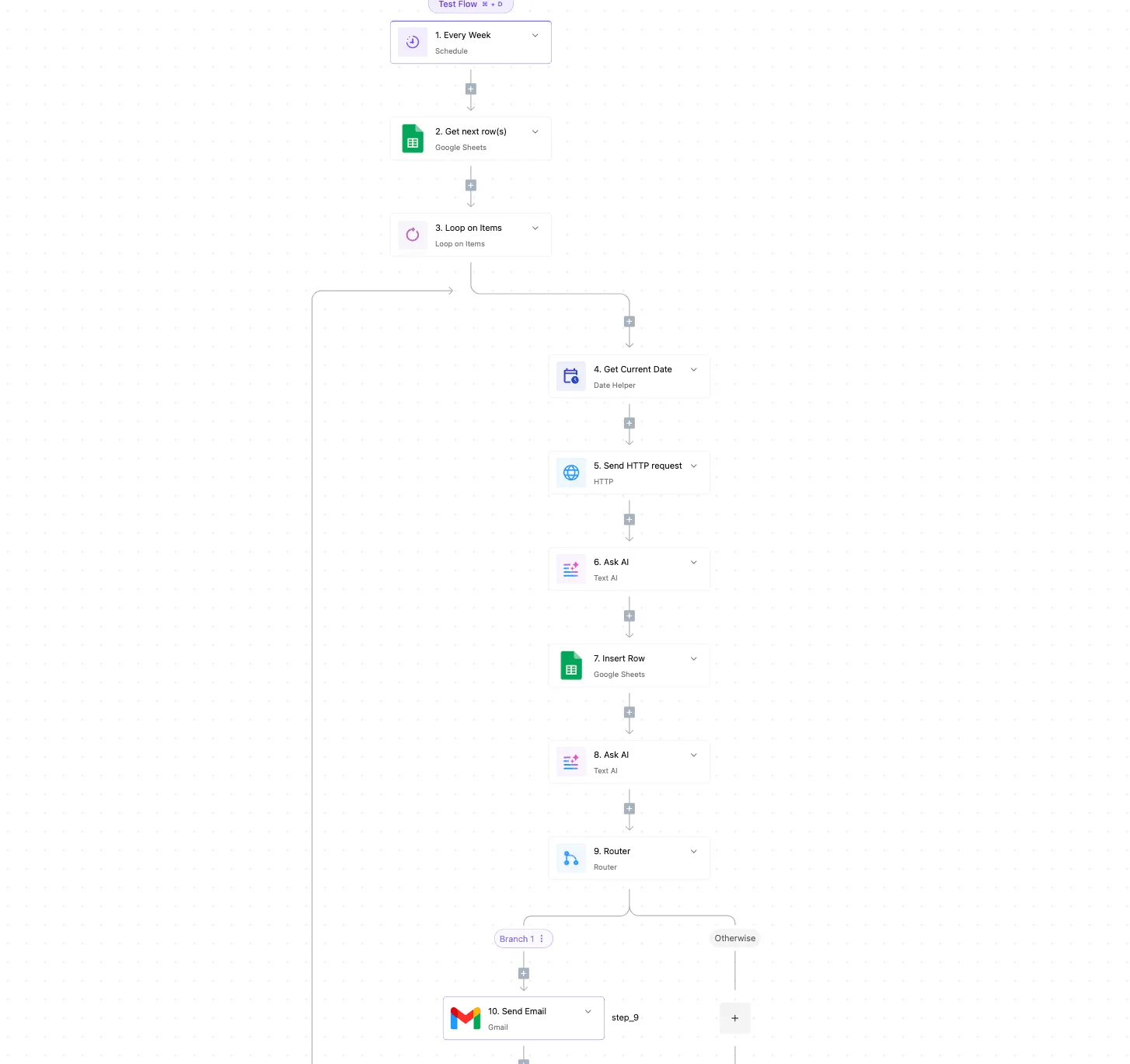
Customers like Rakuten use the platform to handle complex logic without worrying about per-step taxes, as Activepieces bills a single credit for an entire flow run rather than metering every individual action or loop iteration.
To solve the data sovereignty and hidden storage cost issues associated with Dataverse, Activepieces offers a self-hosted edition under the MIT license.
This allows enterprise teams to run the entire automation engine on their own infrastructure (whether behind a firewall or in a private cloud) bypassing Microsoft’s $40 per GB monthly overage charges for execution logs.
Because the self-hosted version includes enterprise-grade features like SSO and audit logging, IT departments can maintain strict compliance and data residency without the "hosted process" markup that inflates Power Automate budgets by 43%.
Frequently asked questions about Power Automate costs
Does Power Automate come free with Office 365?
Standard Power Automate capabilities are included with Microsoft 365 subscriptions include access to basic productivity tools.
You can automate tasks between internal applications like SharePoint, a document management system, and Outlook, an email client, without additional fees.
However, this tier excludes "Premium" connectors, meaning you can't integrate with third-party platforms like Salesforce for customer data or Jira for project tracking without upgrading every user to a paid standalone plan.
What is the difference between attended and unattended RPA?
Attended Robotic Process Automation (RPA) requires a human to trigger the workflow from their specific workstation, while unattended RPA runs independently on a server or virtual machine.
Attended RPA acts as a digital assistant, handling repetitive data entry while the employee remains logged in, which limits the scale to the individual’s working hours.
Unattended RPA runs in the background without human intervention, allowing for 24/7 high-volume processing, but it requires a more expensive "Per-Process" license to authorize the autonomous bot.
Can I buy a single license for one specific workflow?
Microsoft has transitioned away from individual "Per-Flow" licenses in favor of the "Per-Process" model. This covers a single automation regardless of how many users interact with it.
This shift means you no longer have to buy a license for every staff member who triggers a specific departmental bot.
It also creates a high entry price for simple, low-volume tasks that previously might have shared a cheaper pool of licenses.
For guest users outside your organization, you must ensure the process itself is licensed, as their external credentials don't carry "seeded" rights from their own home tenants.
How do I stop Power Automate from charging for overages?
Platform administrators must manually configure the AI Provider settings to prevent unexpected consumption costs from generative models.
The Platform Admin interface allows you to toggle specific providers, such as OpenAI or Anthropic. This prevents workflows utilizing GPT-6 Astra for complex reasoning or Claude Sonnet 5.5 for high-speed intelligence from drawing from an unmonitored credit pool.
The Platform Admin interface shows the configuration modal. An administrator must provide a specific API key and billing details for OpenAI, effectively creating a hard stop on spending at the source.
Once these provider limits are set, the system will reject any API requests that exceed the pre-paid balance rather than rolling them into a variable monthly invoice.
Related reading
References
Running the numbers
See what the same workload costs here.
Free forever plan, and every paid plan self-hosts at no extra cost.
See pricing Talk to sales