
Top 9 AI Agents for Small Businesses in 2026 [+ Templates]
The best AI agents for small businesses automate sales, support, and admin work. See the top 9 picks, features, and free templates for 2026.

Apr 15, 202626 min read
AI agents for small businesses are software tools that read incoming work — a lead, a support ticket, an overdue invoice — decide what to do, and complete it automatically, ranging from no-code AI agent builders like Activepieces and Lindy to CRM-native options like Salesforce Agentforce and HubSpot Breeze Agents. The best ones handle sales follow-up, customer support, and daily admin without adding headcount, and most now let you describe a custom agent in plain language instead of writing code.
This guide covers the top nine AI agents for small businesses in 2026, what each one does best, and how to use prebuilt templates to get a workflow running in minutes instead of building one from scratch.
TL;DR
Here are the top nine AI agents for small businesses, ranked by what they do best:
- Activepieces — best for automation and integrations
- Lindy — best for multi-agent workflows
- Salesforce Agentforce — best for CRM-based AI agents
- HubSpot Breeze Agents — best for marketing and CRM automation
- Freshworks Freddy AI — best for customer support automation
- CrewAI — best AI agents builder
- AutoGen — best for custom AI agent tools
- AgentGPT — best for simple AI agent experiments
- Relevance AI — best for data-driven AI agents
If none of these fit your exact workflow — say, an agent that quotes jobs from your CRM or answers Etsy messages in your shop's own voice — see how to build a custom AI agent for your small business further down this page.
Everything below works on Activepieces' free plan. Start without code or a credit card.
Best AI Agents for Small Businesses at a Glance
Before the full breakdown, here's how the nine tools compare at a glance:
| AI Agent | Best For |
|---|---|
| Activepieces | Automation and integrations |
| Lindy | Multi-agent workflows |
| Salesforce Agentforce | CRM-based AI agents |
| HubSpot Breeze Agents | Marketing and CRM automation |
| Freshworks Freddy AI | Customer support automation |
| CrewAI | Building your own team of AI agents |
| AutoGen | Custom AI agent tools |
| AgentGPT | Simple AI agent experiments |
| Relevance AI | Data-driven AI agents |
Use this table to shortlist two or three tools before reading the full comparisons below, then check the section on custom AI agents if none of these match your exact workflow.
Why Small Businesses Are Using AI Agents
Small businesses use AI agents to:
Save Time on Repetitive Tasks
Traditional tools stop when something doesn’t match a rule, so you need to step in to fix it. AI agents do it differently as they read inputs, decide the next step, and continue by themselves.
In data entry, an agent can pull data from emails or forms, check for missing values, and update systems automatically. As a result, your small business workflows stay consistent.
For sales, right after a lead comes in, the system sends follow-up emails, which keep interest high and reduce missed chances. Because of that, you start working smarter while the early steps operate in the background.
If you describe a task in natural language, the system turns it into actions, which helps boost productivity.
Run More Business Operations Without Hiring
Even without hiring, small business owners can expand since AI agents take over entire processes that help them reduce operational costs.
Usually, as a growing business gains more customers, the workload increases quickly. Rather than adding staff right away, agents take over those steps, so your small team gets the output of a much larger group.
With agents in there, you stop managing multiple hats since each system handles a defined task you set.
A no-code app allows non-technical teams to build AI workflows, which makes it easier to run an online business with fewer people. Small and medium businesses now operate at a level that used to require larger teams.
Improve Speed in Sales and Customer Support
When a lead enters the system, the agent performs lead qualification by checking key details and deciding if it fits your criteria.
Since agents track every interaction, you never miss a follow-up. That way, your pipeline keeps moving, and your sales teams can focus on closing.
By checking past orders and account details, your system can handle customer queries. Users then get replies within seconds, which improves customer satisfaction.
Agents can further predict what someone might need next and respond early by reviewing customer behavior.
When a meeting request appears, the agent handles scheduling appointments automatically, while lead routing sends each request to the right person.
Connect Tools and Automate Workflows
Multiple apps hold different pieces of information, leading to delays and errors when data doesn’t match. AI agents solve that by connecting systems through automation tools and applying intelligent automation.
Once you sync existing tools, updates stay consistent.
Agents can also perform multi-step tasks, so a single workflow can read data, update records, and trigger the next action. Because your systems stay connected, your teams can rely on real-time data when making decisions.
With everything connected, work continues without interruptions, which allows you to focus on decisions that move your business forward.
What Are Custom AI Agents for Small Businesses?
A custom AI agent is built around your own workflow, data, and rules instead of a generic product's built-in feature set. Rather than adopting one of the nine tools above as-is, you describe the exact job you need done — read a request, check your own price list or catalog, and act — and the agent is scoped to only that task.
Custom agents are useful when your workflow doesn't map cleanly onto a CRM or a support desk. Two examples that come up often for small businesses:
- A CRM-based quoting agent. The agent reads an incoming job request, pulls your pricing rules and inventory from your CRM or spreadsheet, calculates a quote, and drafts it for your approval before it goes out.
- A message-reply agent trained on your voice. For a shop that gets most of its questions through Etsy or a similar marketplace, the agent reads each message, checks your order history and FAQ, and drafts a reply that matches your usual tone rather than a generic template.
Building one usually means: pick a builder that lets you describe the task in plain language (Activepieces and Lindy both do this without code, while CrewAI and AutoGen give developers more control), connect it to the tools it needs to read from and write to, add a human approval step for anything that sends money or a message on your behalf, and test it on real examples before turning it loose.
Because a custom agent only sees the data and tools you give it, it's usually easier to keep it accurate than to make a general-purpose assistant behave consistently across every request your business gets.
9 Best AI Agents for Small Businesses
These are the top nine AI agents for your small business:
1. Activepieces: Best AI Agent for Automation and Integrations

Activepieces is an AI automation platform where you build agents, connect tools, and run workflows. Describe what you want to automate, give the agent access to your tools, and it starts handling tasks.
You can connect bots to existing systems like customer relationship management (CRM) systems, spreadsheets, or support platforms, then launch flows without writing scripts. Most integrations feel plug-and-play, so you link apps and trigger workflows in just a few clicks.
Teams adopt it faster since the interface works well for non-technical users. Each person gets their own workspace to test ideas, while shared spaces let your team build together.
As your needs grow, you move from simple automations to advanced flows with conditions, loops, and approvals, all within the same system.
Key Features
- AI agent builder - You describe tasks in simple language, and the system turns them into working agents that handle actions on your tools.
- Template library - Prebuilt automations help you start fast.
- Visual flow builder - You design workflows with conditions, loops, and logic, which gives you complete control over how tasks run.
- Human approval steps - Agents can pause and ask for approval before completing sensitive actions like sending emails or updating records.
- Deep integration library - 687+integrations, called pieces, which some connect with Google Gemini, HeyGen, Eden AI, Writesonic, Runway, and OpenAI.
- Execution logs - Every run shows input and output, so you see exactly what happened and fix issues quickly.
- Role-based access control - You control who can build, edit, or run flows, which helps manage teams at scale.
- Single sign-on and user sync - Teams log in securely while admins manage access from one place.
- Open-source option - You can self-host the platform for total control over your data and infrastructure.
Free Templates for Small Businesses
Activepieces includes ready-to-use AI workflows:
Lead Nurturing Workflow
A scheduled trigger runs daily and selects one lead from Google Sheets, then pairs that contact with a relevant article. AI writes a personalized email that references both the lead and the content, so the message feels intentional.
Once the timing fits, the system sends the email directly, which keeps leads engaged.
Get the template here: Activepieces lead nurturing
Client Inquiry Reply Workflow
Gmail monitors for new messages and routes each one to an AI step that reads the request and determines the intent. A second AI step writes a polished reply based on that understanding, then sends the draft to Slack for review.
After approval, the system either sends the email or routes it back for edits.
Get the template here: Activepieces customer requests reply
Expense Tracker Workflow
A form or chat collects receipt details, then AI reads the uploaded images to extract store names, items, and totals. Another step applies categories based on your rules, so expenses stay organized.
Everything gets stored in Google Sheets, so you have a clean record you can review or export when needed.
Get the template here: Activepieces expenses tracker
Customer Support Ticketing Workflow
HubSpot detects new tickets and passes them to AI, which rewrites descriptions for clarity so teams understand the issue faster. Another step assigns categories based on the request, then routes the ticket to the right group.
Slack notifications alert the assigned team instantly, which helps reduce response delays and keeps support organized.
Get the template here: Activepieces HubSpot tickets categorization
2. Lindy: Best for Multi-Agent Workflows
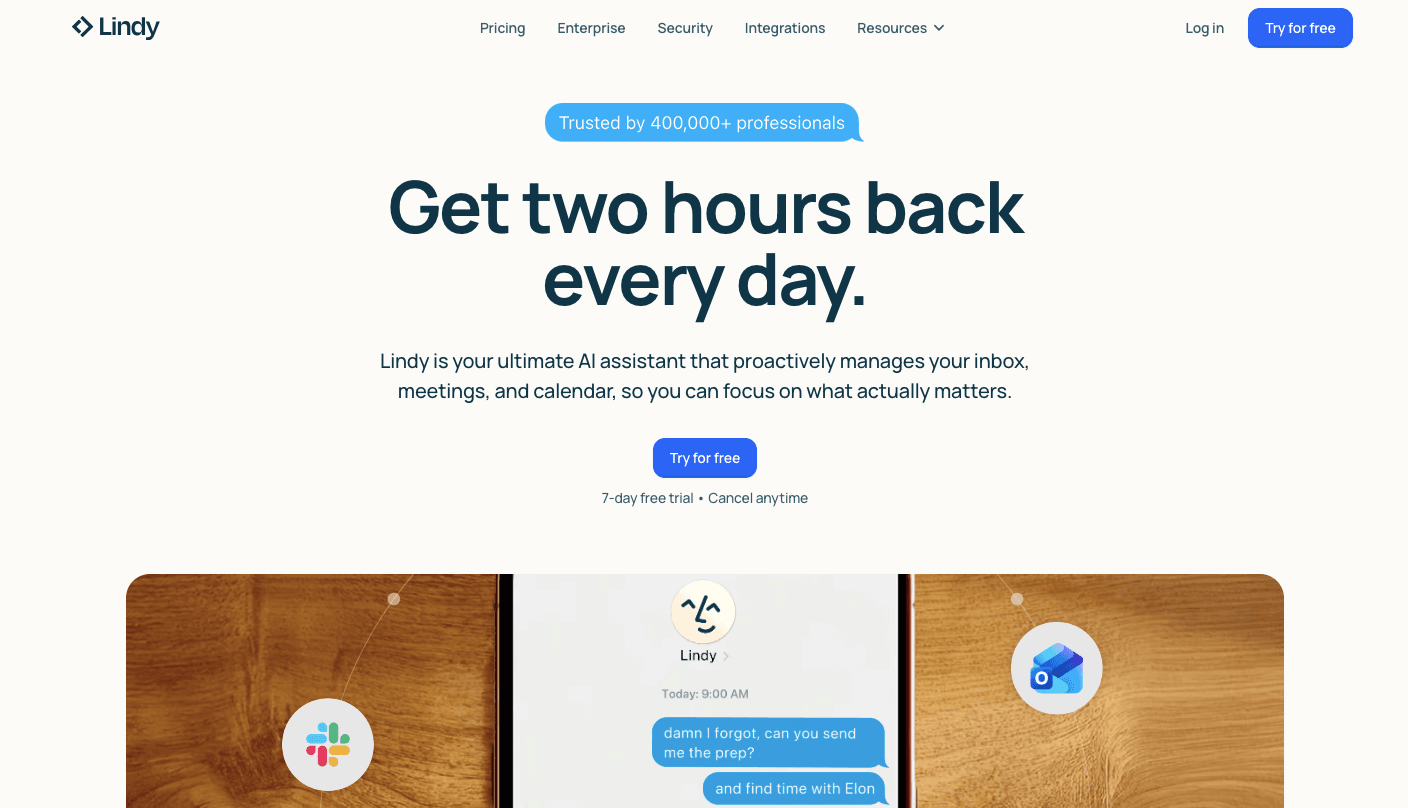
Lindy’s agents can reason through complex objectives and complete tasks. You can build custom multi-agent systems that each take on a role and behave like a team.
You don’t need technical skills to get started. Lindy is a no-code AI agent builder that uses natural language instructions, so you simply describe what you want in simple words.
For example, you can tell it to research every new lead, check their LinkedIn, and then write a personalized email. That’s how you create your own AI agent that actually does the work.
Each agent connects to your tools and moves data between them, which helps you orchestrate multi-step workflows where agents hand off work.
Key Features
- Natural language builder - You explain tasks in simple sentences, and the system turns that into working automation.
- Multi-agent coordination - Each agent focuses on a specific job, then passes results to the next agent, so the process continues.
- Autonomous task execution - Agents don’t wait for prompts since they monitor triggers like new leads or messages and act immediately when something happens.
- Reasoning engine - Powered by advanced models like GPT-5 or Claude Sonnet 4.5, the system understands intent and adjusts actions based on the situation.
- Memory and personalization - Lindy stores your rules, tone, and documents, so it applies them in future actions.
- Multi-channel access - You can interact with agents through chat, SMS, or voice, which makes it easy to manage tasks while away from your desk.
- Security standards - Lindy includes SOC-2 and HIPAA compliance, which supports businesses handling sensitive data.
Limitations
Agents can misread tone or intent in unusual situations, especially when messages contain mixed requests or emotional language, so you still need to review sensitive conversations.
Setup also takes effort at the start since the system depends on your documents, examples, and rules to perform accurately. If your internal data is messy, the agent may produce inconsistent results until you refine it.
3. Salesforce Agentforce: Best for CRM-Based AI Agents
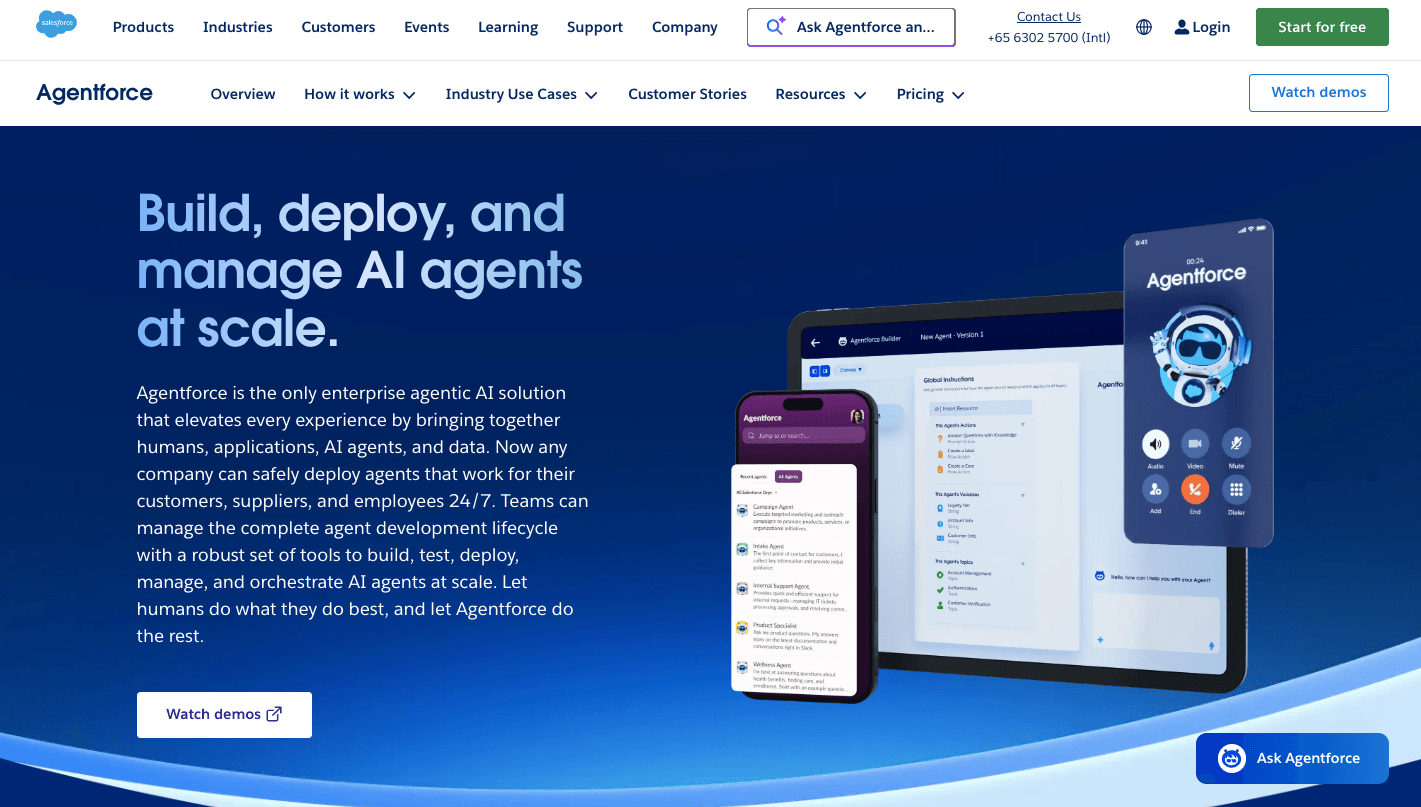
Salesforce Agentforce is for businesses that already use Salesforce and want automation that acts directly on their records.
Since it is inside Salesforce, it can tap into your customer data to provide personalized support experiences without syncing tools or moving files around.
When a customer sends a request, the system doesn’t just reply with text. It checks purchase history, open tickets, and past activity, then builds a plan to solve the issue. To make responses feel accurate, it uses the reasoning engine to understand context before taking action.
As agents push leads forward automatically, you improve your pipeline management by moving leads through the CRM at the right time. You can also turn a standard AI assistant into an agent that updates records after each interaction.
Key Features
- Atlas reasoning engine - The system plans steps before acting, checks past interactions, and adjusts responses if the first solution does not fully resolve the issue.
- Deep CRM integration - Agents work directly with contacts, deals, and support tickets, so every action uses accurate business records.
- Autonomous service agents - These agents handle support requests through chat, email, or messaging apps, then complete tasks like updating orders or resolving issues.
- Agent builder interface - You define instructions in plain language, then assign actions the agent can take, such as updating records or checking inventory.
- Data cloud integration - The system connects information from different sources into one place, which gives agents a complete view of customer history.
- Guardrails and trust layer - Built-in rules check responses before sending them to avoid risky or incorrect replies.
- Partner ecosystem - You can extend agent capabilities by adding third-party tools from the Salesforce marketplace.
Limitations
Agentforce depends heavily on Salesforce data, so it struggles when your information lives in spreadsheets or other apps that are not connected.
Additionally, setting it up takes time since advanced actions often require configuration work that many small teams cannot handle without help. Costs can rise quickly as usage increases because pricing often depends on how many interactions the agent handles.
Smaller businesses with simple needs may find the platform too complex, especially if they only want basic automation.
4. HubSpot Breeze Agents: Best for Marketing and CRM Automation
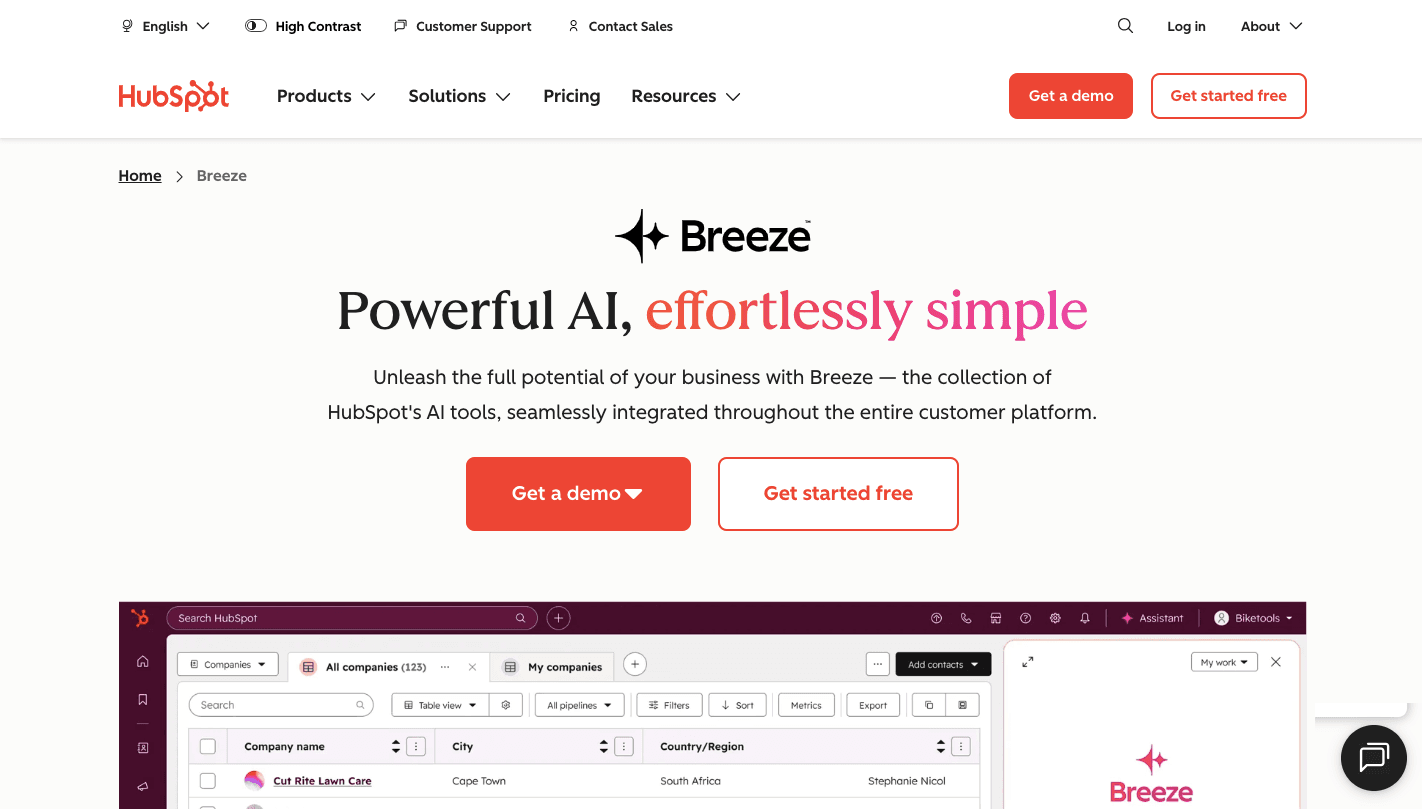
HubSpot Breeze is especially for those who use HubSpot and want agents who handle marketing and sales tasks.
Once you set it up, you can deploy, say, a marketing agent to draft blogs and landing pages based on your website and past campaigns. That same system can also schedule and write social media posts that match your voice, since it learns how you usually communicate.
Over time, it helps you automate content marketing to keep your website fresh without needing to plan every post manually.
When someone visits your pricing page or downloads a guide, the system reacts by sending personalized follow-up emails based on site visits, so you keep your prospects engaged.
Key Features
- Content Agent - Creates blog posts, landing pages, and campaigns using your site and CRM data, then prepares everything for review in one place.
- Social Media Agent - Plans and publishes posts by analyzing past performance, then adjusts future content based on engagement patterns.
- Prospecting Agent - Researches leads in your CRM, drafts outreach emails, and manages early conversations until a meeting is ready.
- Customer Service Agent - Answers support questions using your knowledge base, then escalates complex cases with context included.
- Breeze Intelligence - Fills missing contact details such as company size, industry, and revenue, so your data becomes more useful for targeting.
- Copilot interface - Lets you give instructions in simple text, such as summarizing meetings or drafting replies based on recent activity.
- Brand voice learning - Studies your past content and applies the same tone when generating emails, posts, or landing pages.
Limitations
HubSpot Breeze depends fully on the HubSpot system, so it cannot access data stored in other platforms unless you move everything into one place.
Custom logic remains somewhat restricted, so businesses with complex processes may feel limited in how much they can adjust behavior. Content output may start to sound repetitive without regular edits, which means you still need to review messaging before publishing.
5. Freshworks Freddy AI: Best for Customer Support Automation

Freshworks Freddy AI is the built-in intelligence layer for the Freshworks ecosystem, including Freshdesk for support and Freshsales for CRM. It replaces the usual back-and-forth support work by stepping in as the first responder, then handling the task.
Let’s say a customer asks something like, “Where is my refund?” Freddy AI doesn’t just point them to a help article. It connects to your payment system, checks the status, and gives a clear answer with actual details.
That’s how it helps you manage all customer interactions without relying on a large support team.
At the same time, Freddy AI keeps your business available everywhere. It lets you be present on multiple channels like WhatsApp 24/7, along with email and chat, so customers don’t wait for answers or repeat the same issue twice.
Key Features
- Freddy AI self-service - Handles incoming requests by understanding intent, then completes actions like checking orders or updating accounts.
- Freddy Copilot - Assists your team while they reply. It can take a quick note like “Tell them it’s fixed, but we’re sorry” and turn it into a polished response that matches your tone.
- Smart summaries - When a customer sends long threads, Freddy AI breaks everything down into a short summary so you don’t need to read each message.
- Knowledge-based suggestions - As you type, Freddy AI searches your help articles and past tickets to suggest the best answer, which reduces response time during busy hours.
- No-code bot builder - You use a visual drag-and-drop setup to define rules like “If order value exceeds a limit, send it to the owner.”
- Freddy AI insights - Tracks patterns in support tickets and highlights recurring issues that need attention.
Limitations
Freddy AI depends heavily on your documentation, so if your help articles and internal guides are outdated, it will struggle to give accurate answers.
Advanced actions such as processing refunds or updating external systems often require setup through custom objects or API connections. Complex customer issues that involve multiple problems can confuse the system since it follows structured workflows more than deep reasoning.
6. CrewAI: Best AI Agents Builder
CrewAI is an open-source and enterprise-ready framework that lets you build your own team of AI agents that work together to solve complex problems. You can create a “crew” of agents, each with a role, background, and set of tools they can use.
You can build custom small business AI agents with specific roles, such as a researcher who gathers data, a writer who turns that data into content, and an editor who checks tone and accuracy.
To guide them, you don’t need complex logic since you can program workers using simple natural language instructions like “Research competitors, then write a report, and review it for tone.”
Once everything runs, each agent completes its part and passes the result to the next one. You can also base the agent’s behavior on your brand values, so outputs follow your tone.
Key Features
- Role-based agent setup - You define each agent with a specific job, such as research, writing, or analysis, so tasks stay focused and organized.
- Multi-agent collaboration - Agents communicate with each other, share outputs, and pass tasks forward until the final result is complete.
- Sequential task execution - If you want to launch a product, the crew moves step by step from research to writing to publishing, with each agent waiting for the previous one to finish.
- Memory system - Agents remember recent steps for context and past tasks for improvement, which helps avoid repeating mistakes.
- Self-correction logic - When an agent fails to complete a task, it retries or asks another agent for help instead of stopping.
- Monitoring and control - You can watch how agents work, review outputs, and adjust instructions when needed.
Limitations
CrewAI requires more effort to set up compared to simple no-code tools. To get strong results, you or someone on your team needs to understand how agents work together and how to define clear roles.
Even with the visual interface, creating backstories, tasks, and workflows takes planning and testing. Agents may repeat steps if instructions are unclear, which wastes time and resources.
7. AutoGen: Best for Custom AI Agent Tools
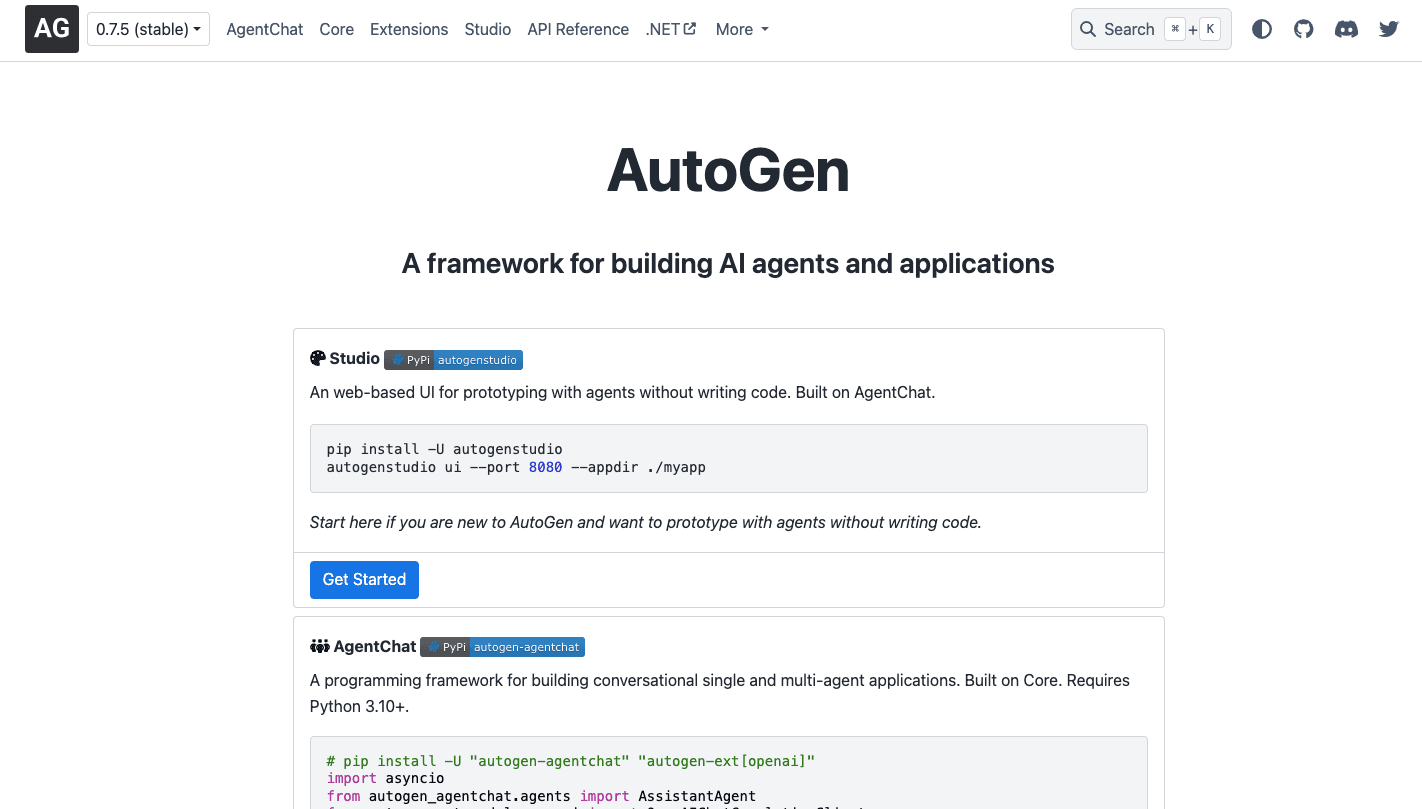
AutoGen is an open-source framework developed by Microsoft Research that enables multi-agent conversations. It allows you to create specialized agents that can interact with one another to complete a task.
When you set it up, each agent takes on a role. You can define agents with specific system messages like “You are a picky accountant who flags every error” or “You are a Python developer who writes efficient scripts.”
You can even run a simple setup with a user proxy and an assistant going back and forth, or build a team that collaborates on larger tasks.
Since it’s flexible, you can also download free and open-source frameworks for total privacy. At the same time, it gives you engineering support as agents write and run their own code, which helps you use hard data for strategic decision-making.
Key Features
- Multi-agent conversations - Agents communicate with each other step by step, which allows them to solve complex problems instead of returning a single answer.
- Autonomous code execution - Agents write scripts, run them, and fix errors on their own until they produce a working result.
- Role-based agent setup - You define each agent with a clear role, such as developer, reviewer, or analyst, so tasks stay organized.
- Multi-model support - AutoGen allows you to use different AI models for different agents, so you can balance cost and performance depending on the task.
- Human control options - You decide when agents act independently and when they need approval before completing a step.
- Secure code execution - Scripts run in isolated environments, so errors do not affect your system.
Limitations
AutoGen requires you to write Python code and manage a development environment like VS Code or Docker. Without that, it becomes difficult to build or maintain your agents.
Because multiple agents are thinking, coding, reviewing, and re-coding, it can take several minutes to get an answer to a complex question.
Integration takes extra effort since you need to define how agents connect to your tools.
8. AgentGPT: Best for Simple AI Agent Experiments
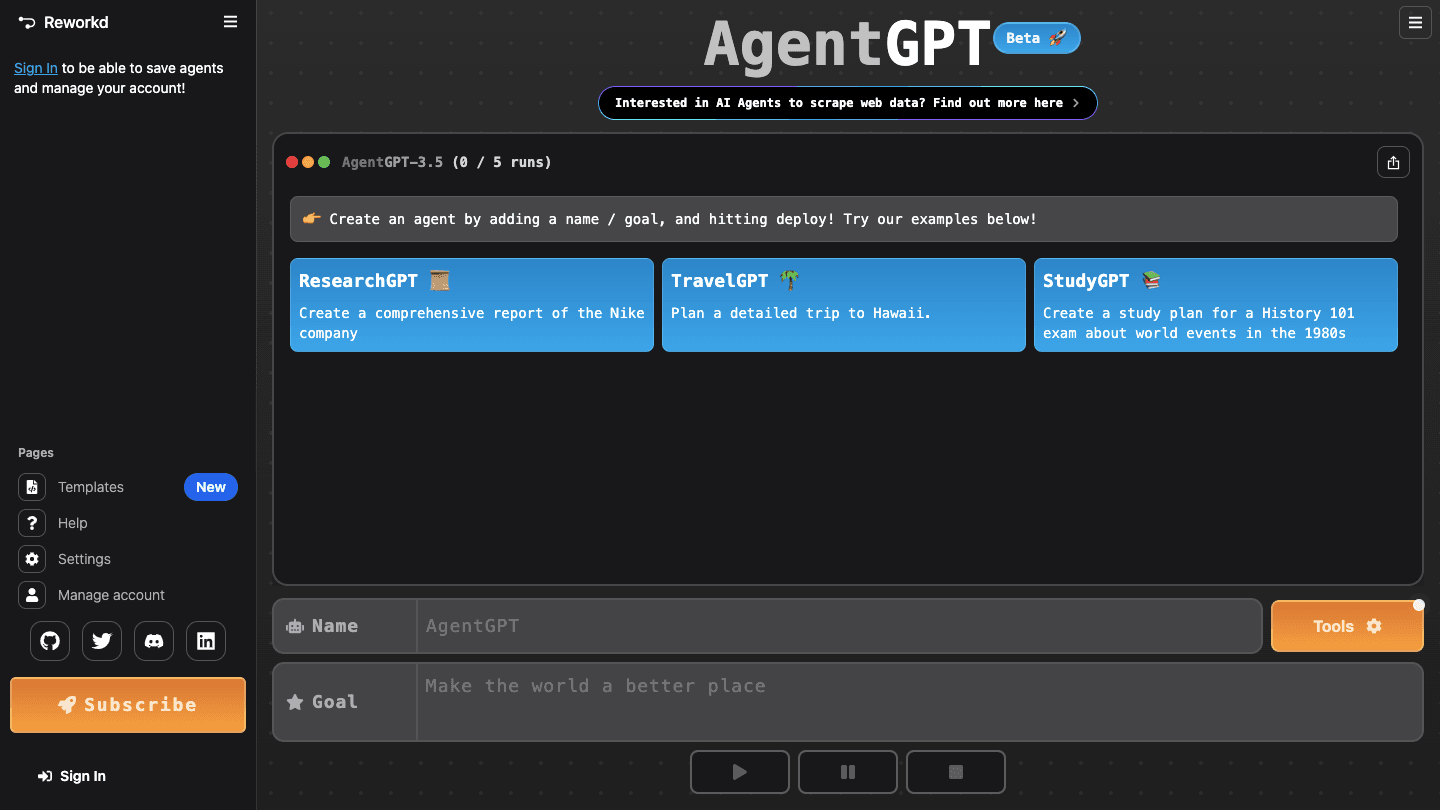
AgentGPT runs in your browser and gives you a simple way to test how agents work before you commit to a bigger setup. You type a goal, name your agent, and it starts working through the steps on its own.
Once you enter a task, the system breaks it down into smaller actions and completes them one by one. For example, you can ask it to research market trends by crawling the live web, then it collects data, compares sources, and builds a summary without extra prompts.
People often use it to test ideas before building something more advanced, which makes it easier to find the right AI agent strategy for their workflow.
Key Features
- Goal-based execution - You give one objective, and the agent creates its own task list, then completes each step in order until it reaches a result.
- Live web research - The agent searches current websites, gathers data, and builds a report instead of relying on old training data.
- Autonomous task loop - After each step, the system checks progress and adjusts the next action if the result does not match the goal.
- Simple setup - No installation required since everything runs in a browser, which makes testing quick for beginners.
- Custom personas - You can assign roles like marketer or analyst so the output matches your use case.
- Exportable results - Completed tasks can be saved and shared with your team for review or planning.
Limitations
Since the agent keeps looping through tasks, errors can stack up if early steps include wrong data. Over time, it may drift away from your original goal and produce results that no longer match your intent.
As the task list grows, earlier instructions can fade, which leads to inconsistent outputs. On top of that, the tool focuses on research rather than action, so it cannot update your systems or send messages.
9. Relevance AI: Best for Data-Driven AI Agents
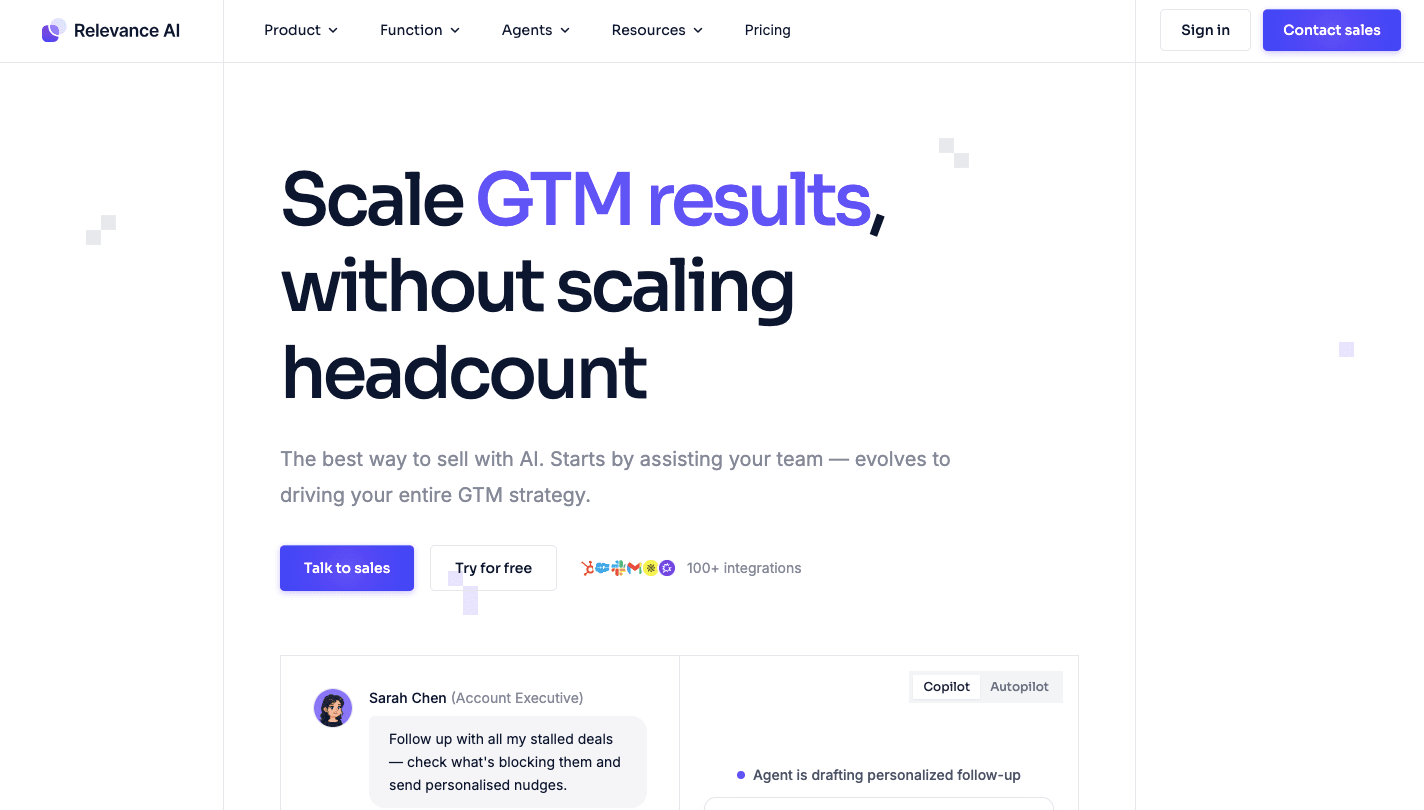
Relevance AI focuses on teams that rely heavily on reports, lead data, and internal records, a strength shared by the best AI agents for data analysis.
You can master your business data by feeding agents internal files like spreadsheets, PDFs, and CRM exports. Once connected, those agents don’t just read information. They act on it.
A sales agent, for instance, can research leads, write outreach emails, and log updates. At the same time, managers get real-time insights to track company performance.
Finance workflows also improve since agents track financial health by letting them reconcile accounts and flag unusual numbers early. You can also monitor operational costs to find waste in your budget while keeping everything organized.
All of this operates through a single interface where you manage the ongoing maintenance of data flows without jumping between apps.
Key Features
- Multi-step data workflows - Agents pull data from spreadsheets, APIs, or CRMs, then process it step by step before pushing results into tools like Slack or email.
- Long-term knowledge base - You upload documents once, and agents remember rules, pricing, and past decisions for future tasks.
- Bosh sales agent - This agent researches leads, writes personalized outreach, and tracks replies before handing off warm prospects.
- Approval gates - You can review outputs before actions go live, which helps control risk during outreach or reporting.
- Agent teams - Multiple agents work together, where one researches, another analyzes, and another prepares output.
- Visual builder - A drag-and-drop setup lets you define workflows and logic without writing code.
Limitations
To make an agent truly useful (e.g., having an SDR agent research LinkedIn and then email via Gmail), you have to manually map out the “Flow.” You should connect APIs, define logic, and upload your knowledge bases.
You also need to make sure the data you upload doesn’t violate your own privacy policies or the GDPR or CCPA. If you upload sensitive customer PII, the agent will learn from it, and removing that information later may require deleting the entire knowledge base.
Use AI Agents to Take Over Your Daily Business Operations With Activepieces
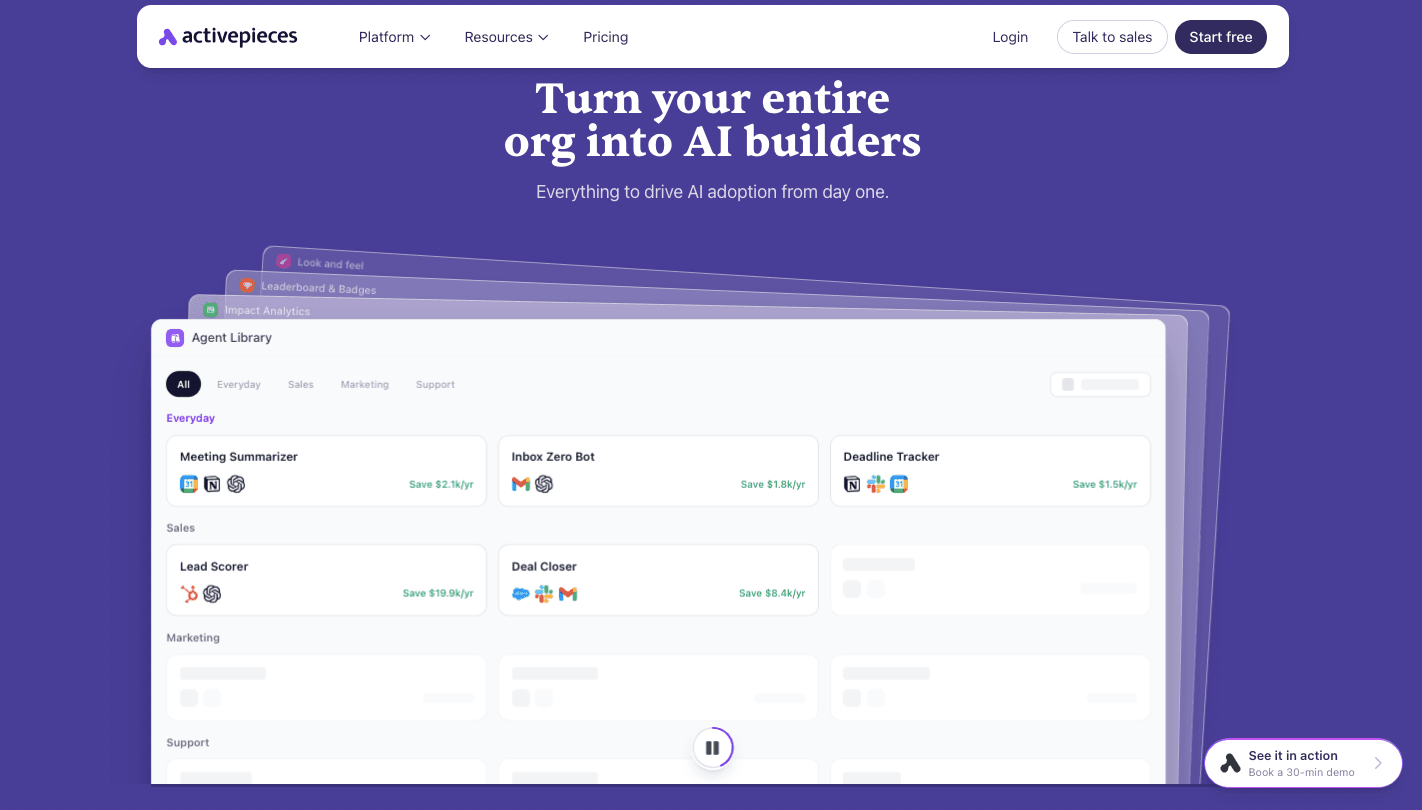
Activepieces provides AI agents so that your tasks keep moving even when you are not watching every step.
You start by picking a template or describing a task, then the platform builds the workflow for you. That setup shows how small businesses replace manual steps with automated flows without needing technical skills.
Each team member gets their own space to test ideas, while shared workspaces keep everything organized.
Once active, agents handle tasks like responding to emails, updating records, and tracking leads without constant input. If a situation needs human judgment, the system pauses and asks before taking action.
Every step gets recorded, so you can check what happened and fix issues quickly.
FAQs About AI Agents for Small Businesses
How do AI agents help small businesses grow?
AI agents help small businesses grow by taking over repetitive work and improving customer engagement through faster replies, better follow-up, and more consistent communication.
They handle tasks like lead tracking, email responses, and support requests so you can focus on sales and decision-making.
Are AI tools expensive?
AI tools are not always expensive. Many platforms offer free plans or low starting costs, then scale based on usage. Small teams can start with simple automations and only pay more when they run higher volumes of tasks.
What tools do AI agents integrate with?
AI agents integrate with tools you already use, including CRMs, email platforms, spreadsheets, support systems, and messaging apps like Slack. Most platforms connect directly through built-in integrations, so data moves between systems without manual work.
How long does it take to set up AI agents?
Setup time depends on the tool and complexity. Simple workflows can run in minutes, while more advanced setups with multiple steps and integrations may take a few hours or a couple of days to fully refine.
What are the best AI agents for a small business?
The best AI agents for a small business depend on what you already use day to day. Activepieces and Lindy work well for general, no-code automation and custom agents; Salesforce Agentforce and HubSpot Breeze Agents fit teams already inside those CRMs; and Freshworks Freddy AI suits support-heavy teams. Match the tool to the task you need done rather than the most well-known name.
Can an AI agent be built for a specific task, like quoting jobs or answering messages in my own style?
Yes. A custom AI agent is built around your own data and rules instead of general knowledge, so you can describe a task such as "read a job request, check my price list, and send a quote" or "reply to Etsy messages in my usual tone" in plain language and have the agent carry it out, with a human approval step before anything actually sends.