
Todoist API: Authentication, Limits and Access (2026)

Nov 23, 202615 min read
Todoist API Access, Free Plan Limits and Authentication (source)'s API lets you read and write tasks and projects with a personal token or an OAuth app, whether you call it directly or wire it into a workflow tool like Activepieces. Todoist's pricing page states which plans include it.
The free Beginner plan's caps will shape your integration before the API does.
Everything below works on Activepieces' free plan. Start without code or a credit card.
Todoist API Access, Free Plan Limits and Authentication
If the app refuses a task, the API refuses it too. The API is a programmatic door into your Todoist account: you can create, read, update and complete tasks, and work with projects and labels. It doesn't lift your plan's limits.
You can build on the free plan, and it works for a single-user automation. That is the bootstrap version.
For your own account, you need no app registration.
- Open Settings, then Integrations, then Developer.
- Copy the token shown there.
- Send it as a bearer token in the Authorization header on a request that lists your projects.
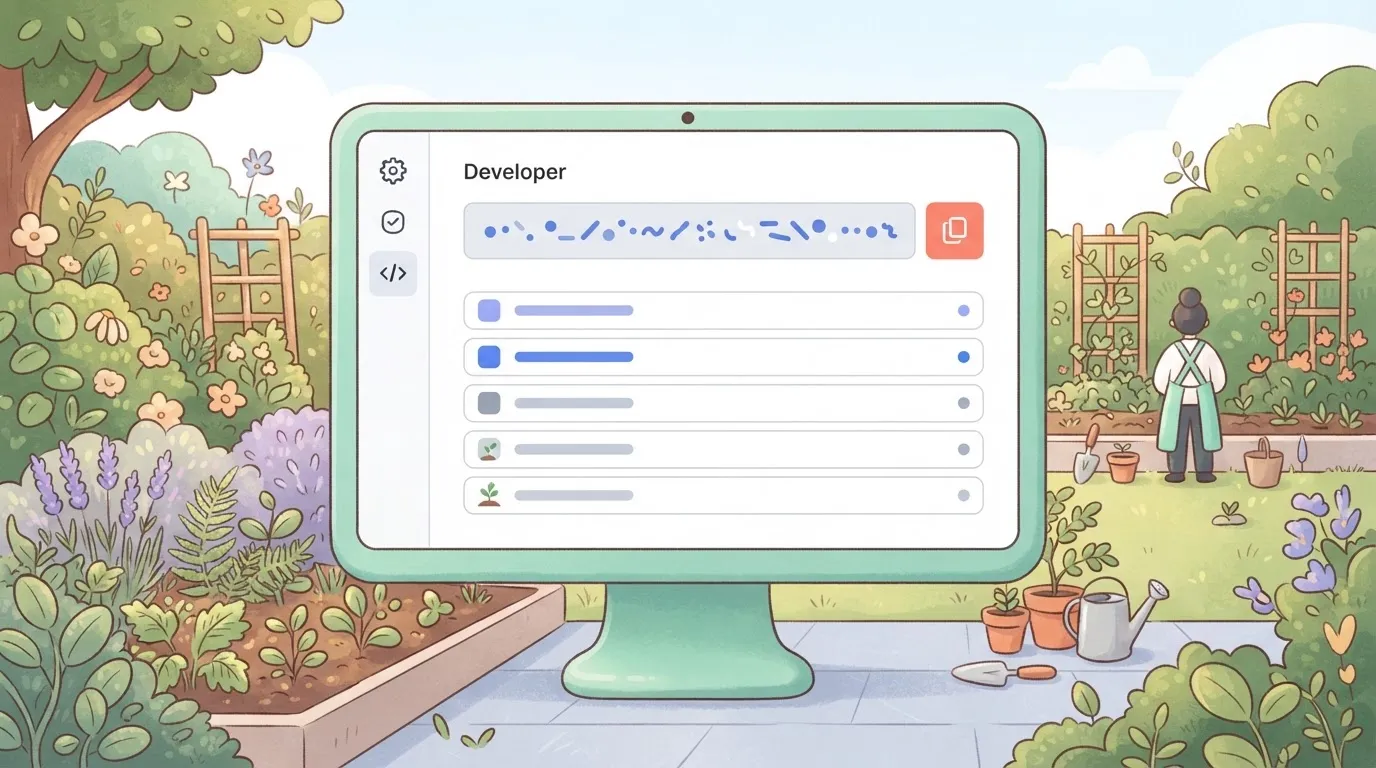
When you get a 200 response with a JSON list of projects, the token works. Treat it like a password, because it grants full access to your account.
Use OAuth when other people's accounts are involved, so each user grants access without handing over a token.
- Register an app in Todoist's developer console and set its redirect address.
- Send the user to Todoist's authorization page with your client ID and requested scopes.
- Exchange the returned code for an access token.
- Call the projects endpoint with that token.
Once you see a 200 response, the grant is confirmed. Request only the scopes you need, since users see them on the consent screen.
Which Todoist plan includes API access
Here are the caps on each plan that bind an integration, and Todoist's pricing page remains the authority on plan terms.
| Plan | Active projects | Filters | Tasks per project |
|---|---|---|---|
| Beginner | 5 | 3 | 300 |
| Pro | 300 | 150 | 300 |
| Business | 500 | 150 per member | 300 |
Create one project per client and you hit Beginner's five-project ceiling fast, so one project with labels is the cheaper design.
If a project is too crowded, upgrading won't fix it, because the task cap is the same on every plan; split it instead. The next question is what happens once your calls succeed and the limits start to matter.
If a project is too crowded, upgrading won't fix it, because the task cap is the same on every plan; split it instead.
Todoist API Endpoints and a First Python Request
Start with one authenticated request that creates a task. Todoist's current API covers tasks, projects, sections, labels, comments and a sync endpoint, and limits only matter once calls like this work.
Resource groups at a glance
You create, read, update and delete tasks, projects, sections, labels and comments as ordinary resources. The sync endpoint is different: it takes a batch of commands in one request.
If a tutorial points at the older REST v2 and Sync v9 APIs, it sends you toward endpoints that will eventually stop working. Todoist has deprecated them in favour of the unified current API.
Check the base URL in an old script before you copy it.
Install todoist-api-python, pass it your API token, and call add_task:
from todoist_api_python.api import TodoistAPI

api = TodoistAPI("YOUR_TOKEN")
task = api.add_task(content="Send invoice", due_string="tomorrow at noon")
print(api.get_task(task.id).content)
When you make a typo, it shows up as a Python error instead of a vague HTTP failure, because the SDK builds URLs, headers and response objects for you.
It tracks the current API, which means the migration is mostly done once you upgrade the package.
The same call with curl:
curl -X POST https://api.todoist.com/api/v1/tasks \
 -H "Authorization: Bearer YOUR_TOKEN" \
 -H "Content-Type: application/json" \
 -d '{"content": "Send invoice", "due_string": "tomorrow at noon"}'
This costs nothing beyond your terminal, so it's the bootstrap version: use it to confirm your token works before you write any code. Beyond one-off checks you'll end up rebuilding what the SDK already does.
When to use the Todoist Sync endpoint
Use sync when you're changing many items at once, because one request can carry many commands instead of one call per task.
| Approach | Setup effort | Batching |
|---|---|---|
| Raw HTTP | Lowest: a token and curl | One resource per call |
| Python SDK | Low: one install | One resource per call |
| Sync endpoint | Highest: you write commands and handle their results | Many commands per request |
Do a bulk import task by task and it is slow, and you run into rate limits sooner. Batching through sync is the cheaper route for that job, and the next section looks at what happens when those limits arrive.
Todoist API rate limits and costs
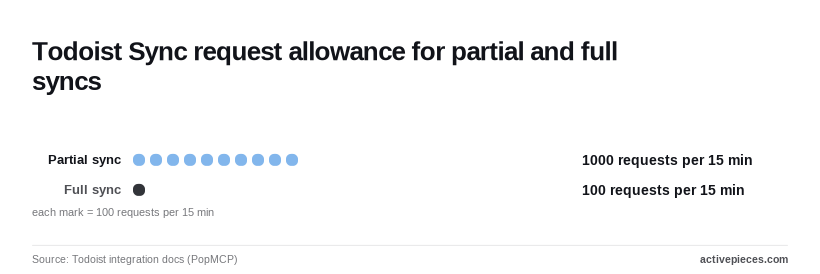
According to the (source), Todoist allows 1,000 partial Sync requests and 100 full Sync requests per user every 15 minutes, and the docs quote no per-call price, which means the rate limits are what constrain your usage, not billing per call.
For a bootstrapped build, the only cost of the API is the engineering time spent staying under those ceilings.
Todoist API request limits and headers
1,000 requests per 15 minutes is what partial sync gets, which works out to roughly one request every 0.9 seconds. That's ample for a polling loop that asks only for changes.
Todoist's integration docs (PopMCP) specify that a batch of up to 100 commands counts as one request.
Between the two limits there is a tenfold gap, and the takeaway is simple: design around partial sync and treat full sync as a rare recovery step.
Don't build logic that depends on rate-limit response headers: the PopMCP page, checked on 23 November 2026, doesn't document them.
Plan-based caps that hit API users
I have no plan-specific API caps to quote. The figures I have are per user, not per plan tier, so check your own plan's limits on Todoist's pricing page before you promise a client a throughput number.
Because the allowance is per user, a shared automation account is where you'll feel it first. Several scripts running under one login share a single 1,000-request pool, so give heavy jobs their own schedule.

| Limit | Documented value | Source | How to stay under it |
|---|---|---|---|
| Partial sync | 1,000 requests per 15 minutes | PopMCP docs | Poll for changes only, on a fixed interval |
| Full sync | 100 requests per 15 minutes | PopMCP docs | Run once at start-up or after an error |
| Command batch | Up to 100 commands count as one request | PopMCP docs | Group writes into a single call |
Avoiding Todoist API limits with batching
Batching is the free fix. Send 100 commands in one request and you use 1/1,000th of your partial allowance, where 100 separate calls would use a tenth of it. So queue writes for a few seconds and send them together.

For the bootstrap version, a queue, a timer and a retry that doubles its wait after each failure cover most small projects, and none of it costs anything.
When a request fails because you hit the limit, wait before retrying instead of looping. Retrying at full speed only extends the lockout.
Easier to see it running than to read about it: set it up free, no card.
Todoist API errors and fixes
Back off first, then read the status code. Most Todoist failures come from a malformed request, a bad token, a missing object or a rate limit, and each has a cheap fix.
The table below maps each symptom to its cause and repair, so you can triage from the log line alone.
| Symptom | Cause | Fix |
|---|---|---|
| 400 | Malformed body, wrong field name or invalid value | Validate the payload against the current docs before sending |
| 401/403 | Missing, wrong or revoked token; insufficient scope | Regenerate the token or re-authorize with the right scope |
| 404 | Task or project was deleted, completed or never existed | Treat as "already gone" and skip, or re-fetch the ID |
| 429 | Too many requests in a window | Wait, then resume slowly |
| 5xx | Todoist-side fault | Retry with backoff; stop after a bounded number of attempts |
| Version/ID migration breakage | Code written for older endpoints or ID formats | Move to the current API and treat IDs as opaque strings |
| Duplicate create on retry | A timed-out POST had already succeeded | Send a unique request ID with each create |
| Sync-token reset | Stored token stale or rejected | Run a full sync, then store the new token |
Fix the cause rather than the symptom, because most of these repeat until you do.
You almost never fix a 401 or 403 by retrying. Check the token first, then the scope you gave it. Don't loop on these; fail loudly so someone fixes the credential.
Honor the Retry-After header if the response includes one, and fall back to exponential backoff if not. This is the bootstrap version: no paid queue, just a small wrapper.
import time, uuid, requests

def call(method, url, headers, **kw):
 headers = {**headers, "X-Request-Id": str(uuid.uuid4())}
 delay = 1
 for _ in range(5):
 r = requests.request(method, url, headers=headers, **kw)
 if r.status_code == 429:
 time.sleep(float(r.headers.get("Retry-After", delay)))
 elif r.status_code >= 500:
 time.sleep(delay)
 else:
 return r
 delay *= 2
 r.raise_for_status()
Because the request ID is generated once per call, every retry of that call carries the same one.
If a create timed out, it may still have landed. Reusing the same request ID across retries lets Todoist recognise the repeat instead of creating a second task.
Treat a 404 on update as a deletion, not a failure, and never hard-code ID formats, since they changed between API generations.
Store the sync token after every successful sync. If Todoist rejects it, discard it and request a full sync. Make webhook handlers safe to run twice, because the same event can arrive again.
Build these four habits into the wrapper once, and the rest of your integration stays quiet.
Calling Todoist Without Code Through Activepieces
You can make the same Todoist calls from a visual flow in Activepieces, where Todoist is one of 750 integrations counted from an open source monorepo with an MIT-licensed core, letting you combine multiple services in a single automation platform, so the tools you use are likely among the 750.
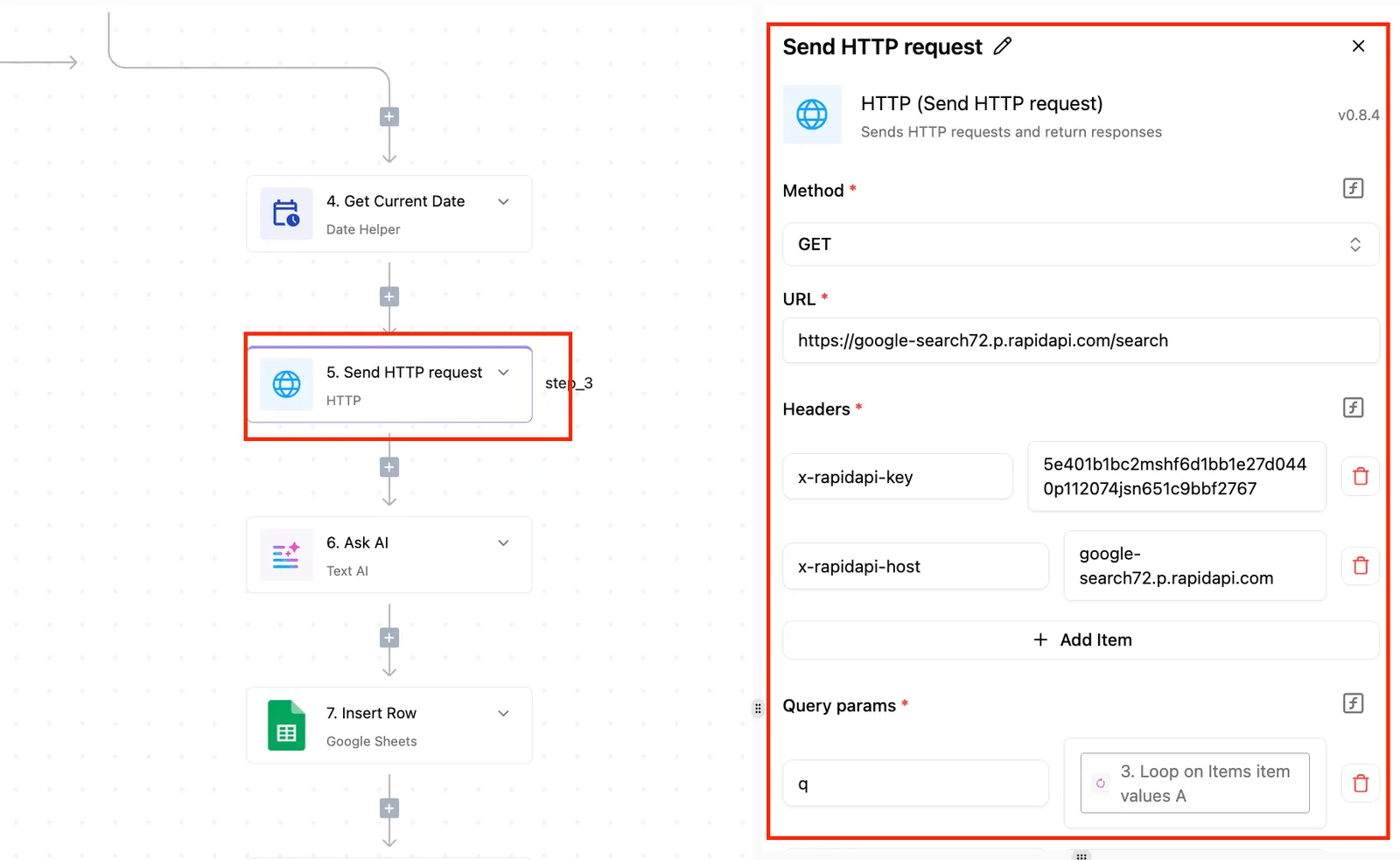
The wrapper above becomes a flow you build on a canvas and watch run, instead of a script you maintain.
The bootstrap version costs you an afternoon and no code, and flows are unlimited on every plan, free included; the self-hosted route is there if you'd rather not pay for a hosted plan.
Connect Todoist without storing secrets
Add a Todoist step, choose to create a connection, and authorize your account when Todoist asks. You never paste a token into a script or store it in an environment file, so there's no secret sitting in a repository for a contractor to find.
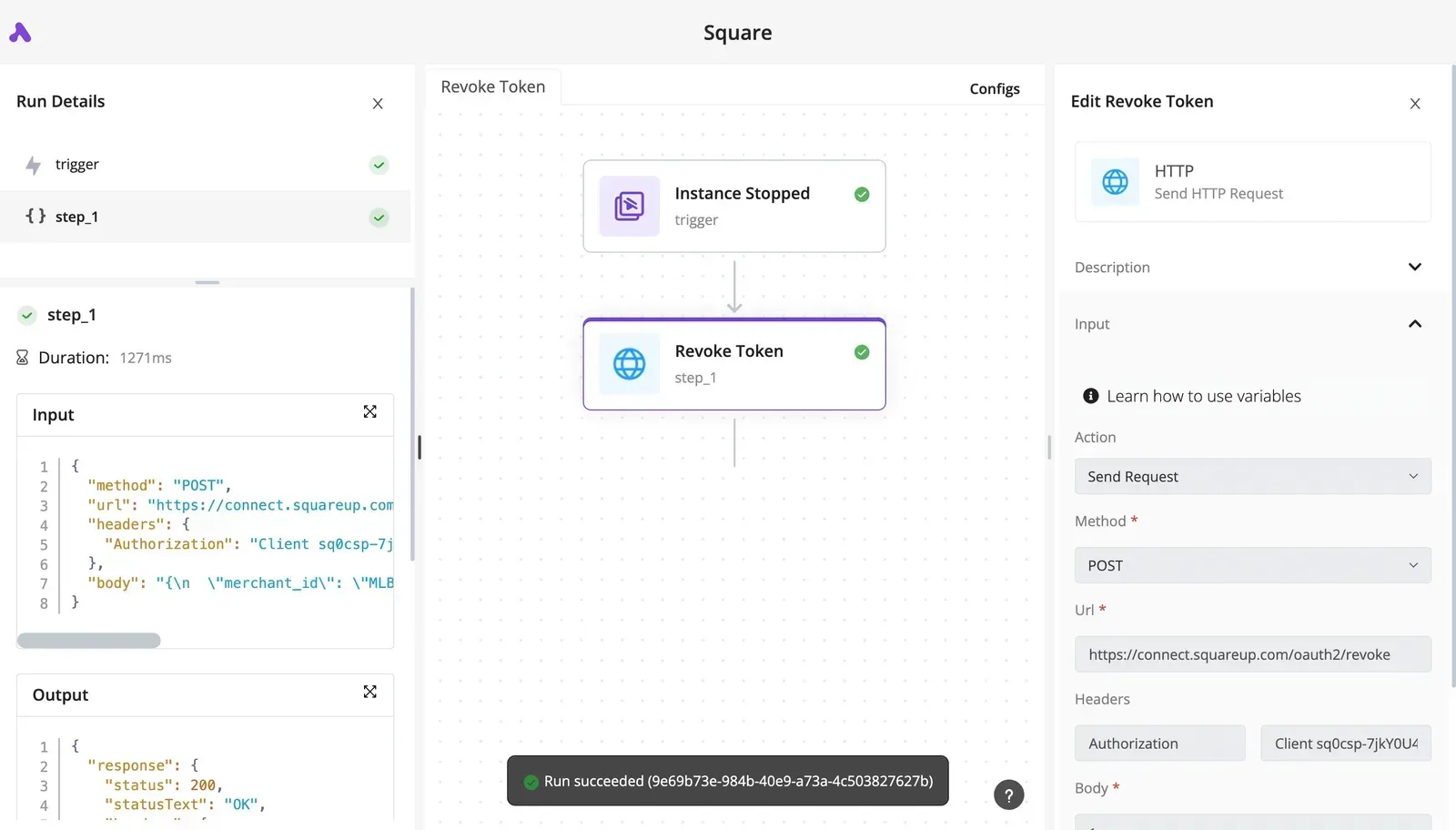
Save the connection once and every flow in the project reuses it. That matters when you rotate access: you re-authorize one connection instead of hunting through every script that called the API.
Build a calendar-event-to-task workflow
You build the flow in three parts, in this order:
- Add a trigger for a new event in your calendar app, such as Google Calendar's new-event trigger, and load sample data so you can see the real fields.
- Add the Todoist Create Task action and select your connection.
- Map the fields: the event title into the task content, the event start into the due date, and the event description into the task description. Pick the target project explicitly, or tasks land in your Inbox.
When you map from sample data, you pick fields from a real event rather than guessing their names. A typo in a hand-written payload fails silently or errors at runtime; here you select the field and see its value.
Look at the screenshot below for the same pattern on a different job.
It's an invoice-collection flow whose canvas stacks five steps, from a Google Sheets trigger down to a Router, with the first step's settings panel open, so you can see how the Google Sheets trigger is configured.

Read it for the layout: the trigger sits at the top and each action below it. The panel shows the connection, the sample-data loader and a warning that Google can delay triggers by a few minutes.
That delay is a reminder that polling triggers aren't instant, so don't promise yourself real-time task creation.
After you publish, every run leaves a trace you can open, so when a task fails to appear you see which step stopped and what Todoist returned, instead of adding logging after the fact.
MoneyGram, Moneypenny, Alan and FundingSocieties are among the companies that run Activepieces.
You can also skip the canvas: describe the Todoist-to-calendar flow in Activepieces' built-in chat and what it publishes is a live flow in your account, the same one a builder would have assembled by hand, calling the same task and project endpoints.
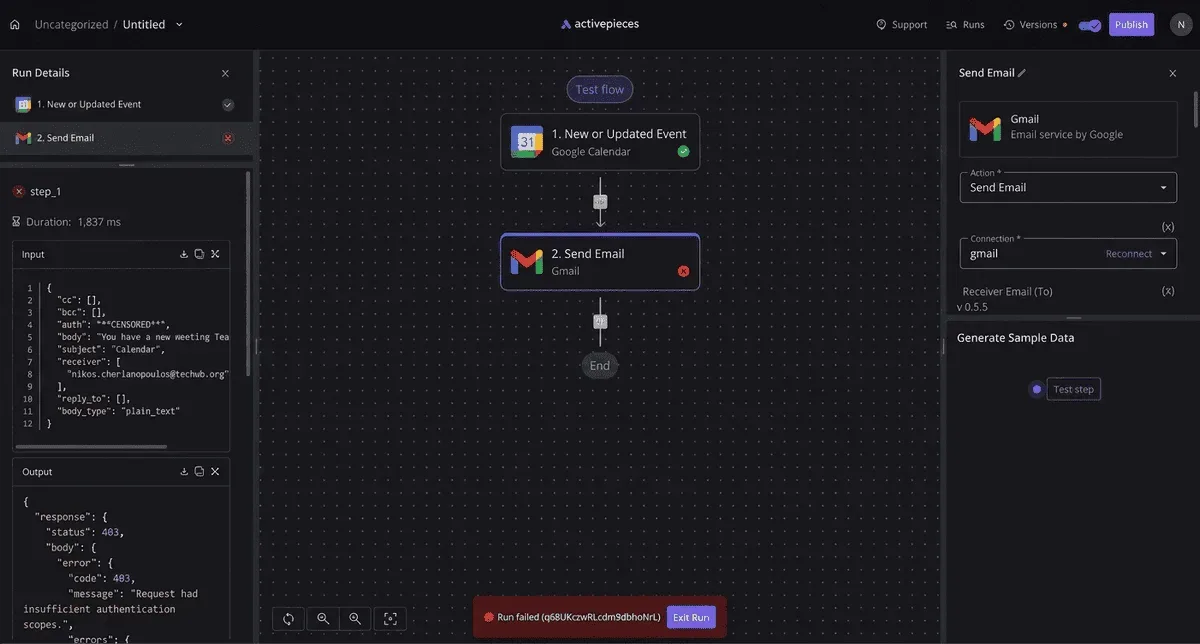
It runs under the same RBAC and audit logs as any other flow, and its run trace shows exactly what happened at each step, readable by anyone on the team without a certification.
Syncing Todoist with Google Calendar and Outlook
Pick the lightest option that meets your need. Native calendar subscription is free: Google Calendar can subscribe to an Outlook calendar's published link, and the reverse works too.
The catch is that subscribed ICS feeds refresh on the provider's schedule, so changes can show up hours late, and they're usually read-only.
When you need faster or genuinely two-way sync, build a workflow: one flow triggers on a new Google event and creates it in Outlook, and a second does the reverse.
Store the source event's ID on the copy and check for it first, or each flow will re-copy the other's events in a loop.
Frequently asked questions
Is the Todoist API free to use?
Todoist's developer docs say the API is free to use, though some features may be restricted by plan.
Register an app or generate a token on a free account and make one test call: it is the cheapest way to find out. That costs nothing and settles it faster than any pricing page.
Treat these points as open, not settled:
- Todoist's API docs say you can use the API for free, though some features may be restricted by plan.
- The exact maximum length of a task name and of a task description, which matters if you import long notes.
- Whether any per-call pricing exists.
- Which Sync API versions have been removed.
If you're bootstrapping, assume nothing about limits and test with real-sized data. A task name that silently fails at import time is a worse surprise than a price.
Can ChatGPT-style AI chatbots call the Todoist API?
Yes, but only through something you build or connect. By itself, a chatbot can't reach Todoist. A tool or script has to hold your token and make the HTTP request on its behalf.
Give that tool the narrowest access you can, since a model that can create tasks can also create wrong ones. Start with read-only calls and add writes once the output looks right.
Does Todoist have an AI-powered virtual assistant?
You won't find that in the API docs, so look at Todoist's own product pages for the current answer.
Keep two things apart: an assistant inside the Todoist app, and an AI model you wire to the API yourself. Only the second is within your control, and it works with whichever plan you already pay for.
Can I sync Google Calendar to Outlook and see tasks too?
Not through the Todoist API alone. It handles tasks, not calendar-to-calendar copying. You'd run a separate flow between the two calendars and a third that writes tasks in as events.
Store the source event's ID on every copy and check for it first, or the flows will re-copy each other's events in a loop.
Start with a one-way flow, calendar to tasks only. That is the bootstrap version. Add the second direction once the first has run cleanly for a while.
Which Todoist API version should a new project use?
Use the newest version the docs name as current, and don't start on anything marked deprecated. We haven't confirmed which Sync API versions were removed, so a tutorial that pins an older one may point at endpoints that no longer exist.
Put the version in one configuration value, not scattered through your code, so a future migration is a one-line change.