
What Azure Logic Apps Actually Costs at Scale: A Field Guide
This analysis details the specific billing mechanics that drive up operational expenses for complex, high-volume automated workflows on the Azure platform.

Covers automation pricing models: cost-per-run math, where per-task billing breaks at scale, and pricing tiers that hide true costs.
ContributorSeptember 24, 202611 min read
This article was researched and fact-checked by an advanced research system.
When you trigger a single loop to iterate over 1,000 items, Learn reports that Azure Logic Apps transforms that one moment into a financial event.
It does this by monetizing every individual step of your workflow, which is a departure from how open-source alternatives like Activepieces handle execution.
Because Microsoft bills per action execution rather than per successful completion, the complexity of your logic creates a direct correlation to the size of your monthly bill.
How the Consumption plan pricing trap works
Starting with zero upfront cost is the primary appeal of the Consumption plan. A small startup can run basic triggers for pennies before realizing they're locked into an exponential cost curve.
| Action Type | Cost per Execution |
|---|---|
| Built-in Actions | $0.000025 |
| Standard Connectors | $0.000125 |
| Enterprise Connectors | $0.001 |
A massive discrepancy exists between this tiered structure and raw compute providers. According to Microsoft, 1,000,000 executions of a built-in action cost $25.00, which means high-volume automation workflows can quickly become a significant line item.
AWS's analysis puts the cost of the same volume of Lambda invocations at only $0.20.
You're paying a 12,400% premium for the convenience of the visual designer.
While Activepieces decouples these steps from your wallet by allowing you to run the same codebase on your own infrastructure, Azure ensures that every "If" statement and "Variable Initialize" block chips away at your margin.
Pricing that rises with granularity punishes the exact discipline good automation depends on, breaking work into smaller, more reliable steps.
Activepieces removes this friction by charging 1 credit per flow run regardless of the number of steps inside it, a model visible on its published pricing page. The run is the meter, ensuring a ten-step process costs the same as the two-step workaround it replaced.
Standard plan: Fixed costs for high throughput
A base hourly fee for the compute instance is the central feature of the Standard plan. By hosting workflows on a dedicated App Service plan, you gain network isolation and improved performance.
You must still pay for connector executions on top of the base instance price.
Only if your throughput is high enough to drive the effective cost per action below the Consumption plan’s rates is this model viable. Otherwise, you're paying for idle CPU cycles.
Integration Account costs for B2B protocols
Processing B2B protocols like AS2 or X12 makes the Integration Account a mandatory add-on.
It adds a fixed cost of approximately $300 per month for the "Basic" tier even if you only process a single file, so your entry-level overhead is substantial regardless of actual usage.

The Integration Account acts as a gatekeeper because these features aren't included in the standard workflow price. It penalizes you for the specific format of the data you handle.
Why Azure Logic Apps costs scale non-linearly
The financial burden of Azure Logic Apps scales non-linearly because Microsoft bills for every discrete operation. It turns internal logic like loops and conditions into individual revenue events.
How per-action billing adds up
$0.000025 per action is the standard rate for the Logic Apps Consumption tier. This means a workflow processing a batch of 1,000 items through a five-step loop generates 5,000 billable events for one execution.

This granular billing structure forces you to optimize for "shallow" workflows rather than clean code. Every If statement or Variable Initialize step adds to your monthly invoice.
Data retention and storage costs explained
Managing the state and history of these executions introduces a secondary layer of storage costs. Azure charges for data egress and storage.
$0.120 per GB is what Google Cloud charges for egress, making it the most expensive option for data portability, which means users face a significant financial hurdle when trying to move their information elsewhere.
- Amazon Web Services follows at $0.090 per GB, which sets a high baseline for multi-cloud architectures.
- Microsoft Azure sits at $0.087 per GB, so if you're syncing a 10TB database to an external warehouse, you'll pay an $870 "exit tax" every month. Backblaze B2 drops to $0.010 per GB, significantly lowering the barrier for long-term archival, so companies can store massive datasets without incurring prohibitive retrieval fees.
- Cloudflare R2 offers $0.000 per GB, which allows for infinite data retrieval without any volume-based financial penalty, effectively eliminating the cost barrier for frequent data access, which means developers can scale applications without worrying about unpredictable egress fees.
Standard versus Enterprise connector pricing
While basic services like Outlook or OneDrive fall under the standard rate, connecting to high-value systems like SAP or IBM MQ requires an Enterprise connector license.
$0.001 per execution is the cost of this tier, meaning that small-scale operations remain inexpensive while scaling costs linearly with every individual task performed. This is forty times the price of a standard action.
This takes minutes, not a project: automate it in Activepieces free.
Comparing Consumption and Standard plan economics
The transition from the Consumption plan to the Standard plan shifts the financial burden from individual logic steps to a fixed infrastructure overhead.
Choosing between Consumption and Standard plans
Choosing between these tiers requires balancing immediate savings against long-term architectural requirements.
| Feature | Consumption Plan | Standard Plan |
|---|---|---|
| Base Monthly Cost | $0 | ~$143 (WS1) |
| Billing Unit | Per Action | Per Instance + Connectors |
| VNET Support | No | Yes |
| Ideal For | Intermittent Tasks | High-Volume Steady State |
VNET support and network security costs
If you require secure network injection, the Standard plan is the primary path for you. This comparison shows it's the only tier with native Virtual Network (VNET) support to protect sensitive data traffic.
The mid-sized workload dead zone
A "dead zone" for mid-sized workloads is created by the fixed cost of the Standard plan. These are too heavy for Consumption billing but not large enough to fully utilize the dedicated compute resources.

Strategies to reduce Azure Logic Apps expenditure
You can lower costs by using stateless workflows, reducing polling frequency, and offloading heavy transformations to Azure Functions.
Switching to stateless workflows for performance
Stateless workflows in the Azure Logic Apps Standard tier reduce costs by eliminating the need to persist run history. This removes the associated storage transaction fees. Because stateless runs execute in memory, they offer faster response times.
Offloading logic to Azure Functions code
Moving complex data manipulation from Logic App actions into the Azure Functions serverless compute service consolidates dozens of expensive billing events into a single, low-cost execution. Every "Filter Array" or "Compose" action in a Logic App is billed as a discrete step.
Replacing a chain of ten such actions with one script means you pay for one trigger instead of ten transformations.
- Identify high-frequency transformation logic.
- Write logic in an Azure Function using C# or Python.
- Call the Function from the Logic App using the built-in connector.
- Pass batch data instead of single rows to minimize invocations.
Replacing a chain of ten such actions with one script means you pay for one trigger instead of ten transformations.
Consolidating triggers to minimize polling costs
Reducing the frequency of polling triggers prevents the "empty run" problem. When a Logic App checks a resource every minute, it generates thousands of executions per day regardless of whether work was performed.
You can follow the rest of this with the builder open. Start free, no card.
Optimizing the automation bill with Activepieces
Activepieces provides a way to run high-volume workflows without Azure’s per-action tax by utilizing an MIT-licensed core that decouples execution logic from infrastructure costs.
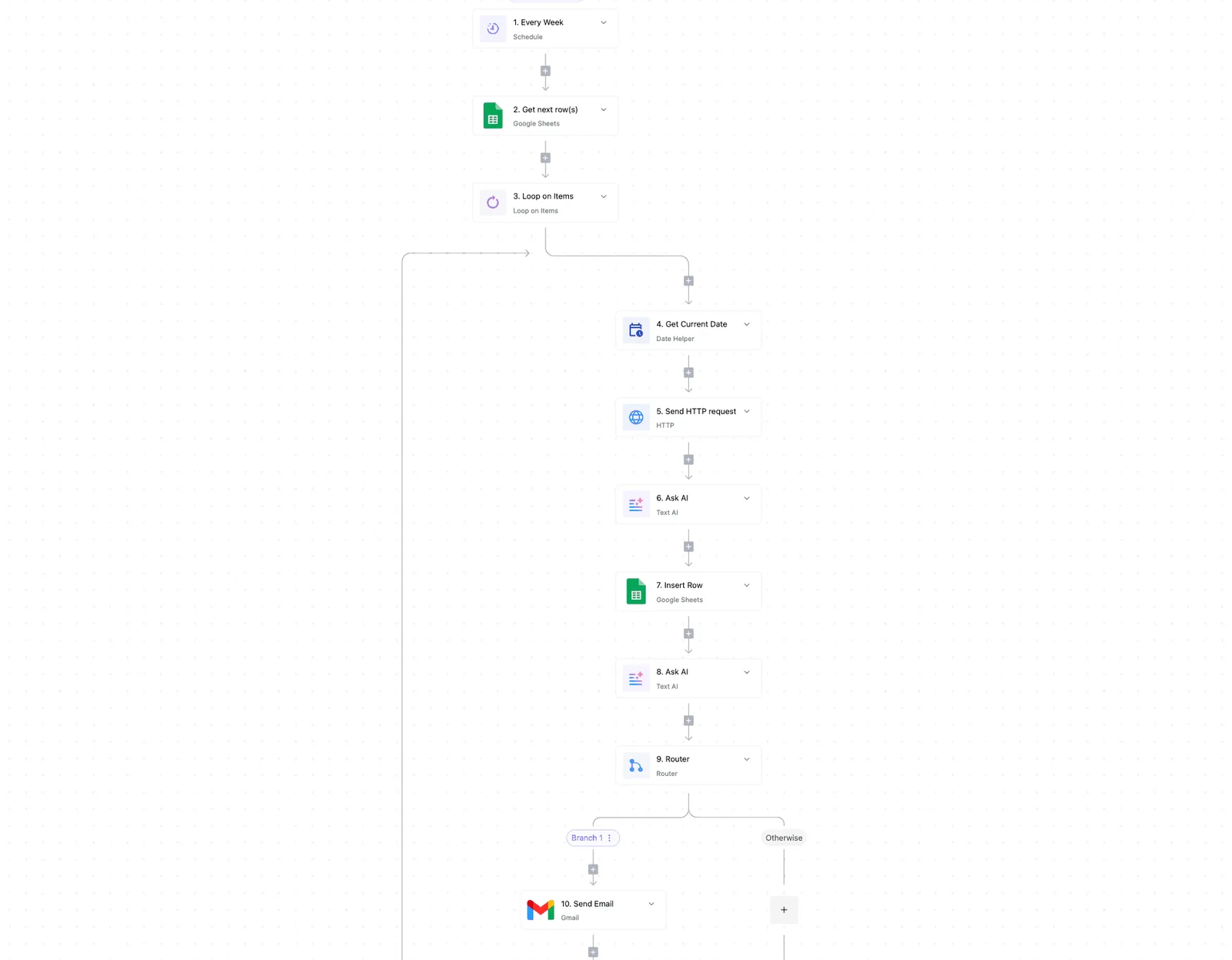
While Logic Apps penalizes complex logic by charging for every conditional branch and variable initialization, this open-source automation engine supports unlimited execution steps within a single flow without increasing your monthly invoice.
Where a flow runs should never decide whether you can leave. Activepieces ships the same product (RBAC, SSO, and audit logs included) whether you use the managed cloud or self-host via Docker on your own infrastructure.
This flexibility is documented as a core feature, allowing teams to promote flows via Git Sync between environments without being locked into a specific vendor's cloud.
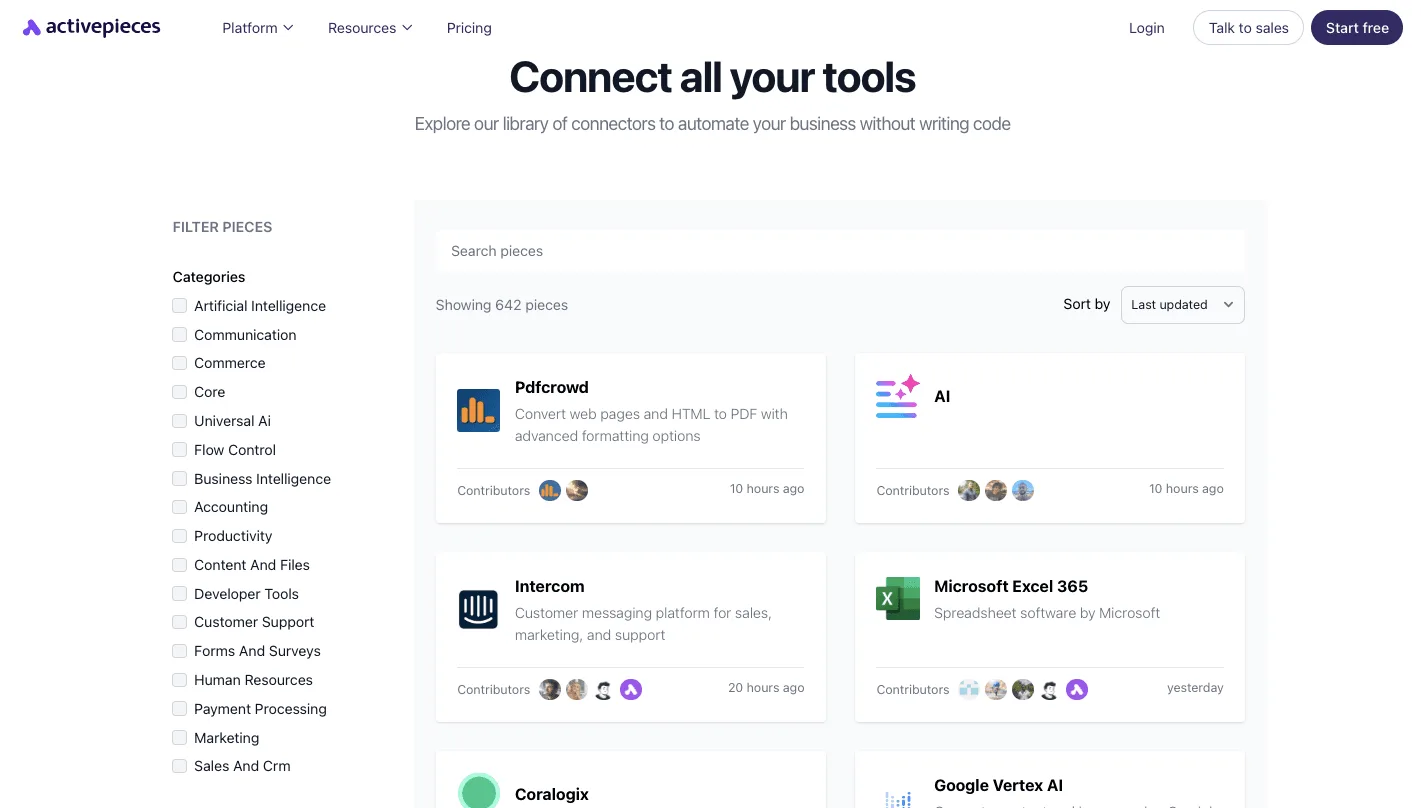
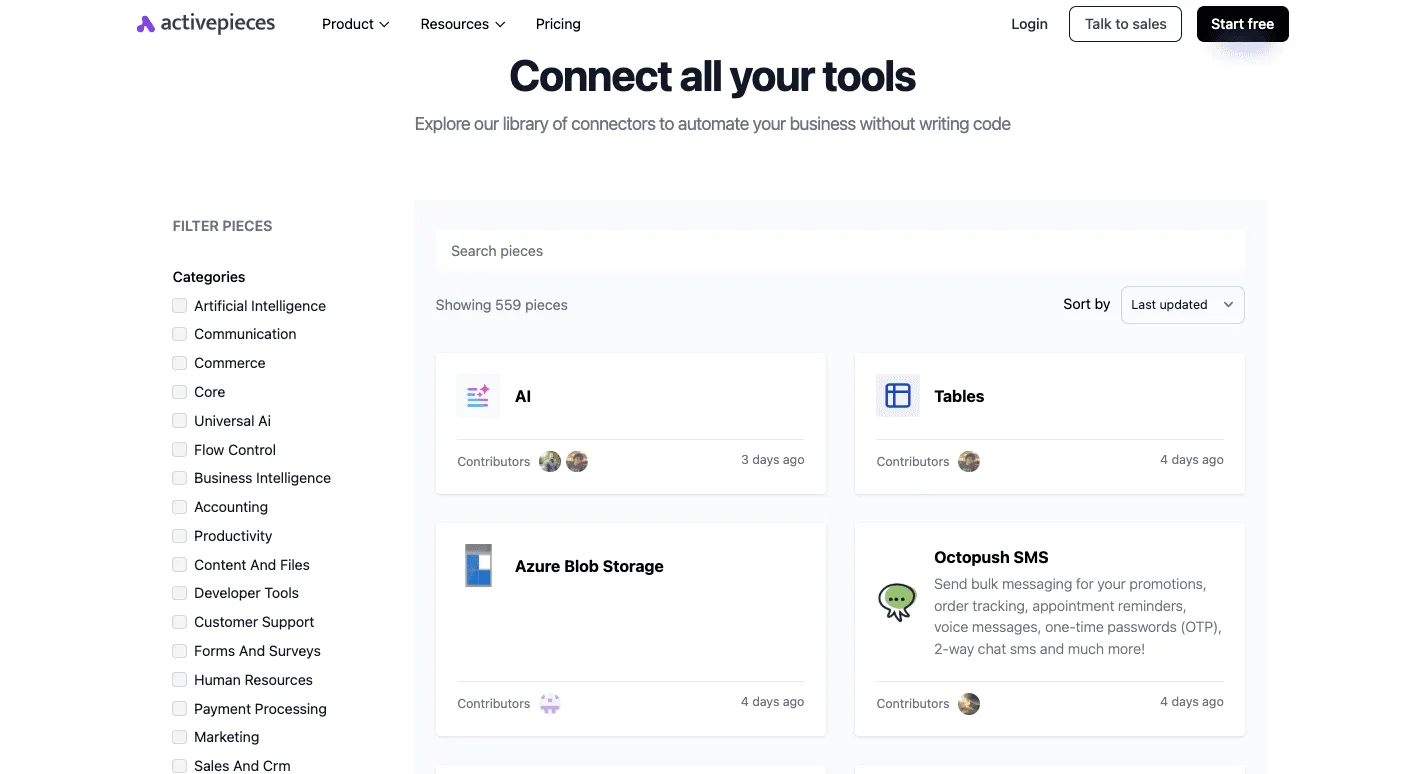
The platform has a visual canvas for connecting disparate business systems, such as the CRM platform Salesforce or the communication tool Slack, using a library of 735+ integrations.
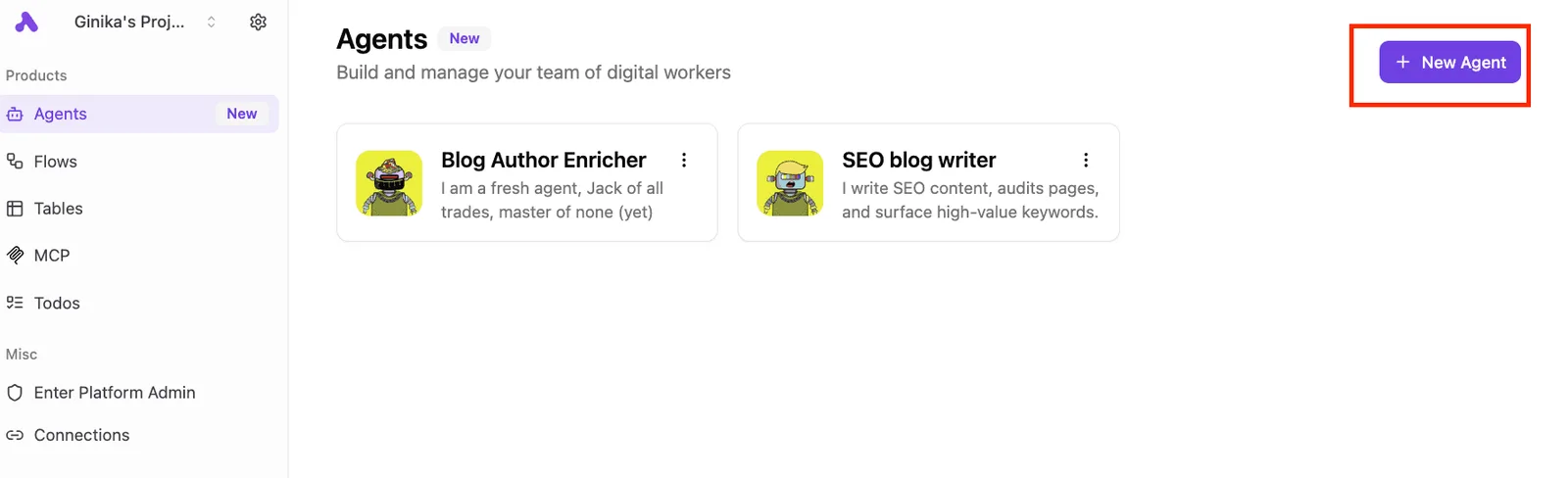
If you're managing content-heavy operations, the Agents dashboard is a centralized view of specialized digital workers designed to handle repetitive creative tasks.
Deploying these specialized agents allows you to handle specific parts of a workflow without incurring the incremental step costs that would make such granular processing prohibitive in a consumption-based cloud environment.
By shifting these "chatty" or multi-step processes to a self-hosted instance, the financial risk of a traffic spike is capped by the server's capacity rather than an uncapped billing cycle.
MoneyGram and FundingSocieties run Activepieces in production to manage these complex environments where cost predictability is as critical as uptime.
The audit plan for scaling automation teams
An effective audit identifies the specific workflows where the per-action billing model has transitioned from a convenience to a tax.
- First, filter 'Top 5% Workflows by Cost' in Azure Advisor to isolate the specific logic triggers that are consuming the disproportionate share of your budget.
- Second, identify loops with more than 50 iterations, as these structures multiply the cost of every internal action by the number of cycles.
- Third, check for polling triggers firing more than once per minute, which ensures you aren't paying for "empty" checks where no new data has been produced by the source system.
- Finally, review workflows with more than ten variables or compose actions, as each initialization and set-variable step adds a line item to the execution bill.
Frequently asked questions
Does Azure charge for failed logic app runs?
Regardless of the final status of the run, Azure bills for every action executed within a workflow. This means a loop that fails on its thousandth iteration generates the same bill as one that succeeds.
This pricing structure penalizes you for robust error handling (every "Check if file exists" step or "Scope" block used to catch exceptions adds a line item to the invoice).
A logic app stuck in a retrying state due to a downstream service outage can exhaust a monthly budget in hours. The platform treats each retry attempt as a billable execution.
How much do custom connectors cost per month?
Custom connectors don't carry a flat monthly subscription fee. They incur costs through the consumption of Standard-tier actions every time they're called.
Because these connectors act as wrappers for the Azure API Management service or private web endpoints, you pay for the overhead of the wrapper on top of the underlying compute costs.
Compounding expenses occur if you build internal microservices. A single business process might trigger multiple billable custom connector calls to retrieve a single data record.
Is the Integration Account mandatory for AS2 or EDIFACT?
Processing B2B protocols like AS2, X12, and EDIFACT requires the Integration Account as a prerequisite. This requirement forces a high entry price point for even the simplest supply chain automation.
This requirement introduces a significant cost floor because the Integration Account is billed at a fixed hourly rate rather than by usage.
If you're a small business that only receives one EDI invoice per day, the fixed cost of the account results in a massive effective price per transaction. This often exceeds the value of the manual labor it was intended to replace.
What are the hidden costs of VNET integration?
The Logic Apps (Standard) tier is required for VNET integration. This tier shifts the billing model from per-action to a dedicated hosting plan that costs more than the base consumption tier.
To achieve network isolation, a common requirement for connecting to an internal SQL Server database or a private storage account, you must pay for several items.
A dedicated App Service Plan charges for the reserved compute capacity even when the workflows are idle.
Private Endpoints add a cost for each hour the endpoint exists and for every gigabyte of data processed through the private link. NAT Gateway data transfer fees apply to all outbound traffic leaving the virtual network to reach the public internet.
Related reading
References
Build it
Set this up in minutes.
No code required. Connect your accounts, and Activepieces runs it from there.
Start free Talk to sales