
Wix ChatGPT Integration: How to Build It (2026 Guide)

Oct 11, 202613 min read
Automating Wix with ChatGPT logic and no-code tools
What ChatGPT can (and cannot) do for Wix users
At 9:00 AM, a visitor submits a new form on your site, but the data remains trapped in a static dashboard until a human moderator manually tags the entry.
While ChatGPT commands a dominant 82 percent share of LLM site traffic and can easily draft a JSON payload for a site update, it lacks the native hands to reach into your Wix dashboard and save those changes.

A Wix automation using ChatGPT and Activepieces is the practice of using a no-code integration platform to bridge the gap between AI-generated logic and live site updates, enabling automated data processing without manual Velo coding.
This creates a last mile gap where the reasoning engine can solve logic problems but can't trigger the Wix API on its own.
The three ways to bridge the gap between AI and Wix
Moving data from an AI prompt to a live Wix site requires choosing between manual labor, custom programming, or a specialized automation bridge. The following table compares these approaches to show how each impacts your long-term site management.
| Method | Technical Skill Required | Speed of Deployment | Maintenance Effort |
|---|---|---|---|
| Manual Updates | None | Very Slow | High (Constant manual work) |
| Custom Velo Code | Expert | Slow (Development & Debugging) | High (Code breaks over time) |
| Activepieces No-Code | Low | Fast (Visual builders) | Low (Managed connections) |
Choosing a no-code bridge allows you to bypass the steep learning curve of Velo. This JavaScript-based development framework for Wix often requires weeks of study to master even basic API calls. This shift in strategy moves the focus from writing syntax to designing workflows.
Setting expectations: what we'll build in 15 minutes
We're building a workflow that listens for a new Wix form submission and sends the content to ChatGPT for sentiment analysis. The system then automatically updates a Wix database collection with the results.
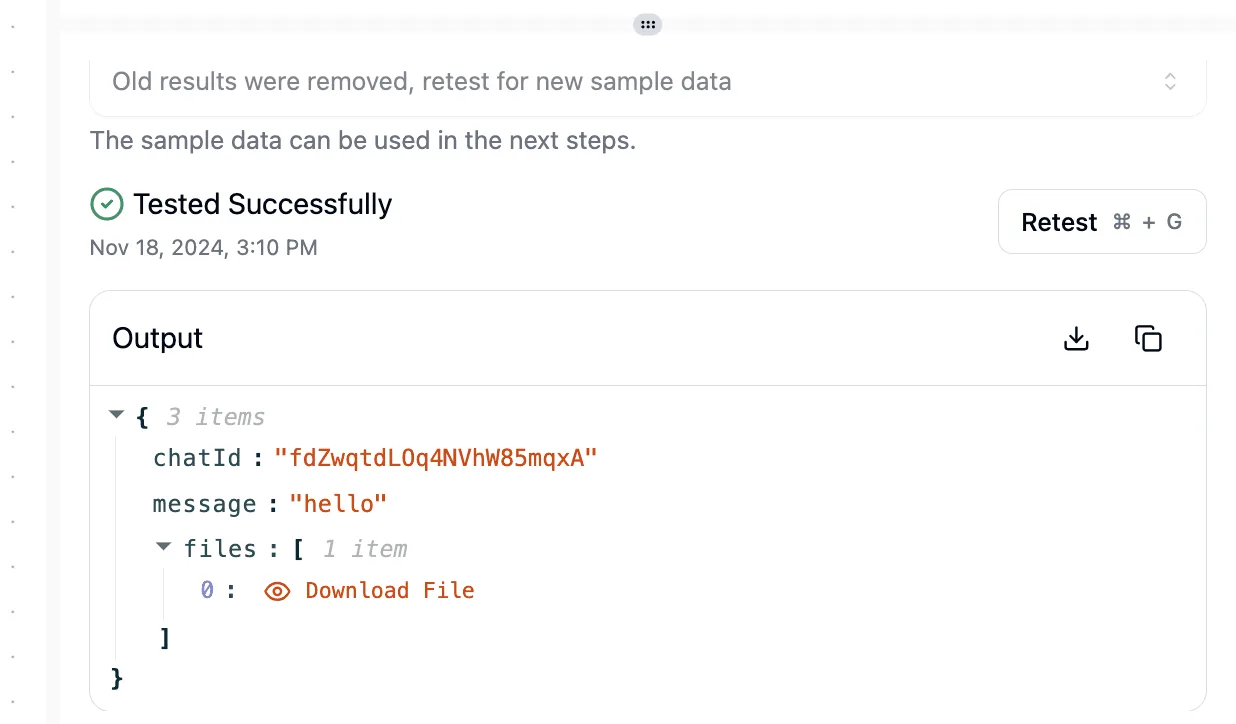
This eliminates the need for a human moderator to manually tag entries, a task that typically adds hours of overhead to a growing site.
By the end of this guide, you'll have a functional "logic loop" that runs every time a visitor interacts with your site. This processes your data instantly without you ever opening the Wix Editor.
This takes minutes, not a project: automate it in Activepieces free.
Prompt ChatGPT to generate structured content
Generating functional Wix content begins by forcing ChatGPT to act as a database architect rather than a creative writer. If you ask for "product descriptions," you get prose that requires manual copy-pasting.
Generating functional Wix content begins by forcing ChatGPT to act as a database architect rather than a creative writer.
If you provide a specific schema, you get a machine-readable payload that you can inject directly into your site’s backend.
Defining your Wix Collection schema to the AI
You must define your Wix CMS fields (such as "Title," "Slug," and "LongDescription") within the system prompt to ensure the AI maps every response to a specific database column. I started by feeding ChatGPT my exact Wix field keys: "Act as a JSON generator.
Use these keys: title (text), price (number), seoDescription (rich text)."
This constraints-first approach prevents the AI from inventing new fields, which would cause an API error during the sync process. By visualizing this flow, you can see how the "System Prompt" acts as a rigid mold for the "Input" clay.

This structure is what allows your Wix site to accept the data without a developer manually reformatting the text.
Generating bulk SEO product descriptions with ChatGPT
Once you lock the schema, you can trigger bulk generation, provided you respect the throughput limits of your connected tools. According to Forum, an OpenAI Tier 1 account allows for 500 requests per minute.

This means you can generate a small catalog in seconds rather than hours. To maximize this, I use a prompt like: "Generate 10 items for a 'Modern Lighting' collection. Ensure each 'seoDescription' includes the keyword 'minimalist' and returns a valid JSON array."
Because the Wix Data API supports up to 3,500 requests per minute, the bottleneck will always be your AI tier, not the website’s ability to receive the data.
Validating the output for Wix compatibility
Before pushing live, you must validate that the AI’s output matches the strict data types required by the Wix CMS. A single missing quote or a text string in a "Price" number field will break the automation. I check the JSON for three specific markers:
- Keys must match the Wix Field Key exactly, including case sensitivity.
- The "Slug" field must contain no spaces or special characters to avoid 404 errors.
- Total character counts for SEO fields must stay under Wix’s internal limits to prevent truncated metadata.
Even with these checks, remember that a free automation account often caps you at 100 tasks per month. Testing should be done with single rows rather than full batches to avoid exhausting your quota on failed attempts.

Prepare Wix for external automation triggers
Wix functions as a passive database until you explicitly define where incoming data should land and which events should broadcast to external listeners.
Without this structural preparation, the logic engine has no "hook" to latch onto, meaning any data sent from the outside will simply bounce off the Wix firewall.
Creating the target Data Collection in Wix CMS
A dedicated Wix CMS collection acts as the landing pad for your automated content. This maps incoming text and images to specific site elements rather than letting them float as unformatted blobs.
To prevent the automation from failing due to mismatched data types, follow these steps to build the infrastructure:
- Open Wix CMS.
- Create a New Collection.
- Define Field Types (Text, Image, URL).
By setting the permissions to "Site Content," you allow the automation to bypass member-only restrictions, which ensures your updates go live immediately without manual approval.
Setting up a Wix Automation trigger for site events
Wix Automations serve as the internal switchboard that detects specific actions, like a form submission or a new store order, and notifies your logic engine to start processing.
This connection bridges the gap between a user clicking a button and the backend logic executing a response. Enable Wix Automation Trigger and select External App as the Trigger Source.
This configuration creates a specific webhook URL, which acts as a unique digital mailbox address so your external tools know exactly where to deliver their payloads.
Locating your Wix API credentials safely
Accessing your site’s backend requires an API Key generated within the Wix Developers Center, which serves as the master key for your site’s data. Because these keys grant full administrative permissions, they should be stored in an environment variable rather than hardcoded into any script.
This reduces the risk of a total site takeover if your workflow is shared. Ensure you select the "CMS" and "Automations" scopes during generation; omitting these specific permissions will result in a 403 Forbidden error, effectively locking your automation out of its own database.
You can follow the rest of this with the builder open. Start free, no card.
Converting ChatGPT text into structured Wix data
Activepieces provides the MIT-licensed core that transforms ChatGPT’s unstructured text into the structured JSON objects required by the Wix Data API.
Without this bridge, you're forced to write custom Velo backend functions to parse strings; with it, you simply drag a line from a GPT output bubble to a Wix database field.

Setting up the OpenAI 'Create Chat Completion' step
The OpenAI integration acts as the "brain" of the flow, transforming a raw user input into a clean, categorizable summary. To ensure the output doesn't break the Wix schema, I used the prompt: "Summarize this text into exactly three sentences.
Output only the summary, no intro text."
By selecting the GPT-6 Astra model, the automation gains higher reasoning capabilities. The summary is less likely to include the conversational fluff that causes database validation errors.
Mapping ChatGPT variables to Wix Collection fields mapping
Every connector is an agent tool. Once you authenticate the Wix integration, it functions simultaneously as a step in your visual flow and as a tool schema on the per-project MCP server.
This means the same Wix integration you use here is immediately reachable from ChatGPT or Claude without a second migration or manual export.
By mapping the choices[0].message.content variable from the OpenAI step to your Wix collection, you bridge the gap between AI logic and site data.
This direct link means every time the AI generates a response, the data is instantly routed to your site's live database without manual copy-pasting.
Running a successful test to verify the live connection
Testing the flow confirms that the API permissions and data types are aligned before you publish the automation to live traffic.
When I clicked 'Test Flow', the automation platform sent a sample payload through the OpenAI engine and successfully inserted a new row into my 'Blog Posts' collection.
This successful execution is the final green light. It proves that the authentication scopes are correct and the site is ready to receive AI-generated content in real-time.
Managing your AI-driven Wix workflows on Monday morning
Catching AI hallucinations in the Wix CMS
Establishing a manual approval field within the Wix Content Management System ensures that AI-generated errors never reach the live site. When I first automated product descriptions, I used the prompt "Write a 50-word summary of this SKU," but the model occasionally invented features.
It claimed a ceramic vase was dishwasher safe when it wasn't, which creates a liability for customer returns.
By adding a "Status" dropdown in the Wix collection with "Pending Review" as the default, you force a human buffer into the flow; the site's dynamic pages only display items marked "Approved." This workflow shifts your role from a content creator to an editor.
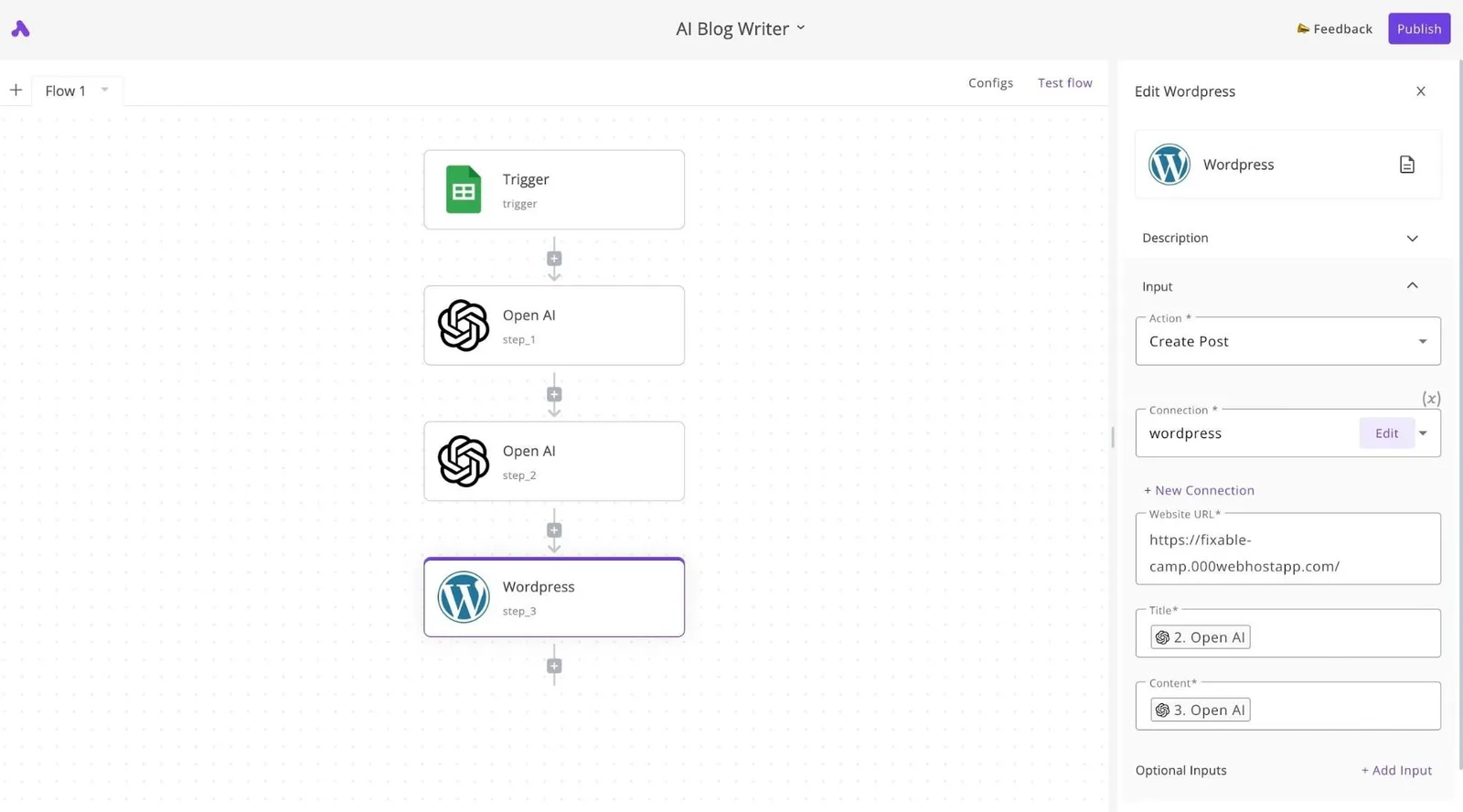
You spend ten minutes skimming for accuracy rather than two hours writing from scratch.
Adjusting prompts when Wix site structure changes
Prompts must be updated immediately whenever you modify a Wix collection's Field Keys, or the AI will attempt to send data to non-existent destinations.
I learned this after renaming "Post_Summary" to "Excerpt" in the Wix dashboard; the automation continued trying to write to the old ID. This resulted in a string of "404 Field Not Found" errors that stalled the entire sync.
You must treat your prompt as a map of your site's architecture. To prevent these breaks, you should maintain a "System Prompt" that explicitly lists the current Wix Field Keys.
You must treat your prompt as a map of your site's architecture.
This forces the AI to format its JSON response to match your site's exact technical requirements.
Setting up recurring Wix ChatGPT sync jobs
Moving from manual triggers to scheduled synchronization requires an understanding of the platform's hard limits to prevent data truncation or timeout failures. These constraints dictate how much information you can process in a single batch before the connection drops or the data is clipped.
| Constraint | Limit | Consequence for the User |
|---|---|---|
| Max Item Storage | 512KB | Large blog posts may be cut off mid-sentence if they exceed this per-item capacity. |
| ChatGPT Output Limit | Model-dependent | Extremely long research tasks will stop generating text before the Wix update is complete. |
| Wix Backend Timeout | 5 seconds | Complex calculations must be broken into smaller steps or the site will reject the incoming data. |
| Default Paging Limit | 50 items | Automated updates will miss older records unless you specifically script the flow to request the next set of data. |
Navigating these boundaries keeps your automation stable as your database grows. By respecting these thresholds, you move from a fragile experiment to a business system that runs reliably every week.
Frequently asked questions about Wix and AI automation
Does ChatGPT need access to my Wix login?
You should never provide your Wix account credentials to ChatGPT because it operates through an API key rather than a browser session.
Instead, you generate a specific API Key within the Wix Dev Center. This acts as a digital valet key that only opens the specific databases or pages you authorize.
This separation ensures that even if your AI prompt leaks, your primary account password and billing information remain inaccessible to the language model.
Why are my ChatGPT responses failing to save in Wix?
Failures usually occur because ChatGPT returns conversational filler or Markdown formatting that the Wix Data API can't parse as a structured object.
When I prompted, "Write a product description for these shoes," the AI included "Here is your description:" at the start. This caused the Wix database to reject the entire entry.
To fix this, you must explicitly instruct the AI to "Return only the raw text" or use a JSON-only response format. This makes the incoming data match the exact field types defined in your Wix collection.
Can I use this to automate Wix blog posts instead of products?
You can automate any Wix app that supports the Velo API or has a dedicated database collection, including the Blog, Events, and Bookings modules. By targeting the Blog/Posts collection, you can map the AI output to the "Post Body" and "Cover Image" fields.
This allows a single prompt to generate a month of scheduled content. Your site stays active for search engines without manual drafting sessions.
How much does it cost to run a Wix-ChatGPT automation?
The cost is determined by the volume of text processed, as both Wix and OpenAI charge based on usage tiers rather than flat monthly fees. Because OpenAI bills per token, a short product summary costs a fraction of a long-form article.
This means your monthly overhead scales directly with your site's growth. Monitoring these tokens prevents unexpected billing spikes when running large-scale updates to your inventory.
Related reading
References
Build it
Set this up in minutes.
No code required. Connect your accounts, and Activepieces runs it from there.
Start free Talk to sales